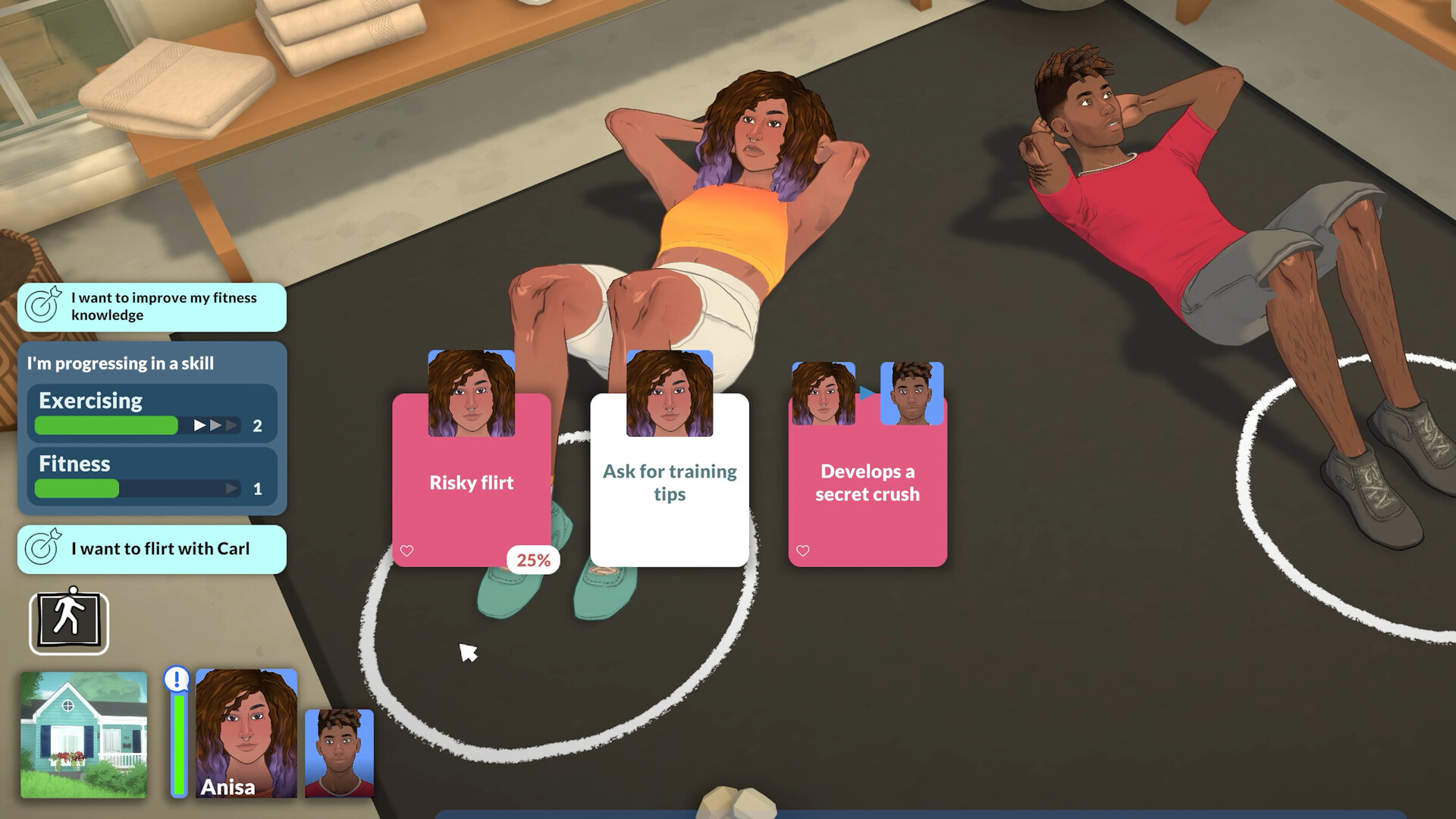
Yes, Paralives is available on MacBook, but only on Apple Silicon Macs. The game supports macOS and launched in Early Access for both Windows and Mac through Steam. However, not every MacBook is officially supported, and Intel-based Macs are excluded from the official requirements.
| Requirement | Minimum | Recommended |
|---|---|---|
| Processor | Apple M2 | Apple M3 |
| Operating System | macOS Big Sur 11 or newer | macOS Big Sur 11 or newer |
| Memory | 12 GB RAM | 16 GB RAM |
| Graphics | Apple M2 GPU | Apple M3 GPU |
| Storage | 8 GB available space | 8 GB available space |
Which MacBooks can run Paralives?
Fully supported MacBooks
These models meet or exceed the official minimum requirements:
| MacBook Model | Compatibility |
|---|---|
| MacBook Air (M2, 2022+) | Supported |
| MacBook Air (M3, 2024+) | Recommended |
| MacBook Pro (M2, 2023+) | Supported |
| MacBook Pro (M3, 2023+) | Recommended |
| MacBook Pro (M4 series) | Expected to run very well |
Since Paralives requires an Apple Silicon processor, newer M-series MacBooks are the intended target platform.

What about M1 MacBooks?
This is where things get interesting.
The official minimum specification lists an Apple M2 chip, not an M1. That means MacBook Air M1 and MacBook Pro M1 models fall below the published minimum requirements. However, community discussions and developer comments suggest the game may still run on M1 systems, though performance could vary depending on graphics settings and RAM configuration.
M1 MacBook expectations
| Model | Expected Experience |
|---|---|
| M1 MacBook Air (8GB) | Likely playable at lower settings |
| M1 MacBook Air (16GB) | Better performance but still below official minimum |
| M1 MacBook Pro (8GB) | Playable with reduced settings |
| M1 MacBook Pro (16GB) | Should handle the game reasonably well |
If you’re using an M1 MacBook and already play games like The Sims 4 or InZOI Cloud Gaming comfortably, Paralives will likely be worth trying, though your experience may not match M2 or M3 hardware.

Can Intel MacBooks run Paralives?
Officially, no.
The Steam requirements specifically state that Paralives requires an Apple processor, which excludes Intel-based MacBooks and iMacs. The developers have not announced support for Intel Macs.
How much RAM do you need?
Paralives is somewhat demanding for a life simulation game.
| RAM | Recommendation |
|---|---|
| 8 GB | Below minimum |
| 12 GB | Minimum requirement |
| 16 GB | Recommended |
| 24 GB+ | Excellent for large saves and multitasking |
Players with 8 GB unified memory may encounter longer loading times, lower frame rates, or limitations as towns become more populated.
Will Paralives run well on MacBook Air?
Yes, especially on M2 and M3 models.
Because Apple Silicon offers strong integrated graphics performance, MacBook Air users should be able to enjoy Paralives without needing a dedicated GPU. The game’s storage footprint is also relatively small at around 8 GB, making it much lighter than many modern simulation games.
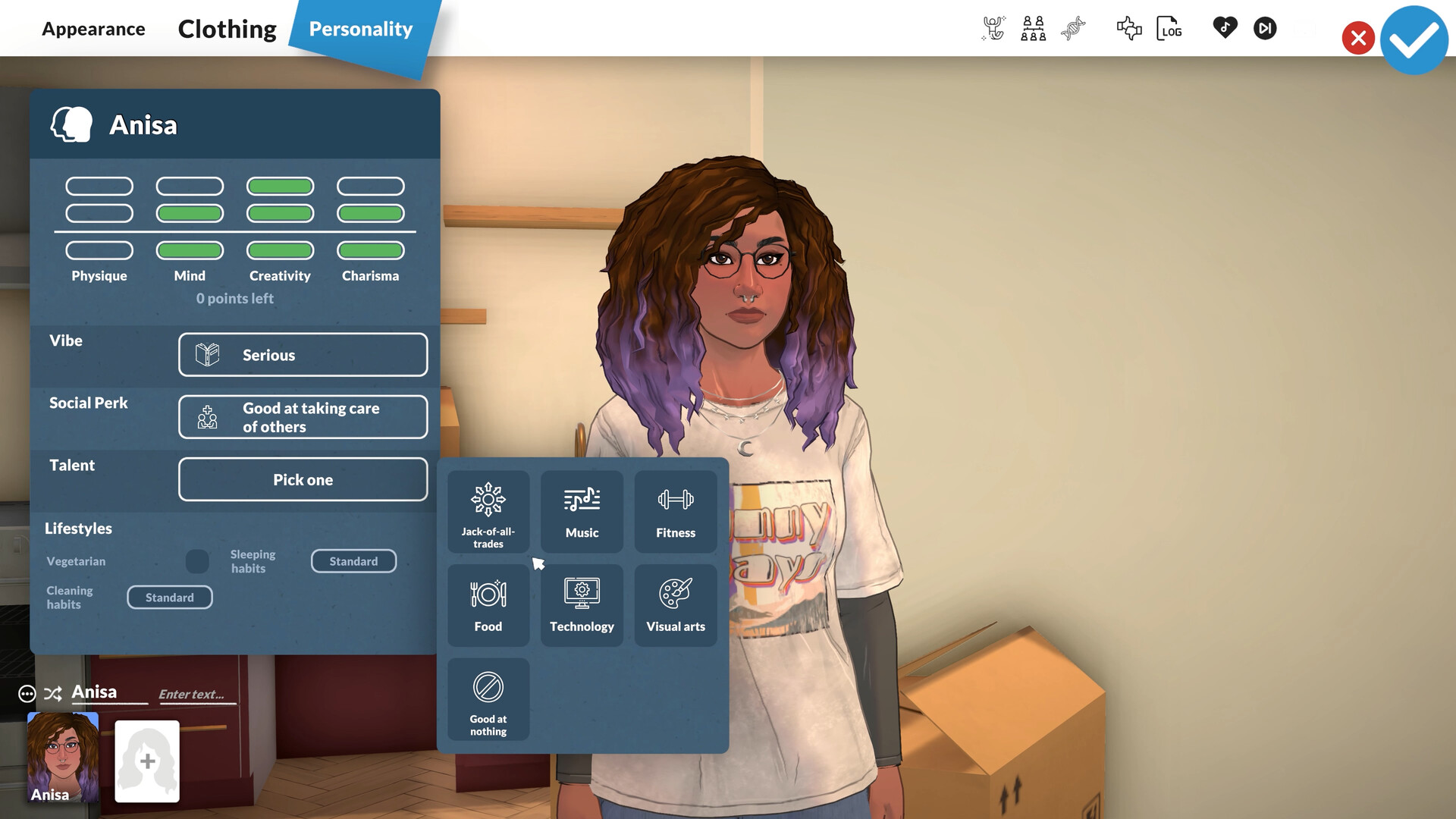
For the best experience:
- Use an M2 or newer MacBook Air.
- Aim for 16 GB unified memory if possible.
- Lower shadow and resolution settings if performance drops.
- Keep macOS updated.
Does Paralives support Mac at launch?
Yes. Paralives launched in Early Access on Steam for both Windows and Mac, and the official FAQ confirms Mac support.
If you own a MacBook with an M2, M3, or newer Apple Silicon chip, Paralives is officially supported and should run well. M1 MacBooks may still be able to play the game, but they fall below the official minimum specification. Intel MacBooks are not supported and are unlikely to provide a satisfactory experience.
For most players, an M2 MacBook Air with 16 GB RAM is likely the sweet spot for enjoying Paralives smoothly during Early Access.