To exit a mission replay or story mission in LEGO Batman: Legacy of the Dark Knight, press the Pause button (Start/Options), then select Leave Mission Replay from the pause menu to quit the level and return to the hub.
Exiting Missions in LEGO Batman
How to Exit a Mission Replay in LEGO Batman
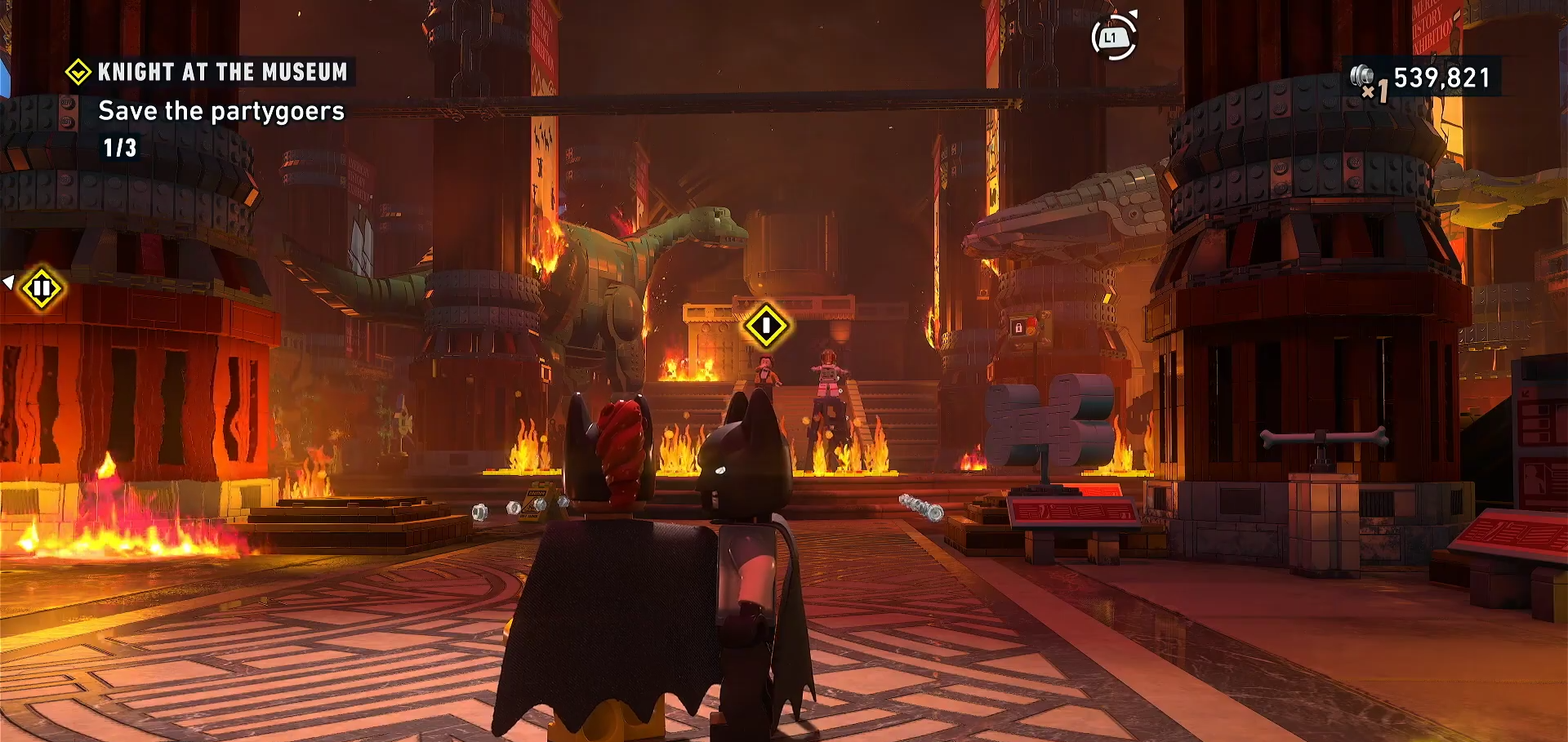
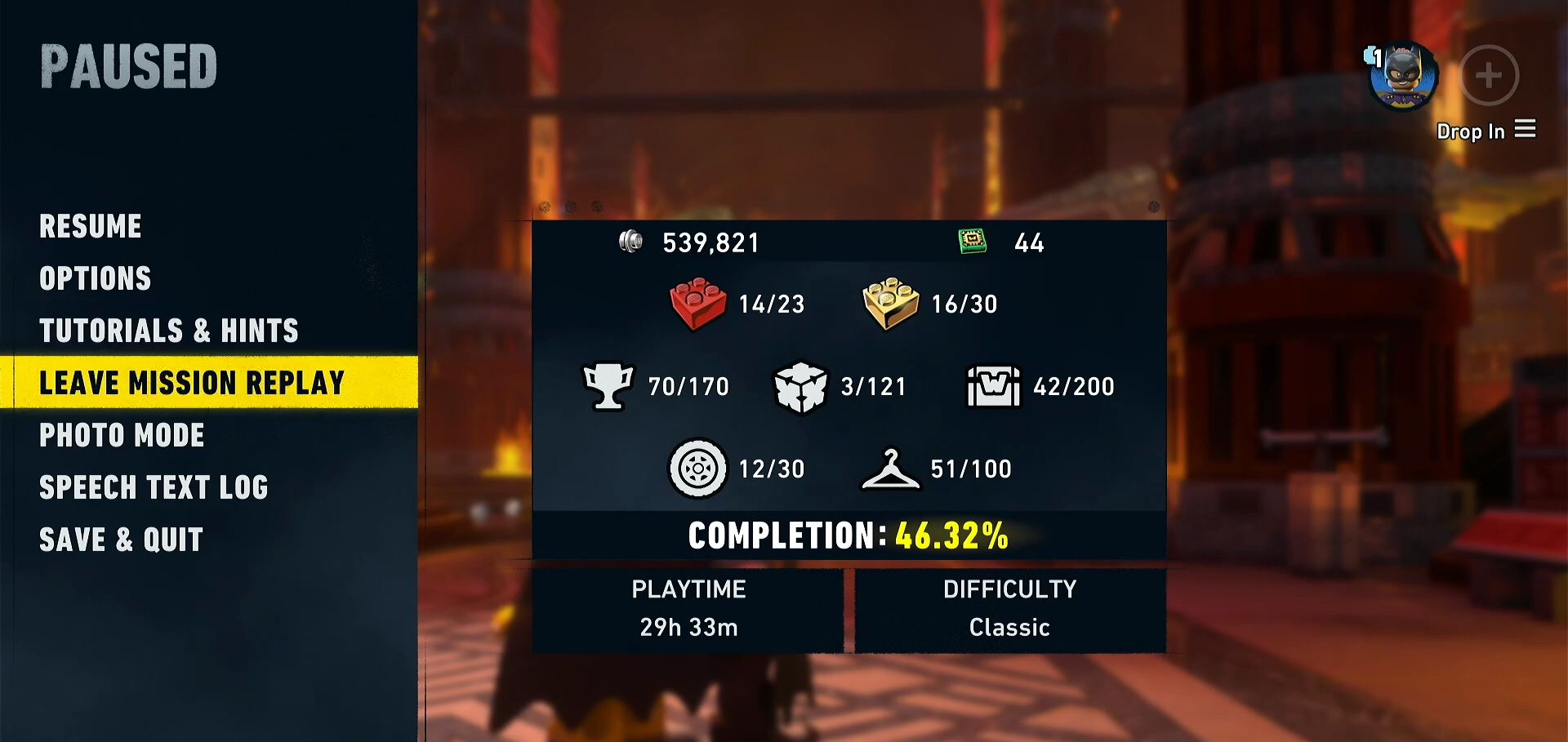
While playing through a mission replay, press the Pause button on your controller (Start/Options button on Xbox/PlayStation, Esc on PC). This opens the pause menu overlay.
Step 2: Select “Leave Mission Replay”
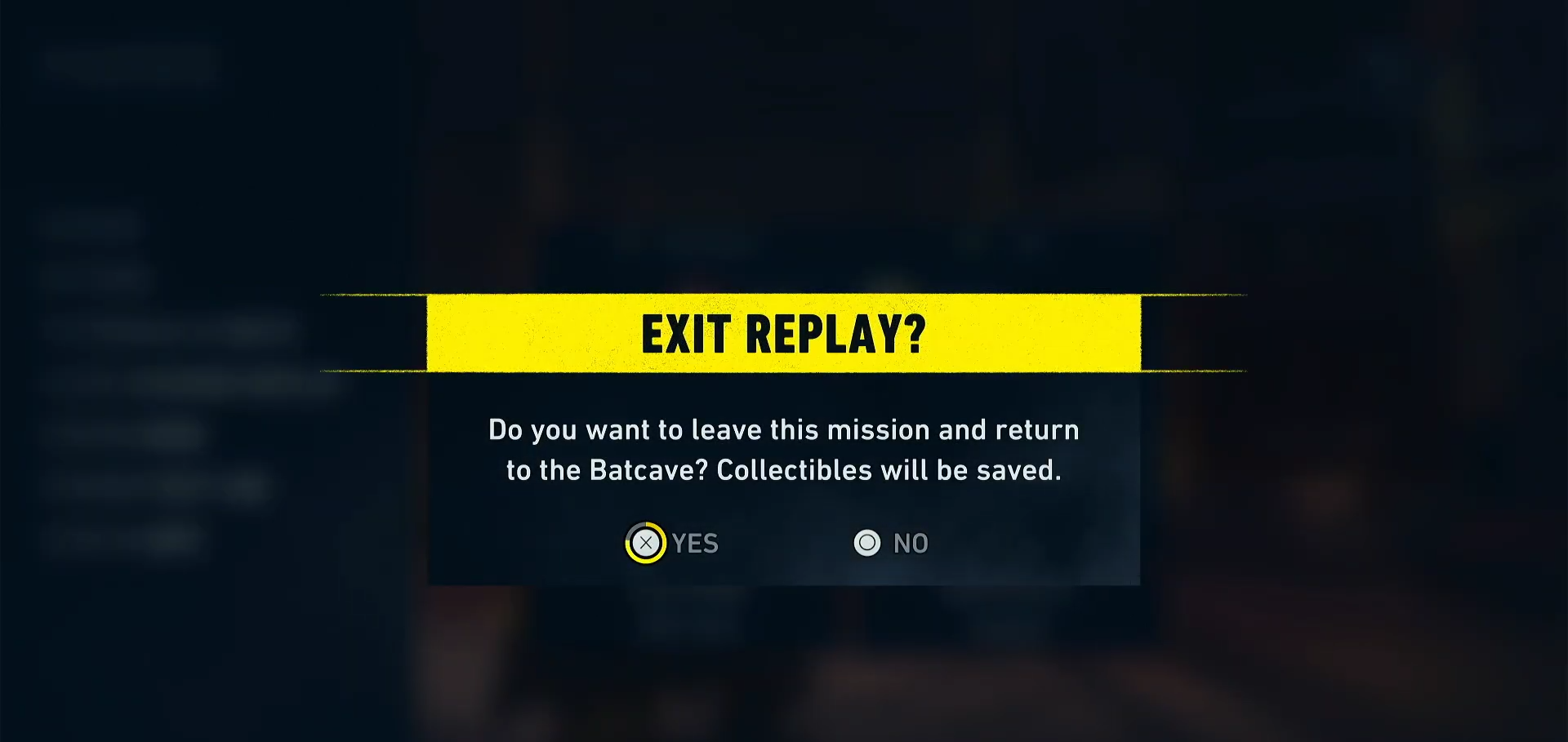
In the pause menu, navigate to and select the Leave Mission Replay option. This immediately quits the current level and teleports you back to the Batcave hub world.
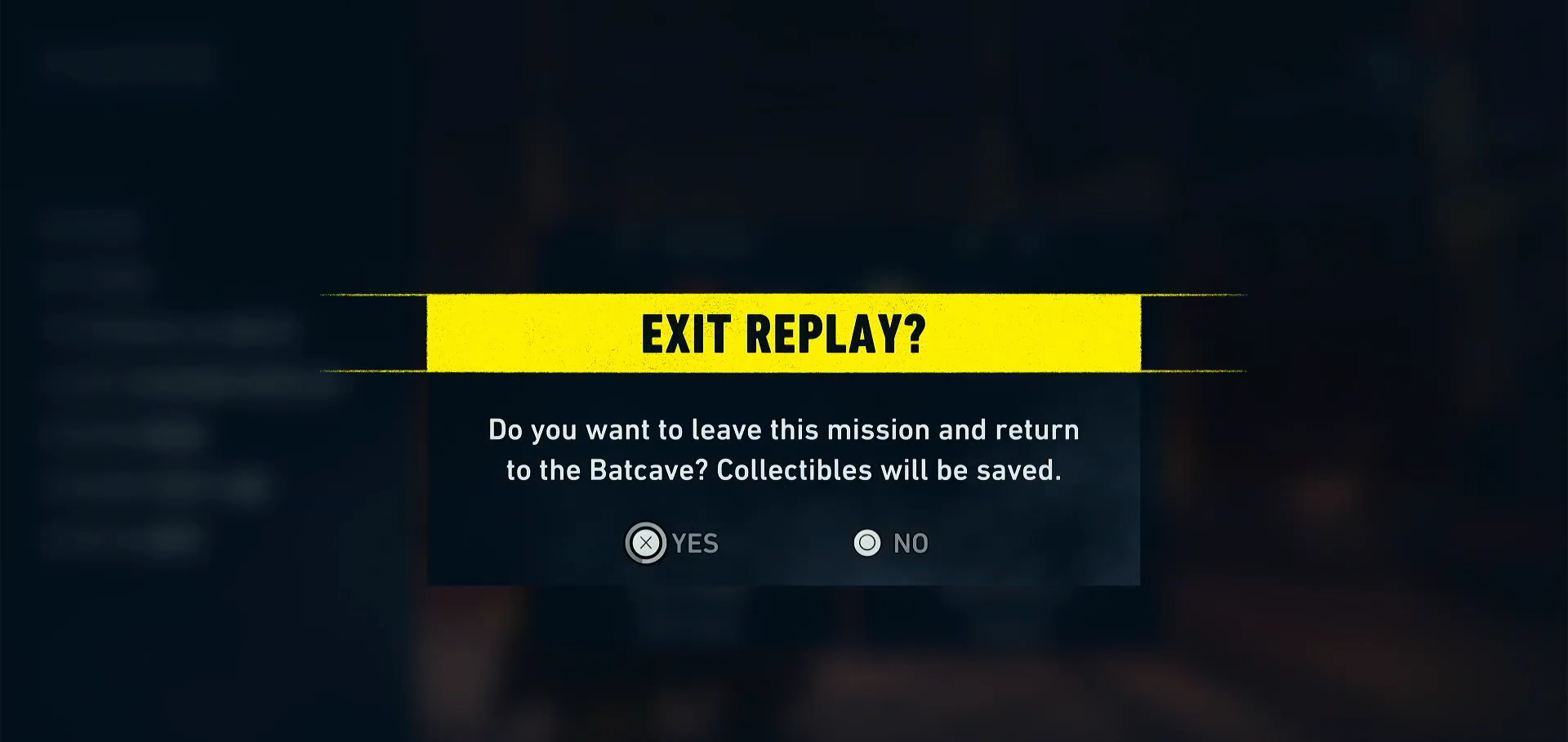
When asked to confirm, select Yes.
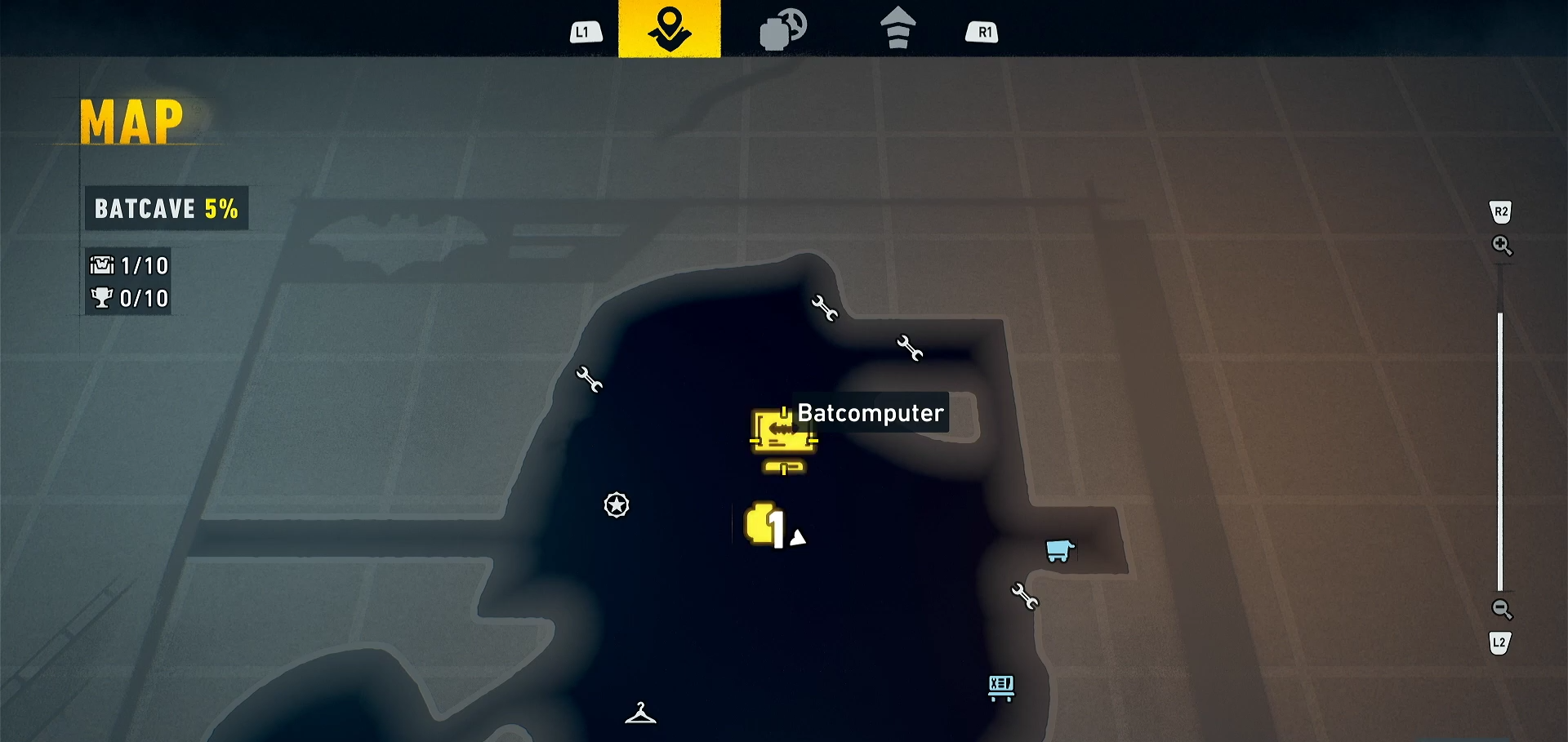
Step 3 (Optional): Use the Map Shortcut
On Xbox and PlayStation, you can skip the menu entirely: open the map and hold the X button to instantly return to the Batcave without navigating menus.
How to Access Mission Replay in the First Place
Before you can exit a replay, you need to know how to start one:
Step 1: Unlock the Batcave
Complete Chapter 1 of the story mode to unlock access to the Batcave hub area.
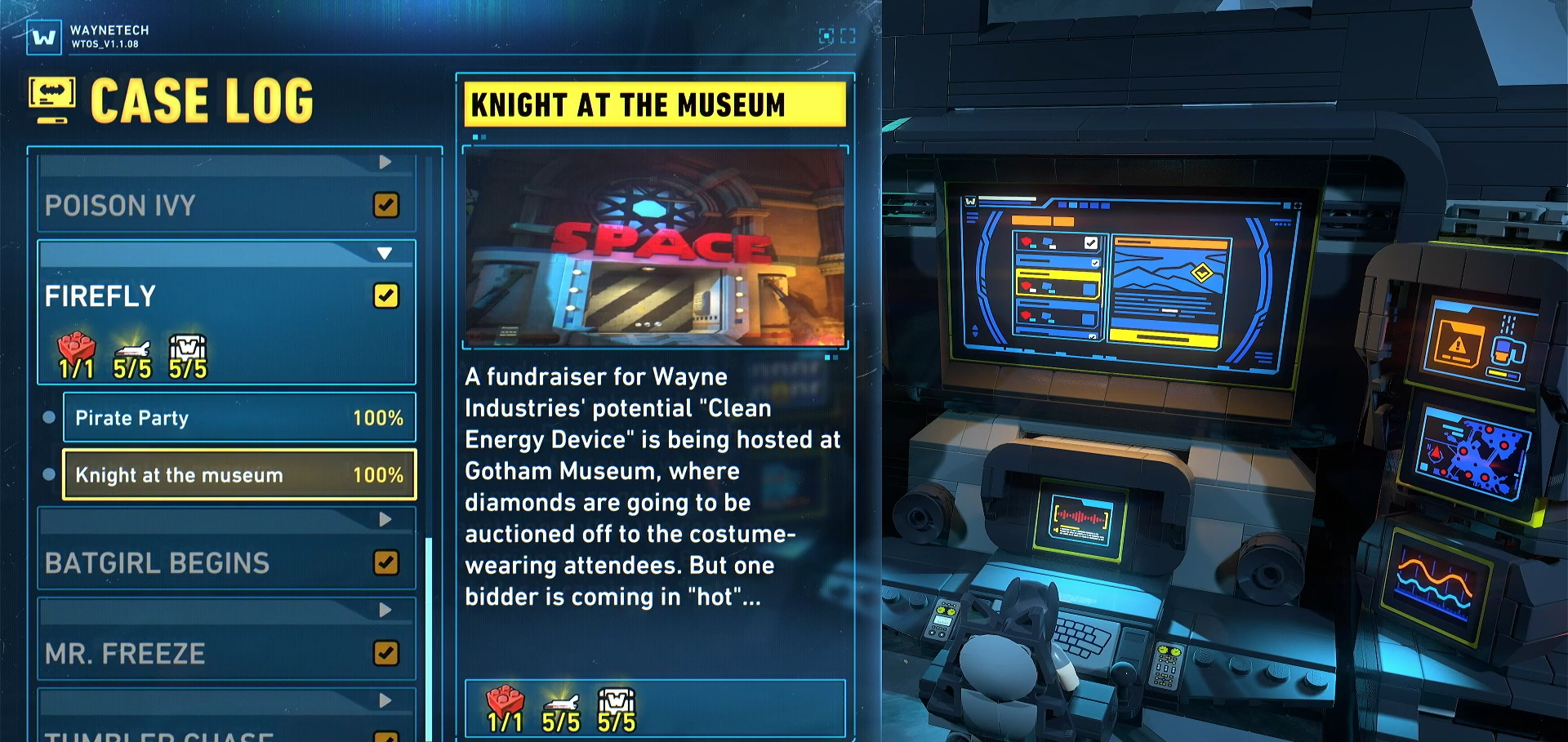
Step 2: Go to the Batcomputer
Walk your character to the Batcomputer terminal located in the center of the Batcave (above the garage — you may need to grapple up to reach it).
Step 3: Open the Case Log
Interact with the Batcomputer to open the Case Log menu, then select any completed mission to replay it.
Critical Mistakes to Avoid When Exiting Missions
-
Don’t quit mid-collectible hunt — If you’re replaying to grab a missing Minikit, Red Brick, or WayneTech Cache, wait until you’ve collected it before exiting. The game only saves after you grab the collectible.
-
Don’t force-quit the game — If you accidentally force-close during a mission, the game can get stuck on that mission part with no marker on the map. Your only fix may be restarting the game entirely.
-
Don’t expect auto-save mid-story — First-time story missions don’t allow mid-level saves. You must complete the level to progress.
-
Check if the button is greyed out — If “Leave Mission Replay” is unavailable, you may be in a cutscene or scripted sequence. Wait for it to finish.
Exiting missions in LEGO Batman: Legacy of the Dark Knight is straightforward — just pause and select Leave Mission Replay. Just remember: don’t quit mid-collectible, or you’ll lose that progress.