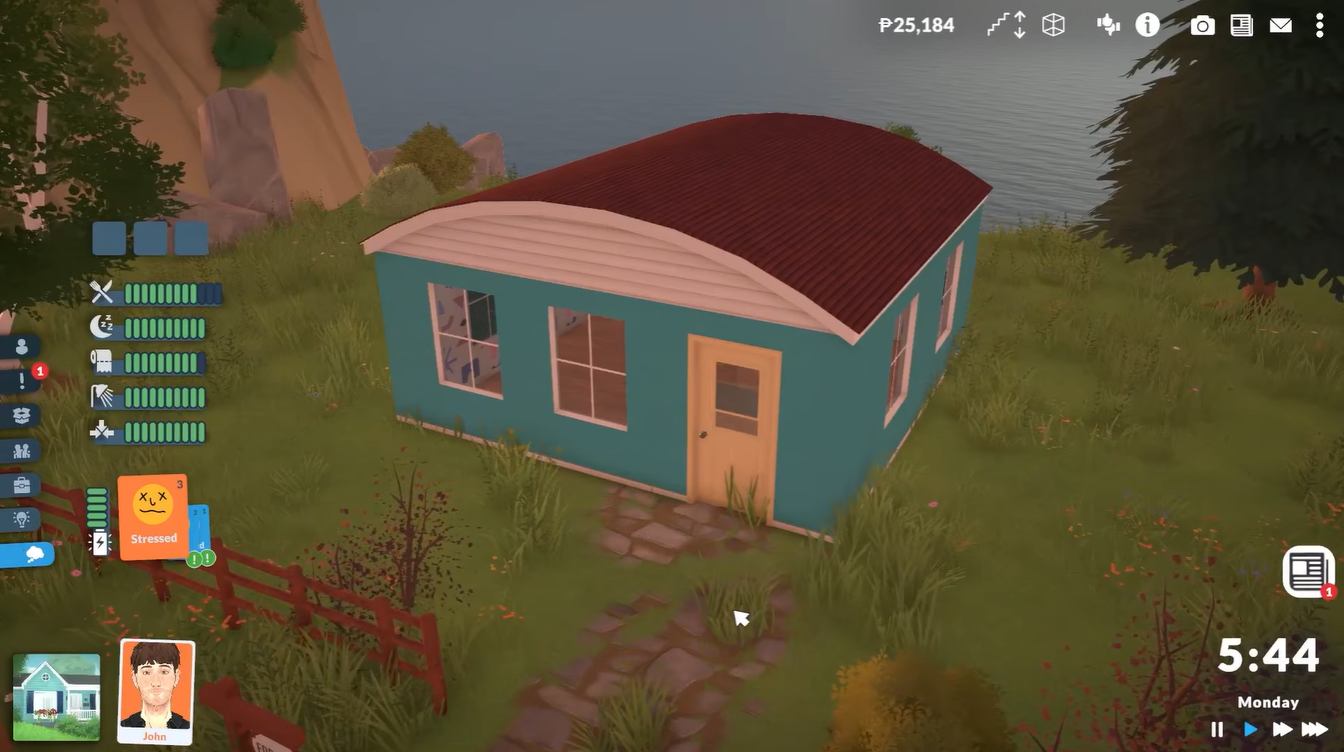
If you have tried placing furniture, decorations, or entire structures around the town in Paralives, you may have noticed that the game blocks building in public spaces by default. Attempting to place objects outside your owned lot usually triggers an error message preventing construction. Fortunately, Paralives includes a simple cheat command that removes these restrictions and lets you edit the town freely.
| Quick Overview | Details |
|---|---|
| Feature | Build Anywhere in Town |
| Game | Paralives |
| Requirement | Cheats Enabled |
| Cheats Menu Shortcut | Ctrl + Shift + C |
| Cheat Command | toggleedittown |
| Effect | Unlocks editing in public areas |
| Works For | Buildings, furniture, decorations, objects |
Why Paralives blocks building in public spaces
By default, Paralives separates private lots from public town areas to maintain gameplay balance and keep the world organized. This means you normally cannot place walls, furniture, landscaping items, or decorative objects outside your owned property.
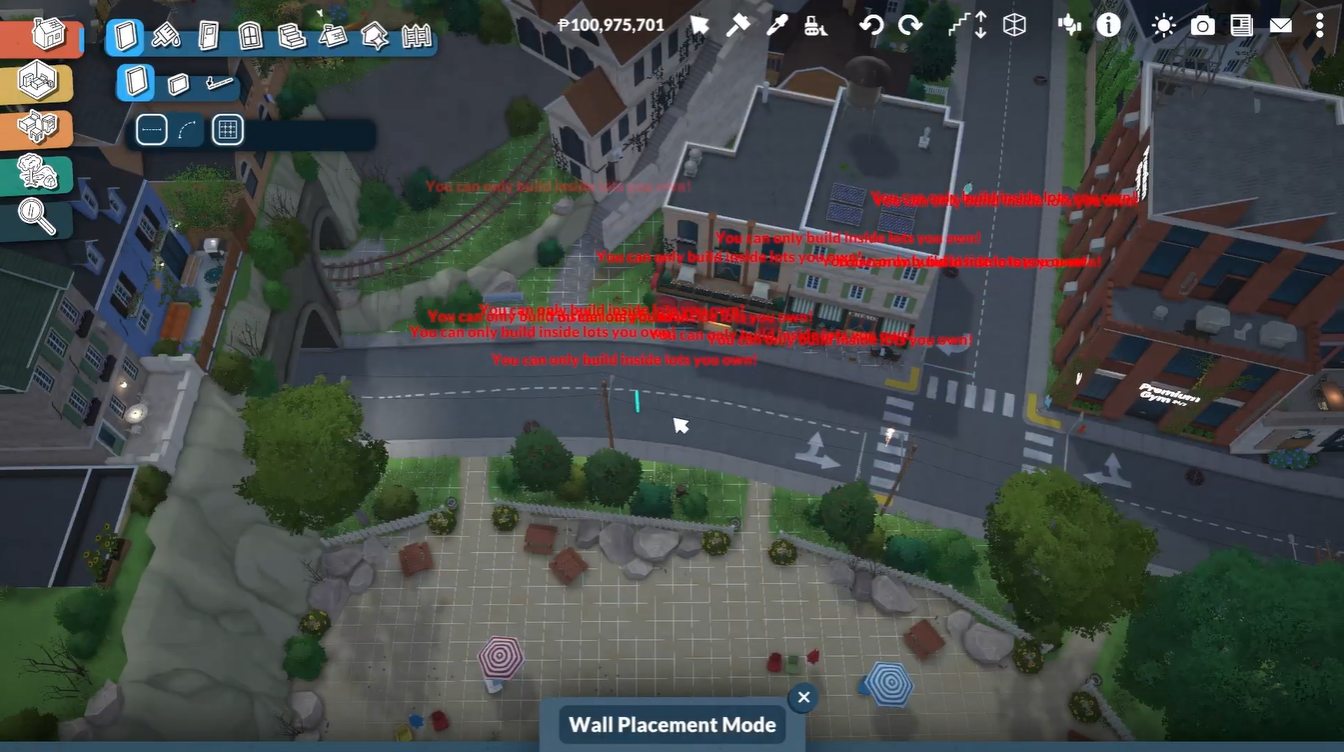
When you attempt to build in restricted areas, the game displays an error message indicating that editing is not allowed in that location.
The hidden town editing cheat bypasses this restriction completely and gives you far more creative freedom.
How to unlock building anywhere in Paralives
The process only takes a few seconds once you know the correct command.
How to open the cheats window
First, load into your save file or town.
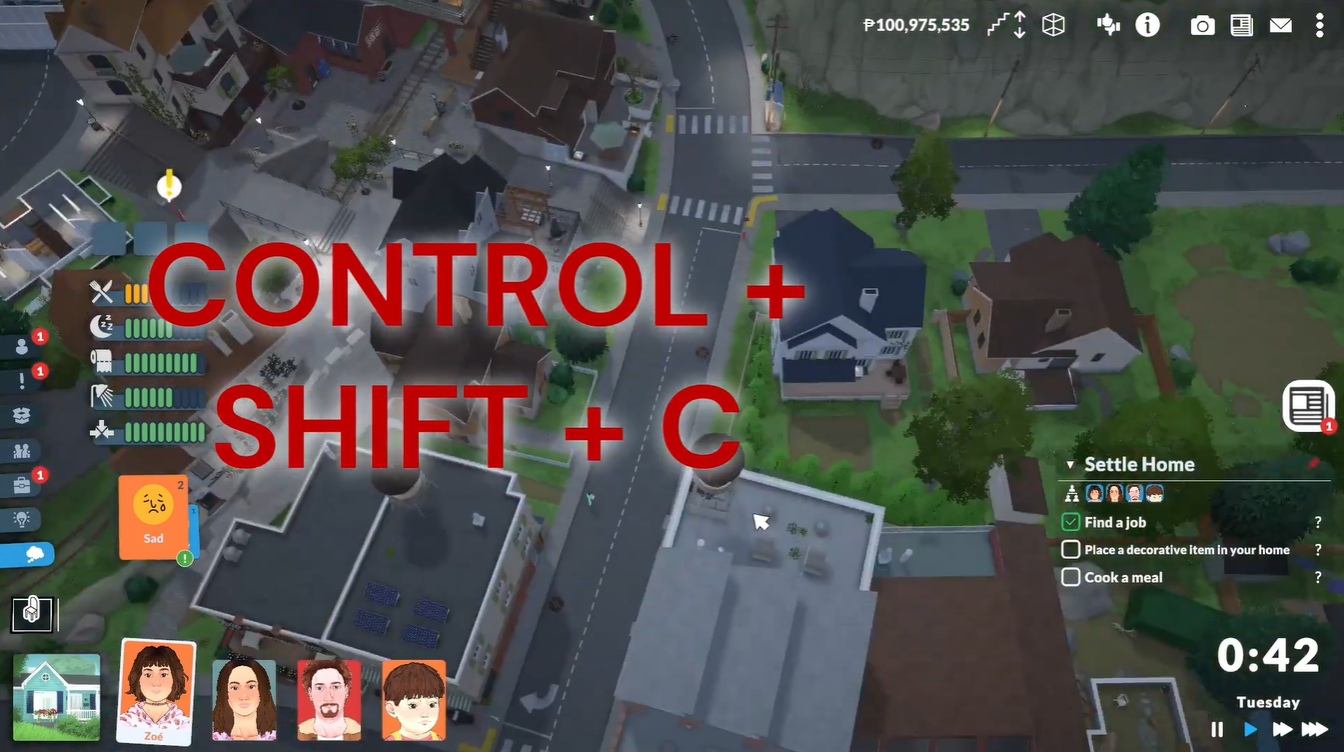
Press the following keyboard shortcut simultaneously:
| Platform | Shortcut |
|---|---|
| PC | Ctrl + Shift + C |
This opens the in-game cheats console where commands can be entered manually.
How to activate town editing
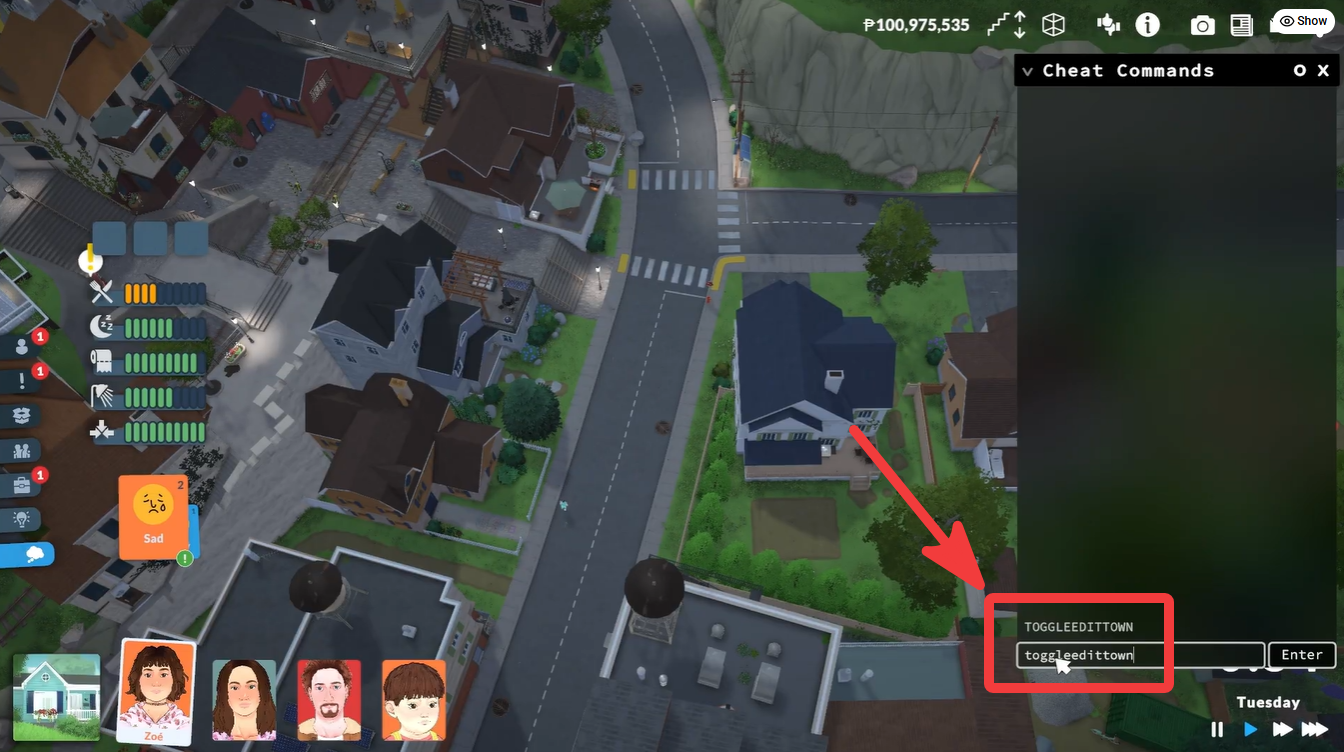
After opening the cheats window, type the following command exactly as written:
toggleedittown
Press Enter to confirm the command.
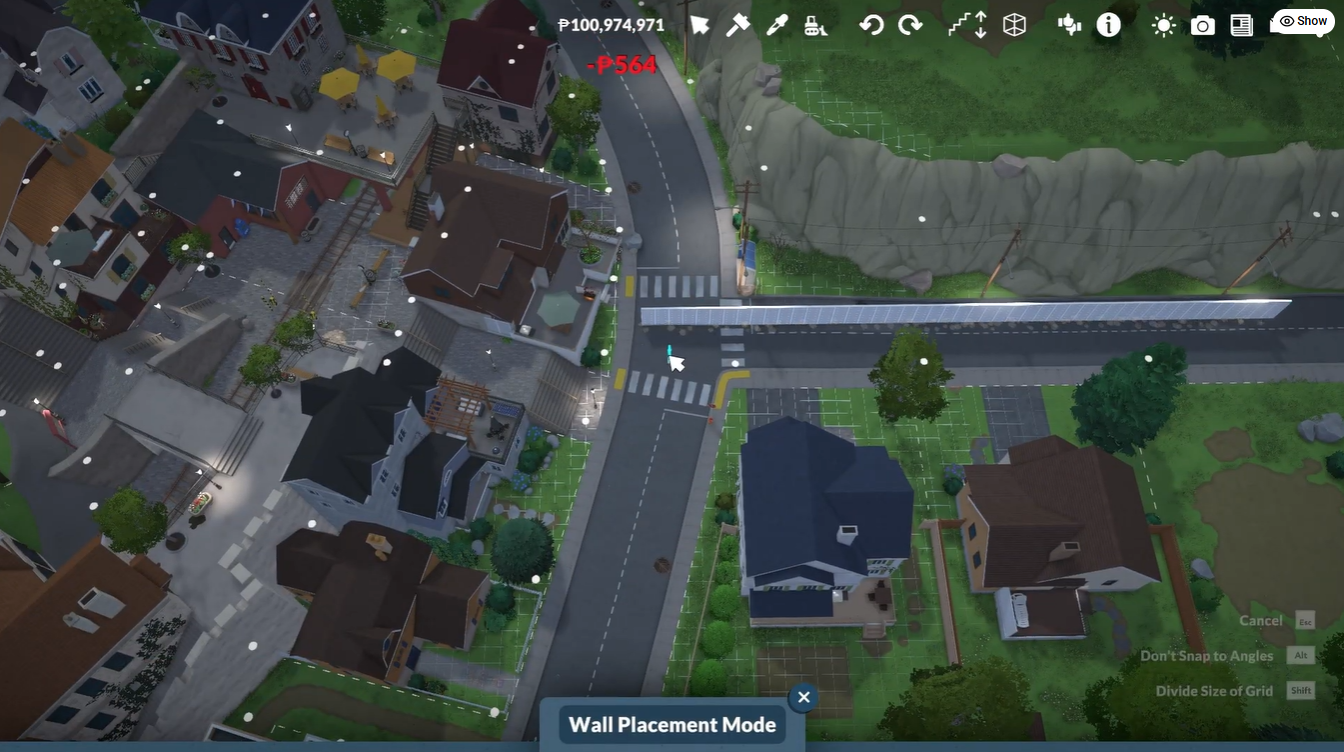
Once activated, the game removes the normal placement restrictions, allowing you to edit public spaces and build throughout the town.
What you can build after enabling the cheat
After using the command, you can place nearly any build-mode item across the map. This includes:
| Build Options Unlocked | Examples |
|---|---|
| Structures | Houses, small buildings, sheds |
| Decorations | Plants, benches, statues |
| Furniture | Tables, chairs, lighting |
| Landscaping | Paths, trees, fences |
| Public Area Editing | Parks, sidewalks, open spaces |
This feature is especially useful if you want to create custom community areas, redesign parks, decorate empty spaces, or completely transform the town layout.
Things to keep in mind while editing the town
Although the cheat unlocks full editing freedom, some placement areas may still behave differently than standard residential lots. Certain paths, roads, or gameplay-specific objects could remain partially restricted depending on the current game build.
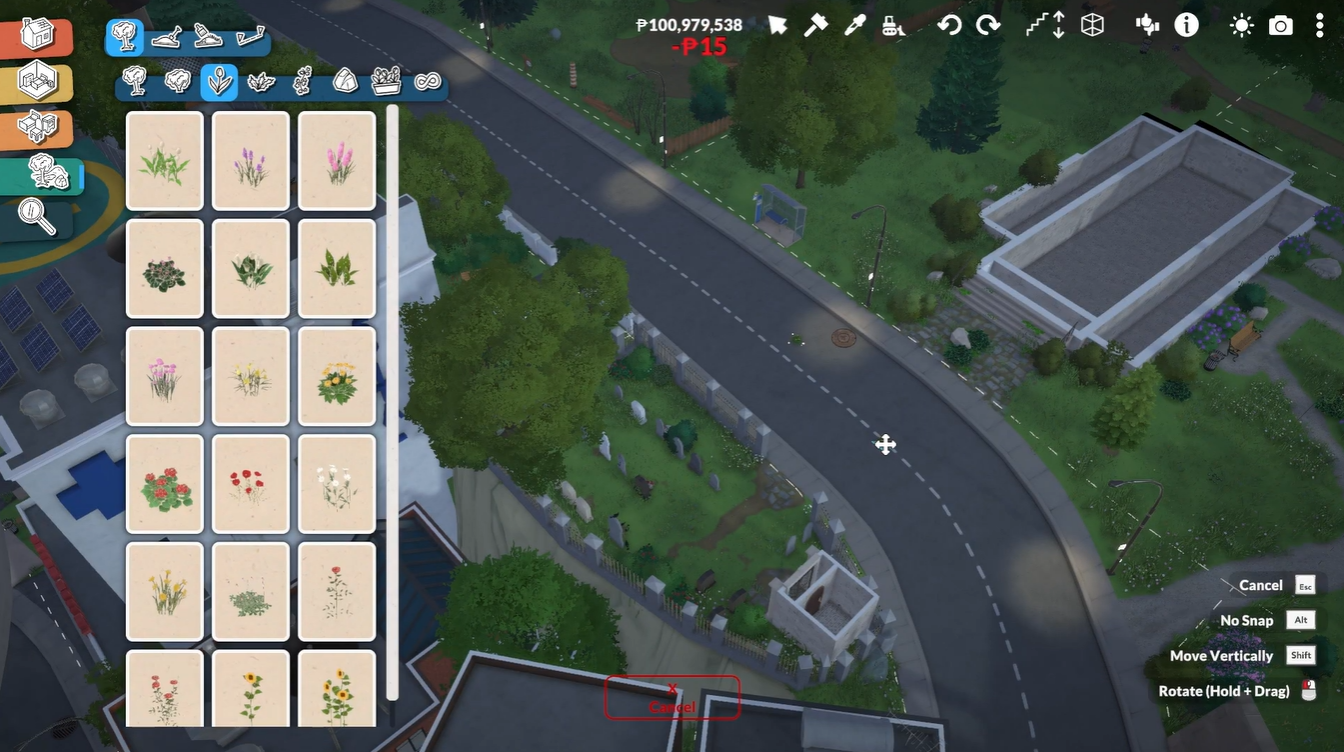
Using unrestricted editing can also make towns feel cluttered if too many large structures are placed randomly. It is usually best to plan layouts carefully before redesigning major public areas.
If you ever want to disable the feature, simply open the cheats console again and re-enter the same command.
Creative ways players are using town editing
Many Paralives players use the town editing cheat to create entirely custom neighborhoods and themed public areas. Some popular ideas include:
| Custom Town Ideas | Description |
|---|---|
| Outdoor Markets | Create shopping stalls and plazas |
| Public Parks | Add benches, fountains, and gardens |
| Beachfront Areas | Decorate coastal sections with furniture |
| Community Spaces | Build cafés, hangout spots, or event areas |
| Decorative Streets | Add lights, signs, and landscaping |
Because Paralives focuses heavily on creativity and customization, this cheat has quickly become one of the most useful tools for advanced builders.
The toggleedittown cheat is one of the easiest ways to unlock the full creative potential of Paralives. Instead of being limited to a single lot, you can reshape entire neighborhoods, decorate public spaces, and design a completely unique town layout.
If you enjoy building-focused gameplay, enabling unrestricted town editing dramatically expands what you can create.