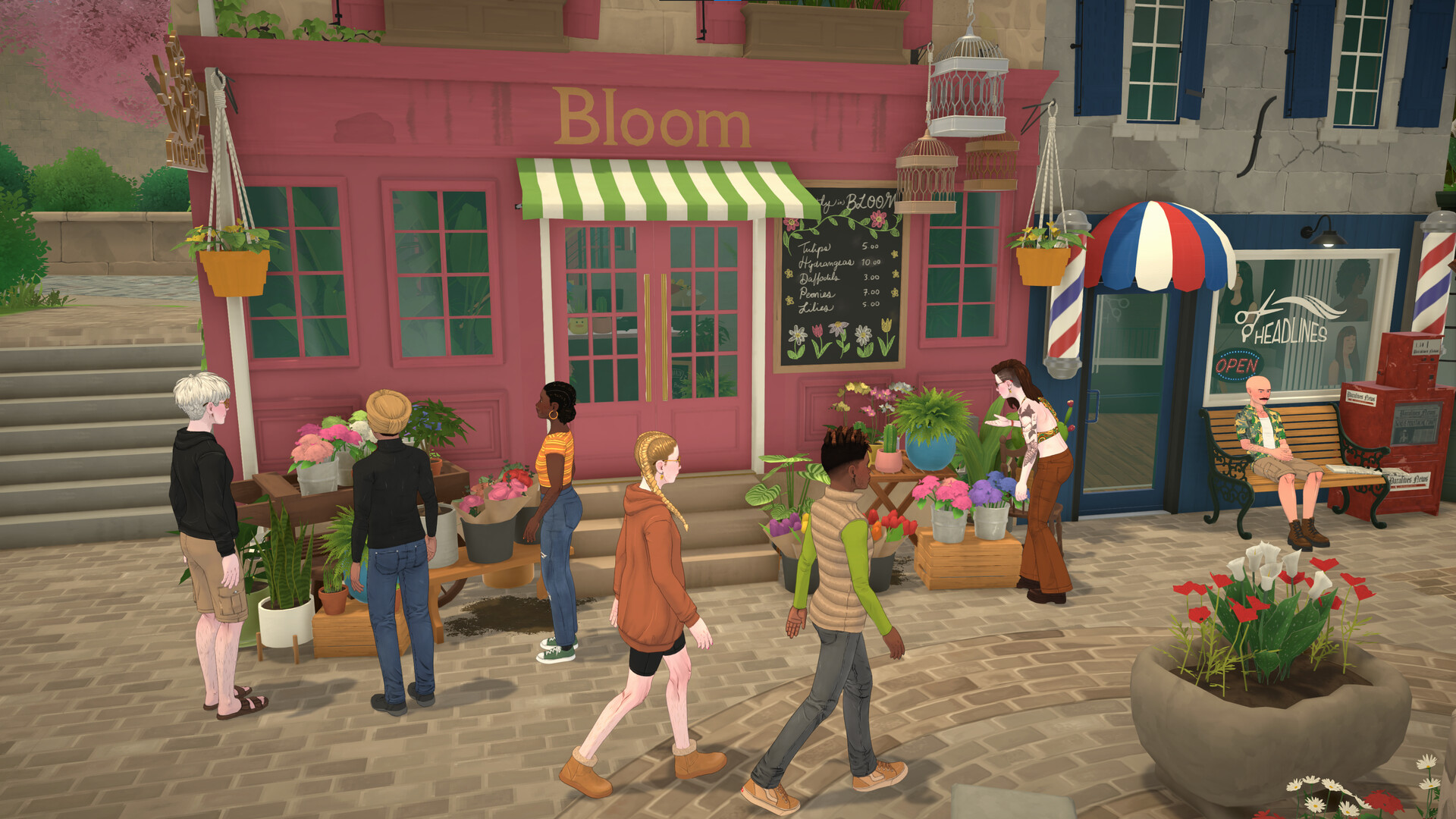
To do homework in Paralives, your Para must use a computer after receiving a school assignment. Homework is fully digital in the current Early Access version, so you will not find books, notebooks, or inventory items.
| Homework Requirement | Where to Find It | Who Can Do It | Important Notes |
|---|---|---|---|
| School homework assignments | On any usable computer | Children, Preteens, Teens | Homework only appears after school assigns it |
| Homework interaction | Computer interaction menu | Student Paras only | Option may say “Do Homework” |
| Multiple class homework | Computer submenu | Older students | Some classes appear separately |
| Completion deadline | Usually within 2 in-game days | All students | Missing homework may affect grades |
| No homework showing | Wait until after school | All students | Assignment must first be generated |
Where to find a computer in Paralives
Most starter homes already include a computer desk setup. Look for:
- Desktop PCs placed on desks
- Library near the Town Hall
- Family office rooms
- Shared living room computers
If your household does not own one, open Build Mode and purchase a computer plus desk setup. The homework system currently depends entirely on computer interaction.
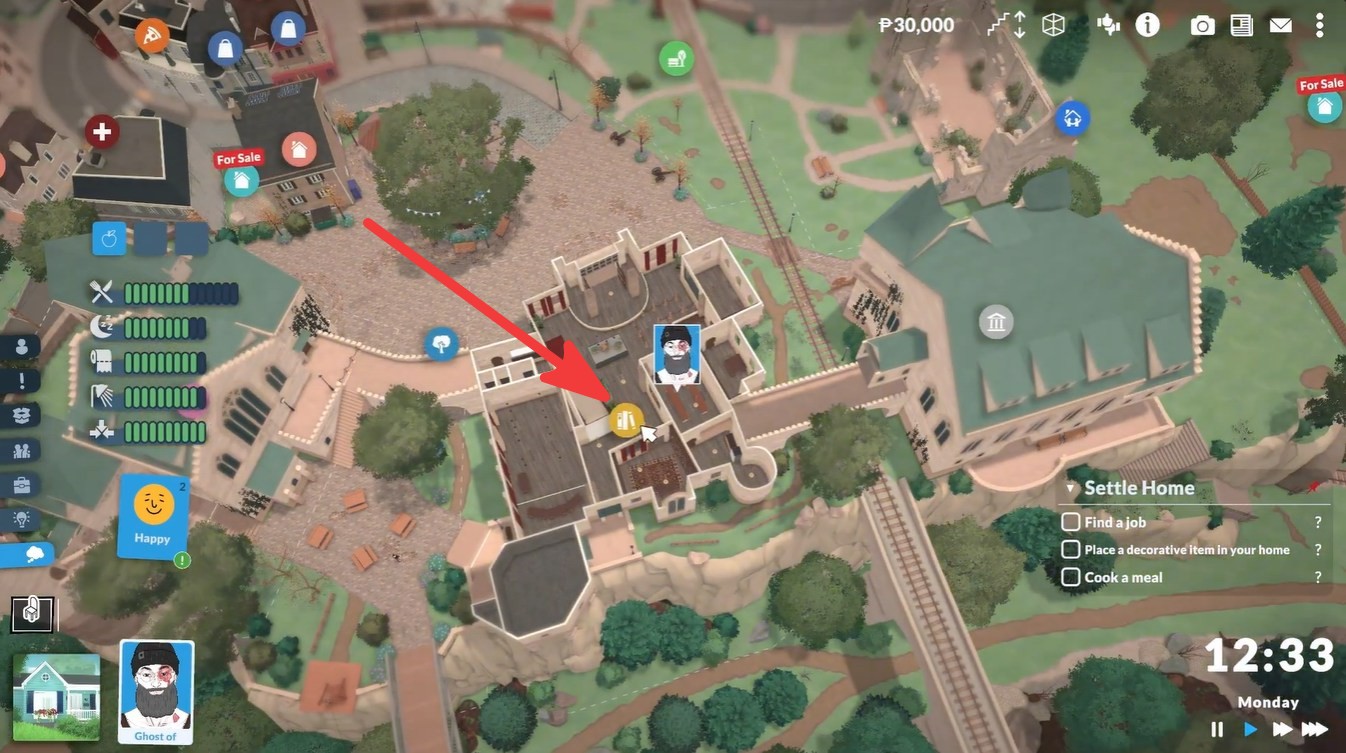
How to do homework in Paralives
Step 1: Wait for your Para to return from school
Homework only becomes available after a child, preteen, or teen Para attends school and receives an assignment. If no assignment exists yet, the homework interaction will not appear on computers.
Step 2: Click on a usable computer
Select any powered computer inside your household. School-related interactions are attached directly to the computer instead of inventory objects or books in the current version.
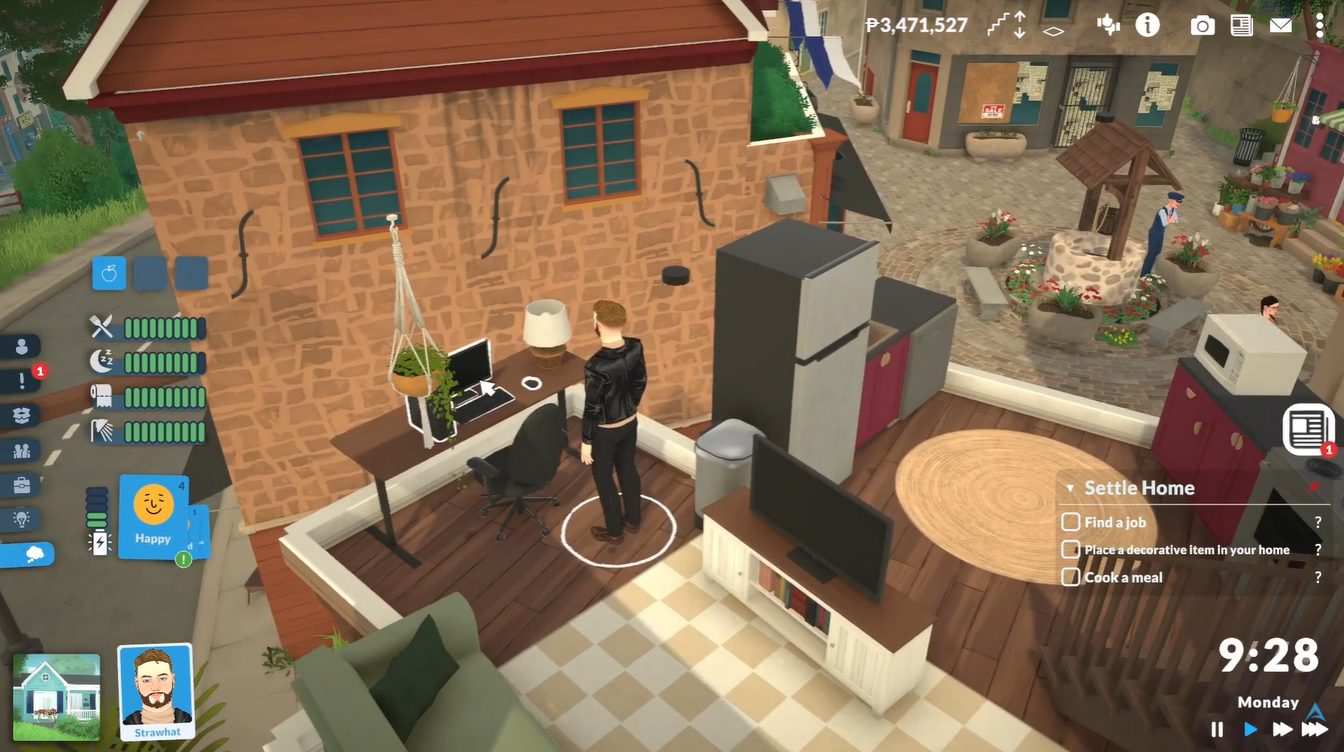
Step 3: Choose the “Do Homework” interaction
Inside the computer interaction menu, look for “Do Homework” or a class-specific homework option. Some Paras may receive assignments tied to individual subjects.
Step 4: Let the Para finish the assignment
Your Para will sit at the computer and complete the homework automatically. Avoid cancelling the action midway or the assignment may remain incomplete.
Step 5: Verify school progress afterward
Completed homework can improve class performance and grades. Paralives currently uses a traditional letter-grade system ranging from A to F.
Why the homework option may not appear
Several players have reported confusion because homework is not stored physically. If you cannot find the option:
- The Para may not have received homework yet
- The Para might not be enrolled in school
- The computer could be unusable or inaccessible
- Another Para may already be using the PC
- Para may not have children who could receive homework
Community reports confirm the interaction only appears after active school assignments are generated.
School system details currently confirmed
| Feature | Current Status |
|---|---|
| Elementary school | Confirmed |
| High school | Confirmed |
| Public schools | Available |
| Private schools | Planned for future |
| Homework system | Computer-based |
| Letter grades | A/B/C/D/F |
| Active school gameplay | Not available yet |
Homework is directly tied to academic performance and progression. Completing assignments consistently helps improve grades, while ignored homework may negatively impact school success. Current Early Access systems already connect homework completion to class improvement.
Frequently Asked Questions
No. In the current Early Access version of Paralives, homework is completely computer-based. There are no physical homework books, worksheets, or notebook items yet.
The option usually appears only after your Para returns from school with an active assignment. If it is missing, wait until after school hours or make sure the Para is enrolled in school.
Children, preteens, and teens enrolled in school can all receive homework assignments.
Yes, but only one Para can actively use the computer at a time. Large households benefit from owning multiple computers to avoid delays.
Yes. Completing homework contributes toward better school performance and helps improve letter grades from A to F.
Open Build Mode and purchase a computer desk setup from the electronics or study category. Any functional computer should work for homework tasks.
The easiest strategy is placing a dedicated family computer near the entrance or bedrooms so student Paras can immediately start homework after school. Larger households benefit heavily from a shared study area because homework notifications are still fairly subtle in Early Access.