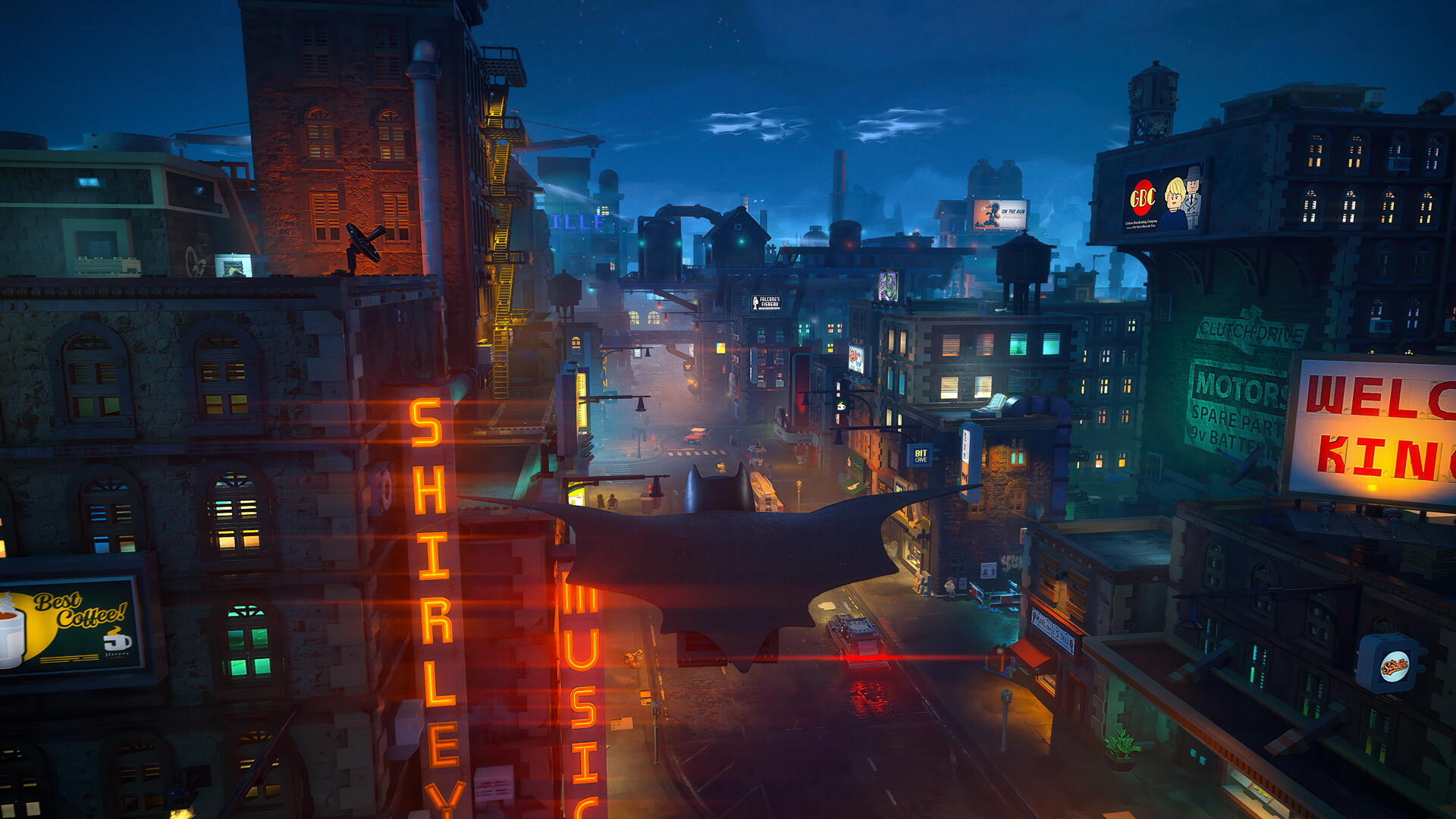
If you are spending time cleaning up collectibles, solving Riddler puzzles, or replaying side content in LEGO Batman: Legacy of the Dark Knight, the repeated dispatch announcements can quickly become distracting.
While the game does not currently include a separate “dispatch off” option, you can effectively silence the constant audio chatter through the sound settings menu.
How the dispatch system works in LEGO Batman: Legacy of the Dark Knight
The dispatch system is designed to provide ongoing commentary, alerts, and mission-related updates while exploring Gotham. During open-world gameplay, you may frequently hear announcements related to nearby crimes, objectives, side activities, or general city updates.
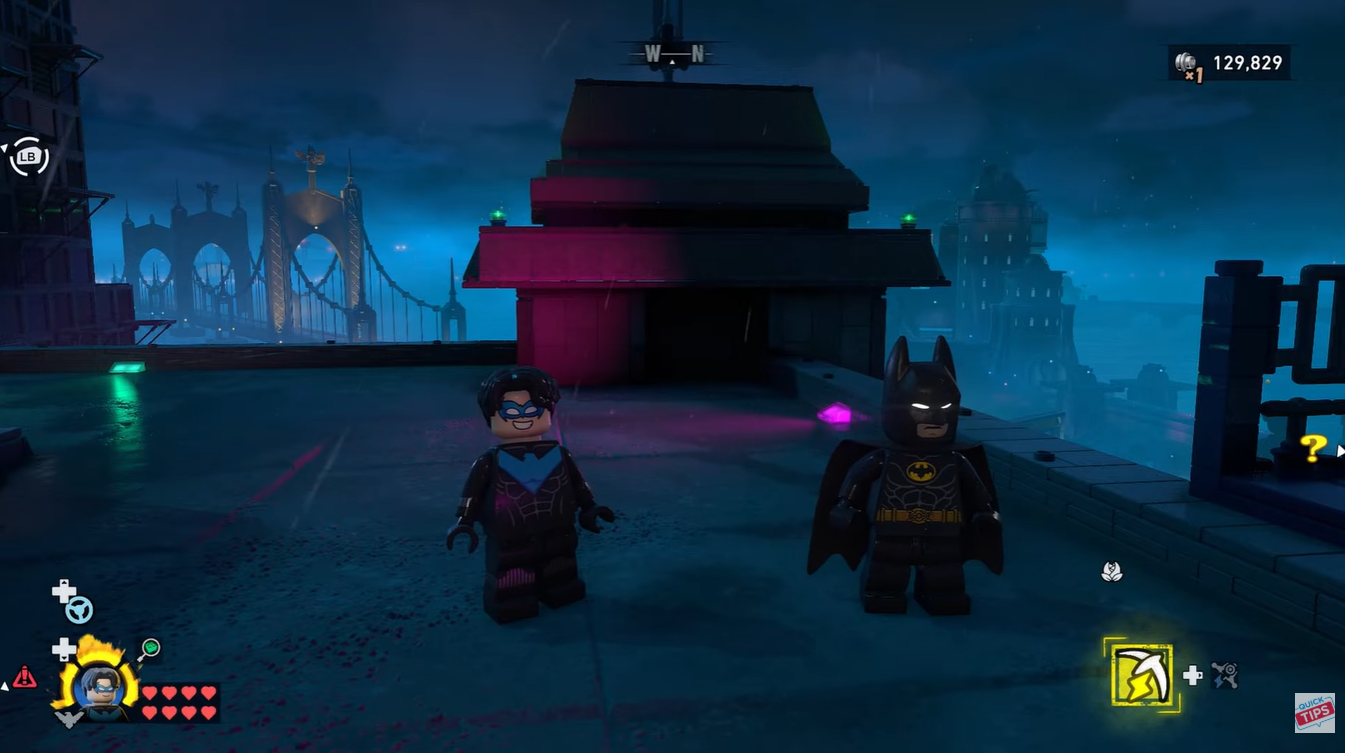
Below is a quick overview of the Dispatch announcement settings and how they work:
| Quick overview | Details |
|---|---|
| Feature affected | Dispatch voice announcements |
| Full disable available? | No |
| Best workaround | Turn Dialogue Volume to 0 |
| Audio still active? | Music and effects remain if unchanged |
| Visual pop-ups removed? | No |
| Recommended usage | Free roam, puzzles, collectibles |
| Not recommended during | Story missions and cutscenes |
Although these notifications help guide players during normal gameplay, they can become repetitive when you are focused on grinding collectibles or repeatedly solving challenge rooms. Unfortunately, the current game settings do not separate dispatch audio from the broader dialogue category.
That means dispatch voices are tied directly to all spoken dialogue in the game.
How to turn off dispatch audio
The only reliable method right now is muting dialogue entirely through the audio settings menu. Open the pause menu while in-game and navigate to the Settings or Options section.
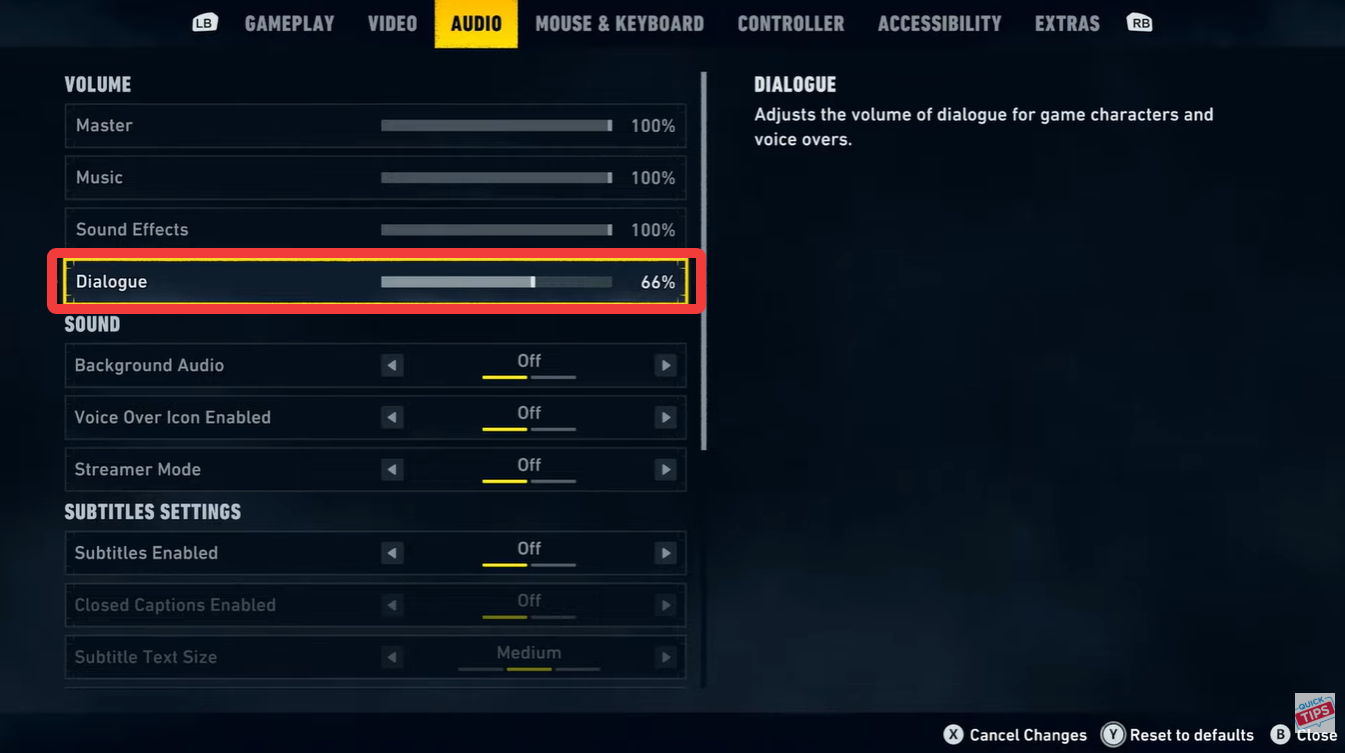
Enter the Audio Settings menu. Locate the Dialogue Volume slider.
Lower the dialogue volume all the way down to 0. Return to gameplay. Dispatch announcements should now be silent.
This adjustment immediately removes the spoken dispatch chatter while keeping other audio categories active if their sliders remain unchanged.
What still appears after muting dispatch
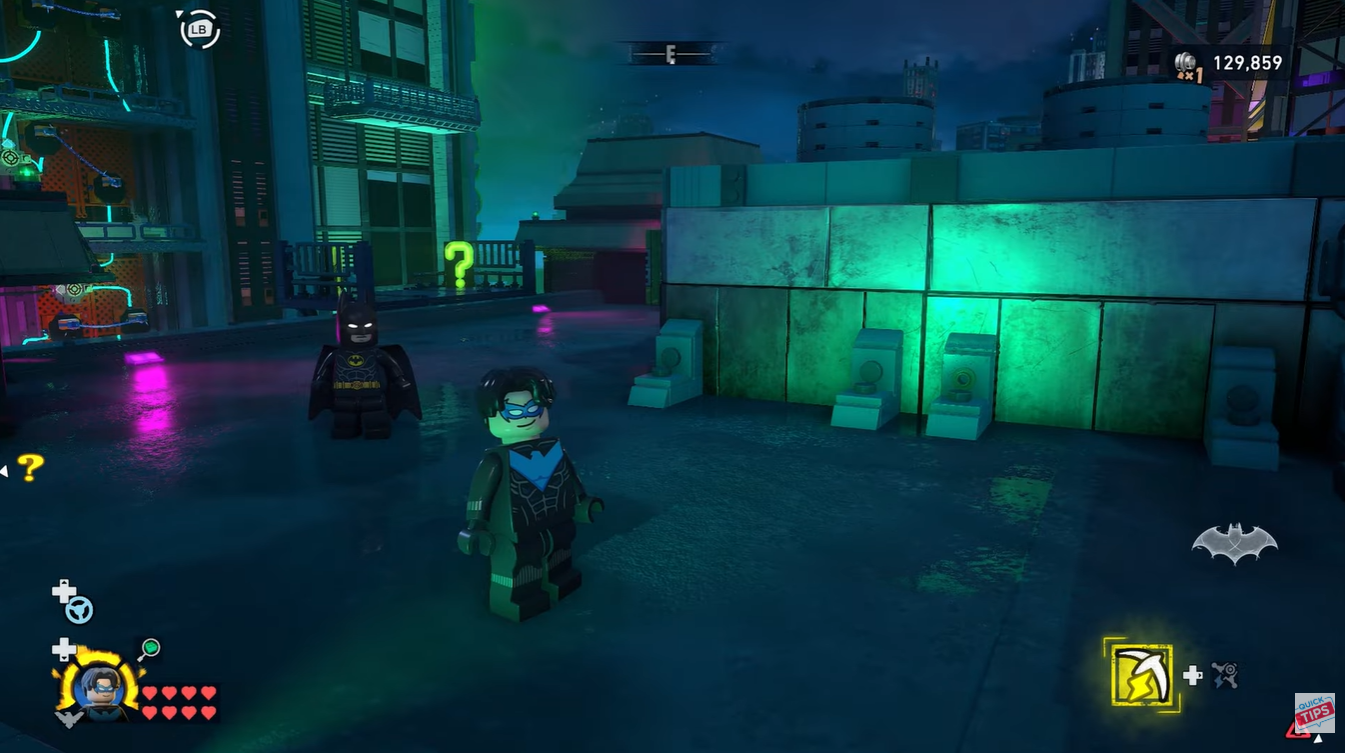
Even after muting dialogue audio, the game still displays dispatch visuals on-screen. You will continue to see:
- Character portraits
- Notification panels
- Objective pop-ups
- Dispatch indicators on the HUD
So while the audio becomes silent, the game still visually acknowledges dispatch events.
When you should use this setting
This workaround is especially useful during repetitive activities where constant announcements interrupt concentration. Many players use it while:
| Activity | Why muting helps |
|---|---|
| Riddler puzzles | Reduces repeated interruptions |
| Collectible hunting | Makes exploration quieter |
| Open-world cleanup | Less repetitive dialogue |
| Replay grinding | Improves focus during repetition |
However, there is a major downside.
Since dispatch audio is tied to the main dialogue system, all character conversations and story dialogue are muted as well. This includes cutscenes, mission instructions, and spoken interactions between heroes and villains.
Why this is not ideal for story missions
During story-driven gameplay, muting dialogue can make it harder to follow objectives, jokes, and narrative scenes. LEGO Batman games rely heavily on character banter and comedic interactions, so turning dialogue off removes a large part of the experience.
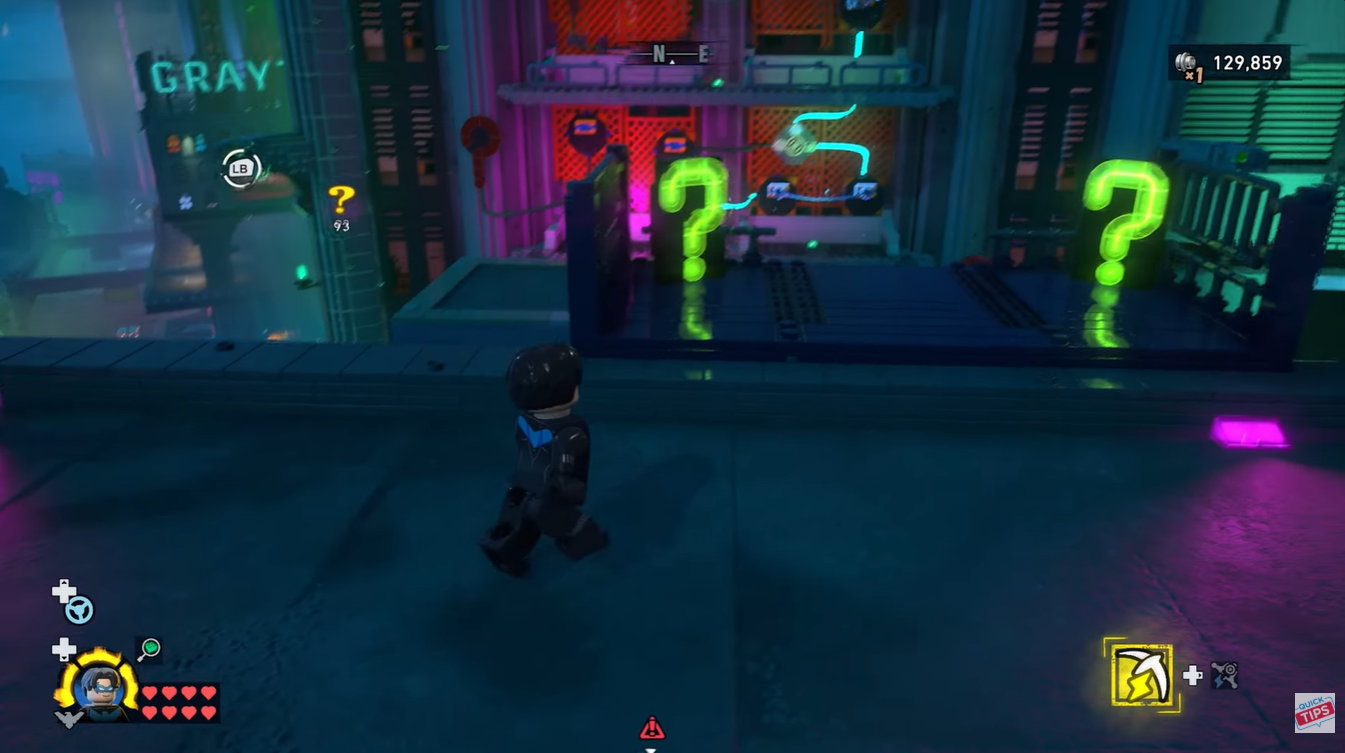
Because of that, many players only enable this workaround temporarily during free roam sessions and then restore dialogue volume afterward.
Could a future update add a dispatch toggle?
At the moment, there is no separate dispatch volume control or notification toggle available in the game’s settings. However, players have already requested more granular audio customization options.
Possible future improvements could include:
| Requested feature | Potential benefit |
|---|---|
| Separate dispatch slider | Mute announcements only |
| Notification frequency control | Reduce repeated alerts |
| HUD customization | Hide dispatch visuals |
| Exploration mode | Minimal interruptions during free roam |
Whether these options arrive in a future patch remains unclear, but they would significantly improve quality-of-life for players focused on completion content.
If the constant dispatch chatter in LEGO Batman: Legacy of the Dark Knight is becoming distracting, lowering the dialogue volume to zero is currently the best available workaround. While it does not remove visual notifications and also mutes story dialogue, it can make collectible hunting and puzzle-solving much more enjoyable during long free roam sessions.