You can replay completed missions in LEGO Batman: Legacy of the Dark Knight by using the Batcomputer inside the Batcave and opening the Case Log menu. This lets you replay story chapters in either Story Mode or Free Play to collect missed WayneTech caches, collectibles, and challenge rewards.
| Feature | Details |
|---|---|
| Mission Replay Unlock | Available after completing early story progression |
| Replay Location | Batcave → Batcomputer |
| Replay Menu | Case Log |
| Replay Modes | Story Mode and Free Play |
| Best Use | Collectibles, WayneTech caches, challenge cleanup |
| Free Play Benefit | Use unlocked characters and gadgets |
| Mission Structure | Missions are divided into segments with completion tracking |
| Completion Tracking | Individual section percentages shown in Case Log |
| Recommended Timing | After unlocking more gadgets and upgrades |
Mission replay location in LEGO Batman: Legacy of the Dark Knight
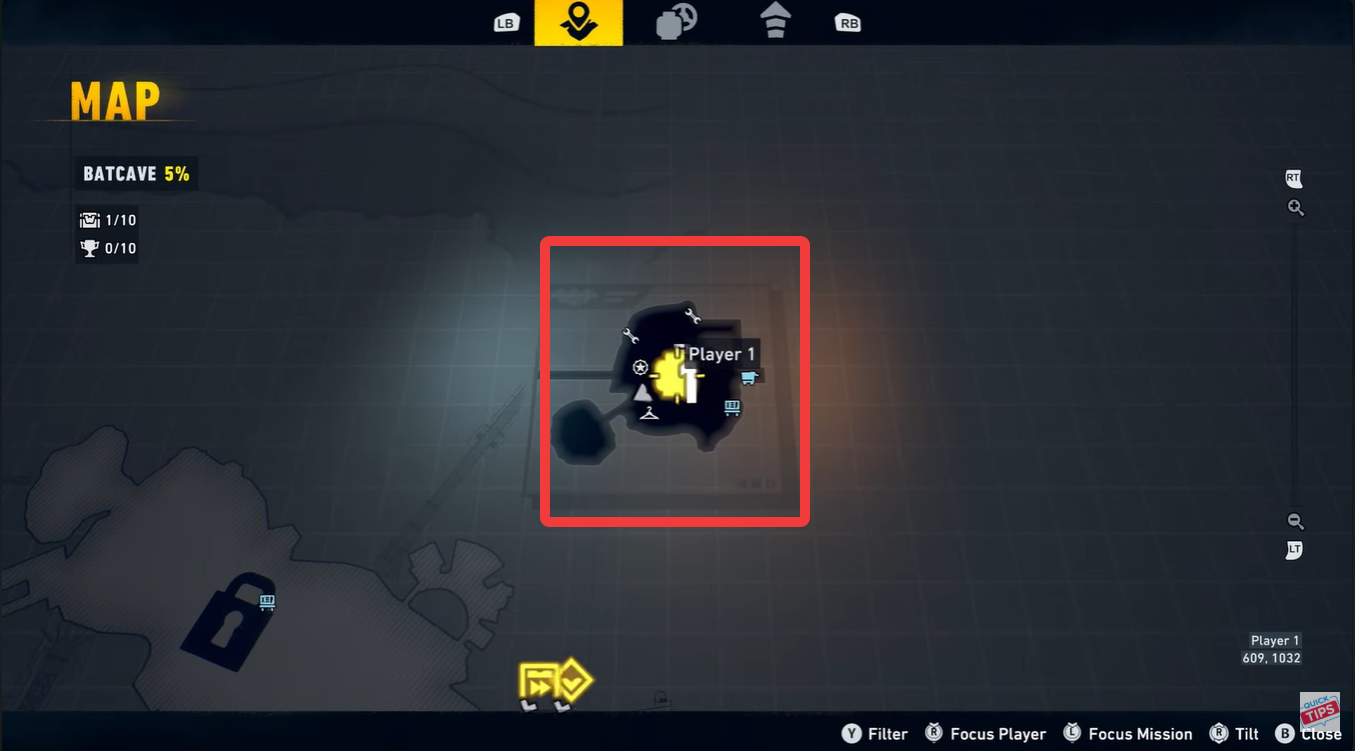
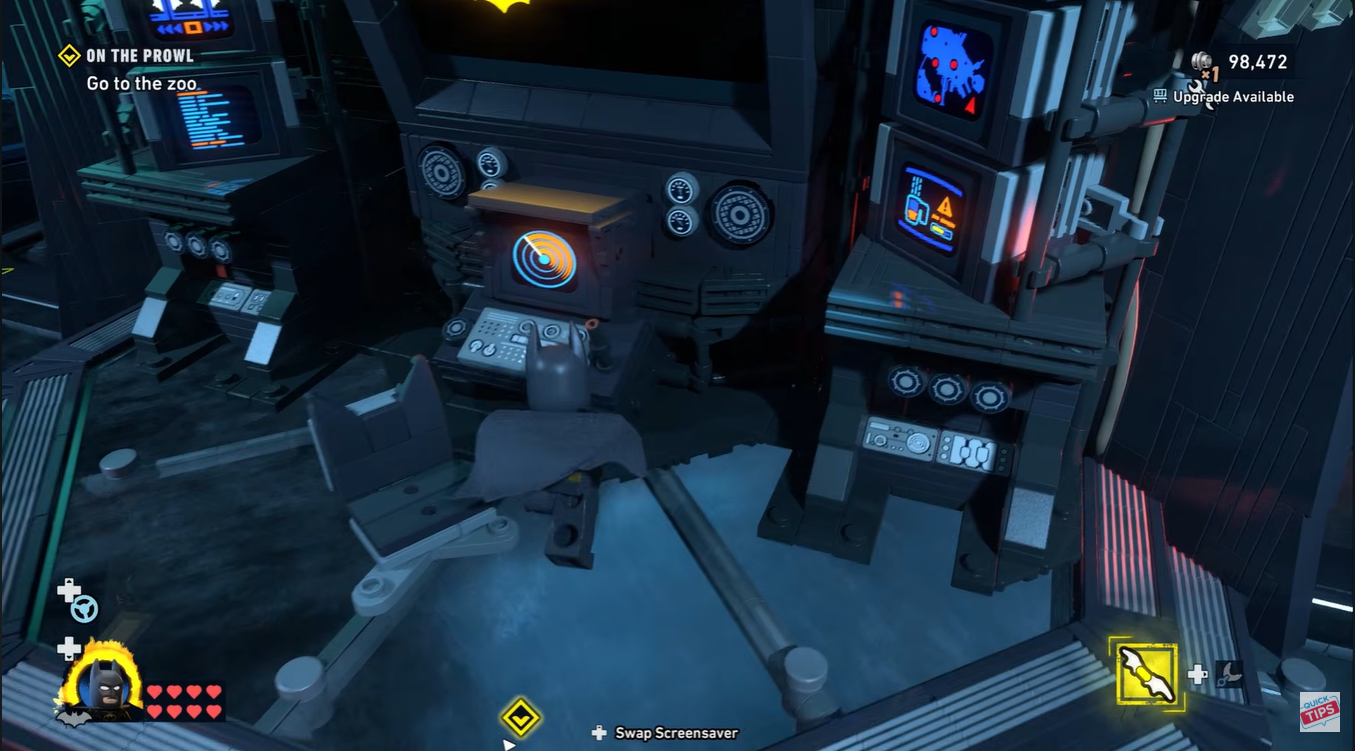
You can access mission replay from the main Batcomputer terminal inside the Batcave hub. After loading into Gotham City, open the map and fast travel back to the Batcave. The Batcomputer is positioned in the central operations area near Batman’s mission planning station.
How to Replay Missions in LEGO Batman: Legacy of the Dark Knight
Step 1: Return to the Batcave
Open the Gotham map and fast travel back to the Batcave hub area. Mission replay is not accessed directly from the pause menu, so you must physically return to the Batcave first before selecting previously completed chapters.
Step 2: Interact with the Batcomputer
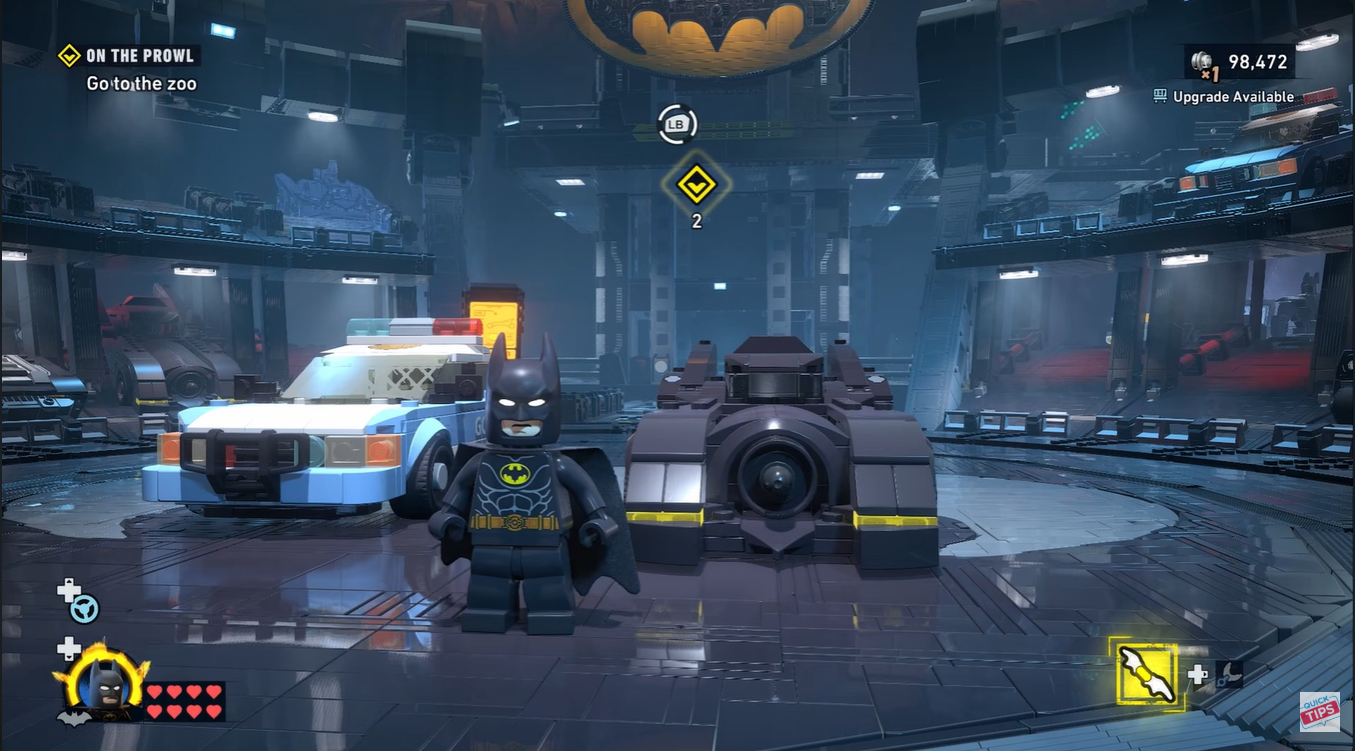
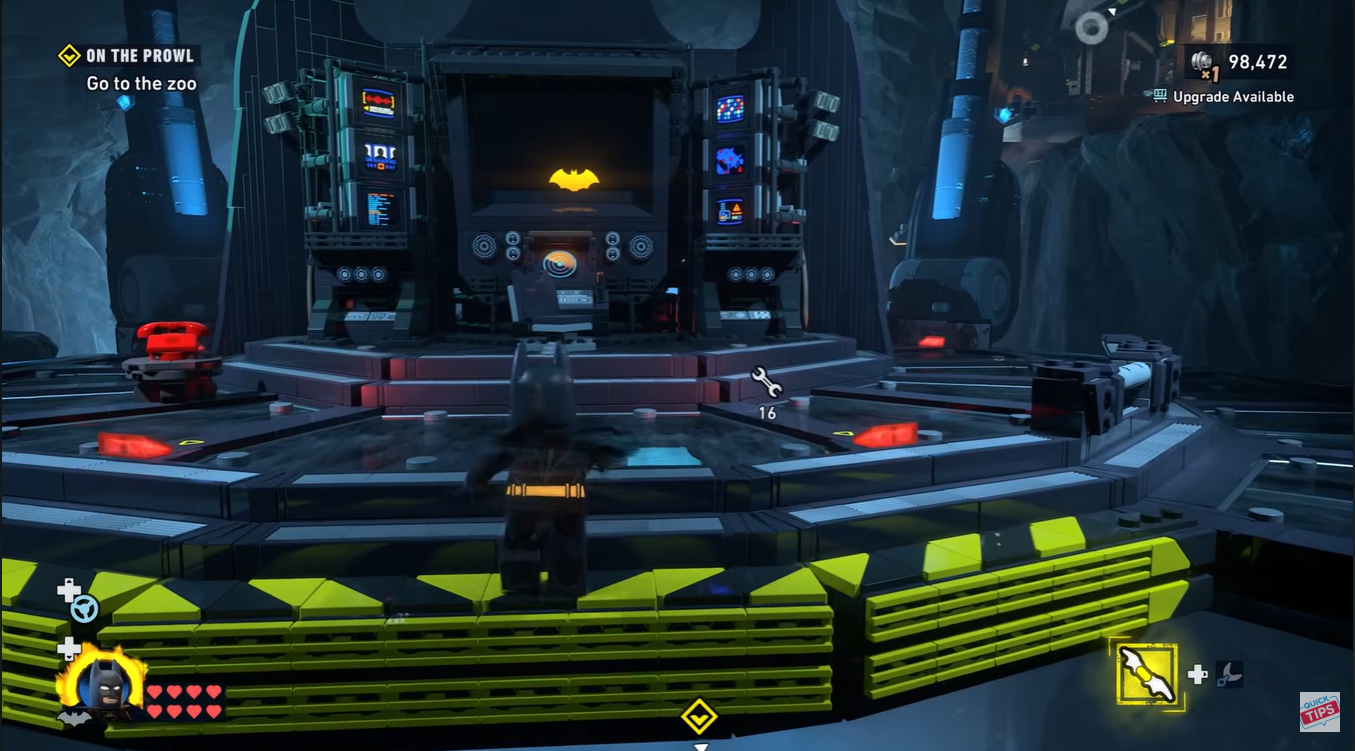
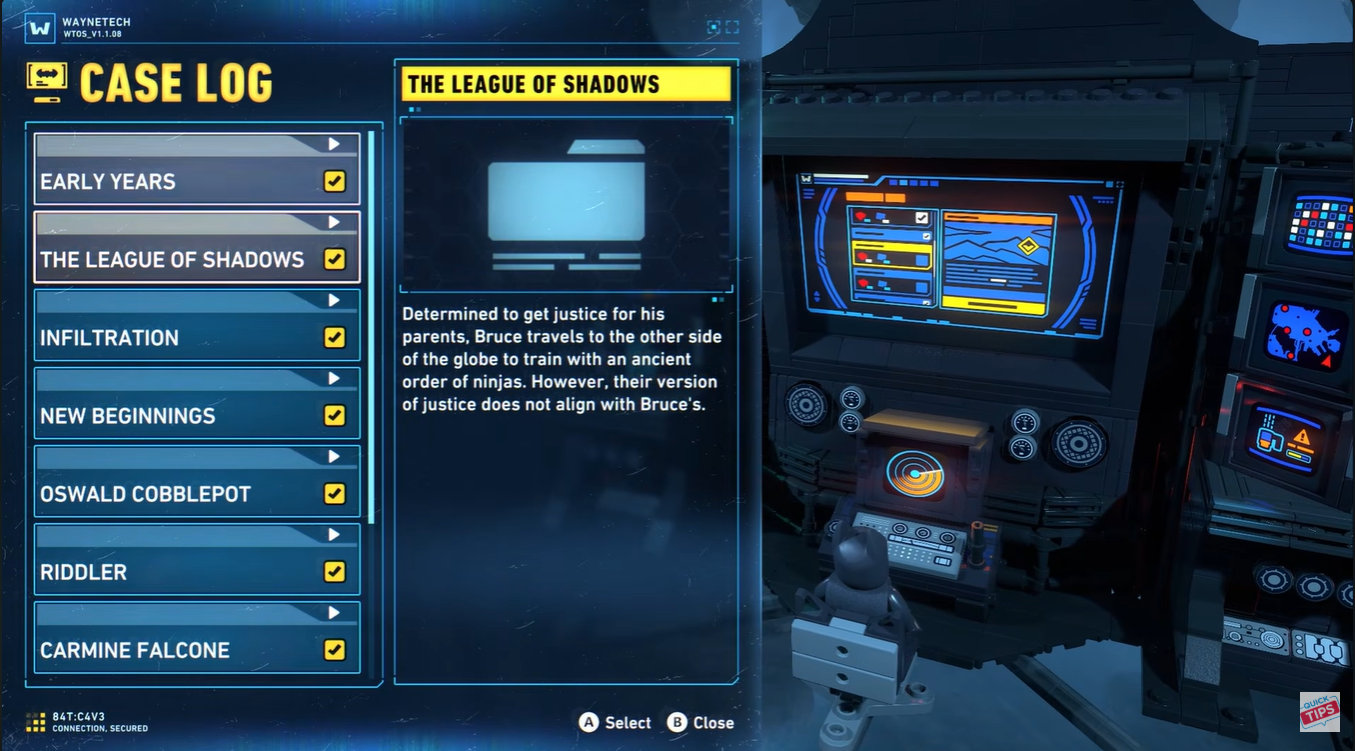
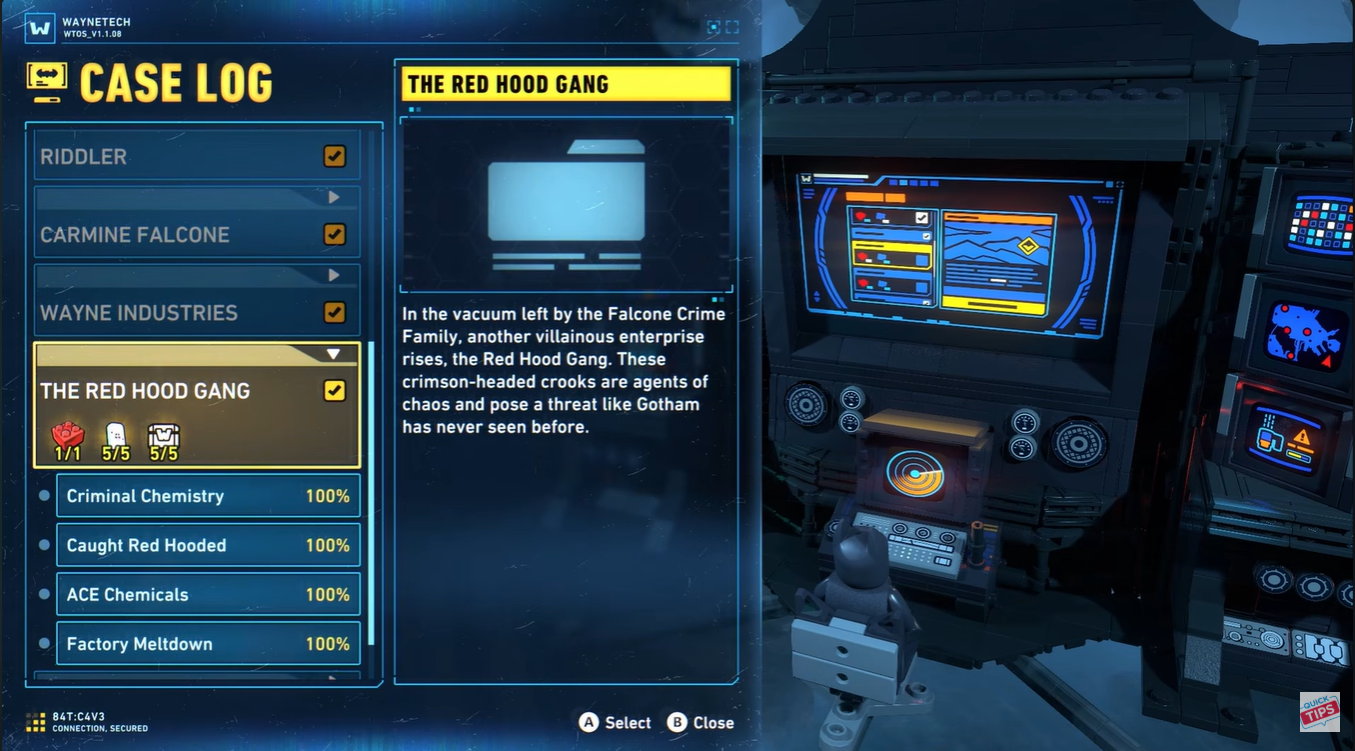
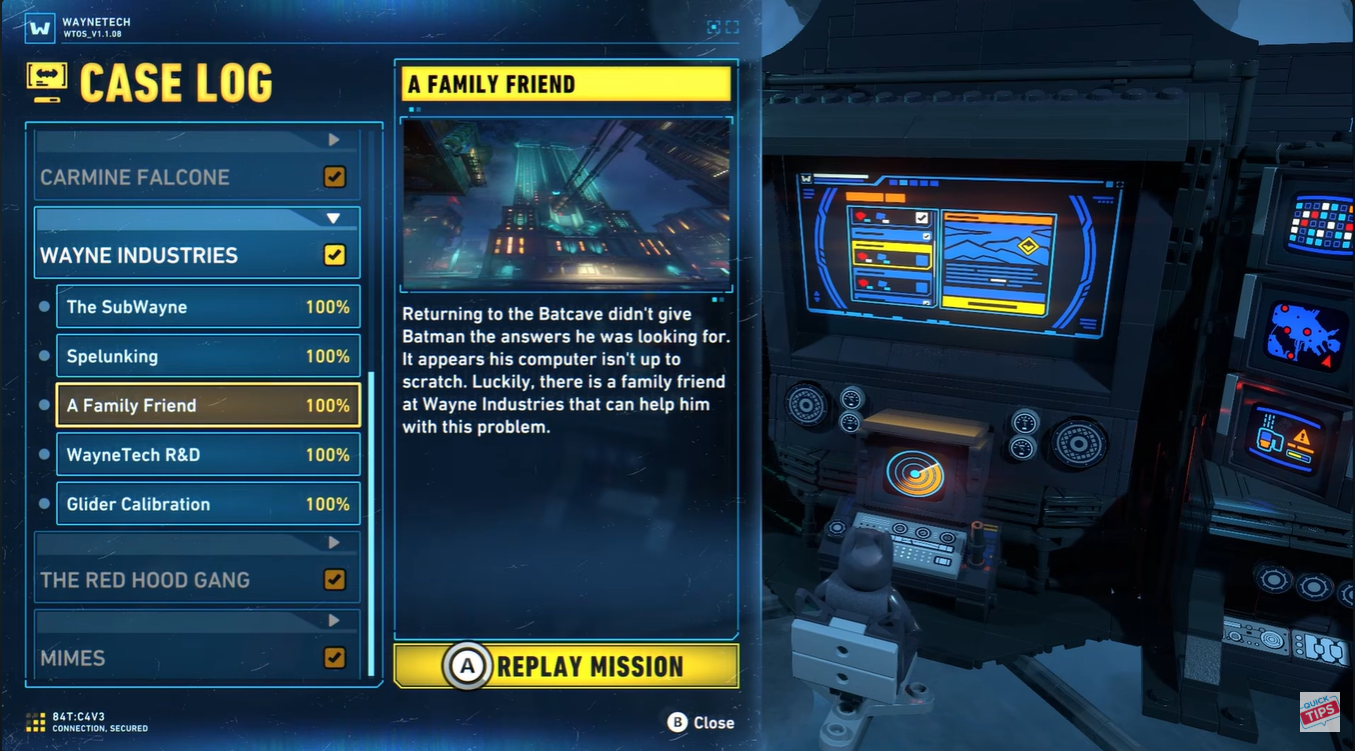
Walk to the main Batcomputer terminal inside the Batcave and press the interaction button. Open the Case Log section to view every completed story mission and chapter currently available for replay.
Step 3: Select the mission segment
Choose the mission you want to replay. The game separates chapters into smaller mission segments, making it easier to revisit specific collectible-heavy areas instead of replaying an entire multi-part chapter from the beginning.
Step 4: Choose Story Mode or Free Play
Select either Story Mode or Free Play before loading the mission. Story Mode locks you to original characters, while Free Play allows you to swap between unlocked heroes and gadgets for hidden secrets and puzzle completion.
Step 5: Hunt collectibles and missed rewards
Replay missions to grab missed WayneTech caches, challenge objectives, hidden minikits, suits, and achievement-related collectibles. Many secrets require gadgets or abilities unlocked later in the campaign, making replay mandatory for 100% completion.
Why Free Play is important
Free Play is the fastest way to fully clear missions because several collectibles are inaccessible during your first story run. Some puzzles require specific characters like Batgirl, Catwoman, Robin, or Nightwing to access hacking terminals, whip points, explosive walls, or traversal gadgets.
| Replay Mode | Best For | Restrictions |
|---|---|---|
| Story Mode | Rewatching story scenes | Fixed characters |
| Free Play | 100% completion | Requires unlocked characters |
| Segment Replay | Fast collectible cleanup | Only unlocked segments |
| Full Mission Replay | Experience full chapter again | Longer completion time |
Critical mistakes to avoid
- Some collectibles only appear in Free Play, not Story Mode.
- If a collectible counter seems bugged, reload the mission segment instead of restarting the whole chapter.
- Story progression unlocks more replay functionality and character access, so finishing the campaign first is usually faster for completionists.
- If the mission replay option is missing, continue progressing through the main story until the Batcomputer Case Log fully unlocks.
What you can unlock from replaying missions
| Unlock Type | Description |
|---|---|
| WayneTech Caches | Upgrade currency and collectibles |
| Character Tokens | Unlock additional playable characters |
| Suit Unlocks | Alternate Batman and ally suits |
| Completion Percentage | Required for 100% save completion |
| Challenge Rewards | Optional side objectives and achievements |
| Hidden Secrets | Easter eggs and hidden interactables |
FAQs
Yes, but some replay functionality expands after progressing further into the main campaign and unlocking additional Batcomputer Case Log options.
Free Play allows you to use unlocked playable characters and their gadgets, making collectible cleanup significantly easier than Story Mode.
No. Replay sessions are separate from your main campaign progression and only help improve collectible completion percentages.
Mission replay is essential if you want full completion in LEGO Batman: Legacy of the Dark Knight. The game hides many WayneTech caches, challenge collectibles, and gadget-specific secrets behind abilities unlocked later in the campaign, meaning Free Play cleanup becomes the core endgame progression loop.