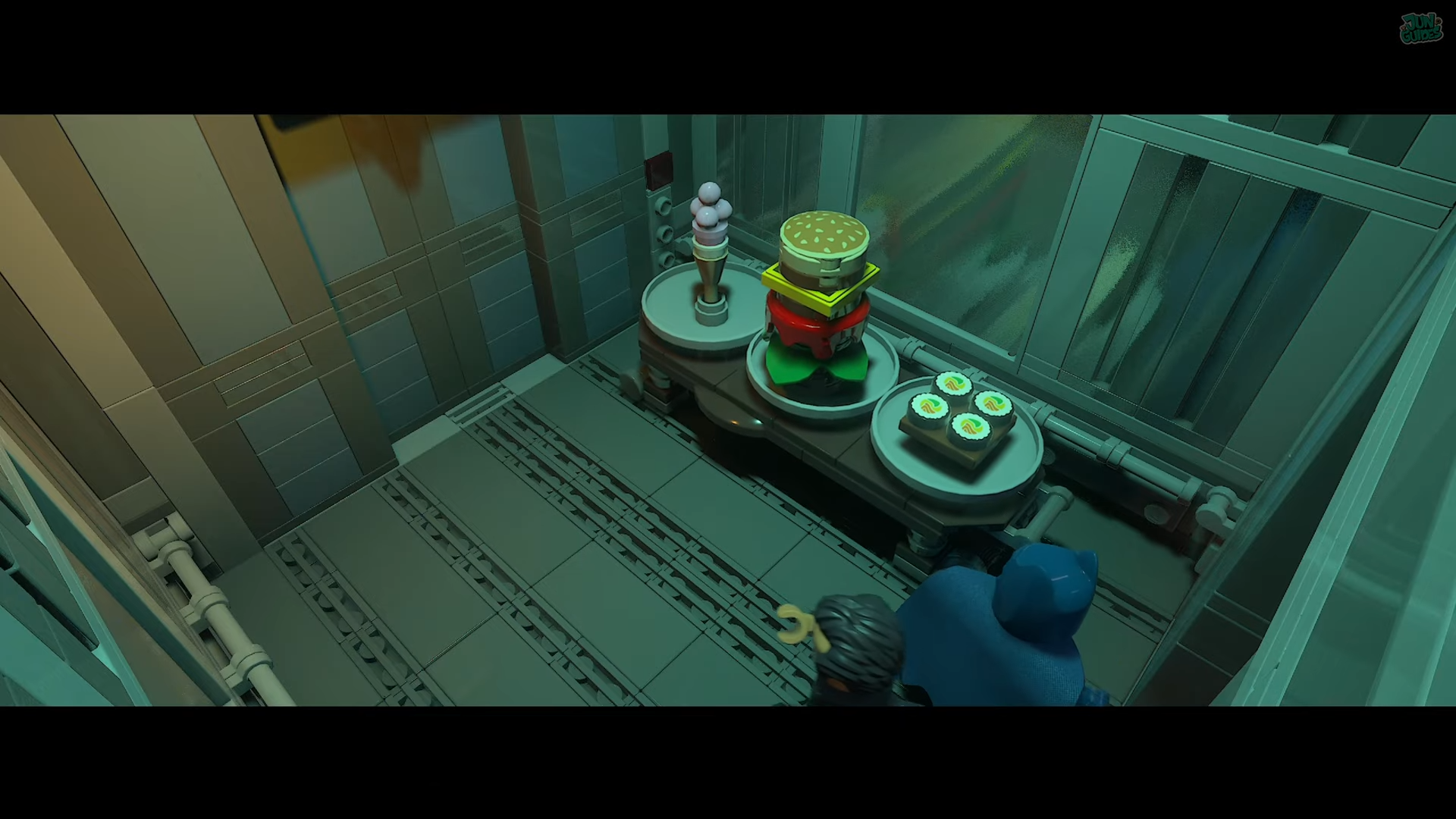
What to know
-
This sub-mission is a collectible hunt focused on finding all food items in the area.
-
You’ll have to find a sandwich, a fish, and an ice-cream for Falcone’s food order.
- Once found, the ‘Search for the food items’ mission is complete and you gain access to Falcone’s location.
The “Search For The Food Items” task in Lego Batman: Legacy of the Dark Knight requires you to put together food items so you can deliver it to Falcone and gain entry to his location. Here’s how to find the items required.
Search for the food items details
Food Items locations
The cutscene shows that you’re tasked with finding food items. Prepare them quick so you can deliver them to Falcone.
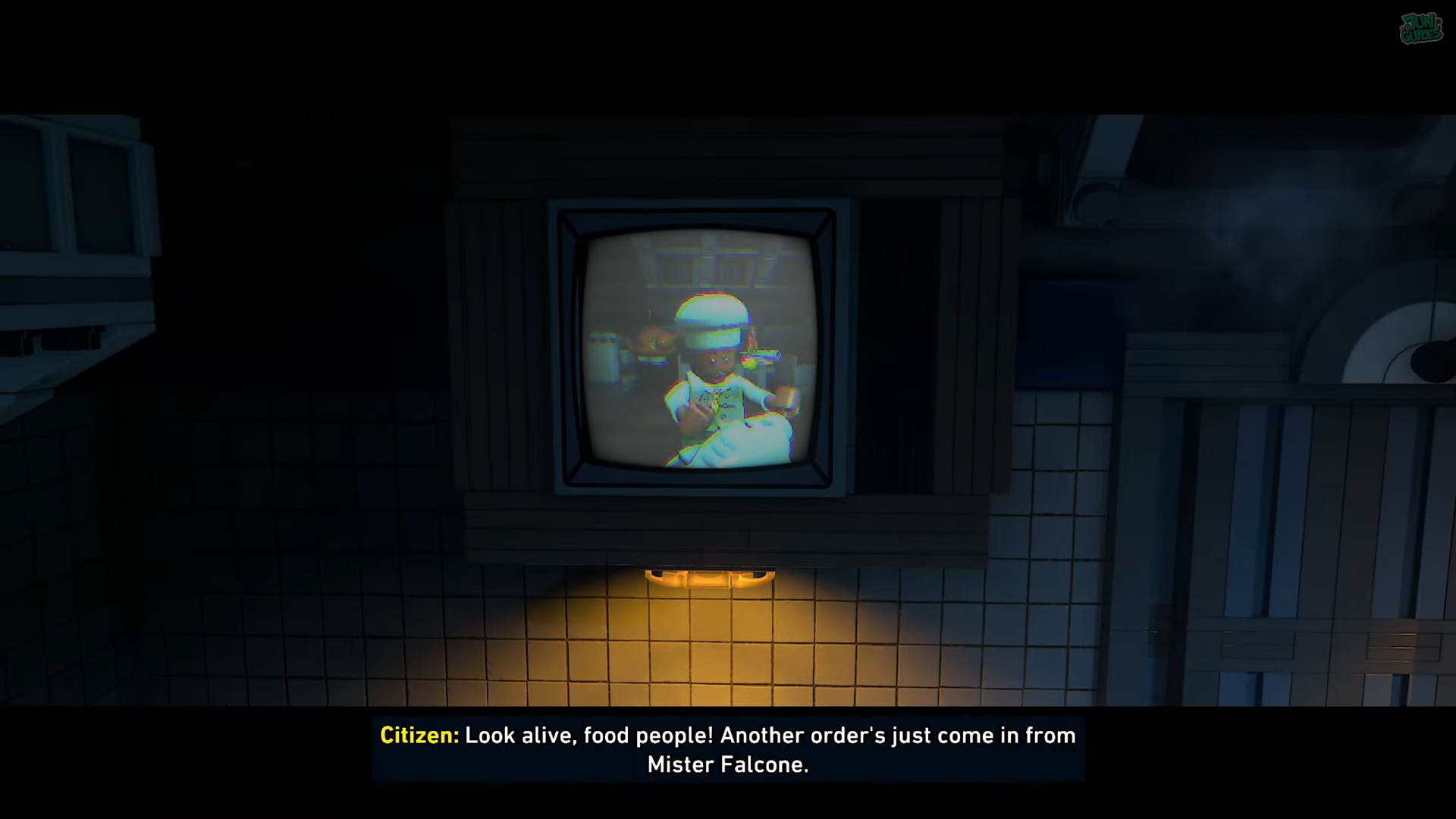
Food Item 1 – Sandwich
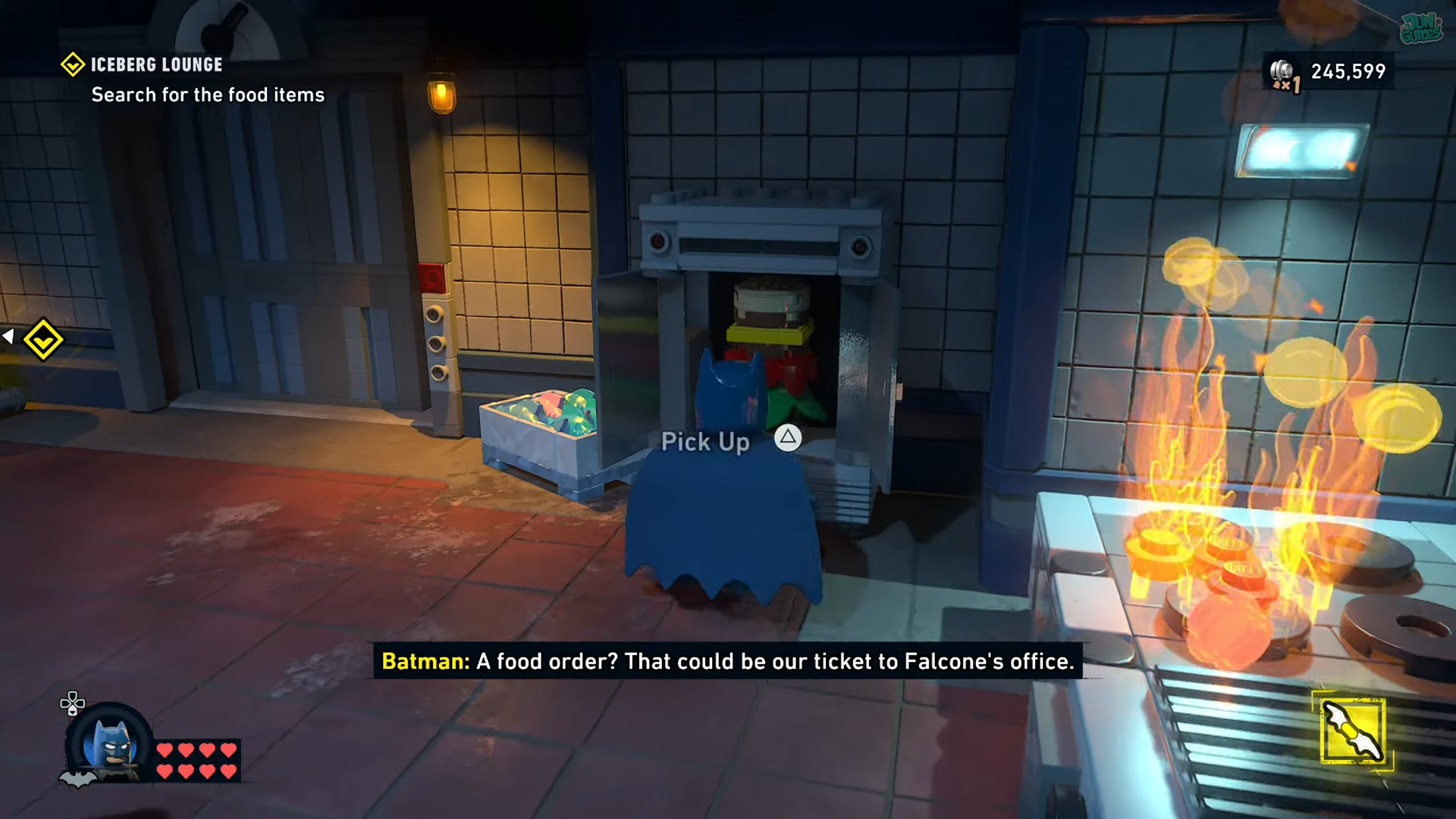
In the kitchen, look for a storage on the right.
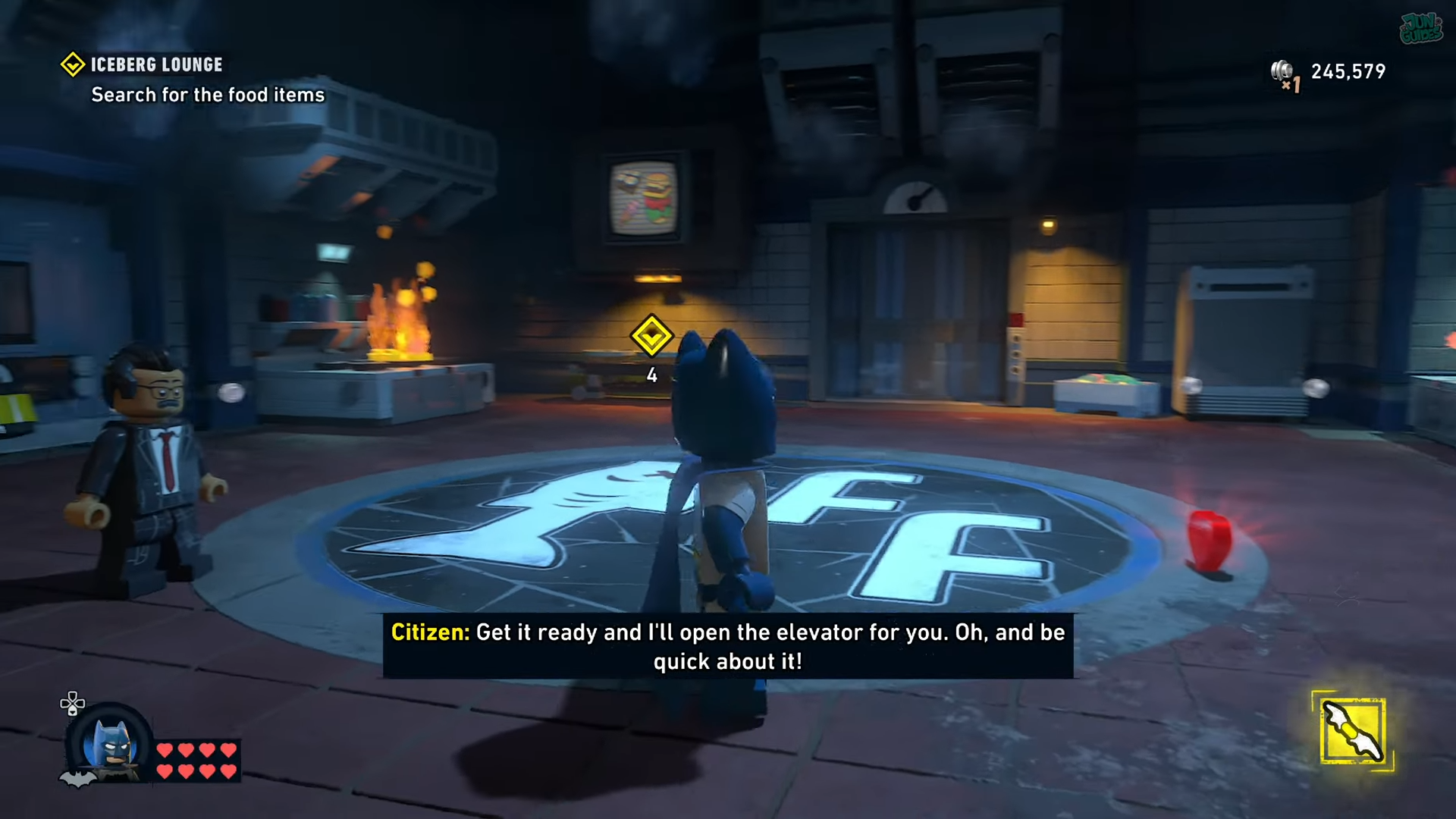
Approach it and open it.
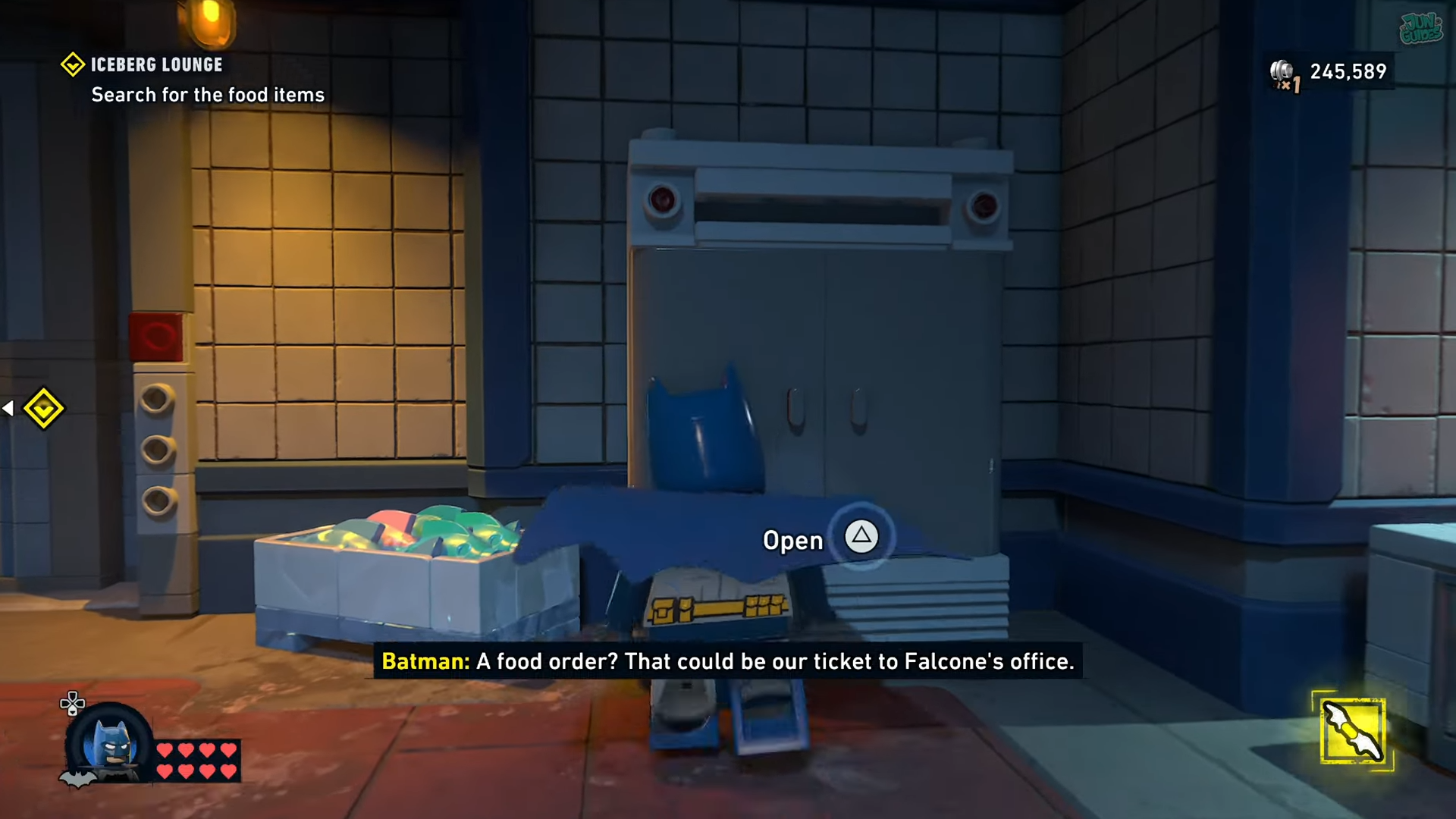
Pick up the sandwich.
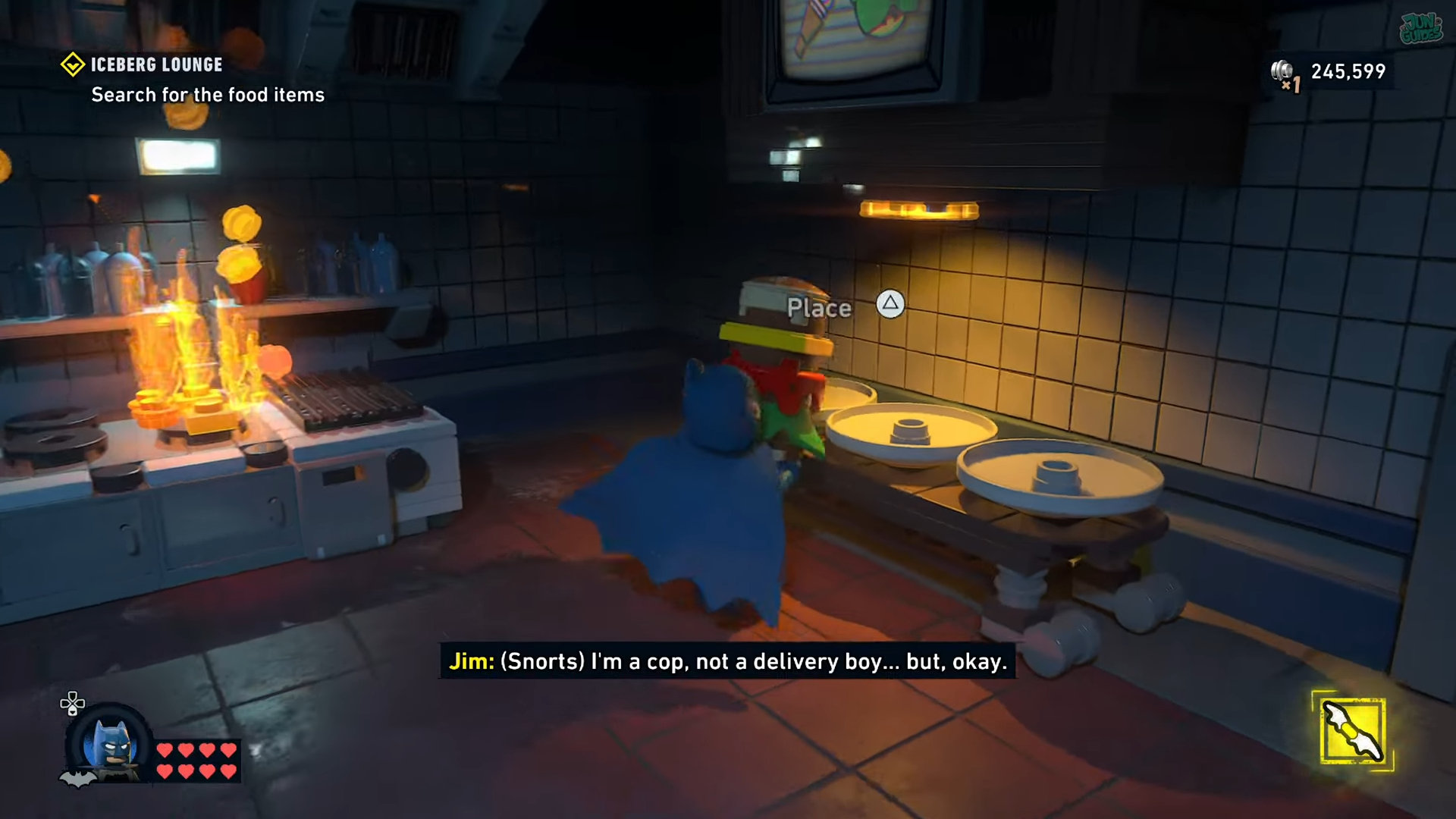
And place it on the tray under the TV.
Food Item 2 – Fish
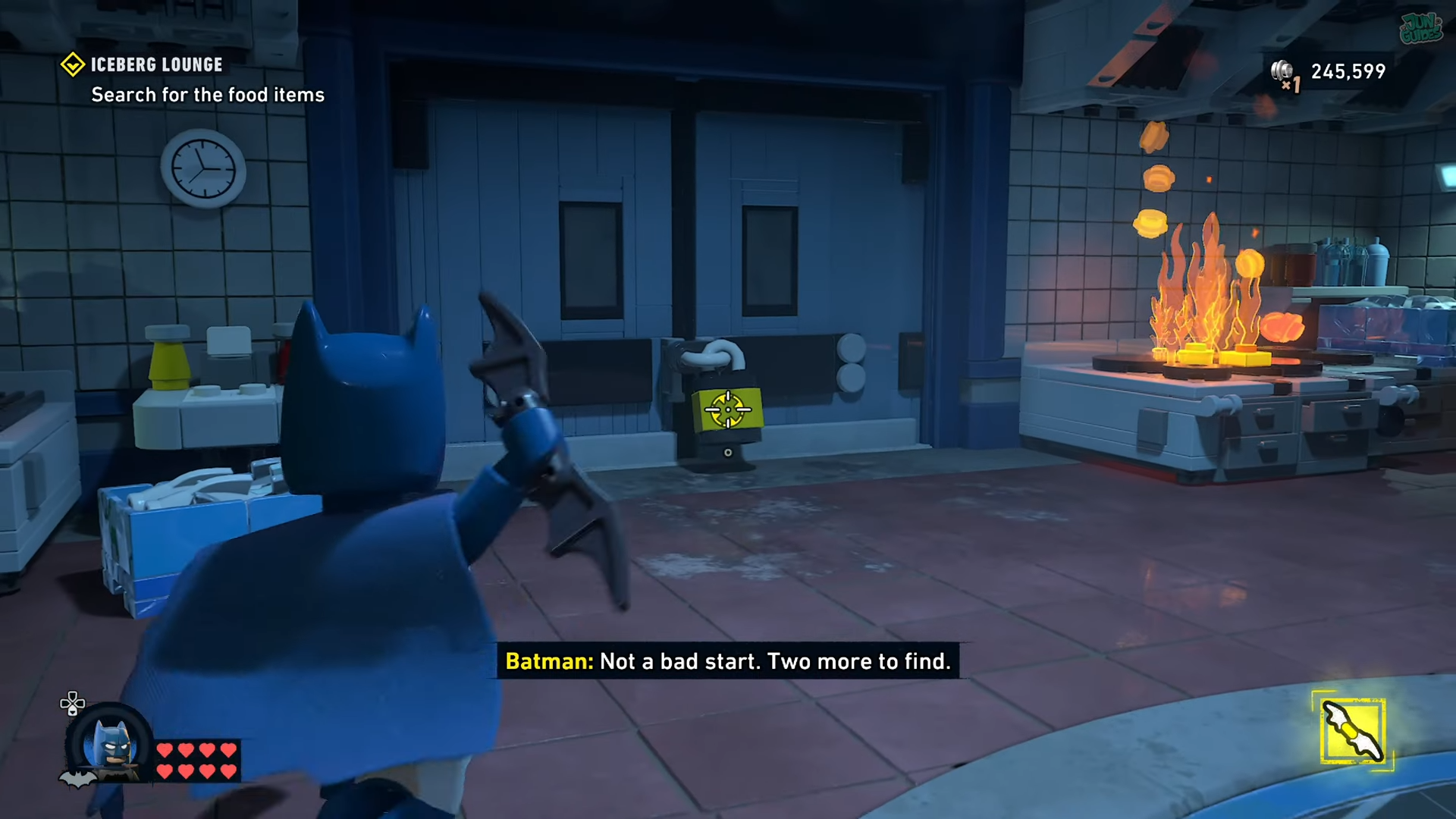
Next, break the lock to the cold storage.
On the right, Turn the lever.
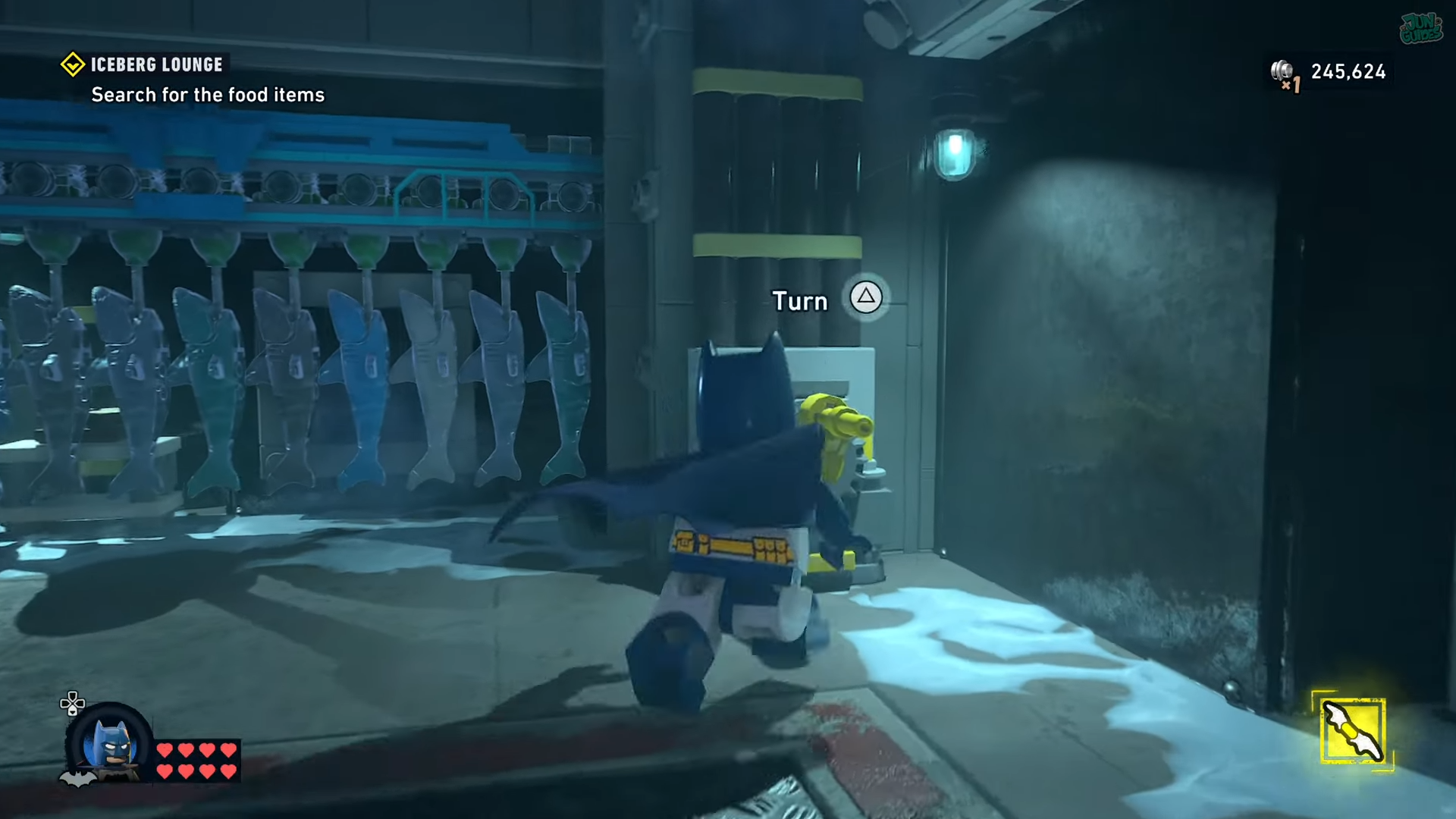
This will move the hanging fish to the side to reveal the food item behind it.
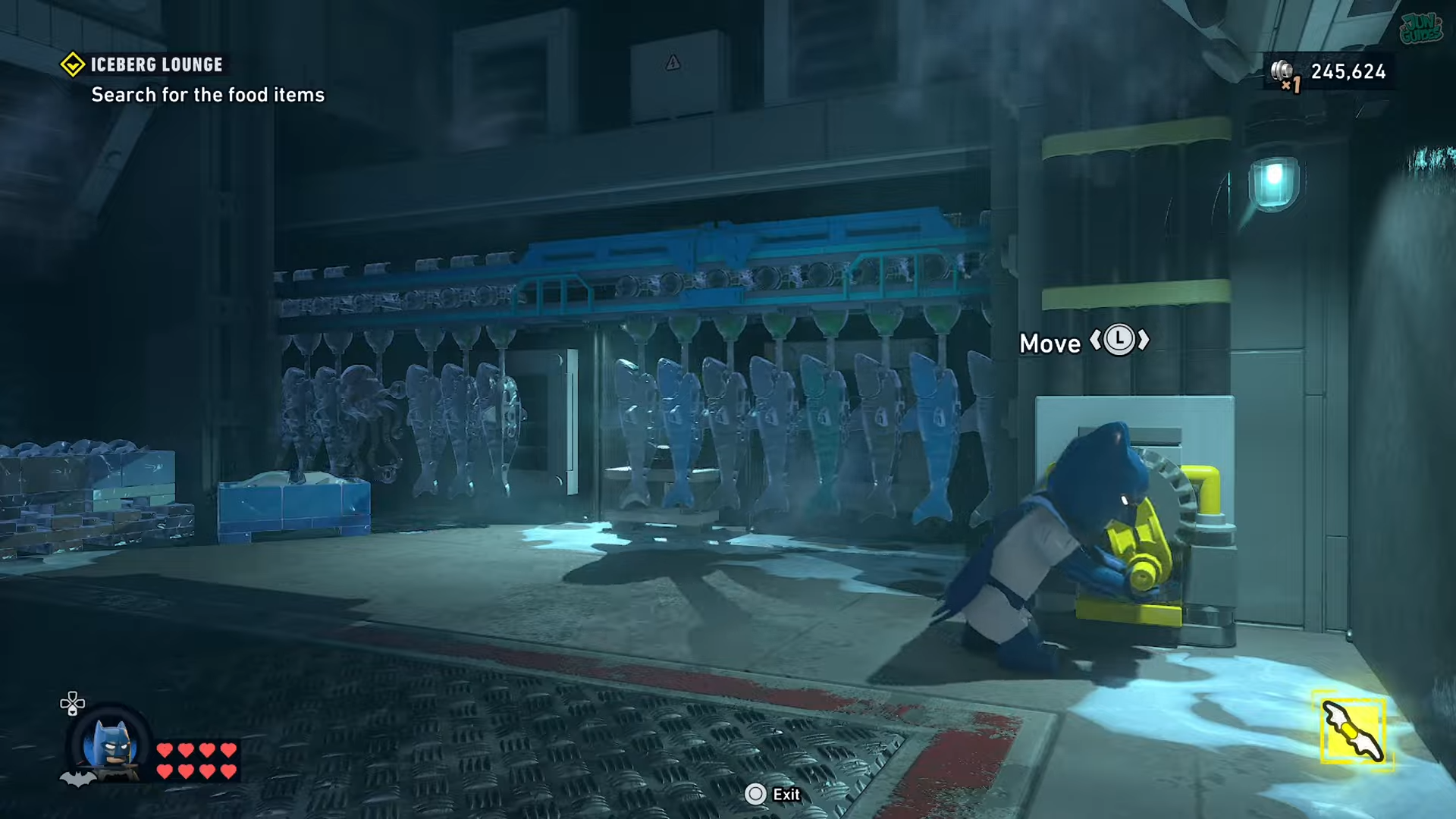
While the first character holds the lever, switch to another character. Then use this character to fetch the food item.
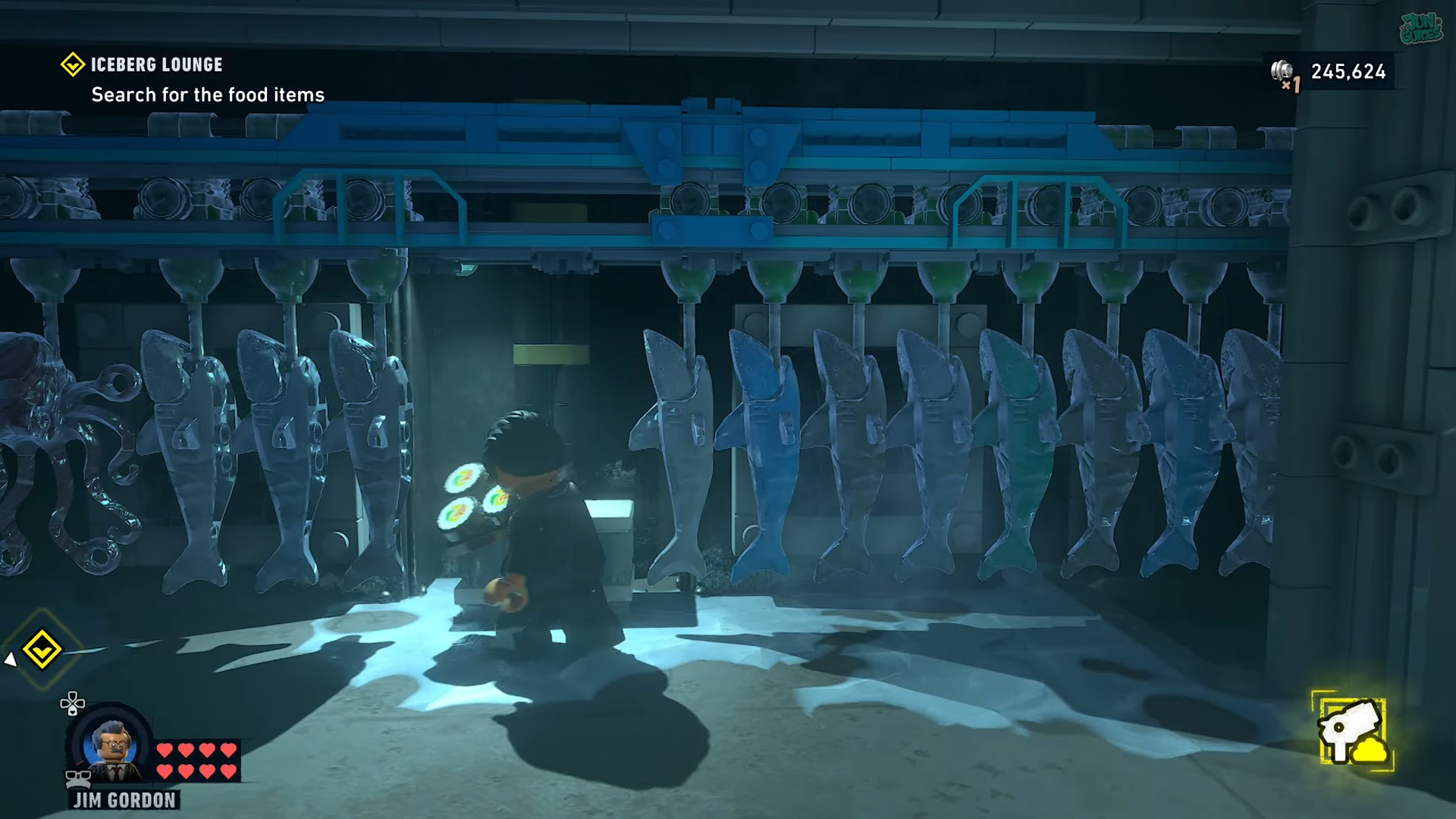
And place it on the food tray.
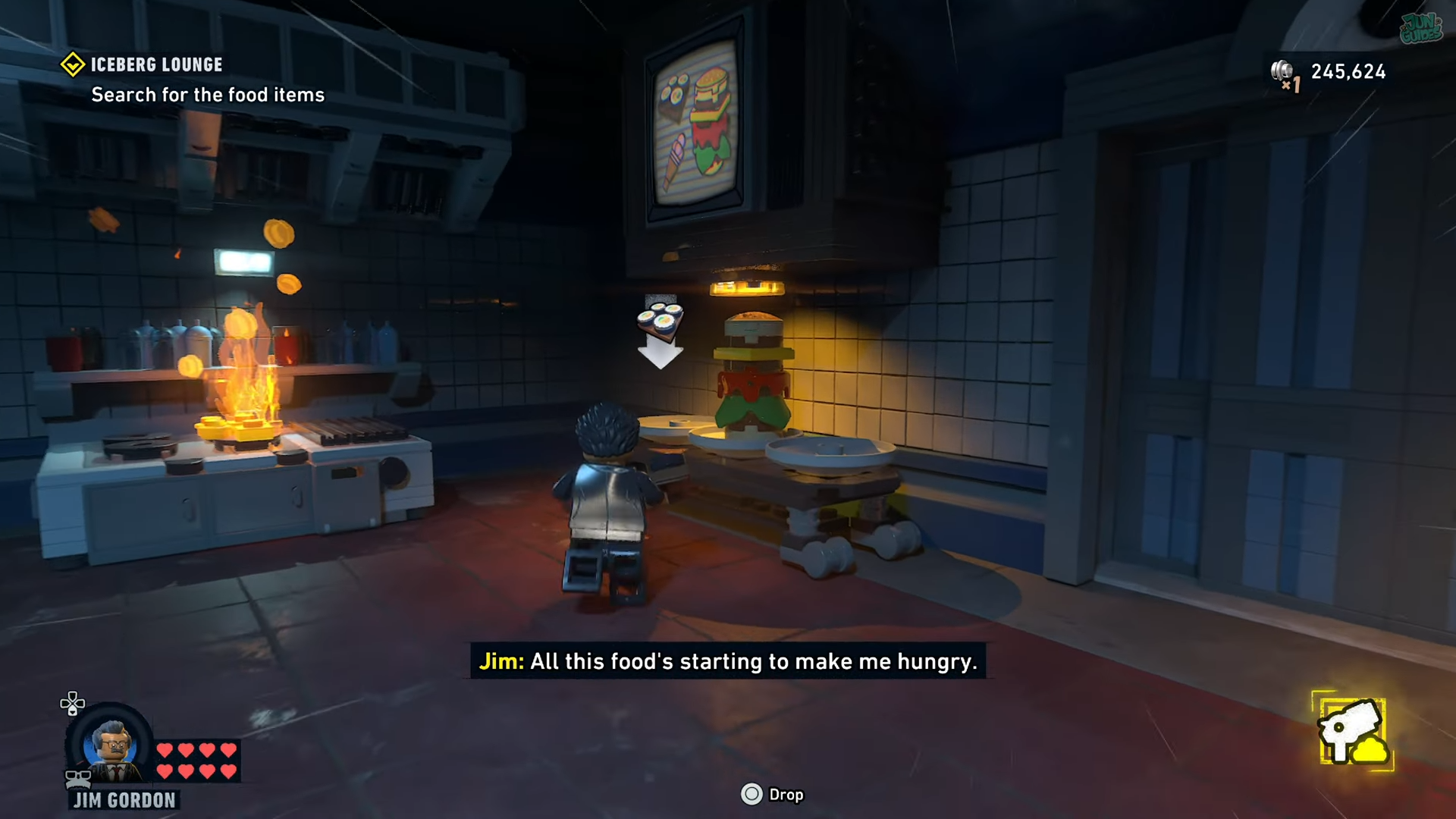
Food Item 3 – Ice Cream
Next, break open the other cold storage lock.
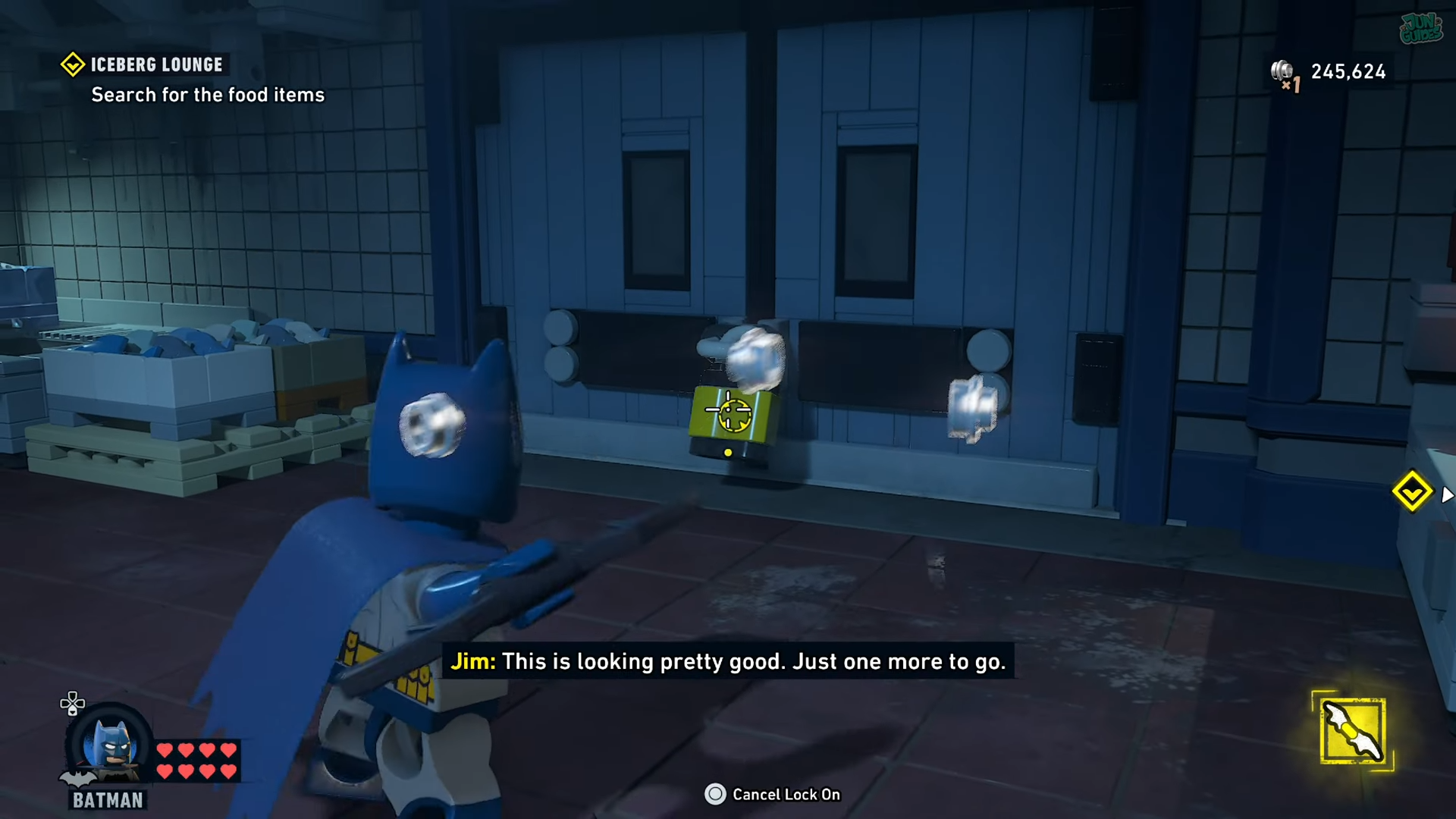
Plug the hole on the left by shooting at it.
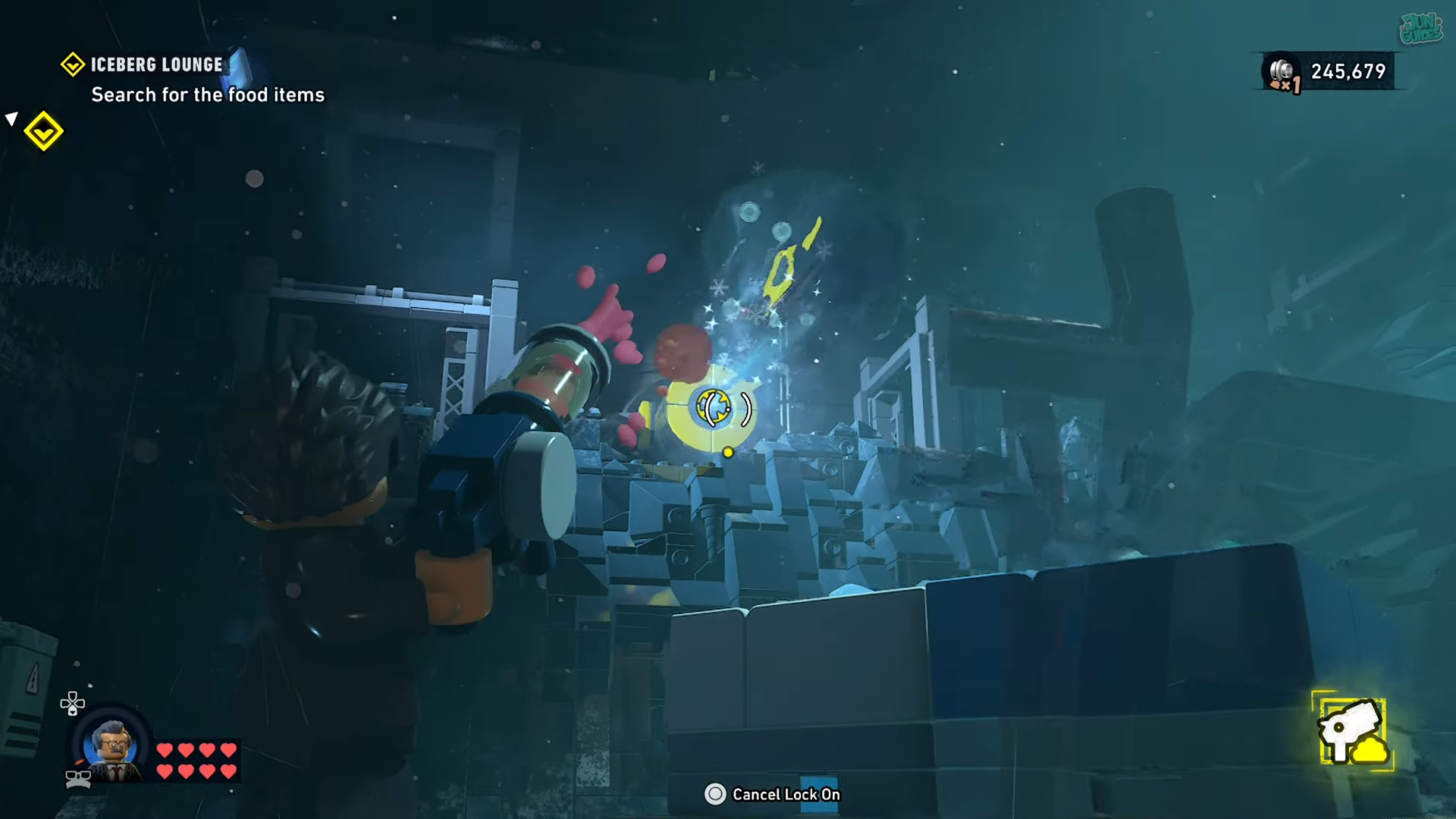
Then look right and plug the second hole by shooting at it.
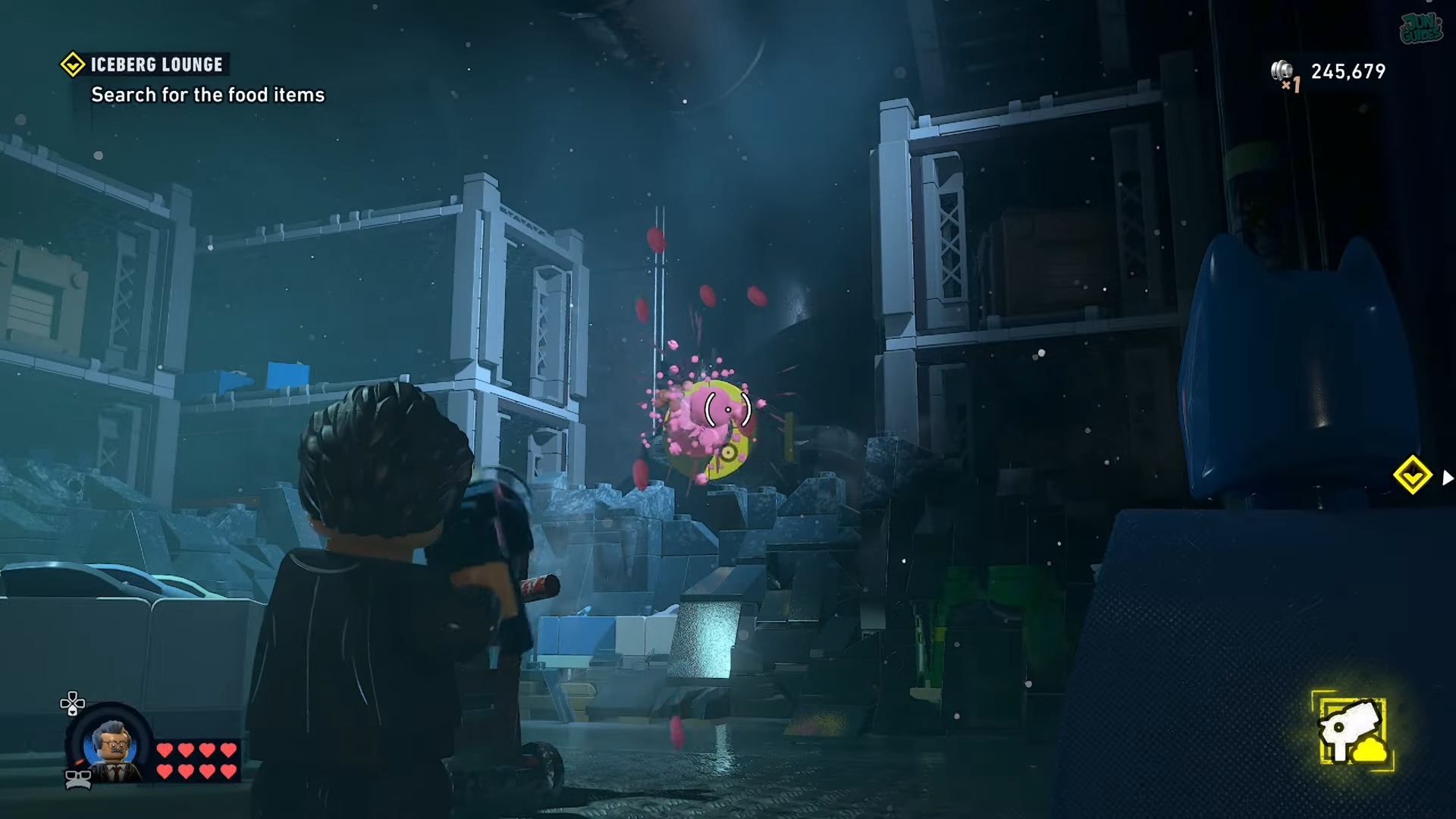
Move to the ice cream container.
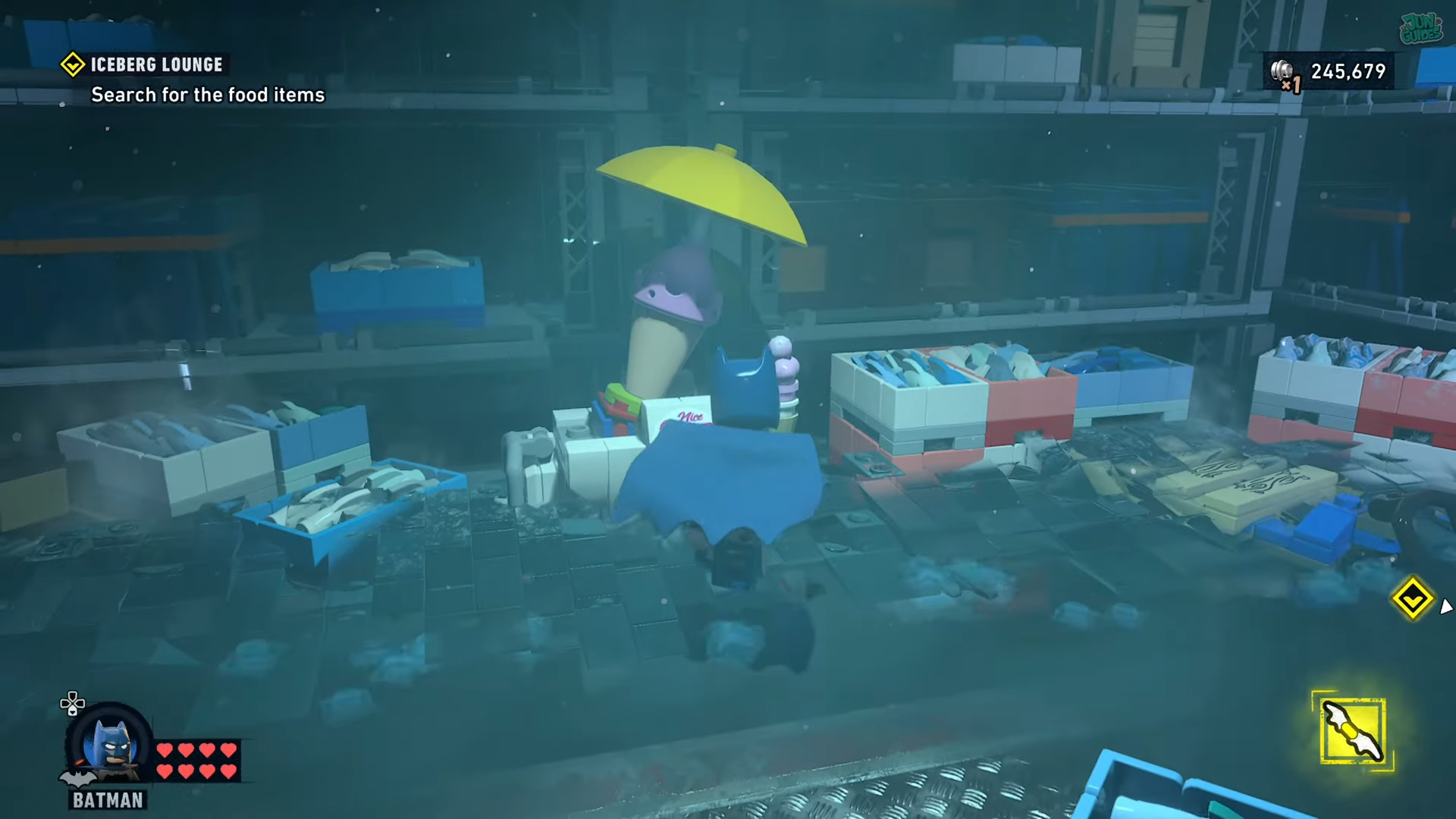
Pick up the ice cream.
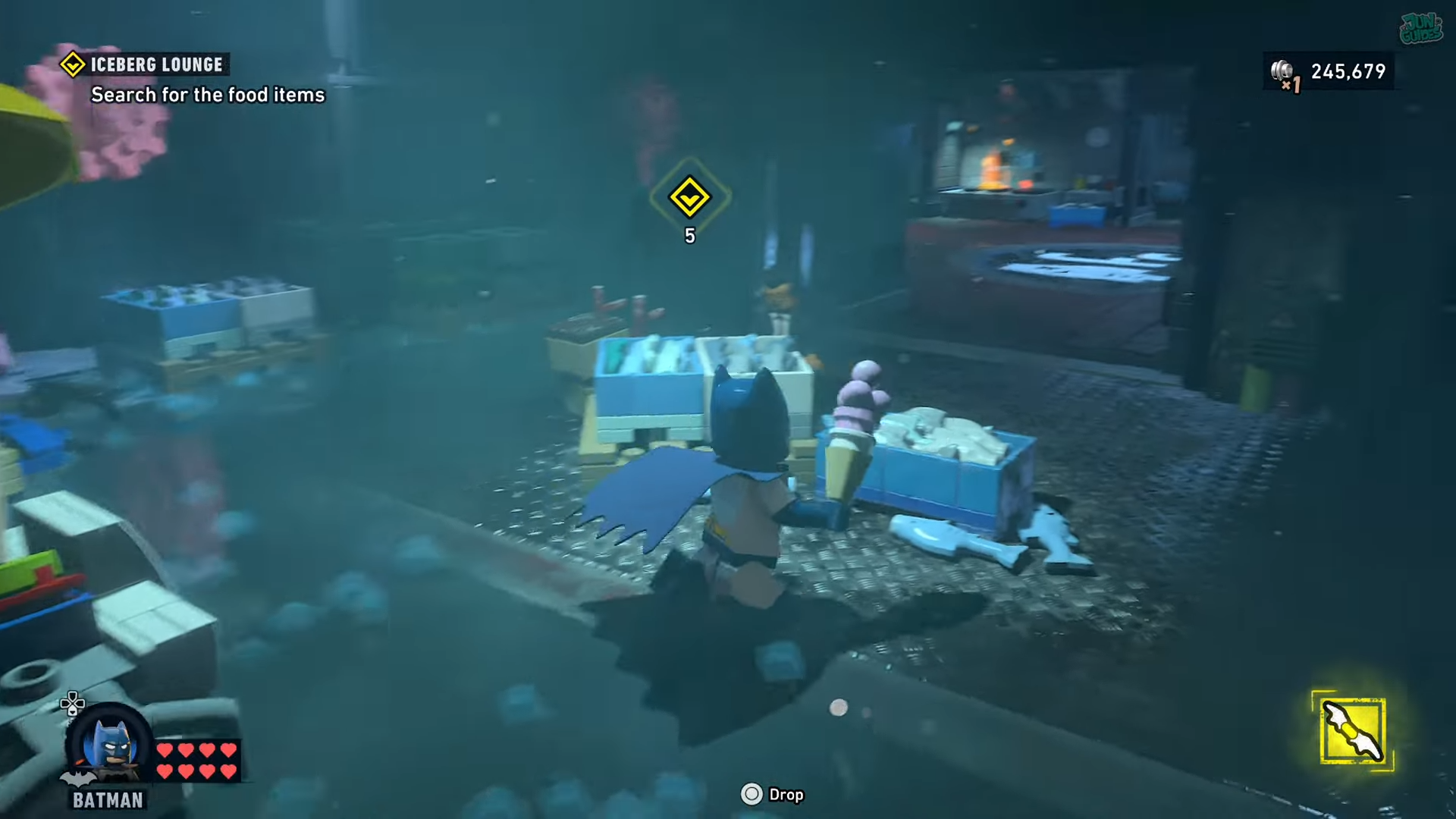
And place it on the tray.
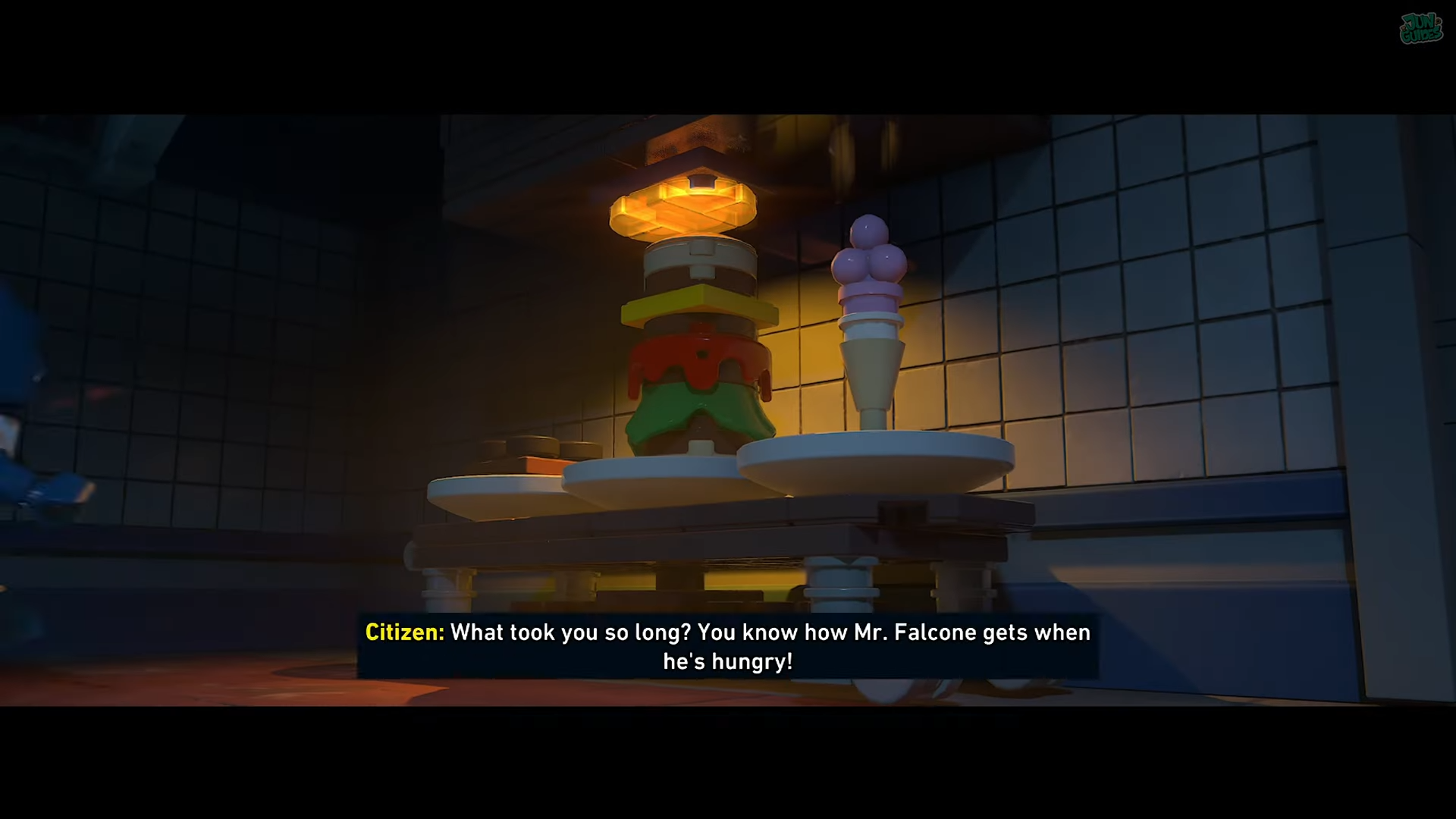
Once every food item has been collected, the sub-mission should be ready to complete.
And that’s how you find all the items for Falcone’s food order.