What to know
- The Portable Oxygen Generator blueprint is found roughly 250 meters southwest of the starting lifepod area.
- You must scan two separate fragments hidden inside a massive living creature.
- Timing is important because the creature periodically closes, dealing damage if you stay inside too long.
- The Portable Oxygen Generator helps extend underwater exploration by supplying oxygen in remote areas.
The Portable Oxygen Generator is one of the more useful early-game survival tools in Subnautica 2, especially if you are exploring deeper biomes before unlocking advanced vehicles or permanent oxygen infrastructure. While the blueprint is relatively close to the spawn region, obtaining it can be stressful because the fragments are hidden inside a dangerous living creature that periodically seals itself shut.
If you know where to go and prepare properly, however, the process becomes much easier.
Subnautica 2 Portable Oxygen Generator explained
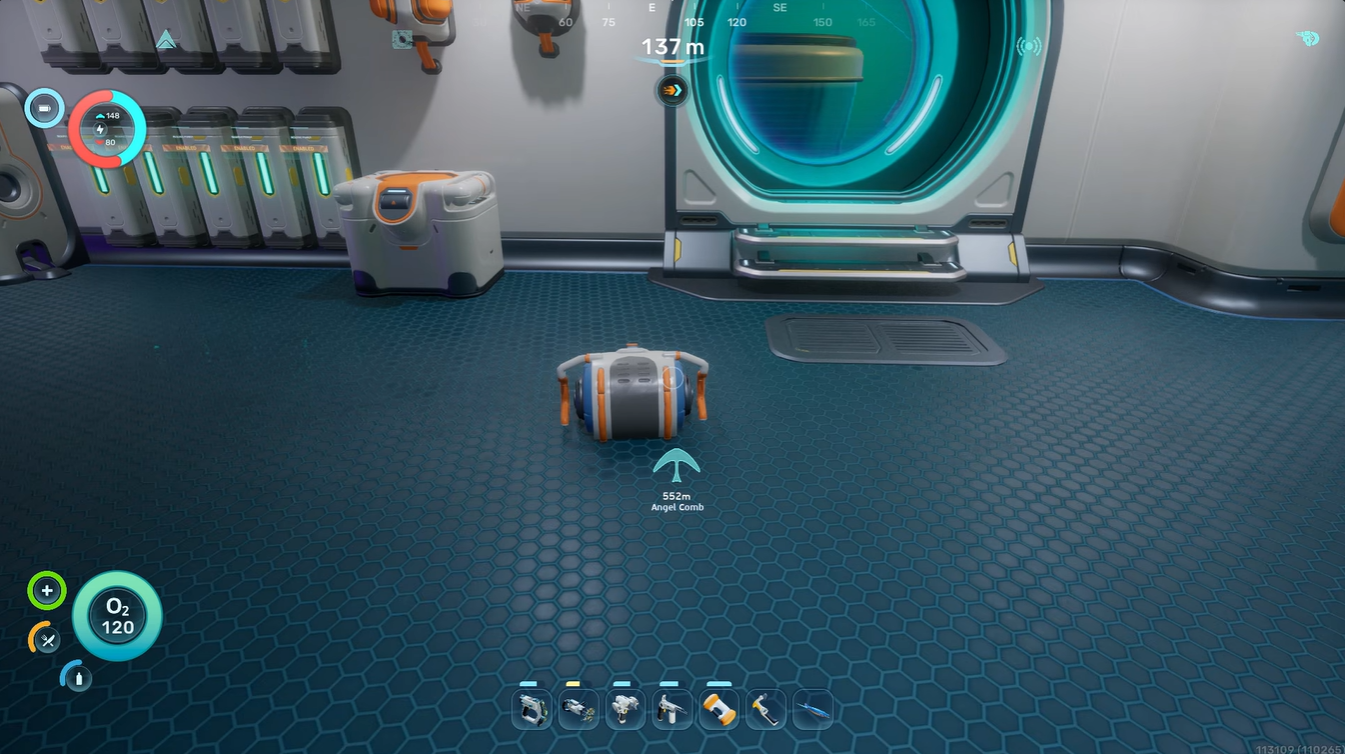
The early hours of Subnautica 2 revolve around oxygen management. Even with upgraded tanks, long cave dives and deep biome exploration can become risky. The Portable Oxygen Generator helps solve this issue by giving you a temporary oxygen source during expeditions.
| Feature | Details |
|---|---|
| Item Type | Survival Equipment |
| Main Use | Provides portable oxygen support |
| Blueprint Requirement | Scan 2 fragments |
| Recommended Direction | Southwest from spawn |
| Approximate Distance | 250 meters |
| Main Hazard | Creature closing while inside |
| Recommended Gear | Scanner, Seaglide, extra oxygen tank |
This makes it especially useful for players exploring wrecks, deep trenches, or resource-heavy cave systems before unlocking advanced submarines. If you frequently find yourself rushing back to the surface, this tool can dramatically improve your survival efficiency.
Where the Portable Oxygen Generator blueprint is located
The blueprint fragments are hidden inside a massive organic creature located southwest of the starting area. The journey itself is fairly short, but the terrain changes noticeably as you approach the correct zone.
The route from the starting area
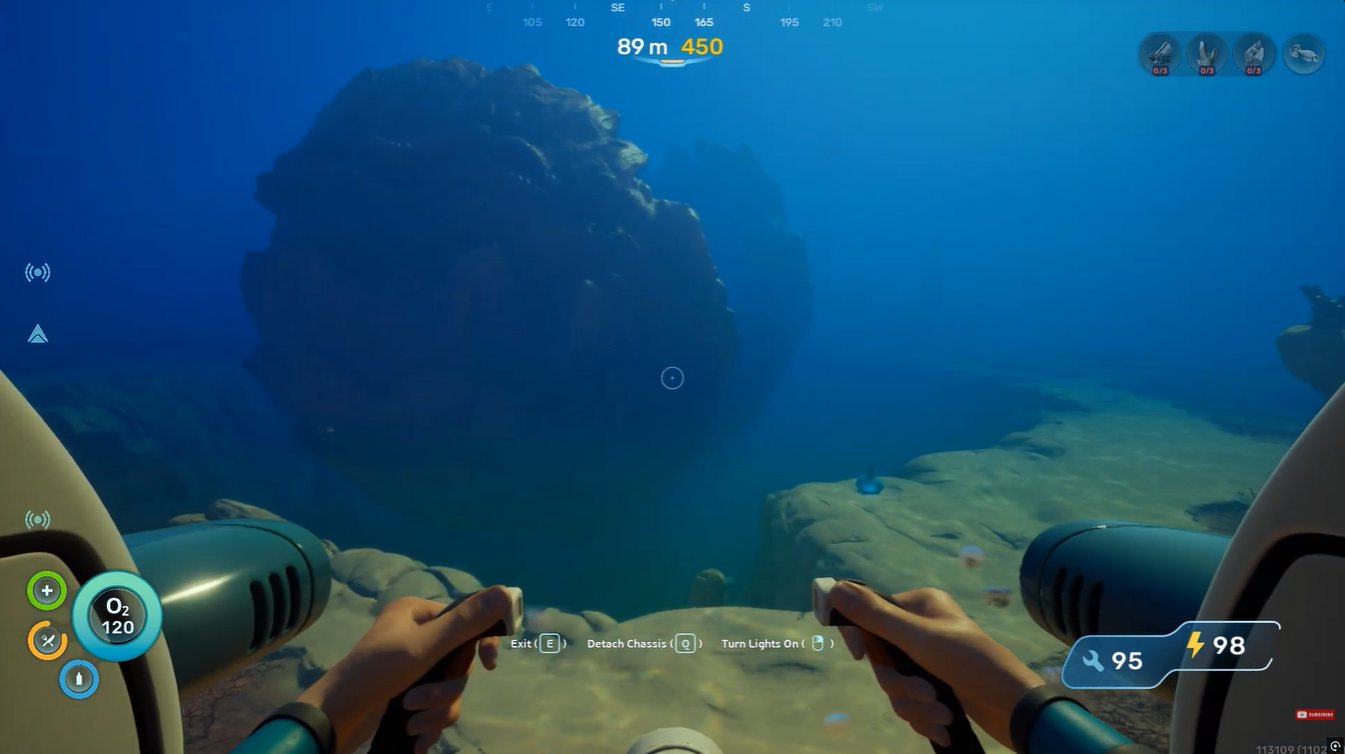
Begin at your spawn location and swim southwest for approximately 250 meters. You will eventually notice the seafloor beginning to slope downward into a deeper region.
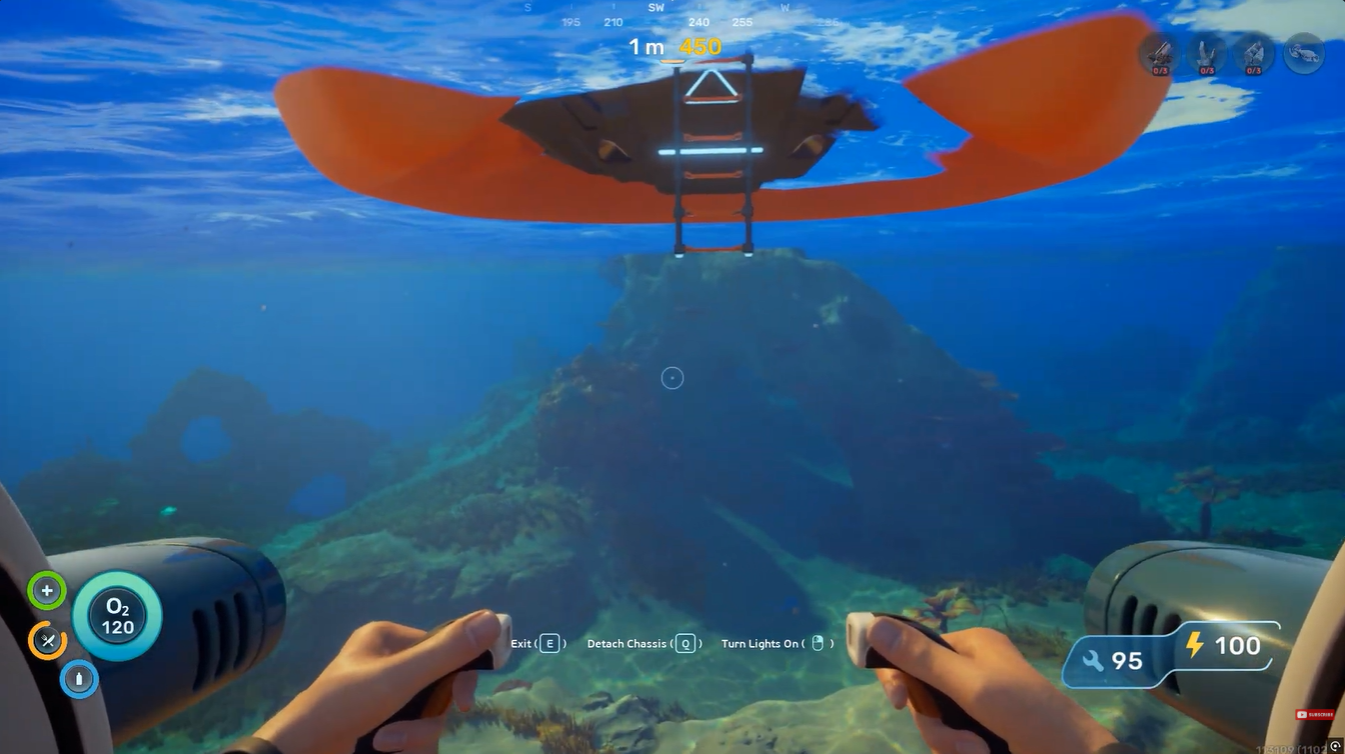
As you continue forward, keep an eye out for wreckage pieces resting on the seabed. One specific ship fragment acts as your main landmark. Once you locate this wreckage on your right-hand side, turn left and continue moving into the nearby open area.
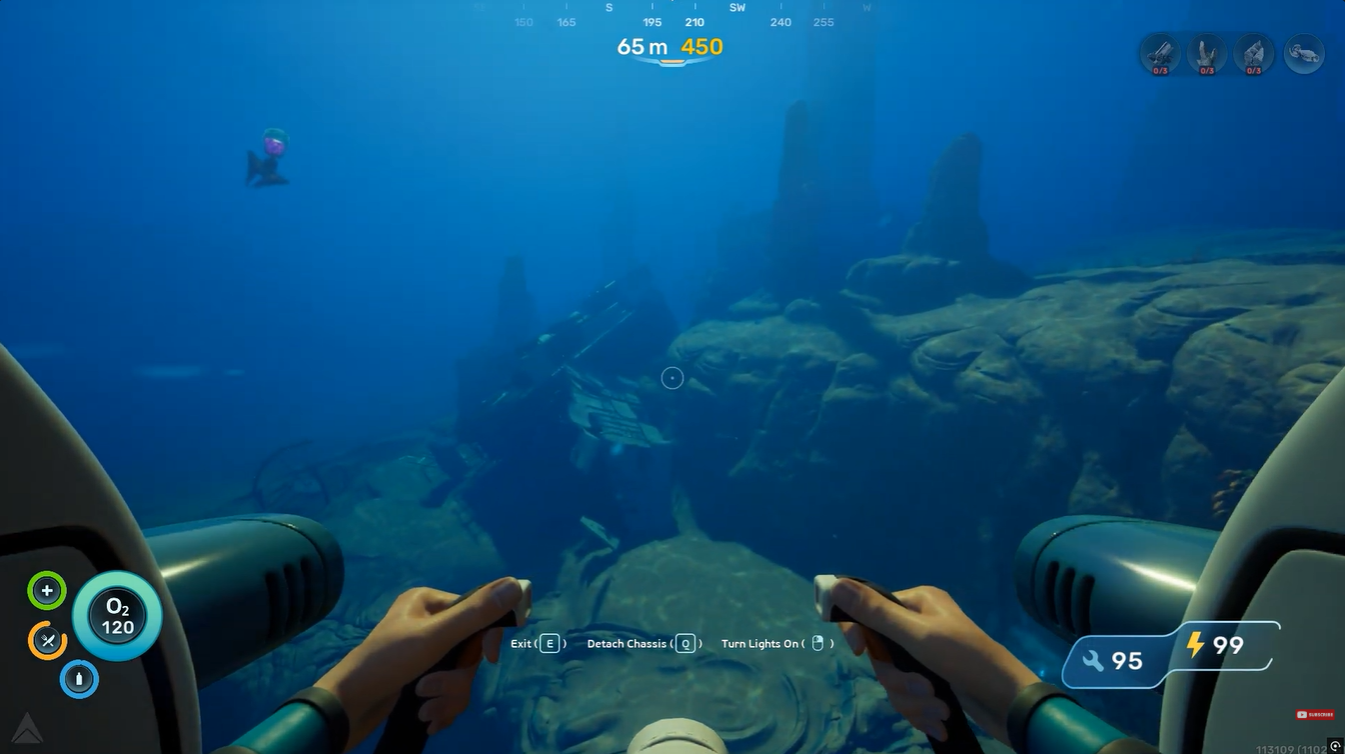
You should soon encounter the large creature that contains the blueprint fragments.
What the creature encounter looks like
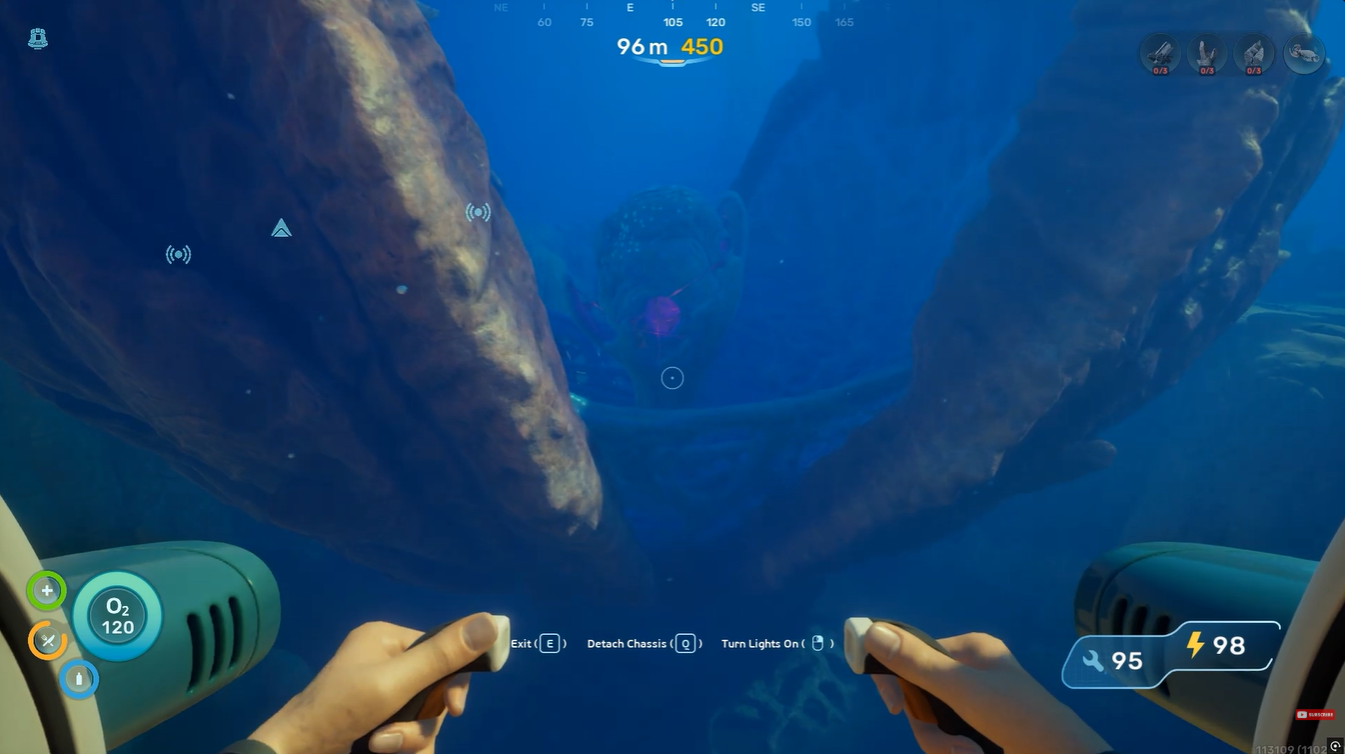
The creature resembles a giant organic shell or pod that periodically opens and closes. The Portable Oxygen Generator fragments are hidden inside its body cavity.
You cannot access the fragments while the creature is closed. Instead, you must wait for it to open naturally before quickly swimming inside.
Staying inside too long is dangerous because the creature will close again and damage you heavily.
How to scan both Portable Oxygen Generator fragments
The process requires two successful scans. Since both fragments are located inside the same creature, patience and timing are extremely important.
How to scan the first fragment
Step 1
Wait outside the creature until it fully opens. Do not rush in early because you need enough time to scan and escape.
Step 2
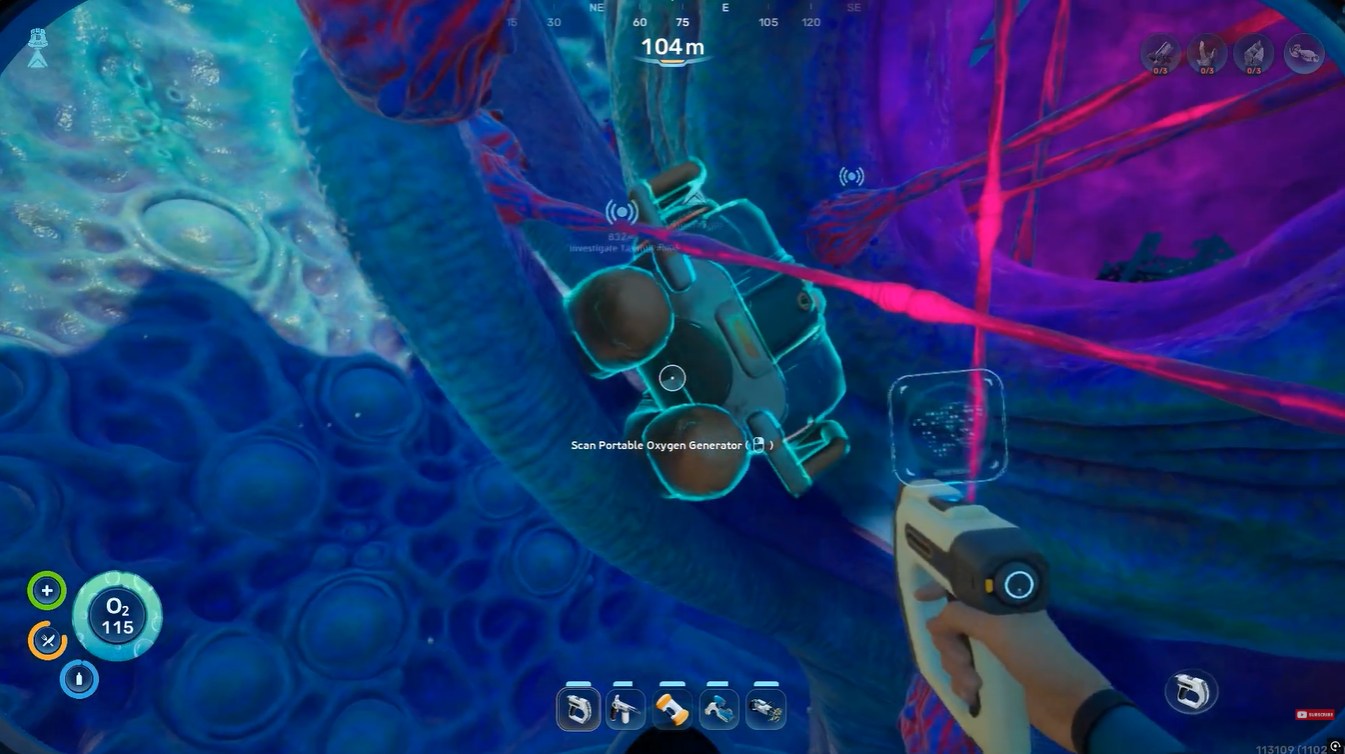
Once it opens, swim inside immediately and locate the first scannable object. Use your scanner to complete the scan as quickly as possible.
Step 3
Exit the creature immediately after the scan finishes. Remaining inside too long can result in the creature closing on you and causing major damage.
How to scan the second fragment
Step 1
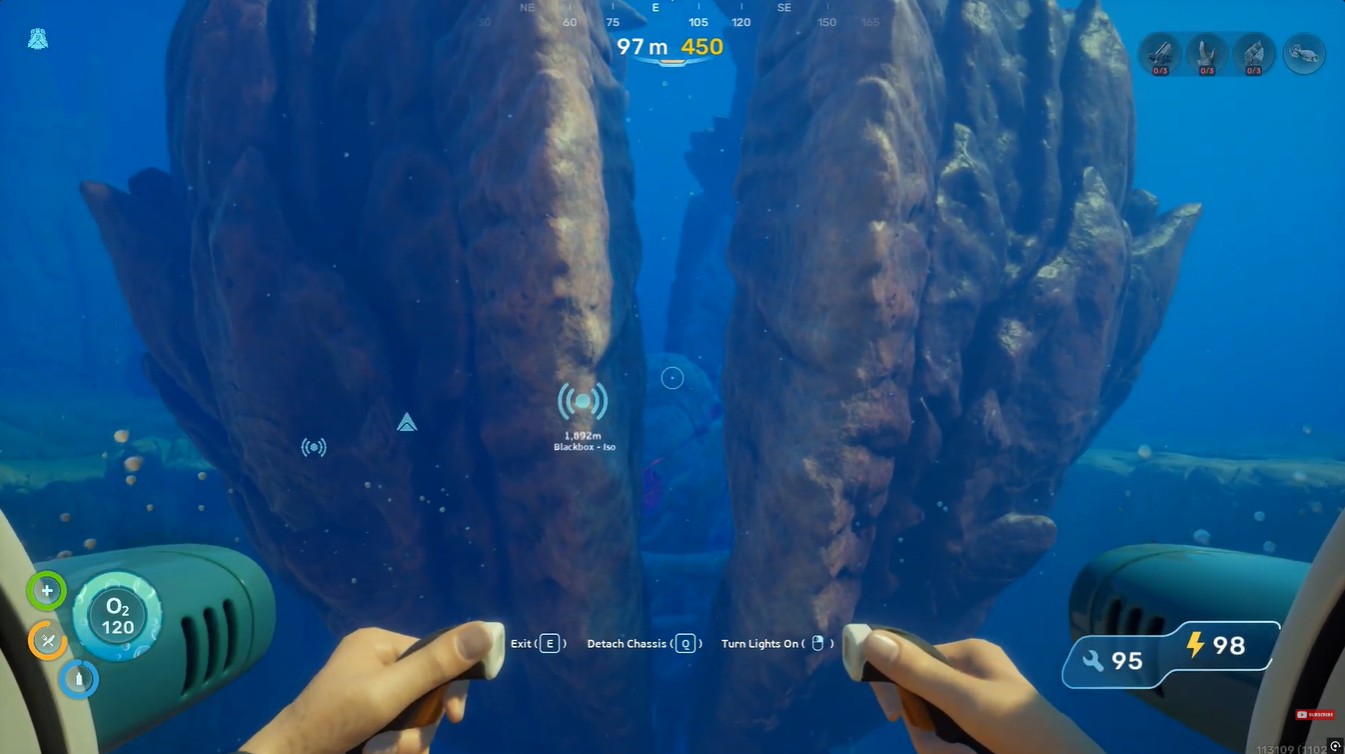
After escaping, remain nearby and wait for the creature to reopen. This usually takes a short amount of time. Swim back inside once the opening animation begins.
Step 2
Locate the second blueprint fragment positioned in the same internal chamber. Complete the second scan and leave immediately before the creature closes again.
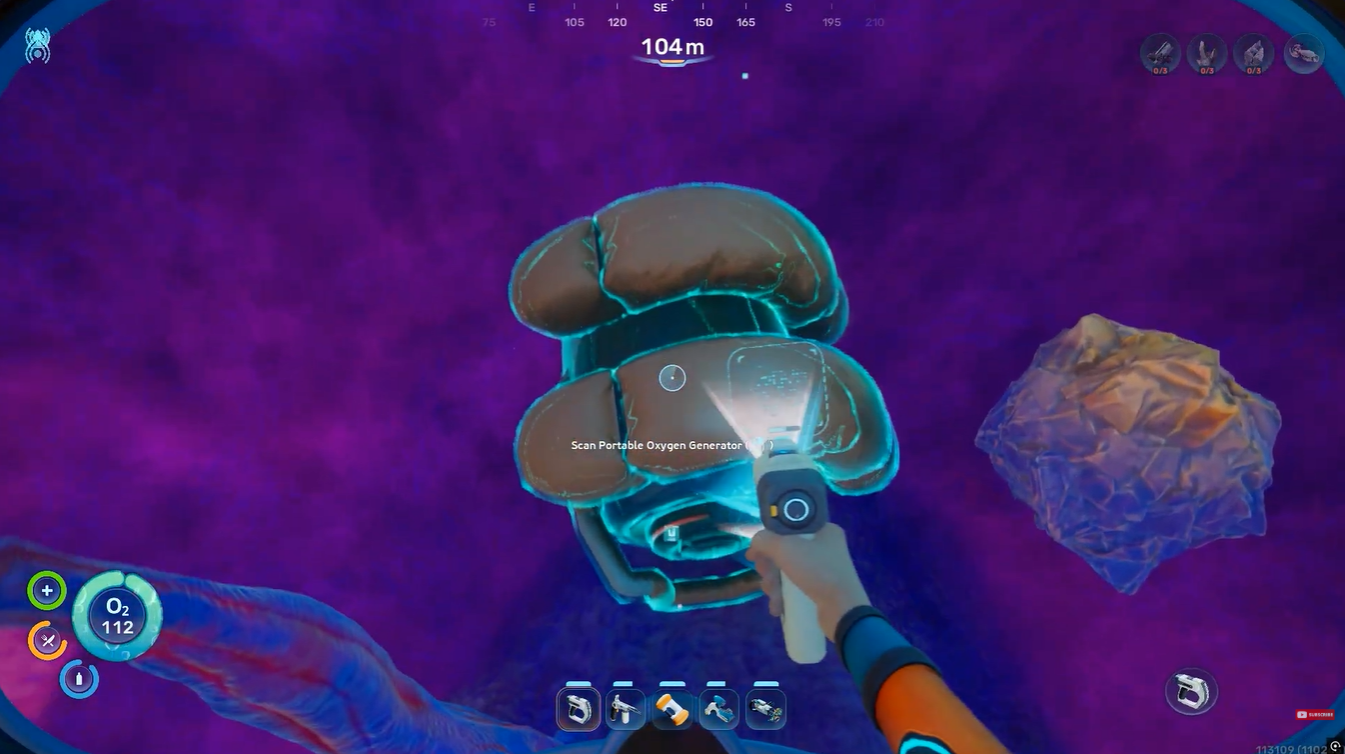
Once both fragments are scanned successfully, the Portable Oxygen Generator blueprint unlocks automatically. You will also find Lithium here.
What the Portable Oxygen Generator does
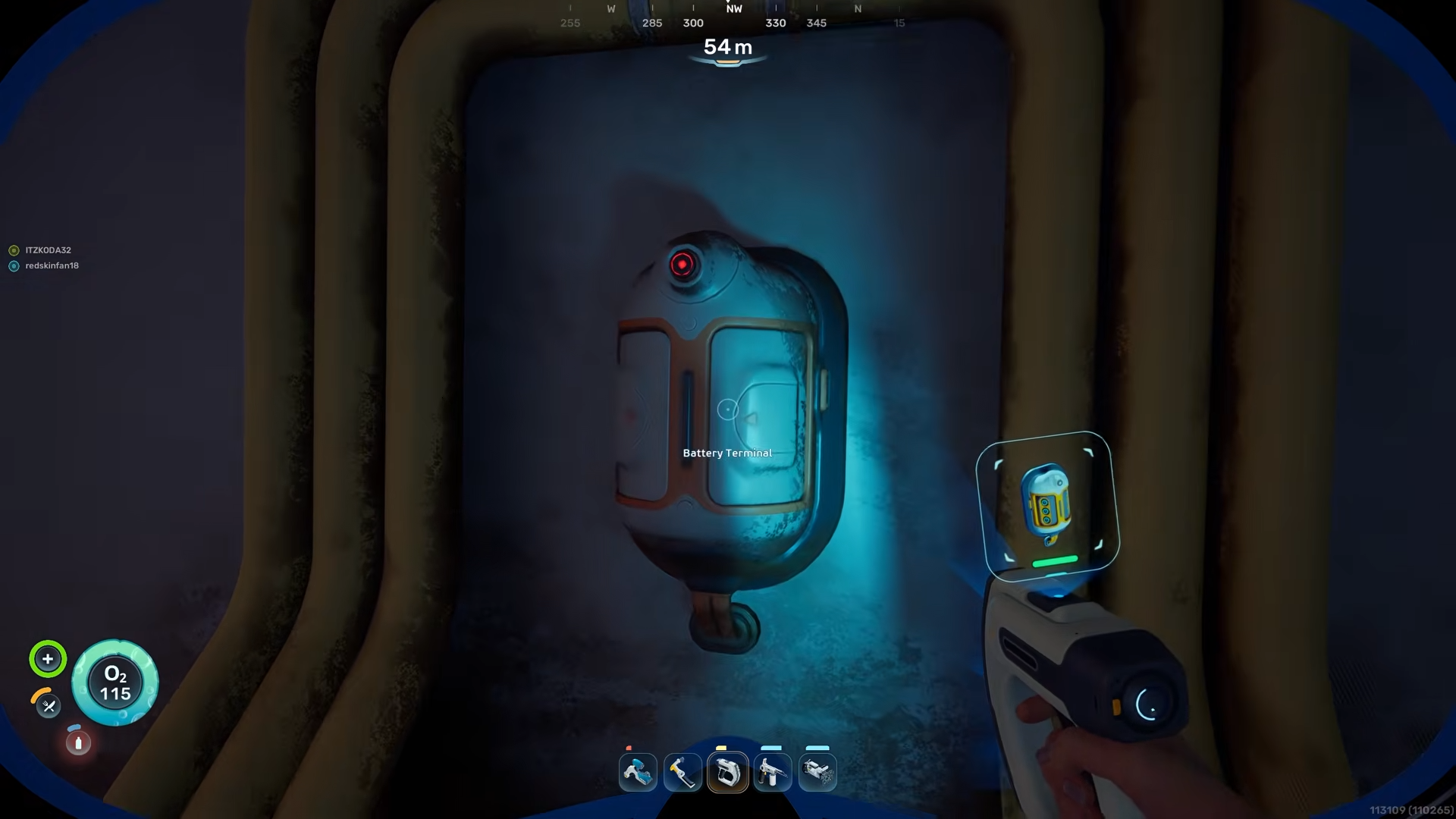
The Portable Oxygen Generator creates oxygen gradually while active. It works through electrolysis and requires a battery to function.
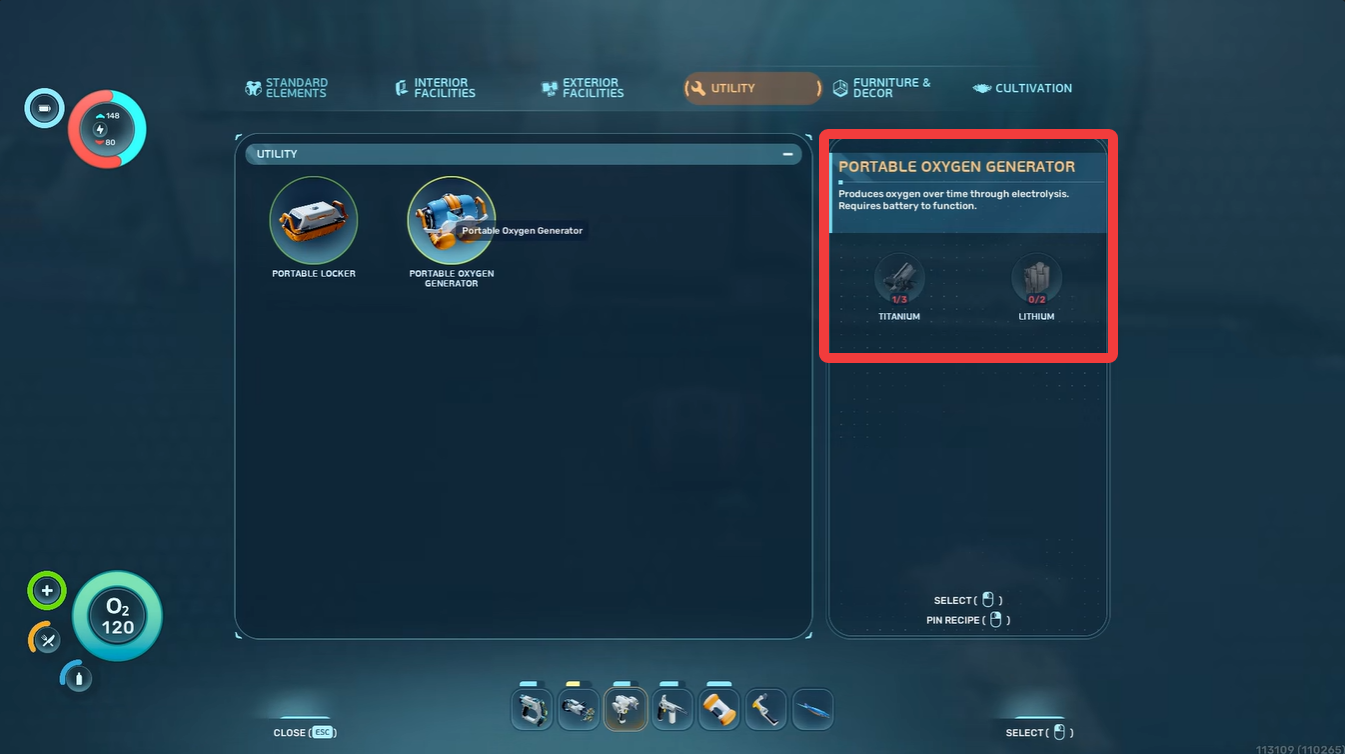
This makes it extremely useful during long underwater expeditions where returning to the surface repeatedly becomes dangerous or inefficient. Players often use it while:
- Exploring deep cave systems
- Searching alien ruins
- Farming rare resources
- Investigating wreckage zones
- Traveling far from oxygen-producing bases
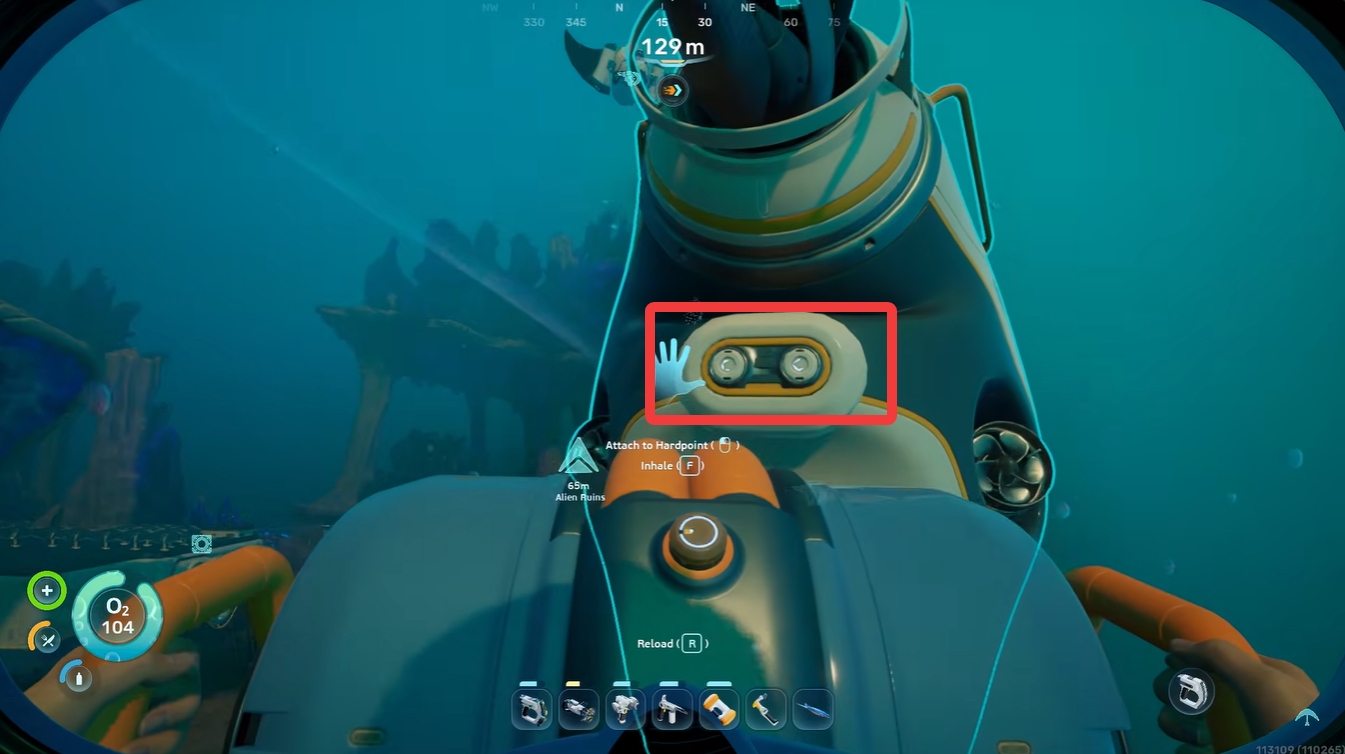
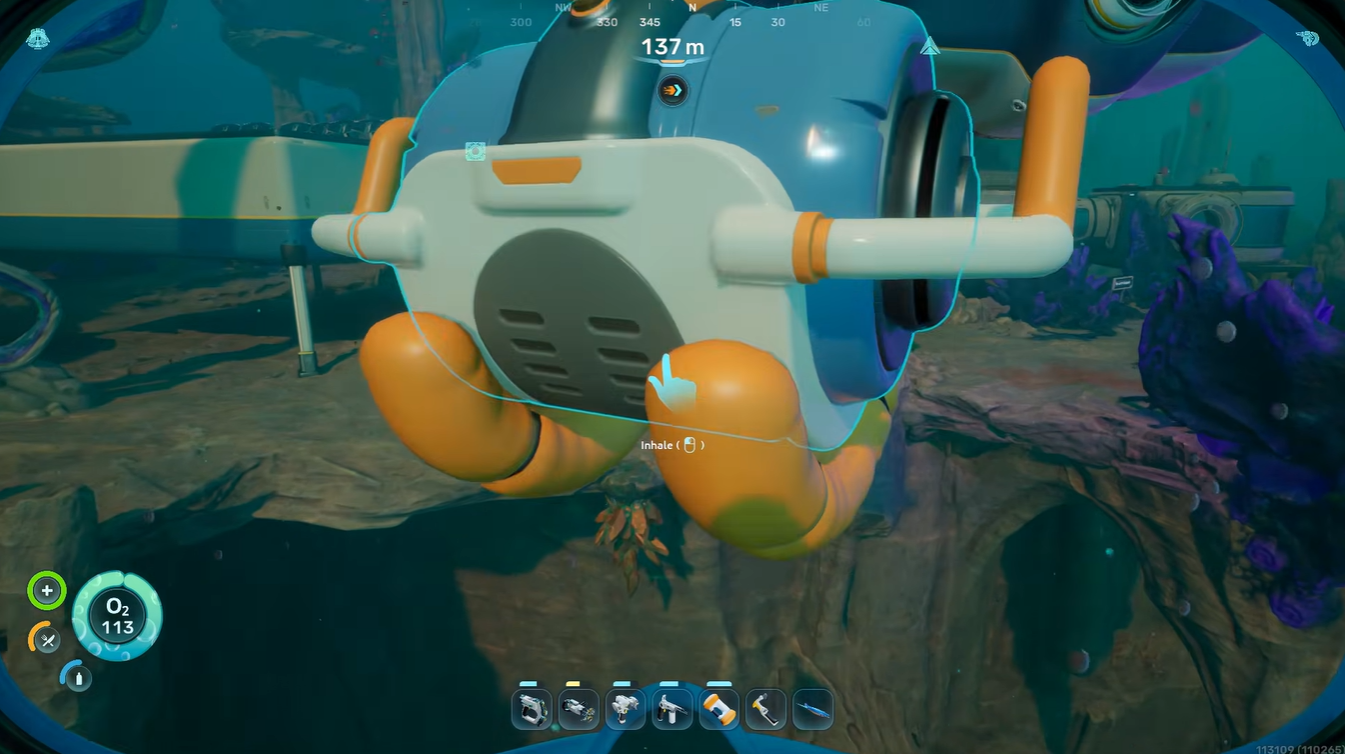
The device becomes even more valuable during mid-game progression when exploration depth increases significantly. To use the Portable Oxygen Generator, insert a battery into it and plug it into your Tadpole vehicle’s rear end.
Portable Oxygen Generator crafting recipe
After unlocking the blueprint, you can craft the Portable Oxygen Generator using the following materials:
| Material | Amount |
|---|---|
| Titanium | 3 |
| Lithium | 2 |
| Battery | Required for operation |
Tips that make the encounter easier
A common mistake is entering the creature too early. The safest strategy is waiting until the opening animation fully finishes before moving inside.
Using a Seaglide can significantly reduce danger because it allows faster entry and escape. Players without upgraded oxygen capacity should also avoid panicking while scanning, since wasted movement can consume valuable oxygen.
Another useful trick is clearing your inventory beforehand so you can focus entirely on movement and scanning rather than item management.
Why the Portable Oxygen Generator is useful
| Complementary Gear | Benefit |
|---|---|
| Seaglide | Faster movement between oxygen points |
| High Capacity Tank | Longer dive duration |
| Depth Modules | Safer deep biome exploration |
| Portable Beacons | Easier navigation in cave systems |
Many underwater regions in Subnautica 2 contain long exploration paths with limited oxygen access. Even upgraded oxygen tanks eventually become limiting during deep dives.
The Portable Oxygen Generator helps solve this problem by giving you a temporary oxygen solution while staying mobile.
This allows you to explore more aggressively without constantly retreating to the surface.