What to know
- Solar Panels generate very little or no power at night, making stored energy essential.
- Power Storage systems automatically save excess daytime electricity for nighttime use.
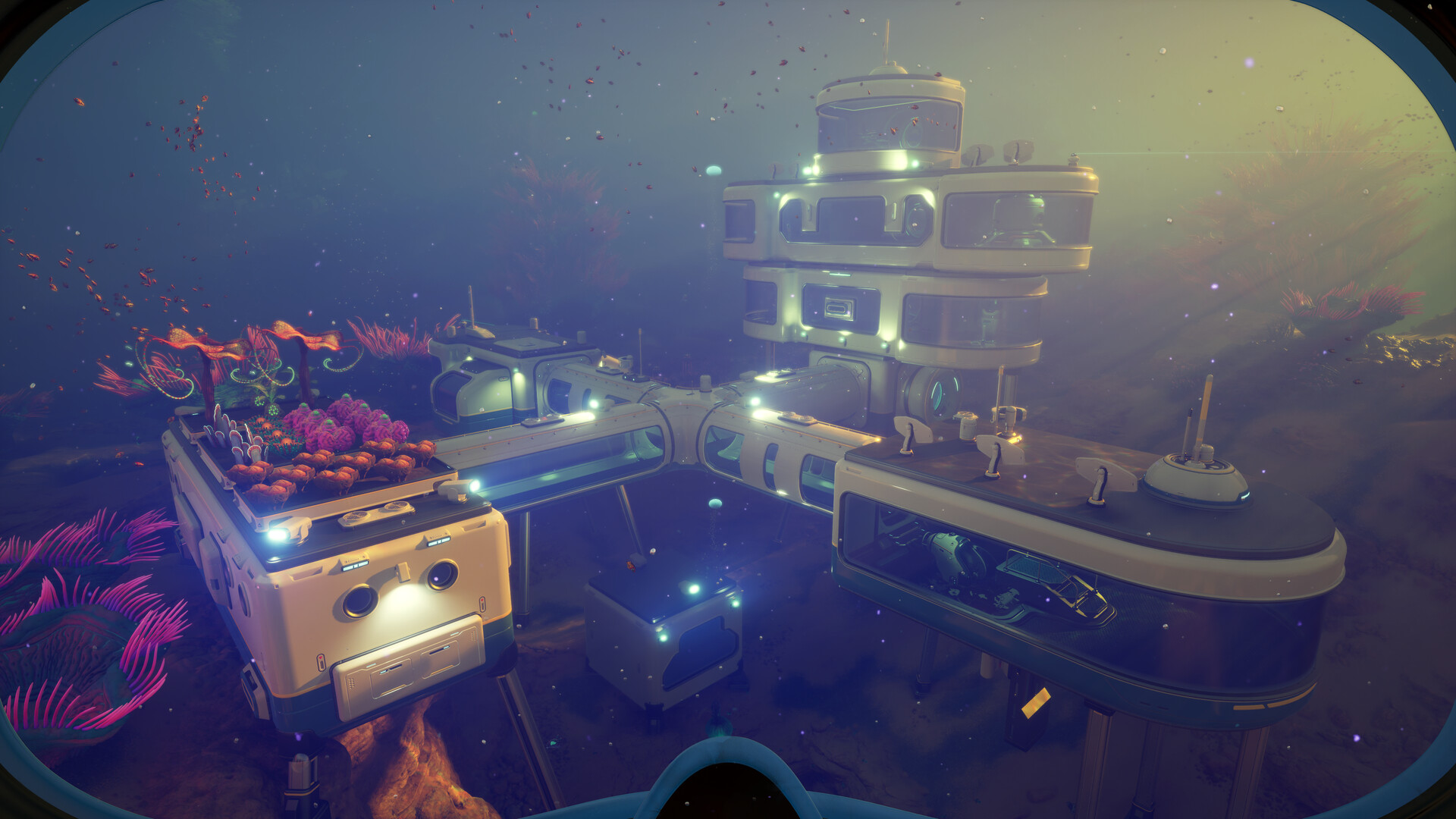
- Building shallow bases improves solar efficiency and helps charge storage faster.
- Large devices like Processors and Scanner Stations drain power quickly overnight.
Managing electricity becomes one of the biggest survival challenges once you start building permanent habitats in Subnautica 2. Early-game bases usually rely on Solar Panels because they are inexpensive and easy to unlock, but they become unreliable after dark. Once night falls, your habitat can suddenly lose oxygen support, crafting access, and lighting if your stored power runs out.
Recent guides and player testing confirm that Power Storage is the primary solution for nighttime power management, allowing bases to continue operating after solar generation drops.
Quick overview of nighttime power in Subnautica 2
| Feature | Details |
|---|---|
| Main Early Power Source | Solar Panels |
| Problem at Night | Solar output drops heavily |
| Best Solution | Power Storage |
| Important Supporting Structure | Additional Solar Panels |
| Major Power Drains | Processor, Scanner Station |
| Best Base Depth | Near surface |
| Long-Term Upgrade | Hydroelectric or advanced generators |
Why power shuts down at night
According to recent habitat-building guides for Subnautica 2, Solar Panels lose most or all efficiency after sunset. Depth also affects production, meaning deeper bases receive weaker charging performance even during the day.
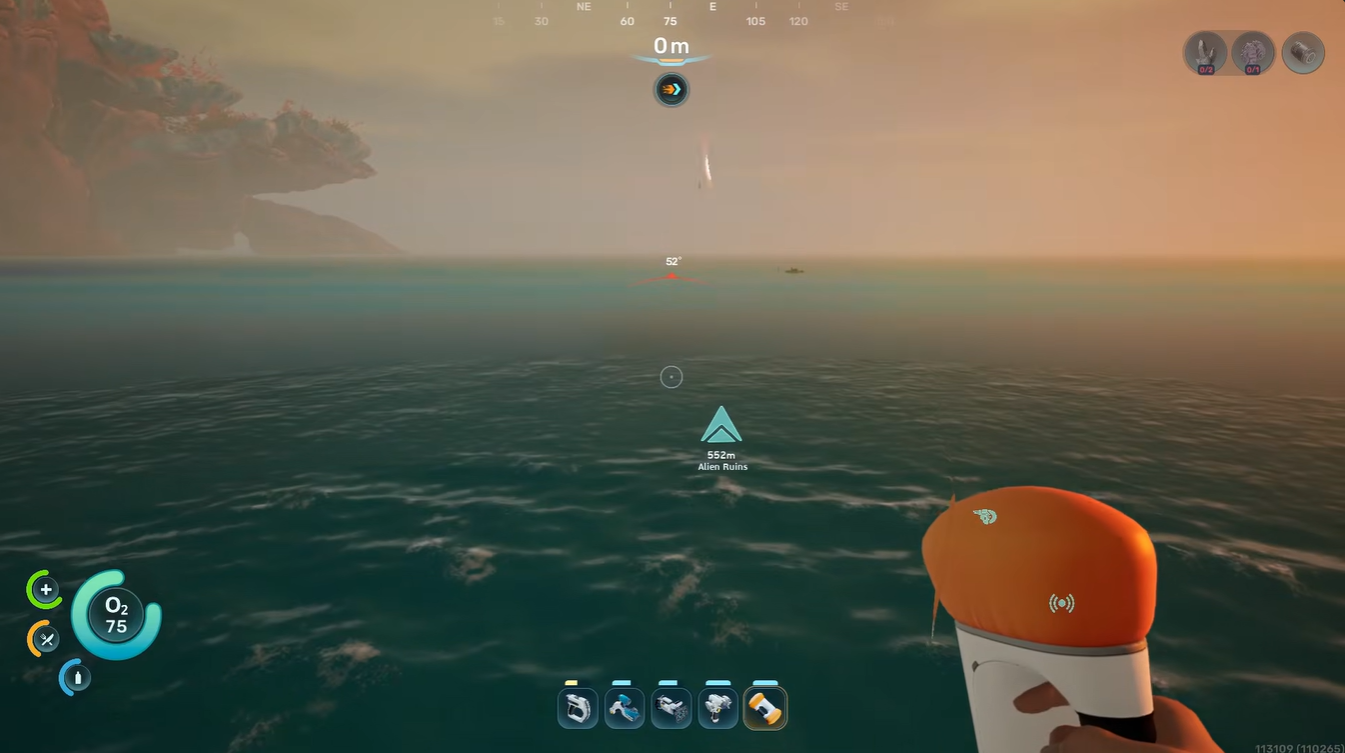
That creates a common early-game issue where players build several machines but do not generate enough reserve energy before nighttime begins.
When your base consumes more electricity than it stores, systems start shutting down automatically. This can disable:
| System | Effect |
|---|---|
| Fabricator | Crafting unavailable |
| Life support | Oxygen supply affected |
| Interior lighting | Habitat becomes dark |
| Scanner Station | Stops scanning |
| Processor | Refinement disabled |
How Power Storage works
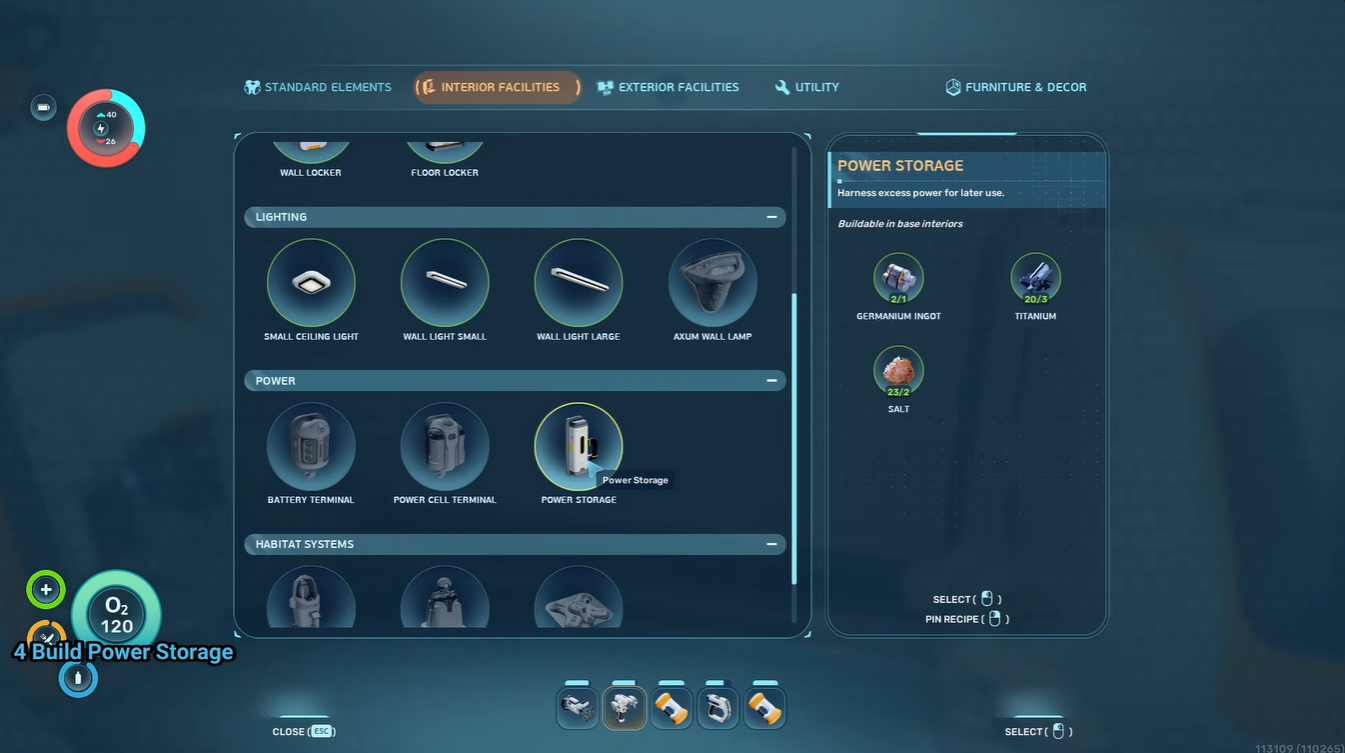
Power Storage functions as a battery reserve connected to your habitat grid. During the day, unused electricity from Solar Panels gets stored automatically. Once solar generation drops at night, your habitat begins consuming stored power instead.
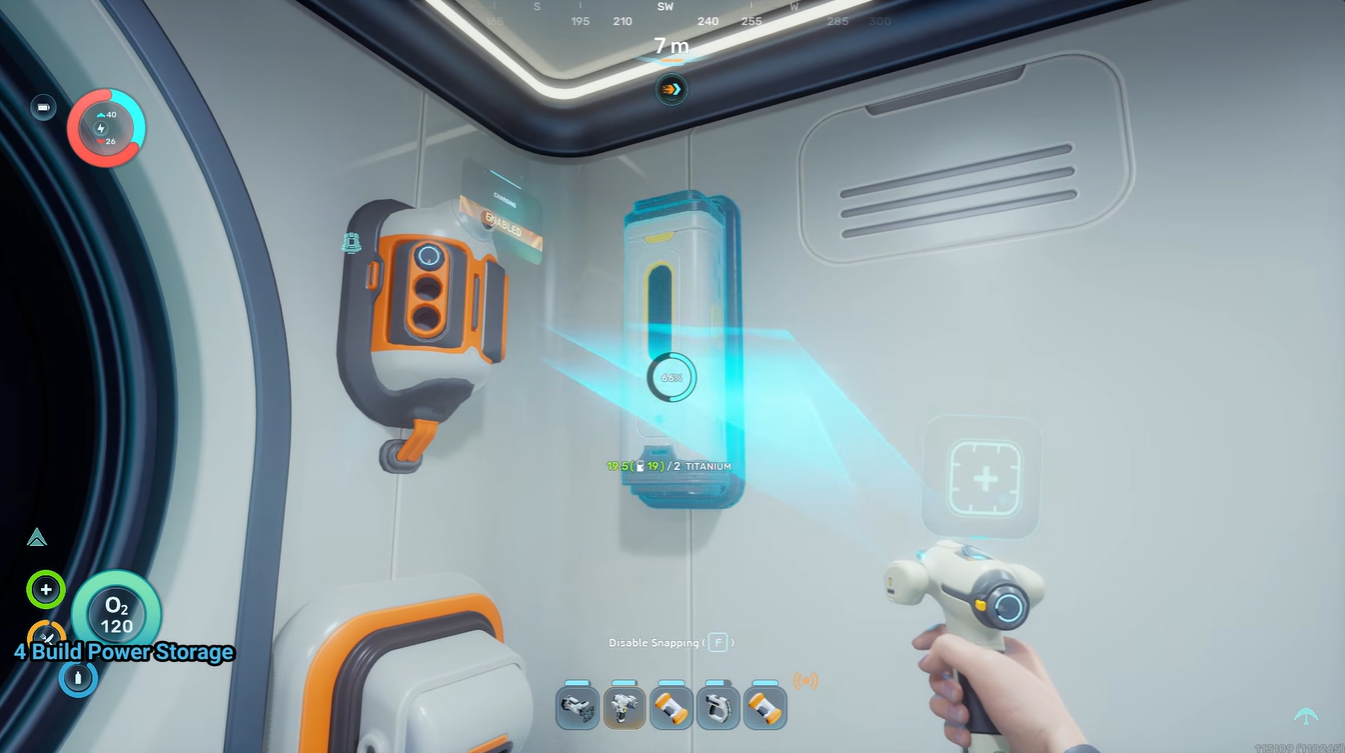
You do not need to manually switch anything on or off. The process is automatic as long as your habitat has enough generation capacity during daylight hours.
Recent gameplay breakdowns explain that having storage alone is not enough. Your Solar Panels must produce surplus electricity during the day or the storage system will never fully charge.
How to unlock Power Storage
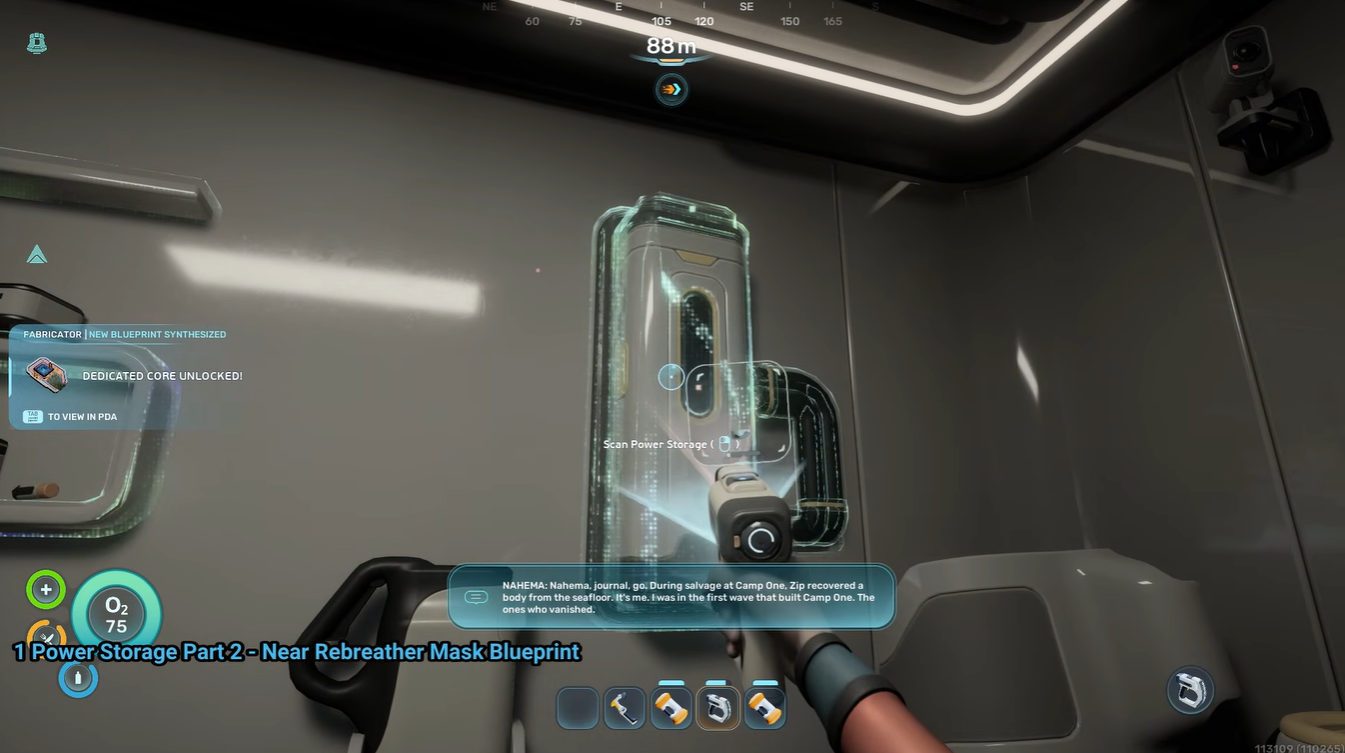
Power-related blueprints are commonly found near wrecks, abandoned habitat structures, and exploration zones containing construction technology. Like many advanced structures in Subnautica 2, the blueprint must usually be scanned before crafting becomes available.
| Area Type | Common Finds |
|---|---|
| Habitat ruins | Utility modules |
| Wreck interiors | Storage fragments |
| Research facilities | Power infrastructure |
| Lower-depth trenches | Advanced blueprints |
Bringing a Scanner is essential because many upgrades are fragment-based unlocks.
How to keep your base powered through the night
Step 1
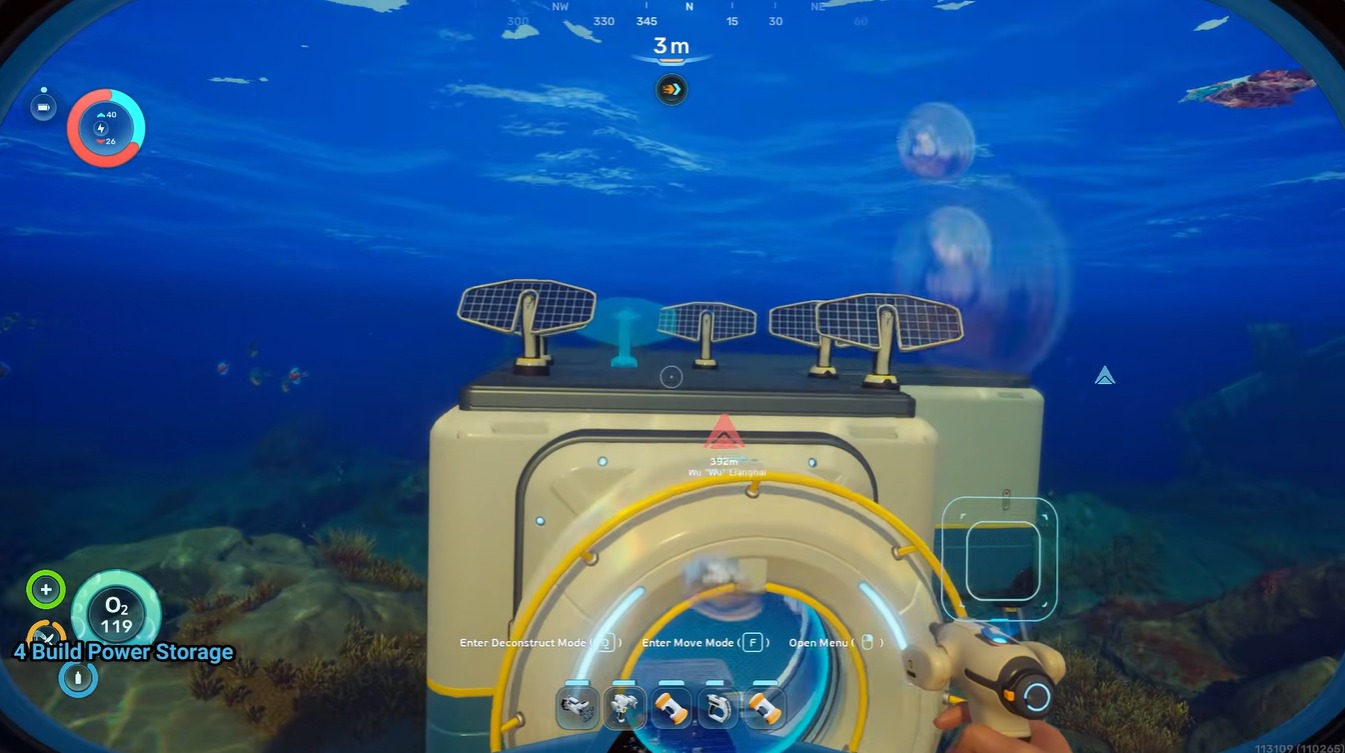
Build multiple Solar Panels first instead of relying on a single unit. One panel rarely creates enough excess electricity to sustain overnight operations.
Step 2
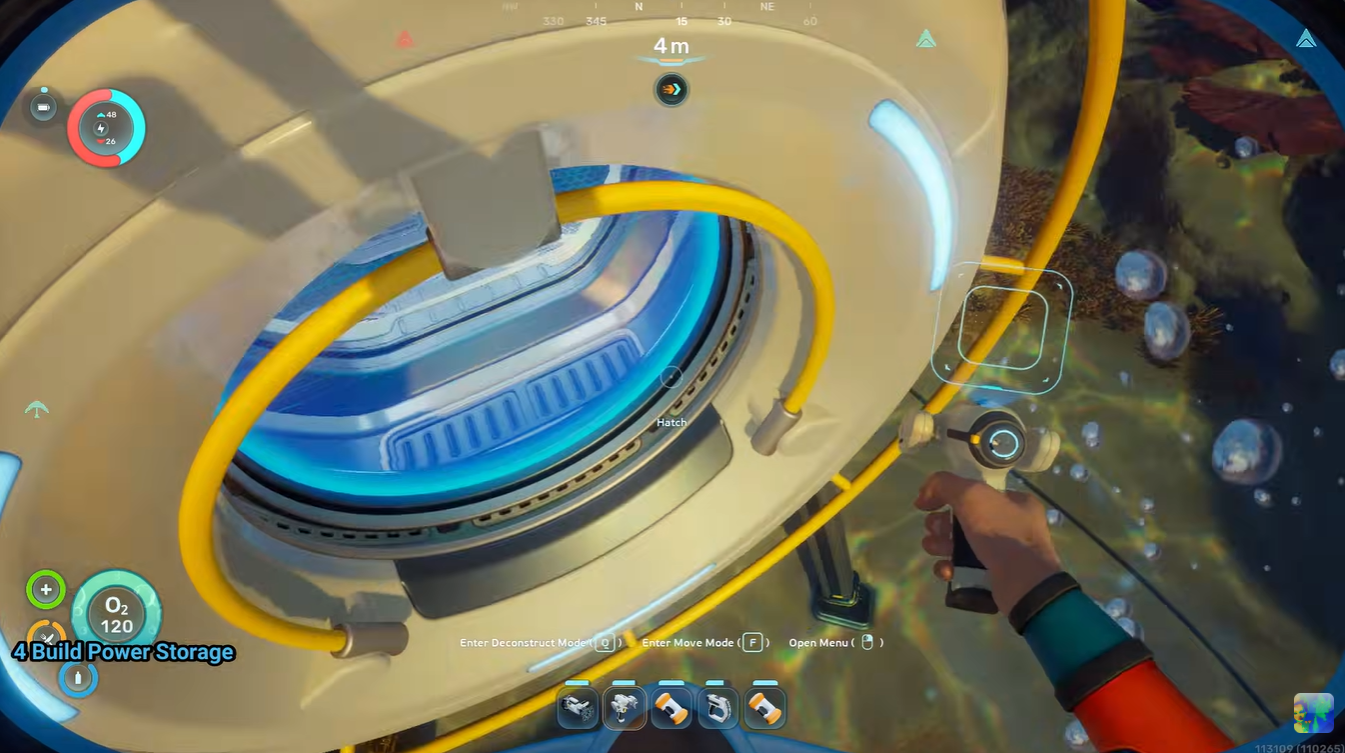
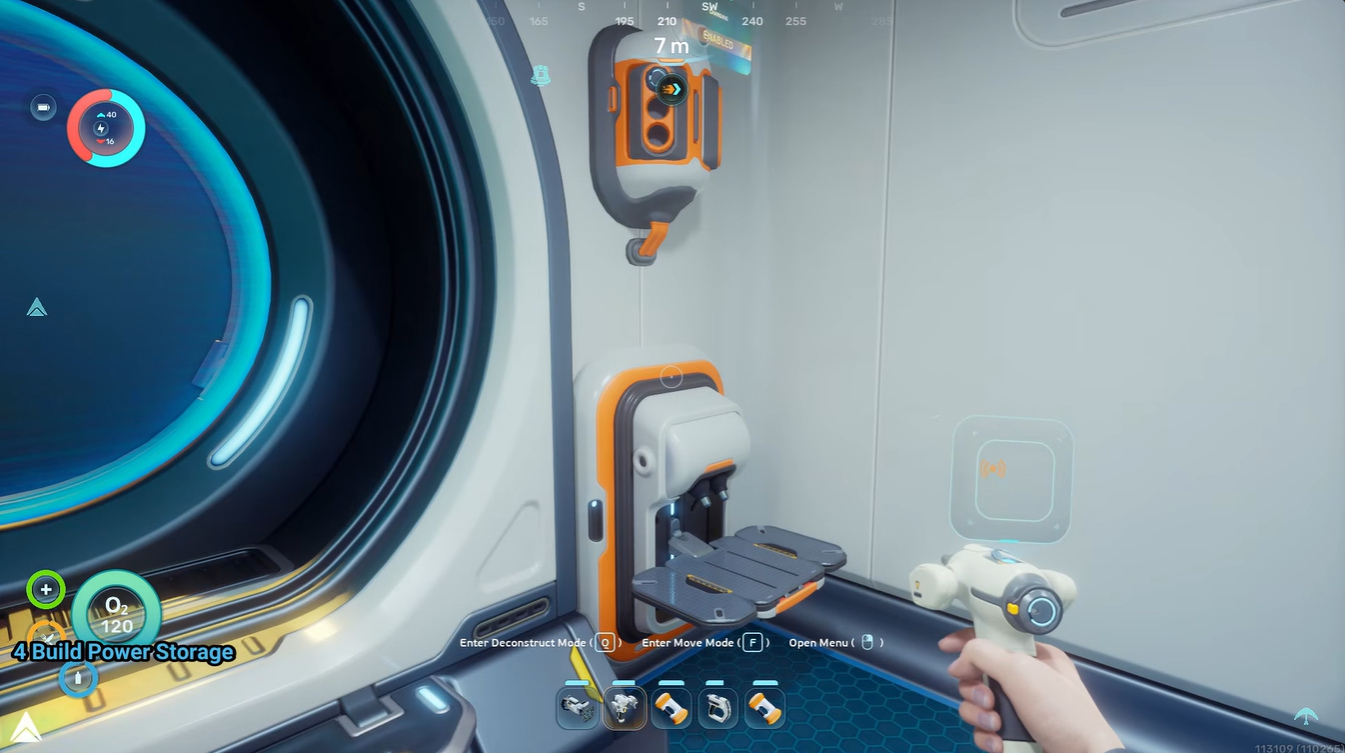
Construct at least one Power Storage module connected directly to your habitat network.
Step 3
Avoid heavy nighttime crafting sessions. Machines like the Processor and Scanner Station consume significant power while active. Recent guides specifically warn about using them heavily after sunset.
Step 4
Monitor your habitat power meter regularly. If reserves empty before sunrise, add additional generation or storage capacity.
Step 5
Expand toward alternative power systems later, especially Hydroelectric Turbines near natural currents for more stable long-term energy production.
Recommended early-game power setup
| Structure | Recommended Amount |
|---|---|
| Solar Panels | 3–4 |
| Power Storage Units | 1–2 |
| Fabricator | 1 |
| Scanner Station | Optional early |
| Processor | Use sparingly at night |
This setup is generally enough to keep a small survival habitat functional overnight without major interruptions.
Common mistakes that drain power too quickly
A major issue for new players is expanding their habitat faster than their power generation. Every additional room, utility station, and active machine increases electrical demand.
Another common mistake is building too deep too early. Solar Panels become noticeably weaker farther below the surface, slowing daytime charging and reducing stored reserves before nightfall.
Running multiple crafting devices simultaneously overnight can also completely empty storage systems before sunrise.
As your base grows in Subnautica 2, energy demand increases dramatically. Vehicle chargers, advanced fabricators, scanning equipment, and larger habitats all require continuous electricity.
That makes Power Storage increasingly important even after unlocking stronger generators. Stable reserve capacity prevents temporary outages and keeps critical systems online during exploration missions.