What to know
-
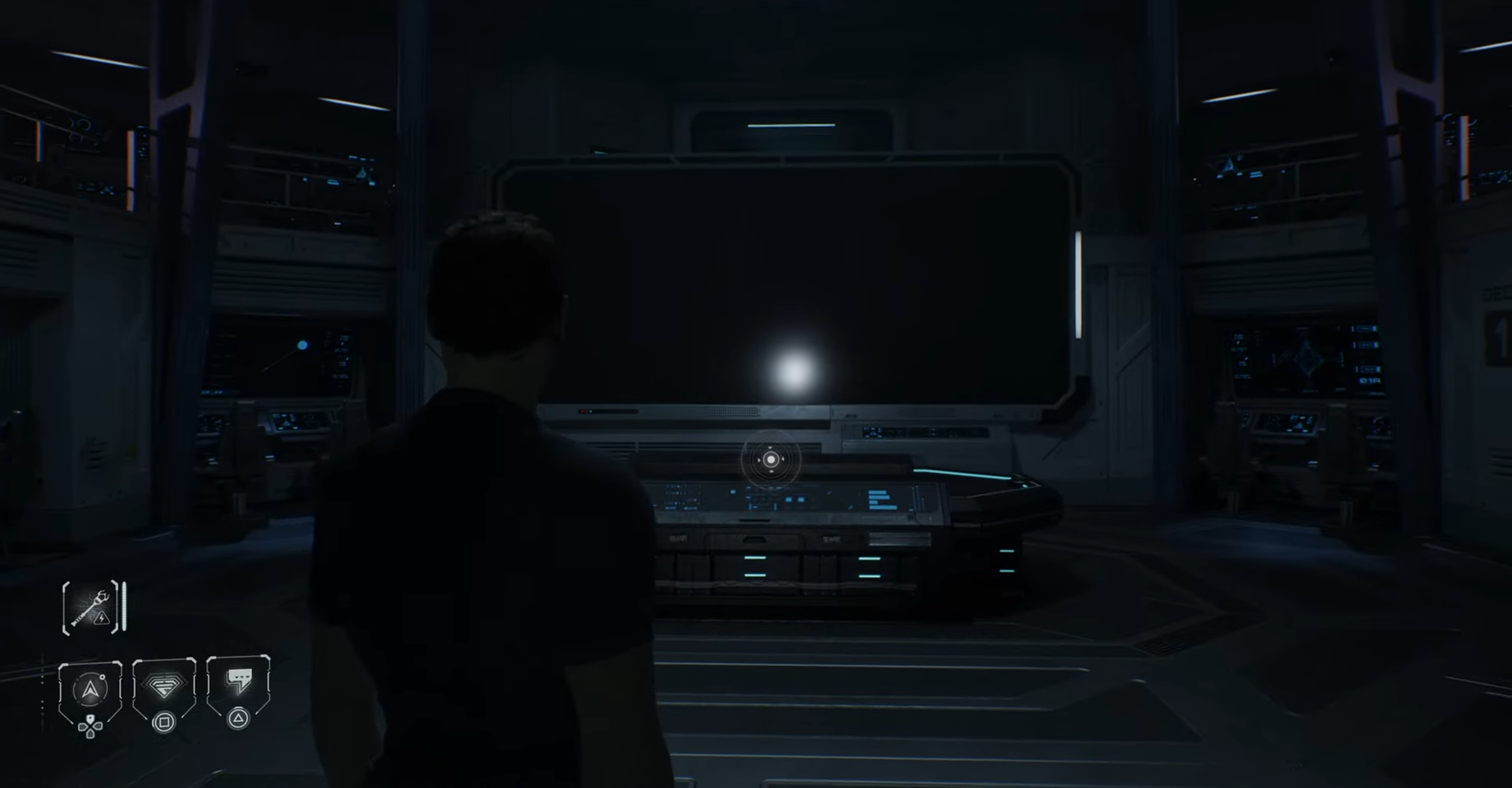
The locked Orbital Scanner terminal appears in Bridge Ops during Episode 5.
-
The clue for the Anomaly Log reads as letters: CAIF.
-
Convert letters to their alphabet positions to get the four-digit code 3196.
-
Unlocking the terminal grants the Satellite / Anomaly Log entry tying into the game’s broader mystery.
Directive 8020 Episode 5 places you in tight corridors and investigative beats where small finds expand the story, and the Anomaly Log terminal is one of those optional but meaningful moments that rewards exploration. This article explains exactly where to look, how to decode the clue, what the terminal contains, and why it matters to the episode.
Anomaly Log Code details
Terminal and Code Hint location
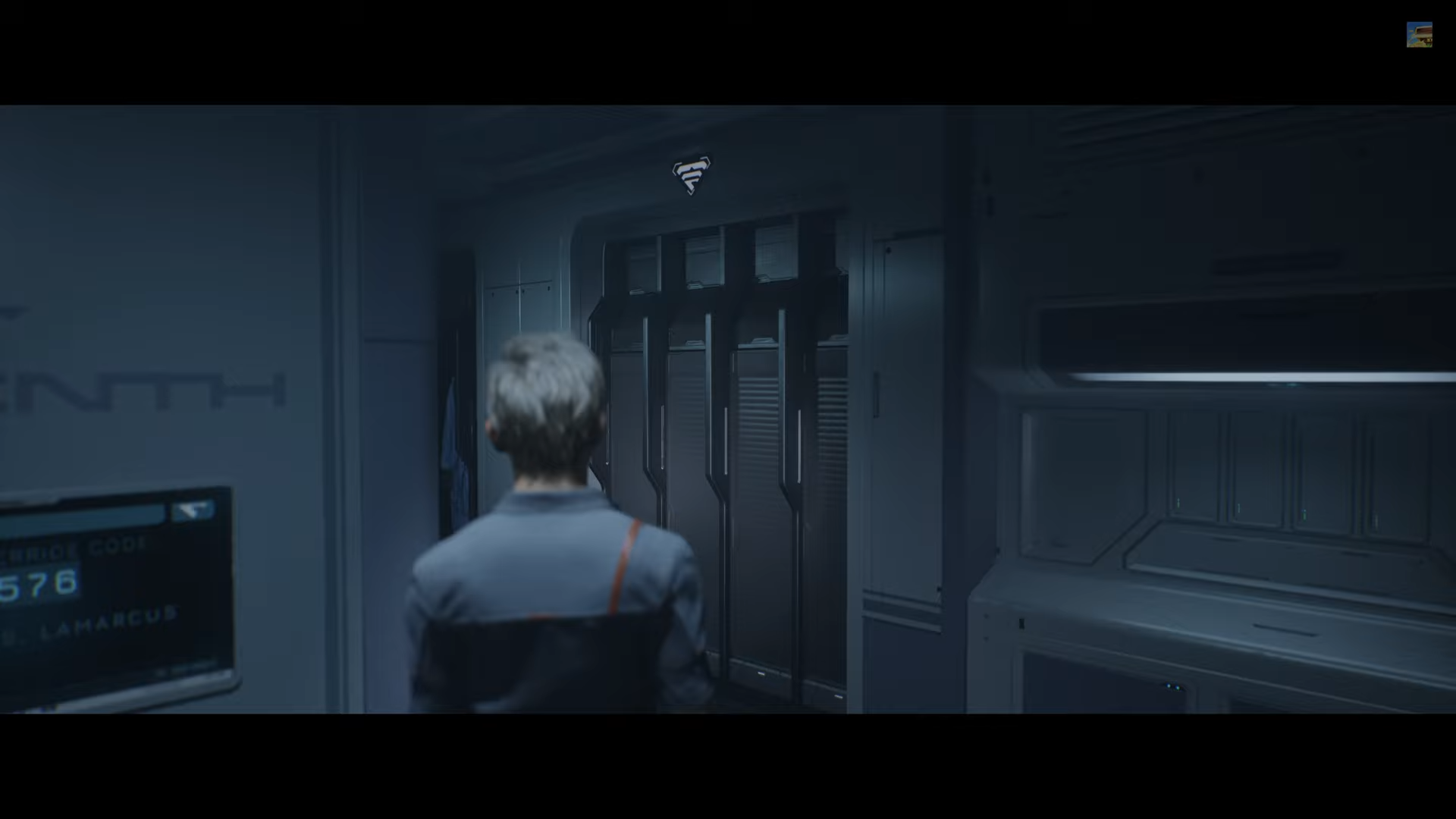
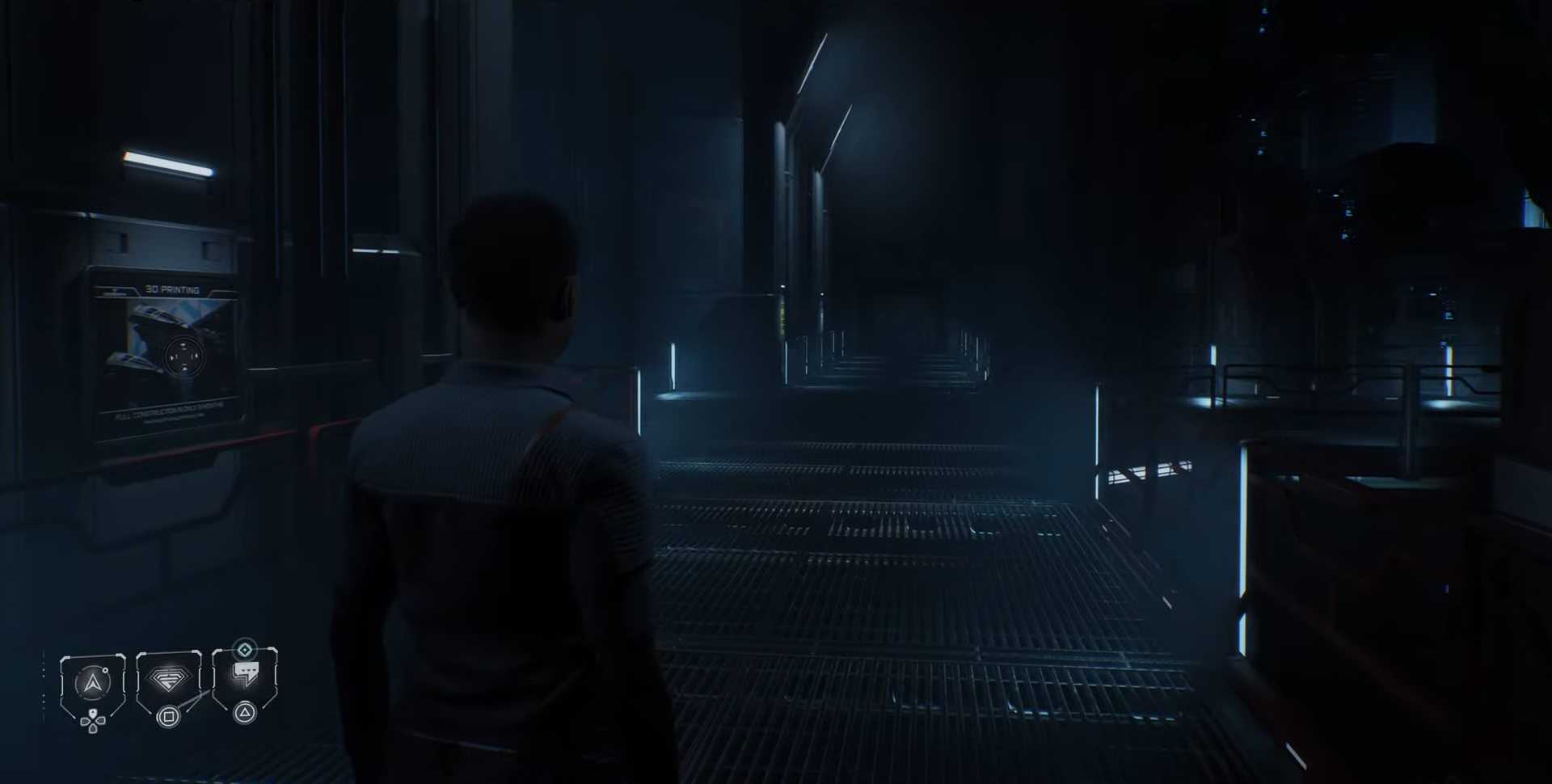
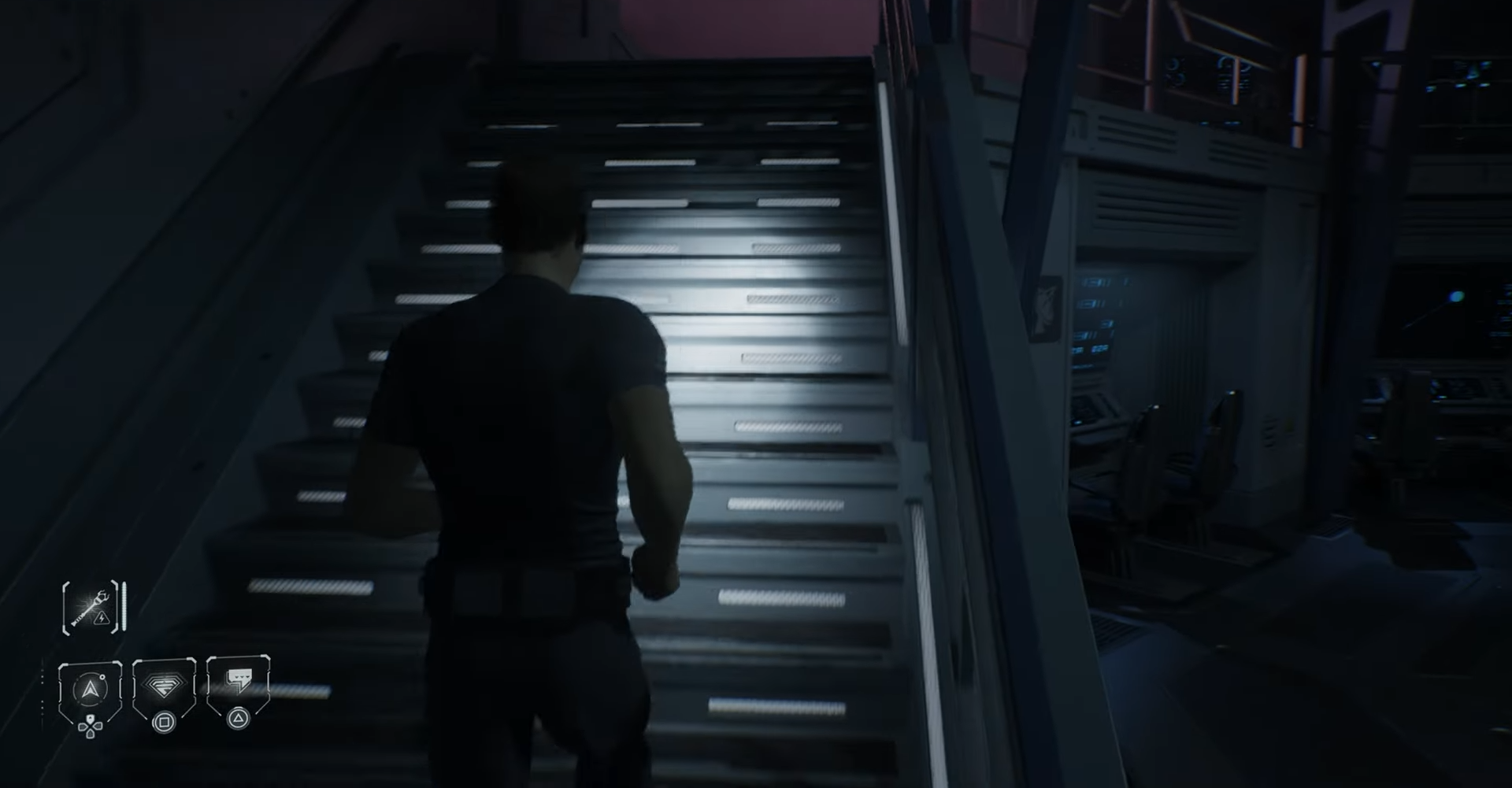
The terminal is on the Bridge Ops upper walkway, obvious if you take the stairs and explore rather than sprint for objectives.
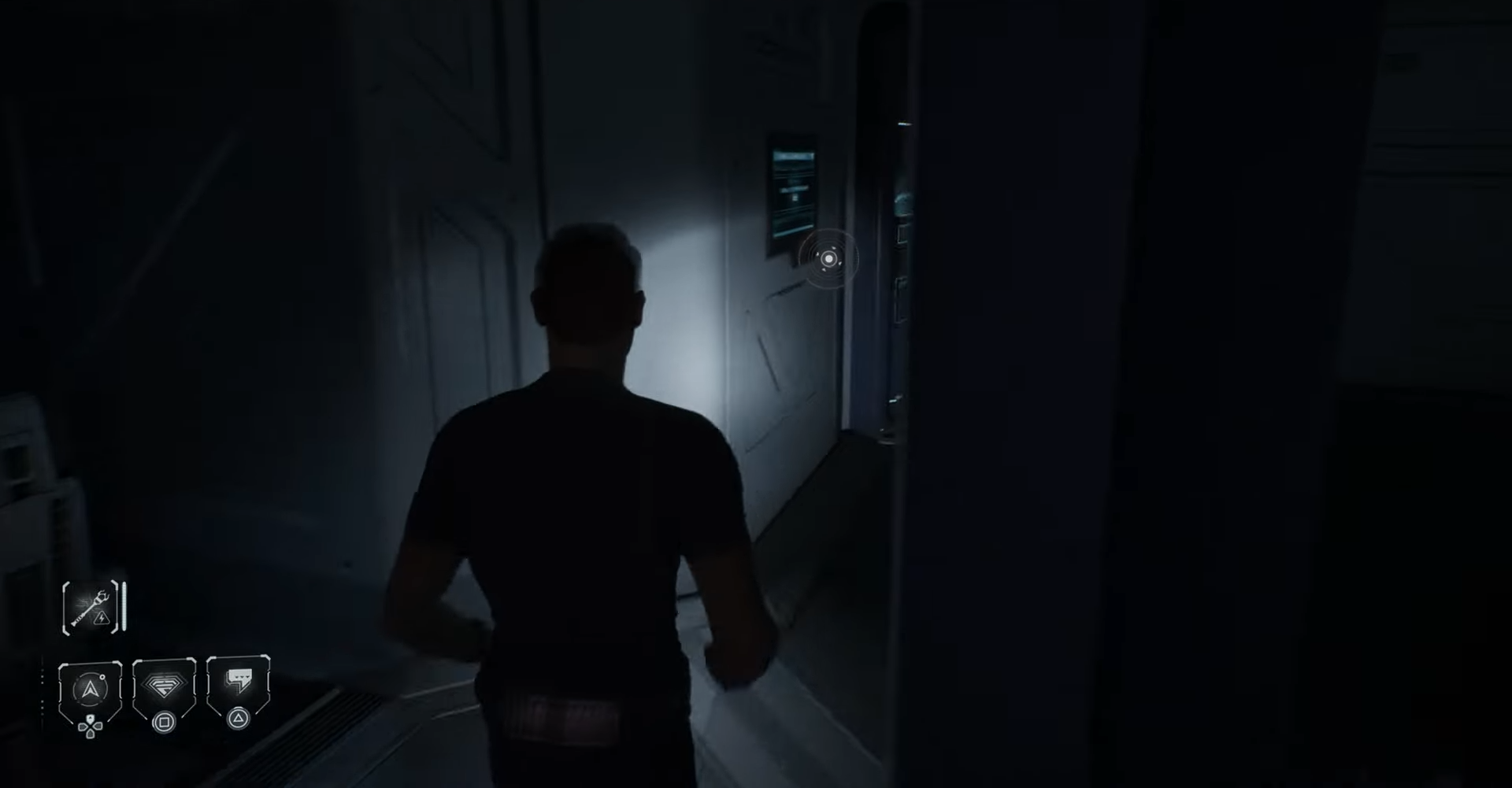
Walk the short corridor from the terminal into the cockpit to find the small paper attached to the back of the left pilot seat; you must crouch or lean to read it properly.
How to decode the CAIF clue into the Anomaly Log number
Step 1
Note the letters on the paper: CAIF.
Step 2
Map each letter to its numeric position in the English alphabet: C = 3, A = 1, I = 9, F = 6.
Step 3
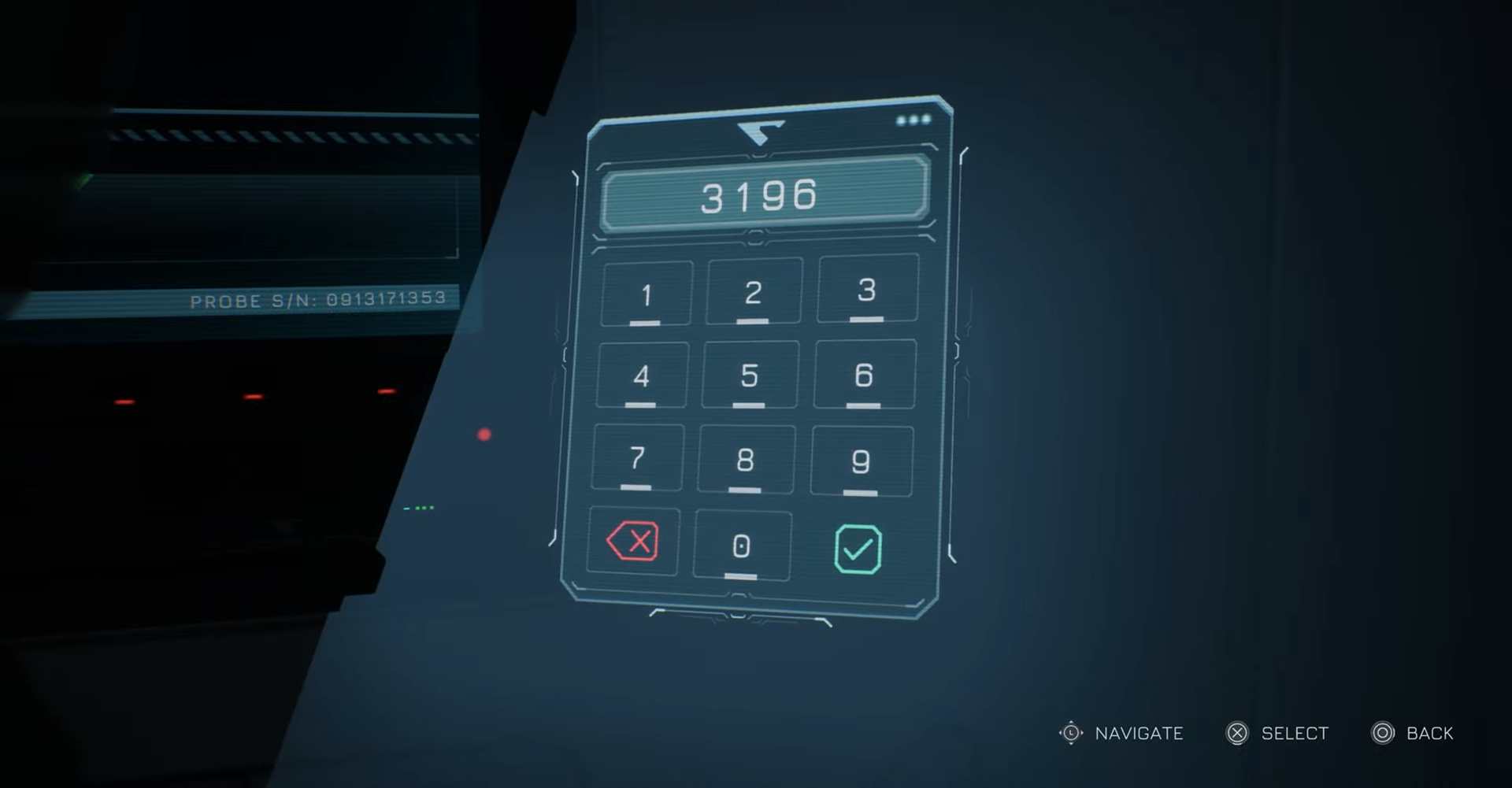
Combine those digits in order to form the four-digit Anomaly Log number: 3196.
Step 4
Return to the Bridge Ops terminal and enter 3196 to unlock the Orbital Scanner Data.
What the Satellite / Anomaly Log reveals
The unlocked log is filed under Corinth Industries and documents an unidentified satellite in Tau Ceti f orbit identified as a meteorite fragment with traces of Silica and Kamacite. While short, the entry deepens the game’s environmental mystery and gives context to the anomalies encountered on board, making it a worthwhile collectible for players chasing story beats.
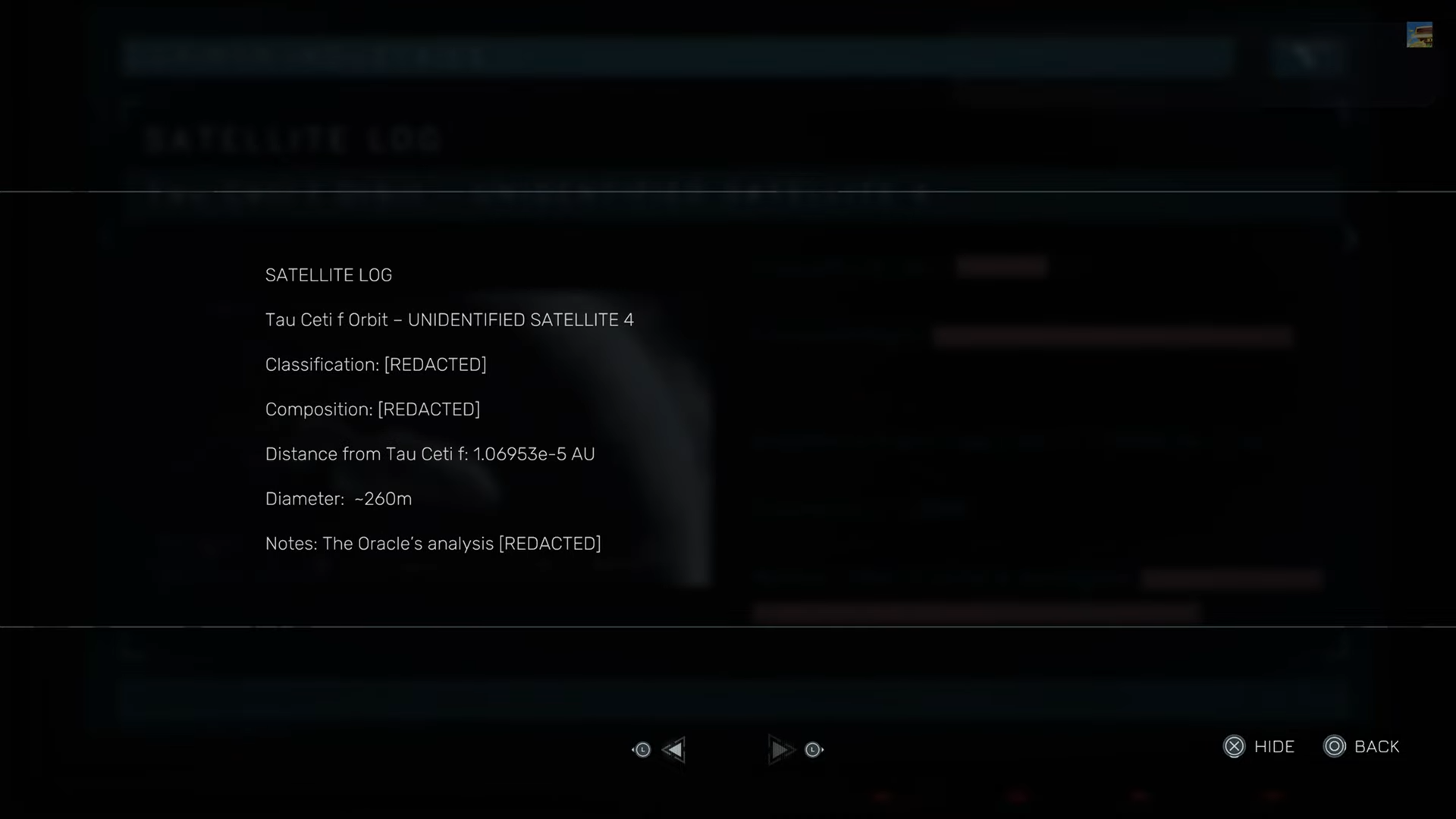
- Treat the Anomaly Log as lore that clarifies the stakes and potential origins for the intruder activity.
- If you are pursuing Secrets or completion, this is a simple, low-risk pickup that also reinforces attentive exploration habits.
This sequence is a compact example of how small, optional interactions in Directive 8020 reward players who explore; the CAIF-to-3196 cipher is straightforward but easy to overlook in the momentum of main objectives.