What to know
- Research Knowledge is required to unlock advanced research nodes at institutes across Pywell.
- If you see the “not enough knowledge” warning, you need to complete faction-specific quests first.
- Every research institute is connected to a regional faction questline.
- Completing the entire quest chain permanently removes the restriction for that institute.
If you are trying to unlock new research nodes in Crimson Desert but keep seeing the red “not enough knowledge” message, the issue is tied directly to your faction progression. The game locks advanced institute research behind faction-specific questlines, meaning you cannot simply gather materials or currency to bypass the requirement.
Here is a complete step-by-step guide explaining exactly how to increase Research Knowledge and unlock institute research progression in Crimson Desert.
Crimson Desert Research Knowledge explained
| Feature | Details |
|---|---|
| Purpose | Unlocks advanced research nodes |
| Where Used | Research Institutes across Pywell |
| Main Requirement | Complete faction research quests |
| Common Error | “Not enough knowledge” warning |
| Access Point | Journal → Faction Quests |
| Example Faction | Pororin Forest Guardians |
| Result | Research restrictions removed |
Why the “not enough knowledge” message appears
When you attempt to interact with higher-tier research nodes, the game checks your progress with the faction connected to that specific region. If you have not completed the required institute questline, the node remains locked regardless of your level or equipment.
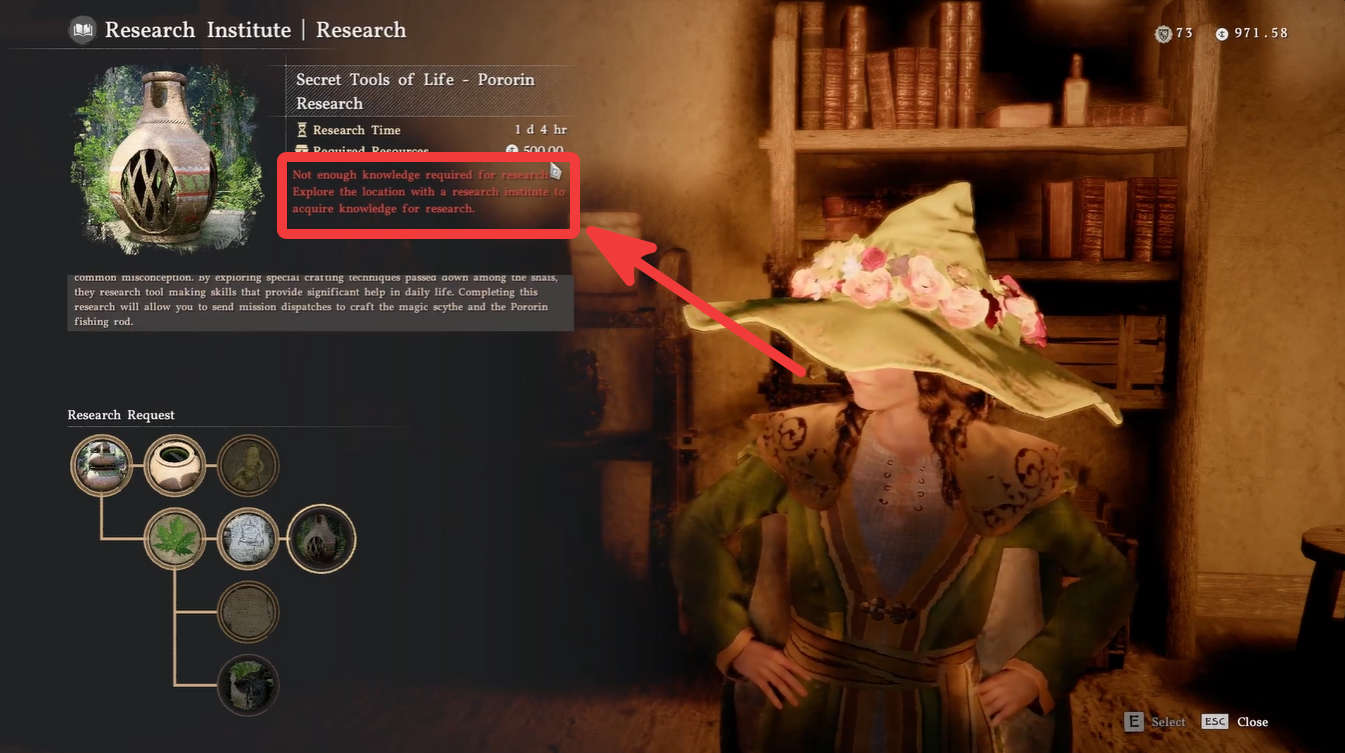
This system is designed to tie exploration, regional reputation, and story progression into the research mechanic. Because of that, many players mistakenly believe they need more resources when the actual solution is completing faction objectives.
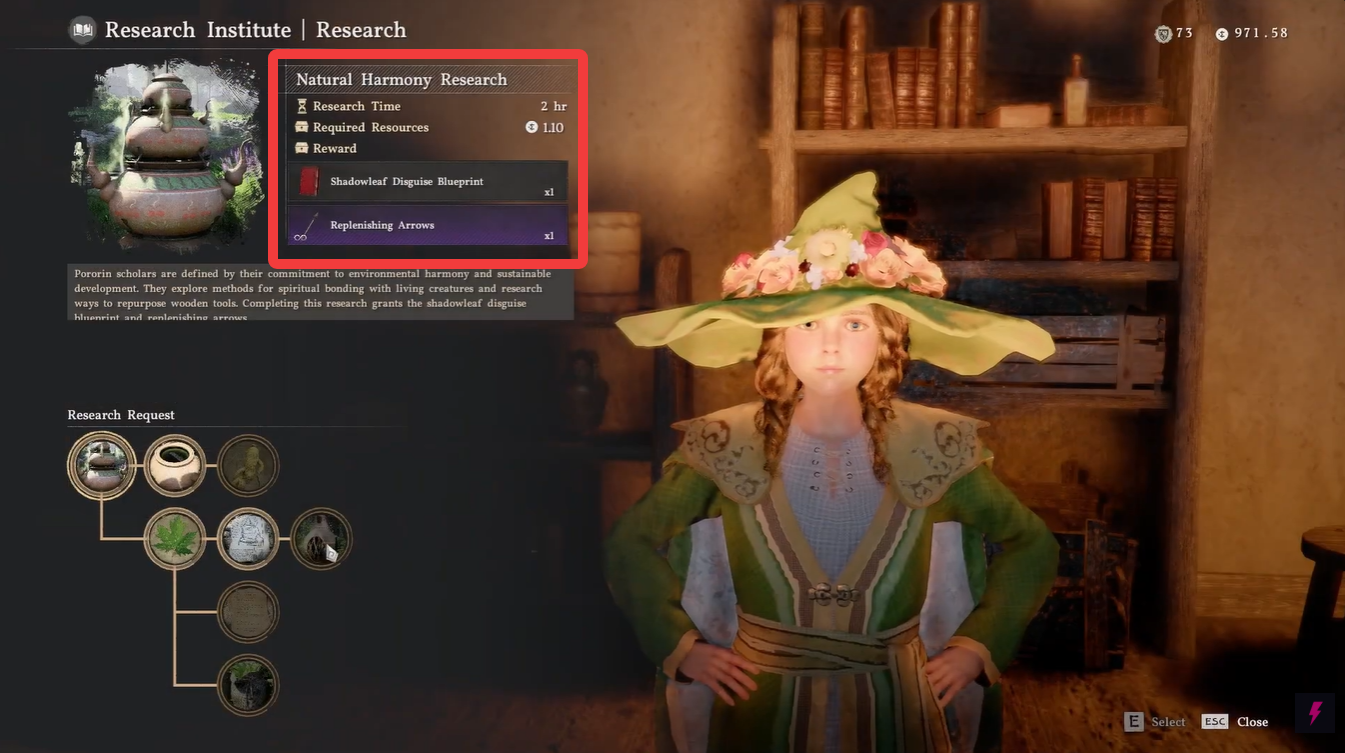
For example, the Pororin Research Institute requires progression with the Pororin Forest Guardians faction before advanced research becomes available.
How to increase Research Knowledge in Crimson Desert
Step 1 — Open your Journal
Start by opening the in-game Journal menu. This is where all progression systems, faction activities, and active questlines are tracked.
The Journal acts as the central hub for unlocking Research Knowledge progression.
Step 2 — Navigate to Faction Quests
Inside the Journal menu, locate the Faction Quests tab.
This section contains every regional faction currently available in Pywell. Each faction has its own progression chain, reputation system, and research-related objectives.
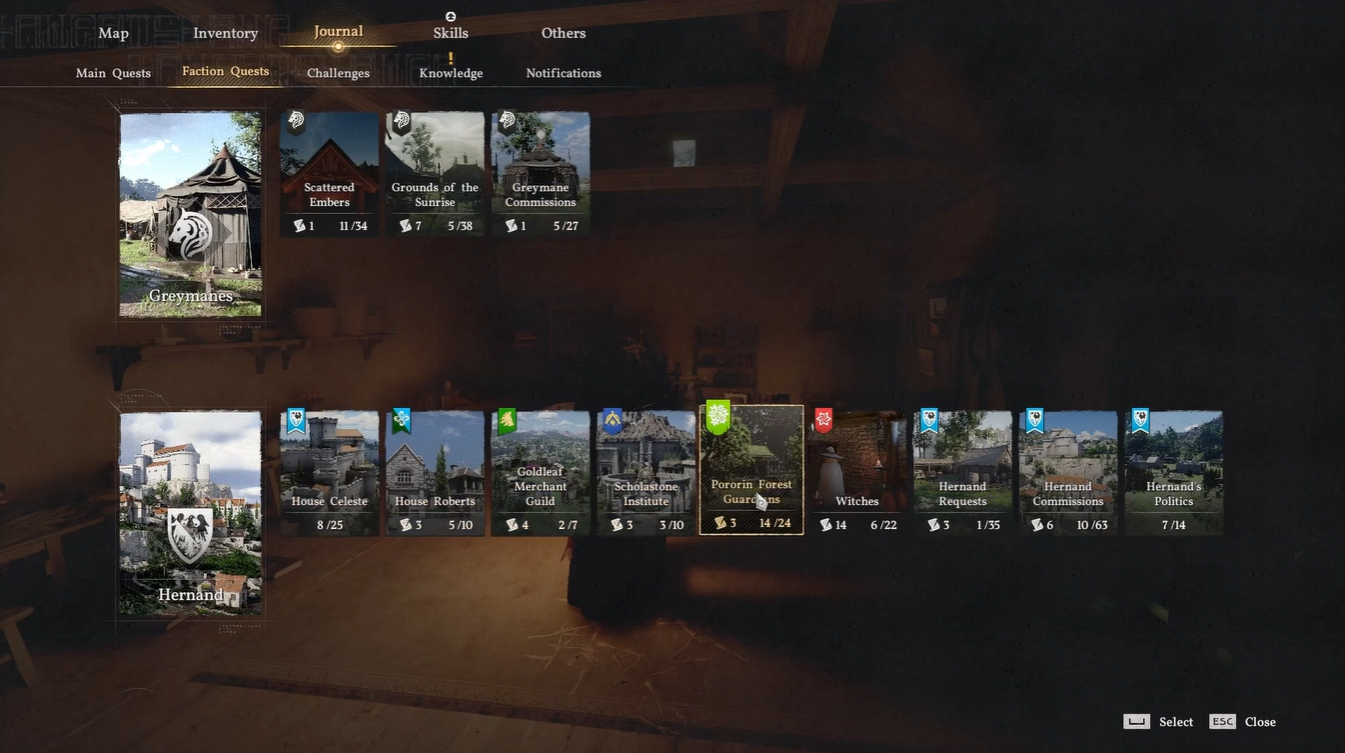
You should carefully check which faction corresponds to the institute where your research is locked.
Step 3 — Select the correct faction
Choose the faction associated with your current research institute which is the Pororin Research or Forest Guardians.
Once selected, you will see a chain of quests related to that region’s research activities, investigations, exploration tasks, or combat objectives.
These quests directly increase your Research Knowledge progression.
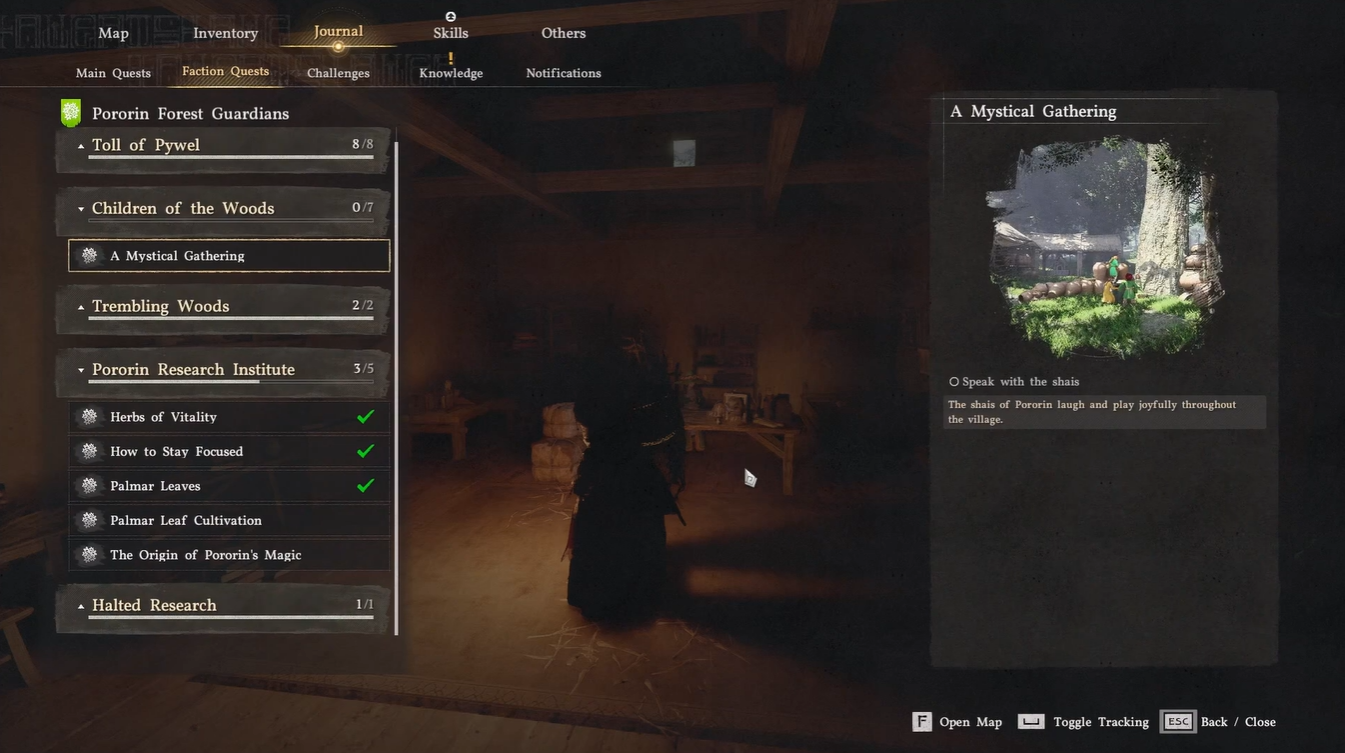
Step 4 — Finish the entire quest series
You must complete the full research institute questline, not just a single mission.
Most quest chains include objectives such as:
| Common Quest Types | Examples |
|---|---|
| Exploration | Discovering ruins or landmarks |
| Combat | Defeating regional enemies |
| Collection | Gathering rare materials |
| Research Tasks | Activating institute devices |
| Story Objectives | Assisting regional NPCs |
As you progress through these objectives, your Research Knowledge level increases automatically in the background.
What happens after completing the quests
Once the faction research questline is fully completed, the restriction preventing research access disappears automatically.
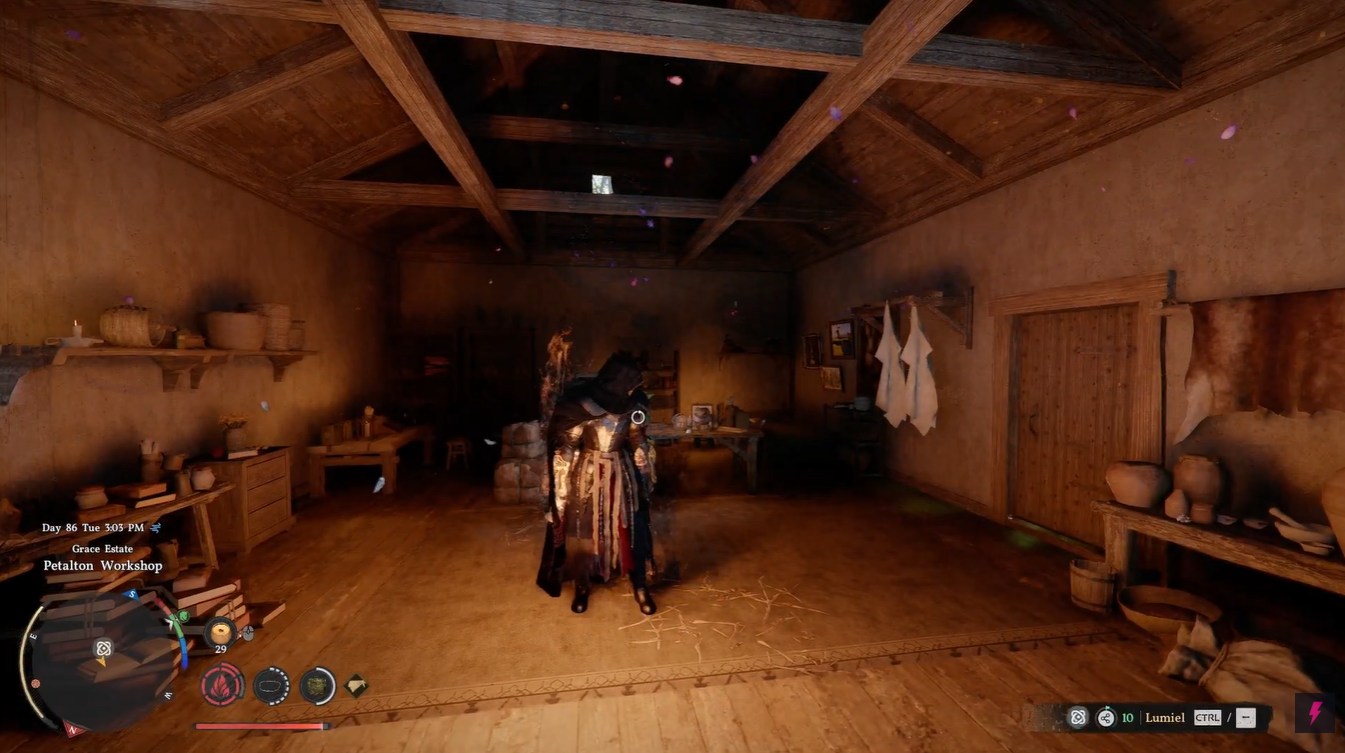
You can then return to the research institute and unlock previously inaccessible research nodes without seeing the red warning message.
This applies permanently for that institute progression tier.
Important things players often miss
Research Knowledge is not a crafting material
A common misunderstanding is thinking Research Knowledge functions like a consumable resource. It does not.
Instead, it acts as a progression flag tied to faction completion.
Every region has separate progression
Completing one faction’s questline does not unlock all institutes globally. Each major research region in Pywell has its own faction requirements.
You may need to repeat this process multiple times throughout the game.
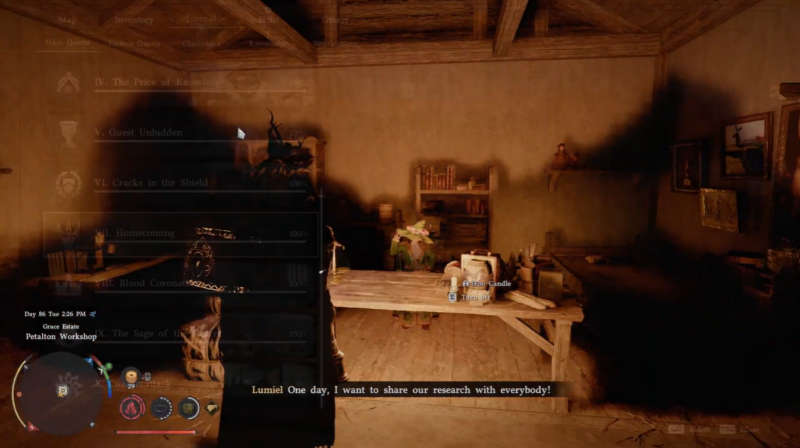
Side quests can matter
Some research questlines include optional side objectives that contribute to overall faction progression. Skipping these may slow down your unlocks.
Fastest way to unlock research nodes
| Best Method | Why It Works |
|---|---|
| Focus on one faction at a time | Prevents scattered progression |
| Complete all institute quests immediately | Unlocks nodes faster |
| Track regional objectives carefully | Avoids missing prerequisites |
| Explore nearby landmarks | Some quests trigger automatically |
Common troubleshooting tips
Research systems become increasingly important later in Crimson Desert because many advanced upgrades, crafting improvements, and exploration tools are tied to institute unlocks.
| Problem | Solution |
|---|---|
| Research still locked | Finish remaining faction quests |
| Cannot find faction | Check region name carefully |
| Questline missing | Progress main story further |
| No knowledge increase | Complete entire chain, not partial objectives |
Ignoring faction questlines early can create major progression bottlenecks later in the game. Completing them as soon as you enter a new region is usually the most efficient approach.