- What to know
- Quick overview of the Bowsprit Cape puzzle
- Where the Bowsprit Cape puzzle starts
- How the battery activation mechanic works
- How to restore the first two batteries
- How to find the third battery outside the ship
- How to reach the elevated battery platform
- How to activate the ship and begin takeoff
- What happens during the mid-flight malfunction
- Reaching the Path of Serpents Abyss area
- Common mistakes that can slow progress
What to know
- The Bowsprit Cape puzzle takes place inside a crashed spaceship-like structure in Crimson Desert.
- You must collect and activate three batteries using Force Palm or Force Current abilities.
- One battery is hidden outside the ship and requires boost jumps plus a chute glide to retrieve.
- Completing the sequence unlocks access to the Abyss area at the Path of Serpents and a fast travel point.
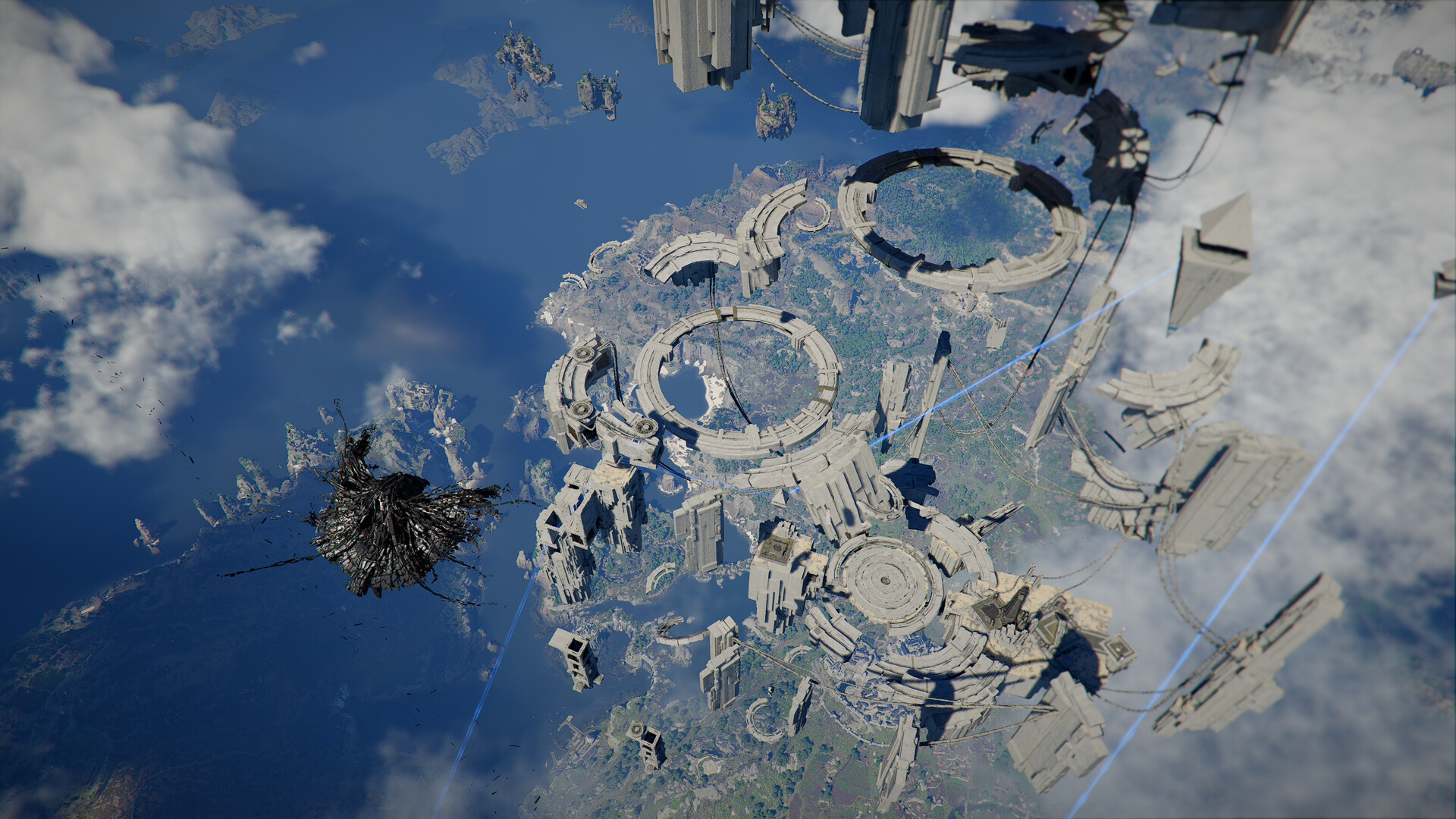
The Bowsprit Cape Puzzle in Crimson Desert is one of the more unusual environmental challenges in the game. Instead of a traditional combat-focused encounter, you are tasked with restoring power to a mysterious ship and surviving a short mid-flight malfunction sequence. The puzzle is straightforward once you understand where the batteries are located and how the activation mechanics work.
Quick overview of the Bowsprit Cape puzzle
| Objective | What You Need To Do |
|---|---|
| Restore initial power | Insert and activate two batteries |
| Find missing battery | Exit the ship and retrieve third battery |
| Launch the ship | Activate all three batteries |
| Repair during flight | Reinsert loose battery mid-flight |
| Final reward | Reach Path of Serpents Abyss and unlock fast travel |
Where the Bowsprit Cape puzzle starts
The puzzle begins inside a large wrecked ship structure at Bowsprit Cape. The interior contains several inactive battery slots that control the ship’s systems. Before interacting with anything, make sure you have access to the Force Palm or Force Current ability, since the puzzle cannot progress without them.
The ship initially appears inactive, with dim lighting and inactive mechanisms. Your main goal is to fully restore power and trigger the vessel’s movement sequence.
How the battery activation mechanic works
Each battery slot follows the same rule:
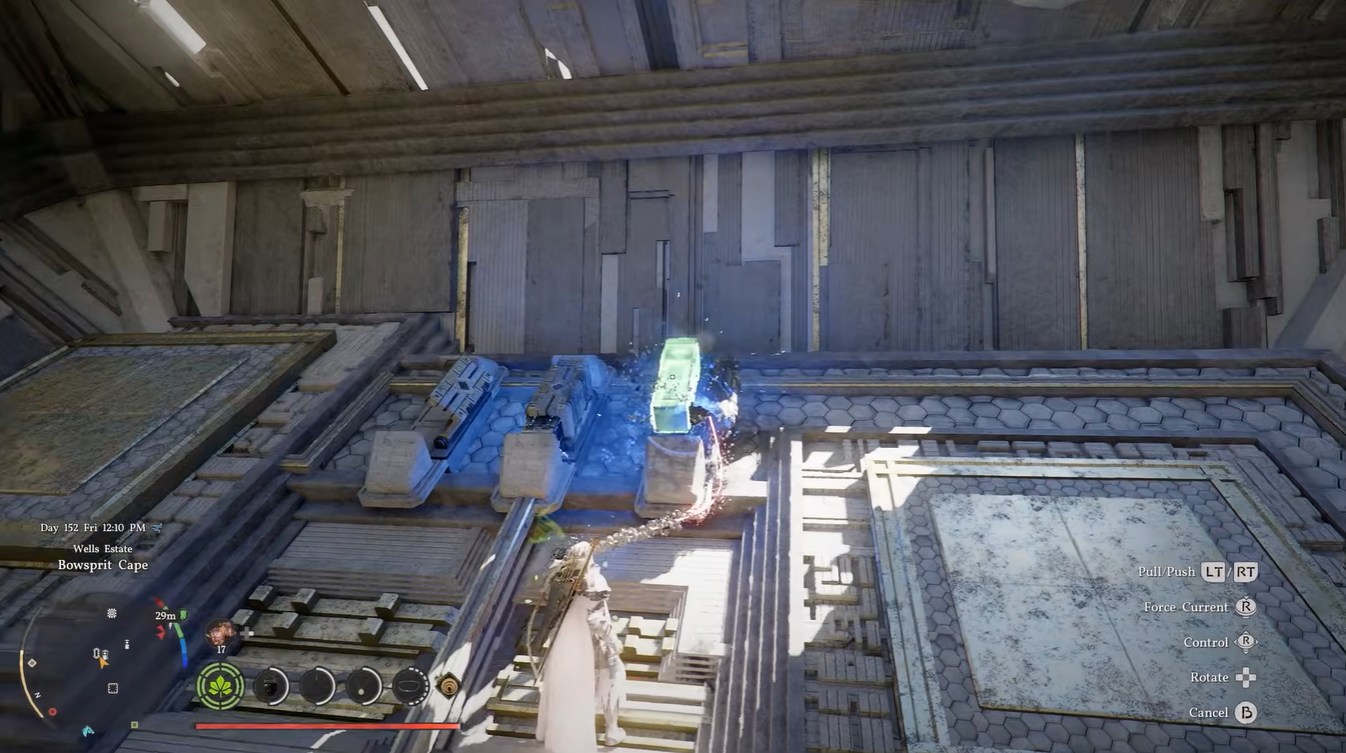
- Insert the battery into the correct slot
- Wait for the indicator to turn green
- Use Force Palm or Force Current on the battery
Once activated properly, the battery powers part of the ship. You must repeat this process for all required power nodes.
How to restore the first two batteries
When you first enter the ship, you can immediately locate two nearby batteries.
Finding the first battery stations
The first two slots are relatively easy to access inside the main chamber. Insert the batteries into their designated sockets until the indicators glow green.
Activating the power nodes
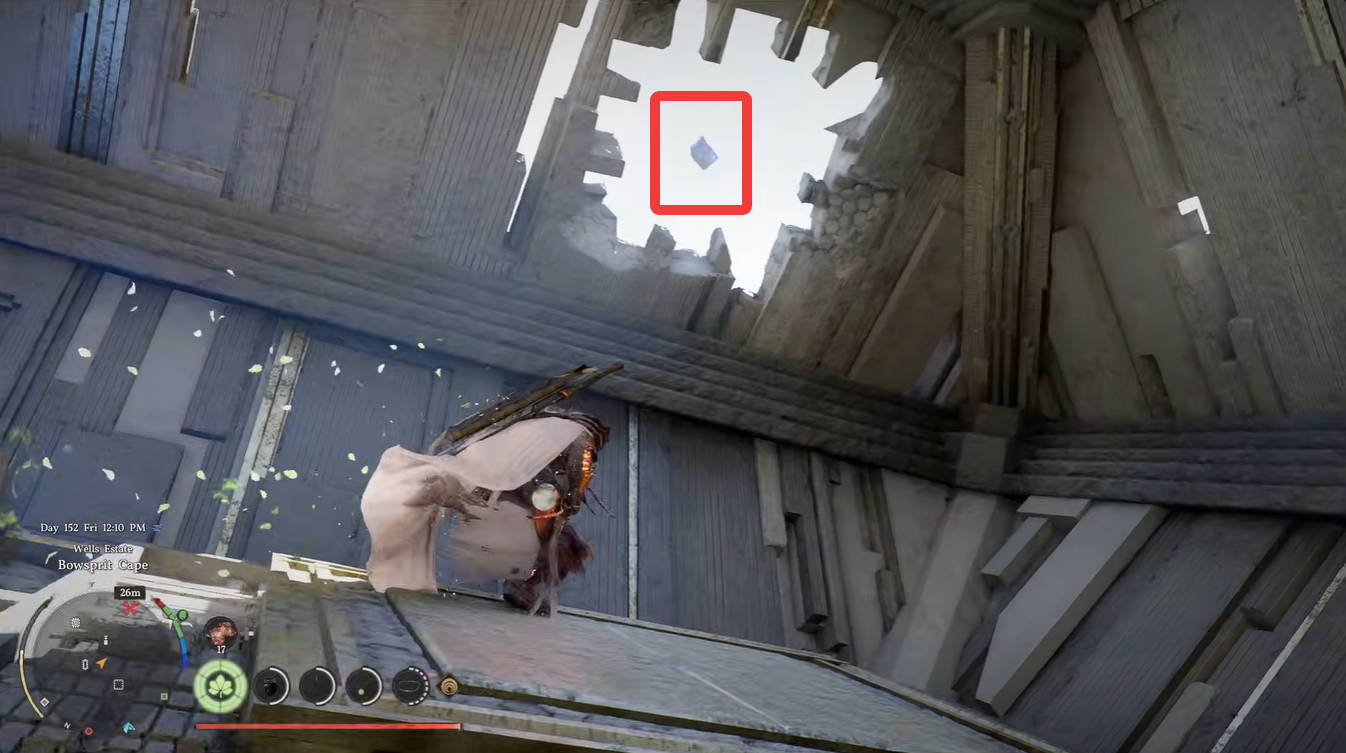
After placing them correctly, use your Force ability to energize each slot. Once both are active, the ship’s systems partially come online and the next objective becomes available.
How to find the third battery outside the ship
The third battery is the main challenge of the puzzle because it is positioned outside and high above the ship wreckage.
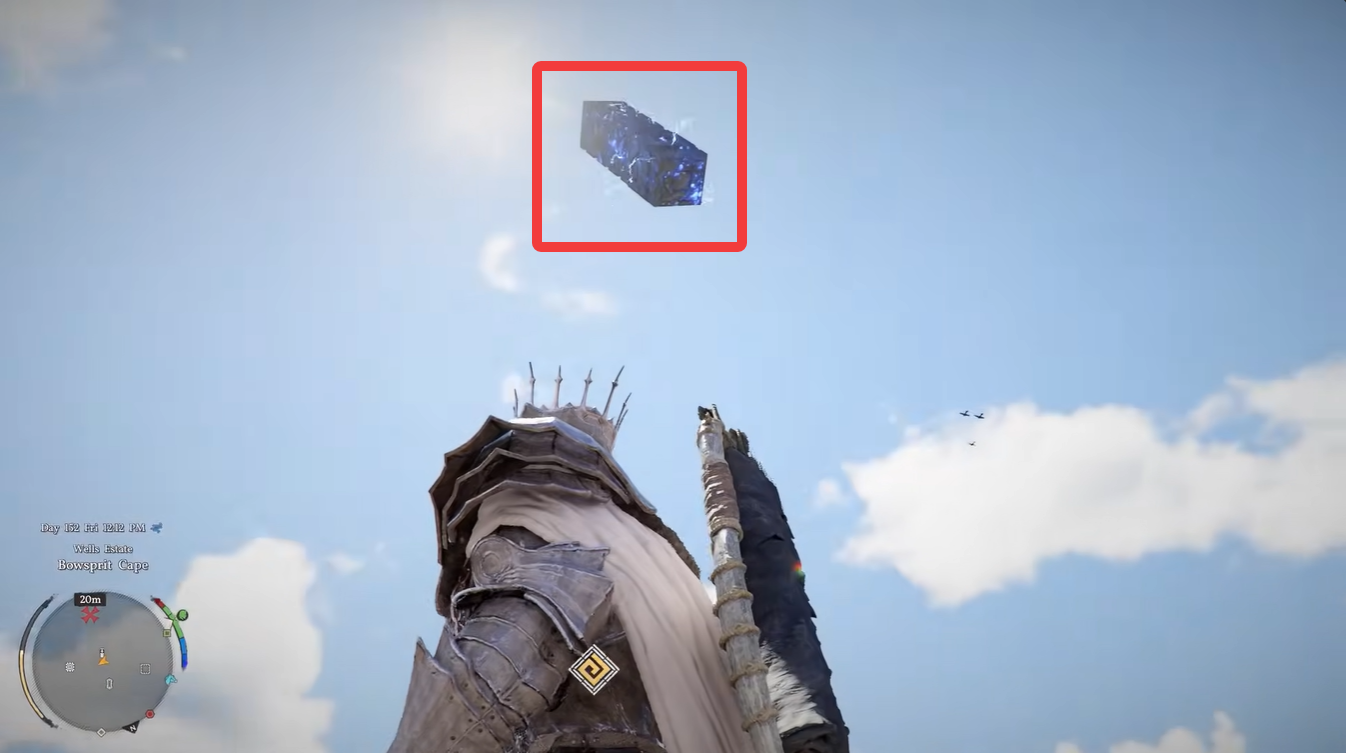
Look for an opening or damaged hole in the ship’s structure and climb through it to reach the outside area.
You will notice the missing battery positioned on a higher ledge.
How to reach the elevated battery platform
The climb requires careful traversal mechanics. You need to:
- Perform three consecutive boost jumps
- Deploy your chute while moving toward the platform
- Maintain momentum during the glide
Timing matters here because falling forces you to repeat the climb. Once you land near the battery, pick it up carefully.
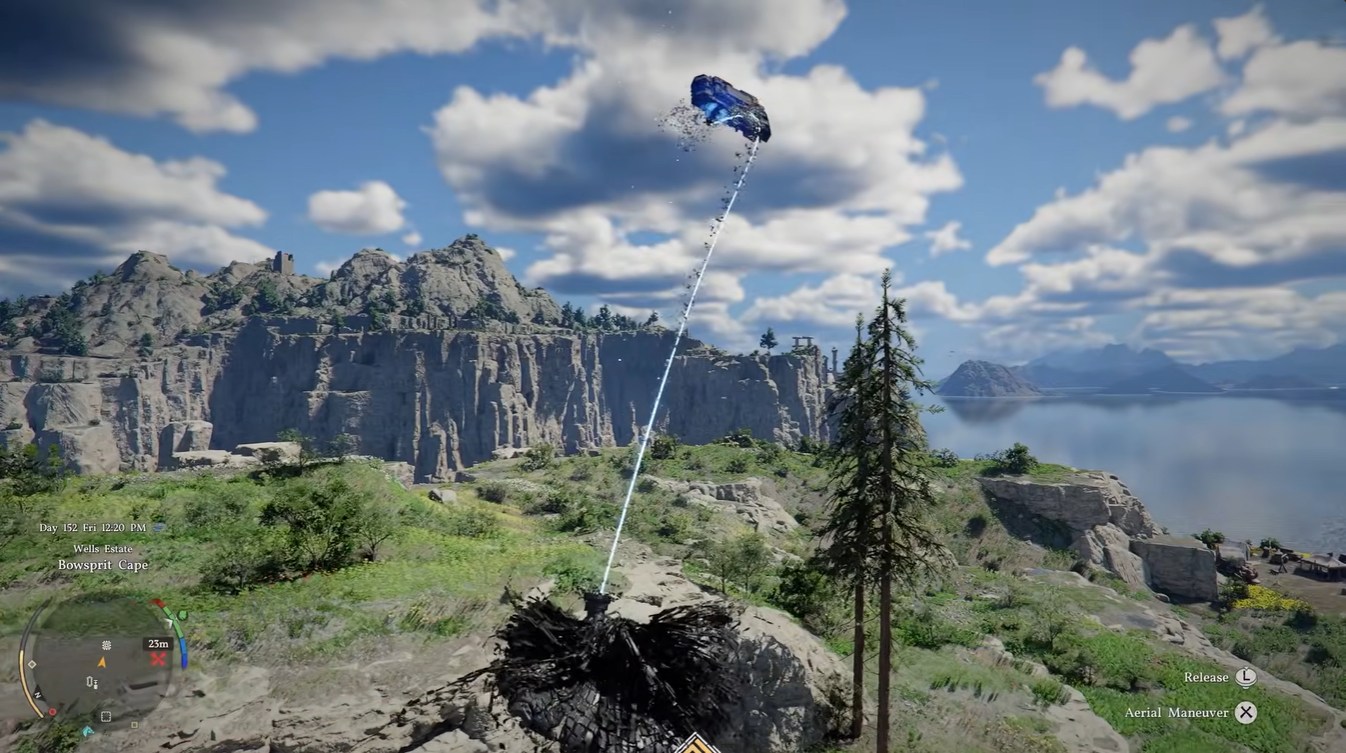
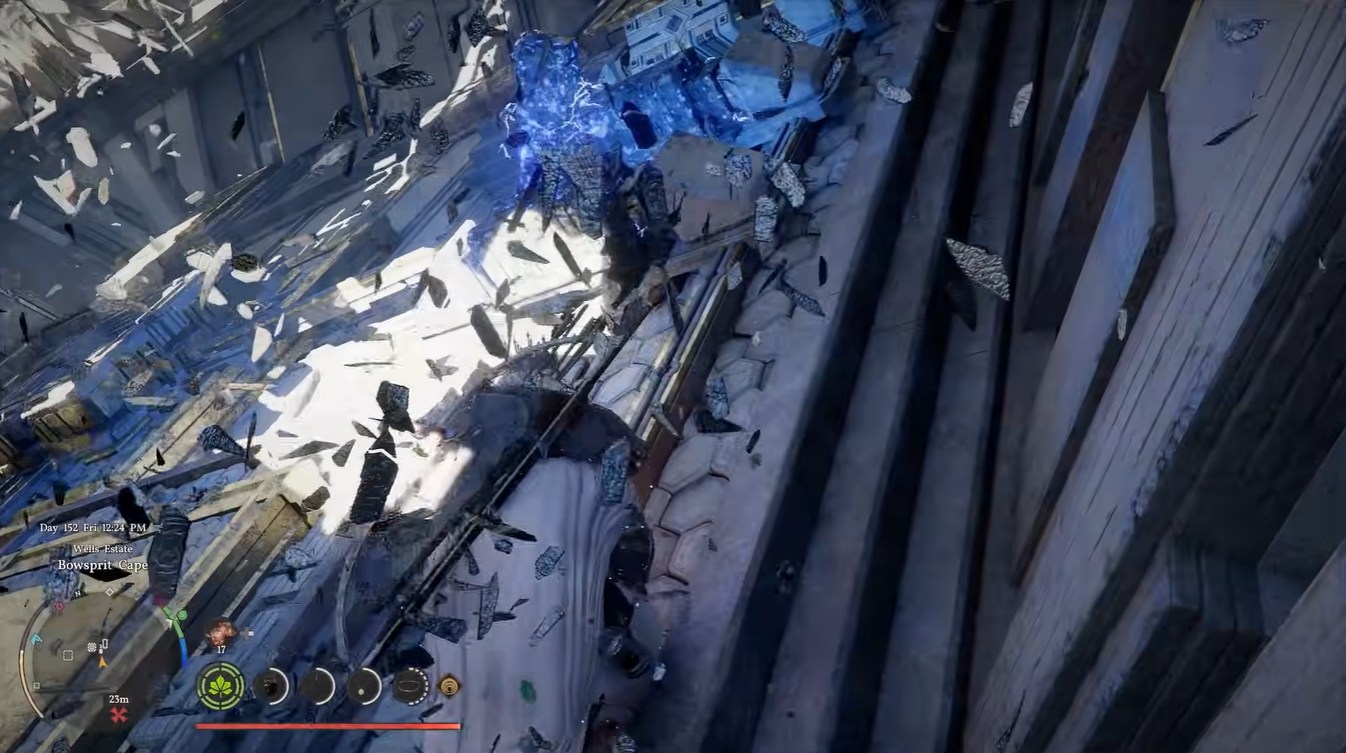
Transporting the battery back is slightly awkward due to the narrow openings and elevation changes.
Move slowly while carrying it and retrace your earlier path back into the ship interior. Once inside, locate the final empty battery slot positioned in the left corner of the chamber.
How to activate the ship and begin takeoff
Insert the third battery into the final slot. Wait until the slot indicator changes to green. Use Force Current or Force Palm on the battery.
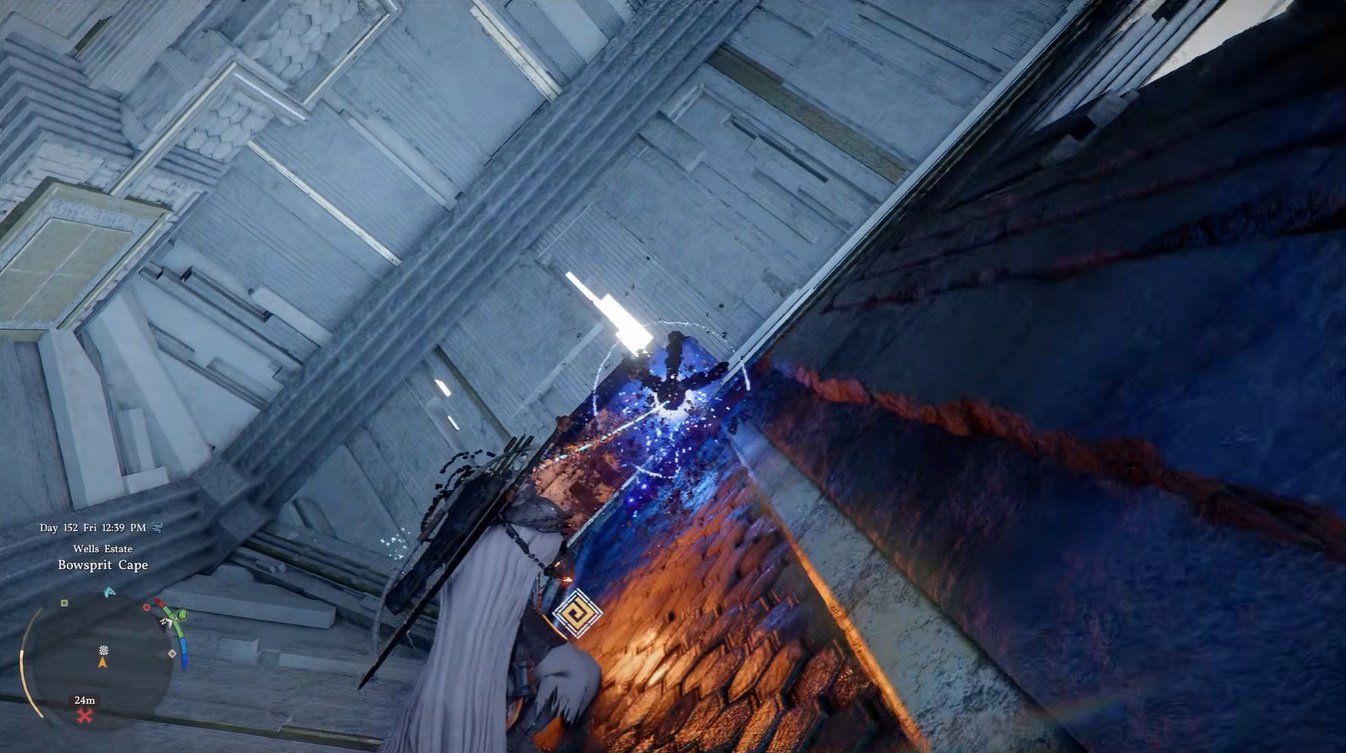
After activation, the ship finally powers up completely and begins its automated takeoff sequence.
What happens during the mid-flight malfunction
Roughly 30 seconds after launch, the ship suddenly loses power and stops moving. During this sequence, gravity and ship orientation become unstable, making navigation slightly confusing.
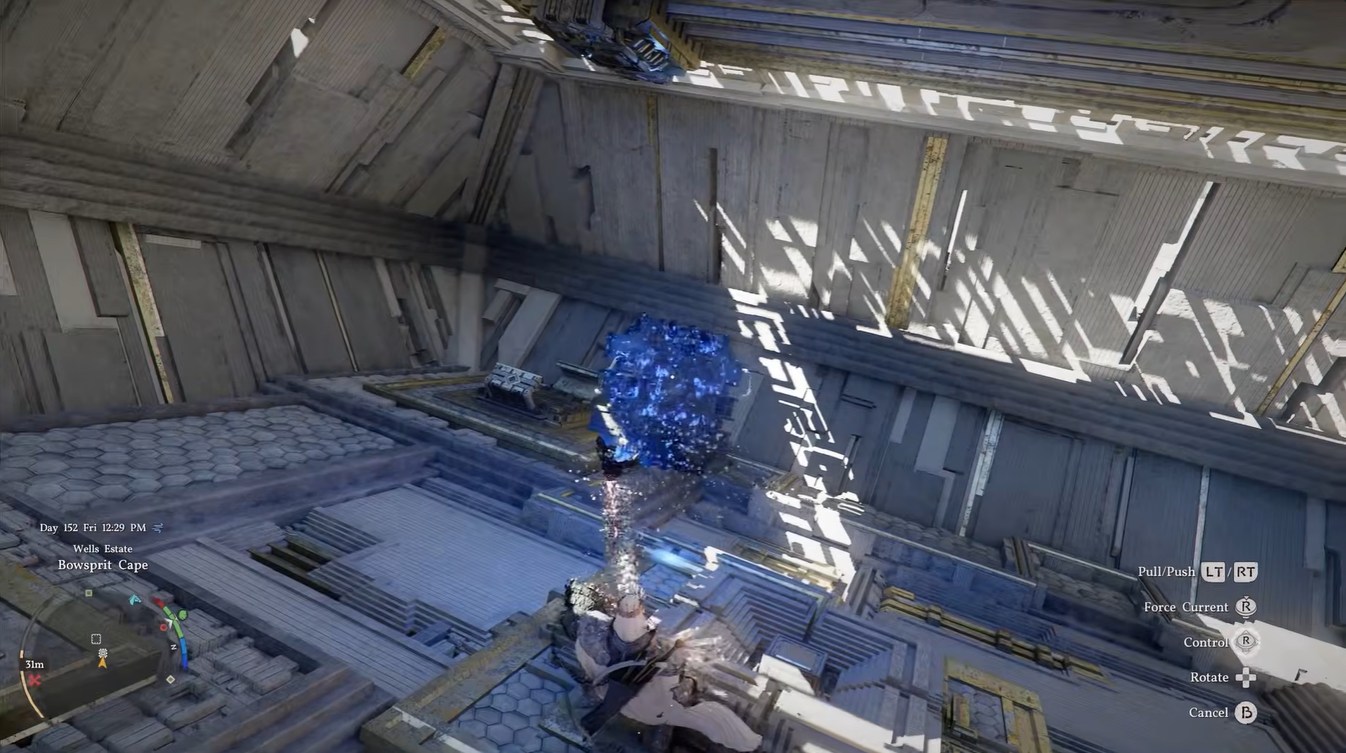
A battery will become dislodged somewhere nearby. Search the immediate area for the fallen battery. Carry it back to its original socket.
Reinsert the battery carefully. Use Force Palm on the slot once more to reactivate the system.
Once restored, the ship resumes movement and completes its travel path.
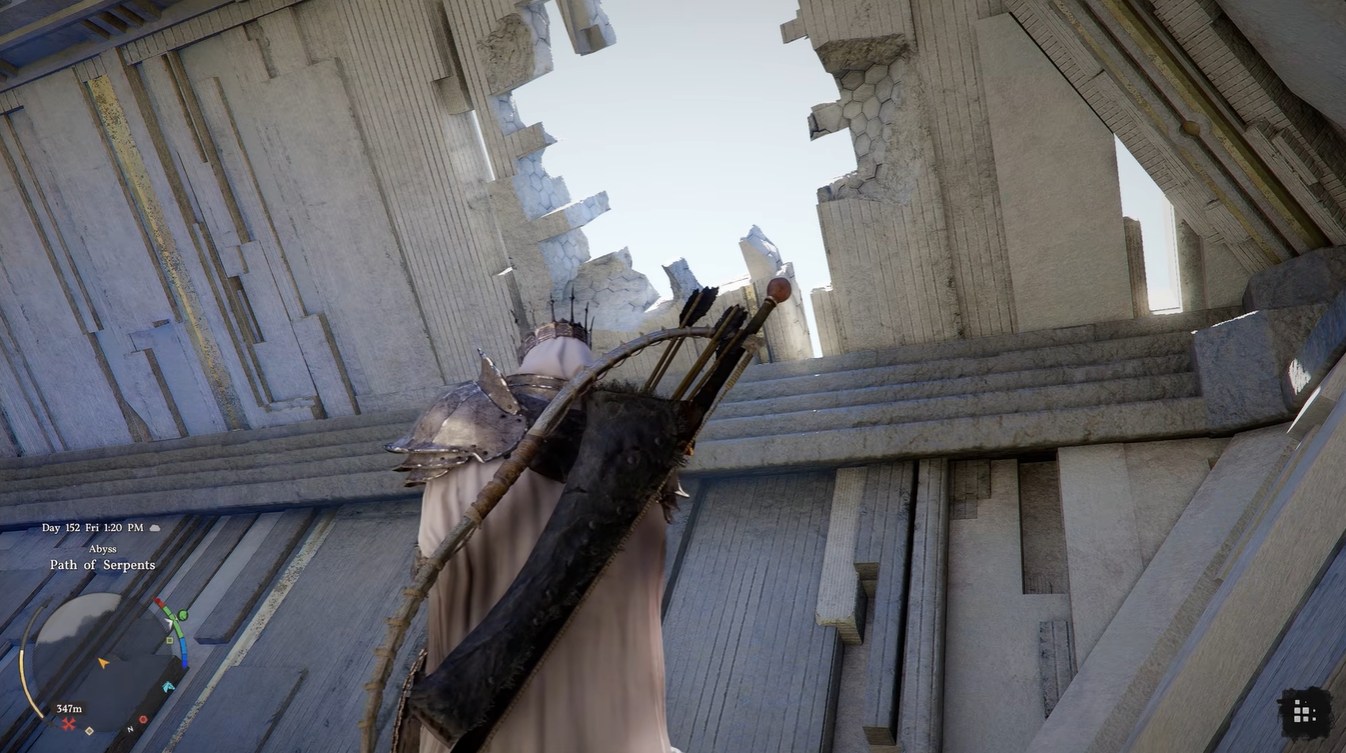
Reaching the Path of Serpents Abyss area
After the flight sequence finishes, the ship stabilizes and your character returns to a normal standing orientation. At this point, you can safely climb out of the ship.
This leads directly to the Path of Serpents Abyss area.
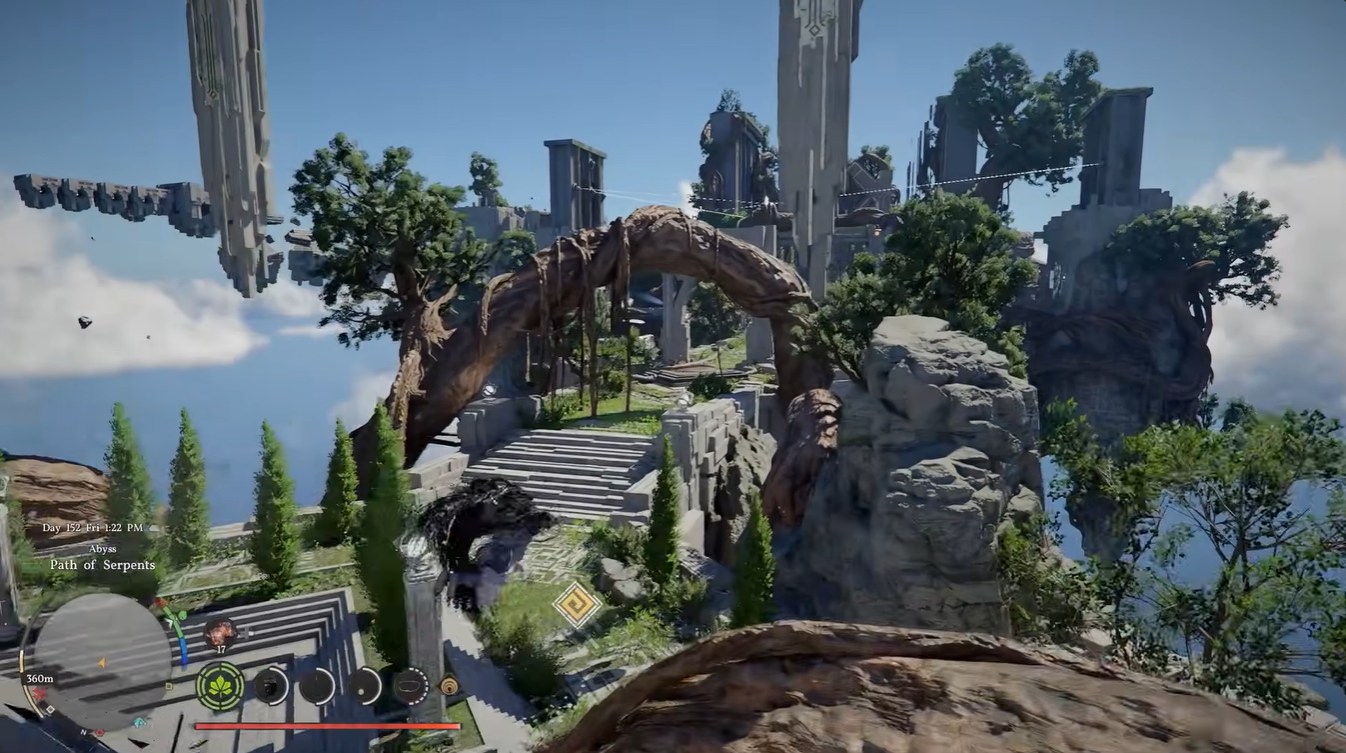
Common mistakes that can slow progress
Many players struggle because they attempt to activate batteries before the indicators fully turn green. Others miss the requirement to use Force abilities after insertion.
Another frequent issue occurs during the third battery retrieval section. If your glide angle is too steep or your boost jumps are mistimed, you may repeatedly miss the platform.
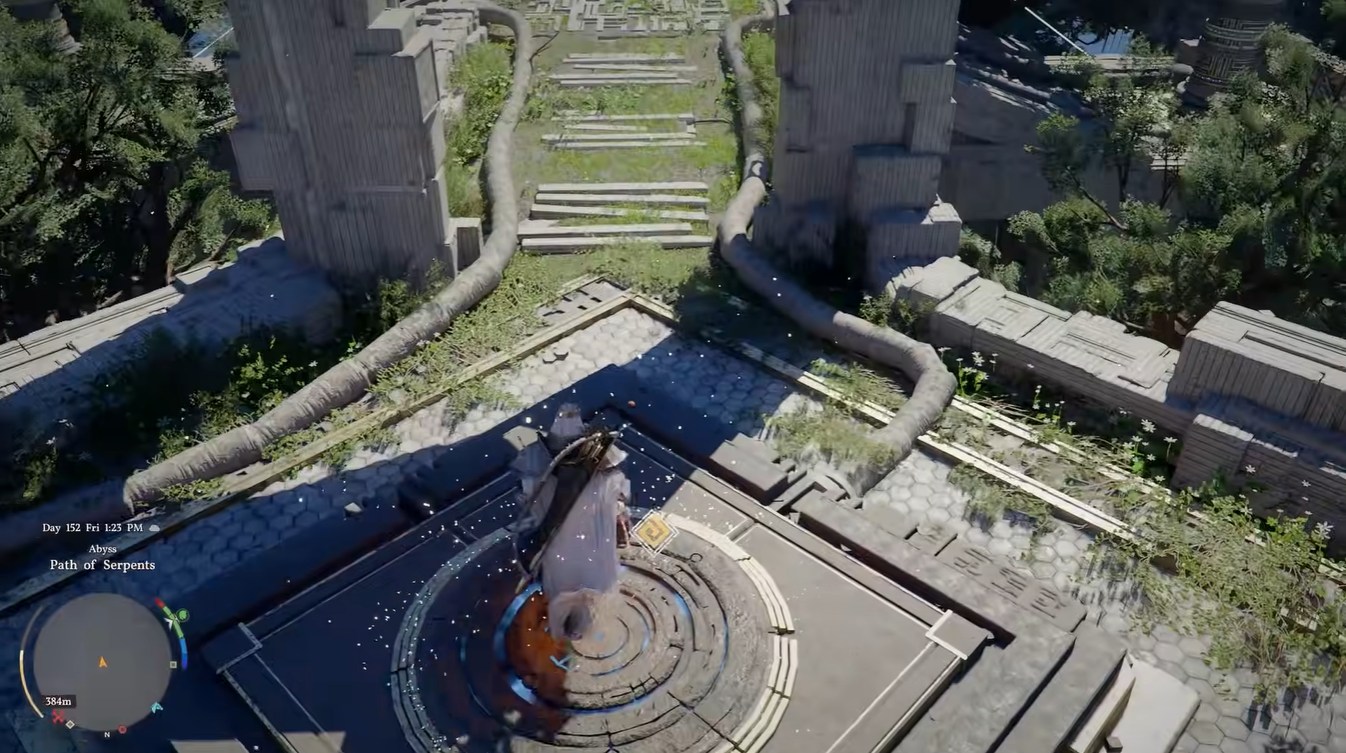
During the mid-flight repair sequence, some players also forget that the loose battery must be reactivated after reinsertion.
The Bowsprit Cape puzzle feels very different from standard dungeon mechanics in Crimson Desert because it combines traversal, physics interaction, environmental storytelling, and a scripted flight event into a single sequence. The spaceship aesthetic also adds a mysterious sci-fi tone that contrasts heavily with the game’s fantasy setting.
The puzzle is relatively short, but it becomes memorable due to the dynamic movement sections and the unusual mid-flight repair mechanic.