What to know
- You unlock The Guide by helping the Irritated Student during the Clement Academy School Anomaly.
- It becomes a usable companion item stored in your inventory.
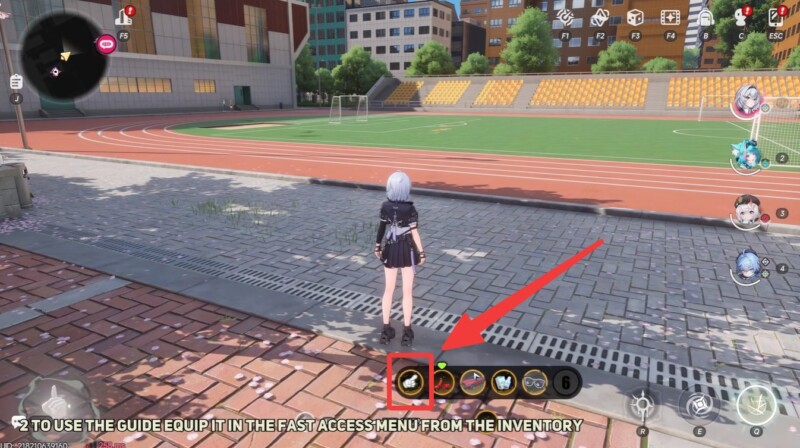
- You must equip it to your quick slot to activate its effects.
- It helps you locate treasures and navigate anomaly objectives efficiently.
Right after you begin exploring anomalies in Neverness to Everness (NTE), you’ll encounter tools that subtly improve your efficiency. The Guide is one of the most useful early-game companions, especially if you’re struggling with navigation or hidden loot tracking. It doesn’t just act as a passive item—it actively points you in the right direction, making exploration far more intuitive.
Here is a quick overview of The Guide in NTE:
| Feature | Details |
|---|---|
| Unlock Method | Help Irritated Student in Clement Academy anomaly |
| Item Type | Companion / Utility Tool |
| Primary Use | Treasure tracking and directional guidance |
| Activation | Equip via quick slot |
| Best Used For | Exploration, anomaly hunts, hidden loot |
How to unlock The Guide through the Clement Academy anomaly
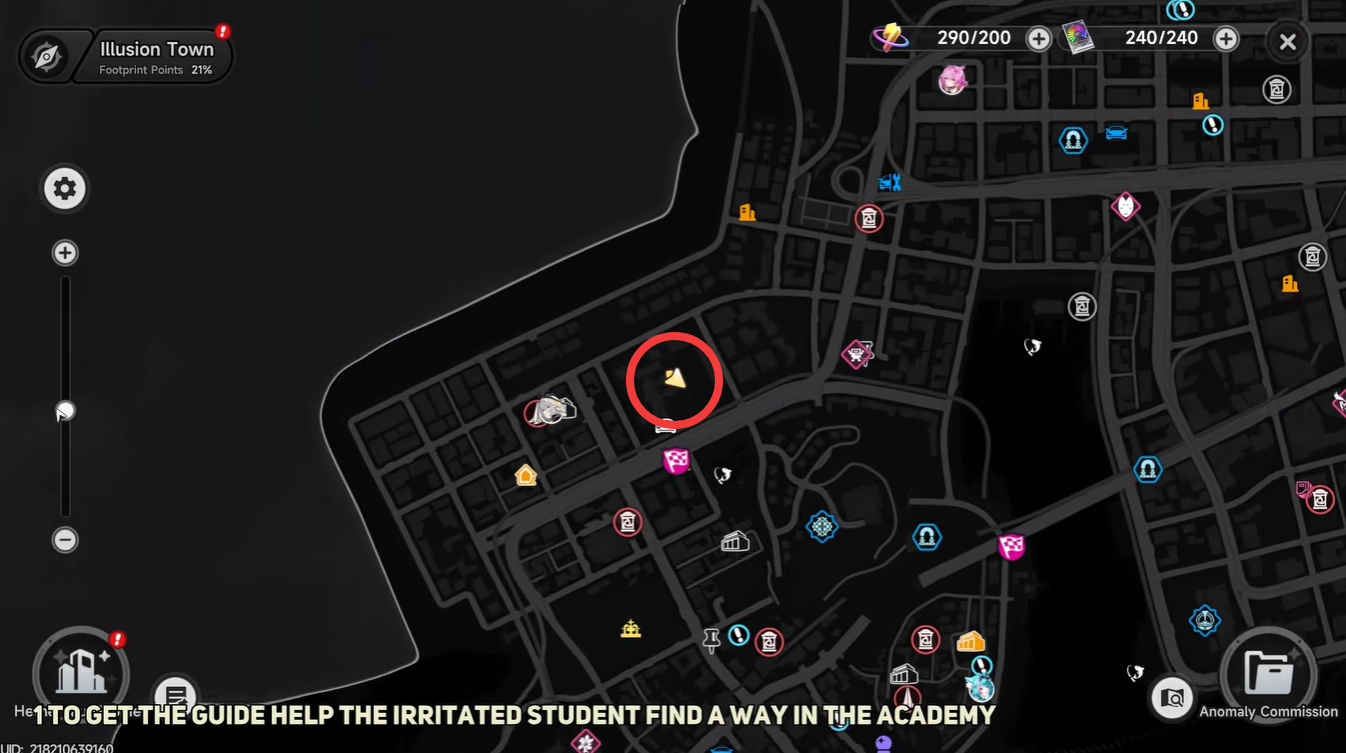
Location context: Clement Academy anomaly encounter
The Clement Academy School Anomaly is where you first encounter the Irritated Student. This event takes place in a controlled anomaly zone tied to early progression. You won’t need high-level gear, but paying attention to NPC interactions is essential here.
Step-by-step unlock process of the Guide in NTE
Step 1
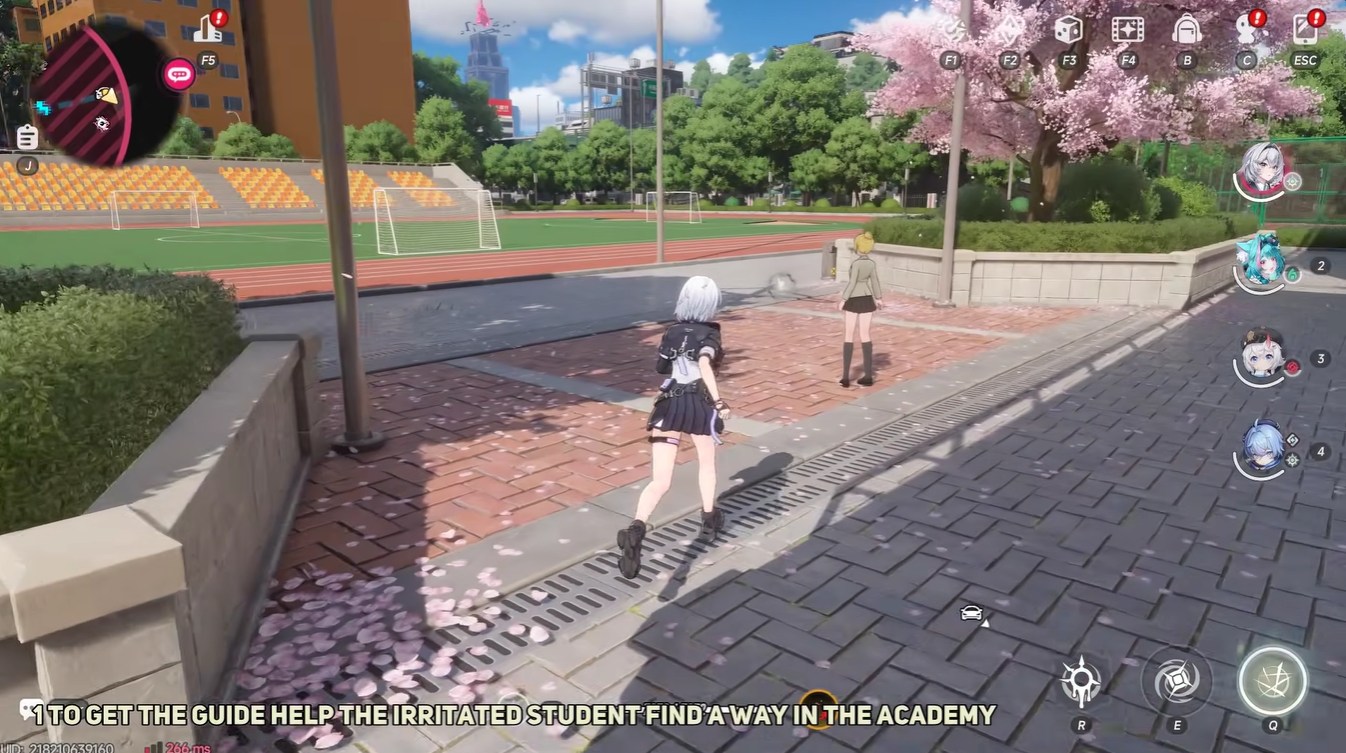
Enter the Clement Academy School Anomaly area and locate the Irritated Student. She is part of a minor rescue-style interaction rather than a combat encounter.
Step 2
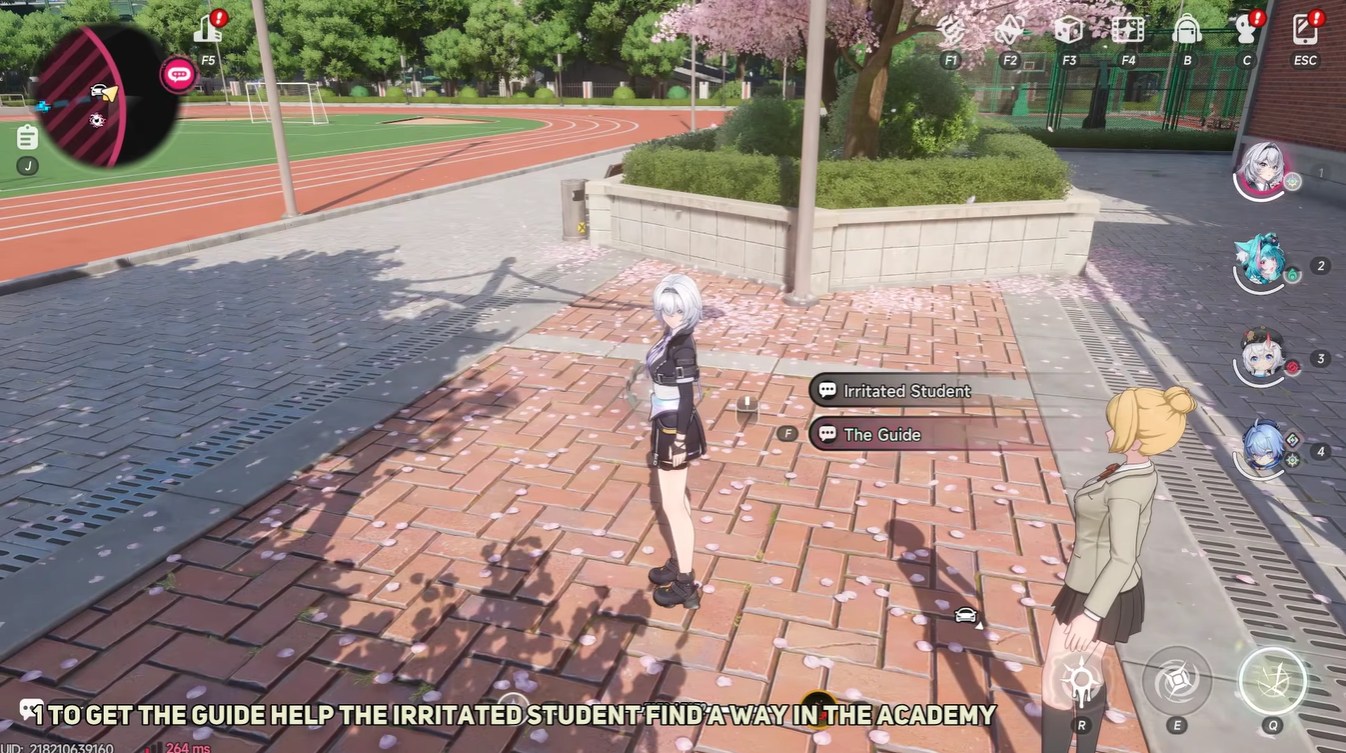
Interact with the Irritated Student and assist her. The task involves helping her safely reach the school building.
Step 3
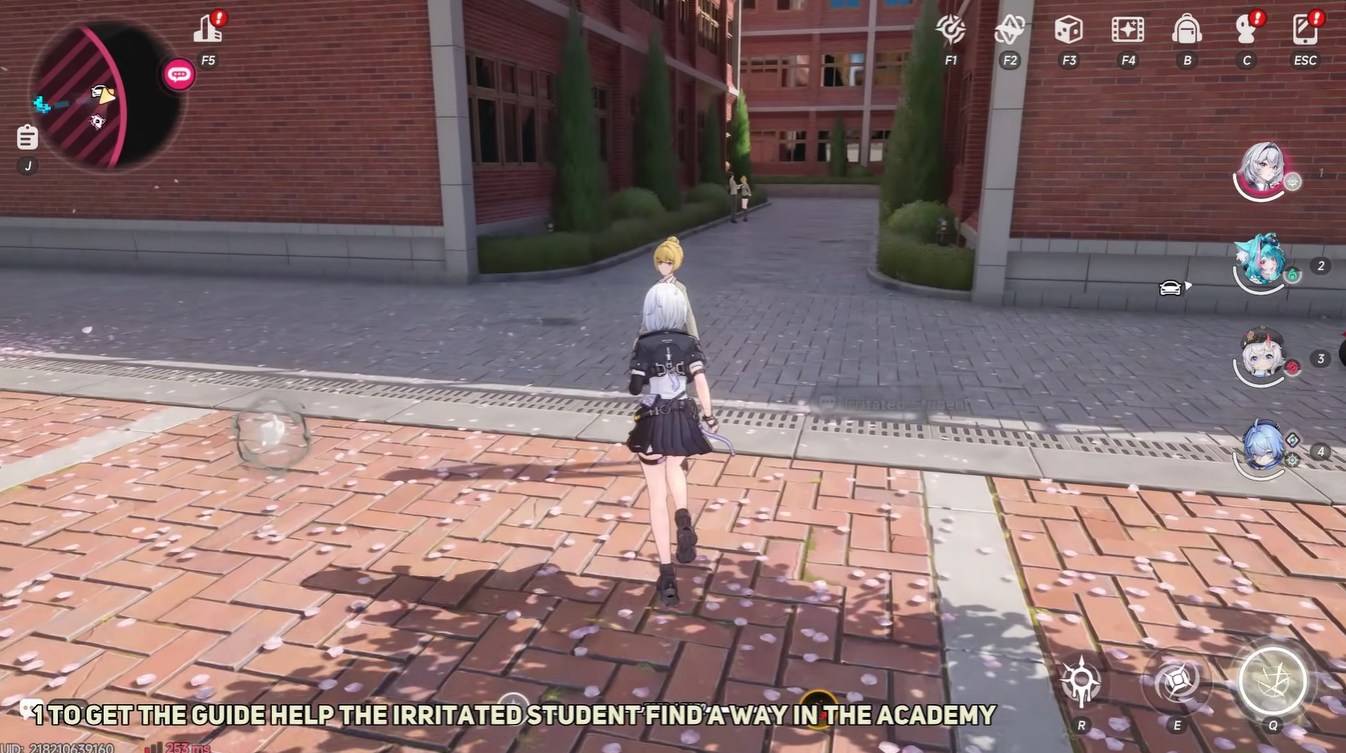
Carry or guide her back to the designated school building location. This completes the rescue portion of the interaction.
Step 4
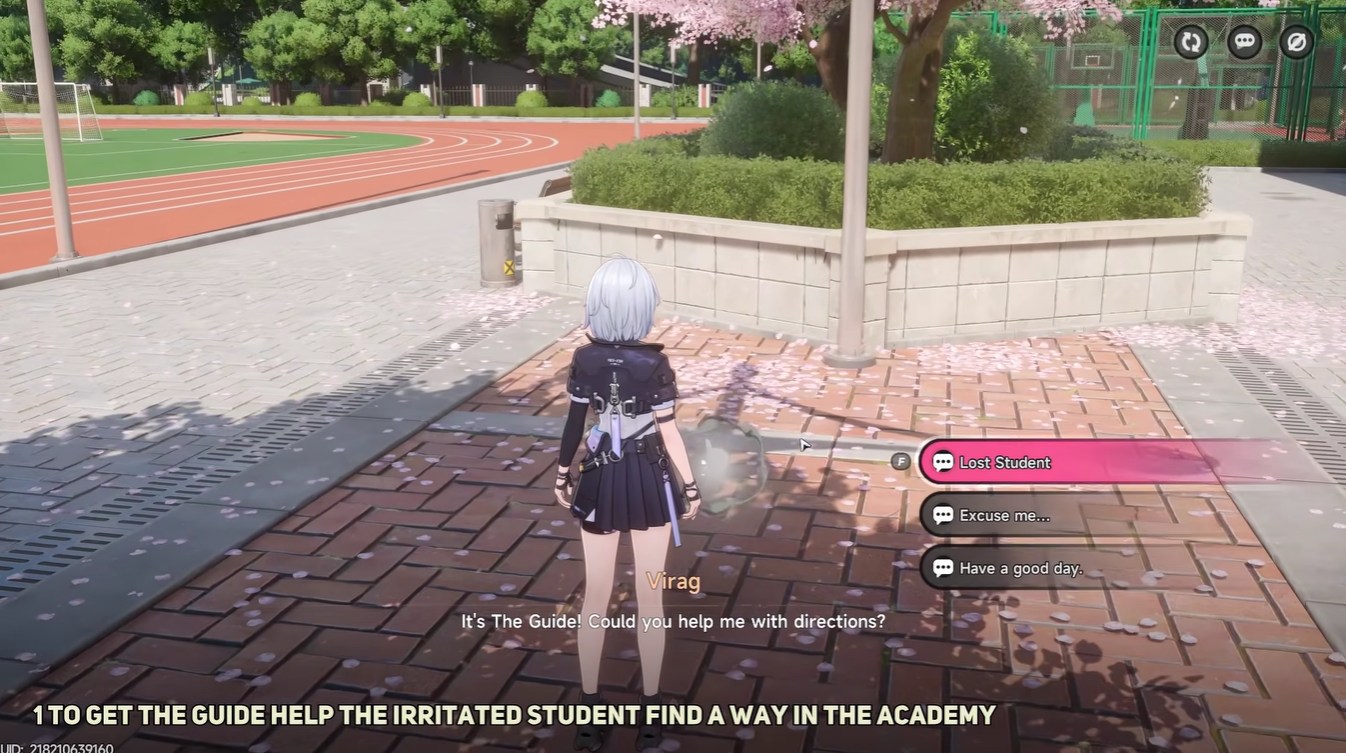
Return to The Guide entity after completing the task. It will now be interactable.
Step 5
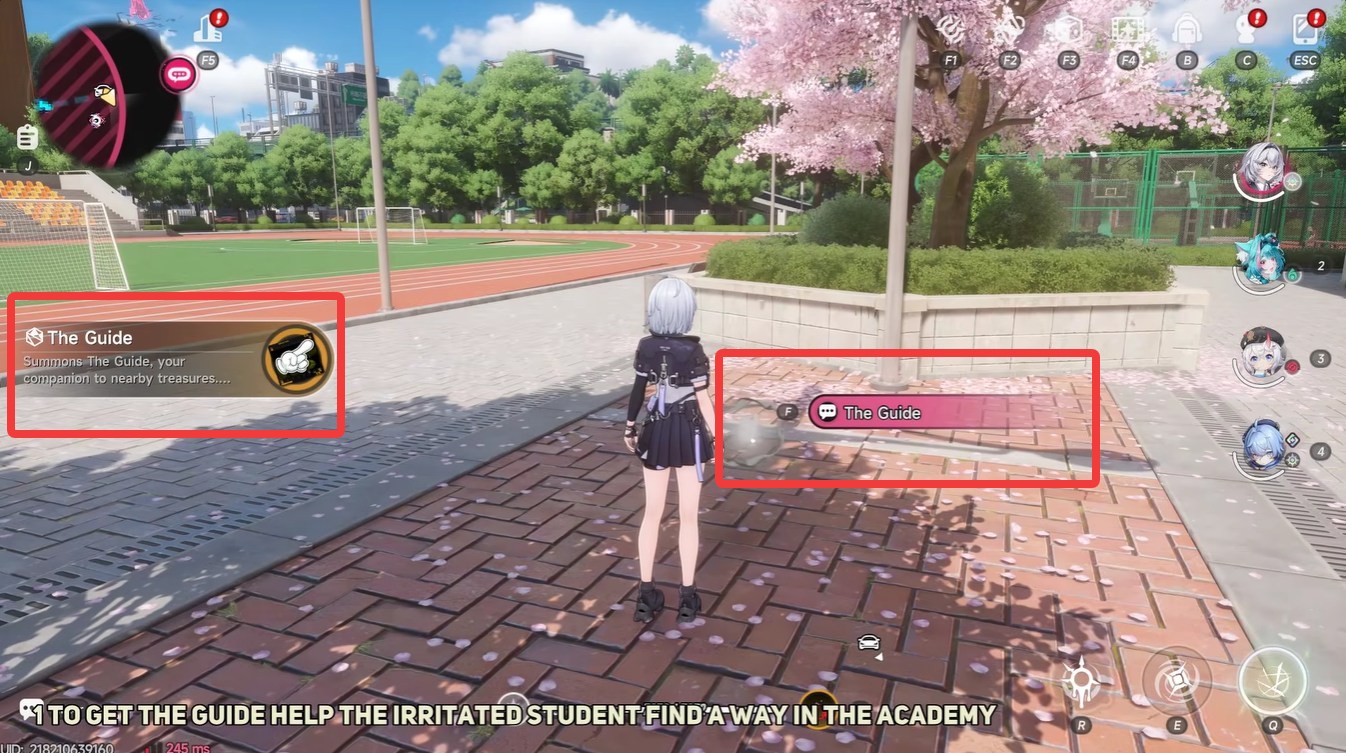
Interact with The Guide to obtain it as an item. It will automatically be added to your inventory.
How to equip and use The Guide effectively
Once unlocked, The Guide does nothing unless equipped properly, which is where many players get confused.
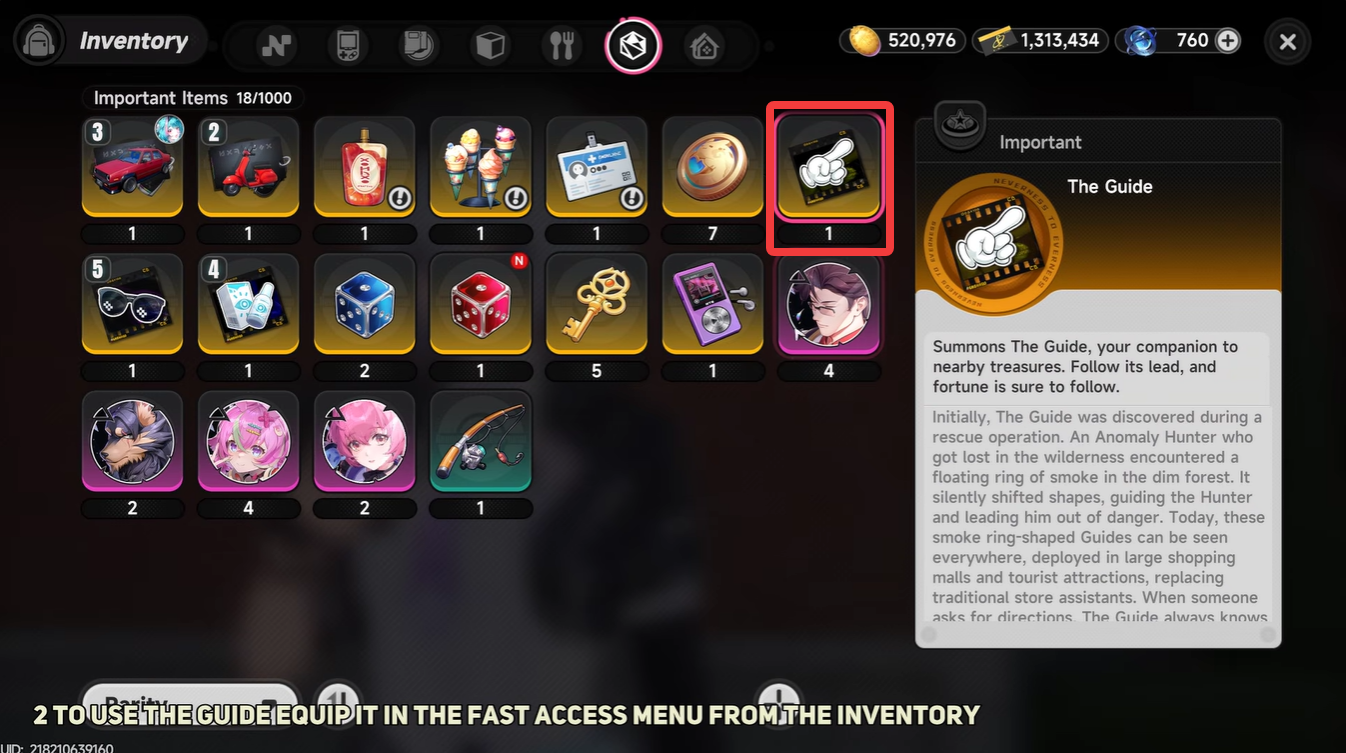
- Open your inventory and locate The Guide item.
- Assign it to your quick slot. This is required for activation.
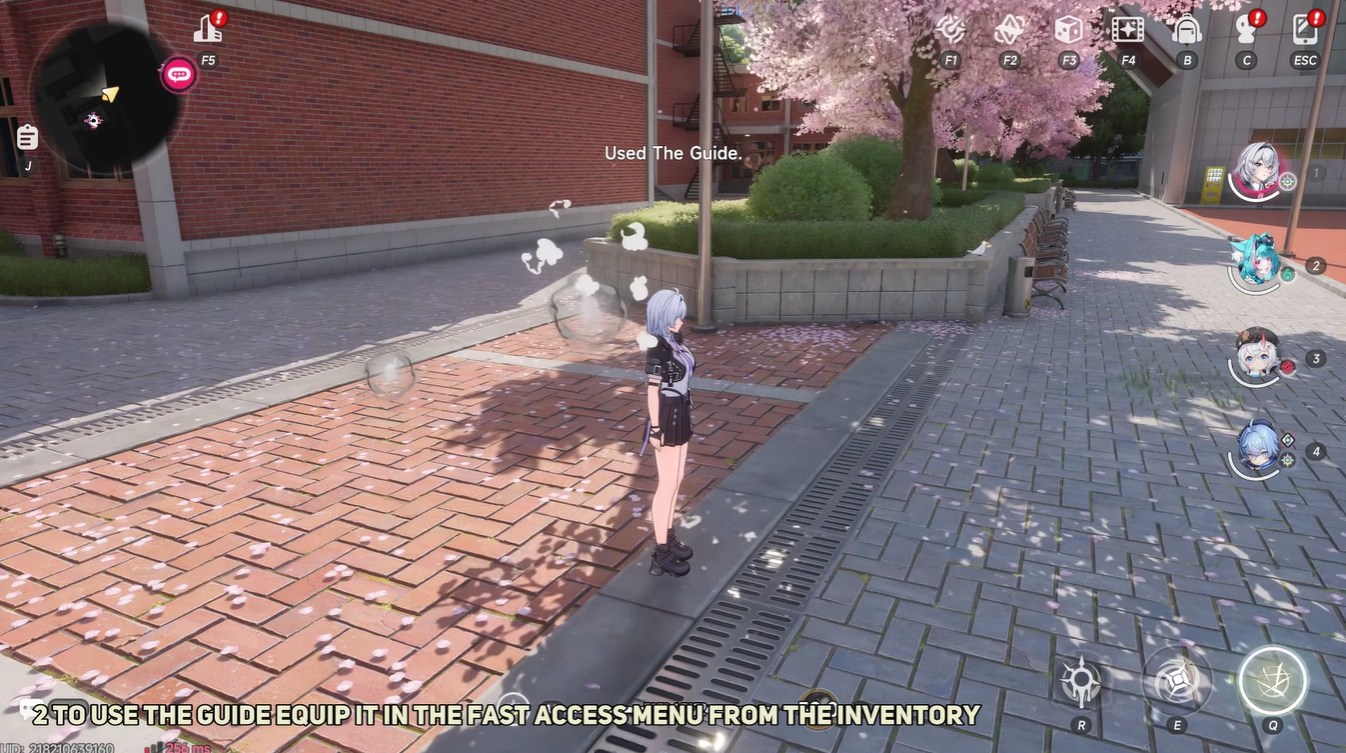
- Activate it from your quick slot during gameplay.
- Follow its directional cues. It will subtly indicate where you should move next.
When you should rely on The Guide the most
The Guide functions as a directional companion that helps you track objectives and treasures. When equipped, it visually and intuitively directs you toward points of interest. This becomes especially valuable during anomaly hunts, where environments can feel confusing or misleading.
| Scenario | Why it helps |
|---|---|
| Treasure hunting | Points directly toward hidden loot |
| Early anomaly missions | Prevents getting lost in unfamiliar layouts |
| Exploration sessions | Reduces time wasted wandering |
| Objective tracking | Acts as a natural navigation aid |
The Guide shines the most when you’re unsure where to go next. Instead of relying on trial-and-error exploration, it gives you a consistent directional reference. This is particularly useful in anomalies where environments may shift or feel disorienting.
Subtle mechanics and behavior you might miss
The Guide doesn’t explicitly mark locations like a waypoint system. Instead, it nudges you in the right direction through movement cues. This design choice keeps immersion intact while still being helpful.
It also works passively once activated, meaning you don’t need to repeatedly trigger it. As long as it’s equipped, you can continuously benefit from its guidance.
Another overlooked detail is how it adapts to both treasure and anomaly objectives, making it a versatile tool rather than a single-purpose item.
The Guide saves time, reduces frustration, and improves exploration efficiency. In a game where anomalies can be confusing, having a consistent directional helper makes a noticeable difference.
It’s especially valuable if you prefer smooth progression without constantly checking maps or guides. Think of it as a built-in navigation assistant that evolves with your playstyle.