What to know
- Yes, you can delete Miis anytime from the Residents menu.
- Deletion is permanent and removes all relationships and progress.
- Editing a Mii is a safer alternative if you just want changes.
- Some actions may require a small in-game currency cost.
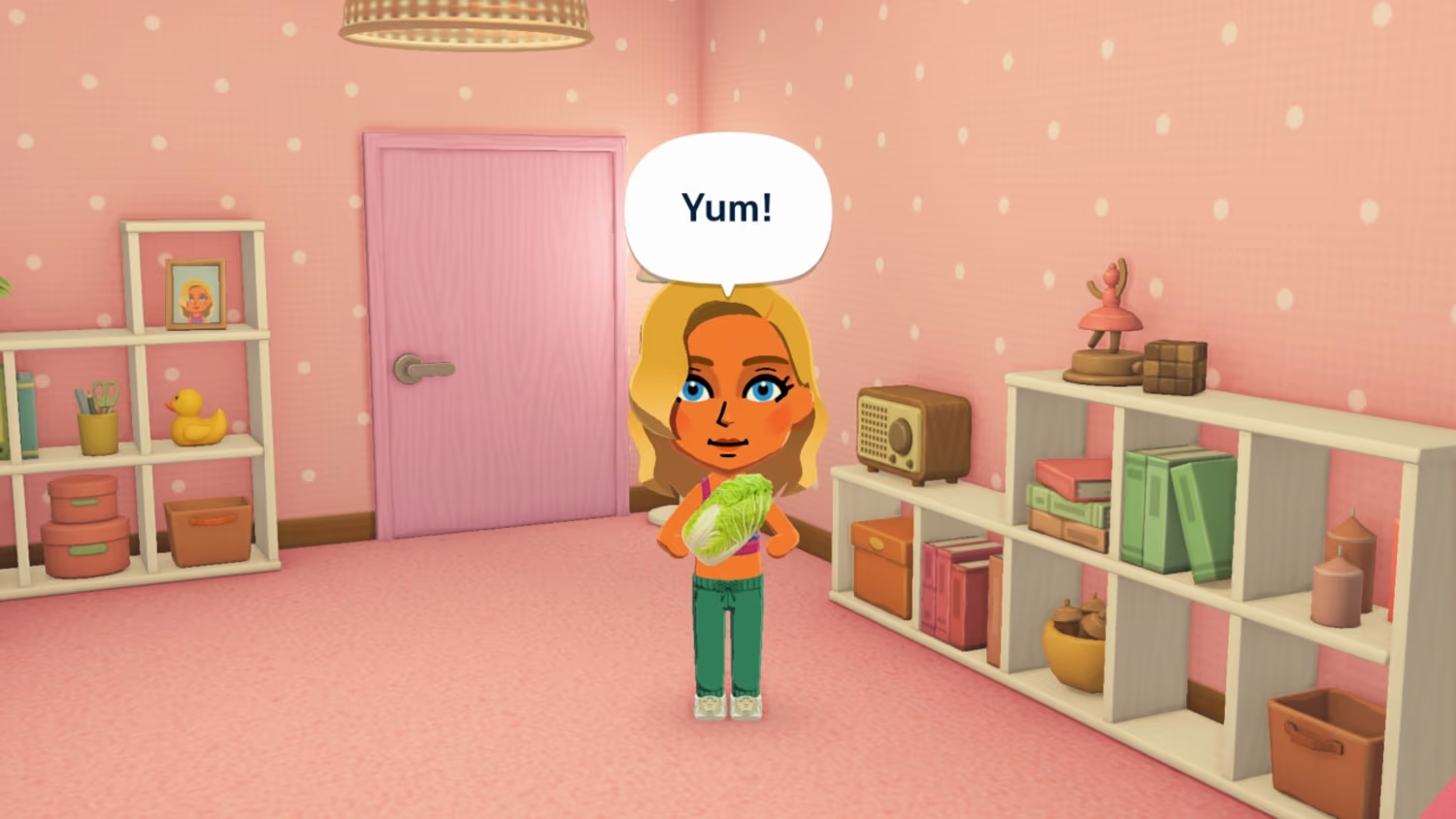
If you’ve been managing your island and feel like a Mii no longer fits your story, you’re not stuck with them forever. Tomodachi Life: Living the Dream gives you full control over your residents, allowing you to either completely remove a Mii or reshape them into someone new. However, the two options—editing and deleting—work very differently, and knowing when to use each can save you from losing important progress.
| Feature | Editing a Mii | Deleting a Mii |
|---|---|---|
| Permanence | Temporary changes | Permanent removal |
| Relationships | Preserved | Completely erased |
| Cost | Usually free | May require in-game currency |
| Best for | Fixing appearance/personality | Removing unwanted Miis |
Understanding how Mii deletion works in your island
When you delete a Mii, you are permanently removing them from your island along with everything tied to them. This includes friendships, rivalries, marriages, and even unique interactions you may have built over time. There is no undo option, which makes this decision more impactful than it might initially seem.
You might notice the game includes a small confirmation step before deletion. This is intentional, as once a Mii is gone, the game treats it as if they never existed. If that Mii played a major role in your island’s social dynamics, their absence can noticeably change how other residents interact.
How to delete a Mii in Tomodachi Life Living the Dream
If you’re sure about removing a Mii, the process is straightforward and can be done at any time during gameplay.
Step 1
Open the main menu using the X button to access island management options. Navigate to the Residents section where all your Miis are listed.
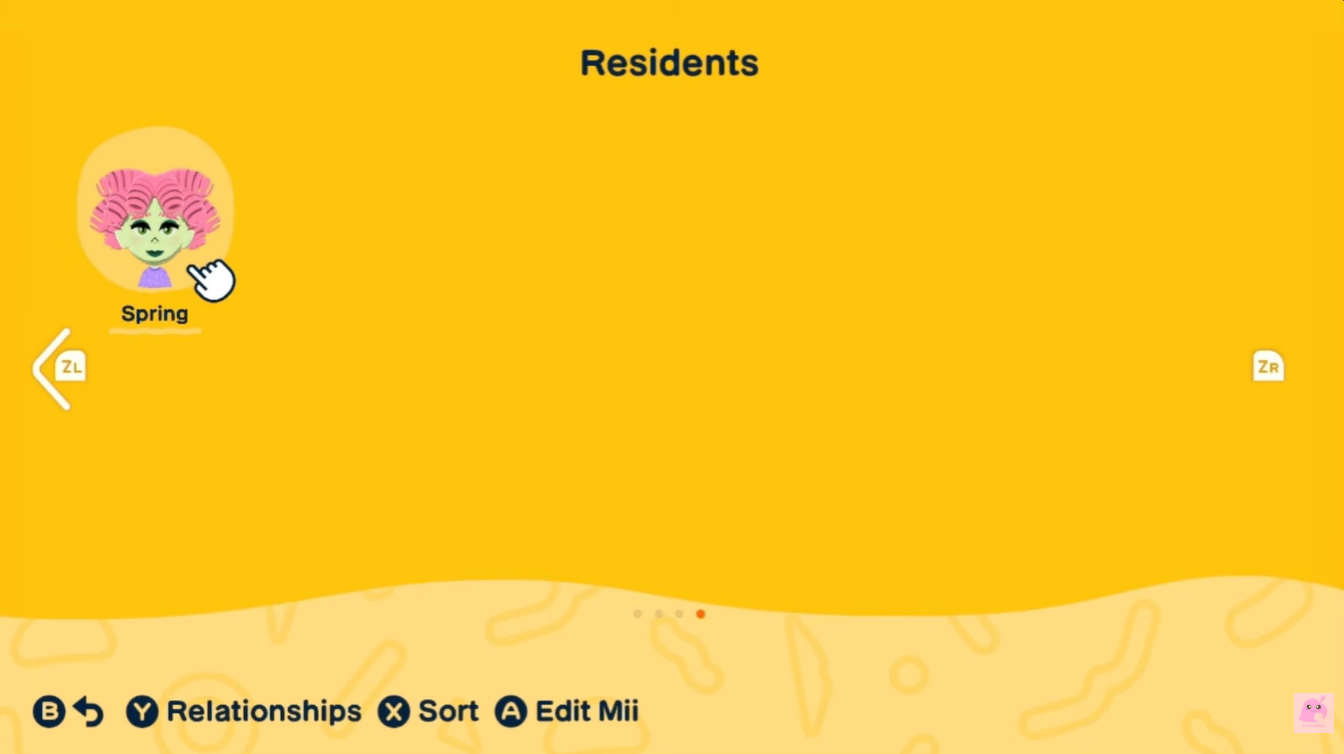
Step 2
Select the Mii you want to remove to open their profile. Look for the “Delete Mii” button on that Mii’s profile.
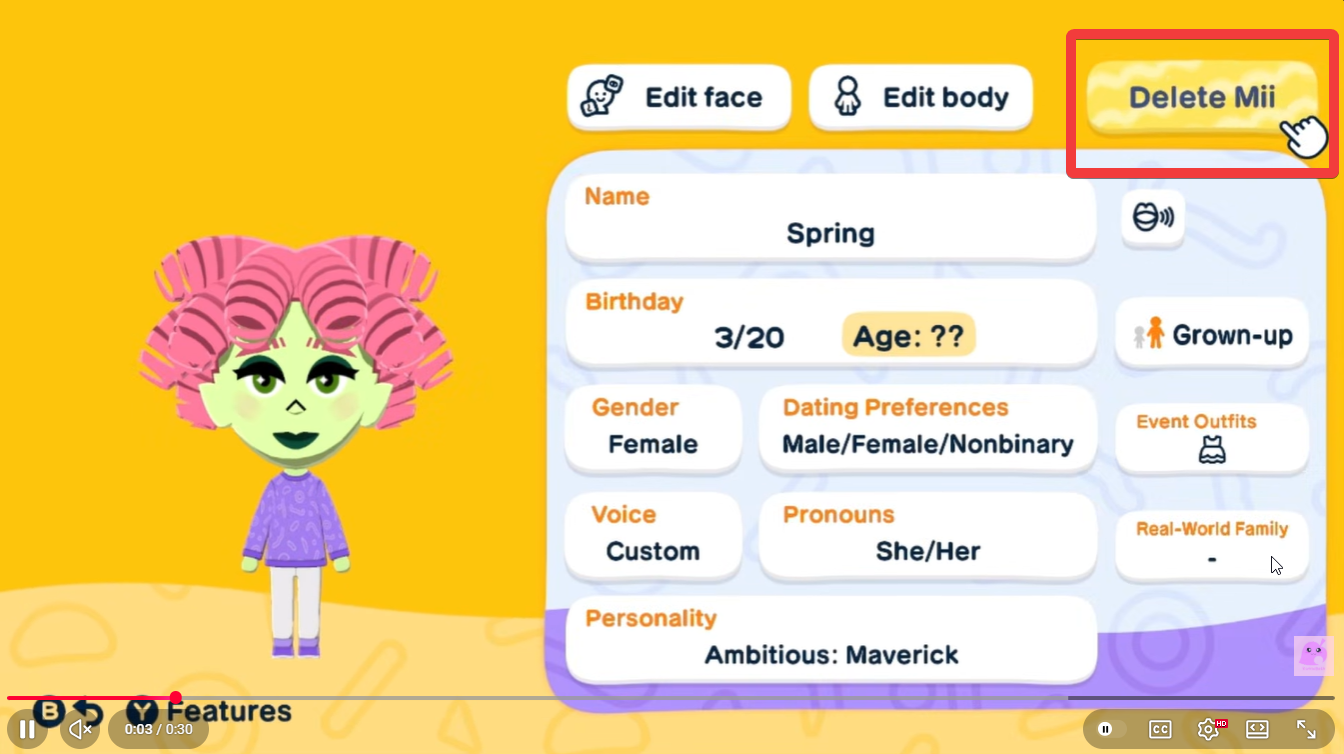
Step 3
Choose the delete option and confirm your decision. Pay any required in-game currency if prompted and finalize the removal.
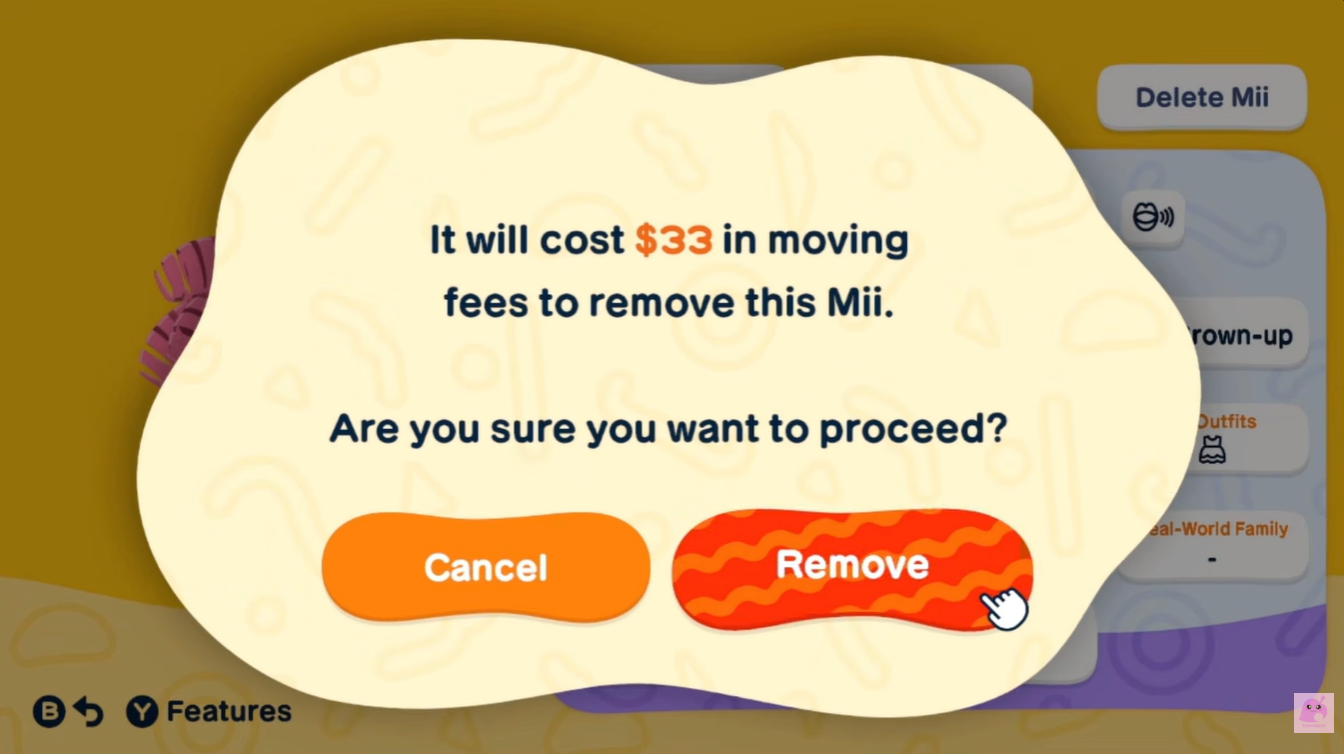
Once completed, the Mii disappears instantly from your island, and all associated data is erased.
How to edit Miis in Tomodachi Life Living the Dream
Before you decide to delete, it’s worth considering the editing feature. Editing allows you to completely transform a Mii without losing their history. You can change their face, personality traits, voice, and even their overall role in your island’s story.
This is especially useful if:
- You’re bored with a character but still want to keep their relationships intact.
- You want to repurpose a Mii into a new character.
- You made a mistake during creation and want to fix it.
Unlike deletion, editing keeps your island’s social web stable, which can be important if you’ve spent time building friendships or unlocking interactions.
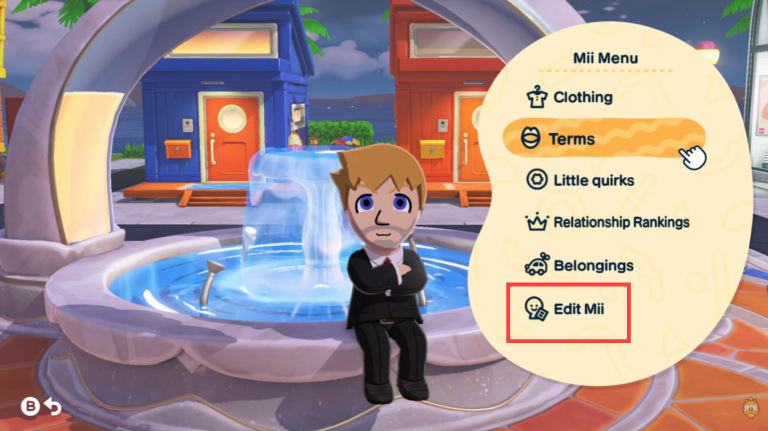
To edit a Mii, simply click on Edit Mii option from their in-game profile, which is the Mii Menu.
What happens after a Mii is deleted
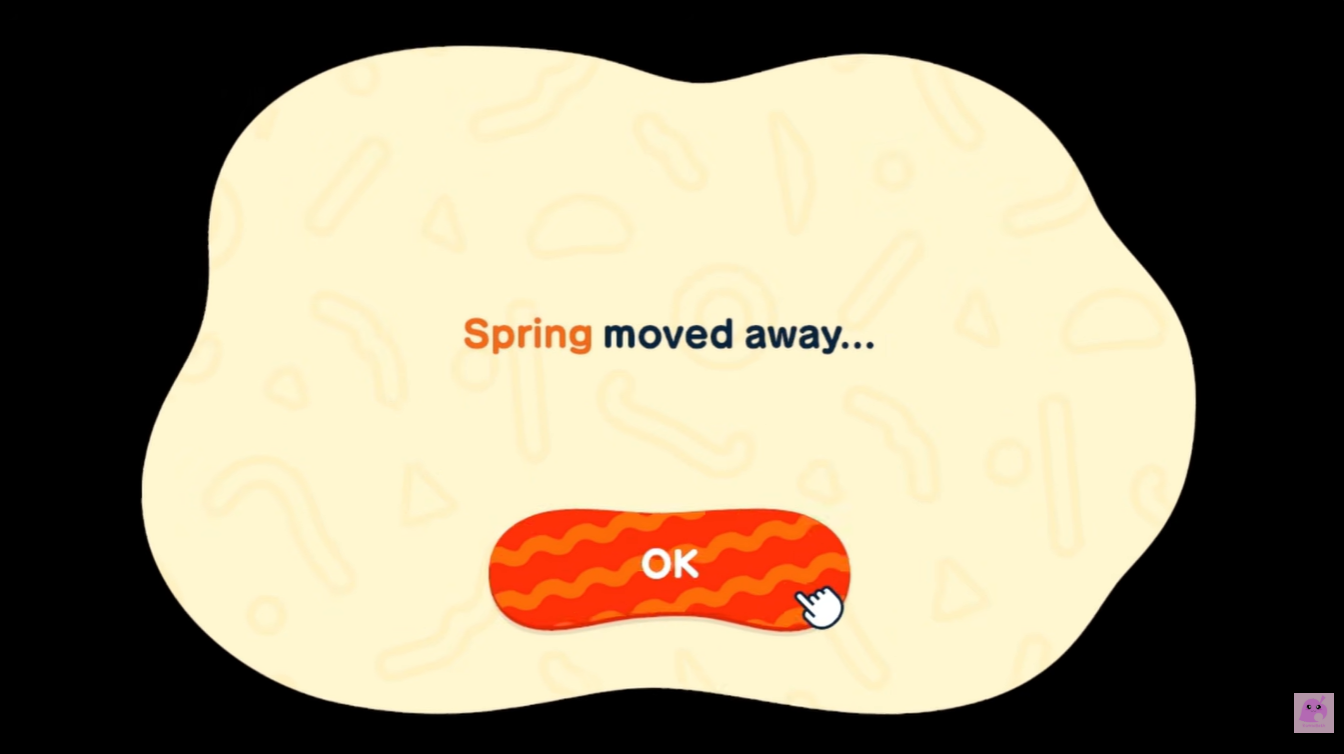
One of the biggest impacts of deleting a Mii is how it affects others. All relationships tied to that Mii vanish instantly, which can shift the balance of your island. Friends lose connections, couples are separated, and ongoing interactions tied to that Mii are canceled.
This can lead to subtle changes in behavior among remaining Miis, as the game recalculates social links and interactions.