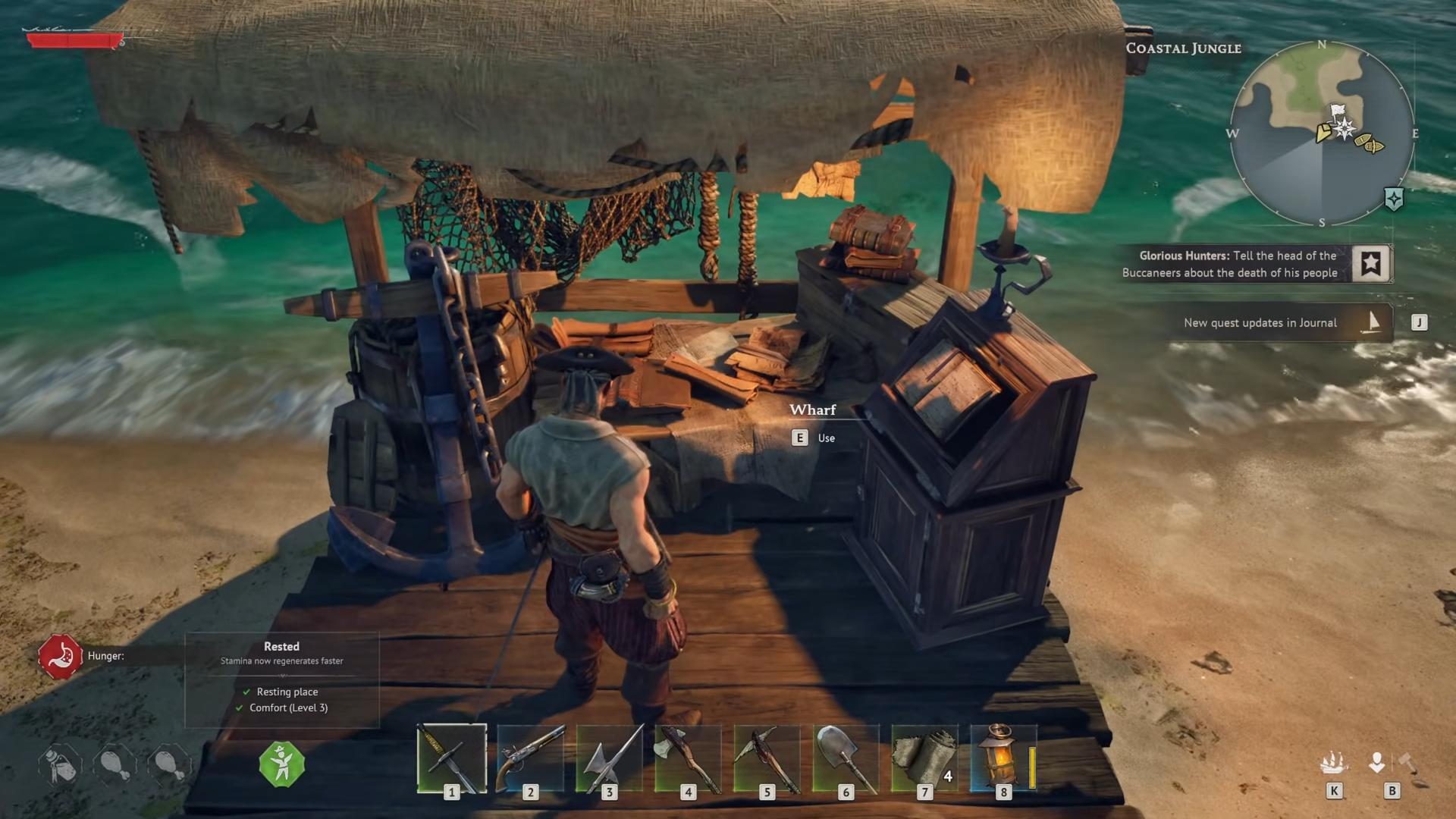
- You must unlock the wharf after progressing the main story and getting your first ship.
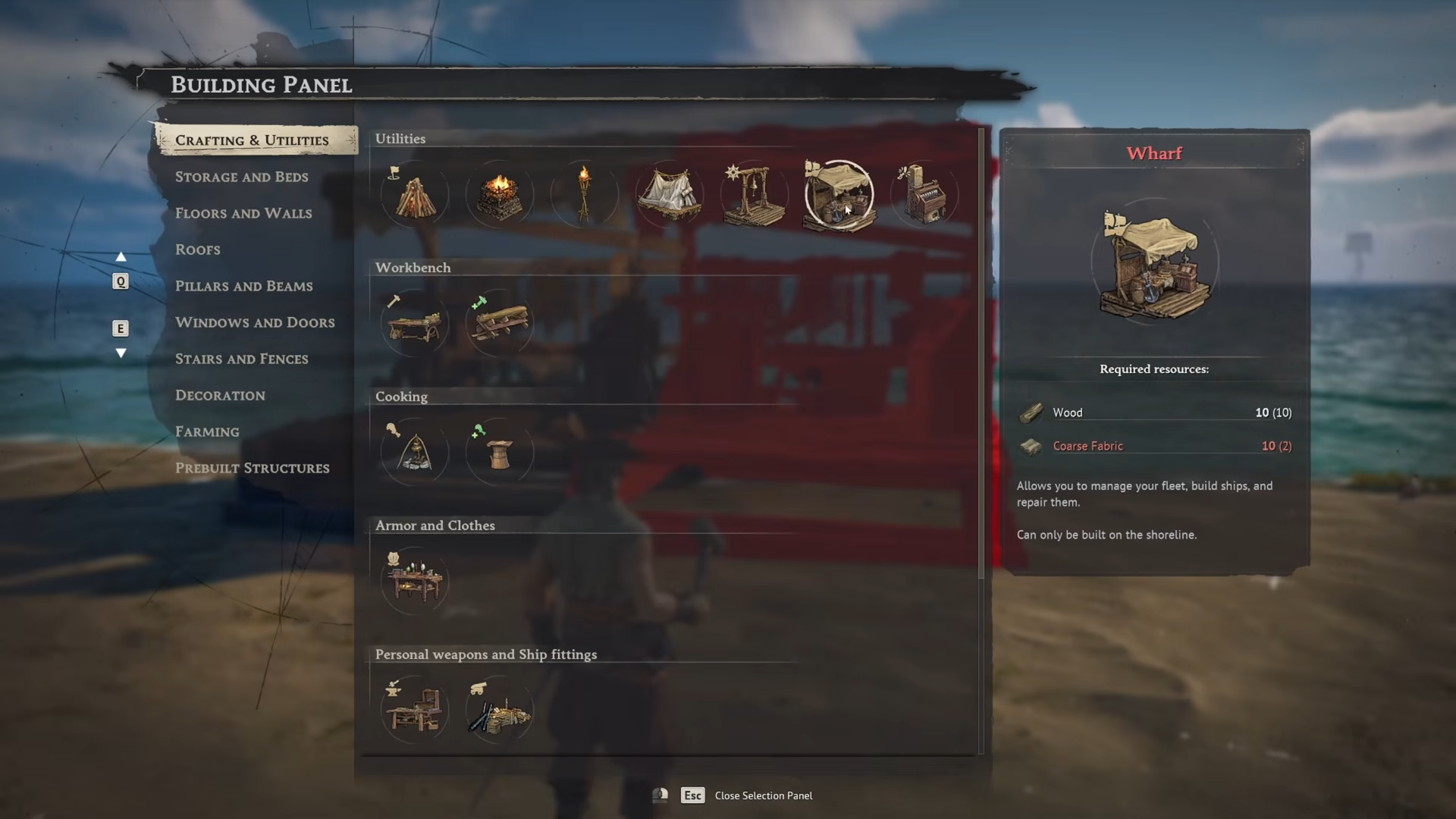
- The build requires 10 Wood and 10 Coarse Fabric.
- It must be placed along the coastline, close to water and within range of your base.
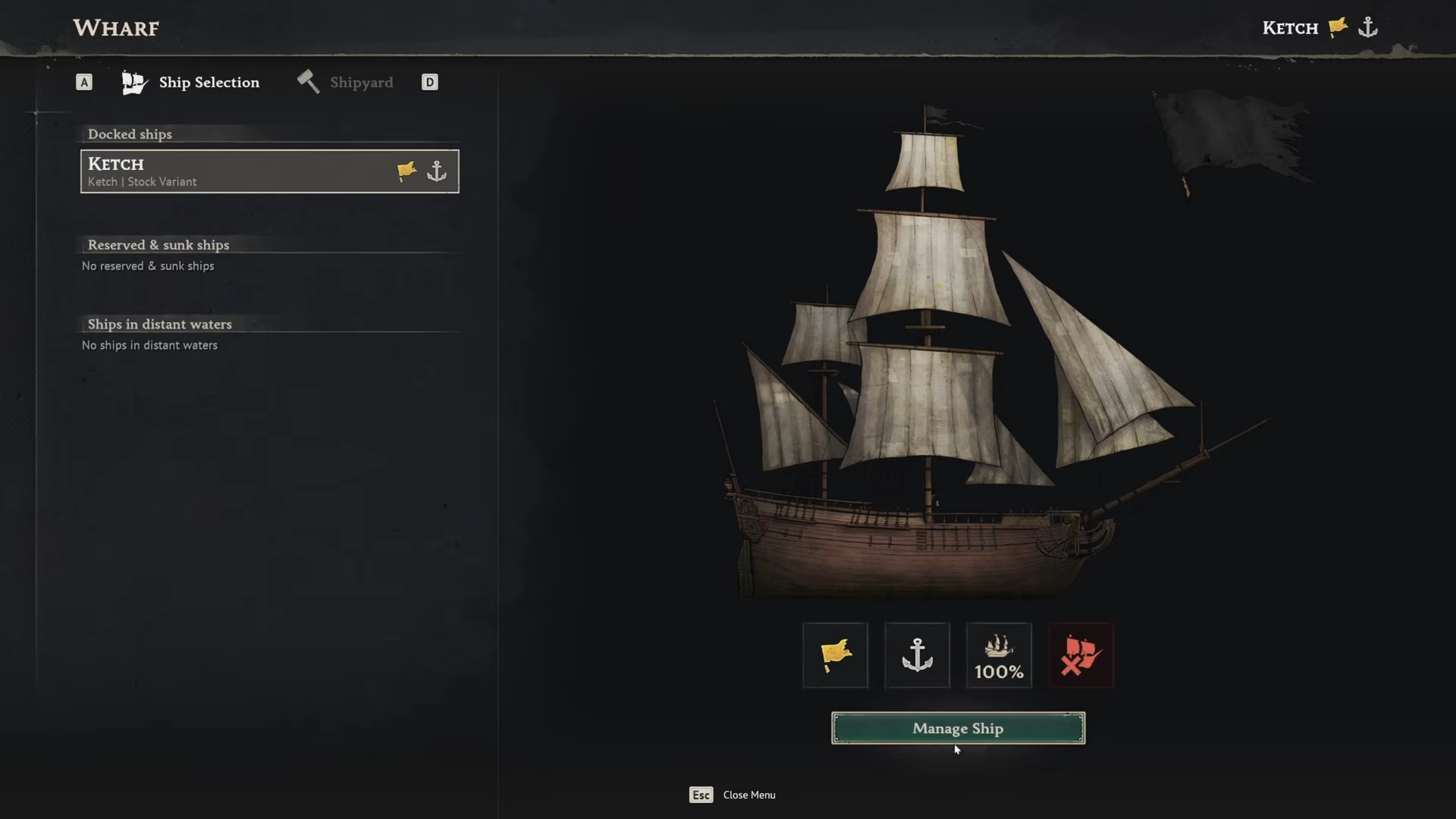
- Once built, you can manage your ship there, including equipping cannons and upgrading gear.
In Windrose, the wharf acts as your ship management hub at your coastal base. After you complete early story quests that involve getting your first real ship, the wharf becomes available in your build menu. From there it is treated like any other crafting station, but with the specific job of tuning and maintaining your vessel.
| Aspect | Detail |
|---|---|
| Unlocks after | Getting your first ship and completing early main‑story ship quests. |
| Build location | Along the shoreline, close to water and within your base’s build radius. |
| Build menu location | Build menu → Crafting & Utilities → Utilities tab. |
| Build cost | 10 Wood, 10 Coarse Fabric. |
| Main function | Manage ship, equip cannons, and perform maintenance. |
Where to place your wharf
The best use case is to build the wharf right next to your ship’s usual docking spot, ideally extending structures outward from shore so your ship can pull in without grounding.
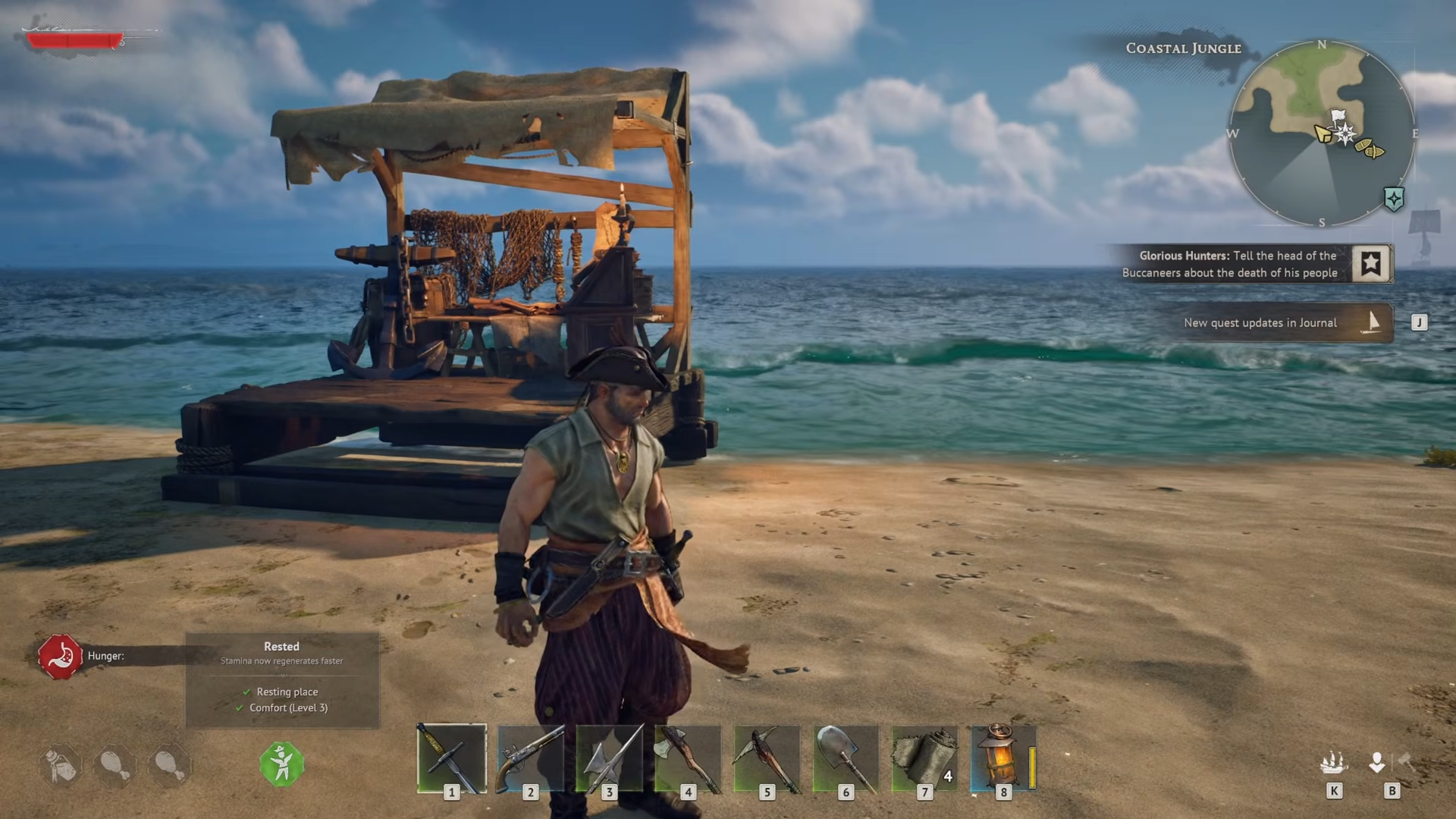
You can combine it with piers or docks so you have a clear path to board and interact with the wharf. Make sure the area stays within your camp’s build range and is not obstructed by rocks or steep cliffs that block placement.
How to build the wharf step‑by‑step
Step 1: Prepare the prerequisites
Before you can build the wharf, finish the early story steps that give you your first proper ship and assign the “craft cannons” or “build ship”‑style objectives. Once those quests are done, the wharf blueprint unlocks in your building manual at any bonfire‑type base point.
Step 2: Gather materials
Collect 10 Wood by chopping trees and processing logs at simple crafting stations near your camp. Then craft 10 Coarse Fabric by turning plant fiber into fabric at your workbench. Put both into your inventory or storage so you can place the wharf without repeated trips.
Step 3: Open the build menu
Go to your base bonfire and press the build‑menu key (default B) to open the crafting and utilities section. Scroll to the Utilities tab, where the wharf appears as a small station icon, usually near the Fast Travel Bell.
Step 4: Position the wharf
Hold the wharf placement mode and move along the shoreline until the placement outline turns valid (non‑red). Choose a spot where your ship can pull up close, ideally with a small dock or pier extending from land so you can walk out and board. Confirm the placement and the wharf will be constructed on the spot.
Step 5: Interact and manage your ship
Jump onto the wharf’s platform, then interact with the management table using the standard interaction key (usually E).
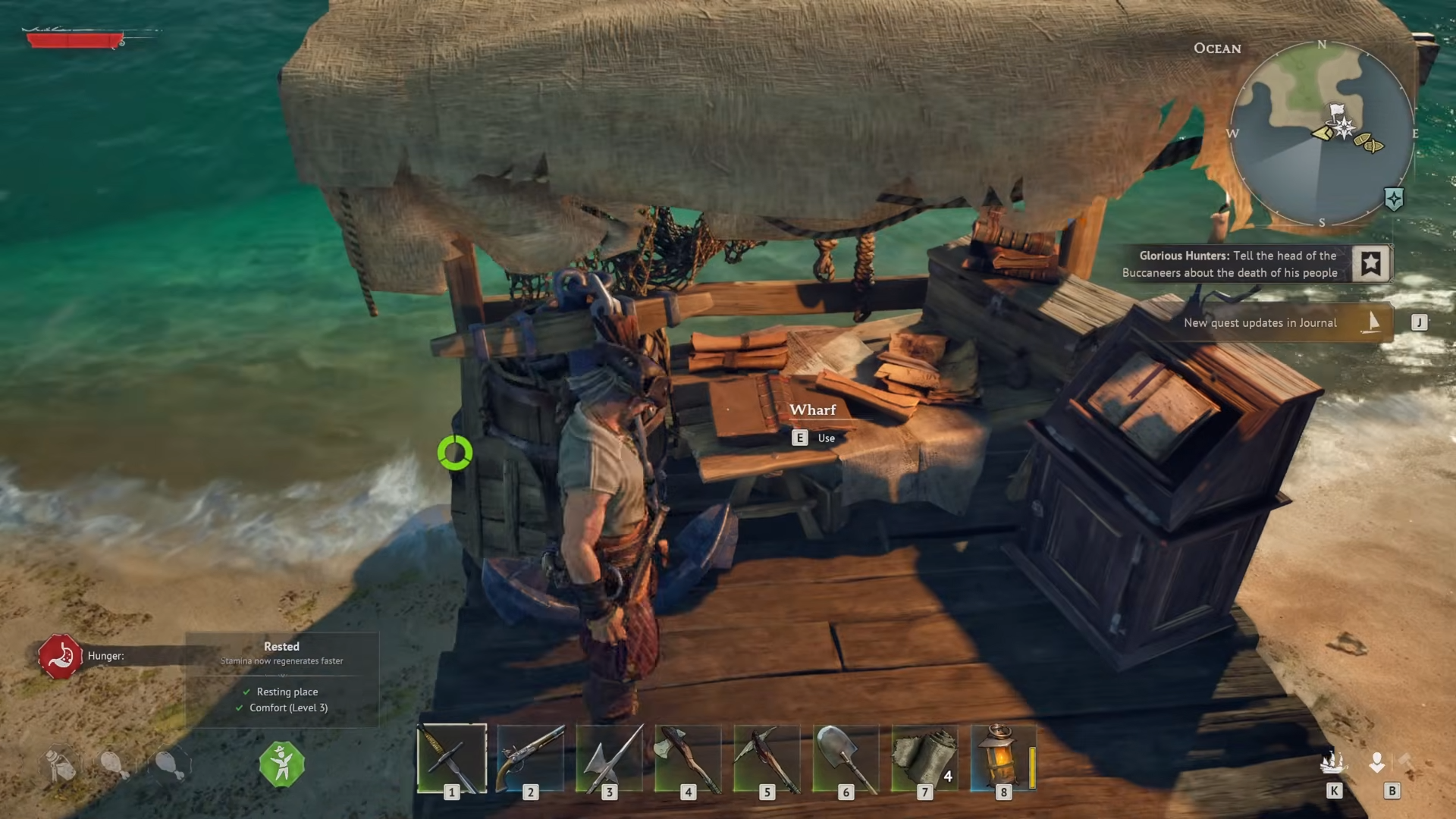
A menu will open with options such as “Manage Ship,” where you can equip cannons, repair hull damage, and add other ship‑related gear. Save your ship configuration there, and the wharf will also let you recall or reset your vessel if it drifts or sinks in the near vicinity.
How the wharf helps your ship and base
With the wharf in place, Windrose lets you centralize all ship upgrades and repairs in one coastal hub instead of scrambling across the map.
You can carry cannons, hull bracing, and boarding‑party gear from your workshop and plug them directly into your ship at the wharf, which is especially useful before major naval encounters. Over time the same station can also be used to build and store additional ships as your faction reputation and story progress unlock more vessel types.