
- What to know
- New Ships parts added in Starfield Free Lanes
- Starfield’s new ship parts vendor location
- The reality behind Class B engine upgrades
- How new structural parts impact your ship design
- How to get the best ship schematics from Va’ruun ships
- How to unlock and use X Tech upgrades effectively
- Balancing performance and customization in Free Lanes
What to know
- New ship parts are available at Algorab system stations and Titan ship technicians
- Not all new engines are worth using for endgame builds
- Schematics from Va’ruun ships offer powerful passive bonuses
- X Tech upgrades provide some of the best late-game ship improvements
If you’ve jumped back into Starfield after the Free Lanes update, you’ve likely noticed a significant expansion in ship customization. From new engines to advanced schematics and X Tech upgrades, the update leans heavily into giving you more control—but not every addition is equally valuable. As you explore these new systems, understanding what actually improves performance versus what simply looks good becomes crucial.
New Ships parts added in Starfield Free Lanes
| Feature Type | What’s Added | Best Use Case | Worth It? |
|---|---|---|---|
| Ship Parts | Engines, cockpits, structural modules | Aesthetic builds | Situational |
| Engines | New Class B variants | Speed-focused builds | Limited |
| Structural Pieces | Nova Galactic designs | Visual customization | Yes (cosmetic) |
| Ship Schematics | Passive bonuses | Endgame optimization | Highly recommended |
| X Tech Upgrades | Ship-wide enhancements | All builds | Essential |
Starfield’s new ship parts vendor location
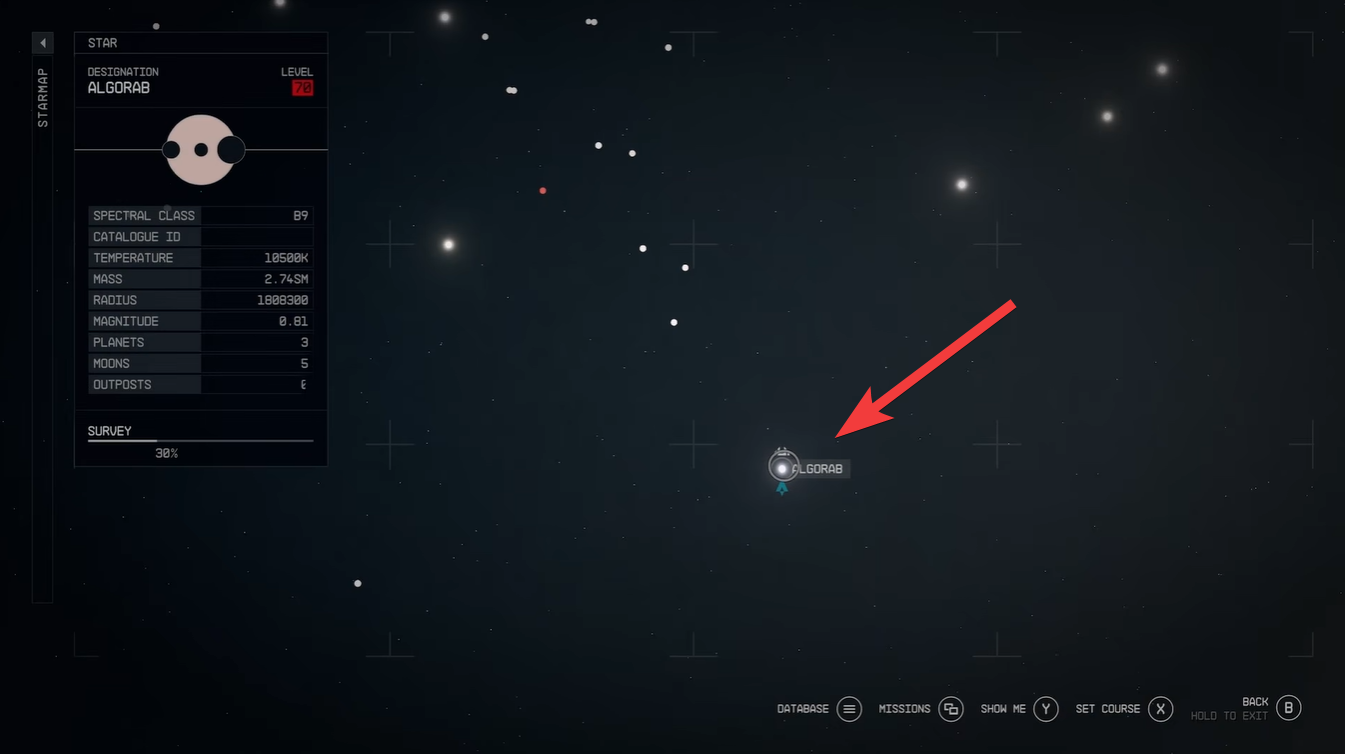
The Free Lanes update introduces new vendors and locations where you can access ship components. You’ll primarily want to visit the space station in the Algorab system or head to Titan in the Sol system, specifically New Homestead’s ship technician.
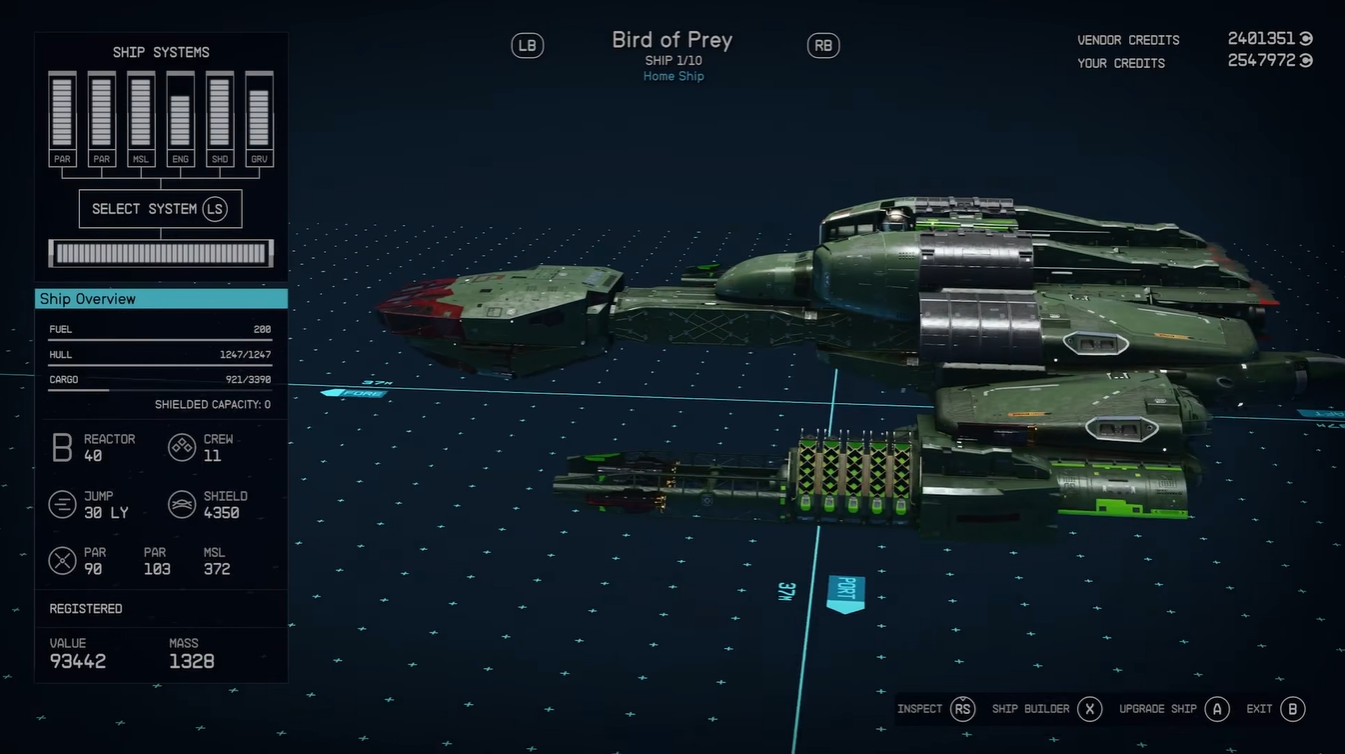
These vendors stock the latest structural pieces, engines, and cockpit designs, making them your first stop when experimenting with new builds. If you’re serious about upgrading, you’ll be revisiting these locations often.
The reality behind Class B engine upgrades
At first glance, the new engines seem appealing due to their higher top speeds, but once you factor in performance metrics, things change. The mass-to-thrust ratio is where these engines fall short, especially in heavier builds.
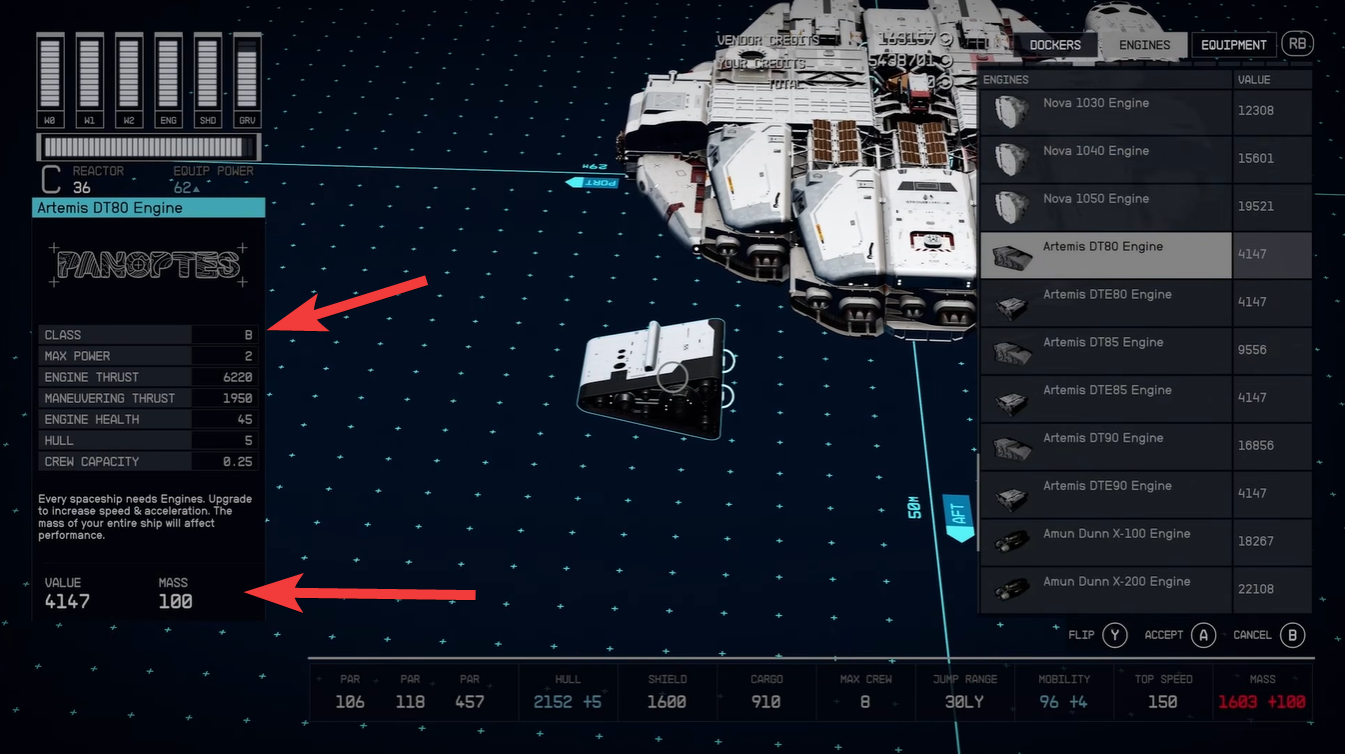
If you’re building for endgame efficiency, you’ll quickly notice reduced maneuverability and weaker acceleration compared to older, optimized setups. This means that while your ship may look upgraded on paper, actual combat performance can suffer significantly.
In practical terms, these engines are better suited for lighter ships or players prioritizing speed over combat stability.
How new structural parts impact your ship design
The addition of Nova Galactic structural pieces and larger bridge modules gives you more freedom than ever to design visually striking ships. One standout is the new large bridge that doubles as a HAB, which adds both form and function.
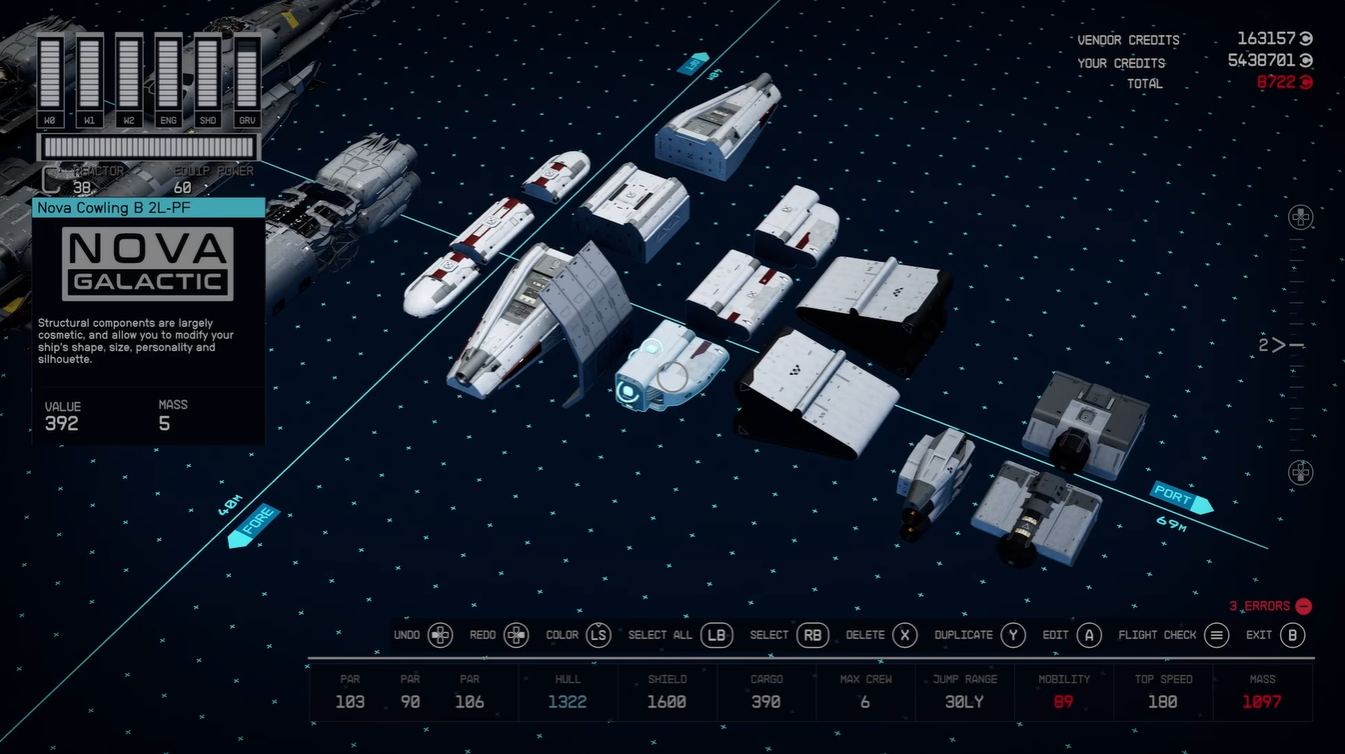
However, there’s a trade-off. Overusing these larger modules can result in bulky, inefficient ships, often described as “brick-like” builds. These designs can negatively affect:
- Mobility
- Fuel efficiency
- Combat responsiveness
So while your ship may look impressive, it might not perform like a high-tier vessel.
How to get the best ship schematics from Va’ruun ships
Ship schematics are where the update truly shines. These passive upgrades can significantly improve your ship without adding extra mass, making them invaluable for optimized builds.
To obtain them, you’ll need to engage in combat:
Step 1
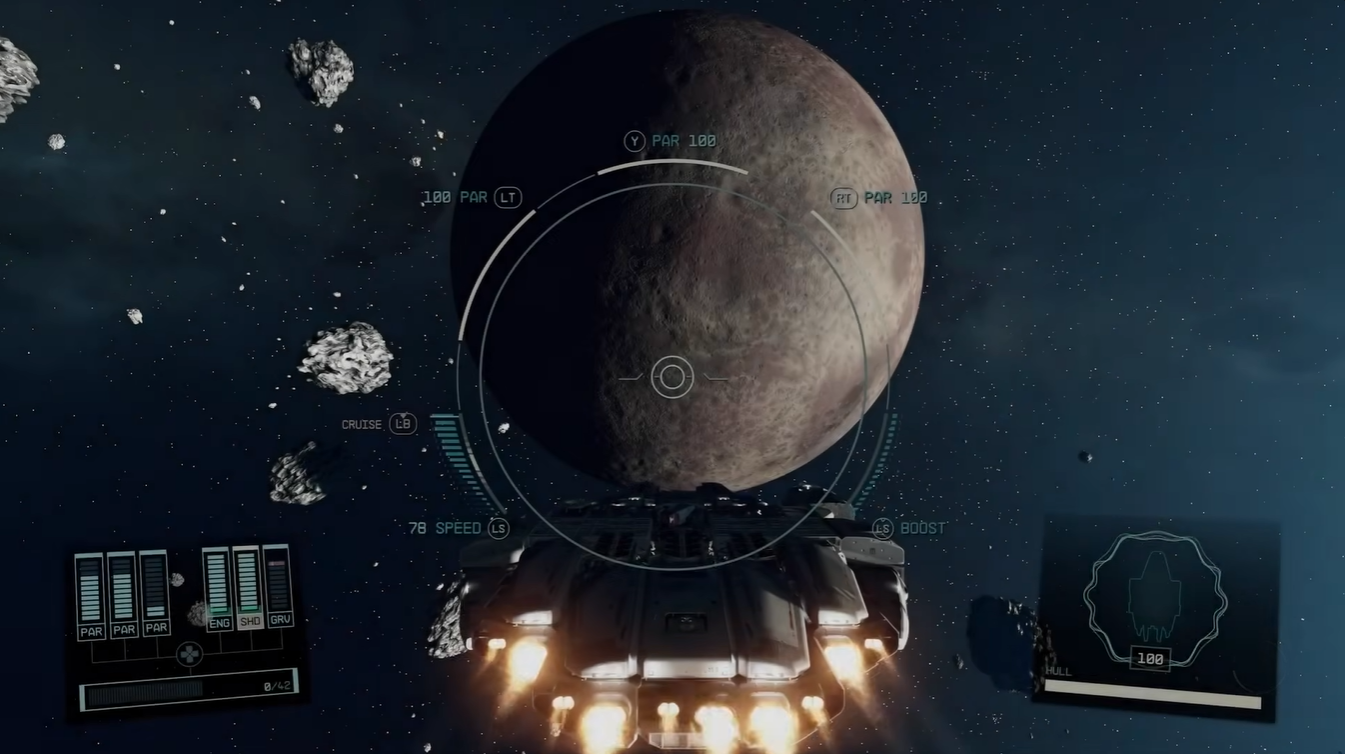
Head to the Serpentis system, which is known for frequent Va’ruun ship encounters.

Step 2
Engage and defeat Va’ruun ships during space battles. Higher-tier enemies tend to drop better schematics.
Step 3
Loot destroyed ships and collect schematic data. Repeat encounters to farm multiple upgrades.
Step 4
Install the best schematics onto your ship build, focusing on those that enhance core stats.
Most valuable schematic to prioritize
| Schematic Name | Effect | Why It Matters |
|---|---|---|
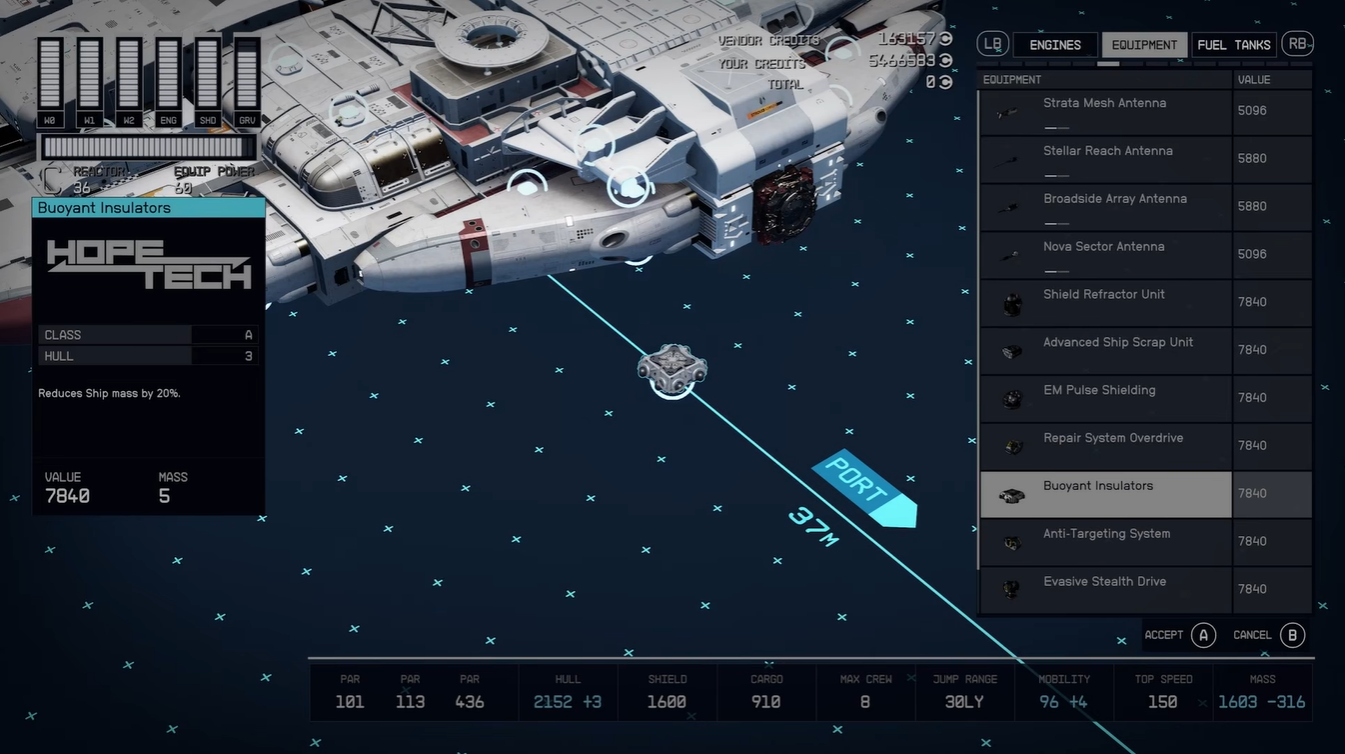
| Buoyant Insulators | Reduces ship mass by 20% | Massive performance boost across all builds |
The buoyant insulators schematic stands out as a must-have, because lowering mass improves nearly every aspect of ship handling, including speed, maneuverability, and fuel efficiency.
How to unlock and use X Tech upgrades effectively
X Tech upgrades introduce a new layer of progression. You’ll need to build a dedicated terminal inside your ship to access these enhancements, which function as persistent upgrades rather than physical components. Here is how to use X Tech upgrades step by step:
Step 1
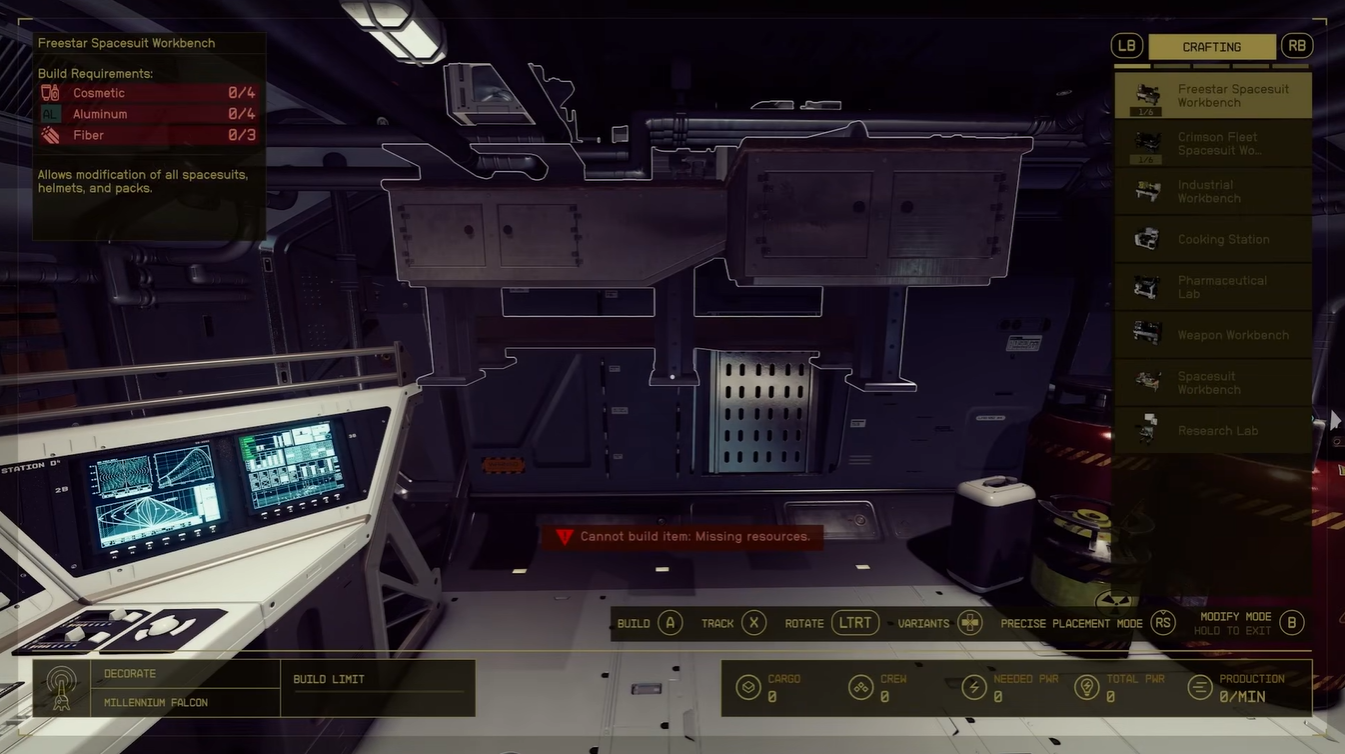
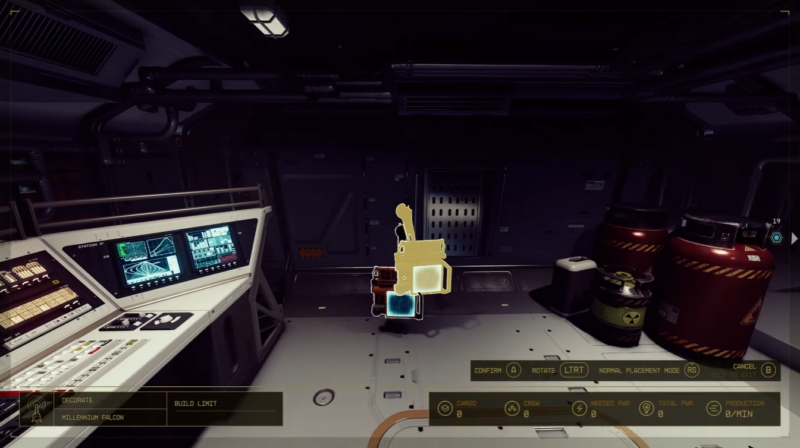
Install the X Tech terminal inside your ship using the build menu.
Step 2
Interact with the terminal to view available upgrades.
Step 3
Spend resources or unlock requirements to activate upgrades.
Step 4
Prioritize upgrades that directly impact survivability and utility.
Best upgrades to focus on first
| Upgrade Type | Benefit | Priority Level |
|---|---|---|
| Shield Strength | Increases survivability | High |
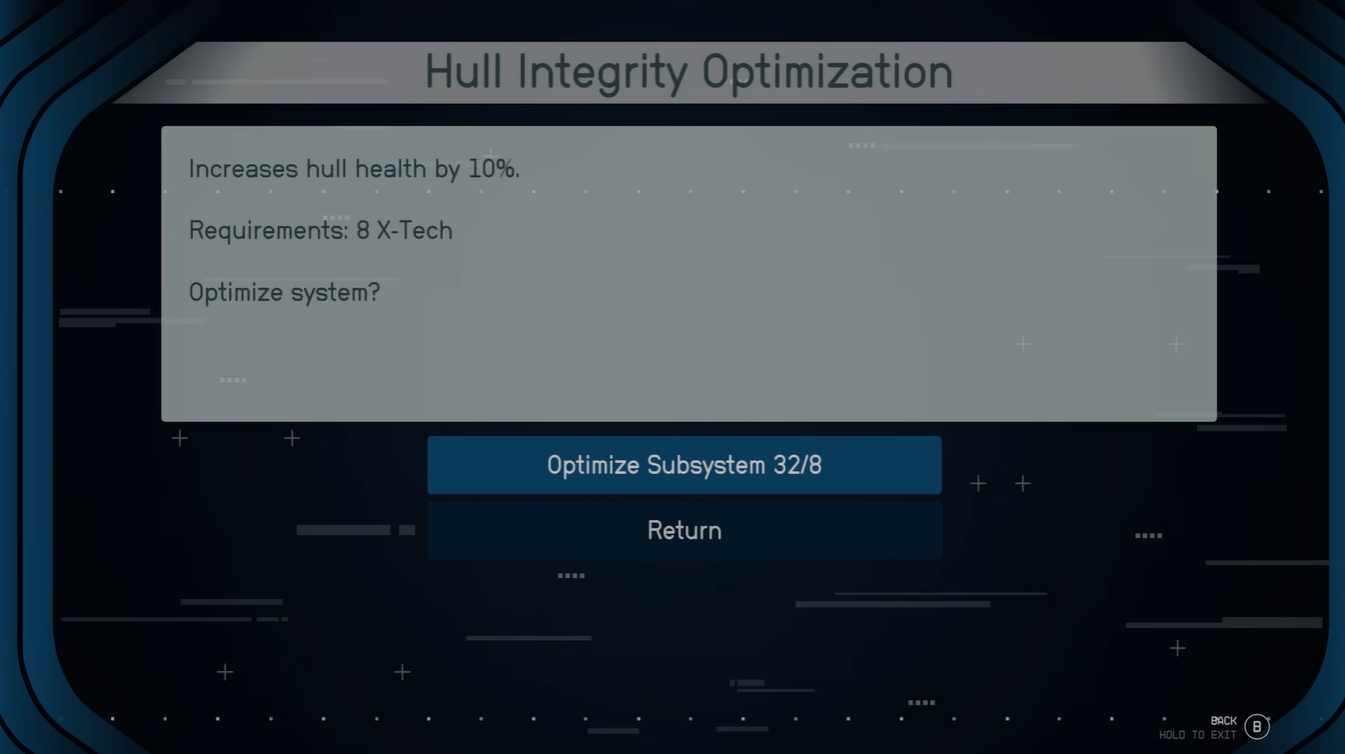
| Hull Integrity | Improves durability | High |
| Cargo Management | Expands capacity | Medium |
Focusing on survivability first ensures your ship can handle tougher encounters, especially in late-game systems where enemy ships hit harder.
Balancing performance and customization in Free Lanes
One of the biggest takeaways from the update is that more options don’t always mean better performance. While the new parts offer incredible variety, you’ll need to be selective to maintain an efficient build.
If you lean too heavily into aesthetics, you risk compromising functionality. On the other hand, combining optimized schematics with targeted X Tech upgrades can push your ship well beyond previous limits.