What to know
- The quest takes place in Howling Hill near the base camp construction site
- Moving sacks requires using the Focus interaction button, not standard pickup
- Quest bugs often occur due to unregistered or inactive sacks
- Simple repositioning and reload tricks can fix most progression issues
The “A Fresh Start” quest in Crimson Desert is one of the early homestead-building objectives that introduces you to construction mechanics and NPC assistance systems. While the tasks seem straightforward, many players encounter frustrating bugs—especially during the sack-moving phase. If you’re stuck, understanding how the mechanics actually work will save you a lot of time.
Crimson Desert: A Fresh Start quest details and location
| Element | Details |
|---|---|
| Quest Name | A Fresh Start |
| Location | Howling Hill (Base Camp Area) |
| Objective Type | Construction / Interaction |
| Key Task | Move sacks, assist workers |
| Common Issue | Sack interaction not registering |
| Rewards | Iron Ore x5, Large Bag x1 |
Where the quest happens and what to expect
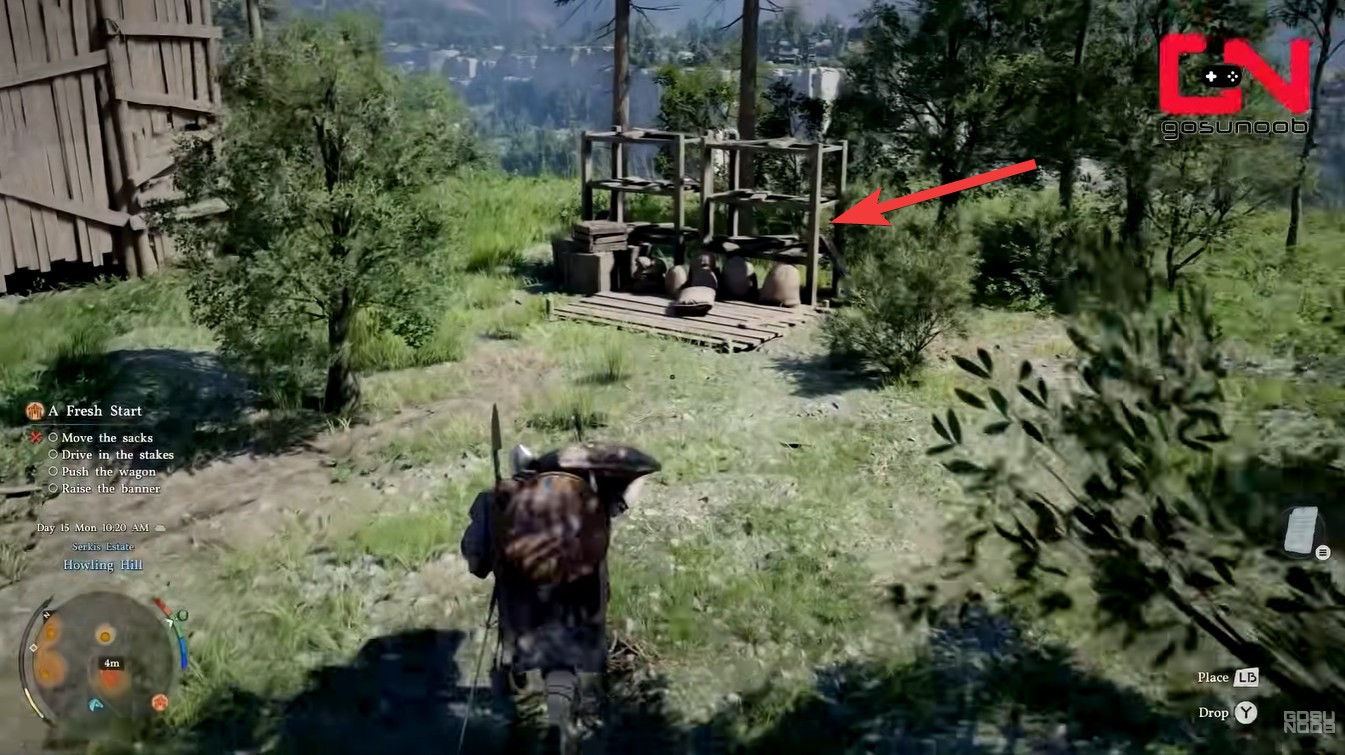
You will find this quest in Howling Hill, specifically near the developing base camp that eventually becomes a functional hub. The area is filled with workers, construction props, and interactive objects. Your role here is to assist in setting up the camp by completing small physical tasks like moving materials and setting structures.
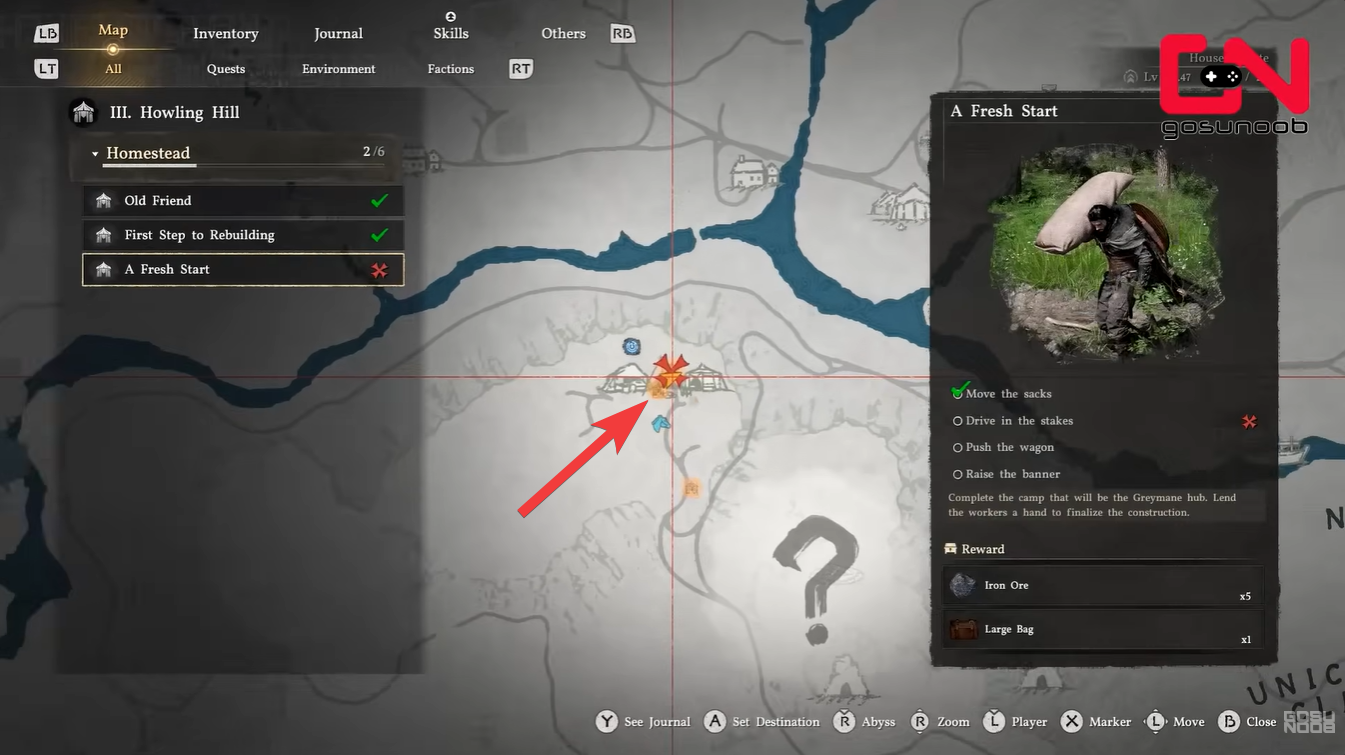
The sacks are placed around the camp, but not all of them are valid quest objects, which is where confusion begins. You may try interacting with multiple sacks without realizing only specific ones are tied to progression.
How to move the sacks correctly in Crimson Desert
Step 1
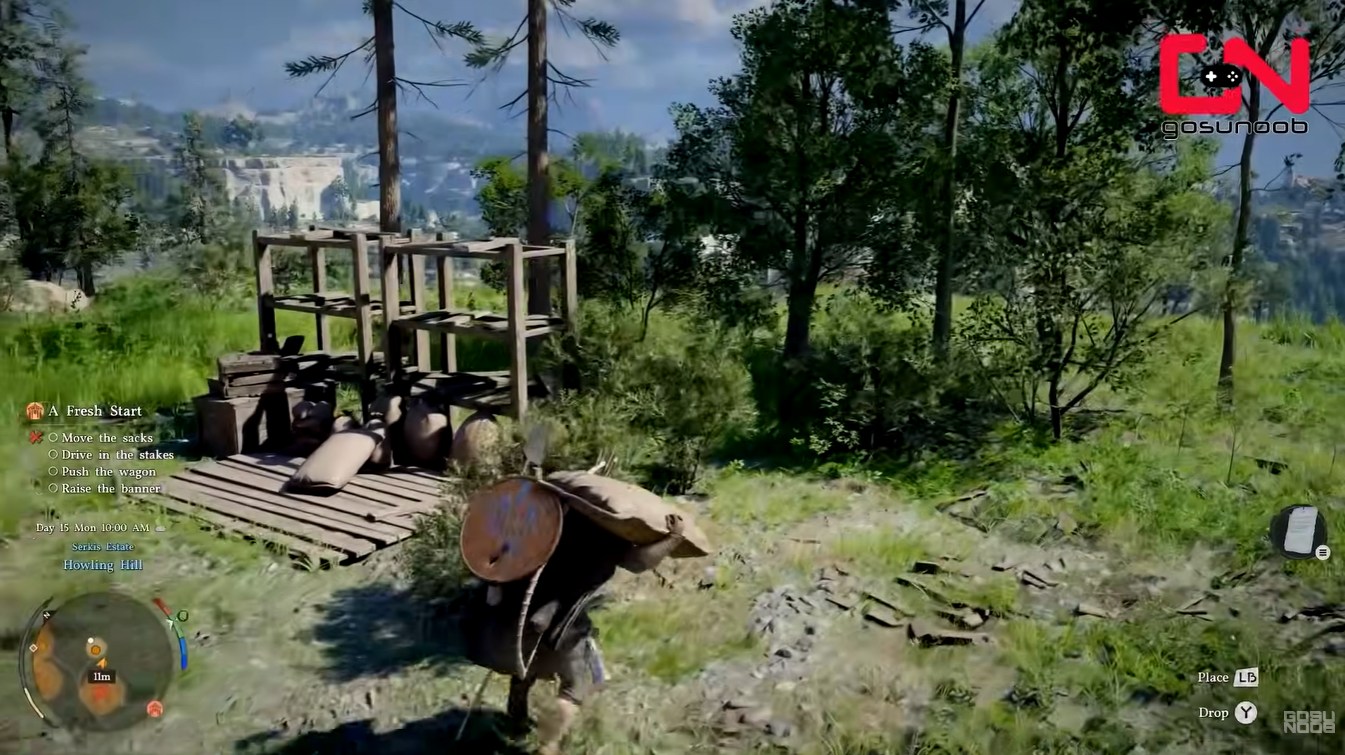
Approach a sack that is part of the quest objective. These are usually positioned closer to the marked objective zone rather than scattered props.
Step 2
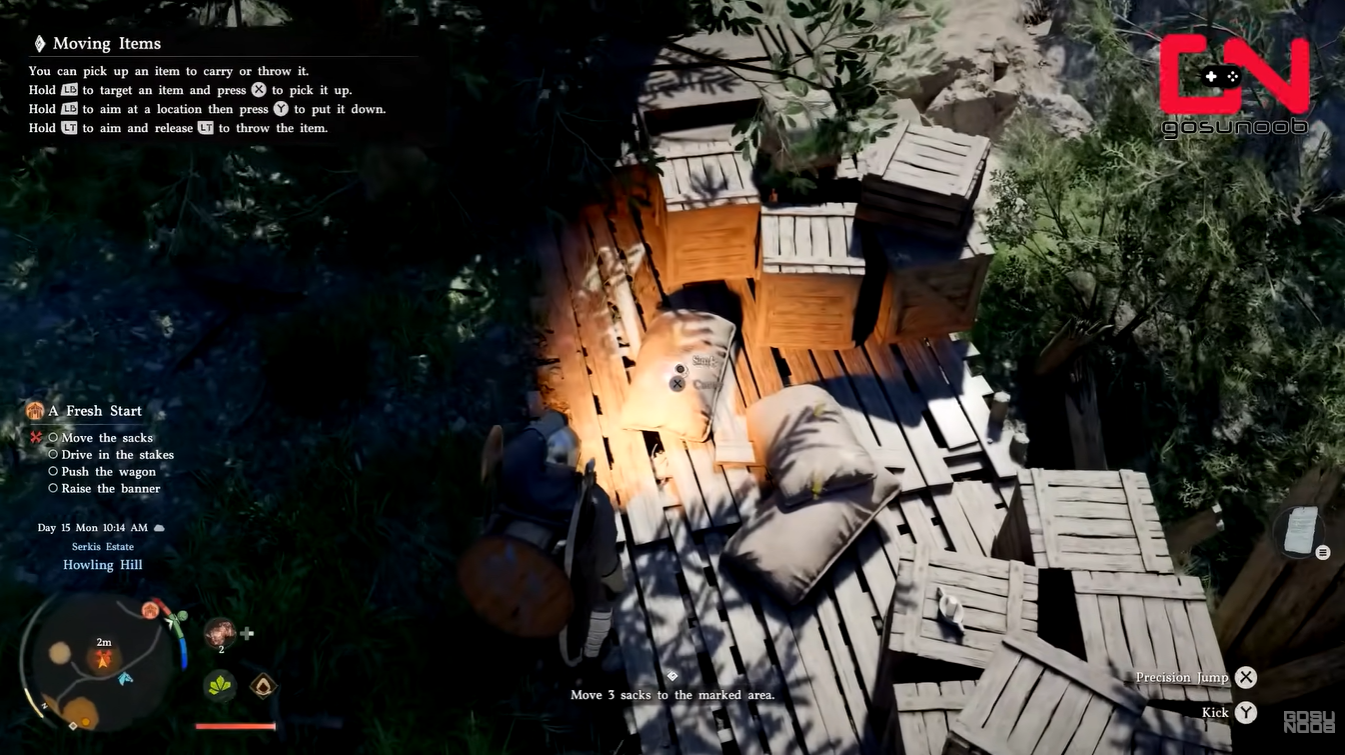
Activate the Focus interaction instead of the regular pickup.
Use:
- LB (Xbox)
- L1 (PlayStation)
- Control (PC)
This is critical—normal interaction will not register the action properly.
Step 3
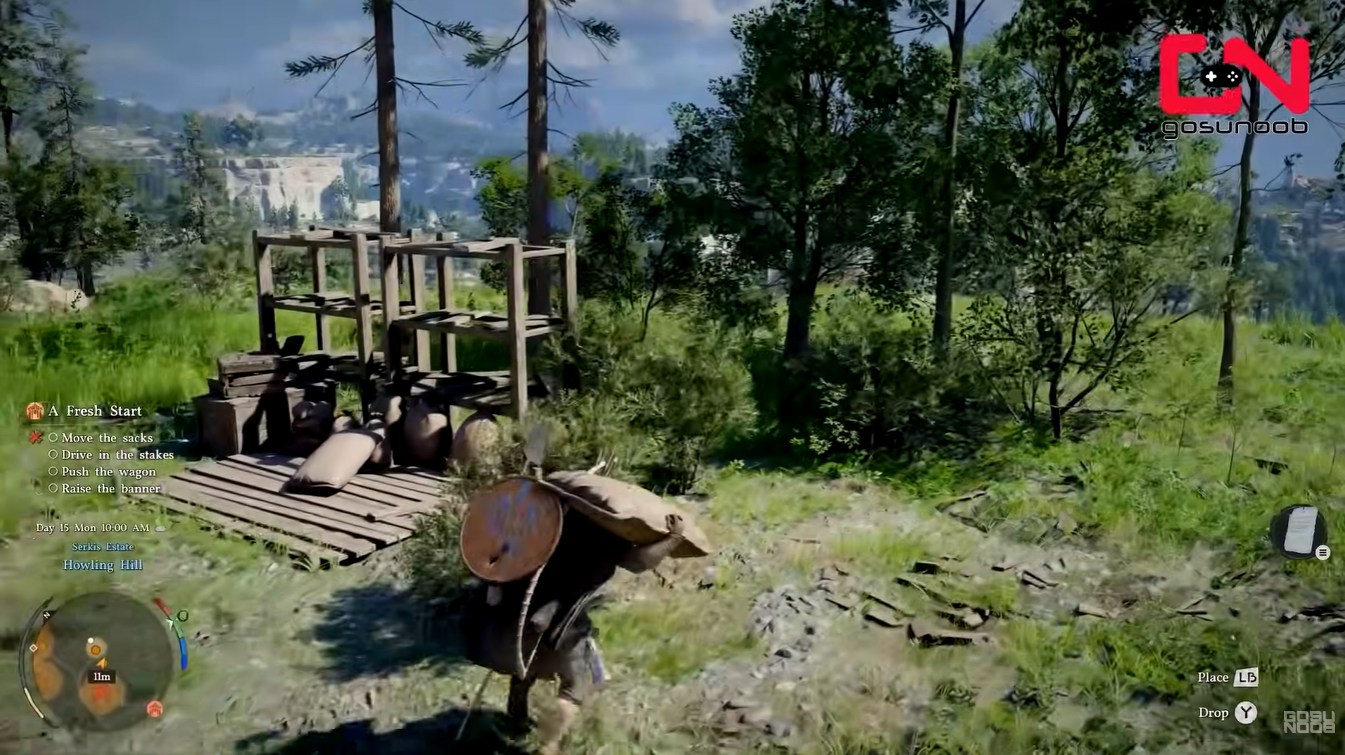
Pick up the sack and carry it toward the designated placement area.
Move slowly and avoid dropping it prematurely.
Step 4
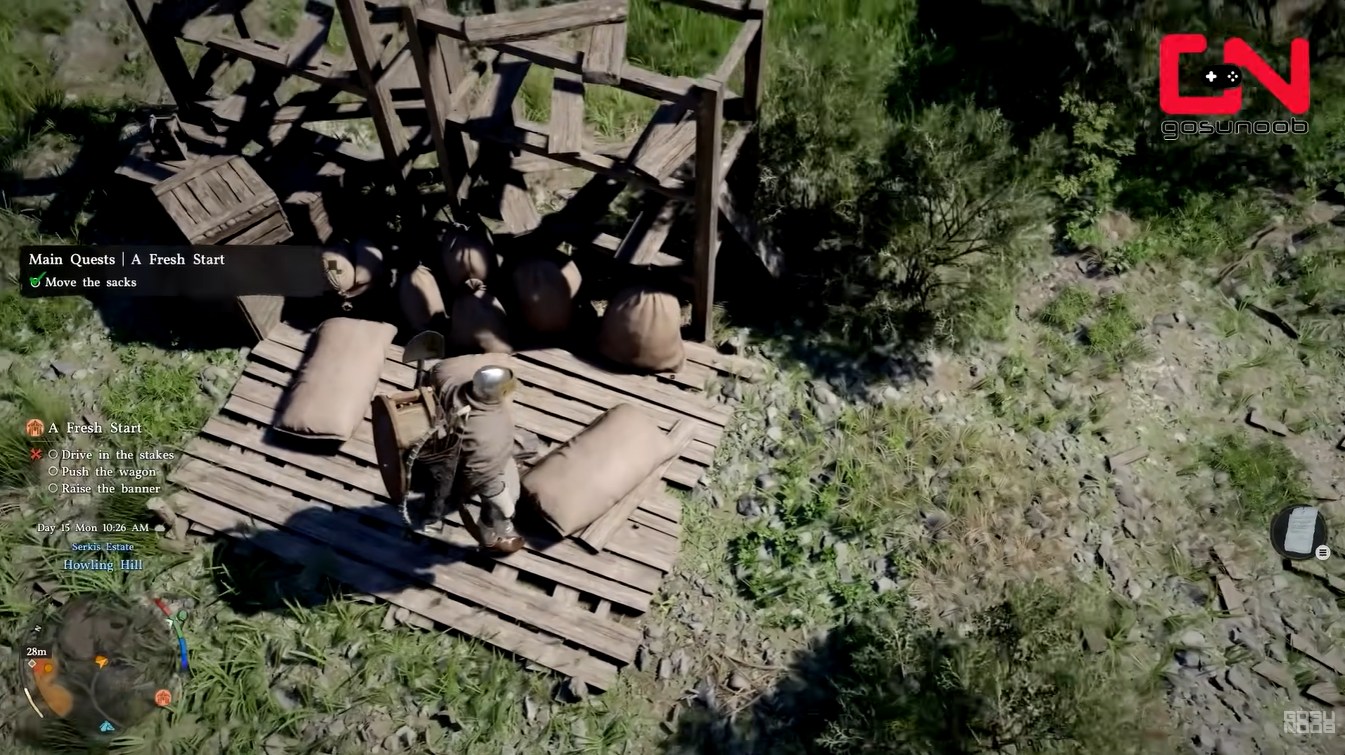
Place the sack inside the highlighted zone.
Once correctly placed, you should see the objective counter update immediately.
Step 5
Repeat the process for all required sacks.
Make sure each placement triggers progression before moving to the next one.
Why the sack objective bugs out
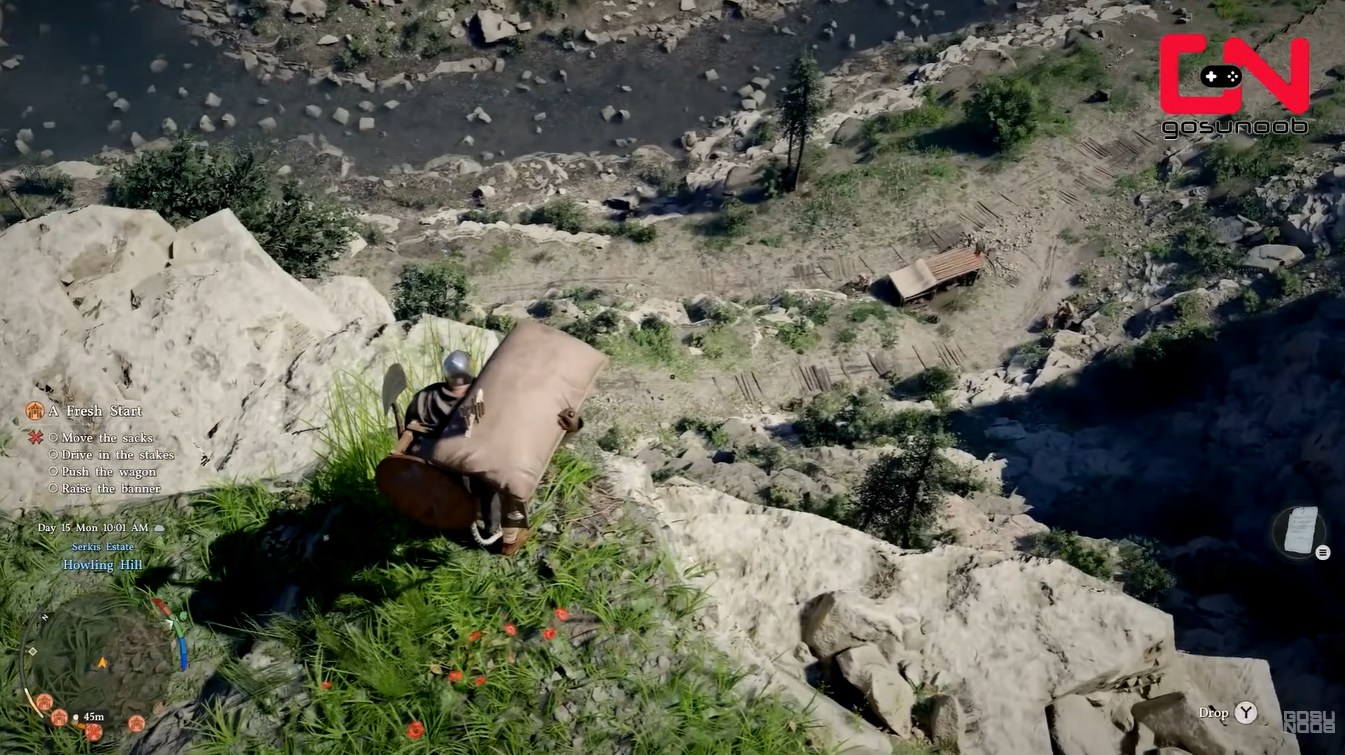
The most common issue is that the game does not properly recognize certain sacks as quest items. This creates several problems:
- Some sacks cannot be picked up at all
- Others can be moved but don’t count toward completion
- In some cases, the objective does not update even after correct placement
This happens because the game spawns both decorative and functional sacks, but does not clearly differentiate them.
How to fix the “sacks won’t move” or “quest not progressing” bug
Fix 1
Leave the immediate area and return after a few seconds.
This forces the game to reload nearby objects.
Fix 2
Try interacting with a different sack.
Only specific sacks are linked to the quest, so switching targets often resolves the issue.
Fix 3
Drop and re-pick the sack using Focus.
This can reset the interaction state.
Fix 4
Reload your last checkpoint or save.
This is the most reliable fix if the quest is fully stuck.
Fix 5
Ensure no NPC interaction is interrupting the task.
Workers walking into you or blocking placement zones can prevent proper completion.
Additional objectives in the quest and how they work
Aside from moving sacks, the quest includes other construction-related actions like driving stakes, pushing a wagon, and raising a banner. Each of these follows similar interaction rules.
The key pattern is that every task relies on the Focus system rather than standard controls, which can easily confuse players early in the game.
Rewards for completing “A Fresh Start”
“A Fresh Start” is not just a side task—it directly contributes to unlocking the Greymane hub and expanding your base functionality. Completing it ensures that:
| Reward | Quantity | Use |
|---|---|---|
| Iron Ore | x5 | Crafting and upgrades |
| Large Bag | x1 | Expands inventory space |
The Large Bag reward is especially valuable early on, as it increases your carrying capacity and makes exploration much smoother.
- You gain access to better storage and crafting systems
- NPC services become available in the camp
- Future homestead-related quests unlock properly
If this quest remains bugged, it can block a chain of progression content, so fixing it early is important.
The biggest takeaway is that this quest relies heavily on correct interaction mechanics rather than difficulty. Once you understand that only specific sacks count and Focus is required, most of the frustration disappears. If things still don’t work, a quick reload or switching objects almost always resolves the issue. Completing this quest smoothly sets you up for stronger progression and better resource management early in Crimson Desert.