
What to know
- WordPress launched my.WordPress.net, a browser-based workspace for building sites.
- It runs a full WordPress installation directly in your browser.
- No hosting plan, domain, or account is required to start.
- Sites remain private and stored locally in the browser.
WordPress has introduced a new way for you to create and experiment with websites directly in your web browser. The feature, called my.WordPress.net, allows you to run a full WordPress environment without installing software, choosing a hosting provider, or registering a domain name.
When you open the service, you immediately enter a working WordPress site that runs locally inside your browser. This environment is based on the WordPress Playground technology, which simulates the software normally running on a server. Because it runs locally, everything you create stays on your device rather than being published on the public internet.
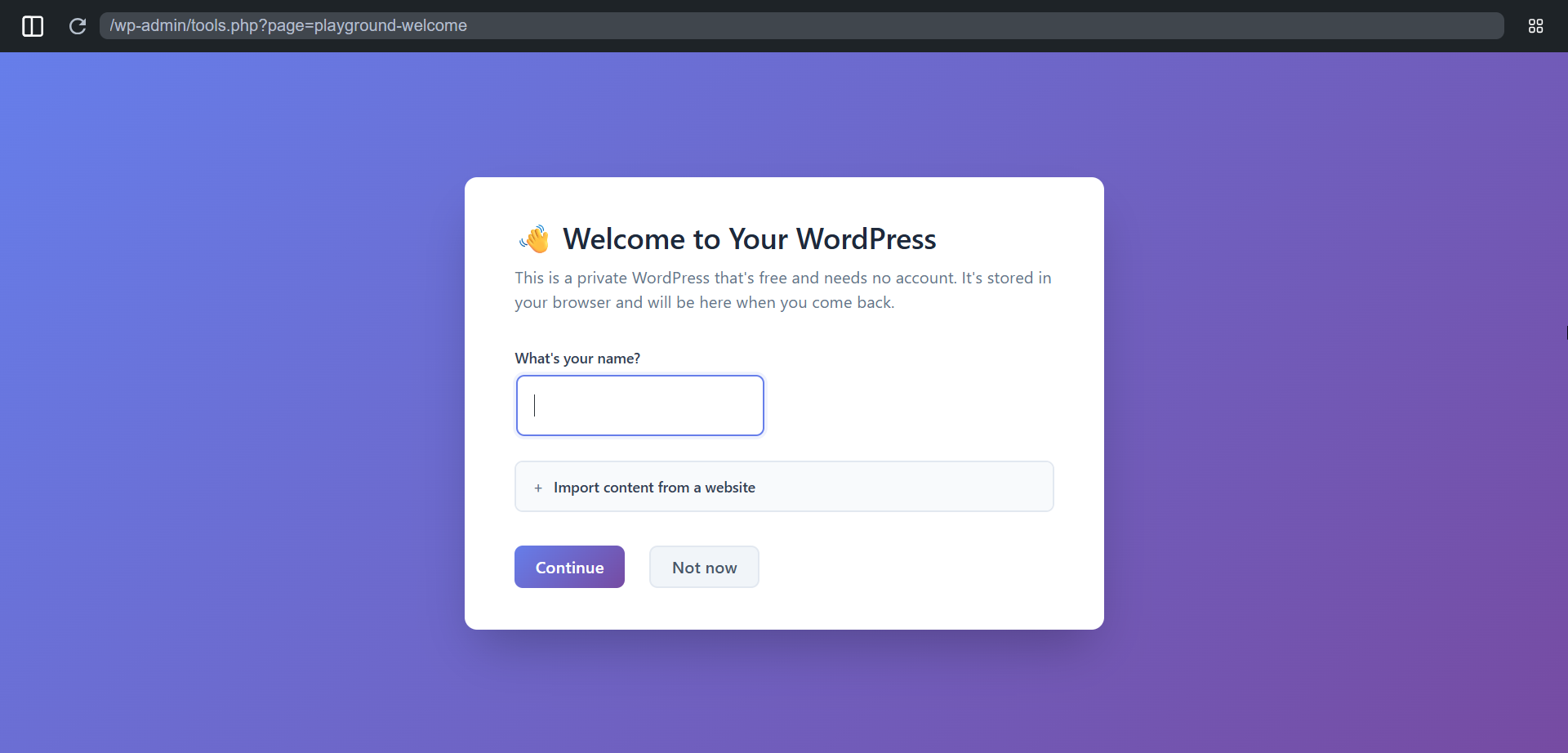
The tool is designed to make website creation easier for beginners and developers alike. Instead of dealing with hosting setup or technical configuration, you can start writing posts, testing themes, and installing plugins right away. WordPress describes the workspace as a personal environment where you can experiment, draft content, or learn how the platform works before launching a real site.
Another key feature is privacy. Sites created in the browser are not automatically published or shared online. Everything remains private unless you decide to move the project to a hosted WordPress site later. This makes the tool useful for prototyping ideas, testing plugin compatibility, or learning WordPress without affecting a live website.
The workspace includes about 100MB of storage and supports plugins and themes, allowing you to try different layouts or tools just as you would in a regular WordPress installation. Some builds also include extras such as an RSS reader, CRM plugin, and an AI assistant that can help with tasks like generating or editing content.
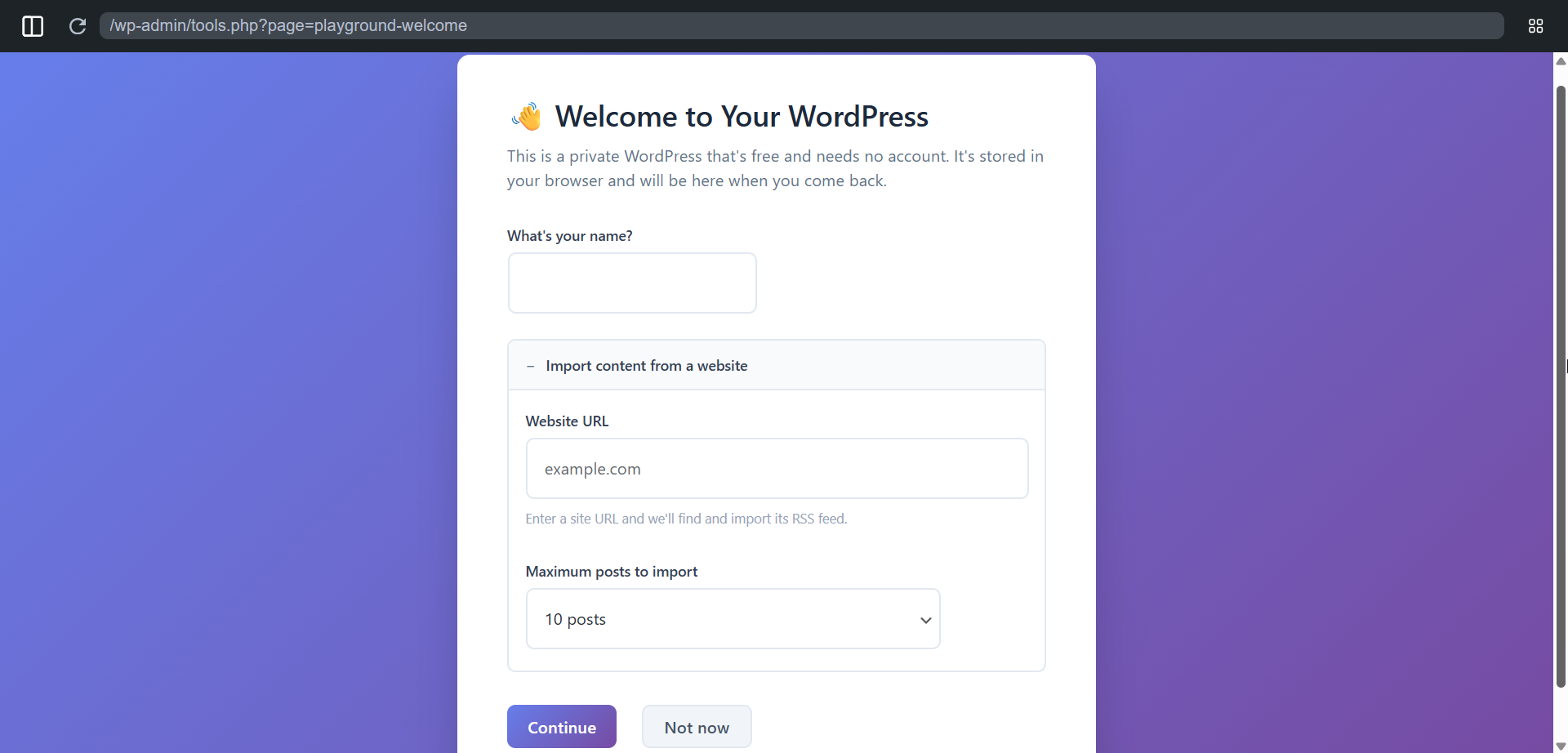
By removing the need for hosting and setup, the new browser-based approach changes how you begin working with WordPress. Instead of configuring the platform before creating anything, you can start building instantly and decide later if you want to publish the site online.
For beginners, this means a faster way to learn WordPress and experiment with design. For developers, it provides a quick testing environment that runs entirely in the browser without installing a local server stack.