What to know
- Unlocks via shop recipe at level 4 environment for 100 coins.
- Craft at workbench using 2 lumber.
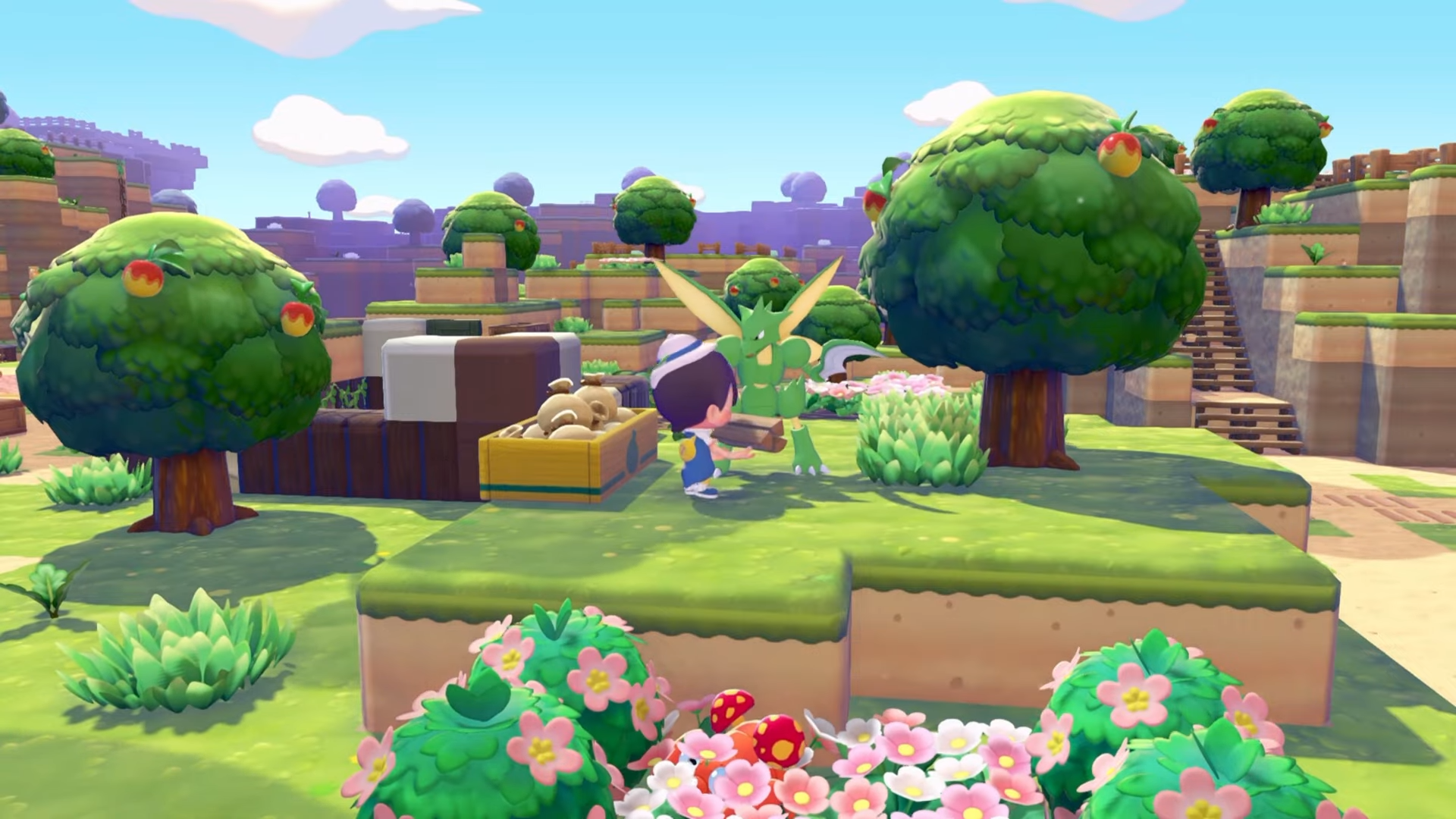
- Place near Pokémon homes for optimal use by processors like Scyther.
- Load with raw items like logs; Pokémon convert them into processed materials.
Pokemon Pokopia‘s Community Box simplifies resource management by letting Pokémon handle crafting tasks automatically. The feature appears early enough to enhance efficiency in building and gathering. Here’s everything you need to get and use it in Pokopia.
| Aspect | Details |
|---|---|
| Unlock Level | Environment level 4 |
| Recipe Cost | 100 coins in shop |
| Crafting Materials | 2 lumber |
| Primary Function | Pokémon process raw items (e.g., logs to lumber) |
| Best Placement | Next to Pokémon’s home or habitat area |
| Example Users | Scyther for chopping, Hitmonchan nearby |
How to unlock the recipe
Reach environment level 4 by improving Pokémon comfort and registering more team members. Head to the shop and scroll to find the Community Box recipe.
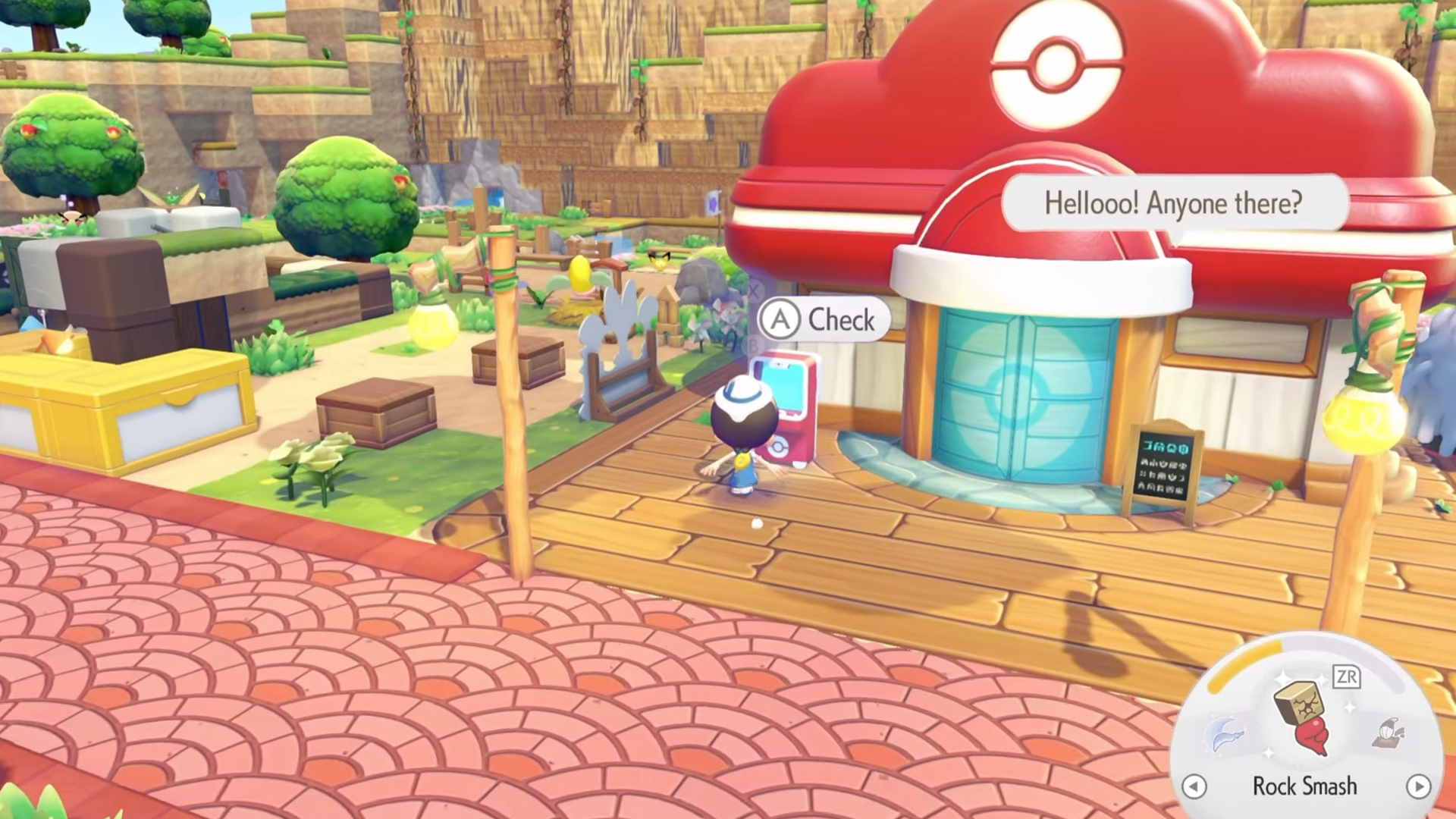
Purchase it for 100 coins to add it to your crafting options.
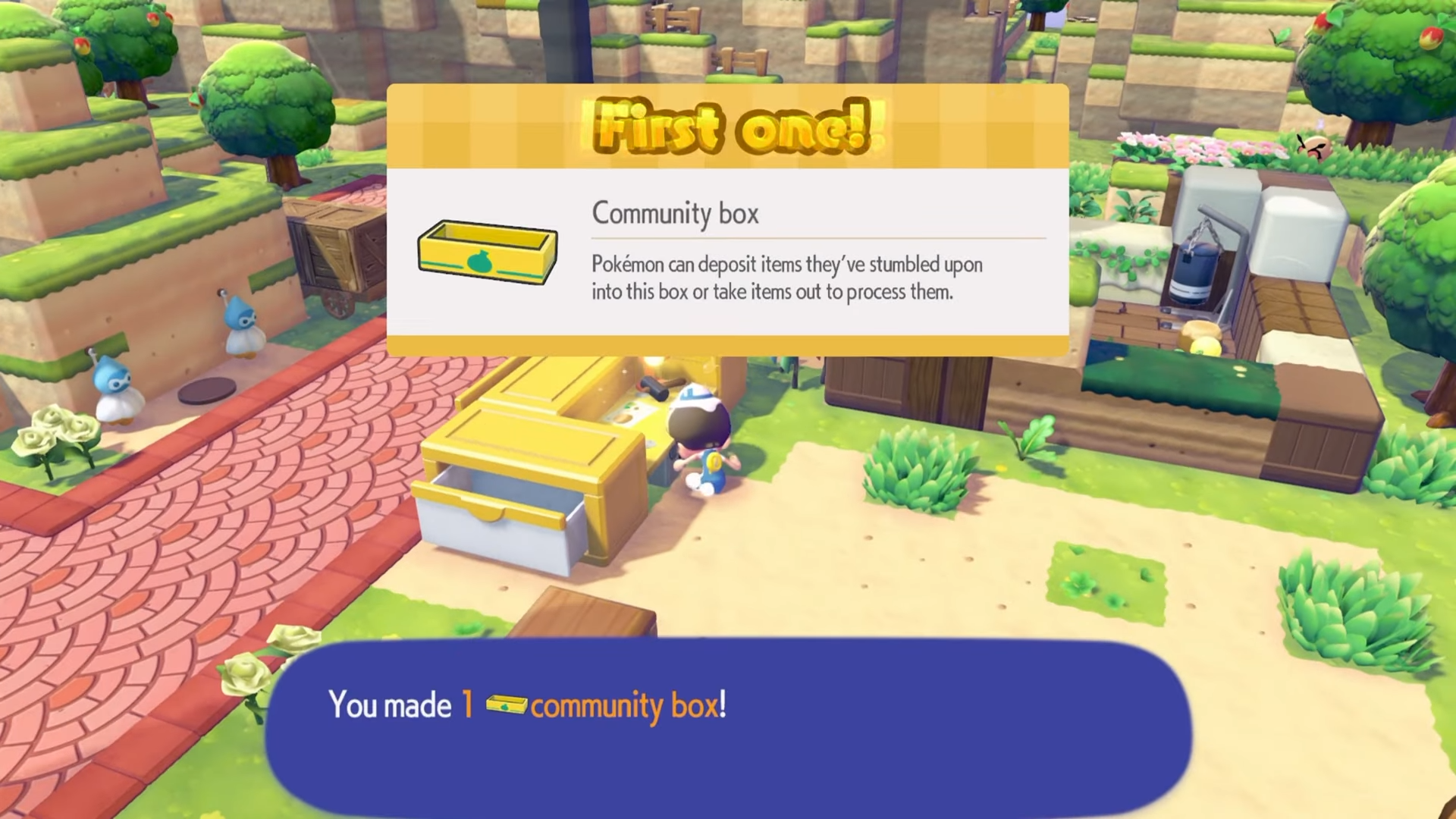
How to craft the Community Box
Gather 2 lumber by chopping trees or processing logs. Go to the workbench and select the Community Box recipe. Craft it immediately once materials are ready.
How to place and use effectively
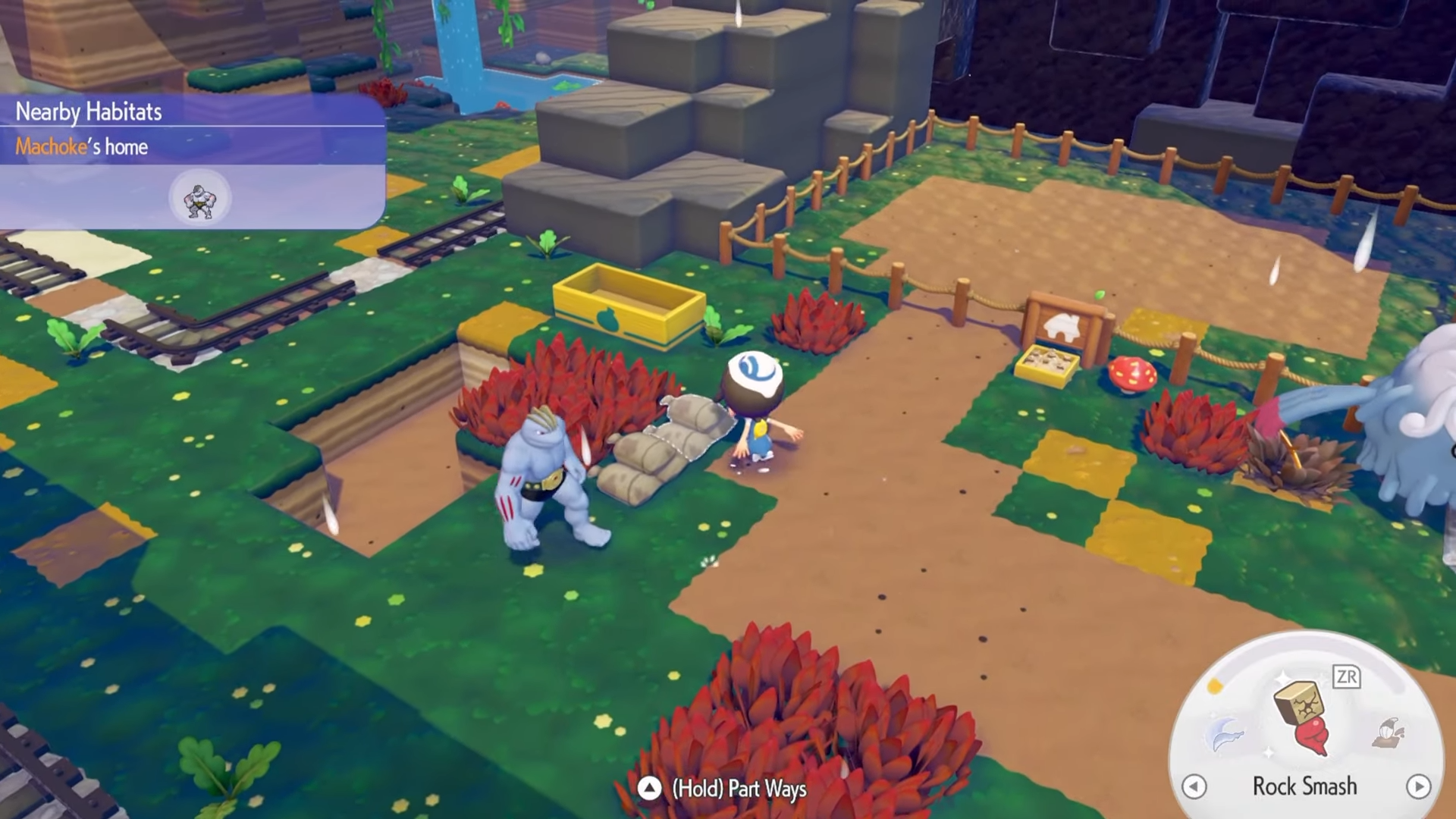
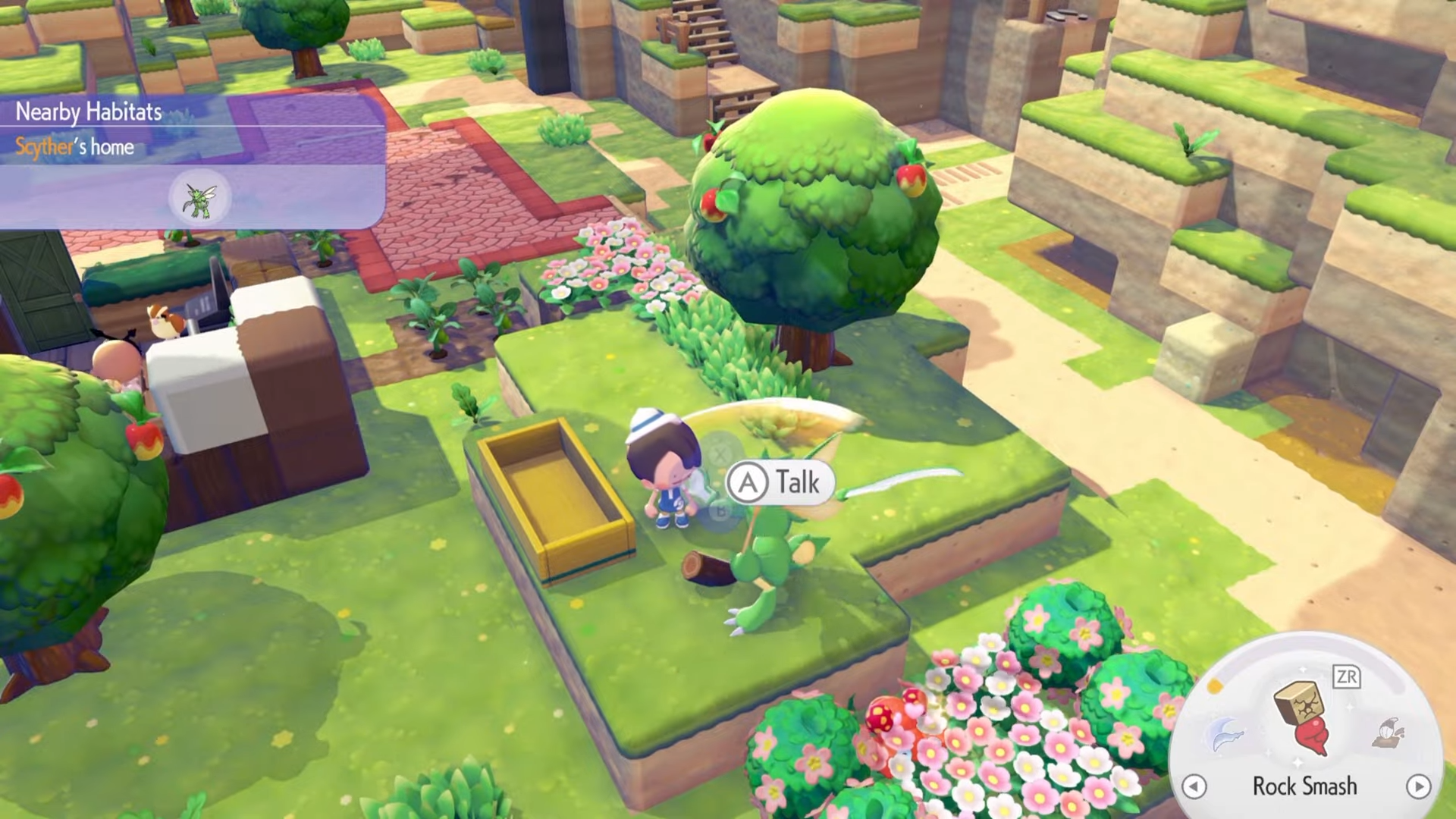
Place the box in your Pokémon’s home area or nearby where they spend time, such as next to Hitmonchan’s spot.
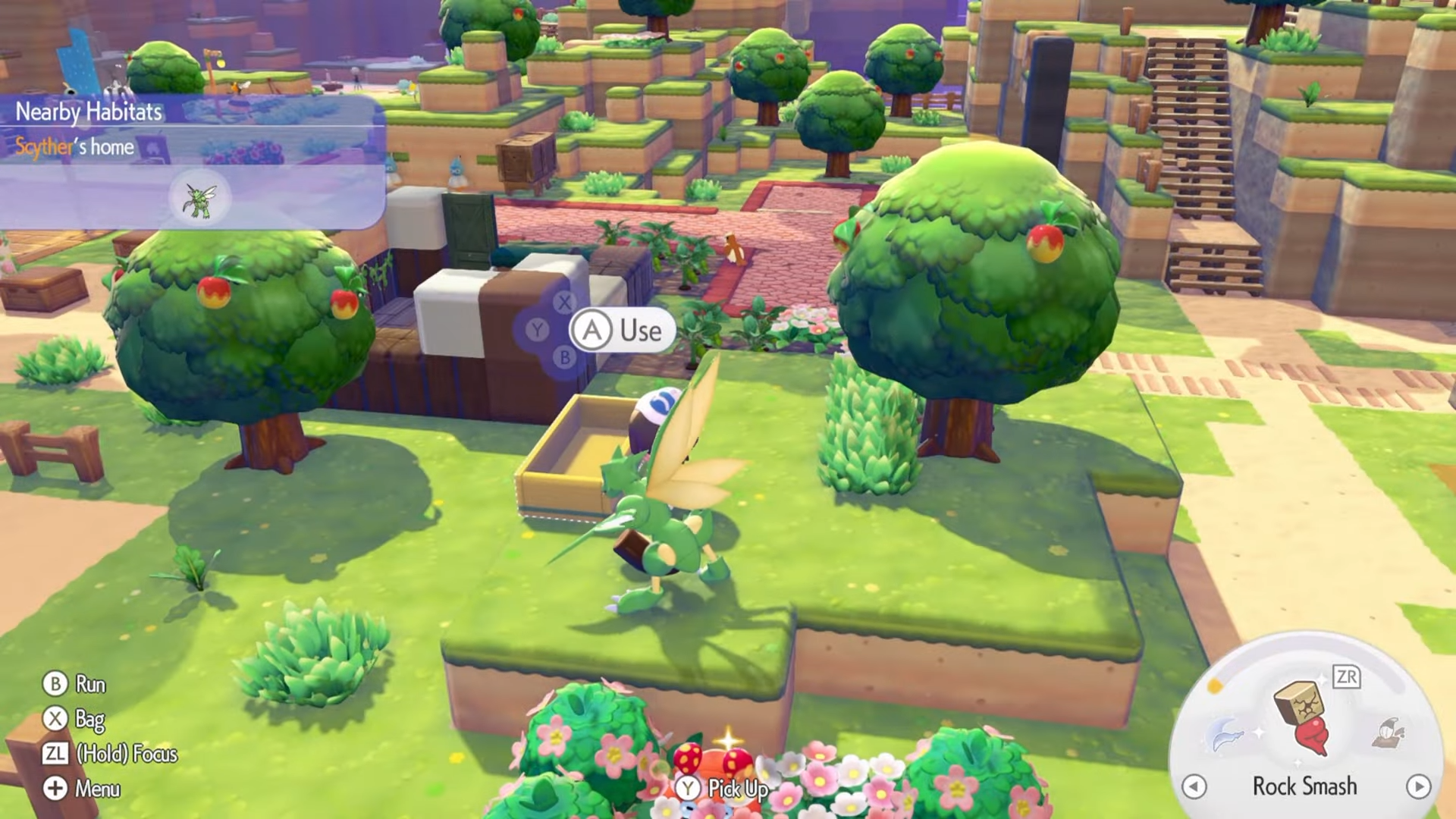
Pokémon with processing abilities like Scyther will also prioritize it when nearby.
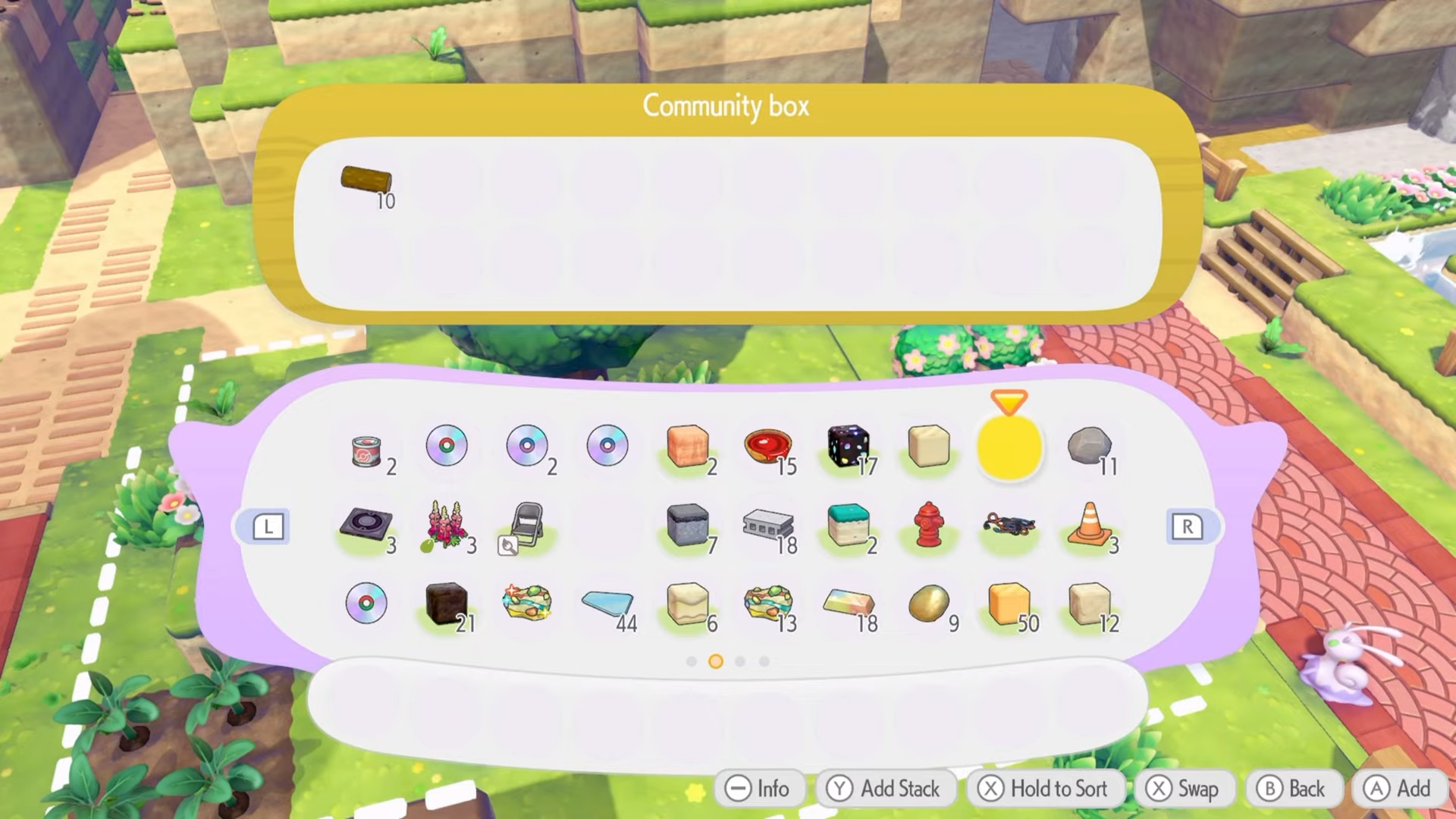
Step 1: Load raw materials
Add items like logs, small logs, or lumber directly into the box.
Step 2: Position near processors
Ensure the box stays within the Pokémon’s activity range, like beside chopping specialists.
Step 3: Watch automation
Pokémon pull items from the box, process them (logs become lumber), and deposit results. They may also gather and add items back.
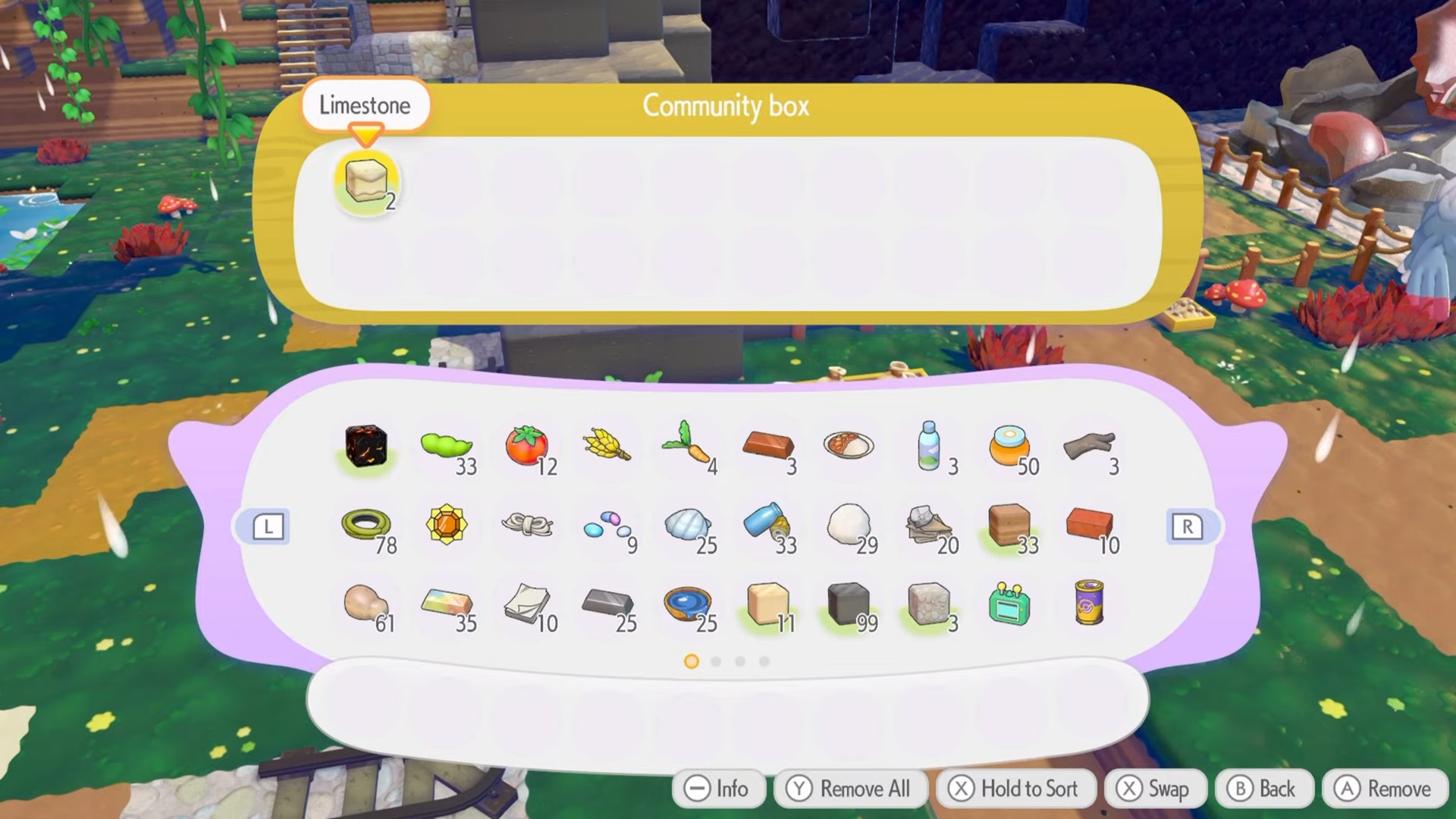
Step 4: Expand for efficiency
Use multiple boxes near different Pokémon types for varied processing, like near gatherers for materials.
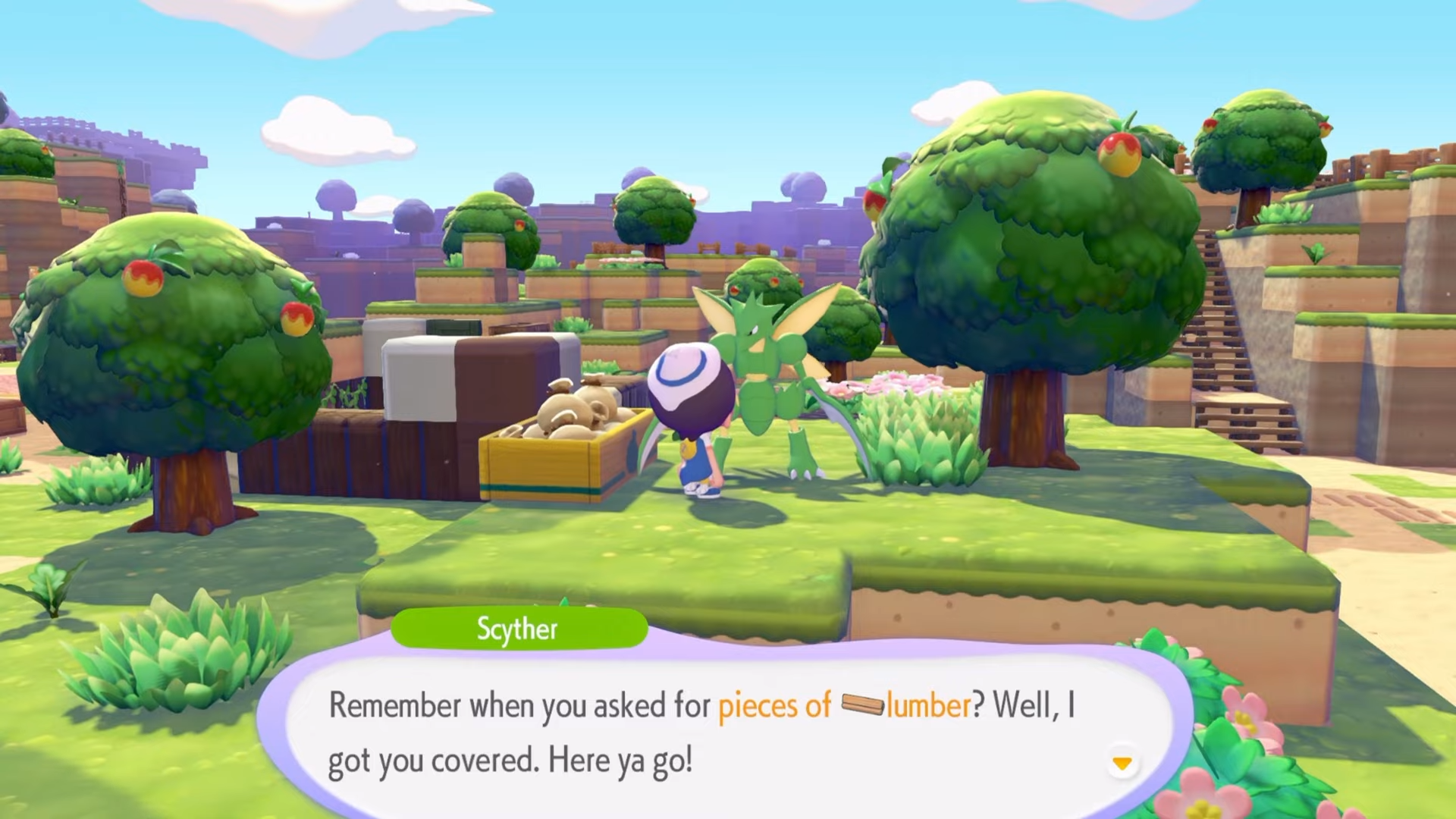
| Reward Type | Examples |
|---|---|
| Processed Wood | Lumber from logs |
| Auto-Gathering | Materials added by Pokémon |
| Time Savings | Hands-free crafting |
Combine with gather Pokémon to fill boxes automatically. Keep boxes in home habitats for frequent use. Experiment with litter Pokémon or honey gatherers like Vespiquen in dedicated areas for specialized outputs.