What to know
- The Chef’s kitchen habitat is built around where Chef Dente lives, so choose the right spot in the mansion area.
- The Stylish Cooking Pot must be gardened from the mansion; it cannot be made with a regular recipe.
- Standard kitchen furniture such as a sink, a plain table, a cutting board, plates, and a stove are required in the layout.
- Once everything is placed as required, the habitat will lock in and can be checked by interacting with the area near Chef Dente.
In Pokémon Pokopia, the Chef’s kitchen habitat centers around Chef Dente’s home, usually inside or right next to the mansion. The habitat uses a mix of cooking appliances and everyday furniture to create a bright, functional kitchen where Chef Dente can store and show off kitchen tools like pots and pans.
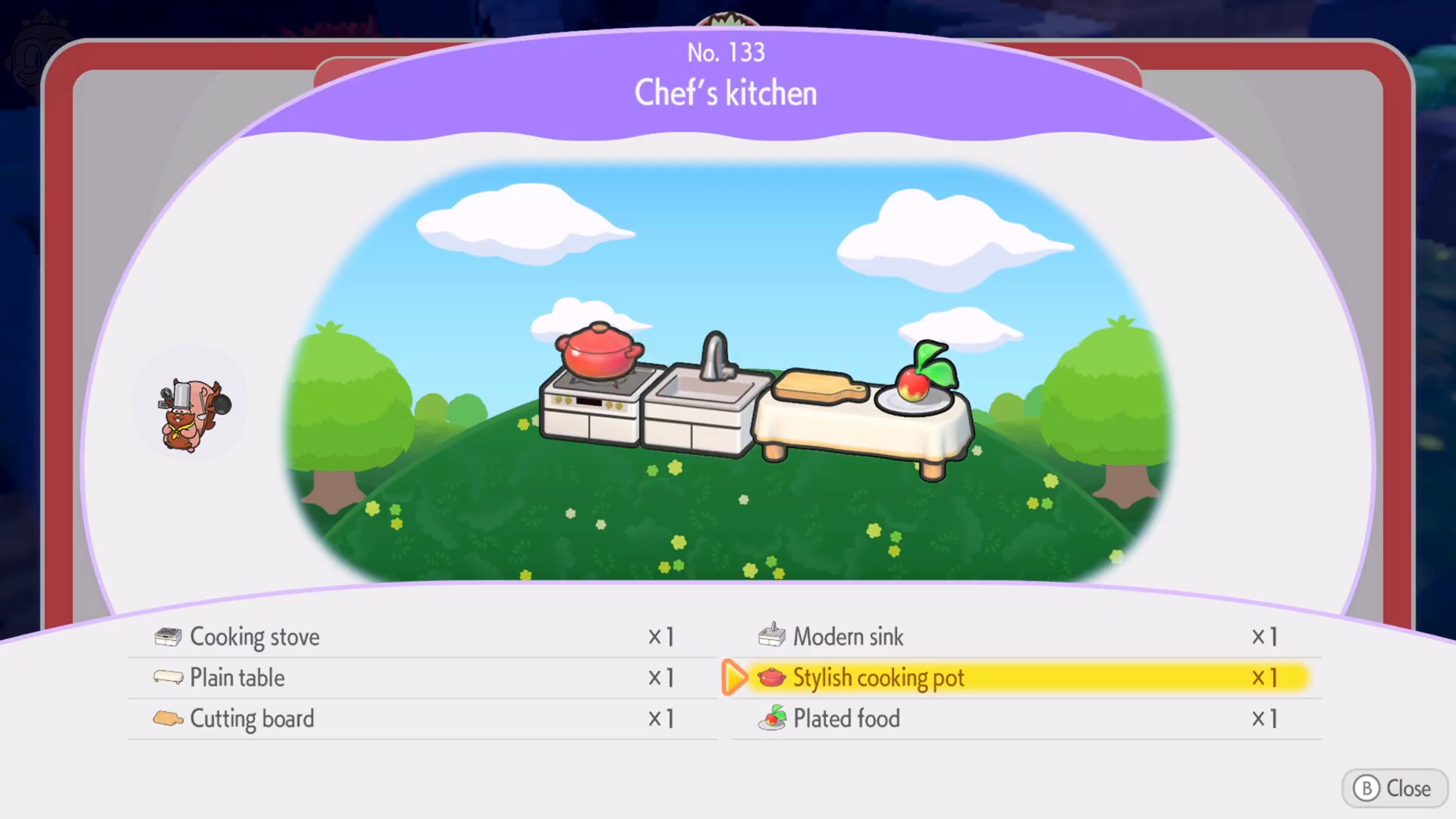
The main requirement that trips most players up is the Stylish Cooking Pot, which has no standard recipe and must be gardened from the mansion itself.
| Aspect | Detail |
|---|---|
| NPC tied to this habitat | Chef Dente, a Greedent who teaches cooking recipes. |
| Core unique item | Stylish Cooking Pot from gardening in the mansion. |
| Main furniture | Sink, plain table, cutting board, plates, stove. |
| Location type | Mansion area, near Chef Dente’s living spot. |
| General layout style | Compact kitchen with a work area and a small eating setup. |
How to get the Stylish Cooking Pot in the mansion
The Stylish Cooking Pot cannot be made with normal crafting; it must be gardened from the mansion’s planting spots. This is the step that usually takes the longest because gardening is random.
Step 1
Go to the mansion area where Chef Dente appears and locate the gardening plots outside or near the building.
Step 2
Use gardening materials to sow seeds in those plots. The game will sometimes yield furniture items instead of plants.
Step 3
Check the plots regularly after they finish growing. If you see the Stylish Cooking Pot appear, harvest it and add it to your inventory.
Step 4
Keep gardening until the pot drops, as there is no guaranteed recipe or fixed drop rate.
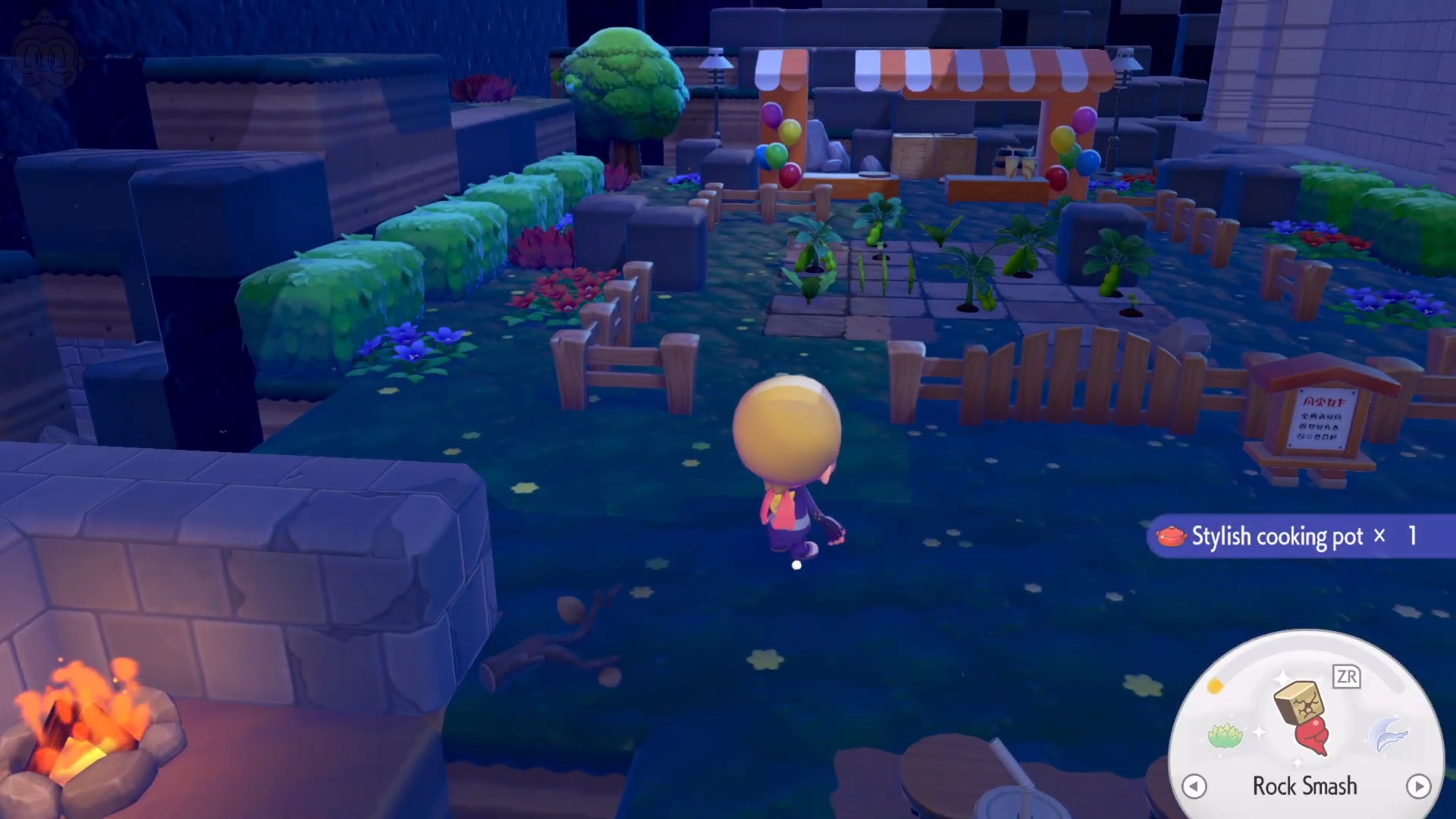
Once you have the Stylish Cooking Pot, you can move on to arranging the rest of the kitchen.
How to arrange the Chef’s kitchen habitat
The Chef’s kitchen is built in a small, defined space around Chef Dente’s spot, so furniture placement matters more than in open areas.
Step 1
Leave the mansion and head directly to the area where Chef Dente stands.
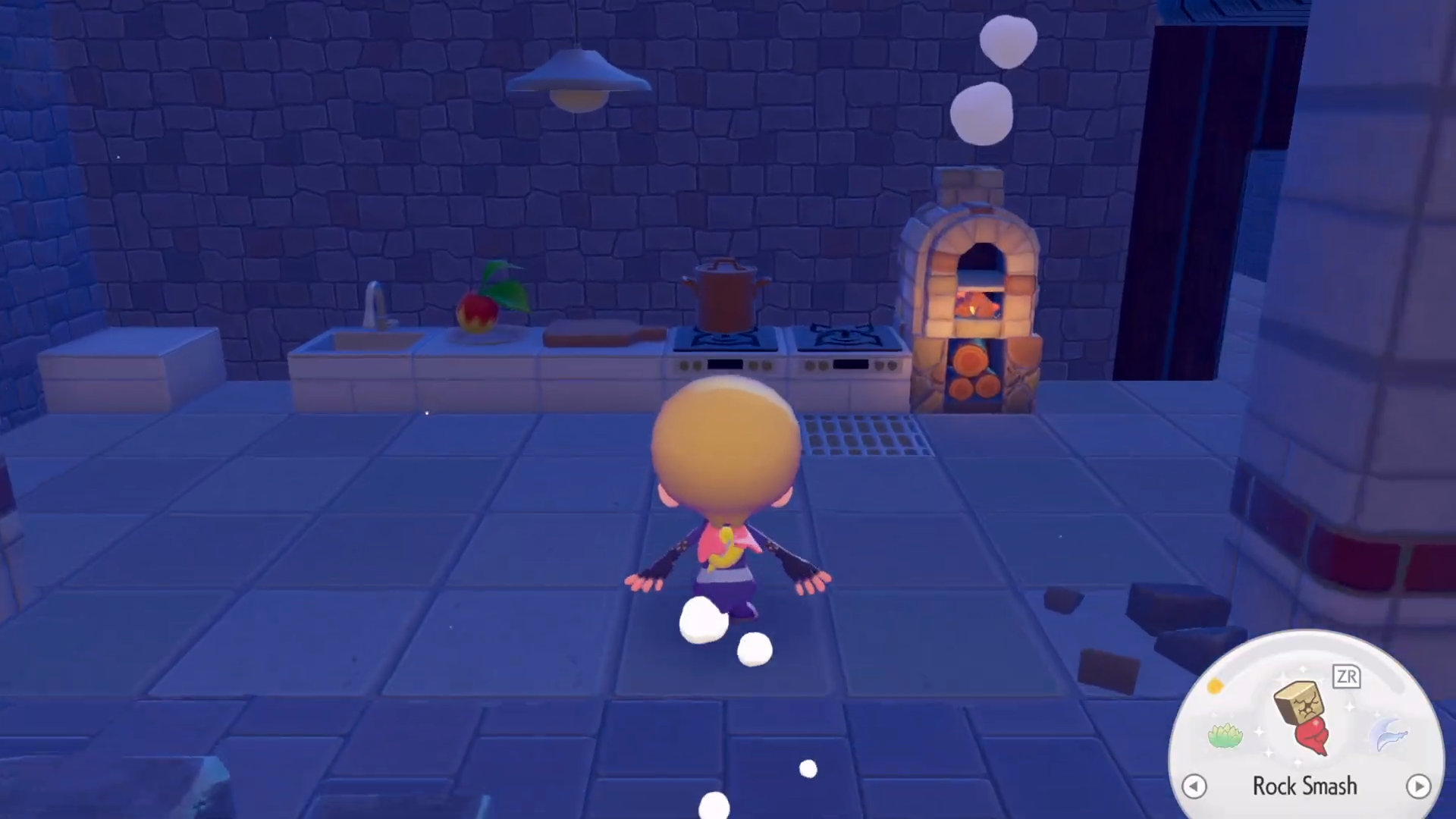
This is the default center for the Chef’s kitchen habitat.
Step 2
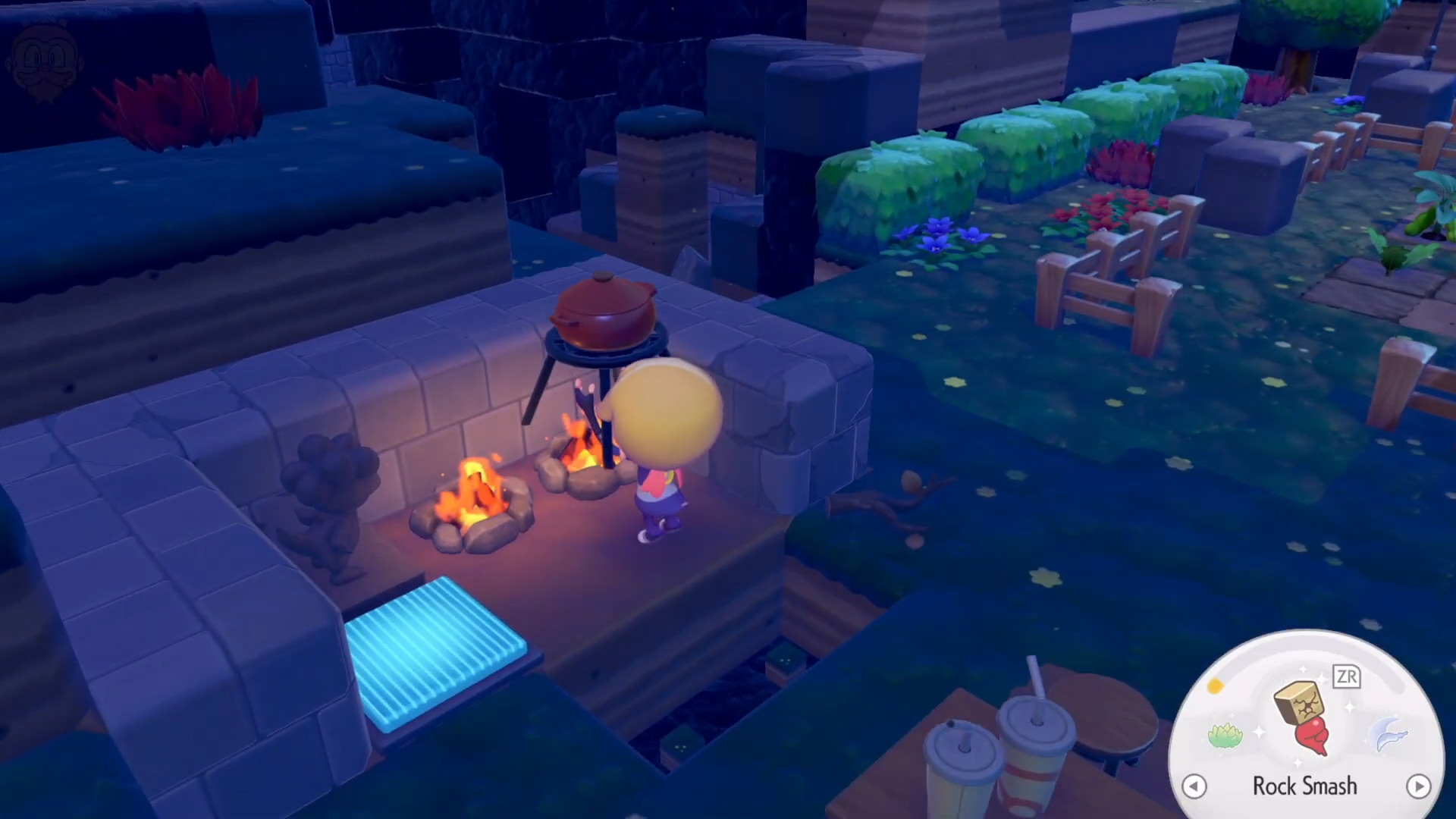
Place the Stylish Cooking Pot in one of the key positions near where Chef Dente works, such as beside or behind the stove.
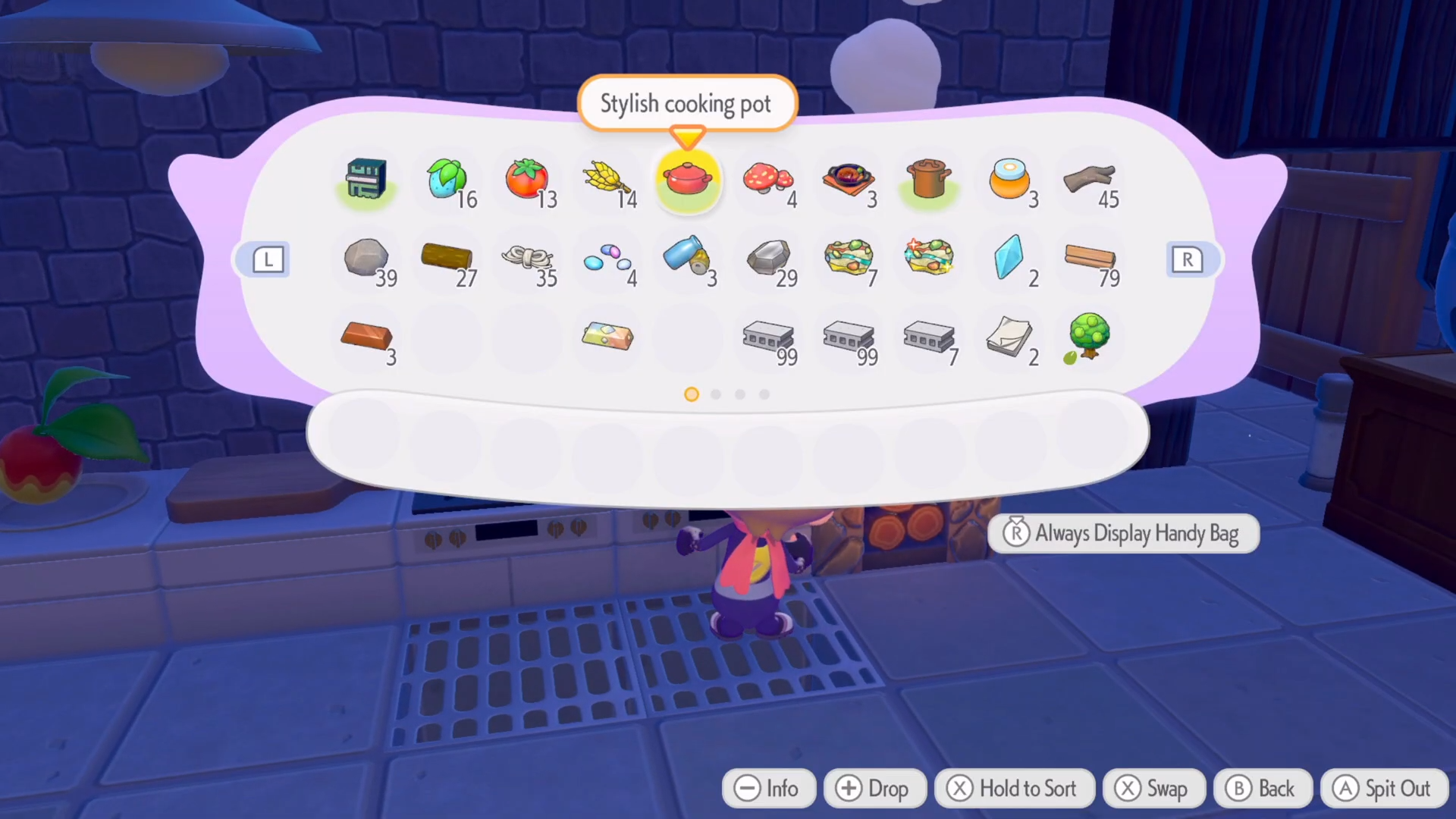
Step 3
Put down the cooking stove so it faces the main work area where Chef Dente interacts.
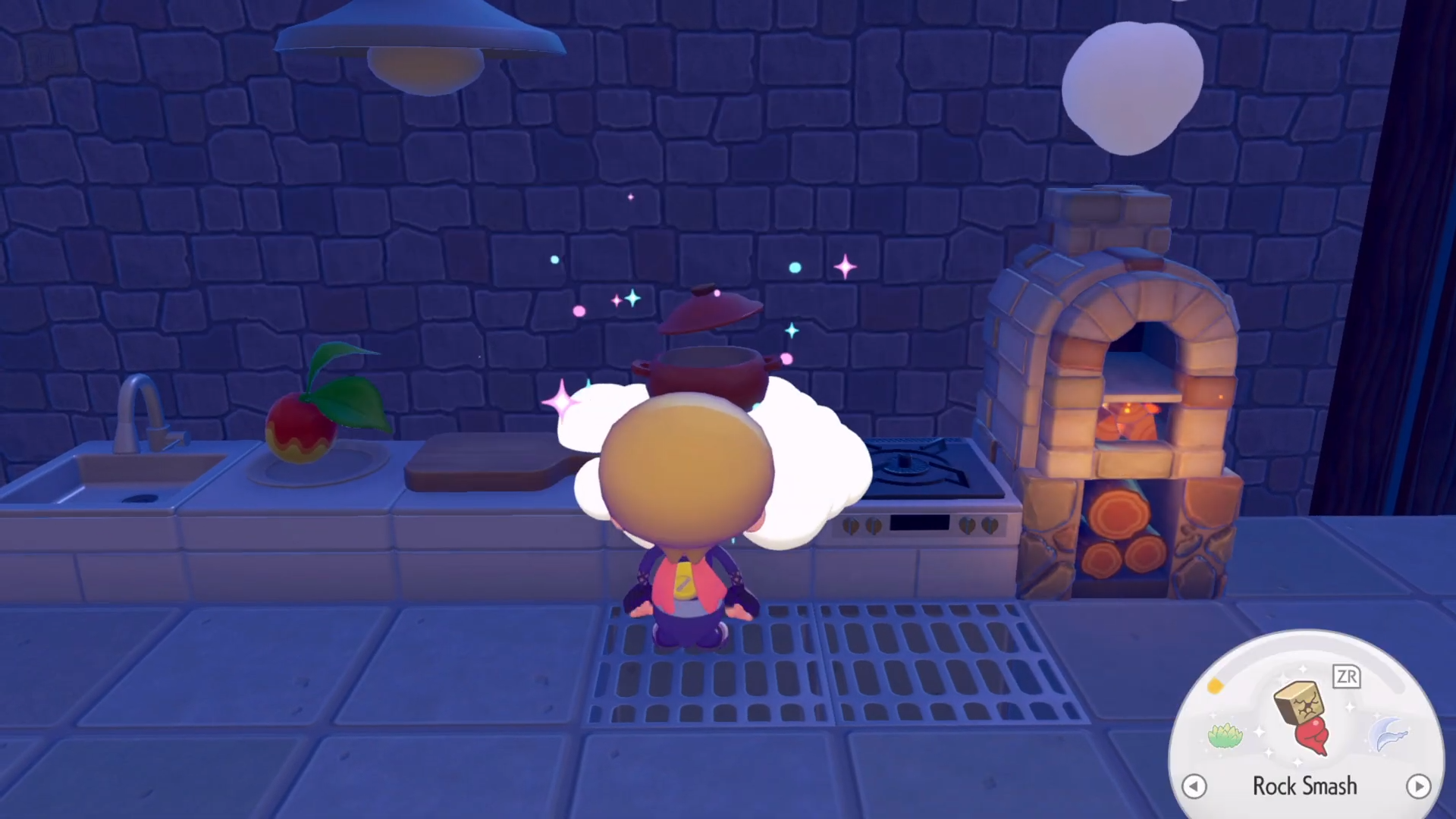
Step 4
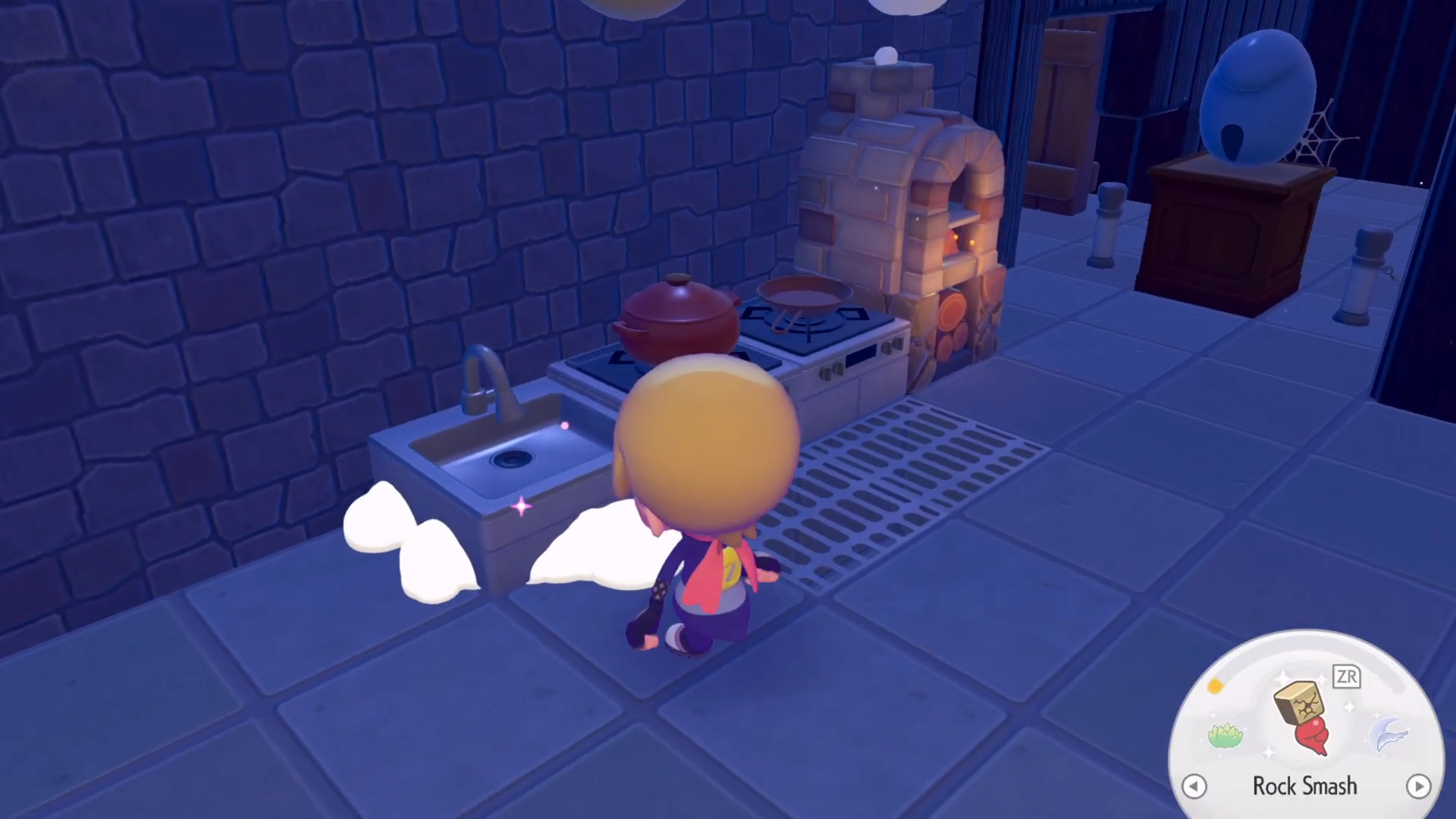
Add a modern sink near the stove or along the same wall to create a clear kitchen line.
Step 5
Create a plain table using lumber and twine.
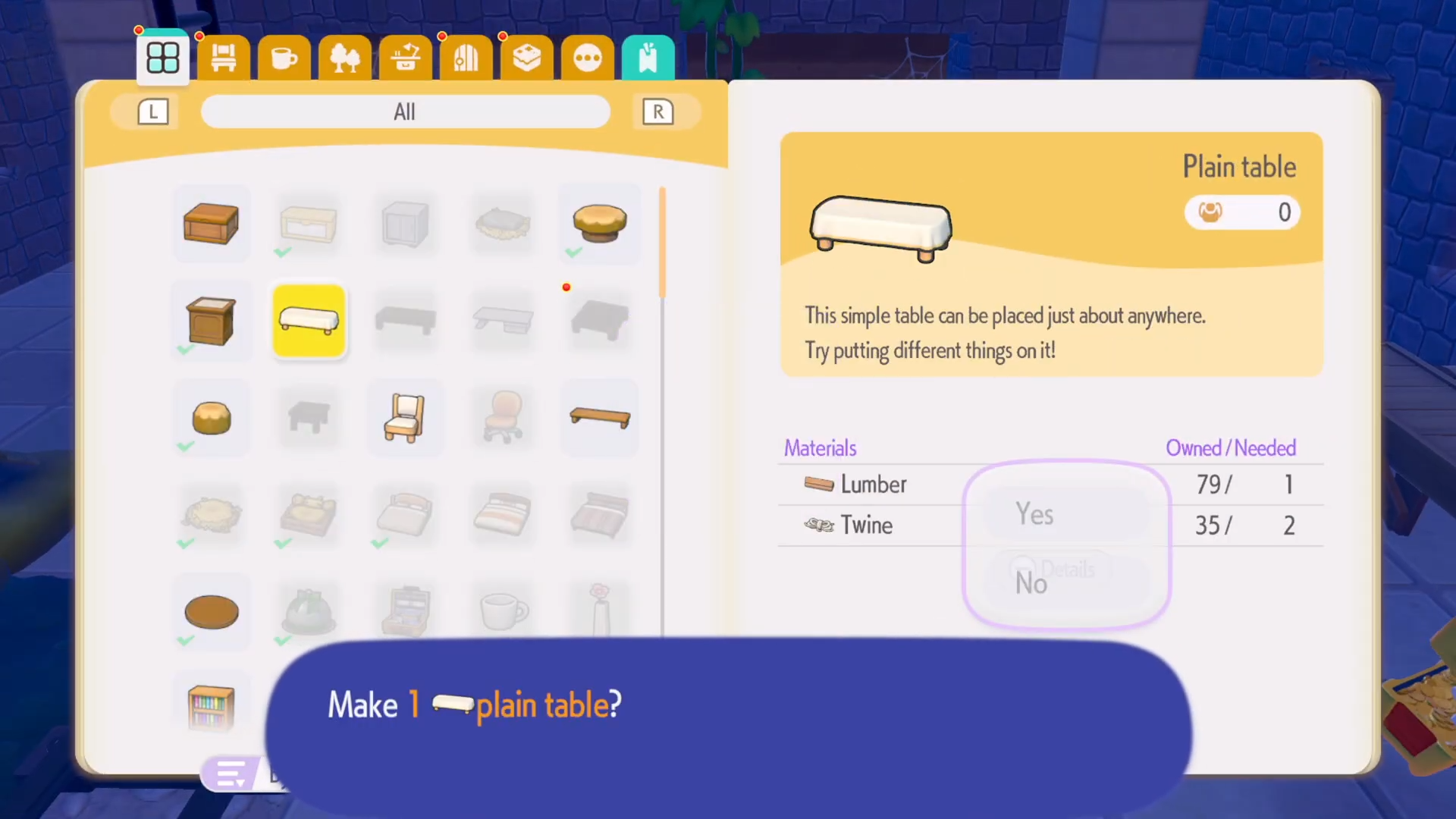
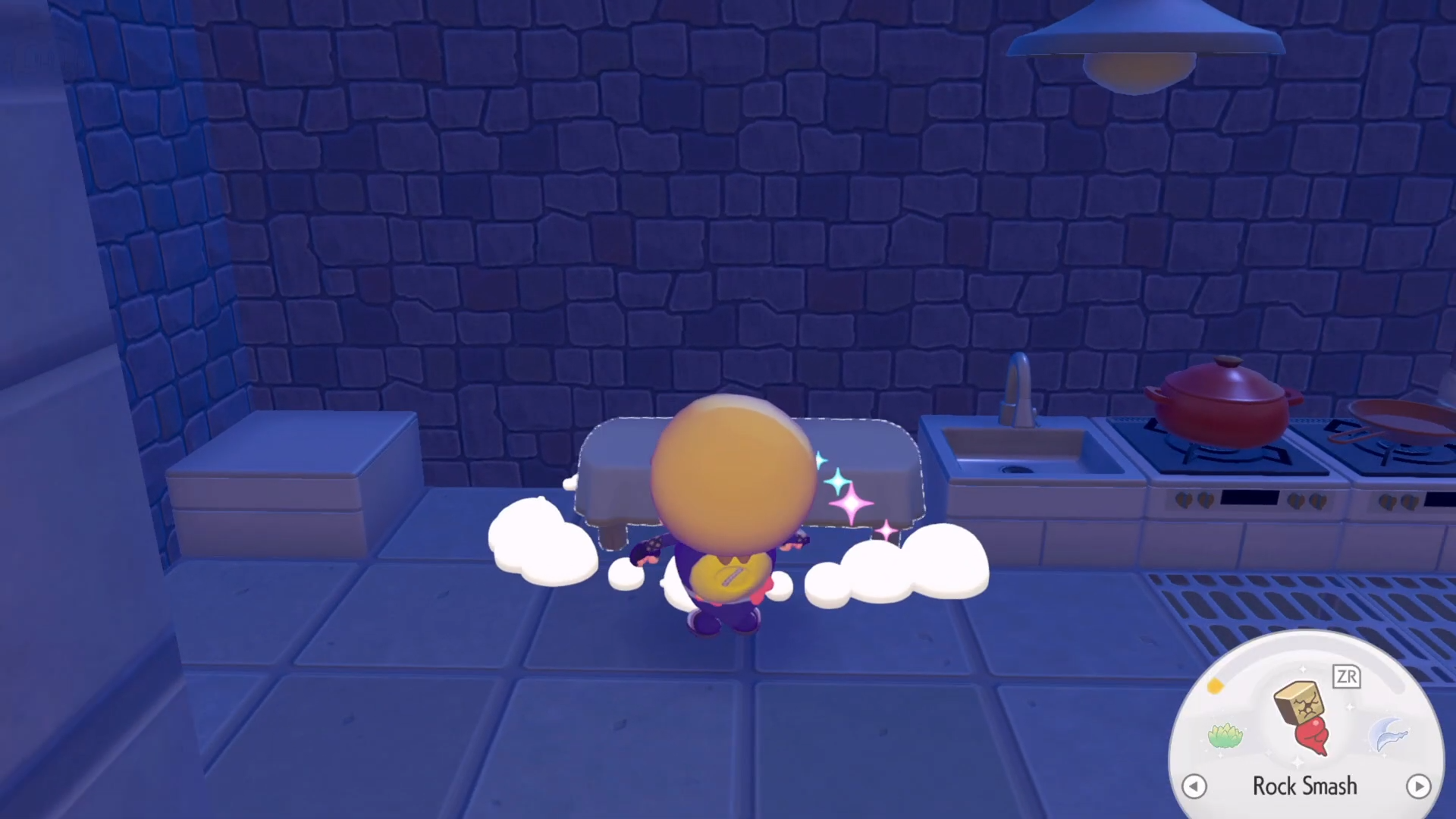
Then place it in the middle of the cooking area to serve as a prep surface.
Step 6
Put the cutting board on the table or on the counter next to the stove for food preparation.
Step 7
Place a plate or plated food somewhere visible on the table or nearby counter to complete the cooking setup.
Step 8
Clear any extra furniture or clutter from the area so only the required kitchen items remain. Overcrowding can prevent the habitat from registering correctly.
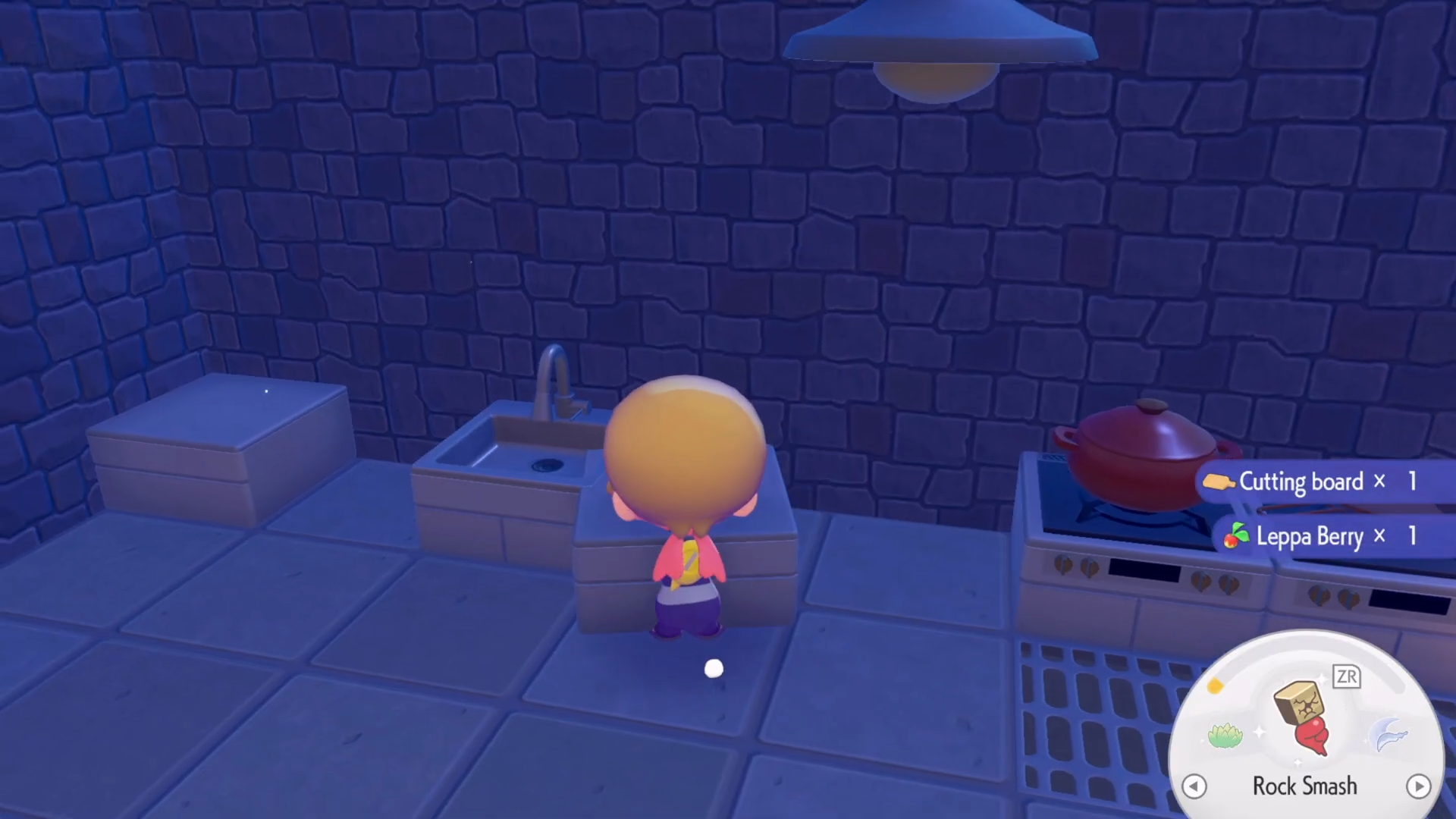
Once everything is arranged, interact with the area as though you were checking the habitat. If the elements are correct, the Chef’s kitchen should be marked as complete.
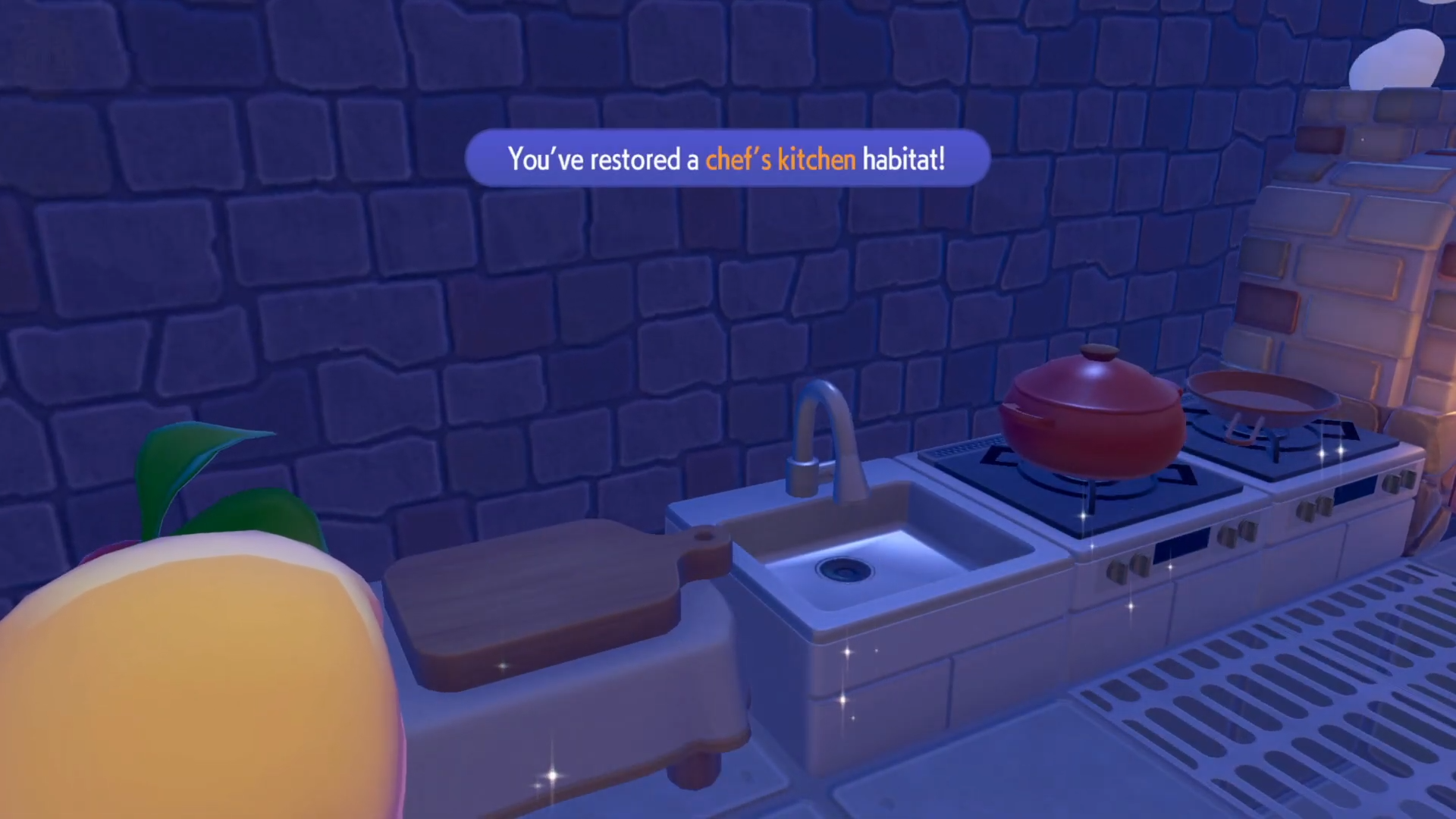
Rewards and benefits of the Chef’s kitchen habitat
Completing the Chef’s kitchen habitat unlocks or strengthens the role of Chef Dente in the game world.
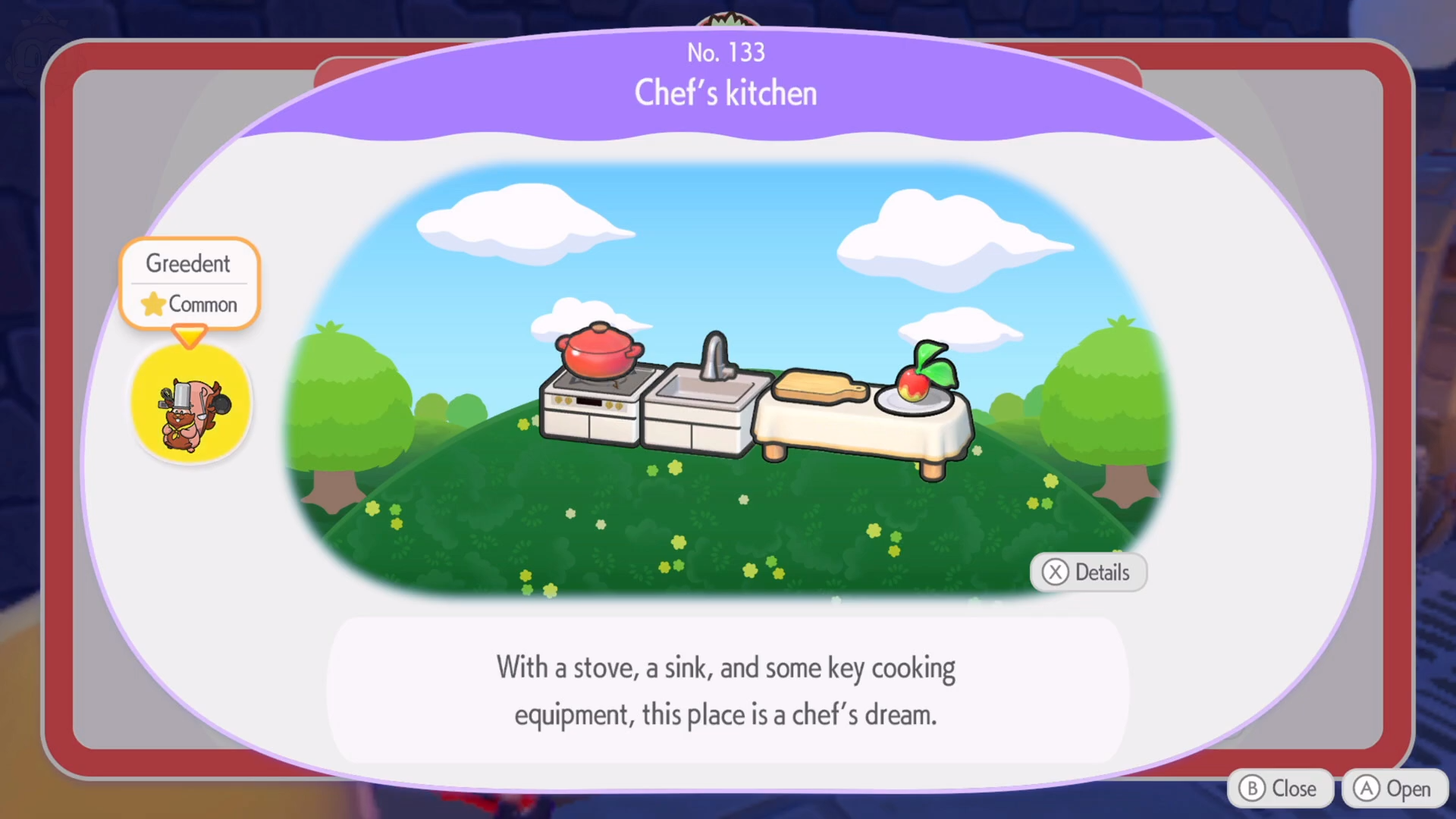
The exact rewards are tied to the full habitat list and the way Ditto interacts with cooking.
- Chef Dente can teach or improve cooking recipes, which in turn boosts the power or effects of certain moves when dishes are eaten.
- Higher‑level cooking recipes may allow you to give gifts to other Pokémon with specific food preferences, improving friendship or habitat comfort levels.
- The completed habitat also helps raise the overall comfort and environment rating of the mansion area, which can influence which Pokémon appear nearby.
How the habitat fits into your Pokopia world
The Chef’s kitchen is more than just a cooking corner; it becomes a small hub of activity around Chef Dente’s personality and cooking style. By making sure the Stylish Cooking Pot is placed correctly and the rest of the kitchen furniture follows the expected layout, you turn this spot into a reliable place to learn recipes and prepare dishes that benefit your team. Keeping the kitchen tidy and visually consistent will also make it easier to track other nearby habitats and manage the overall flow of your Pokopia town.