- What to know
- How to set up the home request board system
- How to get more value from crafting
- How to use item tooltips to stop guessing
- How shared storage and auto-pulling crafting saves time
- How to use crafting tracking to plan bigger builds
- Locations (when using these systems)
- How to find chests that jumpstart your furniture options
- How saving anytime changes how you should play
What to know
-
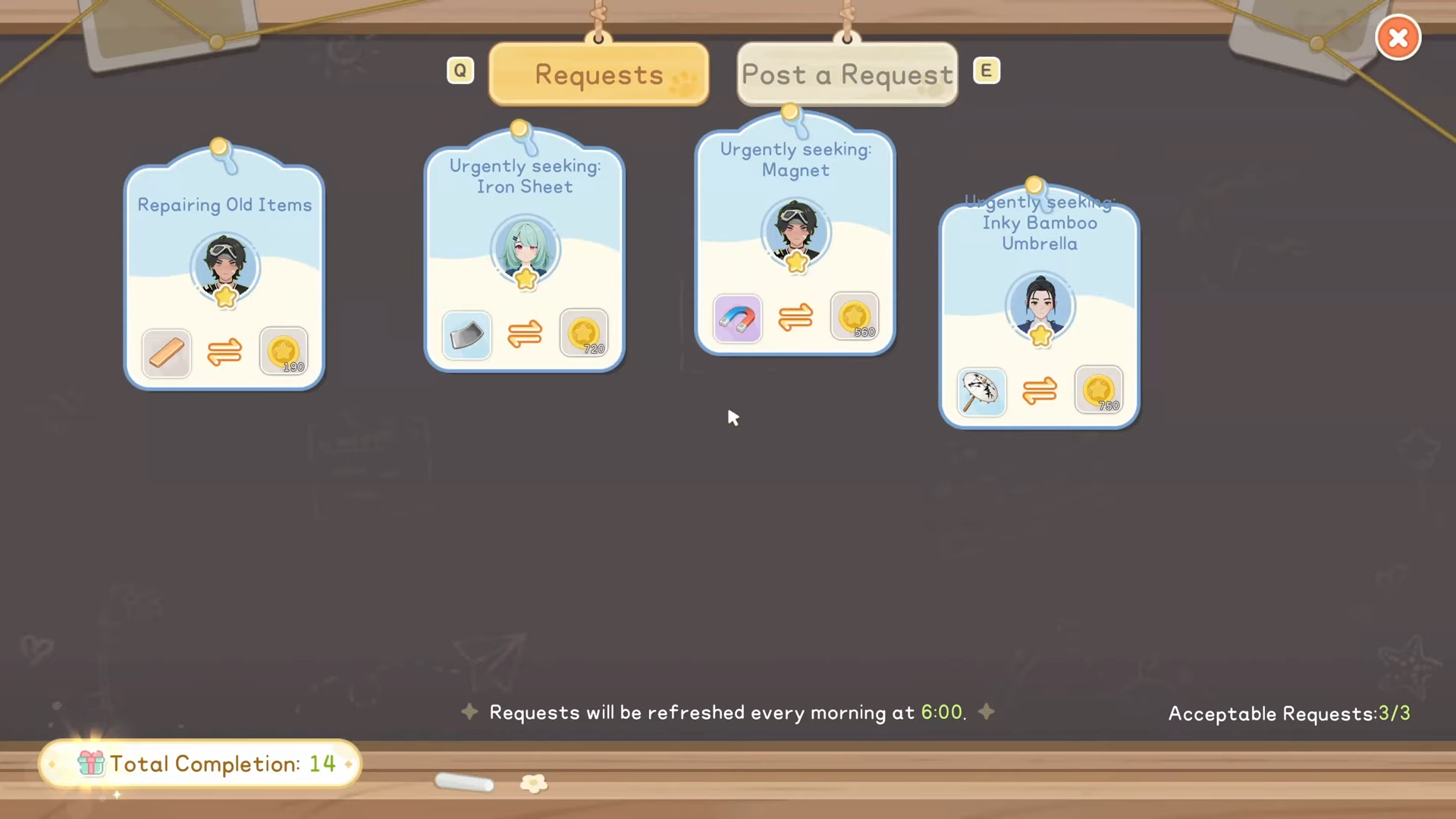
You can build a request board at home to accept daily requests without running to the community center
-
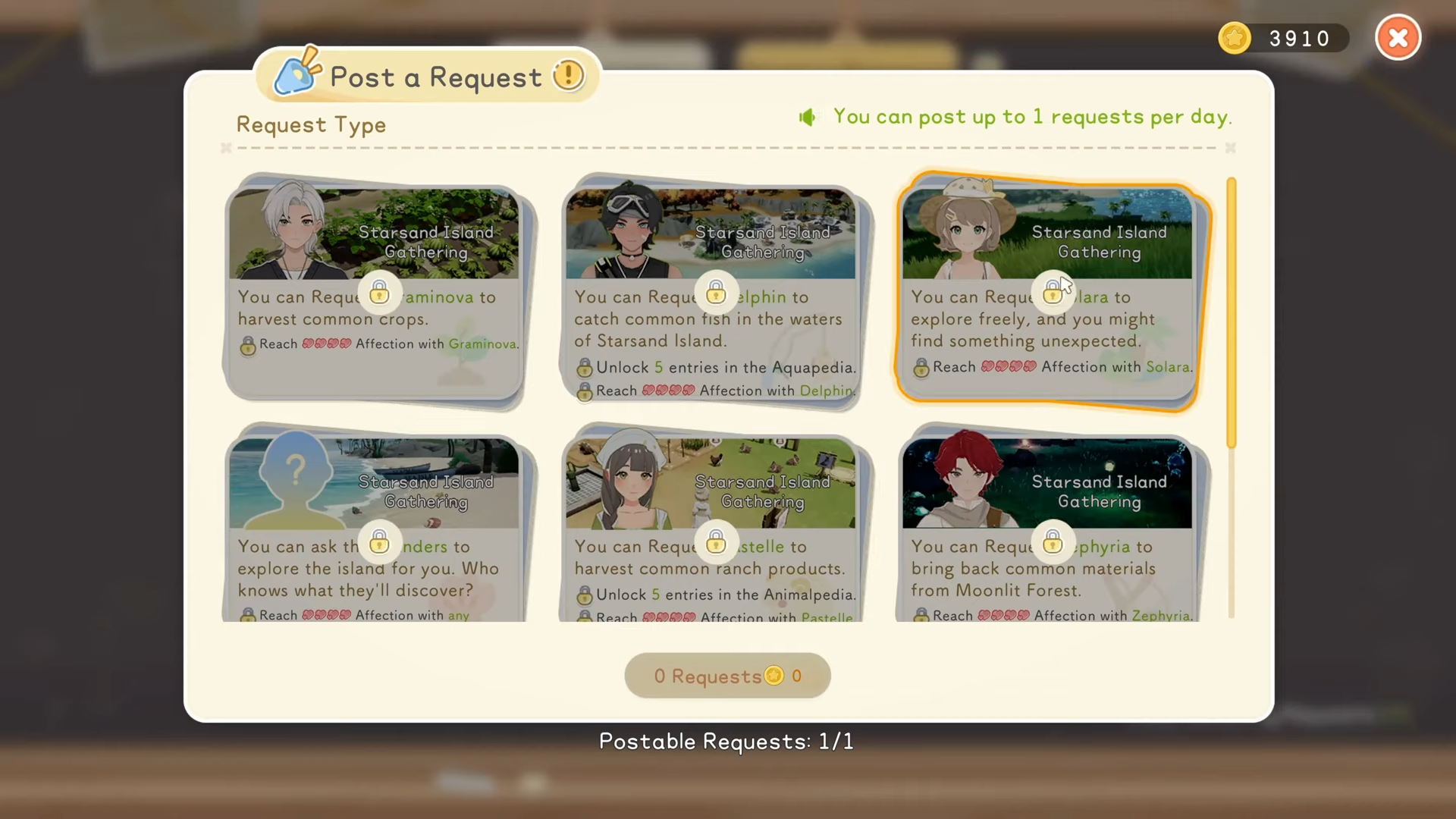
Posting requests to specific NPCs can automate gathering and exploration once your relationships are high enough
-
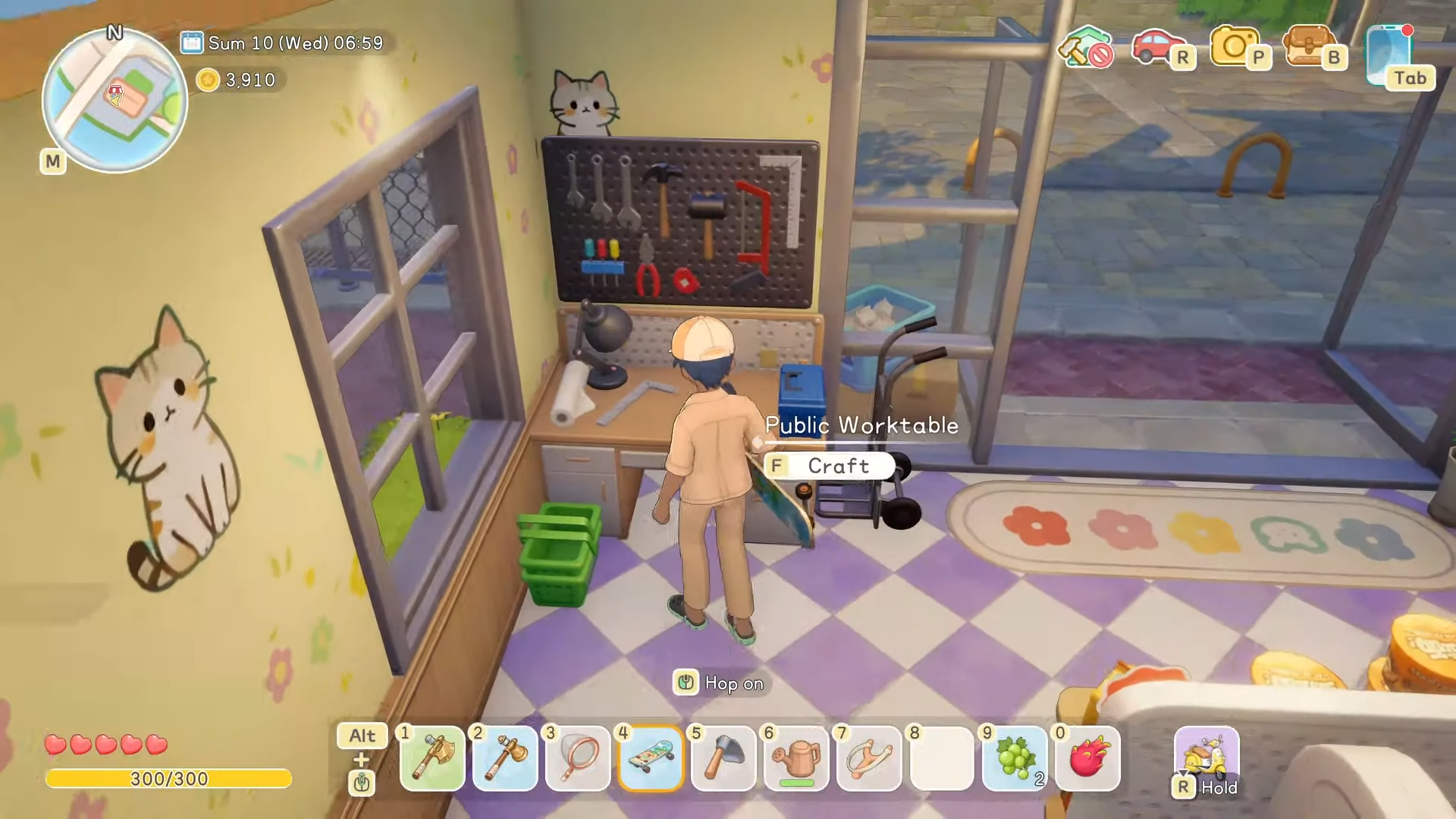
Crafting is more flexible than it looks, with crafting stations inside many NPC buildings and a built-in craft tracking feature
-
Storage and saving are major quality-of-life wins: shared storage access, crafting pulls from storage, and you can save anytime
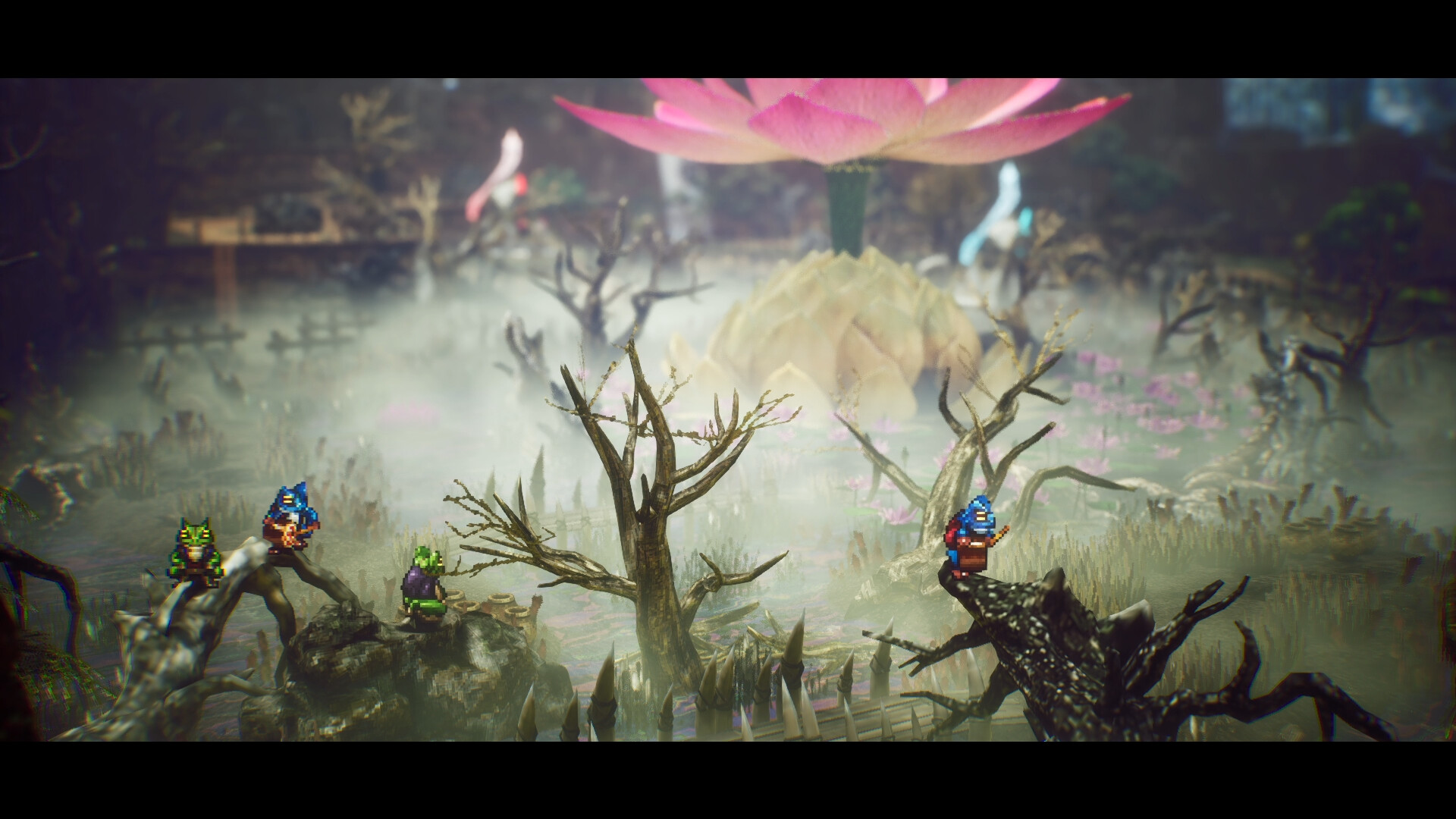
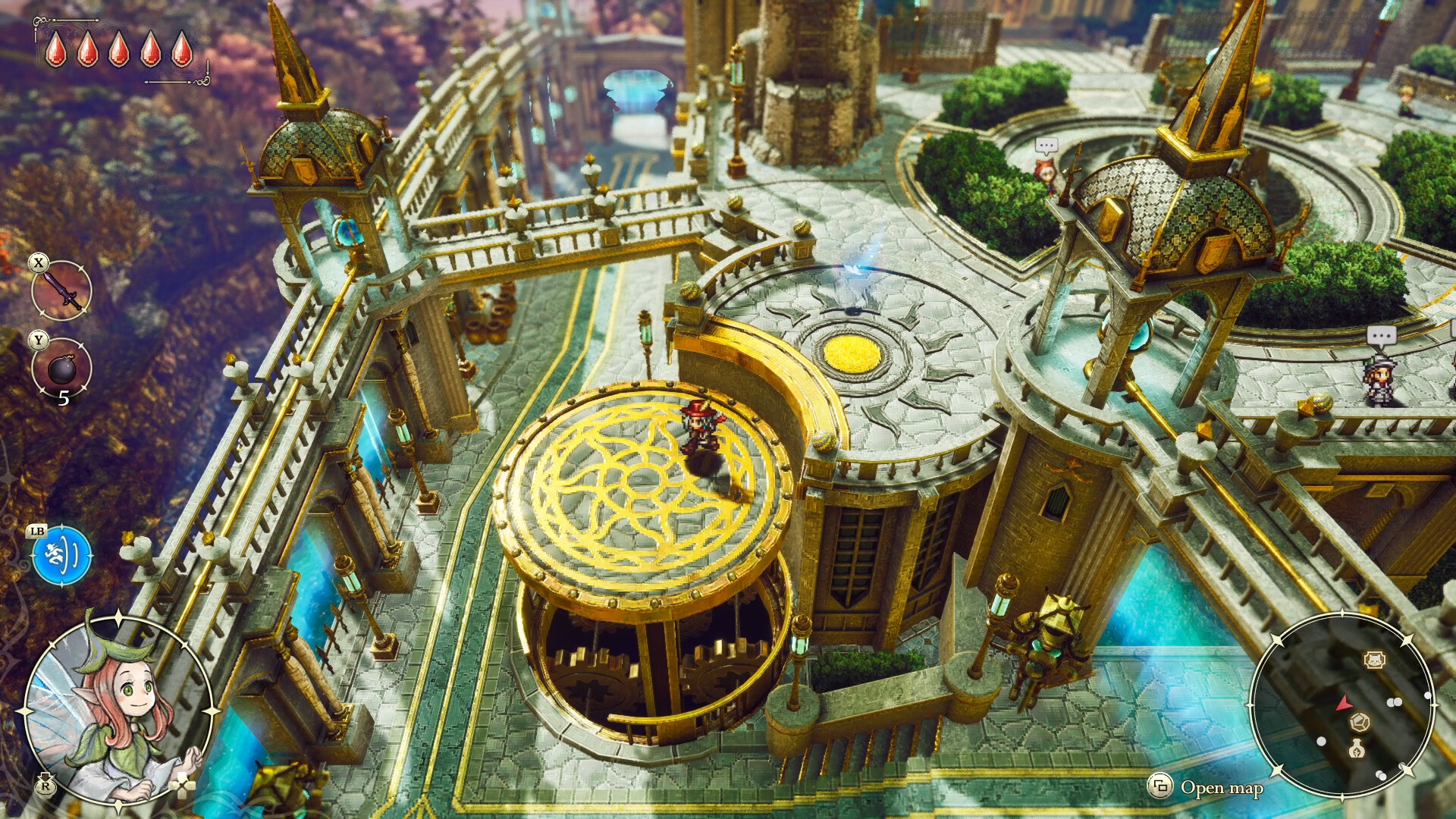
Starsand Island has several time-saving mechanics that the game barely calls out, and once you start using them, your daily routine gets faster and more flexible. If you like optimizing your in-game days without turning it into a grind, these are the systems worth building habits around.
| System | What it does | Why you should care | Where you use it |
|---|---|---|---|
| Craftable request board | Lets you view daily requests right outside your house | Saves travel time every morning | Your farm/home area |
| Post requests to NPCs | NPCs can gather materials, ranch goods, or explore | Passive progress while you do other tasks | Home request board |
| Crafting stations in buildings | Many houses/shops include a crafting board | You can craft while out in town | NPC homes and certain shops |
| Item info on hover | Tells you purpose, location/source, and sell price | Helps you stop guessing where things come from | Inventory and storage screens |
| Shared storage access | One storage box interface can access all boxes | No more running between boxes | Any storage box |
| Crafting pulls from storage | Workbench and cooking use items stored in boxes | Fewer inventory trips and less clutter | Workbench, cooking station |
| Craft tracking | Tracks a recipe and shows what you still need | Makes multi-material goals manageable | Workbench crafting menu |
| Long day length | You have more usable time per day than many life sims | You can fit more tasks and requests in | Entire day loop |
| Save anytime | Saves keep the exact time you saved at | Perfect for short sessions without losing progress | Pause/menu save |
How to set up the home request board system
Step 1: Build the request board for your house
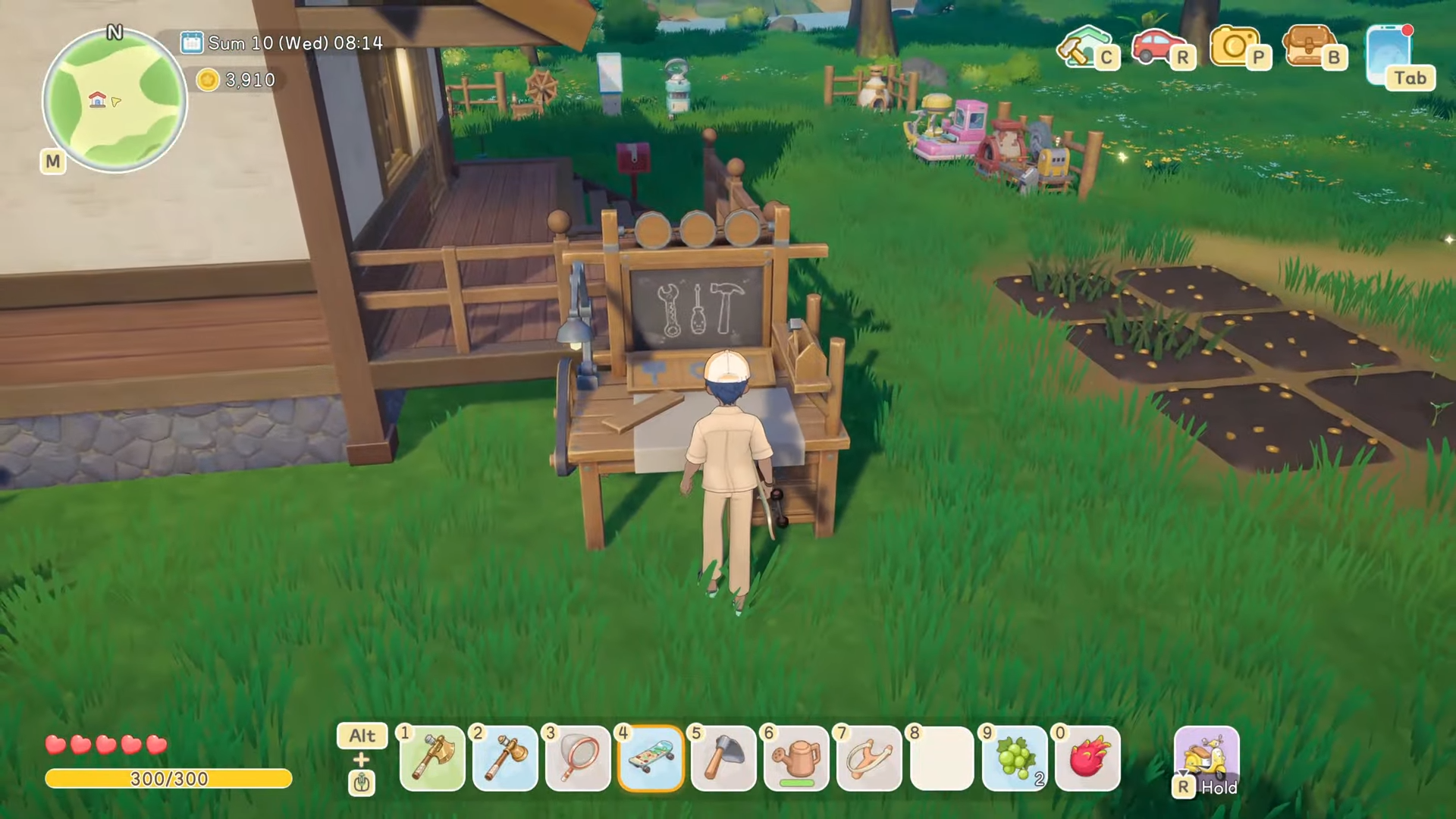
The request board is something you can craft, and once it’s placed at home, you can grab all daily requests without going into town.
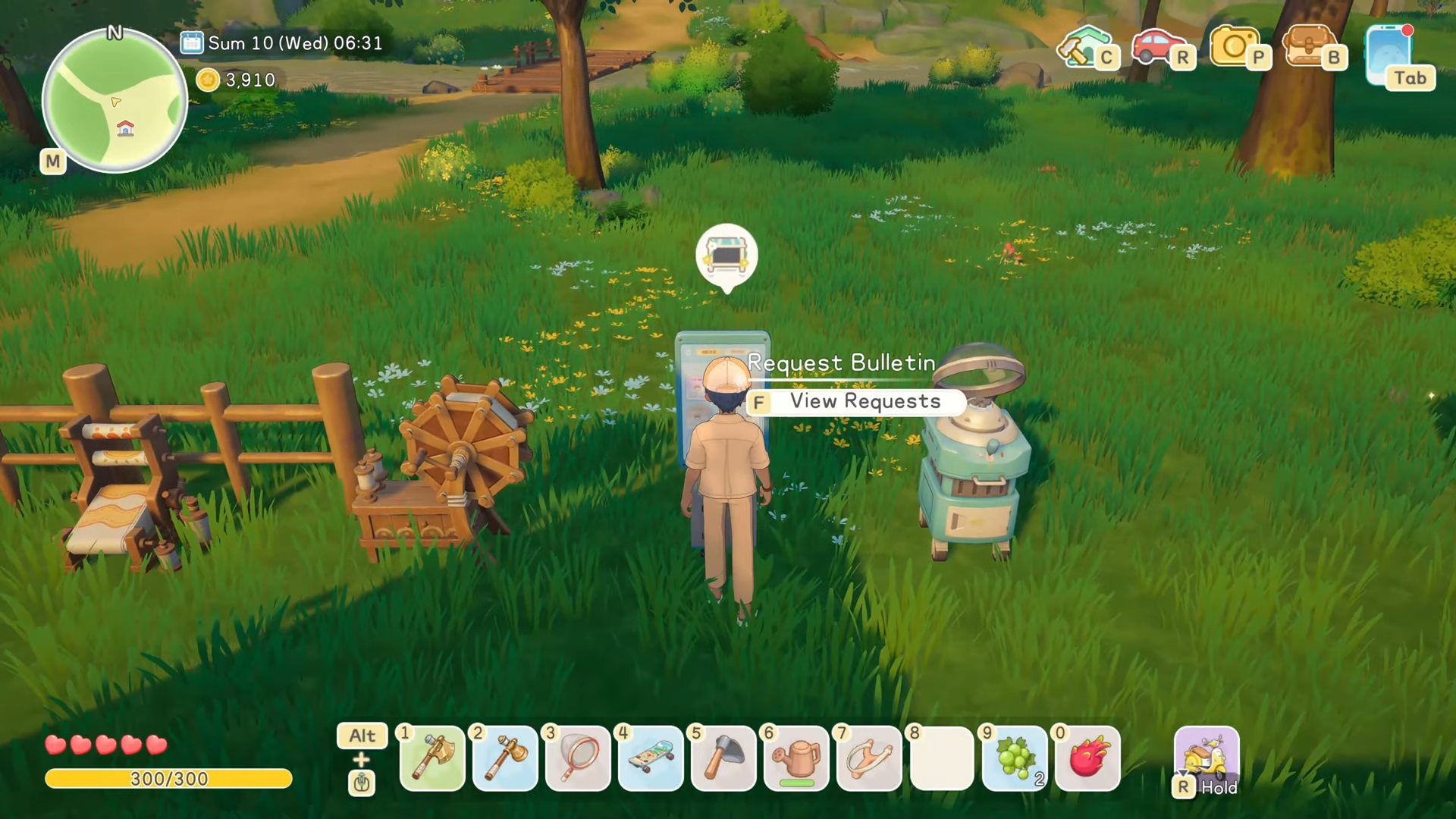
Step 2: Use it as your morning start routine
Instead of running to the community center first, check requests at home, decide what’s realistic for the day, then head out with a plan.
Step 3: Post requests to NPCs when your relationships allow it
The board also lets you post requests, but you need to reach a certain relationship level with the NPCs before you can request their help.
Step 4: Pick the right NPC for the right kind of automation
Some examples of useful posted requests:
-
Solar can explore freely and may bring back unexpected finds
-
Zarina can use inventions to collect common materials
-
Pastel can harvest common ranch products
How to get more value from crafting
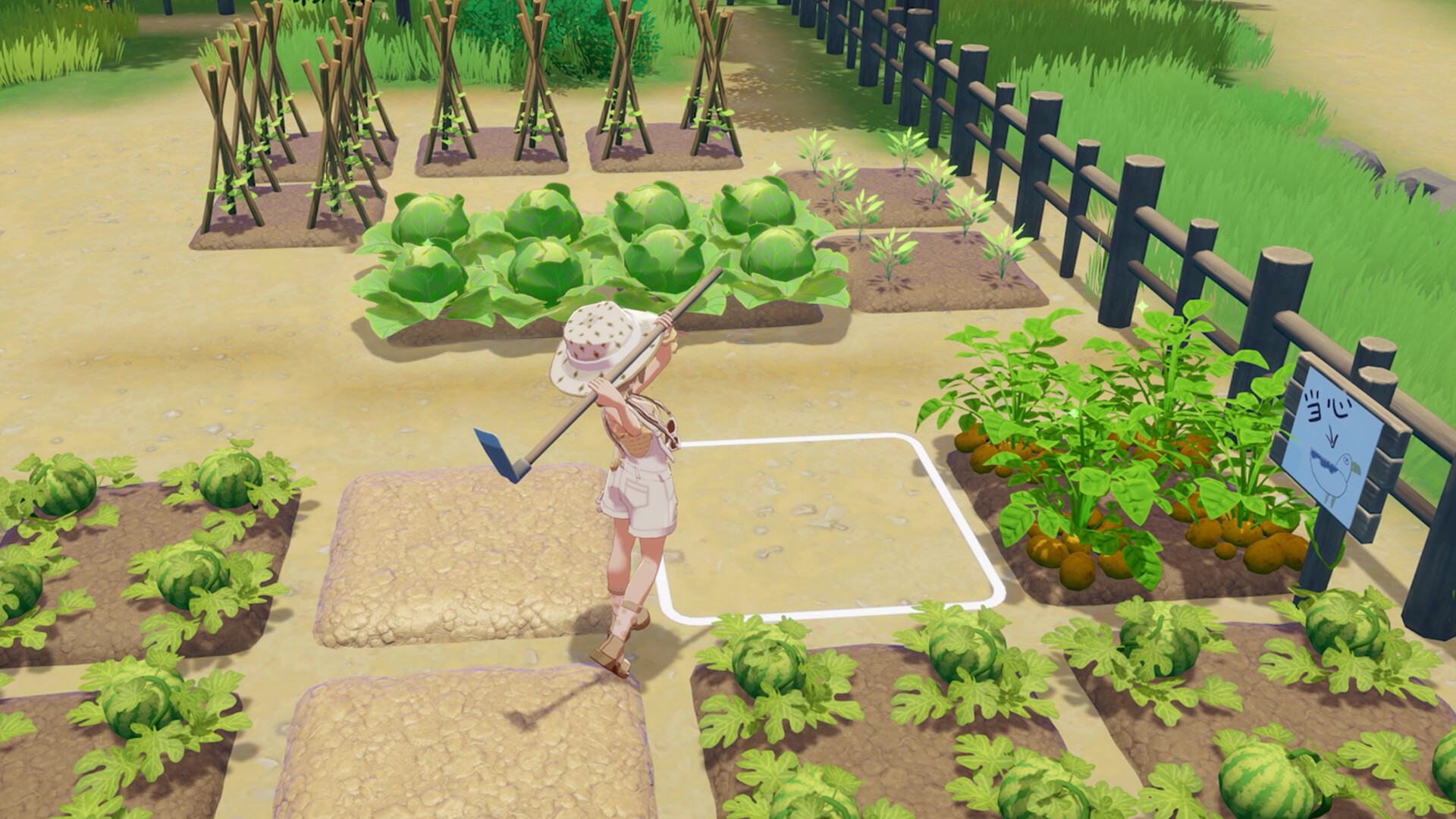
Crafting is a main progression path because so many machines and recipes support farming, cooking, and materials processing. If you want momentum early, leaning into machines first tends to reduce friction everywhere else.
Step 1: Prioritize key processing machines early
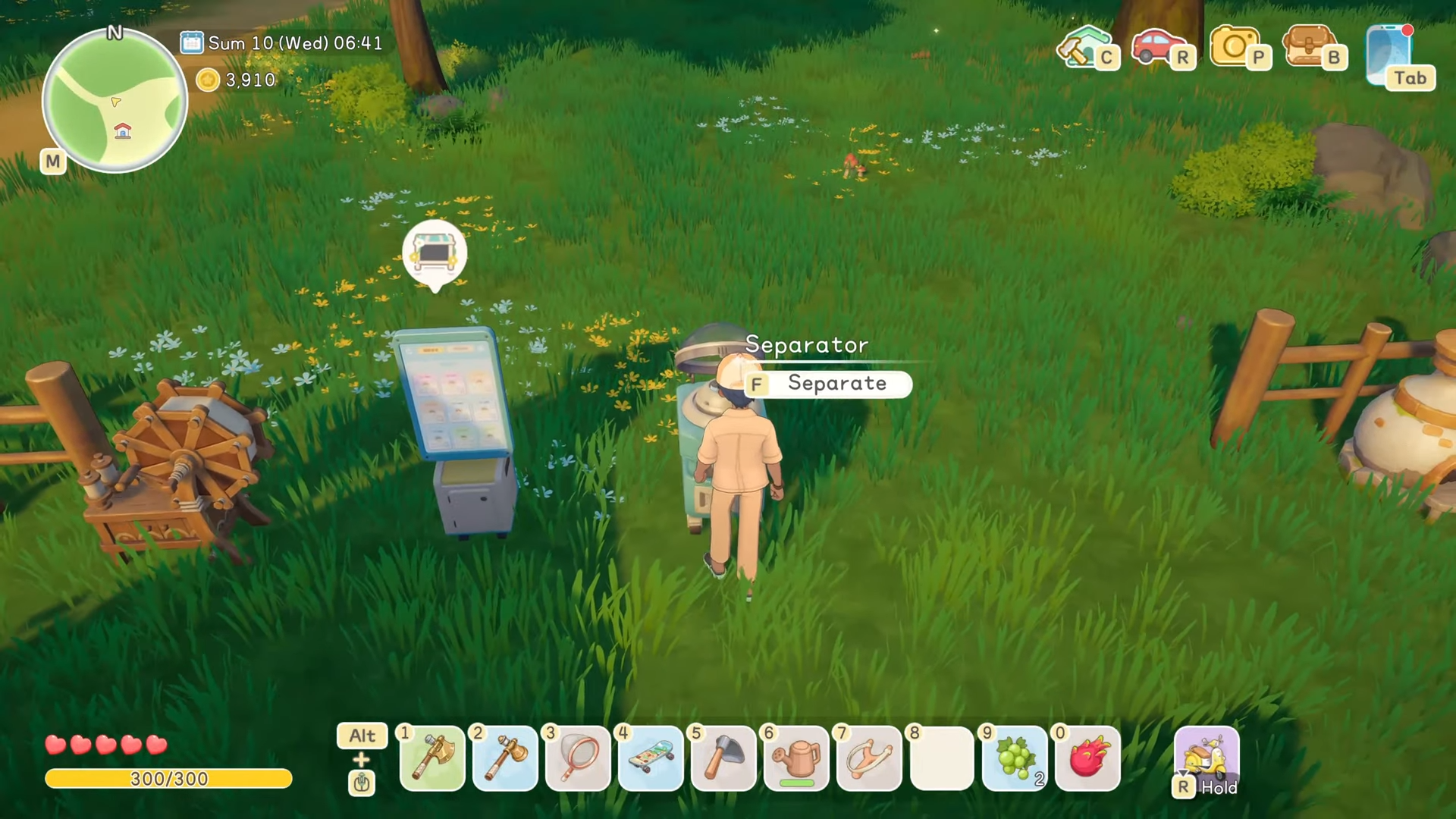
A standout example is the separator, which helps process farm outputs into ingredients you will repeatedly need, like flour (and similar basic cooking components).
Step 2: Craft even when you are away from your farm
Many NPC houses and some buildings include a crafting board or crafting station inside, which means you can craft while you are already out doing social or town errands.
Step 3: Watch time-of-day access for NPC interactions
Even if a place is effectively usable around the clock, some NPC-dependent actions still require the NPC to be awake, so early mornings often work best as farm time rather than social time.
How to use item tooltips to stop guessing
A lot of the game’s clarity is hidden in plain sight inside item hover details.
Step 1: Hover items in storage or inventory before you commit to a plan
When you hover an item, you can see helpful labels like its purpose (examples include processing, landscaping, cooking, crafting), where it comes from (such as forest or a specific machine), and its sell price.
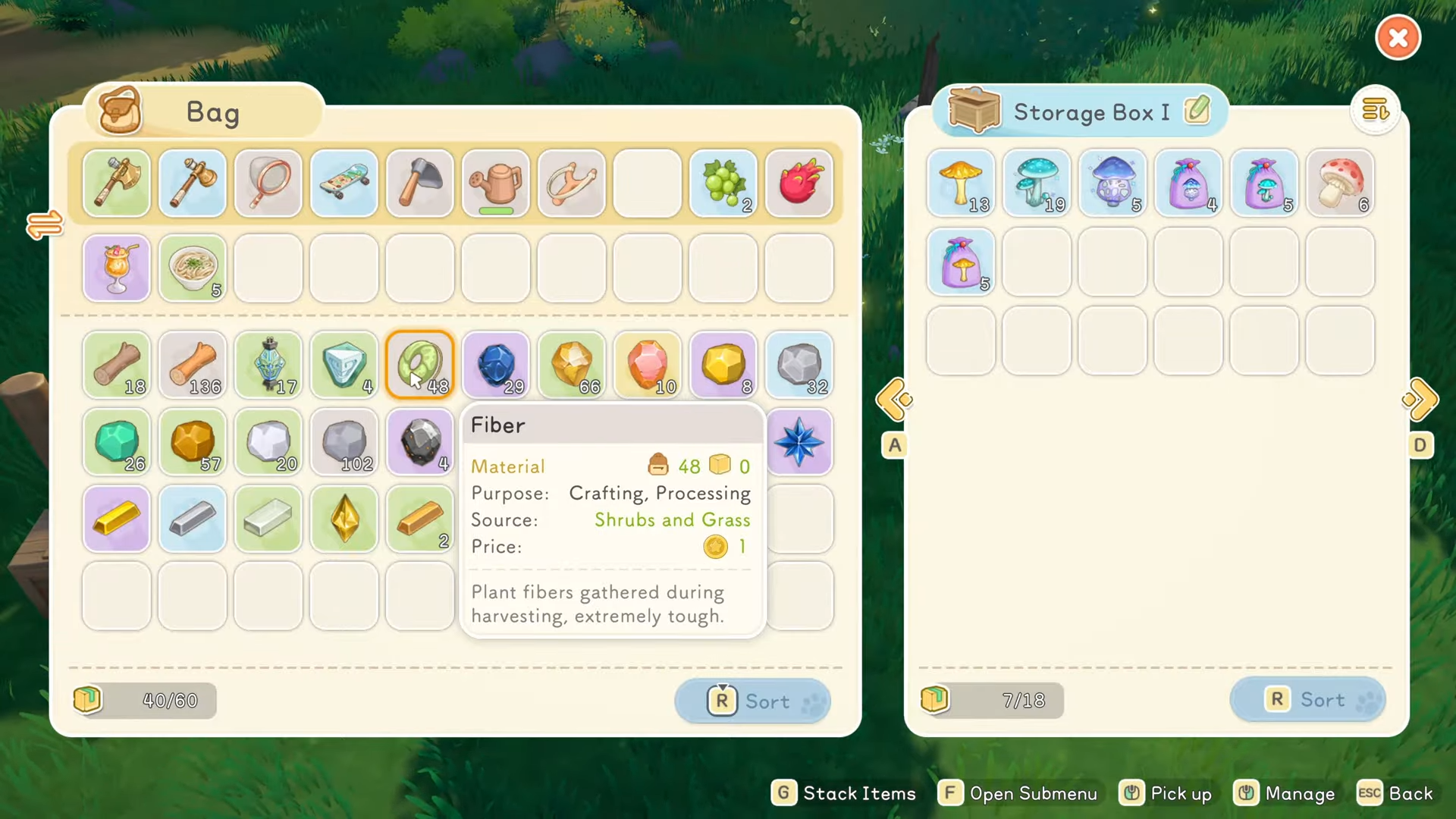
Step 2: Use the source hint to identify the right machine
If an item says it comes from a specific machine (for example, cutter), you can immediately pivot from wandering to building or using the correct station.
Step 3: Use cooking ingredients as a breadcrumb trail
If a recipe needs something like flour, treat that as a prompt to trace backward through the tooltip chain until you see which machine or crop produces it.
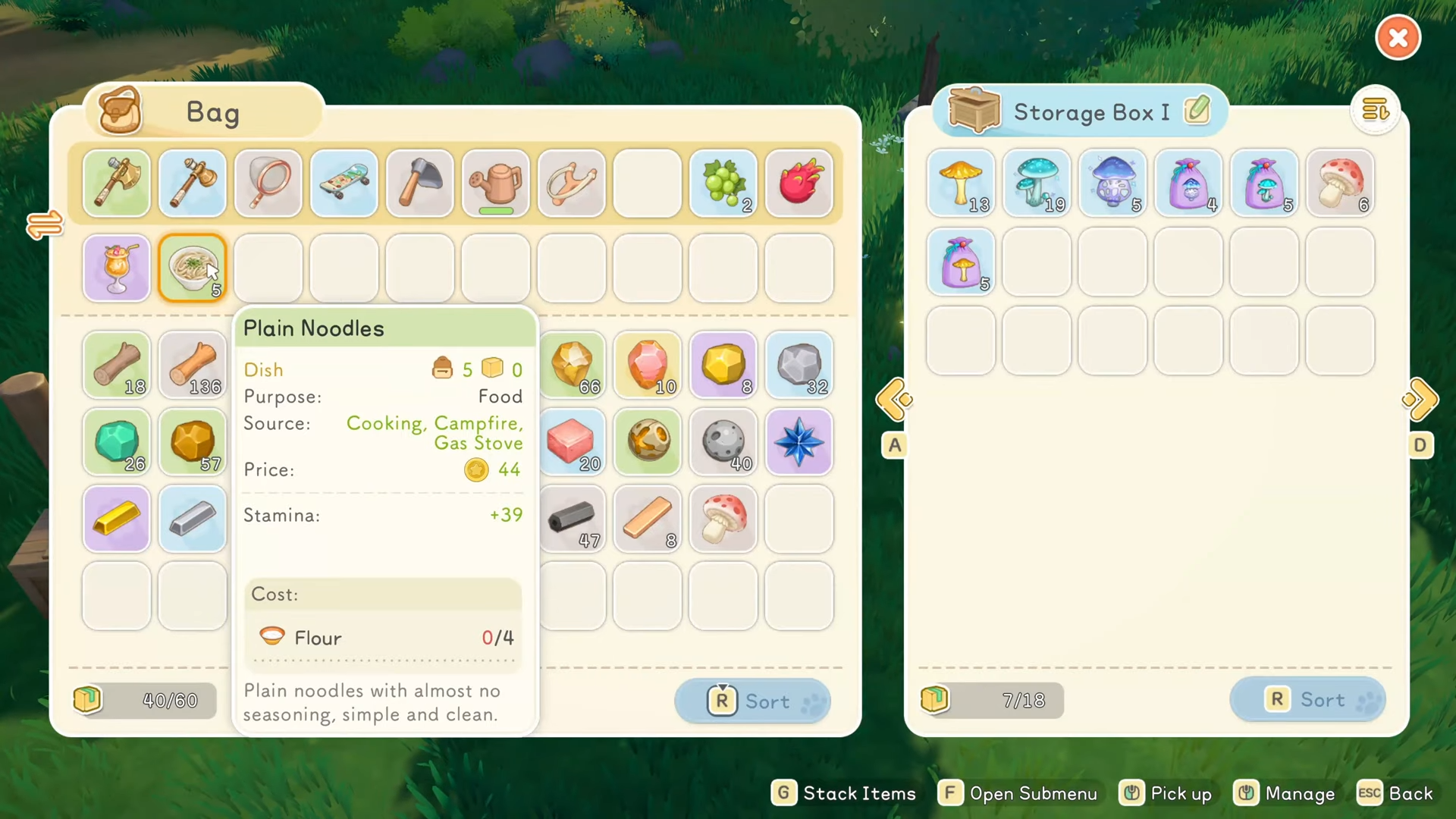
This is one of the biggest quality-of-life systems in the game, and it changes how you should organize your base.
Step 1: Access all storage boxes from any single storage box
You can flip through all of your storage from one interface, rather than physically running from box to box.
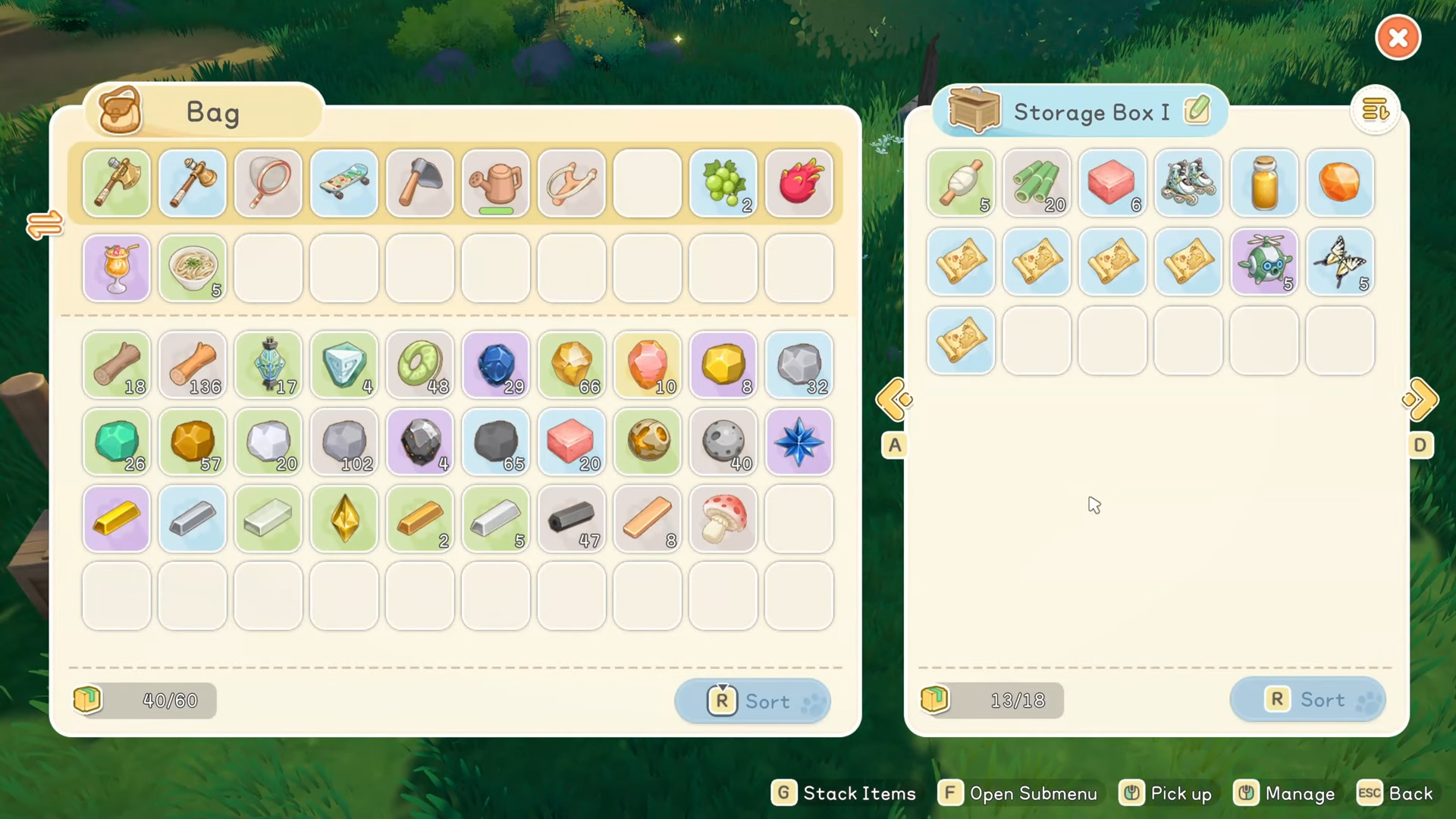
Step 2: Craft without removing items from storage
Your crafting bench pulls materials directly from storage, and your cooking station can do the same, so you don’t need to pre-load your inventory just to craft or cook.
Step 3: Store more, carry less
Since stations pull from storage, you can keep your inventory lighter and still craft on demand, which is especially helpful when you are mixing town trips with resource runs.
How to use crafting tracking to plan bigger builds
Craft tracking is a small feature that becomes huge once your recipes start needing multiple processed materials.
Step 1: Open the workbench and choose something you want to craft later
Pick an item you care about (for example, a piece of home decor).
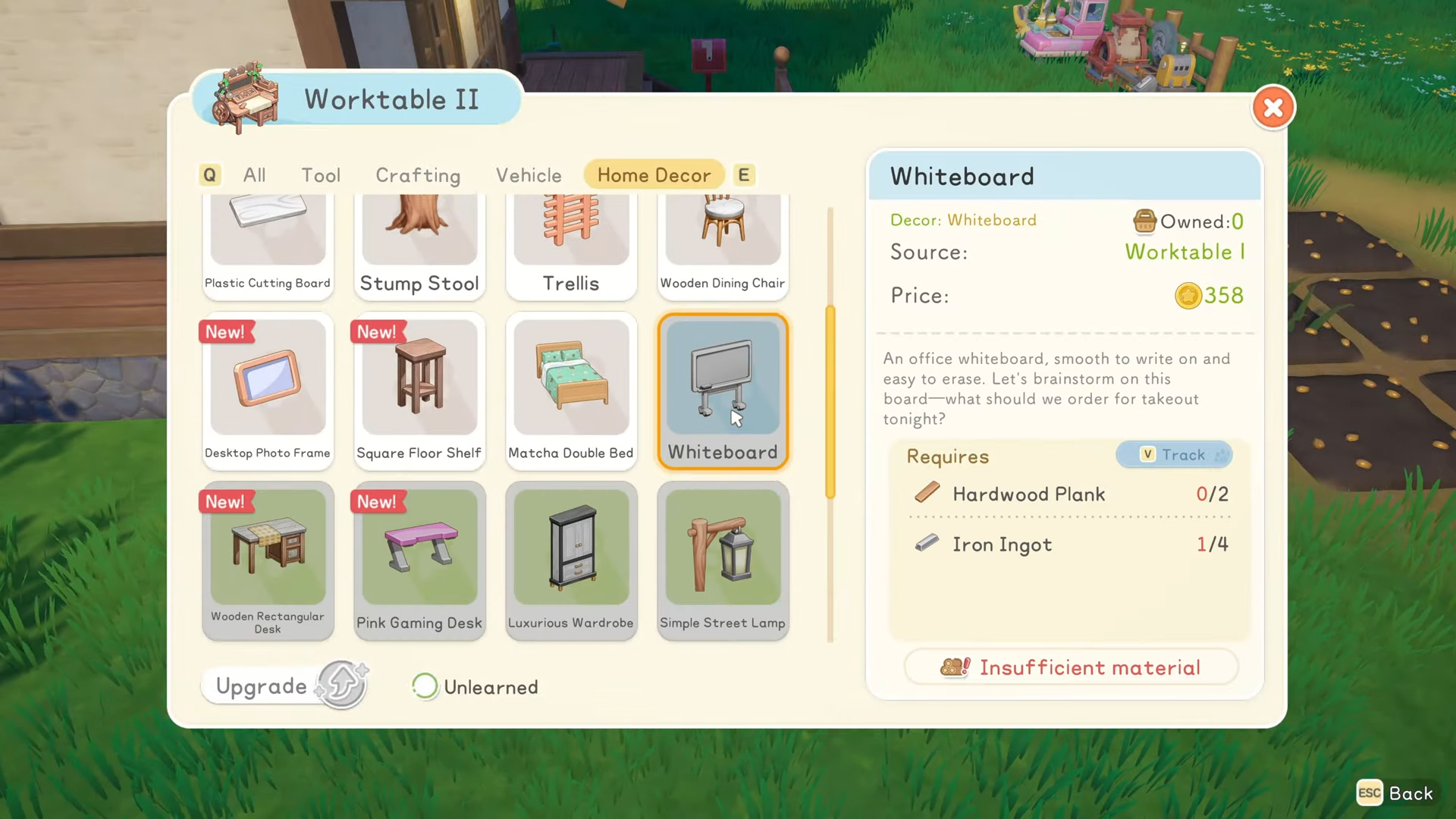
Step 2: Track the recipe
Once tracked, the game shows what you already have and what you still need.
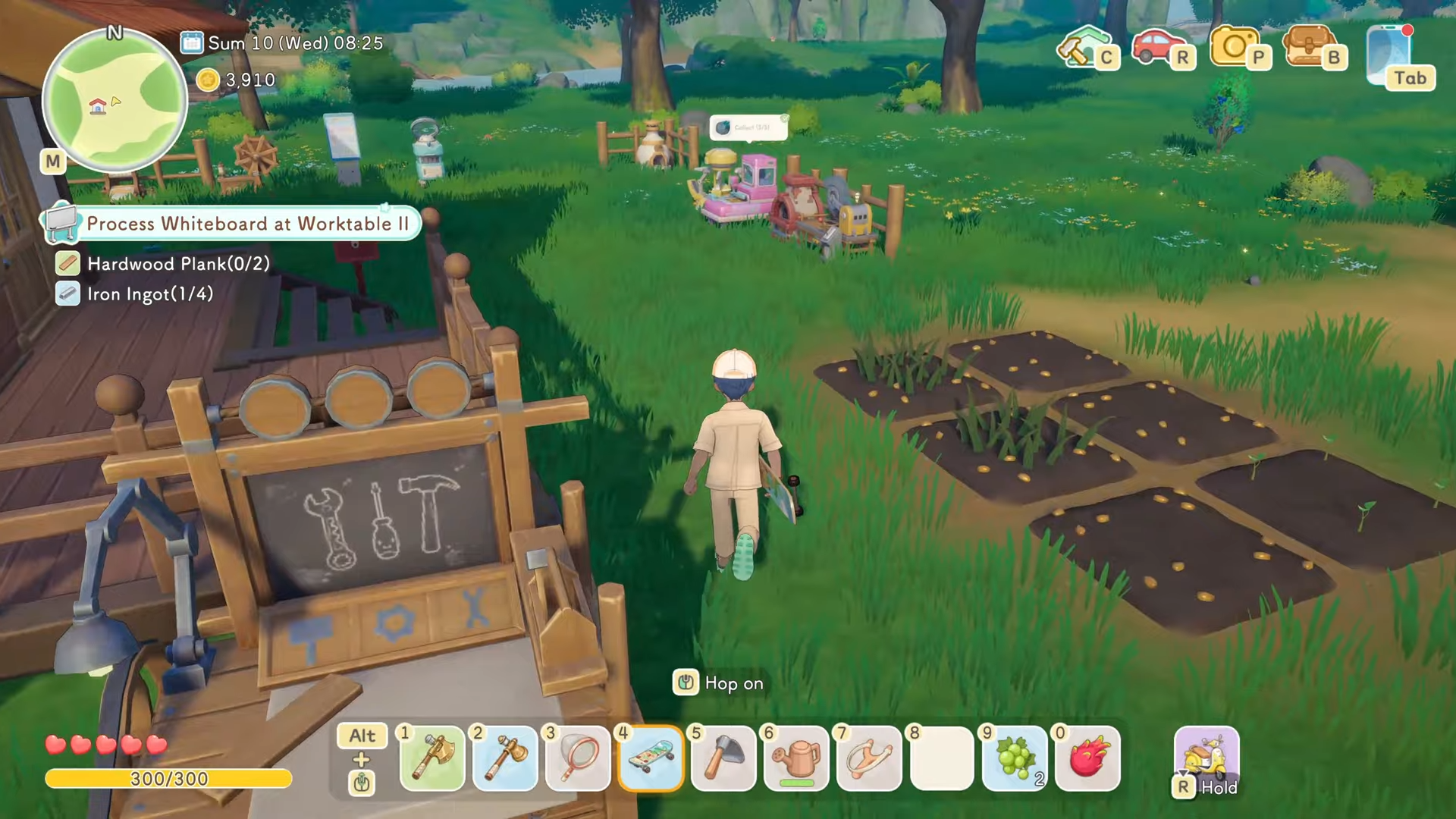
Step 3: Turn missing materials into a checklist for the day
If the tracked item needs things like hard planks or ingots, you immediately know your task chain: gather the right wood, process it, then use the furnace for ingots.
Locations (when using these systems)
Your farm is the hub for the request board, storage boxes, and core crafting stations, so mornings often start there before you fan out. As you explore town and visit NPC buildings, you will find crafting boards inside some interiors, and you will also stumble across chests in off-the-beaten-path spots around town as well as in the Moonlit Forest.
How to find chests that jumpstart your furniture options
If you feel like you started with very little furniture, chests are a major early source of useful items.
Step 1: Explore beyond the main paths in town
Chests can appear in odd, tucked-away areas rather than directly along your usual route.
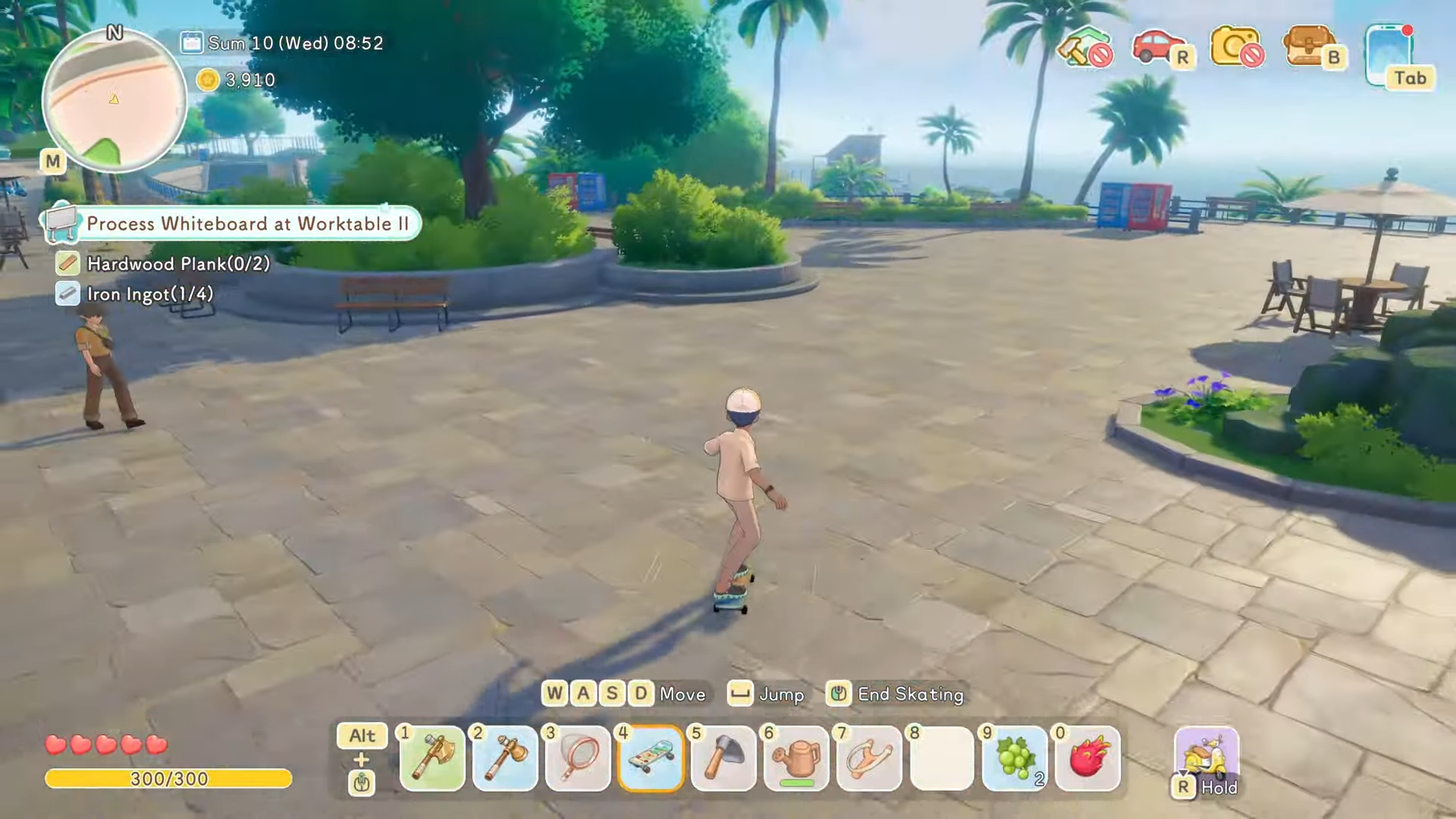
Step 2: Check the Moonlit Forest during your exploration loops
You can find chests there too, so it’s worth pairing forest runs with a little detouring.
Step 3: Use chest finds to expand your crafting and decorating faster
Chests often reward items you can place and use, including furniture-type pieces that help your home feel complete much earlier.
How saving anytime changes how you should play
Starsand Island lets you save without tying your progress to sleeping, which is a big deal if you play in short bursts.
Step 1: Save when you are about to stop, not when the day ends
If you save at a specific time in the morning, you will load back in at that same time rather than being forced into a next-day reset.
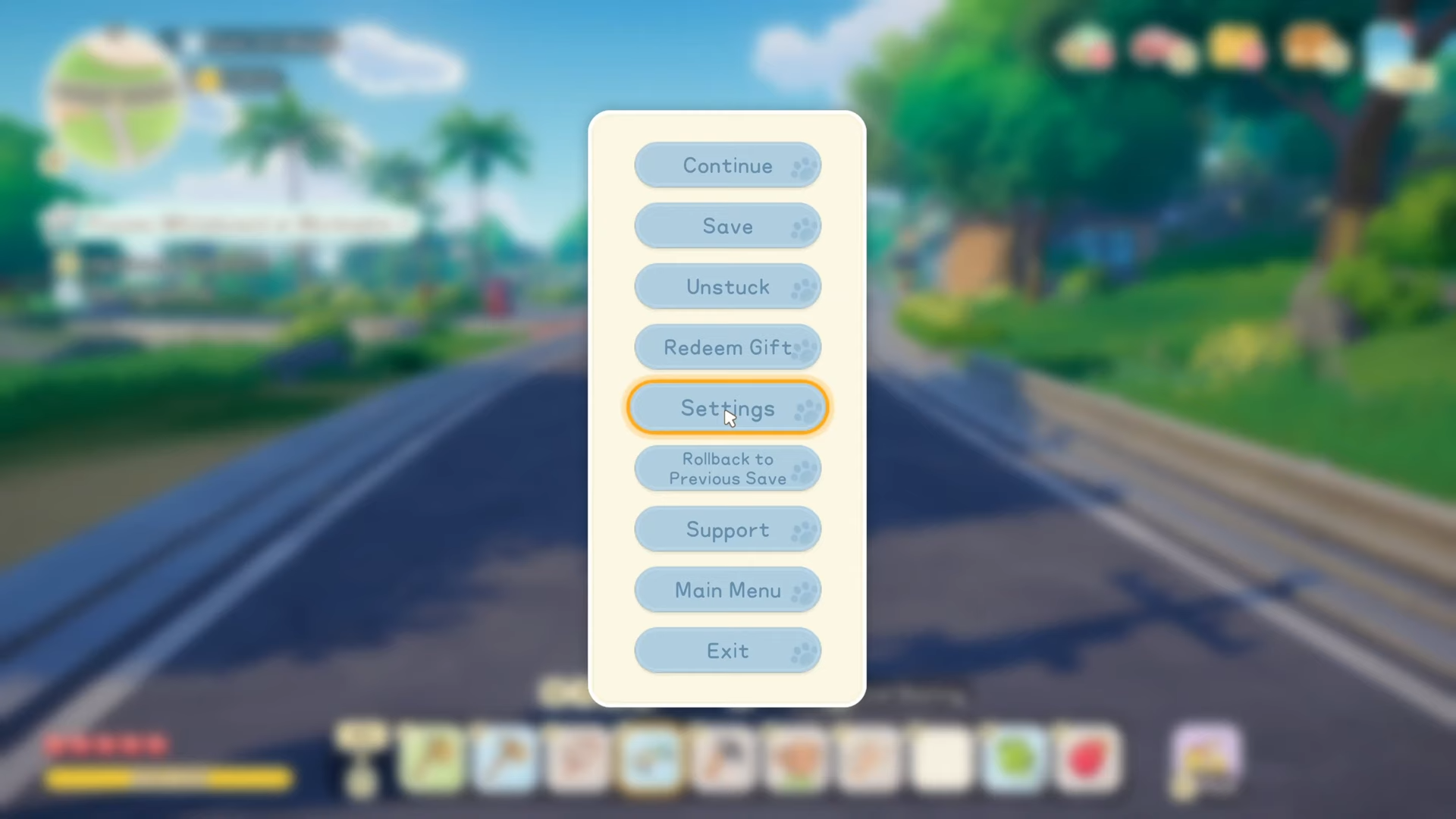
Step 2: Use this to fit the game into small windows
You can do a focused 20-minute session, save, and come back later without losing your place in the day.
If you use the home request board, shared storage, craft-from-storage, and craft tracking together, your day stops being about errands and starts being about decisions. The game feels smoother when you treat mornings as farm-and-setup time, then use town trips for crafting stops, exploration, and relationship progress.