- What to know
- Quick overview of camp repair mechanics
- Where camps and Moonweavers are located in the Moonlit Forest
- How to identify a damaged Moonweaver
- How to gather Fluorite efficiently
- How to repair a Moonweaver step by step
- What changes after a camp is repaired
- Why repairing every camp is a smart strategy
- Strategic tips for efficient forest progression
What to know
- Camps in the Moonlit Forest act as checkpoints and fast travel hubs.
- Each camp is restored by repairing a damaged Moonweaver using Fluorite.
- Fluorite is commonly mined throughout the Moonlit Forest region.
- Once repaired, camps allow sleeping, cooking, crafting, and teleportation.
In Starsand Island, progressing through the Moonlit Forest becomes significantly easier once you understand how camp repairs work. These camps are not just decorative structures scattered across the biome. They function as strategic hubs that let you reset your progress, prepare supplies, and move efficiently between dangerous zones. If you are planning to fully explore and clear the forest, repairing every Moonweaver you encounter is one of the smartest decisions you can make.
Quick overview of camp repair mechanics
| Feature | Details |
|---|---|
| Region | Moonlit Forest |
| Required Object | Damaged Moonweaver |
| Repair Material | Fluorite |
| Fluorite Source | Mined from nodes in Moonlit Forest |
| Camp Functions After Repair | Fast travel, sleep, cooking, crafting |
| Strategic Value | Safe checkpoint in enemy-heavy areas |
Camps are intentionally placed deeper into the forest, often near areas with stronger enemies or resource clusters. This placement ensures that once restored, you gain meaningful progression advantages.
Where camps and Moonweavers are located in the Moonlit Forest
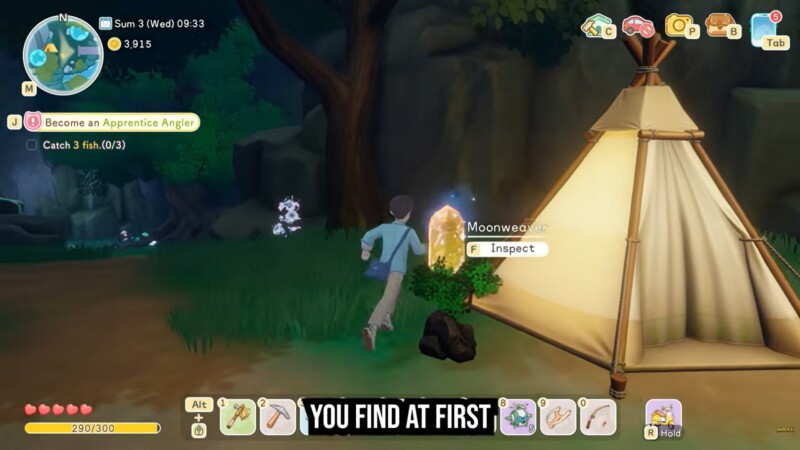
Camps are spread across key progression paths inside the Moonlit Forest, usually positioned near high-traffic exploration routes or before difficult enemy sections. Each camp has a damaged Moonweaver positioned beside it, easily recognizable by its dull glow, vine-wrapped structure, and inactive appearance.
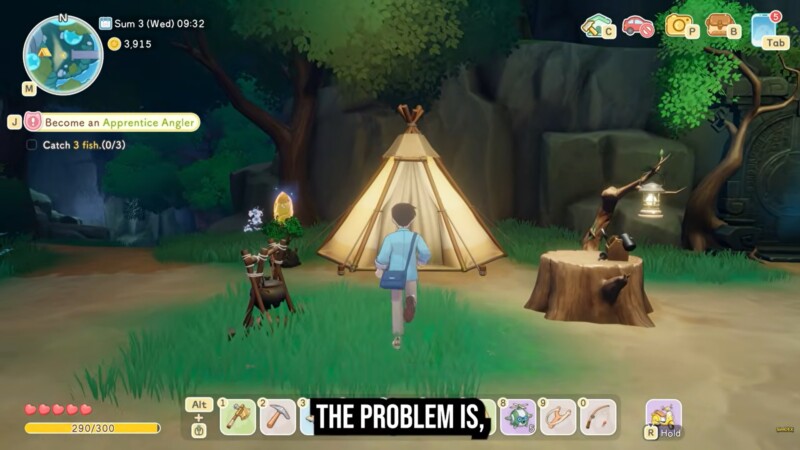
You will not find them hidden inside buildings; instead, they are clearly placed in open clearings, making them visible once you enter a new sub-area of the forest. Because the forest contains multiple layers and branching paths, you may encounter camps naturally as you push further into unexplored territory.
How to identify a damaged Moonweaver
Before you can repair a camp, you must locate the Moonweaver connected to it. A damaged Moonweaver is visually distinct. It appears dim, lifeless, and covered in twisting vines. Unlike active portals or glowing structures elsewhere in Starsand Island, this one gives off no light and shows clear signs of decay.
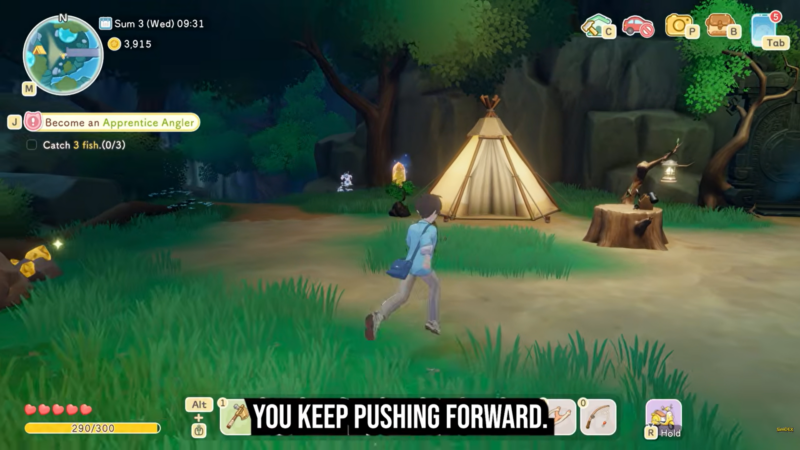
When you interact with the damaged Moonweaver, a repair prompt appears on screen. This interface displays the exact amount of Fluorite required for restoration. The required amount may vary depending on progression, but Fluorite remains the only essential material for this repair process.
How to gather Fluorite efficiently
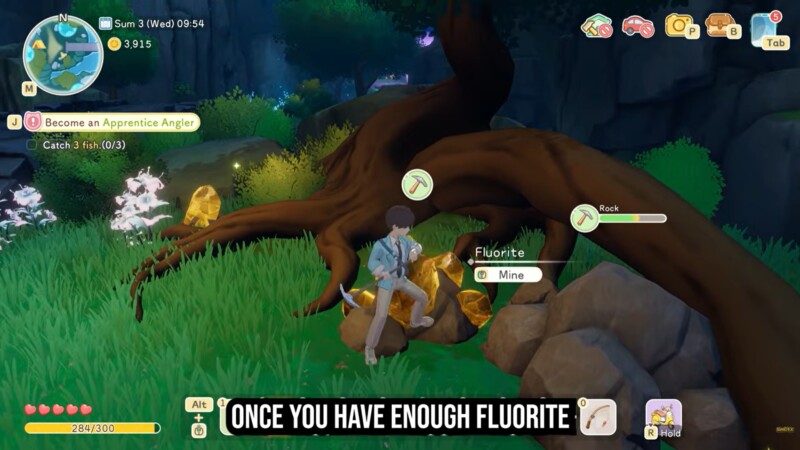
Fluorite is one of the more common mineral resources in the Moonlit Forest. You will find it embedded in mineral nodes scattered throughout rocky areas, near cliffs, and sometimes along forest edges. The ore has a distinct coloration compared to standard stone, making it easier to identify once you become familiar with its appearance.
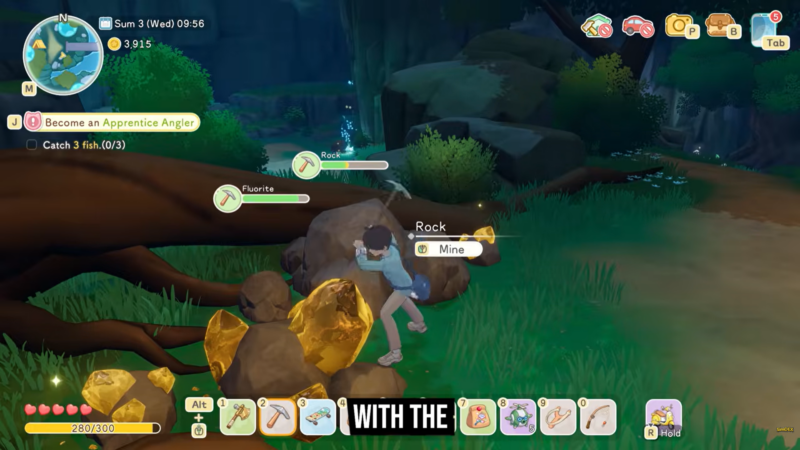
Mining Fluorite while exploring is highly recommended rather than backtracking later. Because camp repairs require a specific quantity, gathering the resource proactively ensures you can activate a Moonweaver immediately upon discovery. This strategy reduces unnecessary risk, especially when you are far from previously repaired checkpoints.
If you are pushing into deeper enemy territory, mining along the way ensures you remain prepared for immediate activation.
How to repair a Moonweaver step by step
Step 1
Enter the Moonlit Forest and locate a camp clearing. Look beside the camp structures for a dull, vine-covered Moonweaver.
Step 2
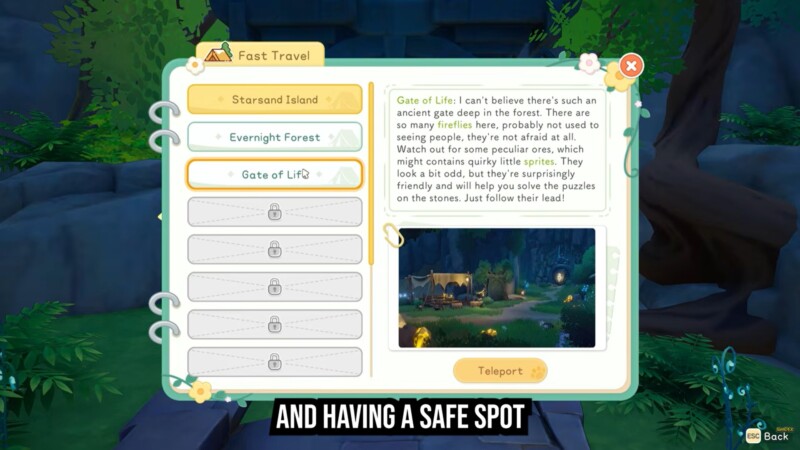
Approach the damaged Moonweaver and interact with it. A prompt will display the required amount of Fluorite needed for restoration.
Step 3
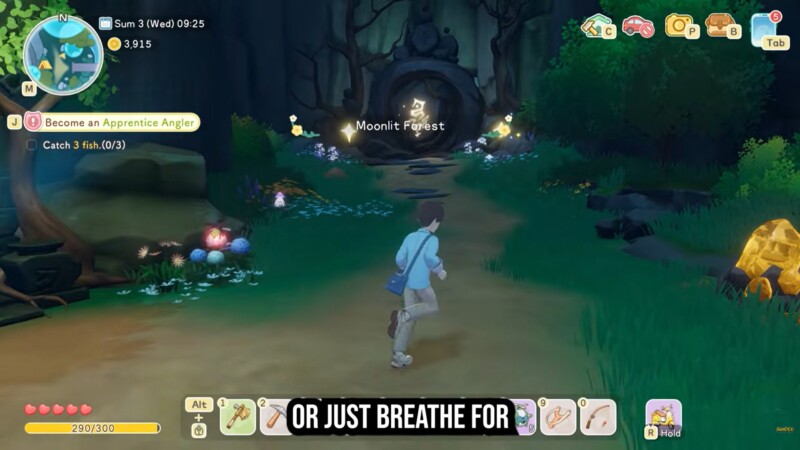
Ensure you have mined enough Fluorite from surrounding forest nodes. If not, explore nearby rocky areas and gather the remaining material.
Step 4
Return to the Moonweaver and confirm the repair. Once activated, the structure will glow and become fully operational.
Step 5
Use the restored camp immediately to unlock its features, including sleep, cooking, crafting, and fast travel.
The entire repair process is straightforward, but preparation is what makes it efficient.
What changes after a camp is repaired
Once restored, a Moonweaver transforms the camp into a fully functional checkpoint hub. The glow returns, indicating activation. At this stage, the camp unlocks several survival and mobility advantages.
| Camp Feature | Function After Repair |
|---|---|
| Fast Travel | Teleport between repaired Moonweavers in the Moonlit Forest |
| Home Portal Access | Travel from the forest portal near your home |
| Sleeping Spot | Restore stamina and reset time |
| Cooking Station | Prepare meals for buffs and recovery |
| Crafting Access | Create tools and items mid-expedition |
The fast travel system is especially important. After repairing multiple camps, you can teleport between them using other Moonlit Forest portals or the portal located near your home on Starsand Island. This drastically reduces travel time and lowers the risk of repeated enemy encounters.
Why repairing every camp is a smart strategy
The Moonlit Forest contains hostile enemies and layered terrain. Without repaired camps, every defeat or retreat forces you to travel from the outer edge of the biome again. This wastes time and increases resource drain.
By restoring each Moonweaver, you effectively create a network of safe zones. These zones allow you to regroup, cook healing meals, craft upgraded tools, and resume exploration without restarting long travel segments.
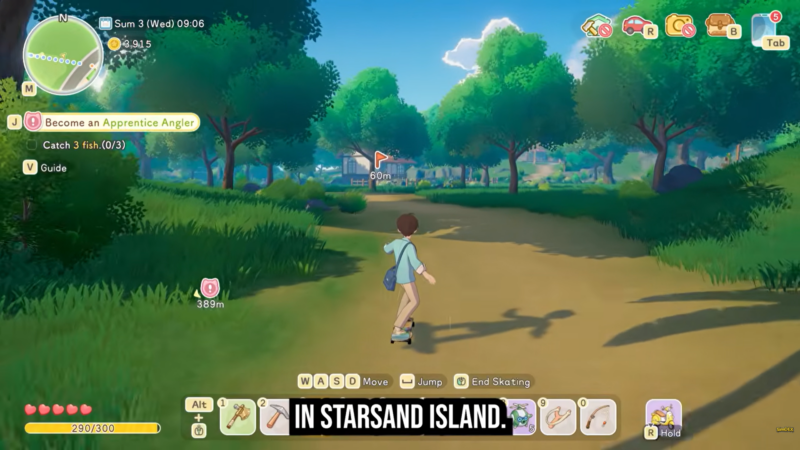
From a progression standpoint, camp repairs also encourage systematic exploration. Instead of rushing toward objectives, you secure each area step by step. This method makes clearing the forest smoother and significantly less frustrating.
Strategic tips for efficient forest progression
While exploring, prioritize Fluorite mining early in each new sub-region. Activating a Moonweaver immediately after discovery ensures you never lose significant progress. You should also use newly repaired camps as staging points for nearby enemy zones, especially when farming resources or completing objectives deeper inside the forest.
Because fast travel becomes available between all repaired Moonweavers, activating every single camp maximizes route flexibility. This interconnected network is what ultimately turns the Moonlit Forest from a dangerous maze into a manageable exploration zone.