What to know
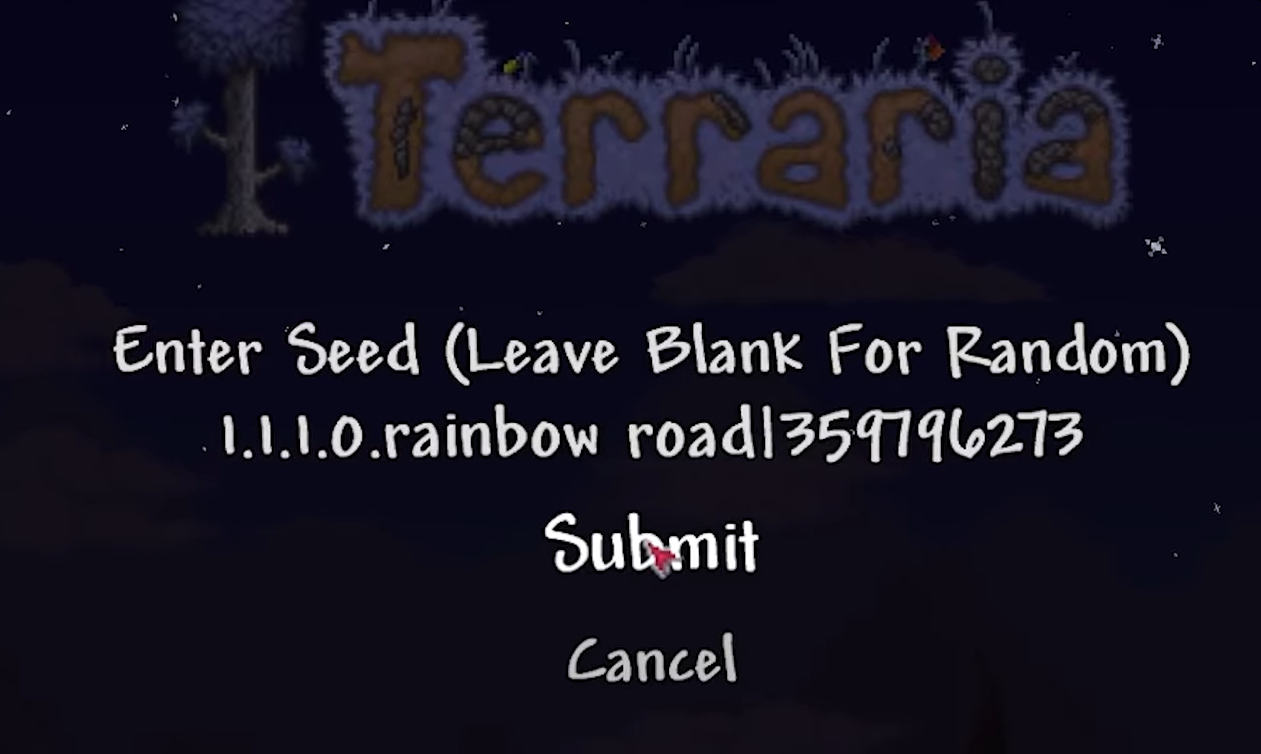
- Enter seed 1.1.1.0.rainbow road|359796273 to generate the world.
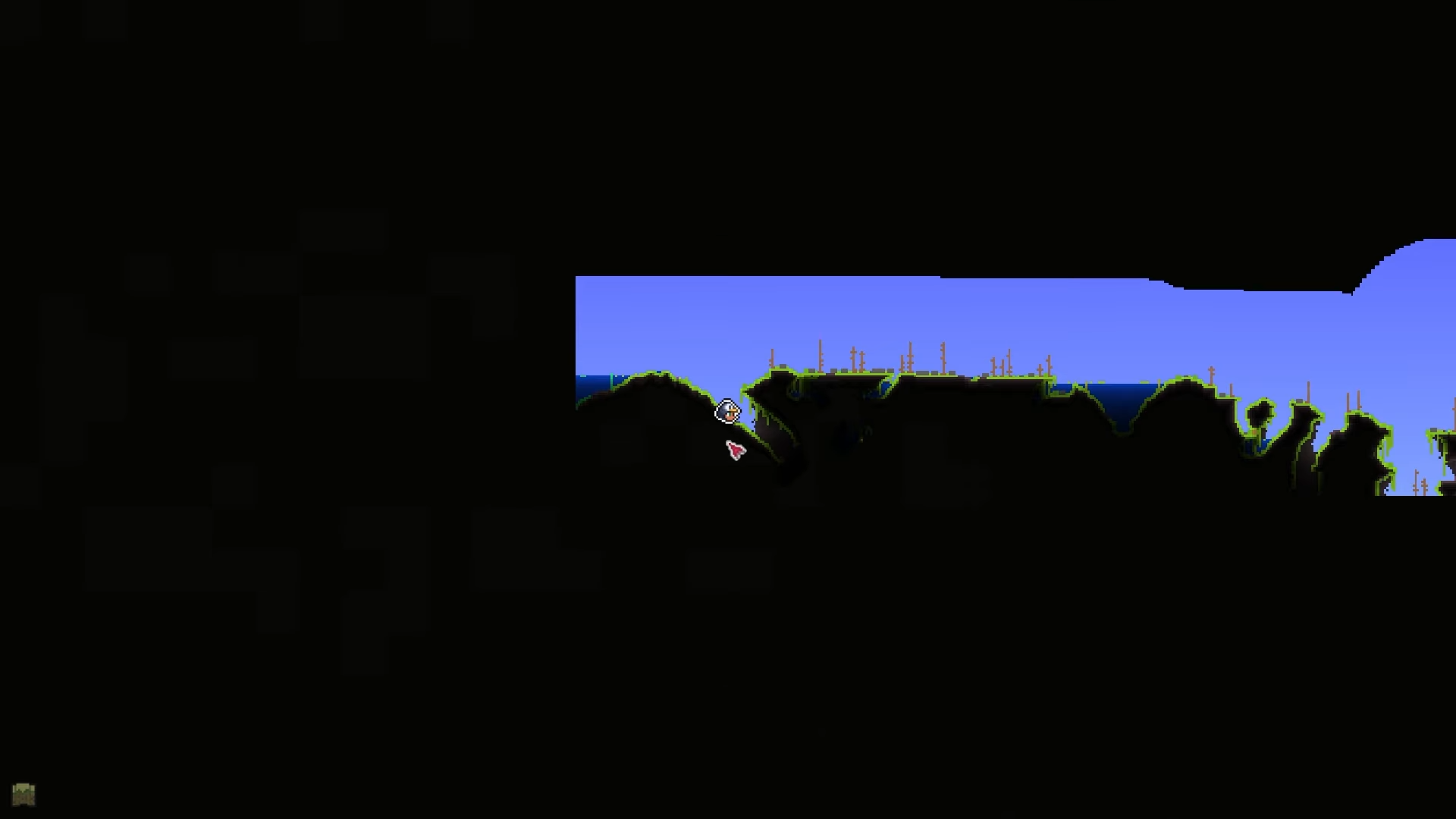
- Head left from spawn to the Jungle biome’s last cave.
- Locate a specific chest inside for the item.
- Equip it in an accessory slot to see your cursor cycle through colors.
In Terraria 1.4.5, you can unlock the vibrant Rainbow Cursor using a special seed for quick access without bosses or grinding. Here’s how to go about it.
| Aspect | Details |
|---|---|
| Seed | 1.1.1.0.rainbow road|359796273 |
| World Size | Medium (default, do not change) |
| Difficulty | Any (adjust as preferred) |
| Biome Target | Jungle (left side) |
| Item Location | Chest in last cave |
| Effect | Cursor shifts through rainbow colors when equipped |
Key locations in the Jungle biome
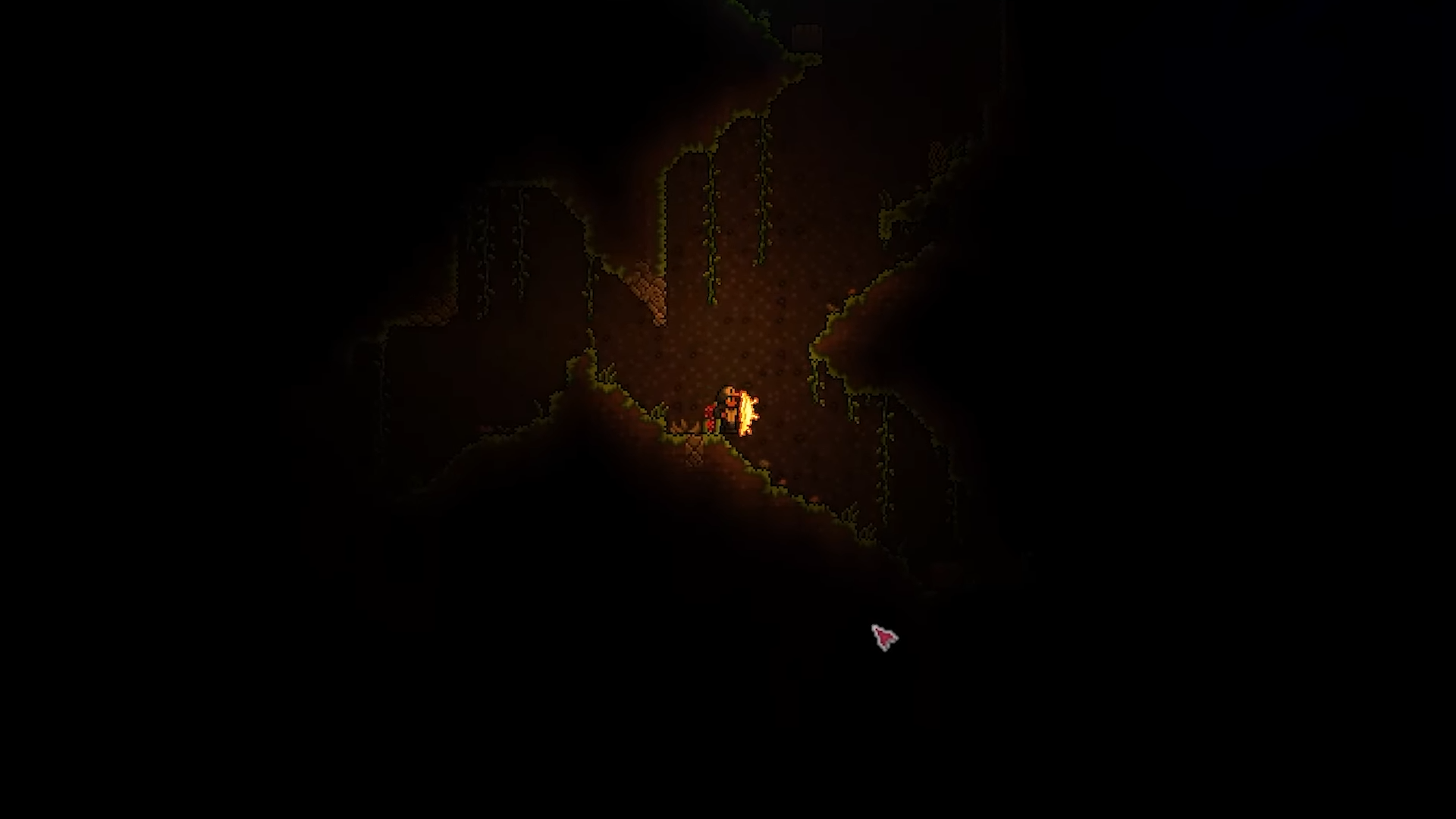
From your spawn point, travel left through the forest until you reach the Jungle biome, then seek the furthest cave entrance on the left side, which appears as the last one on the map; descend slightly inside to spot the chest without breaking blocks.
How to create the world
Follow these steps to set up correctly.
Step 1
Launch Terraria and select Create a World from the menu.
Step 2
Set world size to Medium and choose your preferred difficulty, but keep other settings default.
Step 3
Enter the seed exactly as 1.1.1.0.rainbow road|359796273 in the seed field.
Step 4
Click Create to generate the world.
Use these precise steps post-spawn.
Step 1
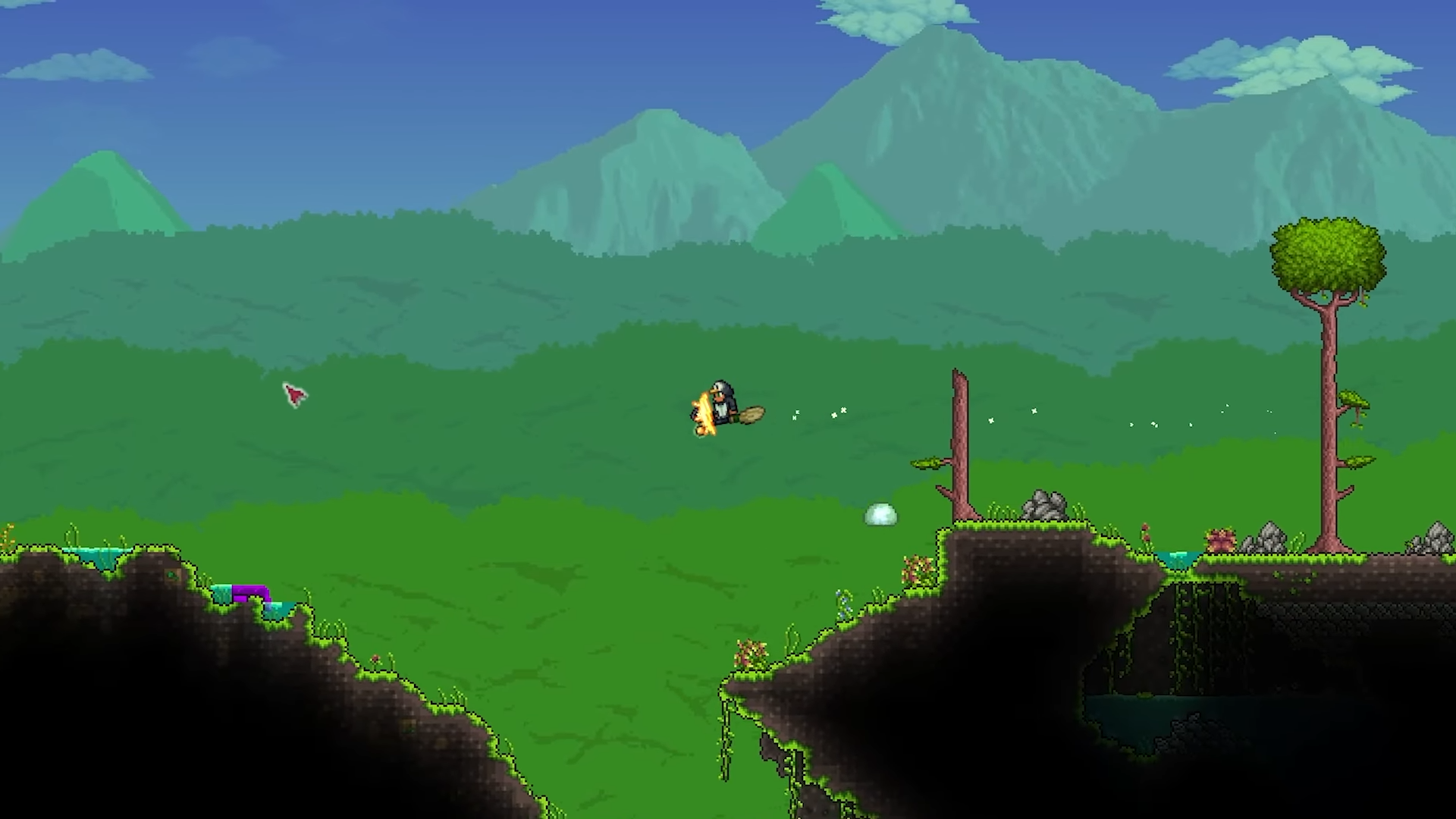
Spawn in and immediately head left, passing through trees and forest areas.
Step 2
Continue left into the Jungle biome until you reach the last cave entrance visible on your map.
Step 3
Enter the cave and go down a short distance.
Step 4
Find and open the chest.
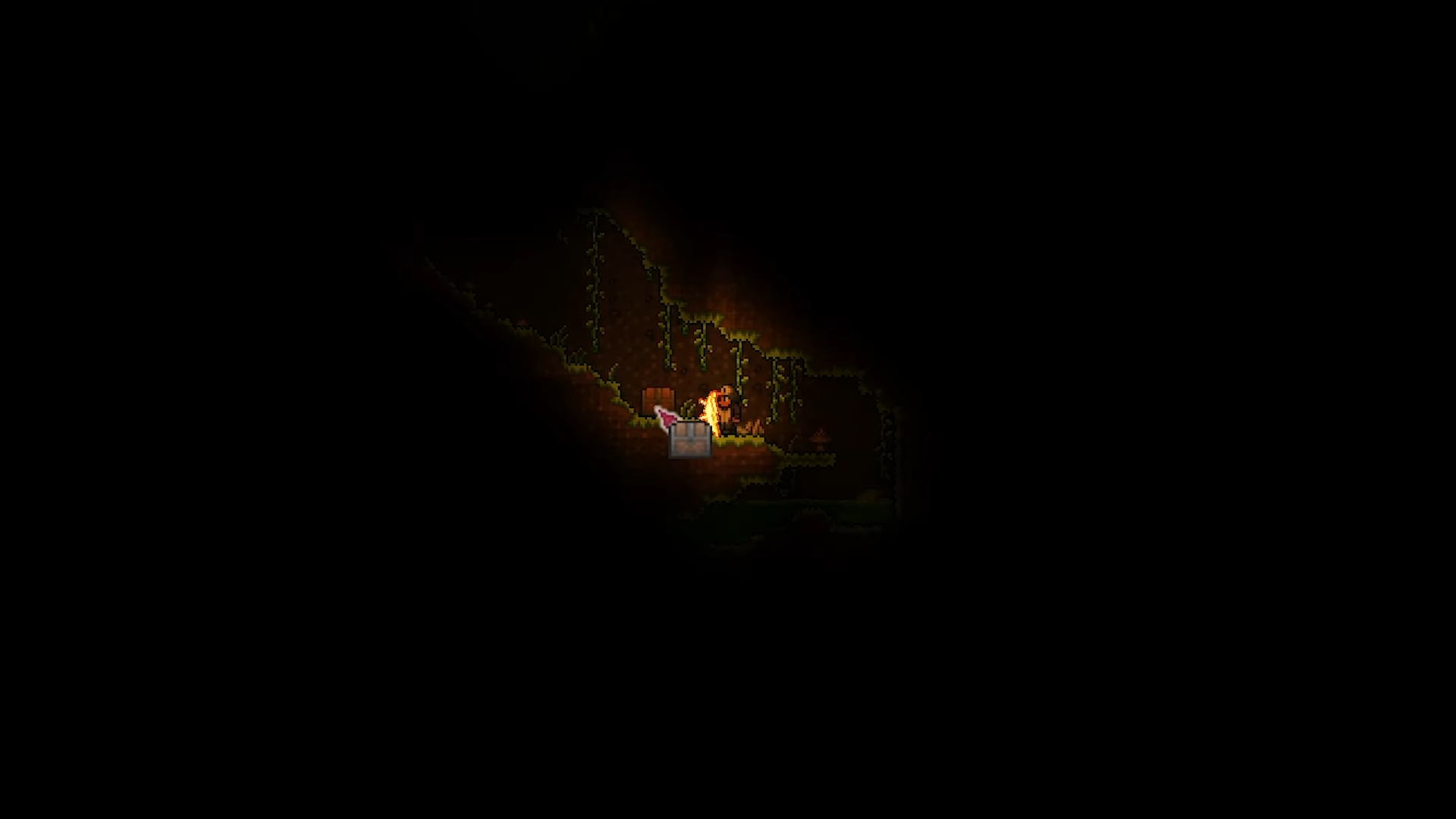
Then collect the Rainbow Cursor.
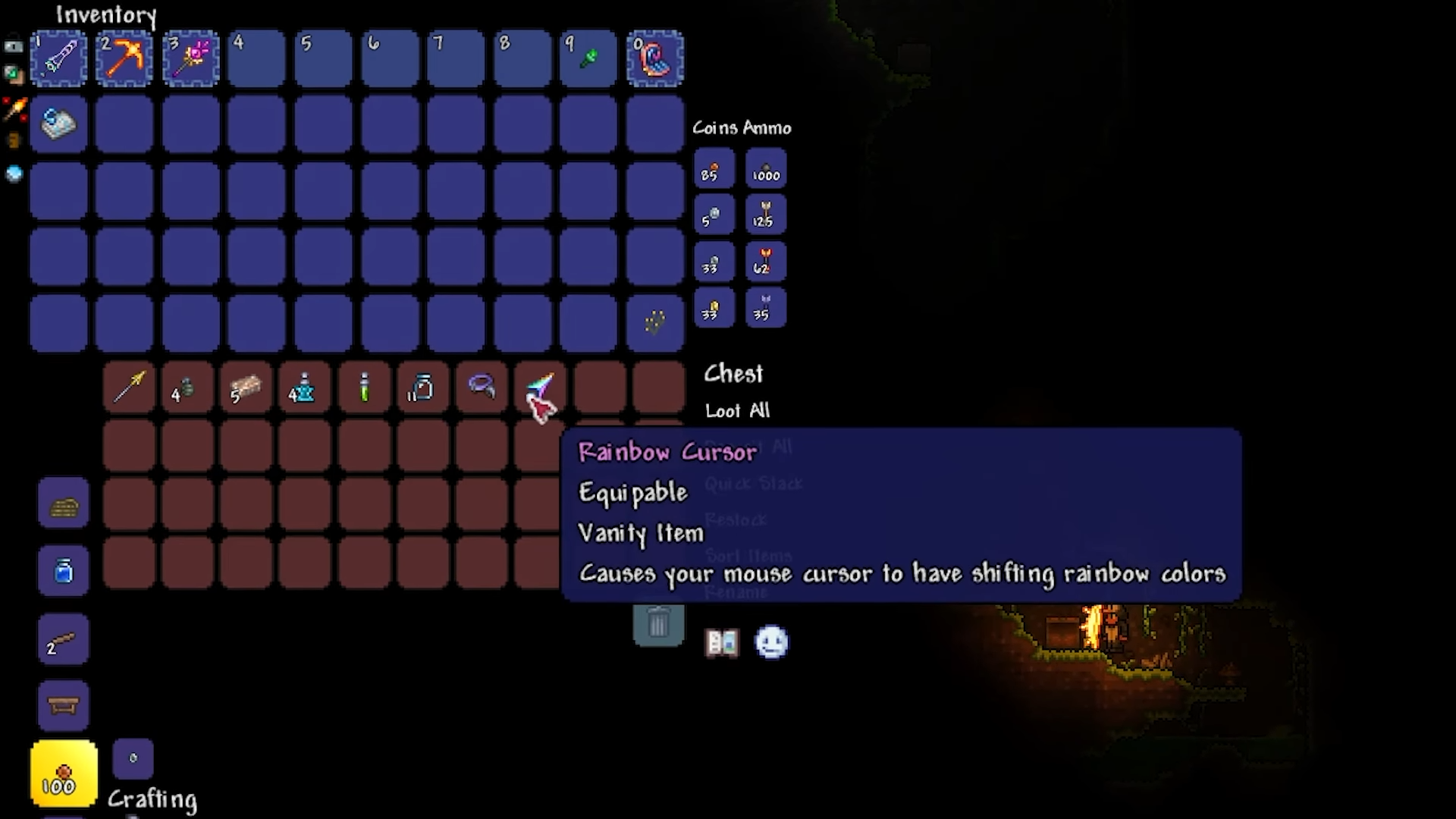
How to equip and use it
Step 1
Open your inventory and place the Rainbow Cursor in any accessory slot.
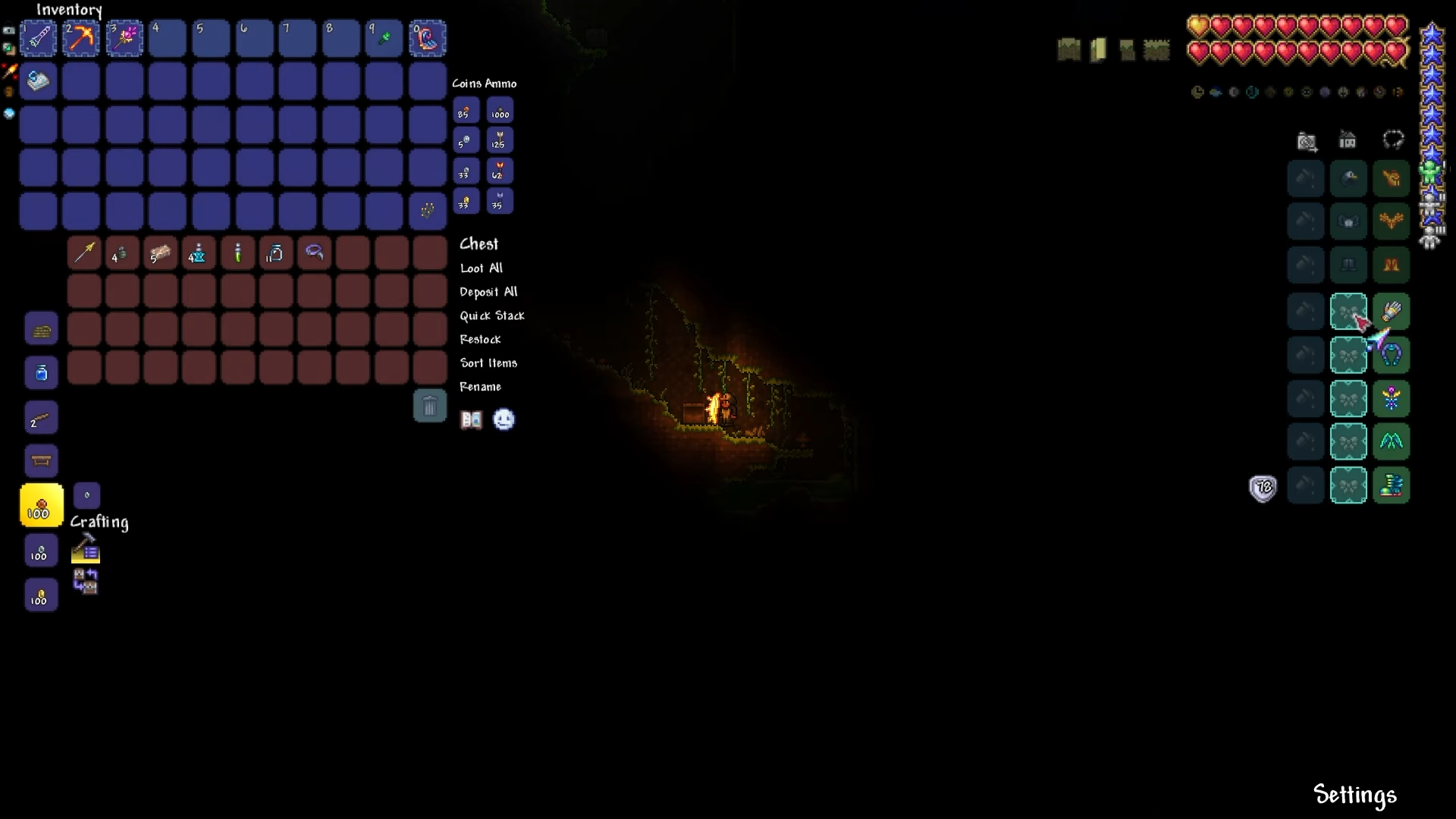
Step 2
Your mouse cursor activates immediately, cycling through rainbow hues as you play.
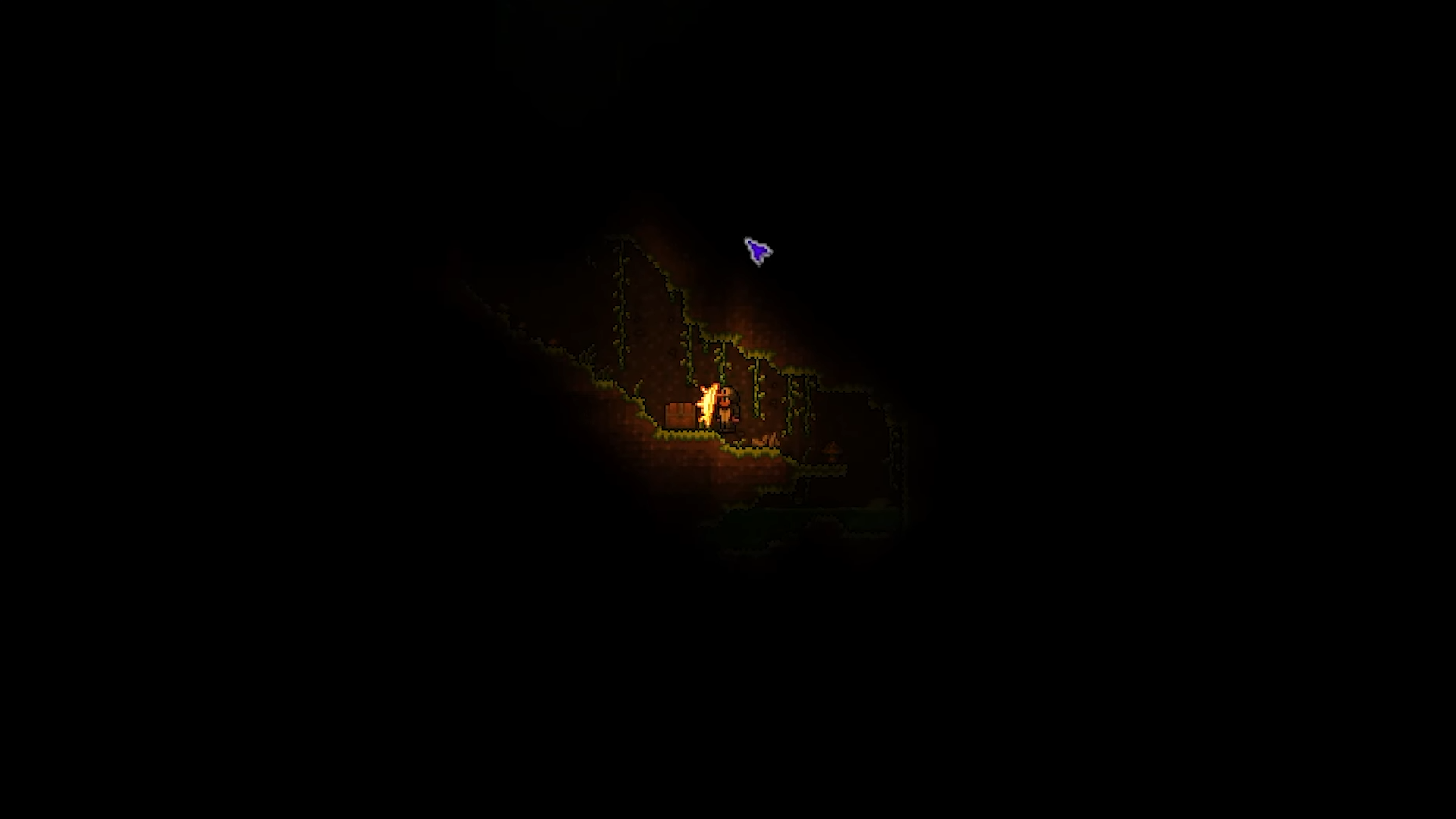
Step 3
For vanity use, slot it into a social accessory slot to keep functional gear equipped.