What to know
- Garden Horizons is a farming simulator experience on Roblox where you grow crops and earn Shillings.
- Promo codes reward free seeds, currency, and progression boosts.
- The DAWN code requires you to join the developer’s Roblox group first.
- The “No Permission” error appears if that requirement isn’t met.
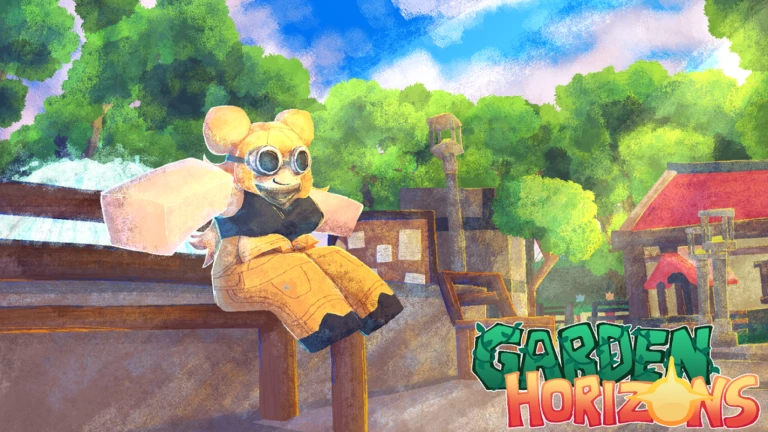
Garden Horizons is a casual farming and progression-based simulator built on Roblox. In the game, you plant seeds, harvest crops, expand your garden, and earn in-game currency known as Shillings. Like many Roblox experiences, it regularly releases promotional codes that grant free rewards. One of these codes, DAWN, has a special requirement attached to it, which is why many players encounter the “No Permission” error when trying to redeem it.
Garden Horizons at a glance
| Category | Details |
|---|---|
| Platform | Roblox |
| Genre | Farming / Gardening Simulator |
| Core Gameplay | Plant, grow, harvest, sell crops |
| Currency | Shillings |
| Promo Codes | Redeemable via in-game settings |
| DAWN Reward | Dawnfruit Seed |
| Requirement | Must join official Roblox group |
In Garden Horizons, your goal is to steadily build a profitable and visually impressive garden. You start small, planting basic crops and selling harvests for Shillings. As you progress, you unlock better seeds, expand your plots, and increase production efficiency. Codes play a helpful role early on, giving you valuable seeds or currency that accelerate your progress.
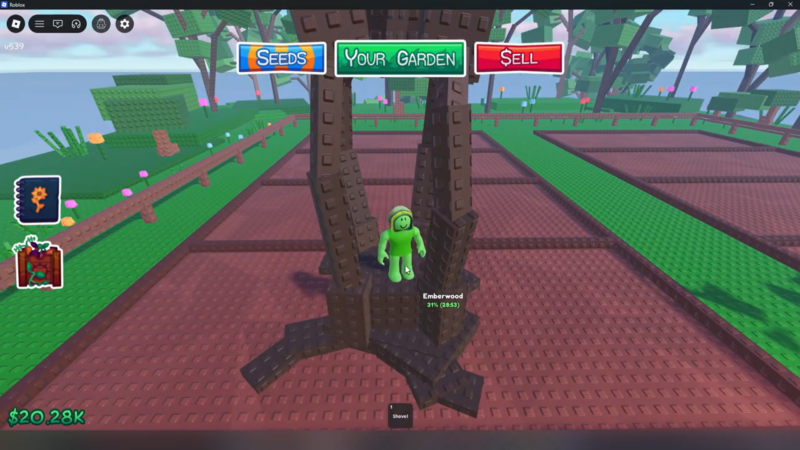
The DAWN code specifically provides a Dawnfruit Seed, which is useful for expanding your crop variety and boosting income potential. However, unlike some standard codes, it requires group membership verification.
Why the DAWN code shows “No Permission”
The “No Permission” error appears because Garden Horizons checks whether your Roblox account is part of the official developer community group. If you are not a member at the time of redemption, the system blocks the code.
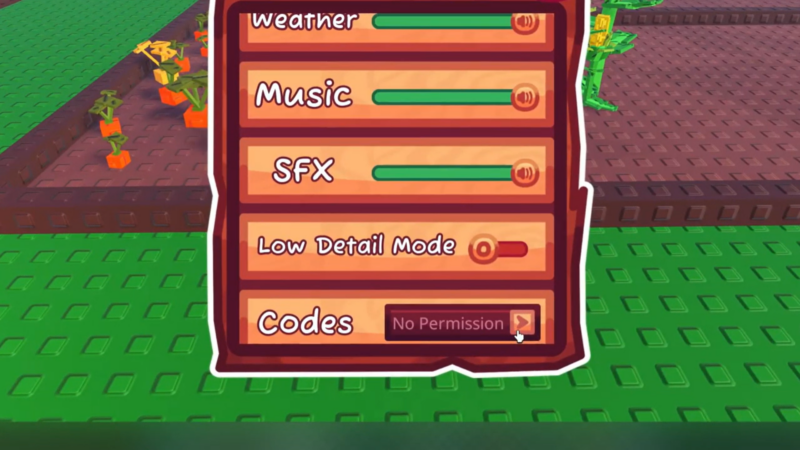
This is a common verification method used by Roblox developers. It helps grow their official group and ensures that only community members receive certain promotional rewards. The game performs an automatic check before allowing the code to activate. If the check fails, you see the error message instead of receiving the Dawnfruit Seed.
How to fix the DAWN code “No Permission” error
Open Roblox and search for Garden Horizons in the experiences section. Click on the game’s main page instead of immediately pressing Play. Scroll down to find the developer information section.
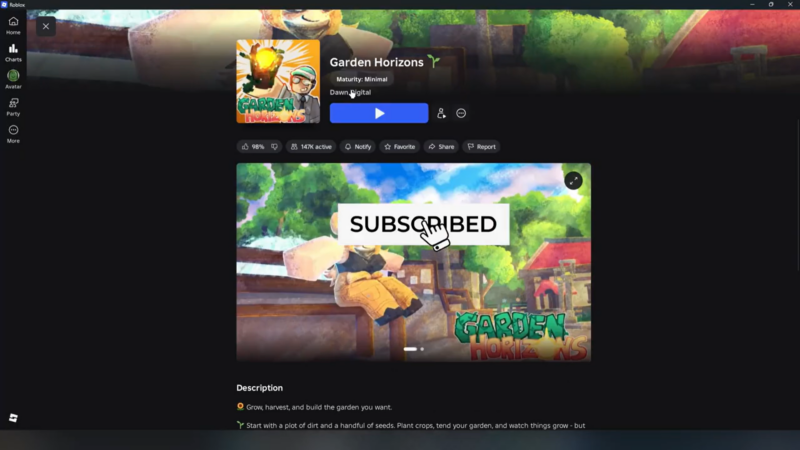
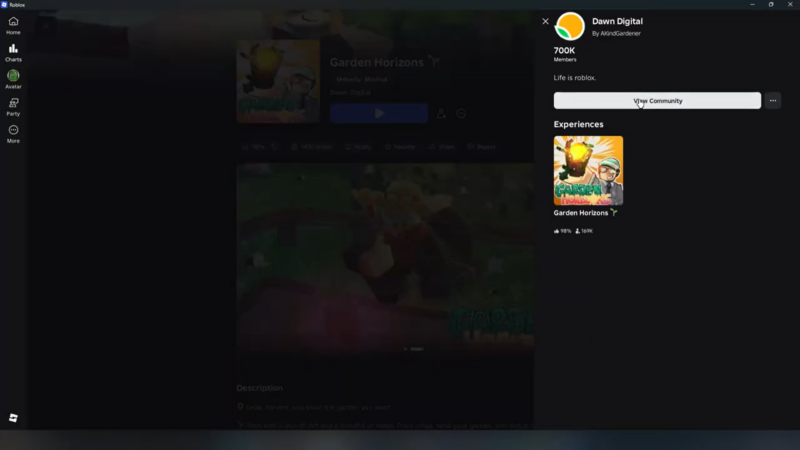
Locate the official developer group listed under the game details. Click on the group name to open its Roblox group page. Press the Join Group button. Wait a few seconds to ensure your membership registers successfully.
Return to Garden Horizons and launch the game again. Restarting the game session helps refresh your account verification status. Open the Settings menu inside the game. Scroll until you find the code redemption box.
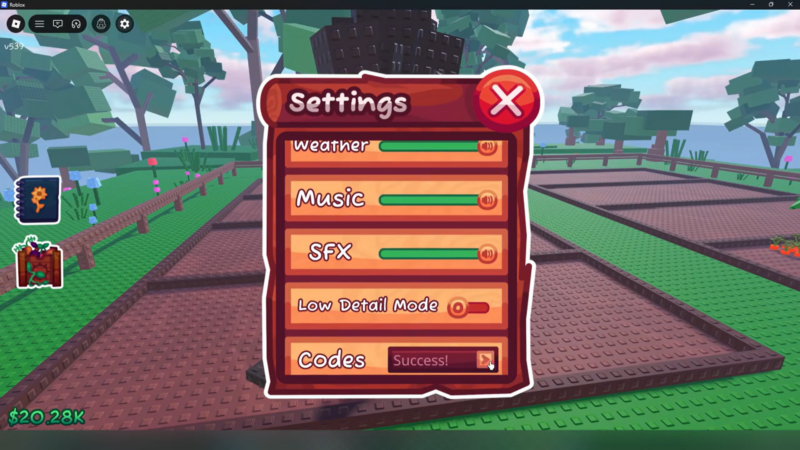
Enter DAWN exactly as shown and press the redeem button. If you joined the group correctly, the error should disappear and you will receive your Dawnfruit Seed.
What to do if the error still appears
If you continue to see “No Permission” after joining the group, there are a few practical checks you should perform. Make sure your group membership is confirmed on your Roblox profile. Sometimes it can take a short moment for membership status to update. Leaving and rejoining the game session can also help refresh the verification.
Additionally, double-check that you typed the code correctly without extra spaces. While Roblox codes are often not case-sensitive, small formatting mistakes can sometimes cause unexpected issues.
If the code has expired or been disabled in a recent update, it may no longer function even if all requirements are met. In that case, the error may appear similar to other invalid code messages.
Rewards from the DAWN code
| Code | Reward | Requirement |
|---|---|---|
| DAWN | Dawnfruit Seed | Must join official Roblox group |
The Dawnfruit Seed can be planted like other seeds in your garden. Once harvested, it contributes to your overall earnings and progression.
How code requirements affect progression
The DAWN code “No Permission” issue in Garden Horizons is not a bug. It is simply a requirement check. By joining the official Roblox group linked to the game and restarting your session, you can redeem the code without any trouble. Once completed, you’ll gain access to the Dawnfruit Seed and continue expanding your garden smoothly.
Group-based code requirements are designed to encourage community engagement. For you as a player, this means occasionally taking an extra step before unlocking rewards. Fortunately, joining a Roblox group is free and only takes a few seconds.
Once you are part of the group, future group-locked codes from the same developer will typically work without additional steps. This makes it worthwhile to stay joined if you plan to keep playing Garden Horizons.