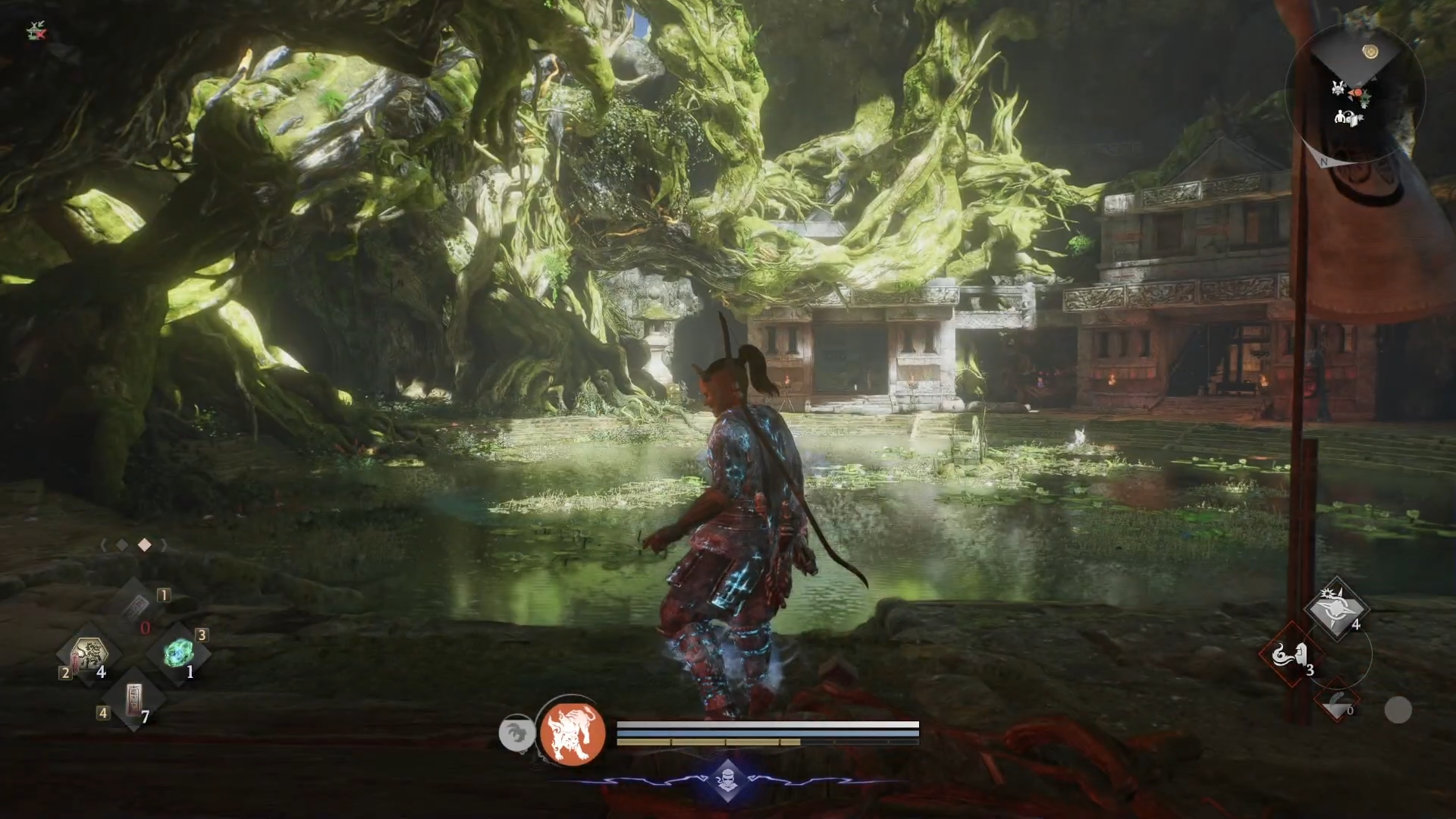
What to know
-
You need to defeat Jakotsu-Baba in Hamamatsu Castle Crucible to unlock the Eternal Rift hub.
-
The appearance-changing mirror is upstairs in the northern building of the Eternal Rift.
-
You can freely customize face, body, hair, and separate Samurai or Ninja styles.
-
You can also transmog equipment visuals without changing stats using the same mirror.
Once you reach the Eternal Rift in Nioh 3, you can dive into a deep customization system that lets you refine your warriors appearance for both combat styles whenever you want.
| Quick overview | Details |
|---|---|
| Unlock requirement | Beat Jakotsu-Baba boss in the first Crucible at Hamamatsu Castle. |
| Location | Eternal Rift, northern building near the Shrine, upstairs room past Saito Fuku. |
| Cost | Free for basic appearance changes; no materials needed. |
| Options | Character appearance, equipment transmog, and later transform skins. |
Eternal Rift and mirror location in Nioh 3
Reach the Eternal Rift by progressing through the main story until you clear the first Crucible at Hamamatsu Castle in the mission The Hamamatsu Incident. After defeating Jakotsu-Baba, Ii Naotora gives you an item that lets you access the Eternal Rift hub from the world map.
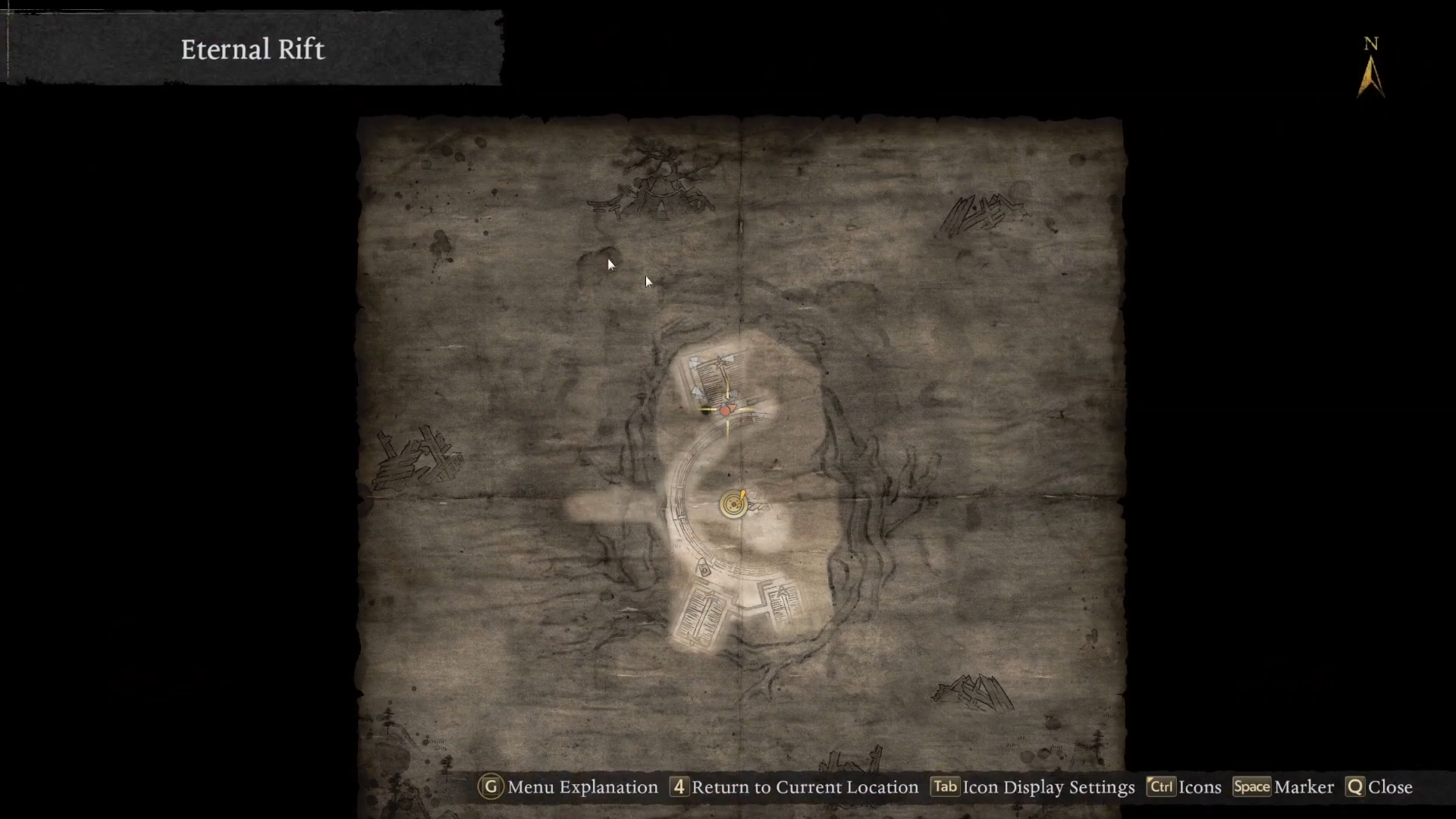
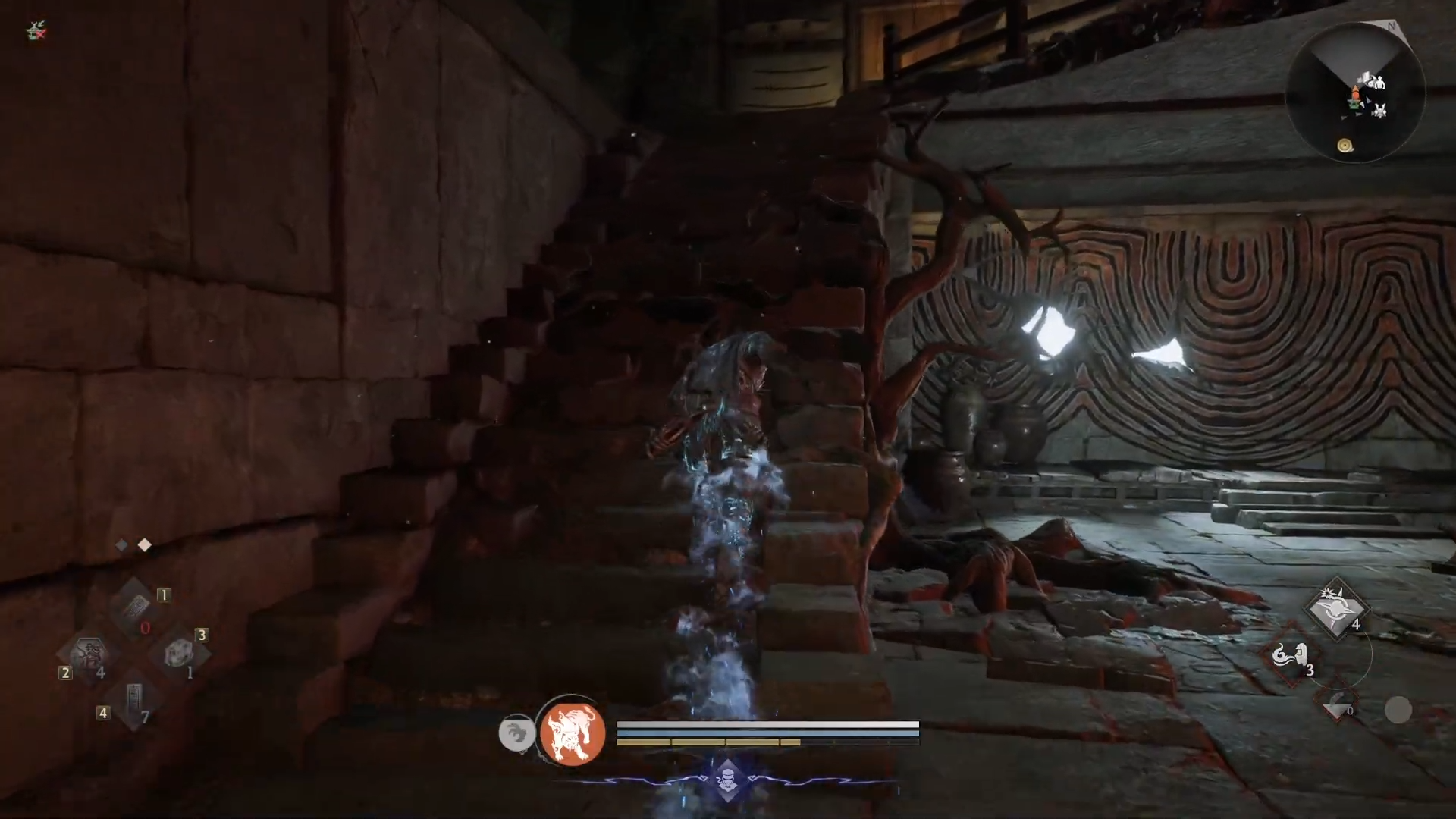
Once inside the Eternal Rift, head toward the northernmost building with the Shrine, go upstairs on the left side.
Walk past Saito Fuku, and you will find a tatami room with a low box and a mirror on top. Interacting with this mirror opens the appearance and equipment customization menus.
Key locations
The Eternal Rift serves as a central hub you can fast travel to once unlocked, and the appearance mirror is tucked inside the upstairs room of the northern Shrine building.
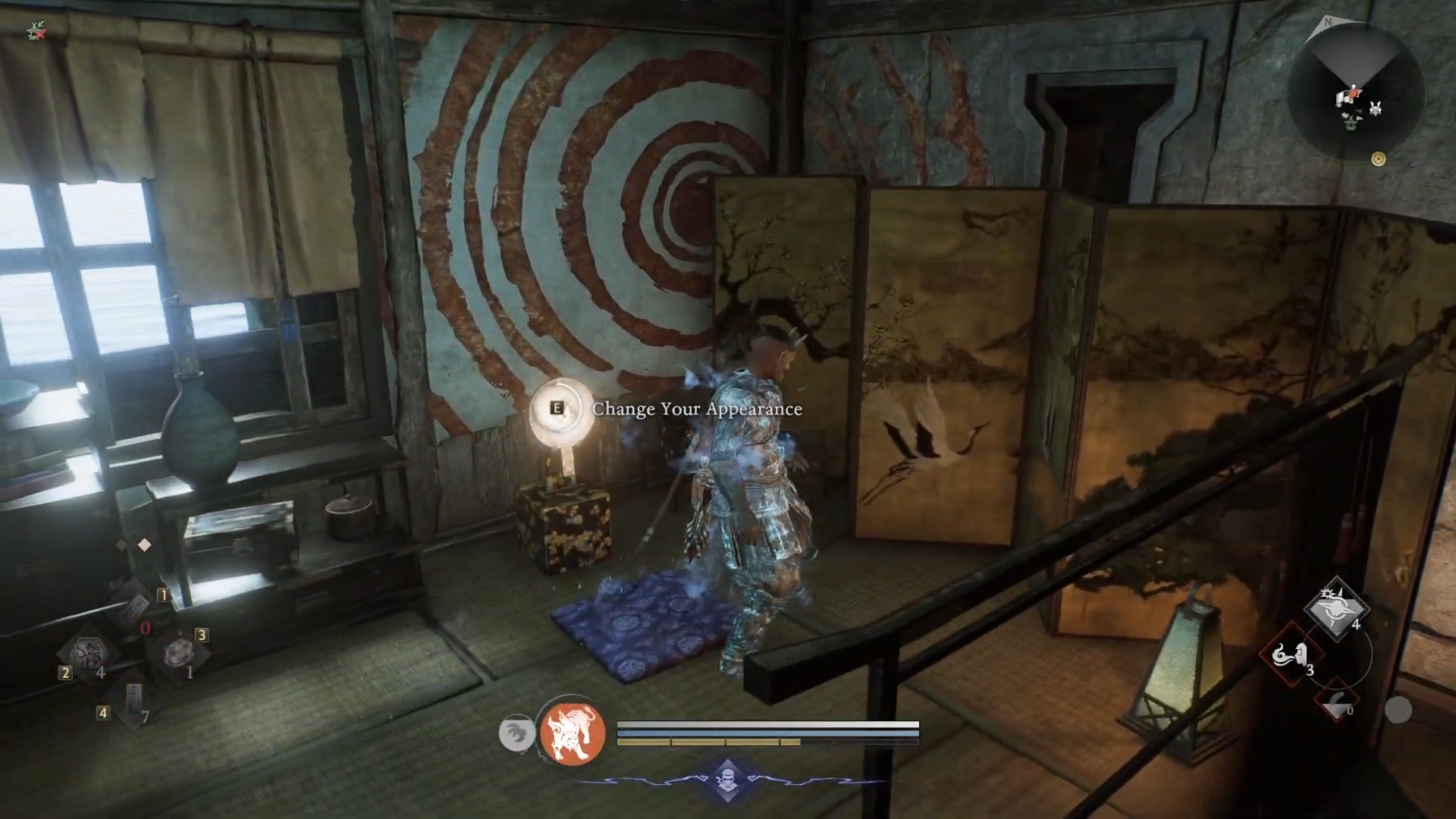
You will use this spot frequently whenever you want to tweak your characters looks or adjust gear visuals. Because it sits next to other hub services, you can quickly visit it between missions without extra hassle.
How to change your character appearance
You can fully rebuild your character after starting the game, so you are never locked into your first design.
Step 1
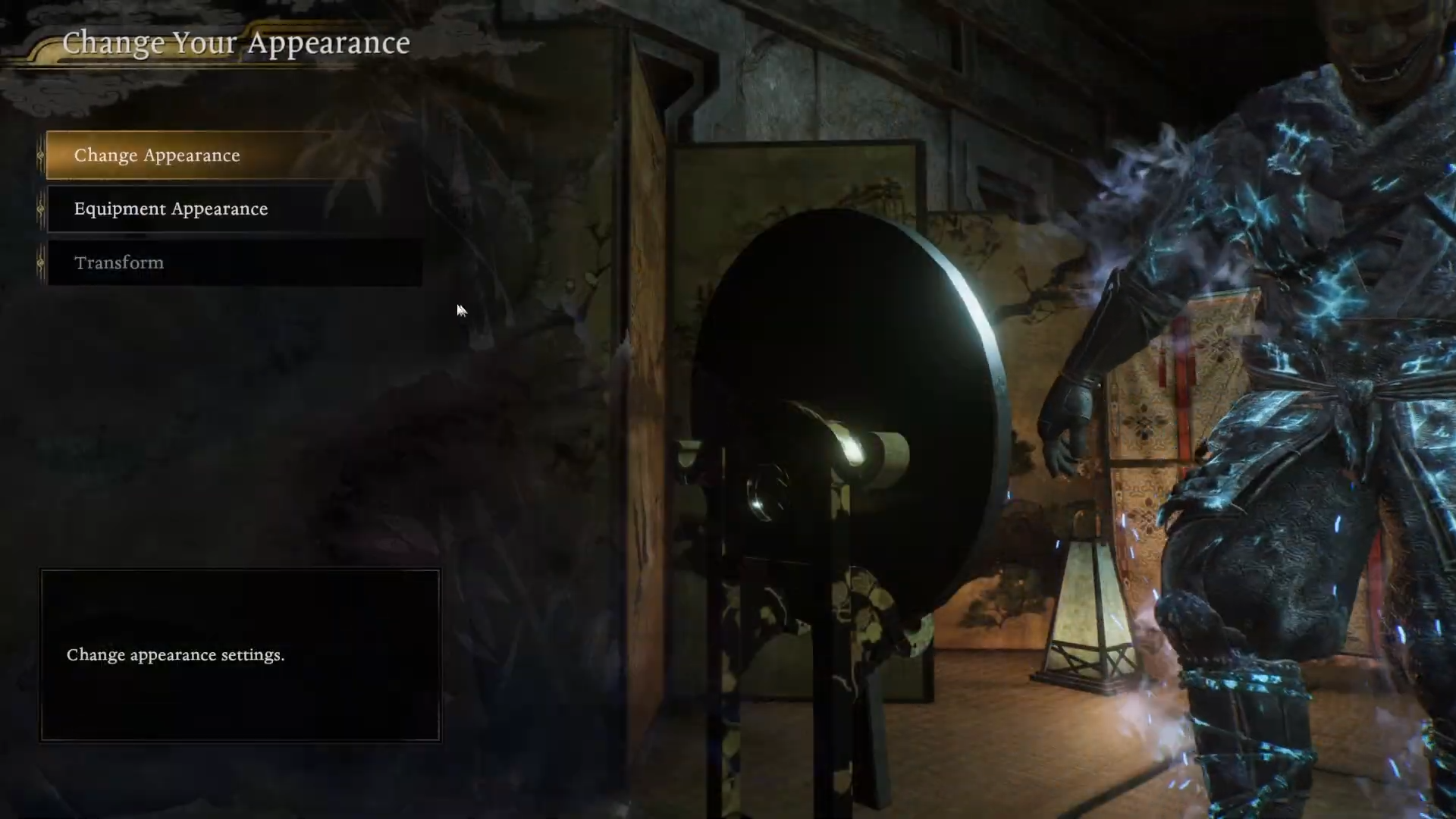
Approach the mirror in the Eternal Rift upstairs room and interact with it, then select the Change Appearance option from the menu.
Step 2
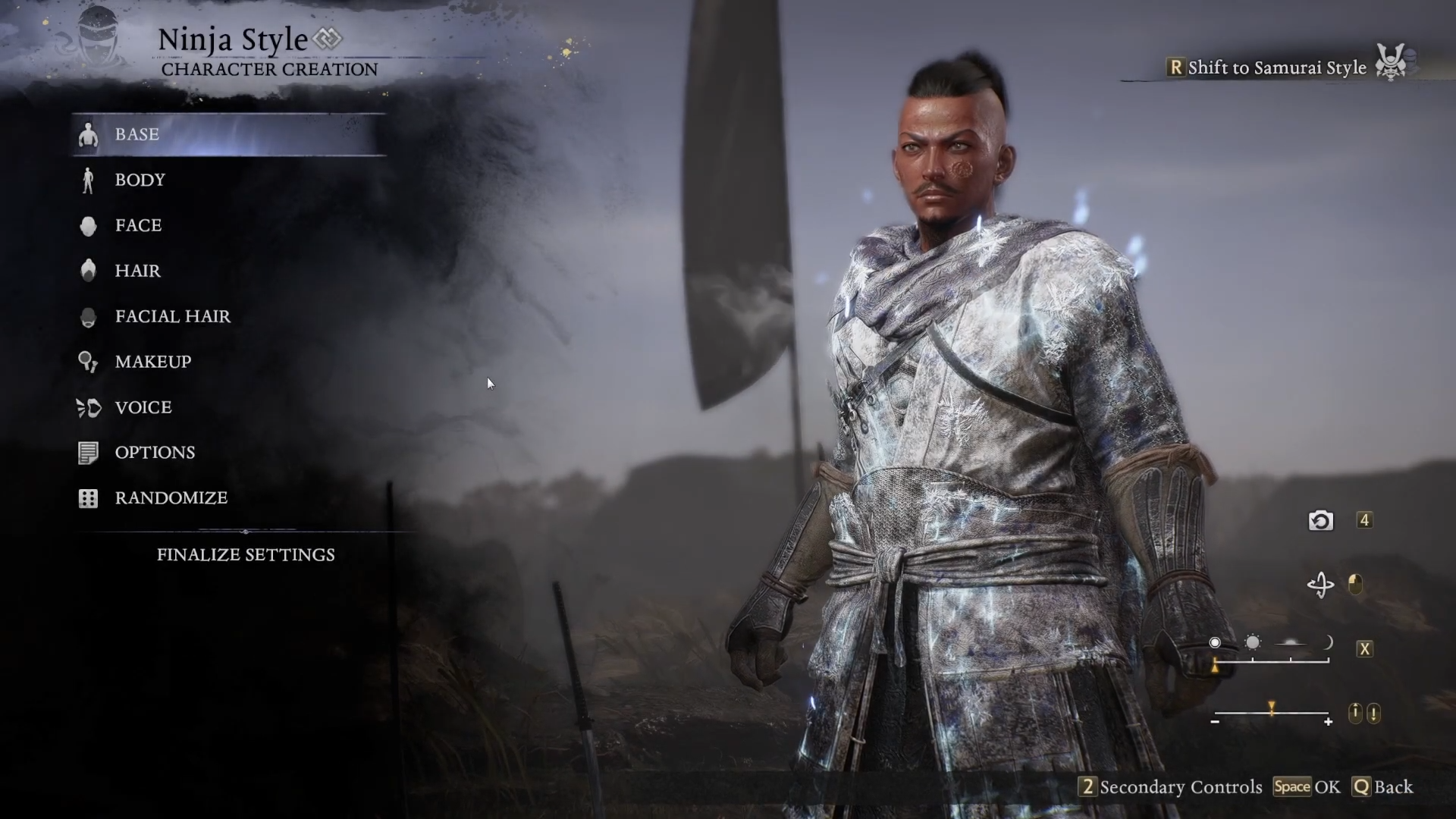
Enter the character creator screen, where you can adjust gender, facial structure, eyes, nose, mouth, and other fine details. You can also change hair type, color, eyebrows, and facial hair, along with skin tone and makeup.
Step 3
Move to the body tab to tweak height, build, musculature, and other physique sliders so your character fits the style you want. You can also change undergarments and other subtle details.
Step 4
Look for the option that ties or separates Samurai and Ninja appearances (top right). By default, both combat styles can share the same look, but if you disable a shared appearance, you can create different hairstyles, faces, or outfits for each style.
Step 5
Use the character code section if you want to save or load designs. You can input a code to recreate a specific look or generate a new code so you can reuse the same character on future runs or share it with others.
Step 6
Confirm your changes to apply the new appearance. Once you back out of the mirror menu, your new look appears immediately in the hub and in all missions.
How to transmog equipment appearance
The same mirror also lets you change how your armor and weapons look without touching their stats.
Step 1
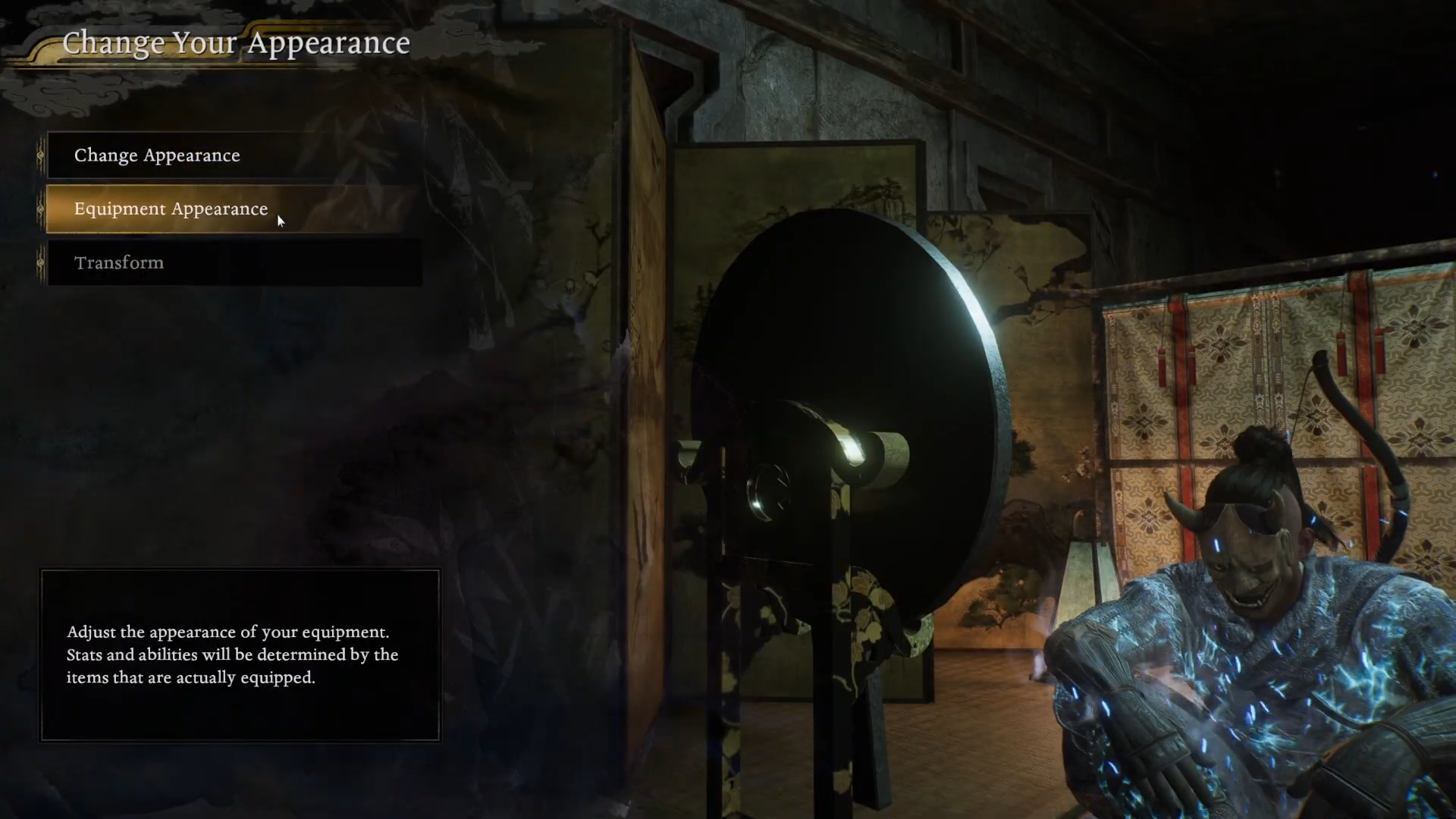
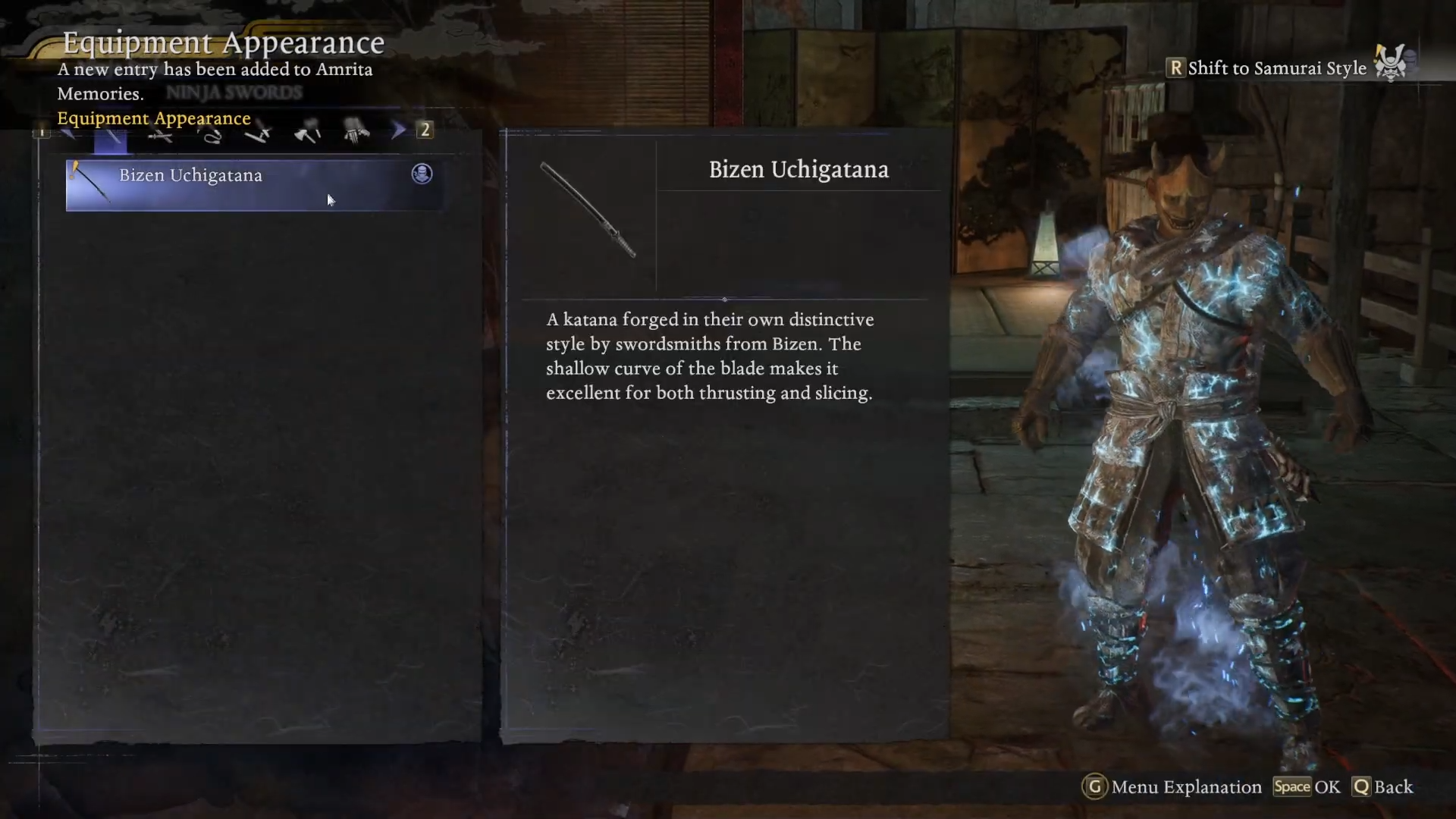
Interact with the mirror again and select the equipment appearance option.
Step 2
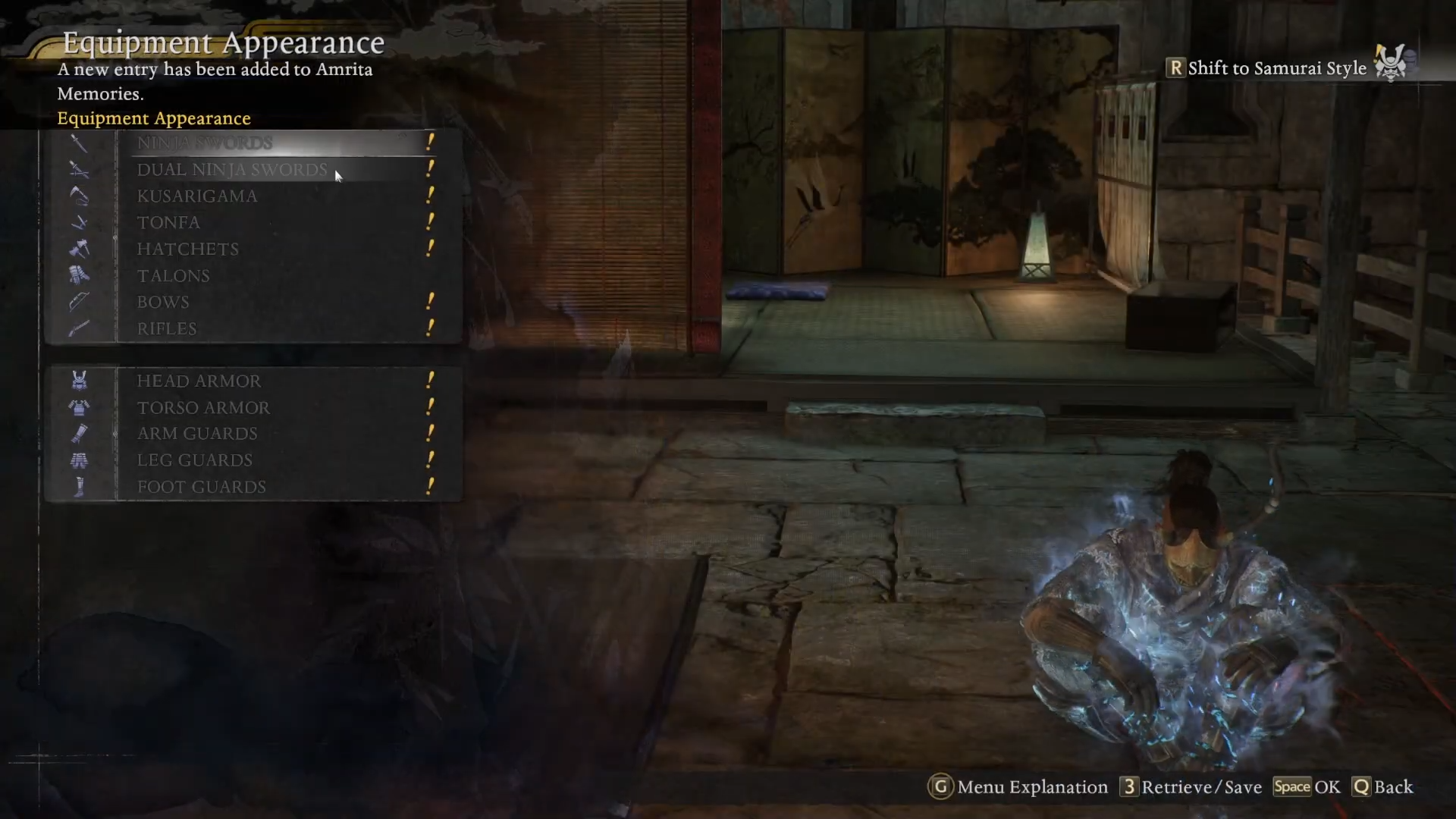
Highlight the armor slot or weapon type you want to change. You can toggle between Samurai and Ninja loadouts if you want to set different visual sets for each.
Step 3
Choose a visual skin from the list of items you have already obtained of the same type. For example, select one helmet to overwrite the look of another helmet that has better stats.
Step 4
Preview the change on your character model to make sure the new look matches the style you want. If you are not happy with it, scroll through different pieces until you find one that fits.
Step 5
Apply the visual change to lock in the transmog. Your gear keeps its current stats, bonuses, and upgrade levels; only the appearance changes.
Step 6
Repeat the process for all armor pieces and weapons until your set matches the theme you are going for. You can return and change transmogs as often as you like.
How to get the most out of appearance changes
Using the mirror regularly helps your character visually reflect your build and playstyle. If you lean into a speedy, evasive Ninja setup, you can choose lighter-looking armor and a slim body build that matches the fantasy.
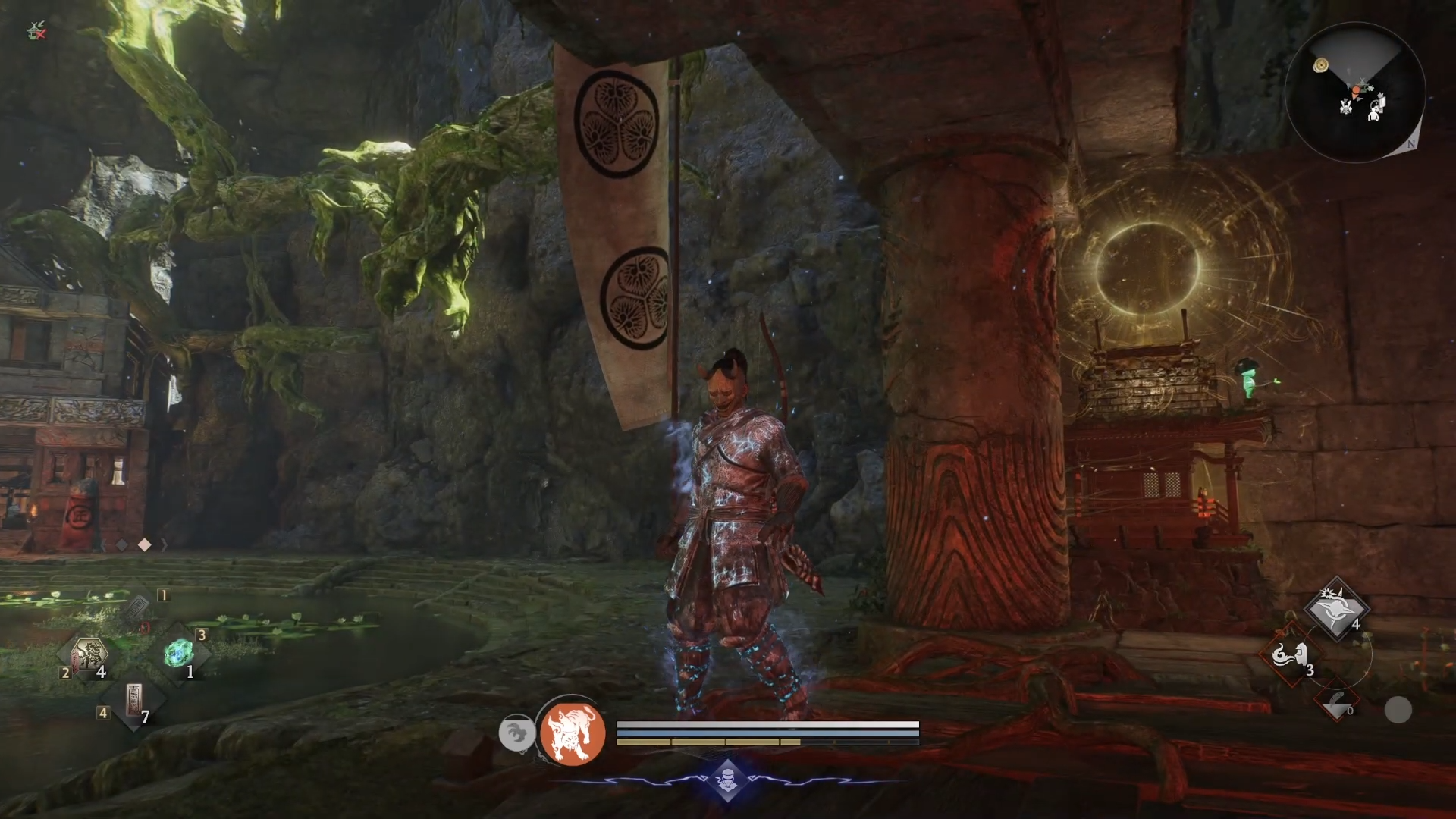
For tankier, heavy-armor builds, a sturdier body type and imposing armor transmog can emphasize your role. When you find an off-meta armor piece with strong stats but a look you dislike, you can simply transmog it to something that matches the rest of your set to keep your character cohesive on-screen.
Finish your style in Nioh 3
Once the Eternal Rift is open, the mirror becomes your central tool for shaping how your samurai looks and feels in every mission. By combining full appearance recustomization with flexible transmogs, you can chase the best stats without sacrificing your preferred style and keep both your Samurai and Ninja forms perfectly on theme.