What to know
- Crane Plumes are normally premium, bought with Echo Jades or Echo Beads
- This method relies on a menu-state glitch, not direct purchases
- Timing and order matter; missing steps can break the loop
- Likely to be patched, so results may vary by version
Crane Plumes are one of the most valuable cosmetic-related currencies in Where Winds Meet, usually locked behind paid top-ups. A recently circulated exploit shows how players can trigger a persistent state that grants effectively unlimited Crane Plumes for free after a waiting period. This guide walks through the entire process in a clear, structured way, with context on why each phase matters and what to expect along the way.
Quick overview of the Crane Plume glitch
| Aspect | Details |
|---|---|
| Currency gained | Crane Plumes |
| Cost | Free (no Echo Jades / Beads) |
| Method type | UI + progression state glitch |
| Required gameplay | Outfit swap, shop interaction, combat XP |
| Cooldown | ~2 hours real-time |
| Risk | High chance of patching or rollback |
Why this glitch works in practice
At its core, the exploit appears to desynchronize the draw and purchase validation systems from your actual currency balance. By forcing repeated “insufficient funds” and “tier switch” states across multiple menus—then locking that state through combat XP and weapon swaps—the game later resolves the pending transaction incorrectly, crediting Crane Plumes instead of rejecting the purchase.
This is not a single-click trick. You are stacking UI conditions, which is why the steps feel long and oddly specific. Please note that this is a glitch-based method, not an authentic way of getting Crane Plume. This may or may not work for you.
Preparing your character before starting
Before triggering anything, you need to make sure your appearance setup is correct. This part is critical and often where attempts fail.
You must equip a full outfit set—not individual pieces and not outfits with detachable accessories. If you already have a full outfit equipped, switch to a different full outfit anyway. The goal is to force the appearance system to fully refresh its state before interacting with the shop.
How to trigger the Crane Plume glitch step by step
Step 1: Force a shop purchase failure through appearance
Go to the shop and open the appearance section. Select any item you cannot afford. Instead of the normal buy option, choose “buy and die.” When redirected to the top-up page, immediately switch tiers at the top, then back out completely to the game world. This creates the first broken purchase flag.
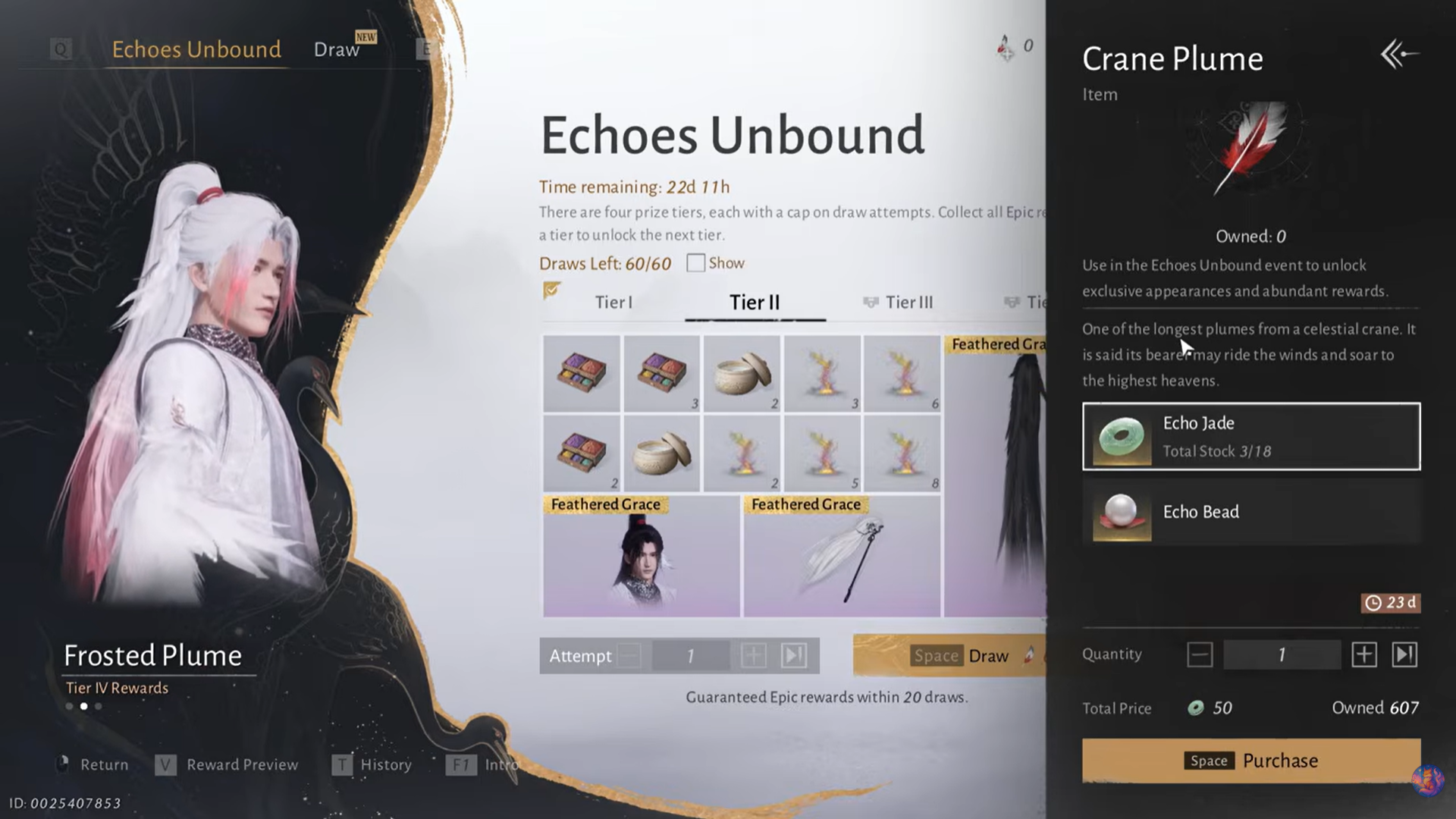
Step 2: Lock the UI state using photo mode
Activate photo mode, select any pose, then exit photo mode normally. This sounds cosmetic, but it freezes the prior shop state in memory.
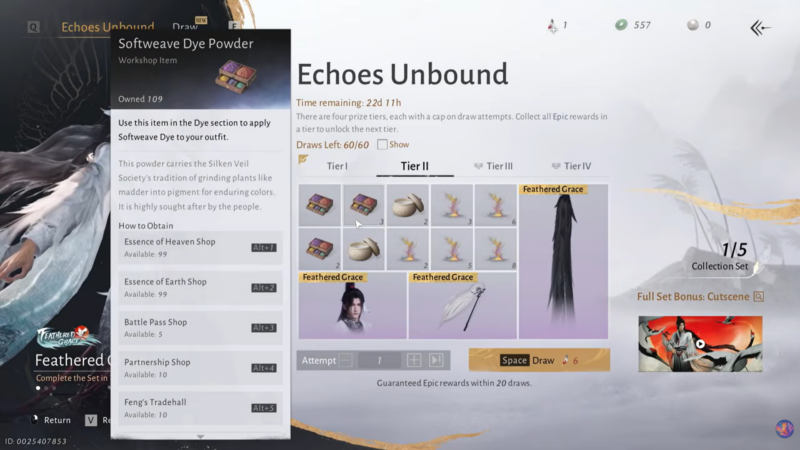
Step 3: Interact with the draw menu without completing actions
Open Draw, click any reward, then select the bottom option related to obtaining or spending that reward. Do not confirm anything. Back out entirely. You’re reinforcing the unresolved transaction state.
Step 4: Gain XP to advance internal progression flags
Go out into the world and defeat enemy NPCs to gain experience. You do not need a specific enemy type—just ensure XP is gained. This step updates character progression while the broken UI state remains active.
Step 5: Switch martial arts weapons deliberately
Open Develop, select your second martial art, scroll to the last weapon, choose Switch, and equip any available weapon. This forces a recalculation of combat and progression data.
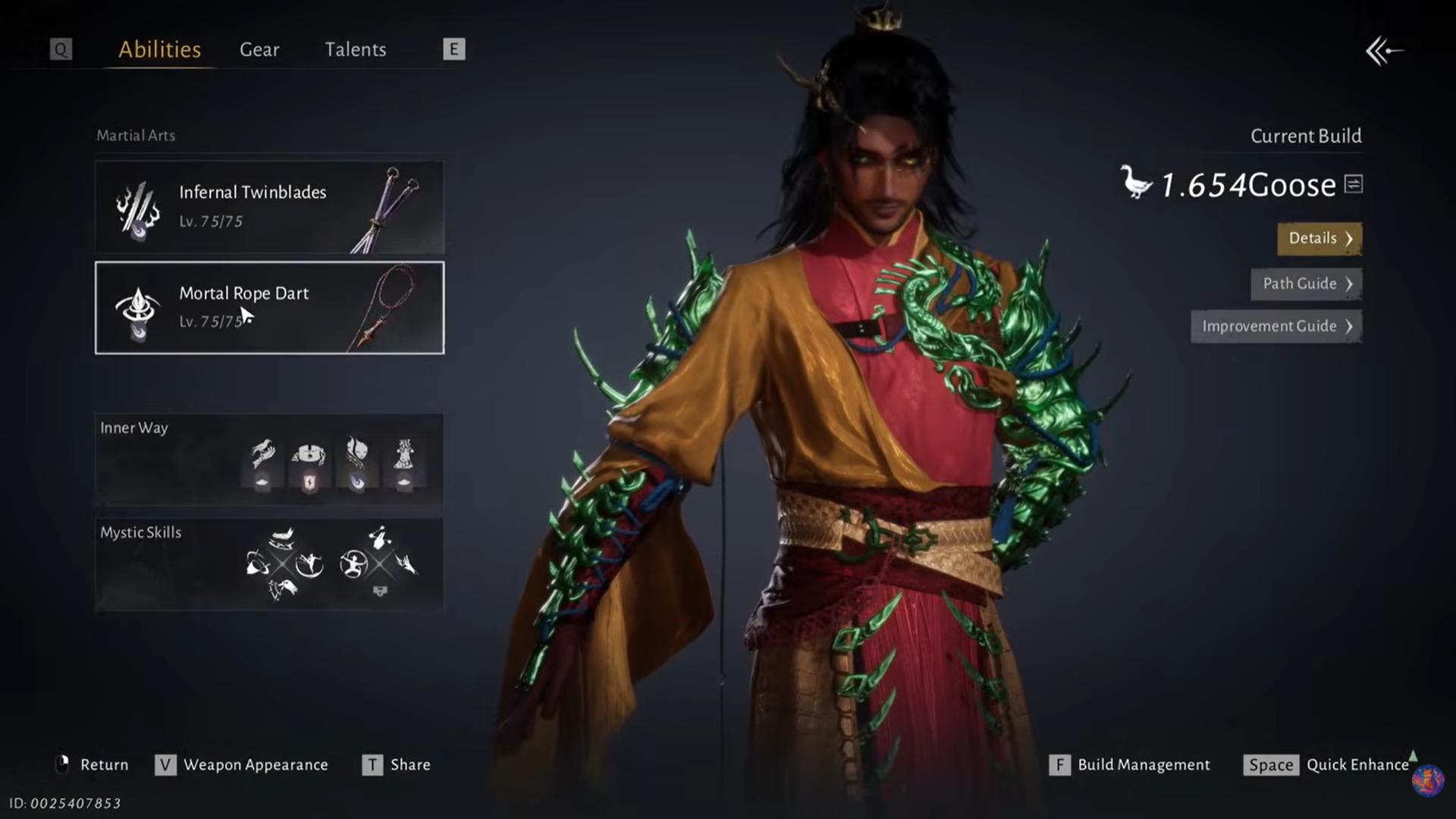
Step 6: Use the quick enhance guide without enhancing
Return to Develop, press Space to Quick Enhance, but do not enhance anything. Open the Guide from this screen, then back out. This step is subtle but important—it queues an upgrade check without resolving it.
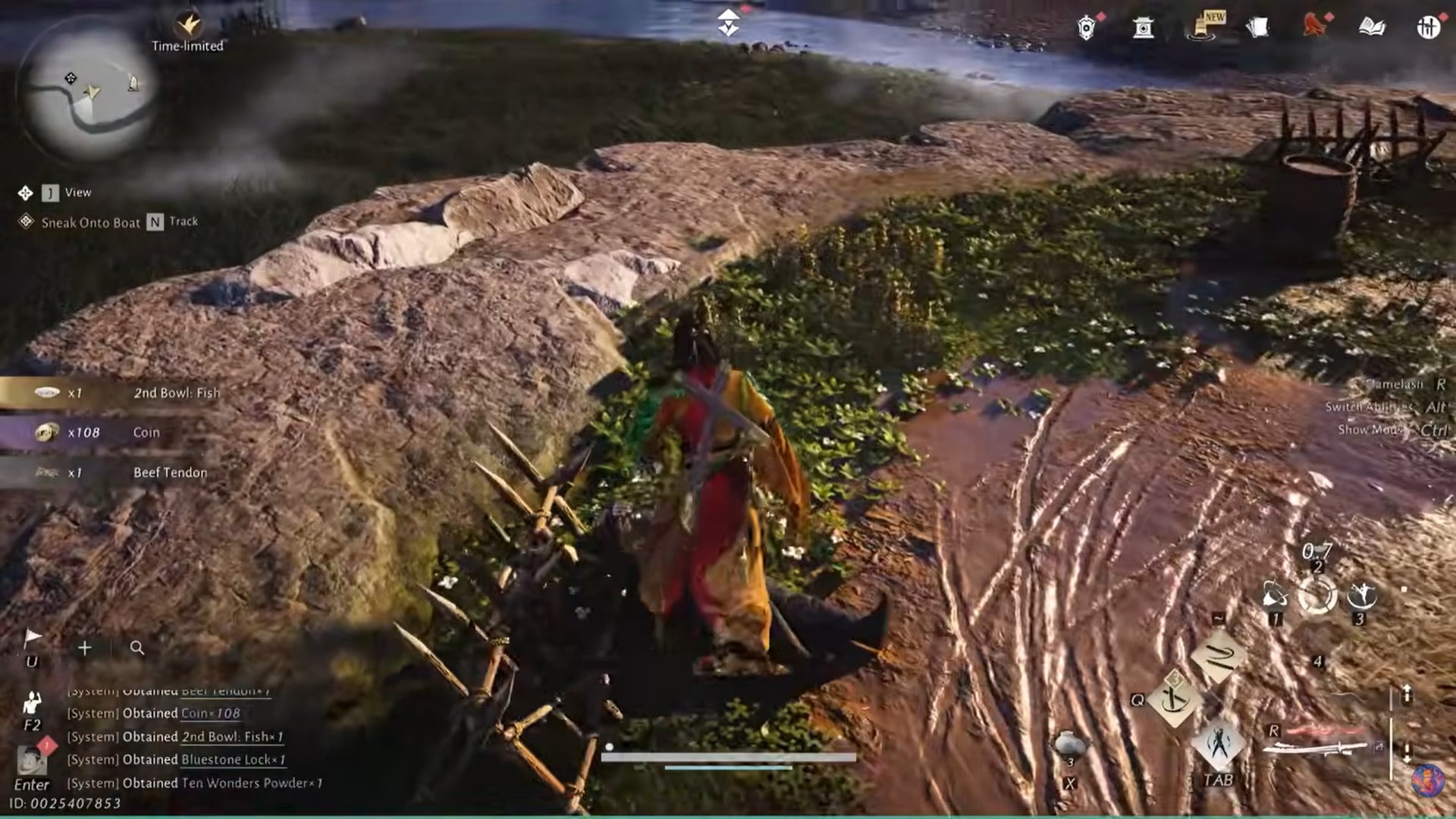
Step 7: Kill another NPC after the weapon swap
Defeat one more enemy NPC. This locks the weapon and enhancement state together with the earlier shop error.
Step 8: Abuse draw attempts and back out repeatedly
Go back to Draw → Attempts. Set the attempt count to maximum, press Space so it redirects to the Crane Plume purchase page, then back out three times in a row without confirming.
Step 9: Trigger multiple “insufficient materials” errors
Enter Draw → Solic, press the 10 option until it demands Echo Jade, then back out. Move to Exchange, select an item you cannot afford, increase the amount until an error appears, and press Space.
Next, open Harmonic Cores in Draw. Choose an unaffordable item (or a two-core item if you own one), select Exchange, and let the insufficient materials error appear.
Step 10: Freeze the state in Echos Bound
From Draw, open Echos Bound, view rewards, open Settings, and hide the UI. Stay on this screen for about 10 seconds. This is where the game appears to finalize the corrupted state.
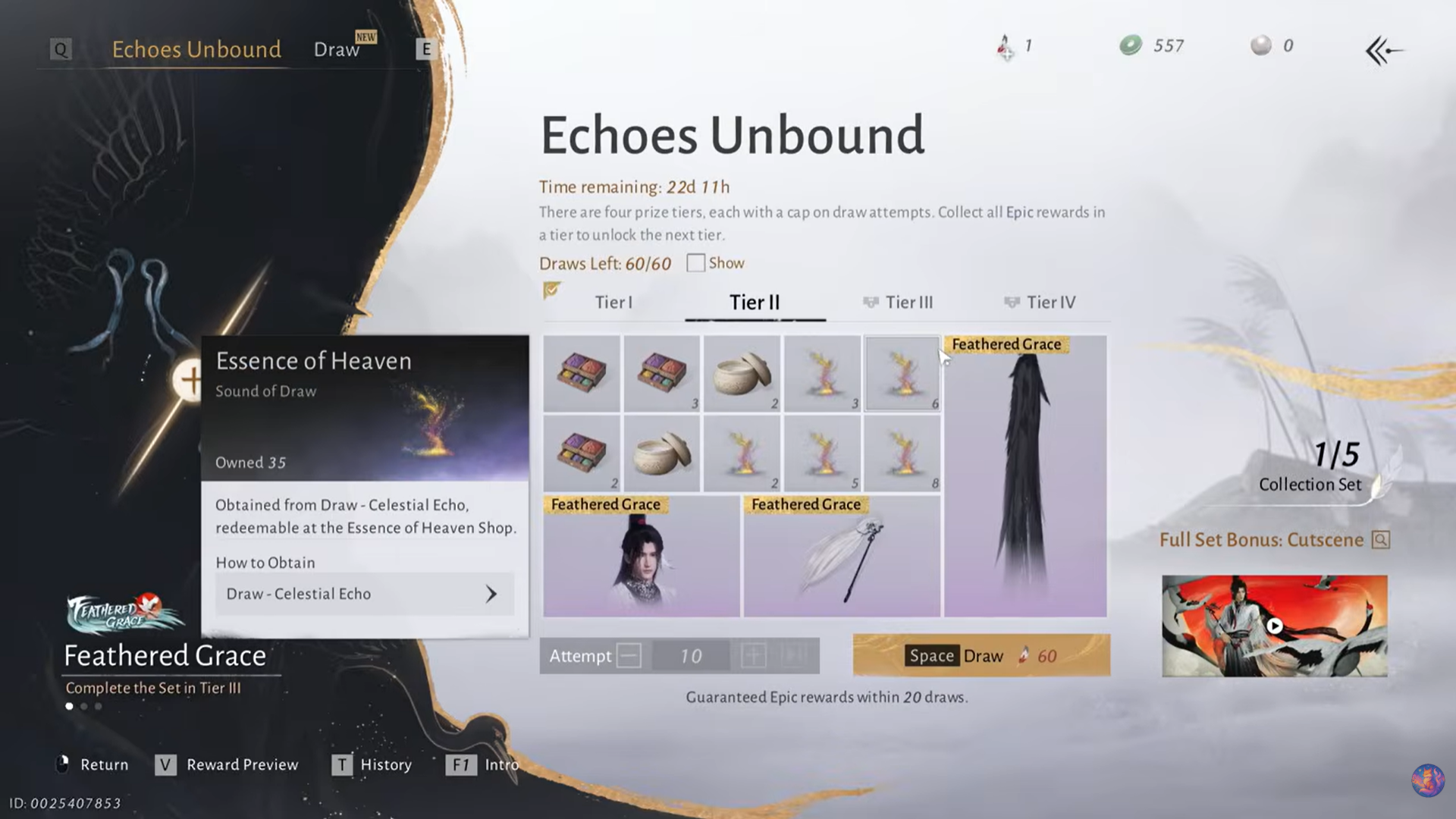
Afterward, back out to your bag, select your second martial art weapon, click any option, then back out repeatedly to Develop Weapons and switch back to your original weapon.
Waiting period and final result
Once all steps are completed, do nothing for roughly two hours of real time. Do not log in and out repeatedly during this period.
When you return after the wait, the game resolves the pending transactions and you should find yourself with an effectively unlimited amount of Crane Plumes, without spending any premium currency.
Important risks and limitations to keep in mind
This exploit is powerful, but fragile. If you choose to attempt it, patience and precision matter more than speed. From a practical standpoint, it highlights how tightly intertwined UI systems, progression tracking, and premium currencies are in Where Winds Meet—and how small inconsistencies can cascade into major rewards.
| Risk factor | What it means |
|---|---|
| Patch sensitivity | Any update may fully remove this exploit |
| Account safety | Exploit use always carries rollback or restriction risk |
| Consistency | Missing or reordering steps often breaks the result |
| Version dependency | Works only on specific live builds |
If you’re using this purely for cosmetic freedom, act quickly and cautiously. Once patched, this method is unlikely to return in the same form.