What to know
- Hytale lets you change building blocks without breaking structures
- Hammers allow instant block swapping directly in the world
- The Builder’s Workbench offers safer, inventory-based block changes
- Pressing “Craft” at the wrong time creates stairs instead of blocks
Building in Hytale is designed to be flexible and forgiving. Instead of destroying and rebuilding structures every time you want a visual change, the game provides tools that let you swap building blocks efficiently. Understanding these systems early will save you resources, time, and frustration, especially when working on large builds or detailed designs.
Quick overview of block-changing methods
| Method | Tool required | Best used for | Risk level |
|---|---|---|---|
| Direct block swap | Crude Hammer / Iron Hammer | Fast edits while building | Low |
| Inventory-based swap | Builder’s Workbench | Precise material selection | Very low |
Changing building blocks using a hammer
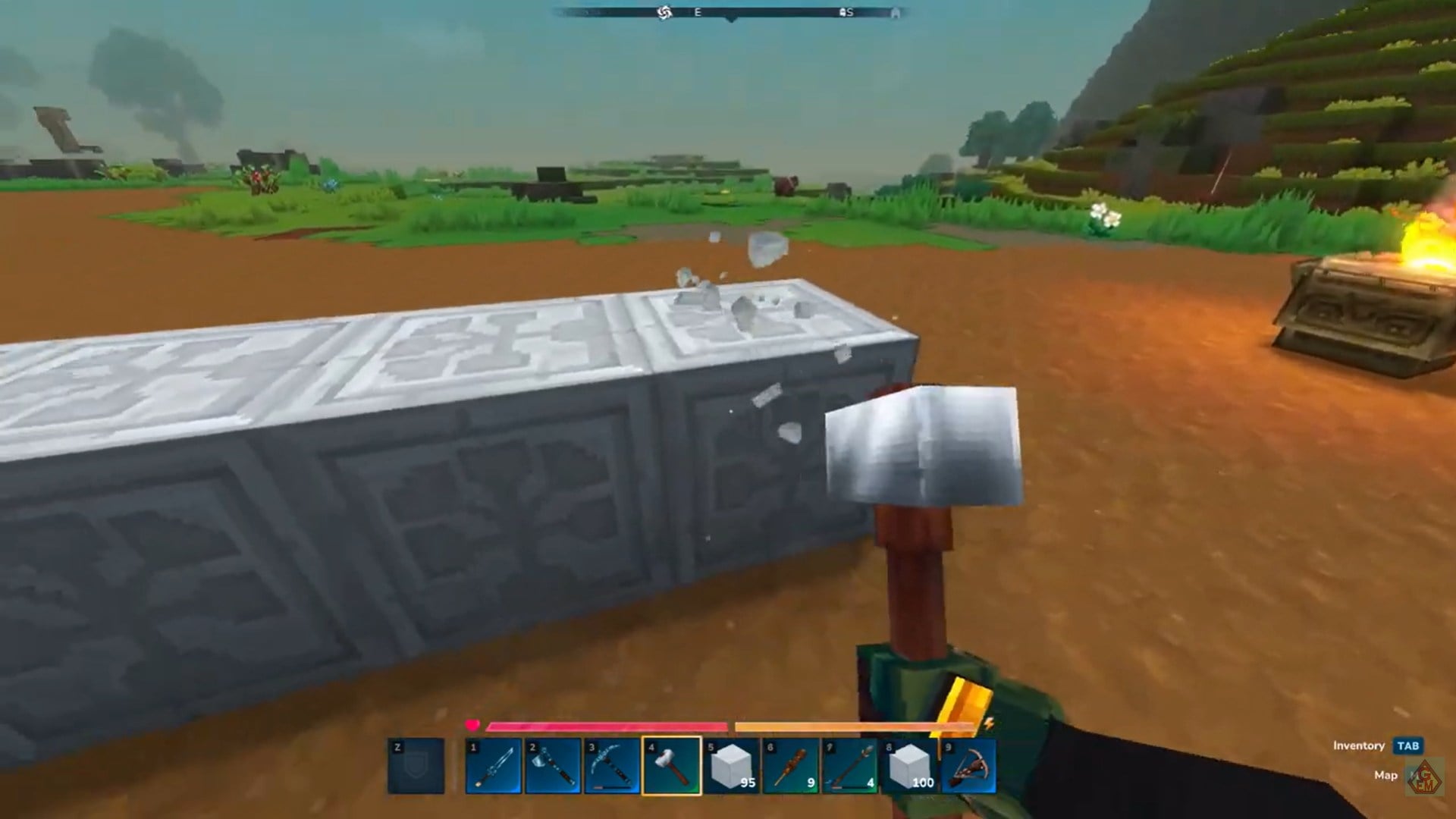
The fastest way to change a building block in Hytale is by using a hammer. Both the Crude Hammer and the Iron Hammer allow you to replace blocks directly in the world without opening any crafting interface. You simply select the block type you want and apply it to an existing structure.

While both tools function the same way, the Iron Hammer is strongly recommended. Its higher durability makes it far more practical for extended building sessions, especially when working on large walls, floors, or rooftops. With a hammer equipped, you can move fluidly through your build, swapping materials on the fly without interrupting your workflow.
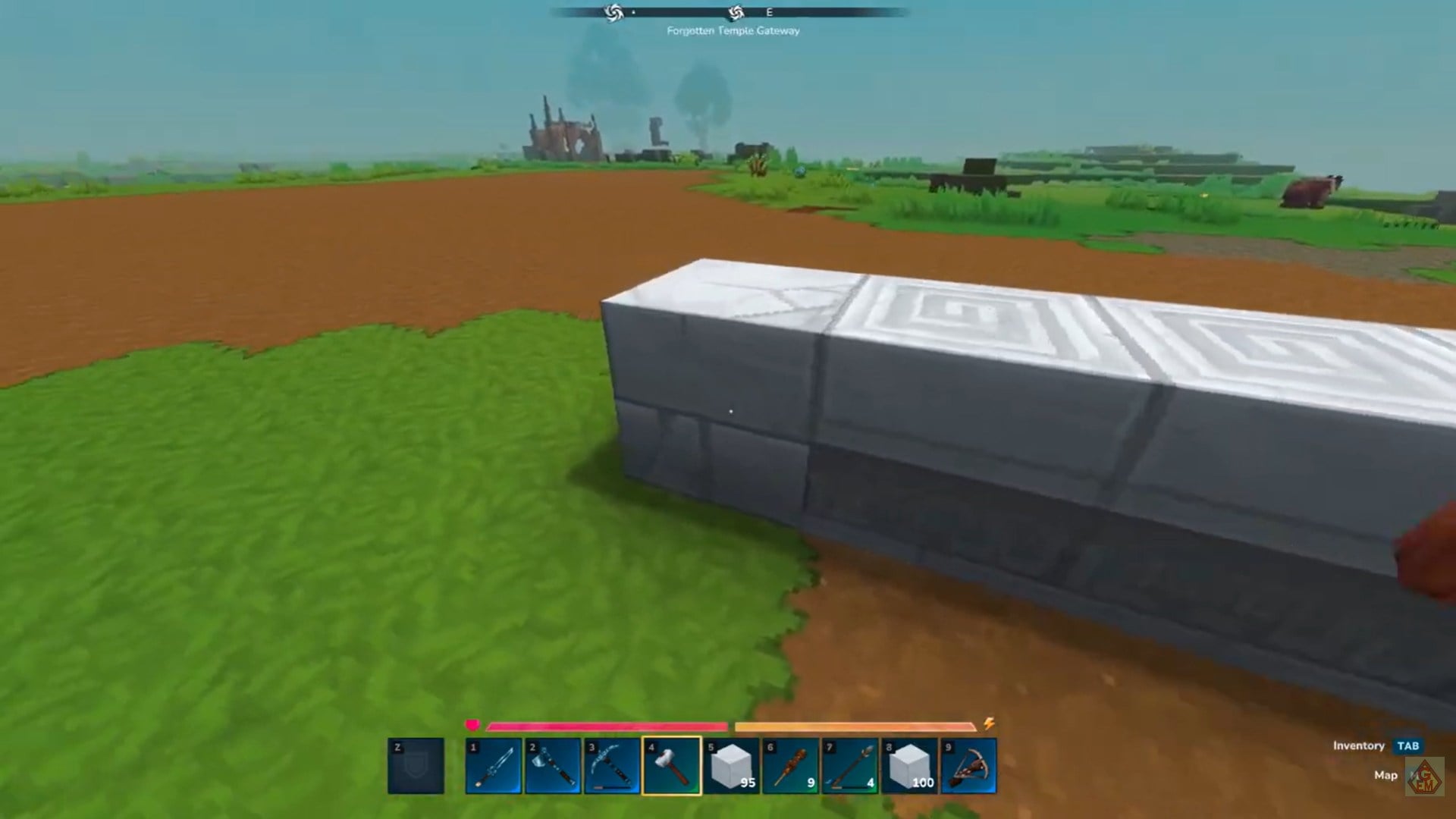
This method is ideal when you are experimenting with aesthetics, correcting mistakes, or refining details mid-build. Because it bypasses crafting tables entirely, it keeps your focus on placement rather than menus.
Changing building blocks using the Builder’s Workbench
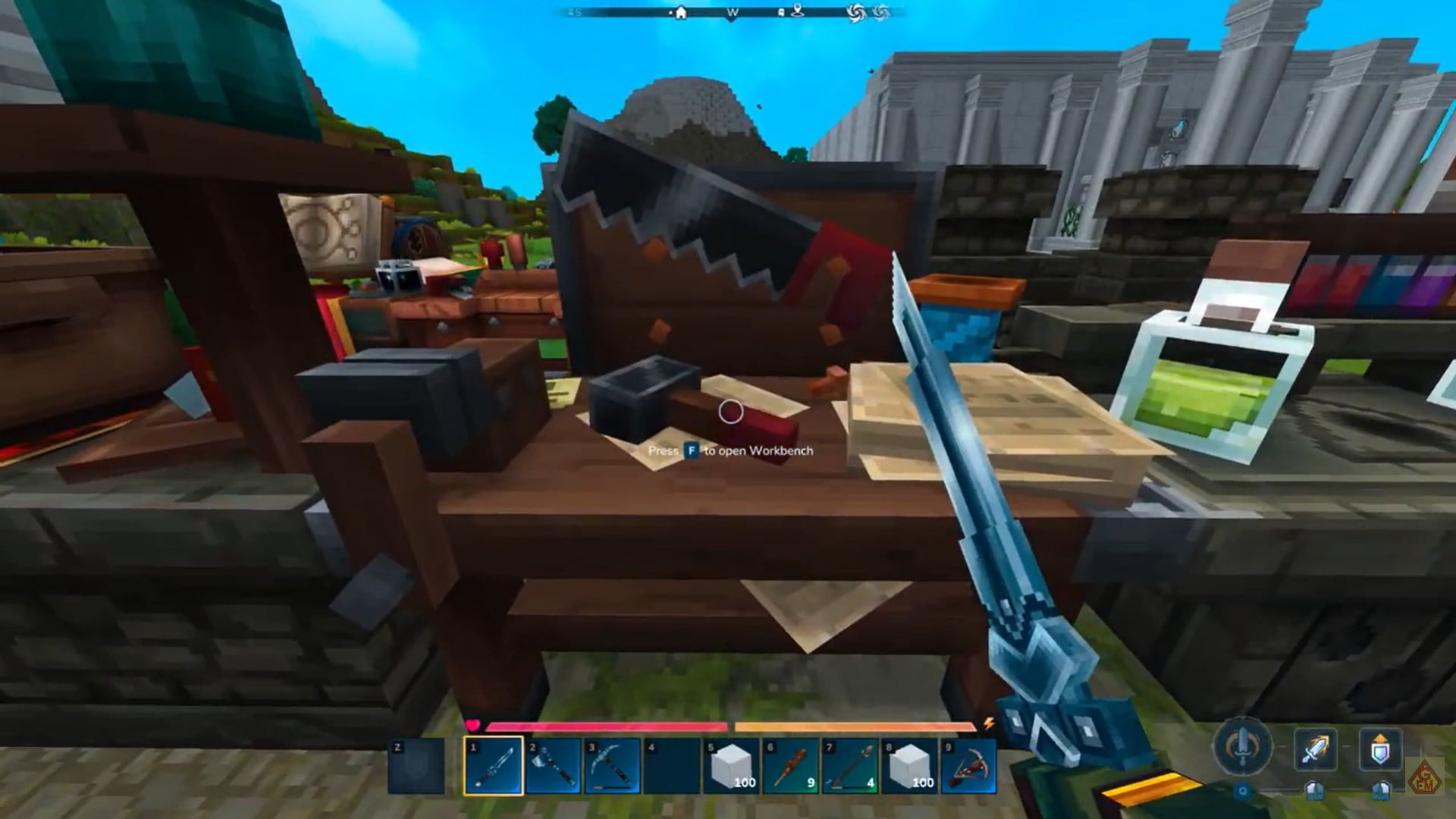
The second method relies on the Builder’s Workbench, which gives you more control over block selection through your inventory. This approach is especially useful if you are working from storage or planning a build in advance.
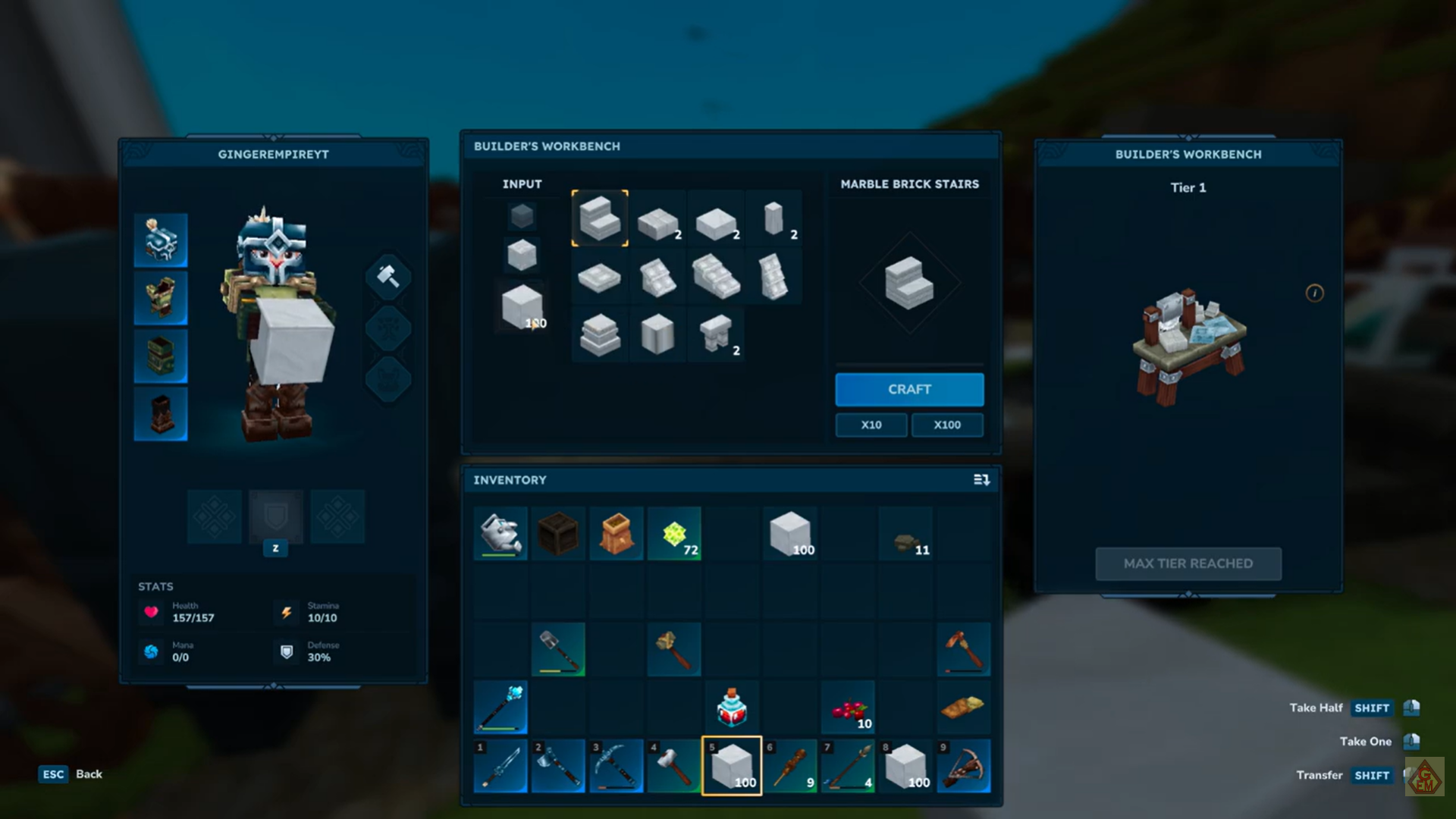
At the workbench, you can select the exact block variant you want and drag it directly into your inventory. Once it is in your inventory, you can use it to replace existing building blocks in the world.
One critical detail cannot be ignored here: do not press the “Craft” button when changing blocks. Crafting will convert materials into stairs instead of full blocks, which is not what you want when swapping structural elements. The correct action is to grab the block and drop it into your inventory, nothing more.
| Action at Builder’s Workbench | Result |
|---|---|
| Drag block into inventory | Correct block change |
| Press Craft | Creates stairs (wrong result) |
This method is slower than hammer swapping but much safer when you want to be absolutely certain about the block type you are using.
Choosing the right method for your build
Both systems exist because they serve different building styles. If you are actively constructing or redesigning in real time, the Iron Hammer method is the most efficient and flexible option. It allows continuous edits without breaking immersion or stopping to manage inventory.
On the other hand, if you are carefully planning material usage or working with rare blocks, the Builder’s Workbench provides precision and control, reducing the risk of accidental conversions or wasted resources.
Does block changing affect block types
Hytale’s block-changing mechanics reflect its focus on creative freedom. Whether you prefer rapid experimentation or careful planning, the game gives you tools that respect your time and materials. By mastering both hammer-based swaps and workbench interactions, you can build faster, cleaner, and with far less frustration as your projects grow in scale and complexity.