- What to know
- Ace of Thunder platform release details
- Platform improvements and what still needs work
- PCVR vs PS VR2 graphics comparison
- PS VR2 performance, haptics, and PS5 Pro notes
- Pricing, planes, and progression
- Controls and input options (HOTAS, motion controls, gamepad)
- Gameplay modes, scenarios, and online multiplayer
- Flight physics, difficulty, and why it feels rewarding
- Audio, immersion, mission structure, and plane detail
- Issues and critiques that stand out
- Motion sickness considerations and comfort factors
- Combat satisfaction and the damage model
- Final verdict and who it’s best for
What to know
- Release: February 3 on PS VR2 and PC VR (Steam), with support for flat-screen play too.
- Visual parity: PCVR and PS VR2 are almost identical visually; PC pulls slightly ahead via graphics options, while PS VR2’s biggest drawback is volumetric clouds at distance.
- PS VR2 performance: Runs at a solid 90 Hz native with minor stutters, includes headset rumble and controller haptics, but no adaptive triggers and no PS5 Pro support (CPU-heavy).
- Overall vibe: A serious sim, not an arcade flyer—expect blackouts, wind effects, and a steep learning curve that feels rewarding once it clicks.
Aces of Thunder is built for players who want a cockpit-first experience where every dogfight feels like a test of control, patience, and awareness. It supports multiple ways to play, but the core identity stays the same: high fidelity flying with meaningful consequences for mistakes.
Ace of Thunder platform release details
| Topic | What to Know |
|---|---|
| Release | Feb 3 on PS VR2, PC VR (Steam), plus flat-screen play. |
| Visuals | PCVR ≈ PS VR2; PC wins via options. PS VR2 shows cloud shimmer at distance. |
| Performance (PS VR2) | 90 Hz native, minor stutter, rumble + haptics; no adaptive triggers/PS5 Pro. |
| Identity | Hardcore sim: blackouts, wind stress, tailspins, steep learning. |
| Controls | HOTAS, motion, gamepad; joystick option reduces fatigue. |
| Modes | Story, custom battles, 30-player online with varied conditions. |
| Progression | Daily challenges, reroll for cosmetics/paints. |
| Pricing | $30 Standard (~20 planes), $50 Deluxe. |
| Physics & Feel | Very demanding handling; rewarding mastery. |
| Immersion | Strong audio cues, detailed cockpits, great lighting. |
| Issues | No grip toggle, weak friend/foe ID, tricky ground targets, abrupt swaps. |
| Best For | Players who want cockpit-first realism over arcade ease. |
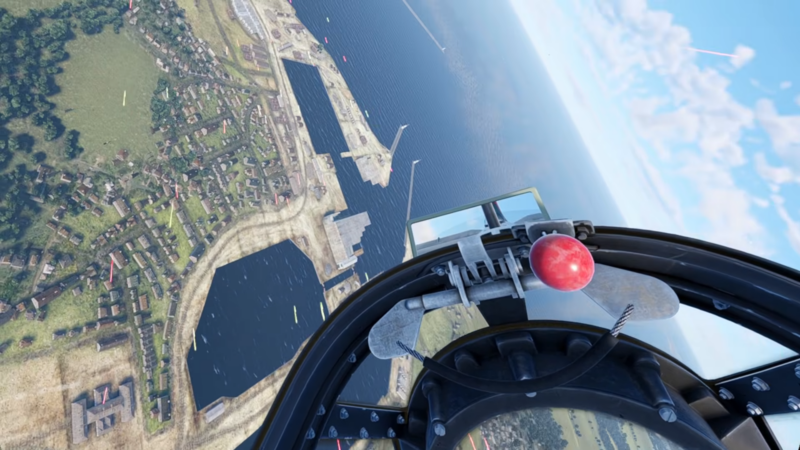
Aces of Thunder is made with VR first in mind, but it’s also playable on a flat screen, which makes it easier to jump in even without a headset for every session. The launch timing is framed as February 3 for both PS VR2 and PC VR, setting it up as a same-day choice between console VR and PC VR ecosystems.
Platform improvements and what still needs work
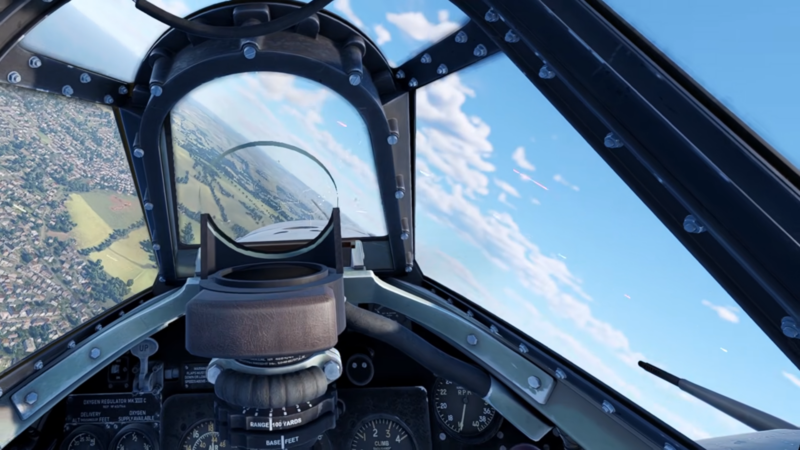
On PC, the game is described as having received a lot of updates to visuals and performance, suggesting that optimization and presentation have been actively improved over time. Even so, there are still issues present across both platforms that stand out enough to be called out later—so it’s best approached as a strong foundation with a few areas that still need refinement.
PCVR vs PS VR2 graphics comparison
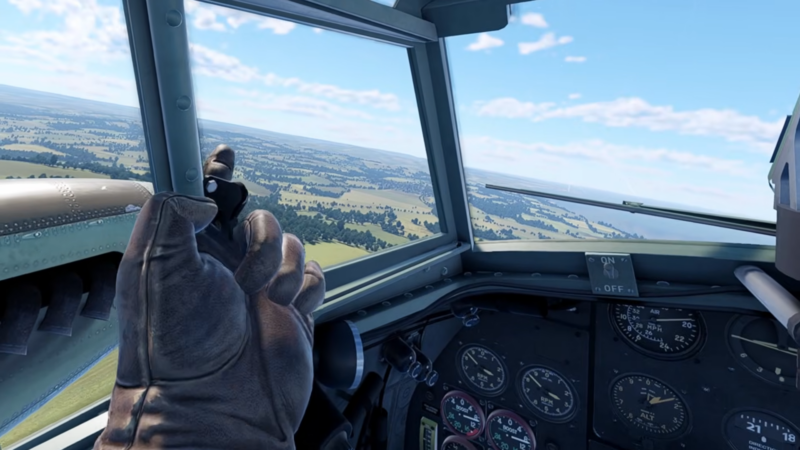
Across most scenes, visuals are described as almost identical between PCVR and PS VR2, which is a major positive for anyone worried about compromises. PCVR edges ahead mainly because it offers graphical options, and the benefit of those options depends on the strength of the PC being used.
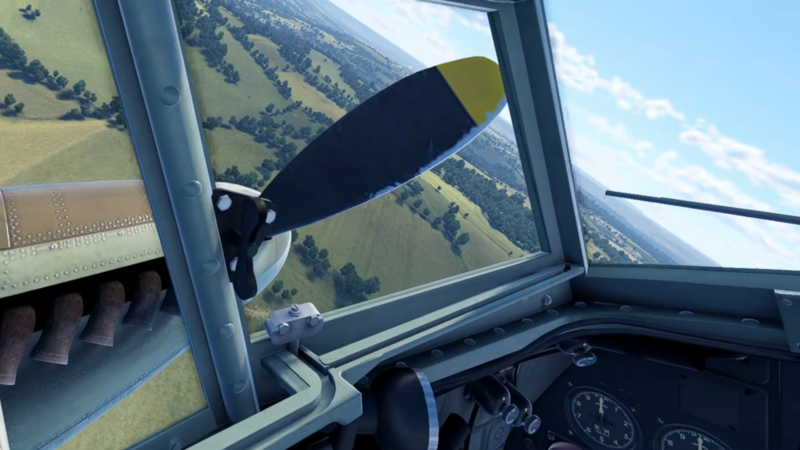
The biggest (and essentially only) repeated visual difference is volumetric clouds on PS VR2. In cloud-heavy skies—especially when flying over the sea where the sky reflects—distant clouds can show a shimmery, bubbly effect. The clouds themselves are described as “real” and fly-through, and flying through/above them is called out as looking amazing regardless of platform.
PS VR2 performance, haptics, and PS5 Pro notes
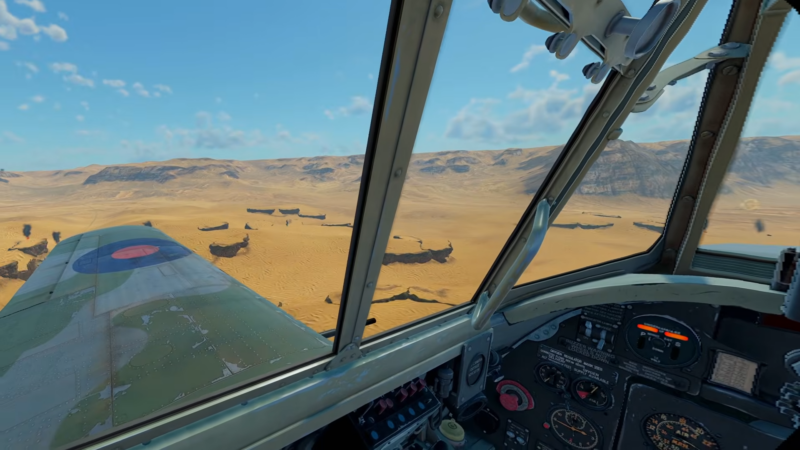
Performance on PS VR2 is described as a pretty solid 90 Hz native refresh rate, with only minor stutters. That’s an important point for comfort and precision in a game that demands constant micro-adjustments and steady tracking during combat.
Feedback features include headset rumble and plenty of controller haptics. Adaptive triggers aren’t supported, but the absence isn’t framed as a deal-breaker.
There is also no PS5 Pro support, with the explanation that the game is very CPU-based, implying the main bottleneck is not easily solved by a typical “enhanced console” profile.
Pricing, planes, and progression
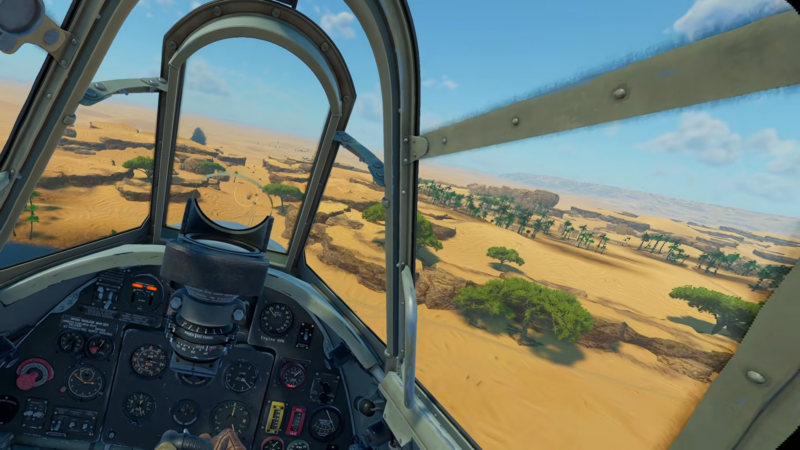
Pricing is laid out clearly: $30 for the standard version, described as including 20 or so planes. A Deluxe version is also stated at $50, though there isn’t clarity on whether planes can be bought individually.
Progression is tied to daily challenges that unlock cosmetics and paint. If certain challenges aren’t appealing, they can be rolled/rerolled into different ones, which helps keep the grind from feeling locked into unwanted tasks.
Controls and input options (HOTAS, motion controls, gamepad)
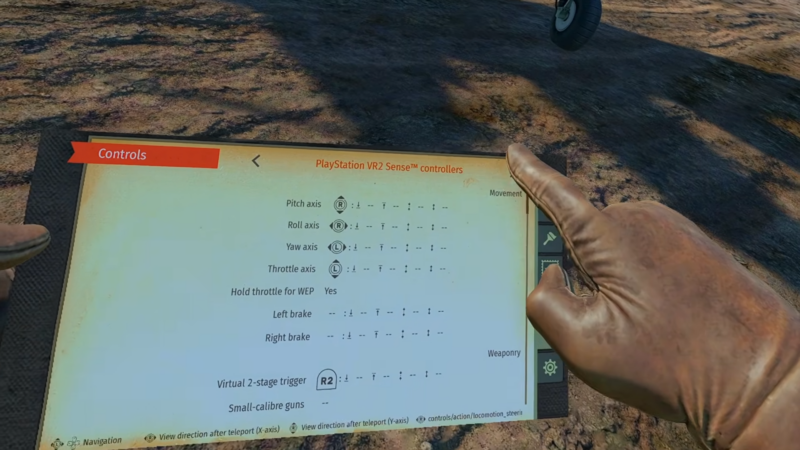
Aces of Thunder supports a wide range of input methods: HOTAS, motion controls (such as Sense controllers), and standard controllers like DualSense. This variety matters because it lets different players tune the experience toward either physical realism (HOTAS) or convenience and comfort (gamepad).
A key detail is that motion-control play can still rely on joysticks instead of forcing a constant “hold the virtual stick” posture. That keeps cockpit interaction possible while reducing fatigue during longer sessions—important in a game where extended focus is part of the appeal.
Gameplay modes, scenarios, and online multiplayer
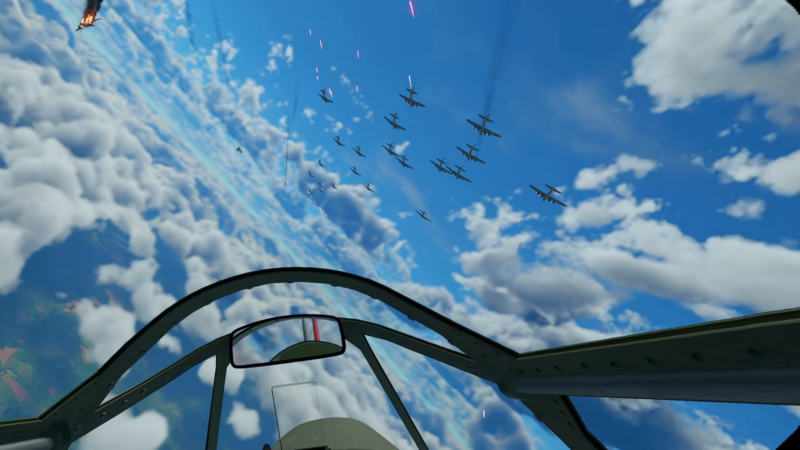
For solo play, there’s support for creating custom battle scenarios, plus set story missions. These story missions are framed as something that likely won’t take long to complete once flying is mastered, implying that the real depth comes from improving your skill and tackling harder situations rather than simply consuming scripted content.
Online multiplayer supports up to 30 players, and large battles are highlighted as visually impressive—especially with bullet traces filling the sky. Variety comes from different weather conditions, time of day, and many locations, helping repeated matches feel less samey.
Flight physics, difficulty, and why it feels rewarding
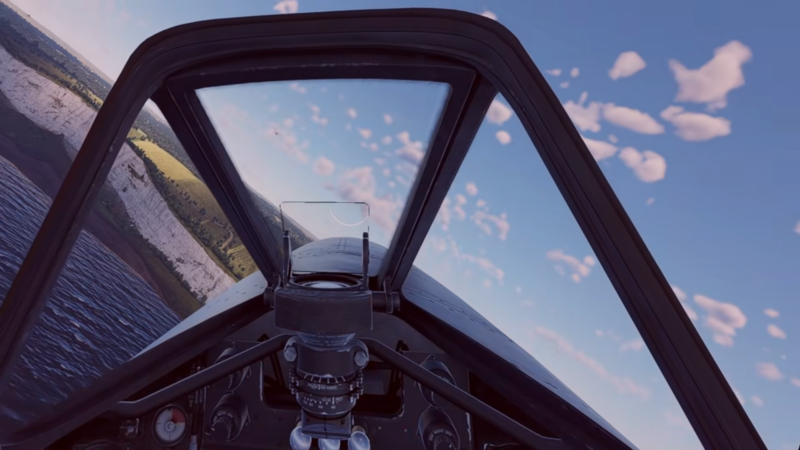
This is described as one of the hardest flying sims out there. Push maneuvers too hard and blackouts can happen, temporarily affecting control if recovery isn’t quick enough—there’s even mention of blood rushing visuals that underline the physical-stress theme.
Wind is emphasized as a big reason the aircraft can feel difficult: wings can visibly bounce under stress, and the handling can be unforgiving. Precision is so sharp—especially with motion controls in smaller planes—that it can be easy to enter a tailspin, and once that happens it’s basically game over.
The upside is that the planes feel extremely different to fly and mastery is genuinely hard, which is where the depth shines. It’s also made explicit that this is not an arcade sim; the seriousness is treated as a major strength rather than a barrier to be softened.
Audio, immersion, mission structure, and plane detail
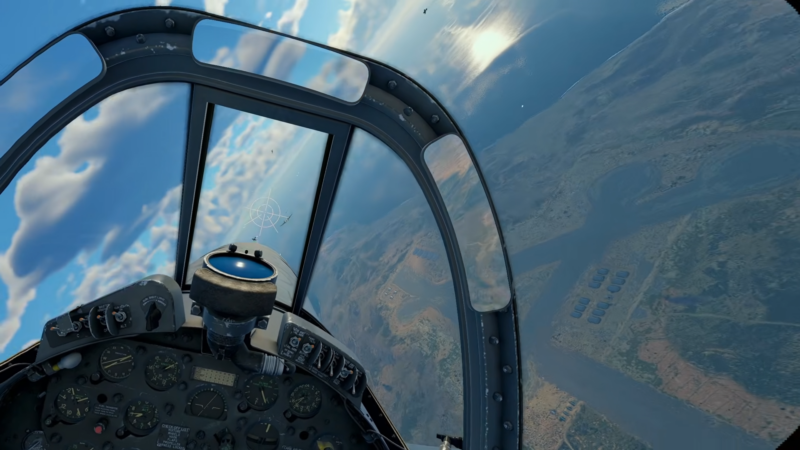
Sound design is highlighted as a major win: the aircraft creaks under pressure, engines can hiss, and these cues push attention toward things like engine temperature. This makes audio feel functional, not just atmospheric—signals help shape decisions in the cockpit.
There are also many ways for a run to end quickly, but a squadron-style structure can soften the blow: if control is lost or an aircraft goes down in a squadron context, control can automatically swap to another plane, giving another chance to complete the mission. Some missions allow use of all squadron aircraft, while others limit you to three, and once they’re gone it’s a full restart.
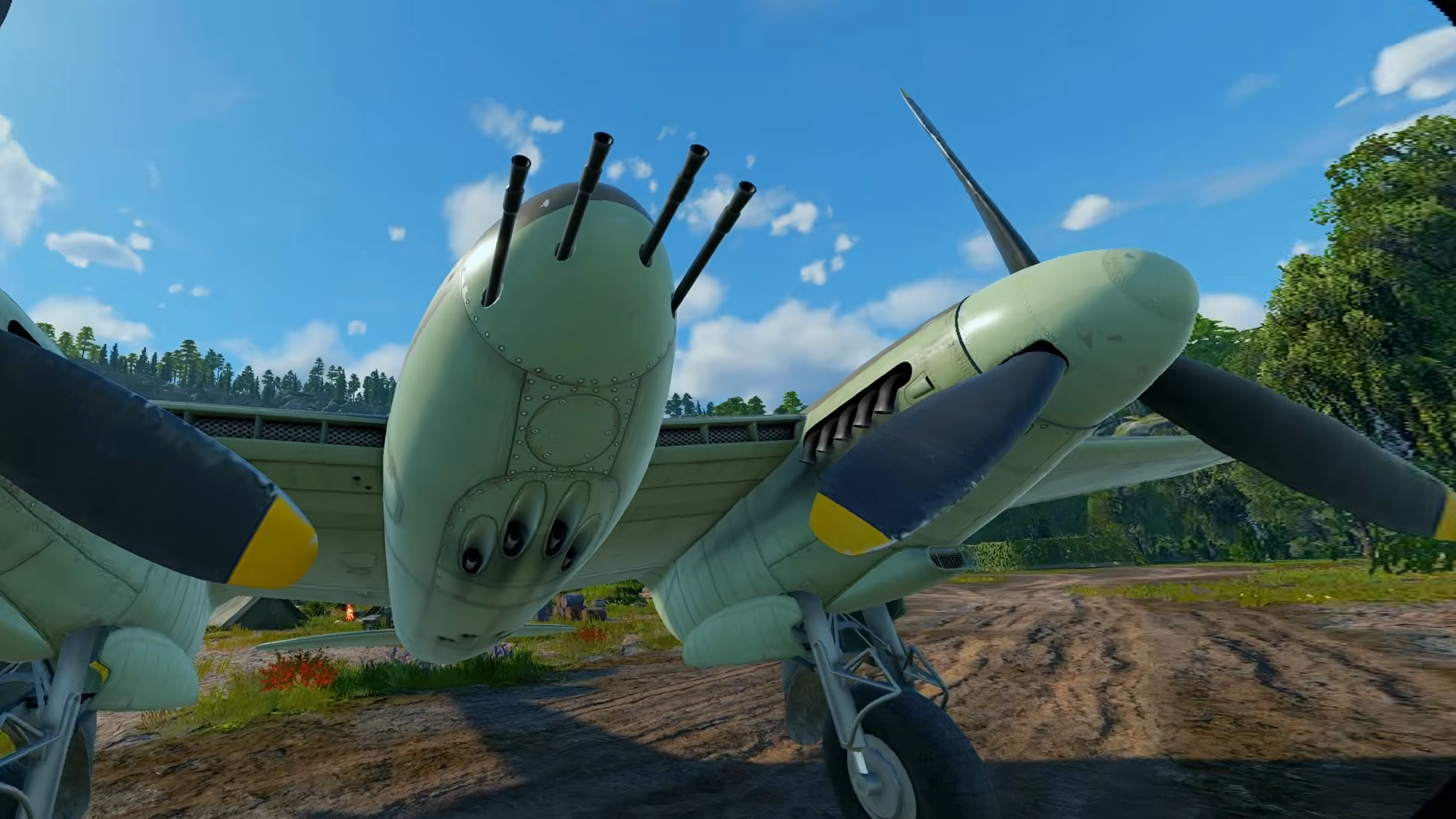
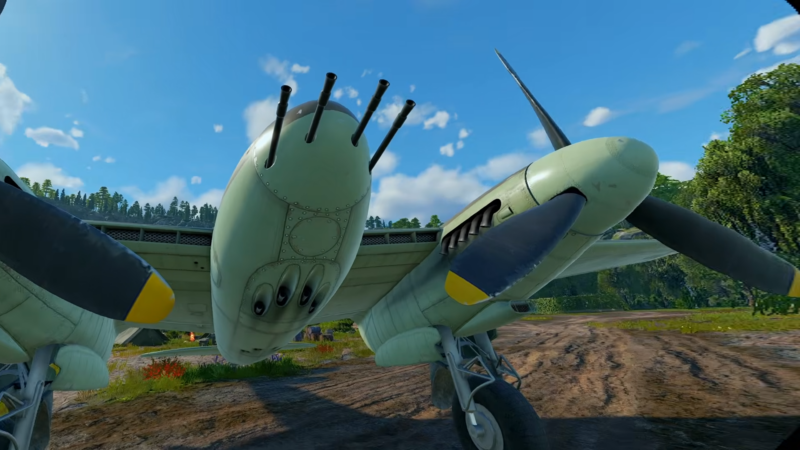
Aircraft detail is described as insanely detailed inside and out, and texture loading is noted as being in a strong state—surfaces look excellent when fully loaded.
Issues and critiques that stand out
Several practical issues are called out:
- No grip toggle, meaning grabbed controls can feel stuck to the hand until grip is toggled again.
- It can be very hard to tell friend from foe, sometimes becoming guesswork until the last moment.
- HUD identification is limited: only blue is used to indicate friendlies, and it can be inconsistent (sometimes highlights appear, sometimes they don’t).
- Ground targets like tanks can be insanely difficult to take out.
- Bombing success is heavily dependent on practice and learning your own timing based on altitude.
- Some blackout moments can feel awkward in VR because it’s not always clear what’s happening.
- In some missions, missing a torpedo can trigger an abrupt auto-switch to another plane, which can feel jarring.
Even with these problems, the overall framing remains that the core sim is strong; these are the kinds of fixes that would mainly improve clarity, comfort, and usability rather than change the fundamental experience.
Motion sickness considerations and comfort factors
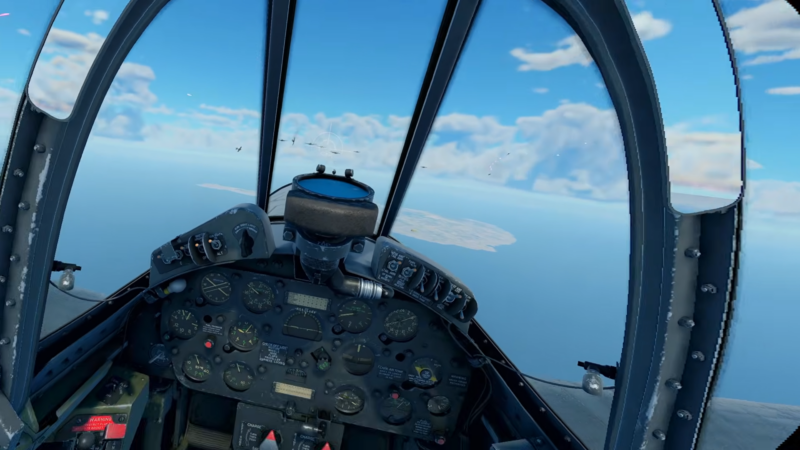
The game is described as a solid performer, which is a good baseline for comfort. Motion sickness sensitivity is framed as depending heavily on cockpit visibility: the more cockpit framing in front of you, the less sickness you’ll likely feel, while open cockpits can intensify the sensation of speed and altitude.
Small visual touches—like scratches on cockpit glass—help reinforce that you’re inside a vehicle. Lighting and shadows are described as absolutely stunning, especially when the sun moves in and out behind clouds, adding to presence and atmosphere.
Combat satisfaction and the damage model
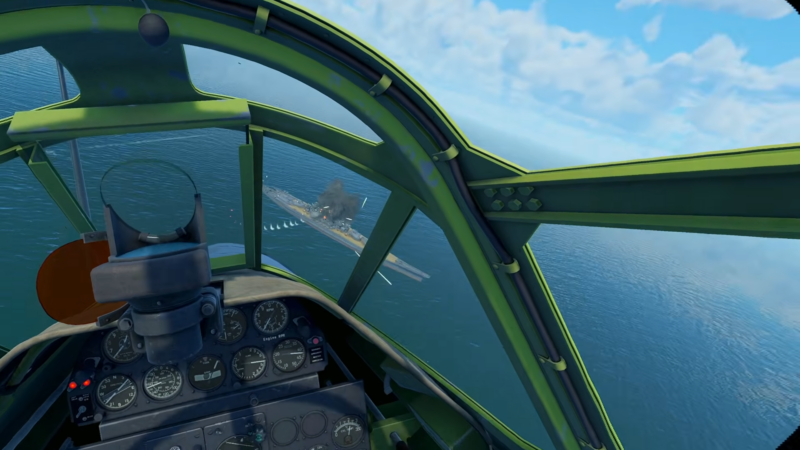
Shooting an enemy down is described as fantastic and satisfying, partly because damage outcomes can be unpredictable and dramatic. Wings can shear off, aircraft can rip in half, and engines can spill smoke and oil—sometimes splattering across the cockpit, which reinforces the intensity of close combat.
The biggest reason combat feels so good is that it’s earned. Bringing someone down can take intense concentration, and the payoff is stronger because the difficulty makes every confirmed hit feel deserved.
Final verdict and who it’s best for
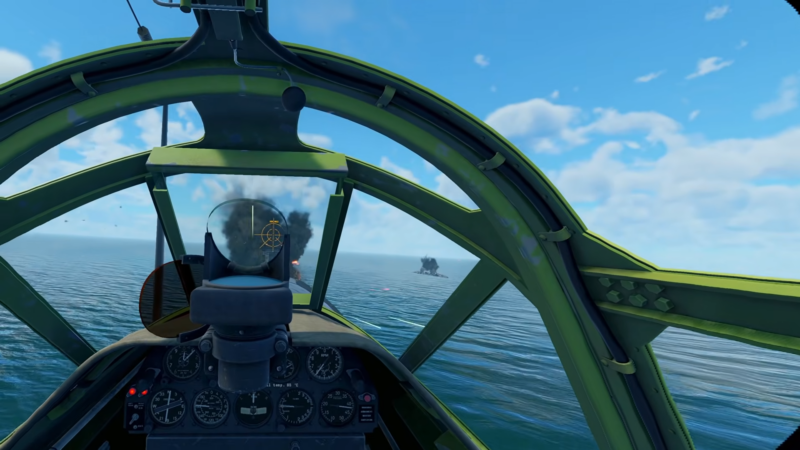
Aces of Thunder earns a massive buy recommendation for anyone looking for a deep VR flying sim that prioritizes serious flight physics, immersion, and satisfying combat. It’s best suited for players who want simulation challenge and can tolerate a few usability issues—particularly around grip behavior and target identification—while still enjoying the high points of the flight model, audio, and atmosphere.
We hope this page was informative and helped you progress without confusion. If you’d like to share ideas, experiences, or any doubts, the comments section is open. We review comments regularly and respond to ensure you receive timely support whenever required.