What to know
-
On controllers, summoning a mount is double-tap Jump by default (Xbox: A x2, PlayStation: X x2).
-
On keyboard and mouse, the default Call Mount key is X.
-
Mounts help you traverse the large outdoor spaces on each map, especially when rotating to objectives or looting.
-
Mounts are very loud, can be destroyed by enemies, and may trigger a cooldown if you lose them—so don’t treat them like stealth transport.
Highguard’s mount system is designed to keep matches moving. You mount up, rotate faster, and take fights (or avoid them) on your own terms. The trick is building the summon into your muscle memory, then using mounts when speed matters more than staying quiet.
| Quick overview | Details |
|---|---|
| Default summon (PlayStation) | X x2 (double-tap Jump). |
| Default summon (Xbox) | A x2 (double-tap Jump). |
| Default summon (PC) | X (Call Mount). |
| Core tradeoff | Faster travel, but mounts are loud and can reveal you. |
| Combat notes | You can shoot while mounted, but aiming is harder; mounts can be destroyed and put on cooldown. |
How to summon your mount on PlayStation (default controls)
Step 1
Make sure you’re in an open area where the game will allow mounting (wide ground with space to move).
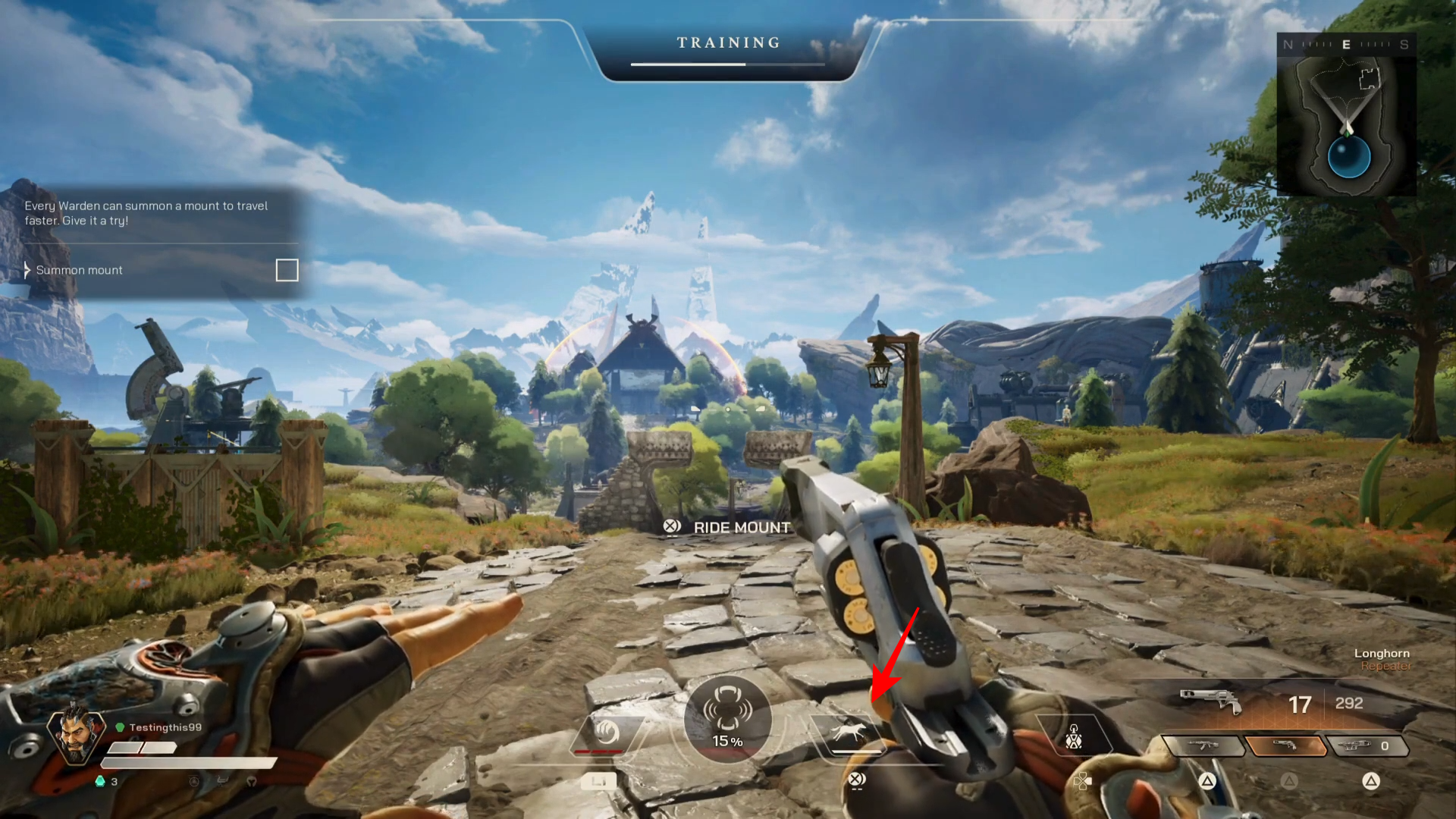
Step 2
Double-tap Jump: press X twice quickly to summon the mount.
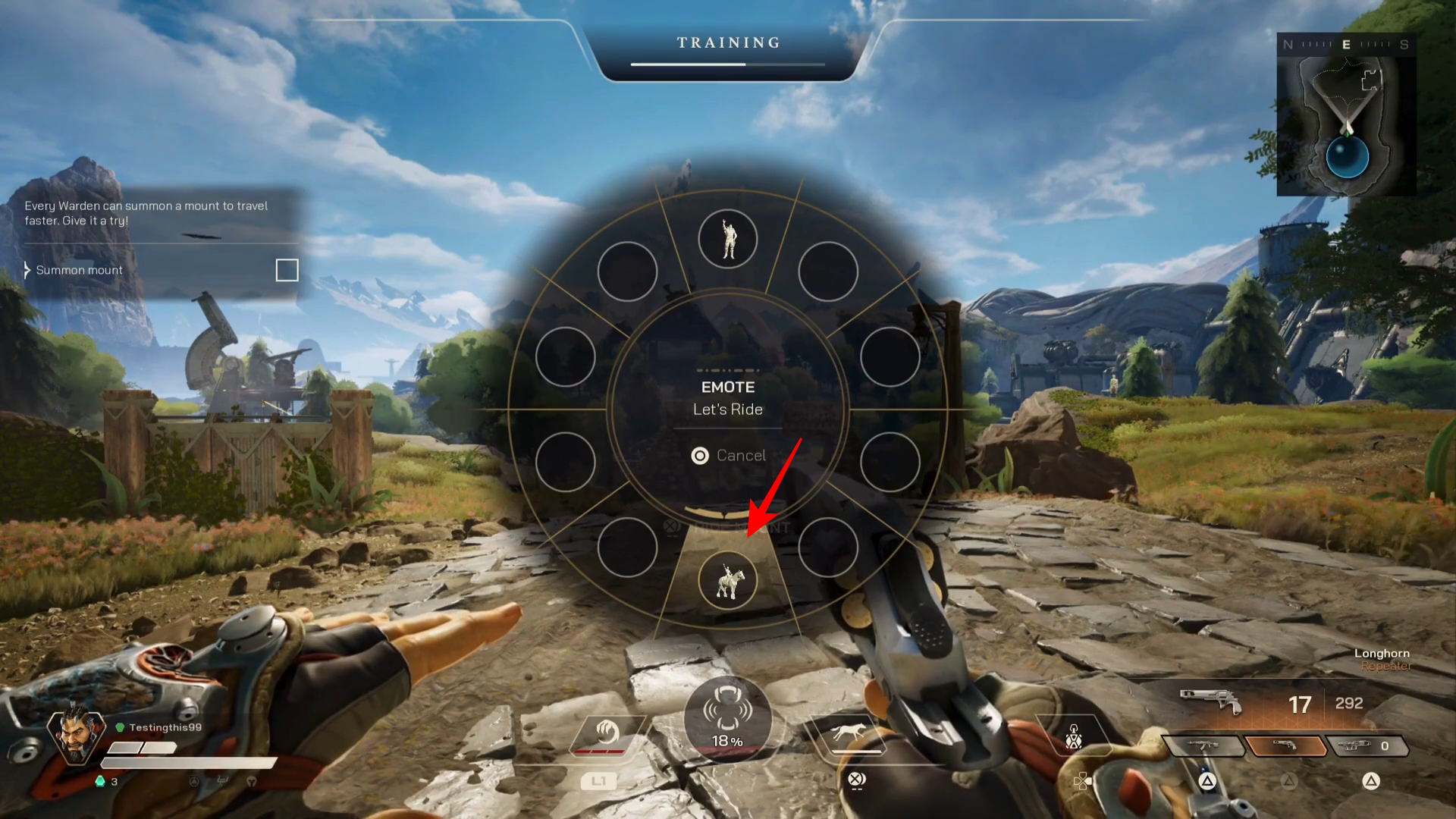
Step 3
Once the mount appears, start moving immediately to avoid lingering in the open—mounts are loud and can draw attention.
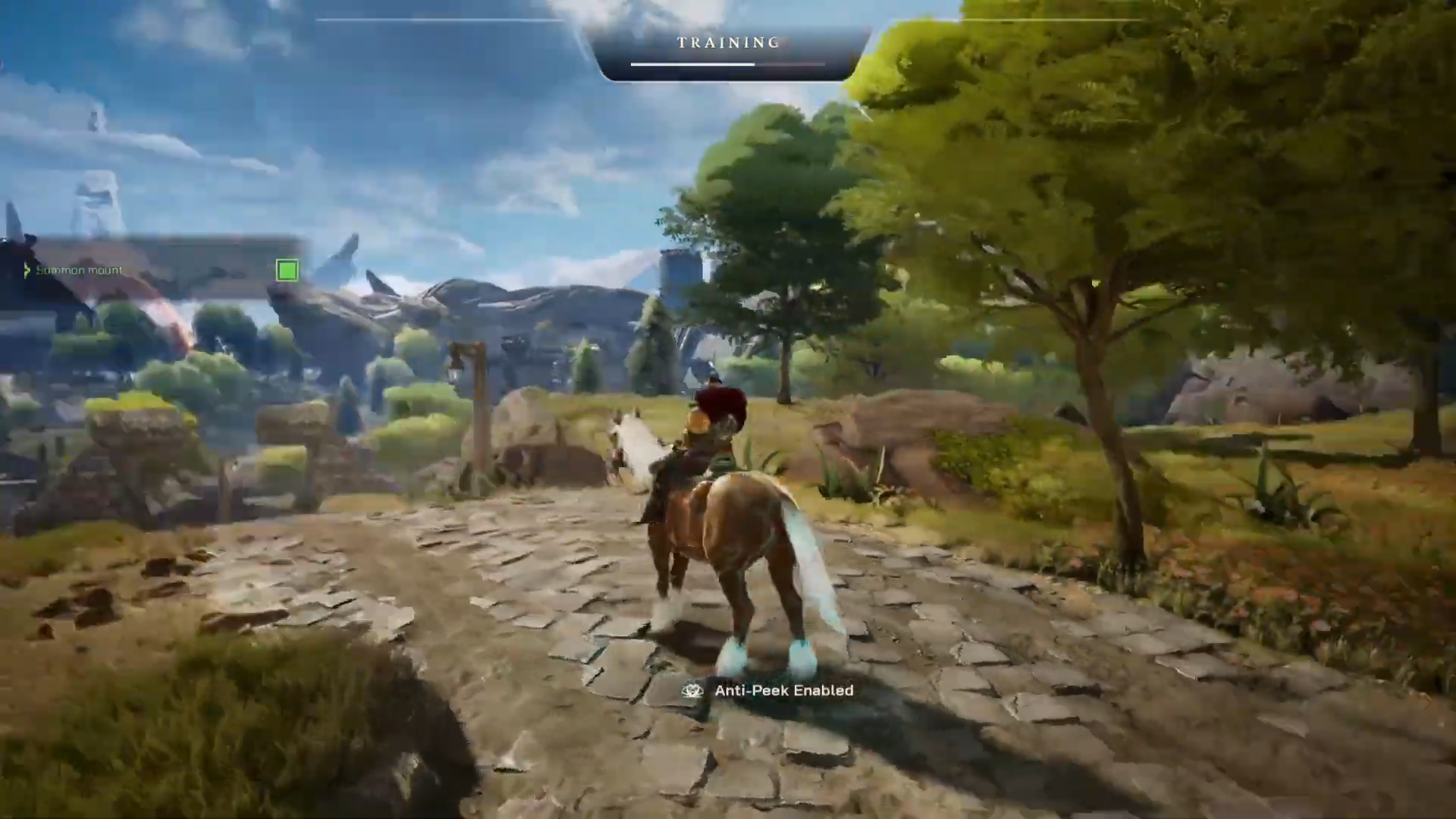
Step 4
If you get shot off or your mount is destroyed, be ready to fight on foot while it’s unavailable (a cooldown can prevent instant resummoning).
How to summon your mount on Xbox (default controls)
Step 1
Create space in an open area so you’re not mounting in the middle of tight cover.
Step 2
Double-tap Jump: press A twice quickly to summon the mount.
Step 3
Use the mount to rotate across open terrain, but avoid riding straight into obvious sightlines because the noise can give you away.
How to summon your mount on PC (default controls)
Step 1
Confirm you’re using the default keybind (Call Mount is X by default).
Step 2
Press X to call your mount.
Step 3
Treat mounting as a “rotate now” tool: get moving, grab distance, and don’t idle on the saddle where you can be tracked by sound.
Mount types and what to expect
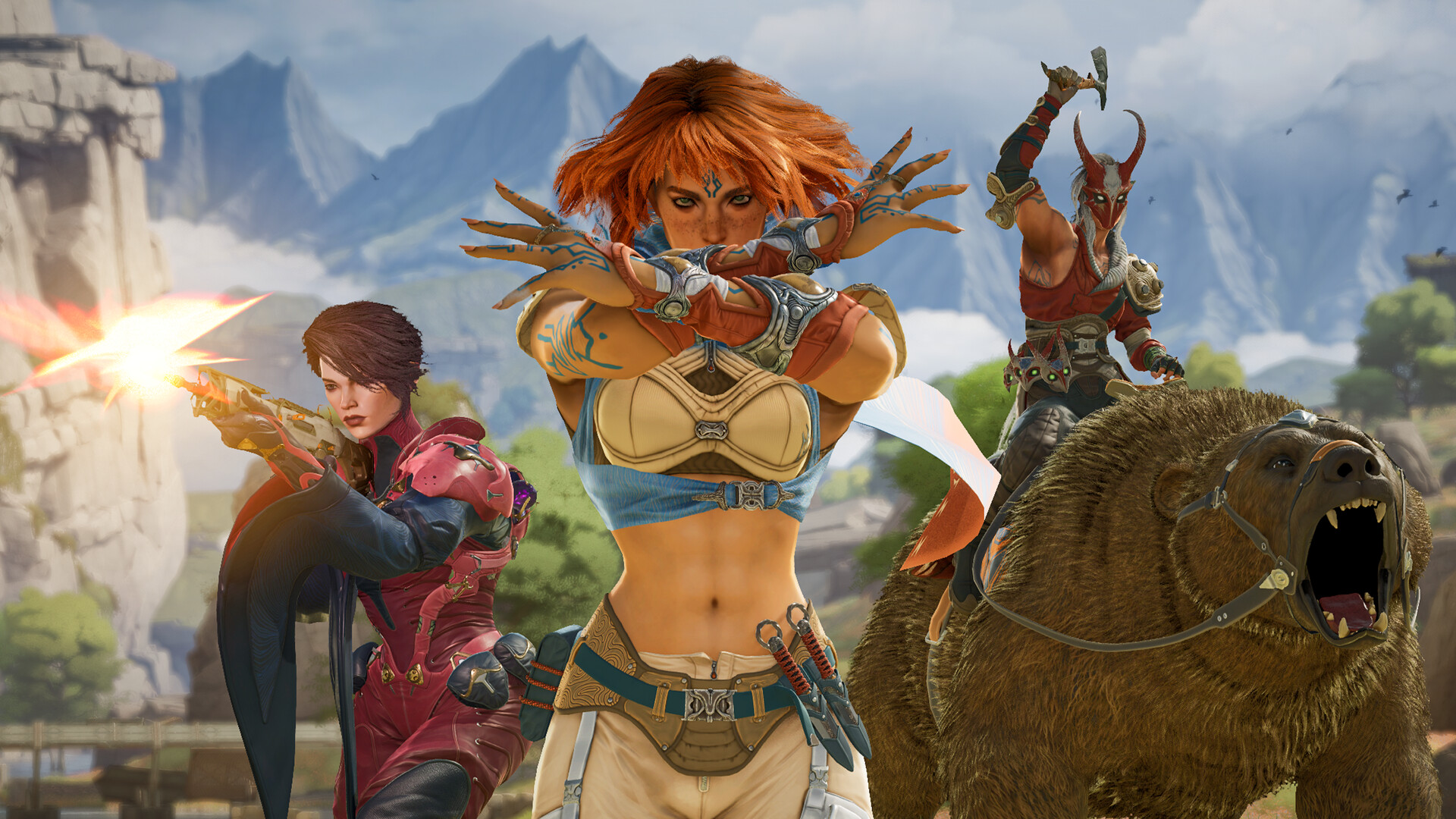
At launch, Highguard includes three mount types: Horse, Panther, and Bear. Mounts can differ in durability and speed depending on items you find, and they’re useful for both travel and quick escapes when a fight turns against you.
If you keep it simple—double-tap Jump on console or press X on PC—you’ll be mounting consistently and rotating faster than players who hesitate. Just remember the tradeoff: mounts are mobility first, stealth last, so summon them when you’re ready to move with purpose.