
What to know
-
Depot Nodes expand your region’s material storage and later unlock packing and delivery services.
-
You unlock the Depot Node feature through the Depot Node 1 quest in Originium Science Park, then Depot Node 2 becomes available right after.
-
Origin Lodespring is one of the areas where you can find Depot Nodes (along with Originium Science Park in the same Valley progression).
-
Delivery runs reward regional Stock Bills used in regional development systems (including stock redistribution and facility upgrades).
In Arknights: Endfield, Origin Lodespring’s Depot Node is best treated as the “next step” once Depot Nodes are already introduced to you through the earlier quest flow, because the game expects you to understand how nodes work before you start relying on them for storage expansion and deliveries.
| Topic | Quick details |
|---|---|
| What you’re unlocking | A Depot Node in Origin Lodespring (a storage expansion point that can also support delivery features after upgrades). |
| Prerequisite progression | Complete Depot Node 1 quest in Originium Science Park to unlock the Depot Node feature; Depot Node 2 follows immediately after. |
| Why it matters | Raises depot storage limits and supports “pack goods” delivery gameplay that rewards Stock Bills. |
| Key related systems | Regional Development/Stock Bills, plus factory logistics improvements that reduce depot bottlenecks over time. |
Location
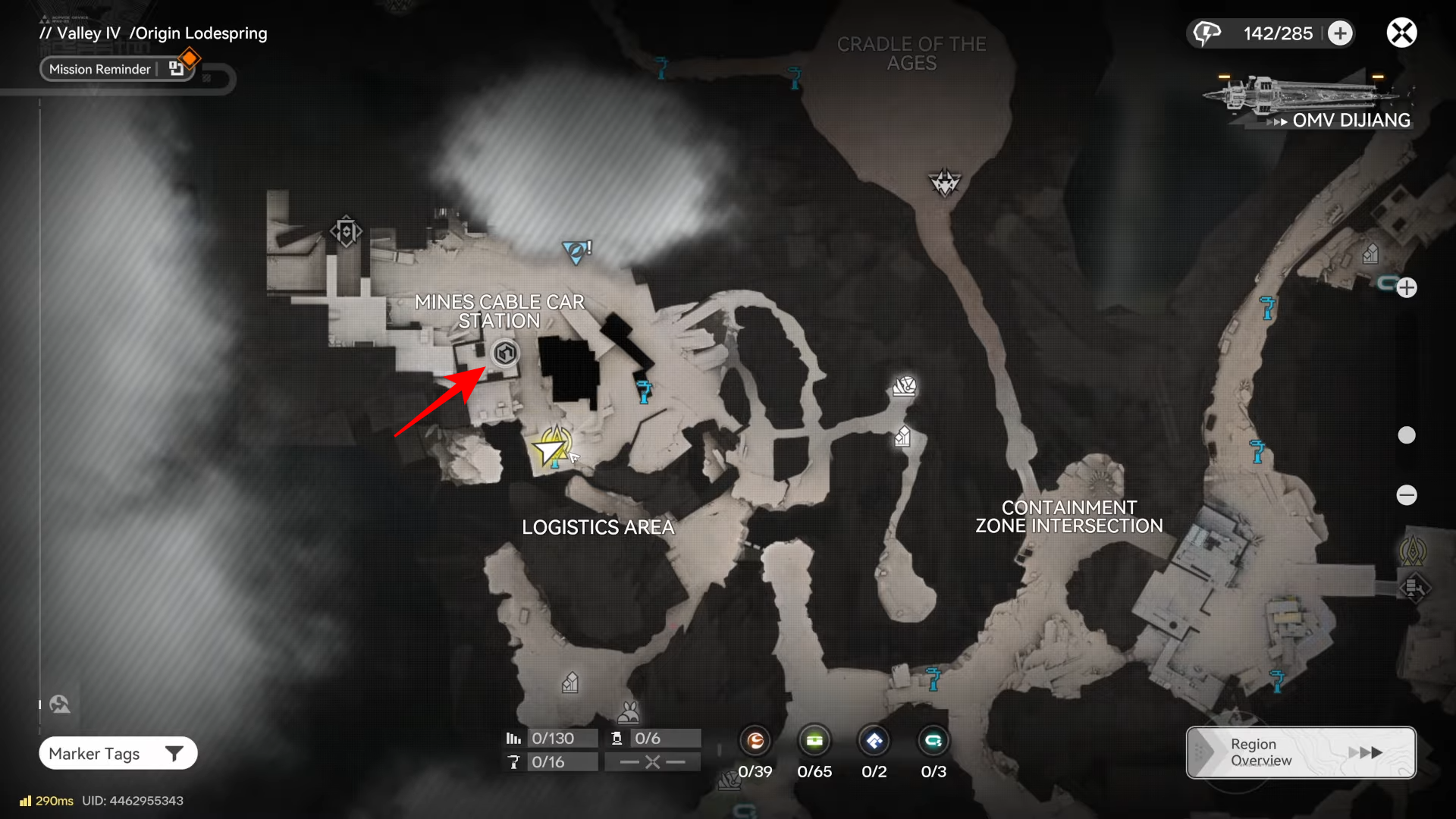
Origin Lodespring is one of the regions where Depot Nodes can be found as you progress through the Valley areas, and it’s specifically called out as a Depot Node location alongside Originium Science Park.
How to unlock the Depot Node in Origin Lodespring
Step 1: Unlock the Depot Node feature first
You need to complete the Depot Node 1 quest in Originium Science Park to unlock Depot Nodes as a feature, because that quest serves as the tutorial and enables the initial storage functions.
Step 2: Start Depot Node 2 right after finishing Depot Node 1
Depot Node 2 becomes available immediately after Depot Node 1, and it teaches you how to upgrade nodes and unlock the full set of Depot Node functions (including delivery service).
Step 3: Head into Origin Lodespring and look for its Depot Node
Once Depot Nodes are active on your account, move into Origin Lodespring and locate the Depot Node there (the game supports Depot Nodes in that area as part of the Valley progression).
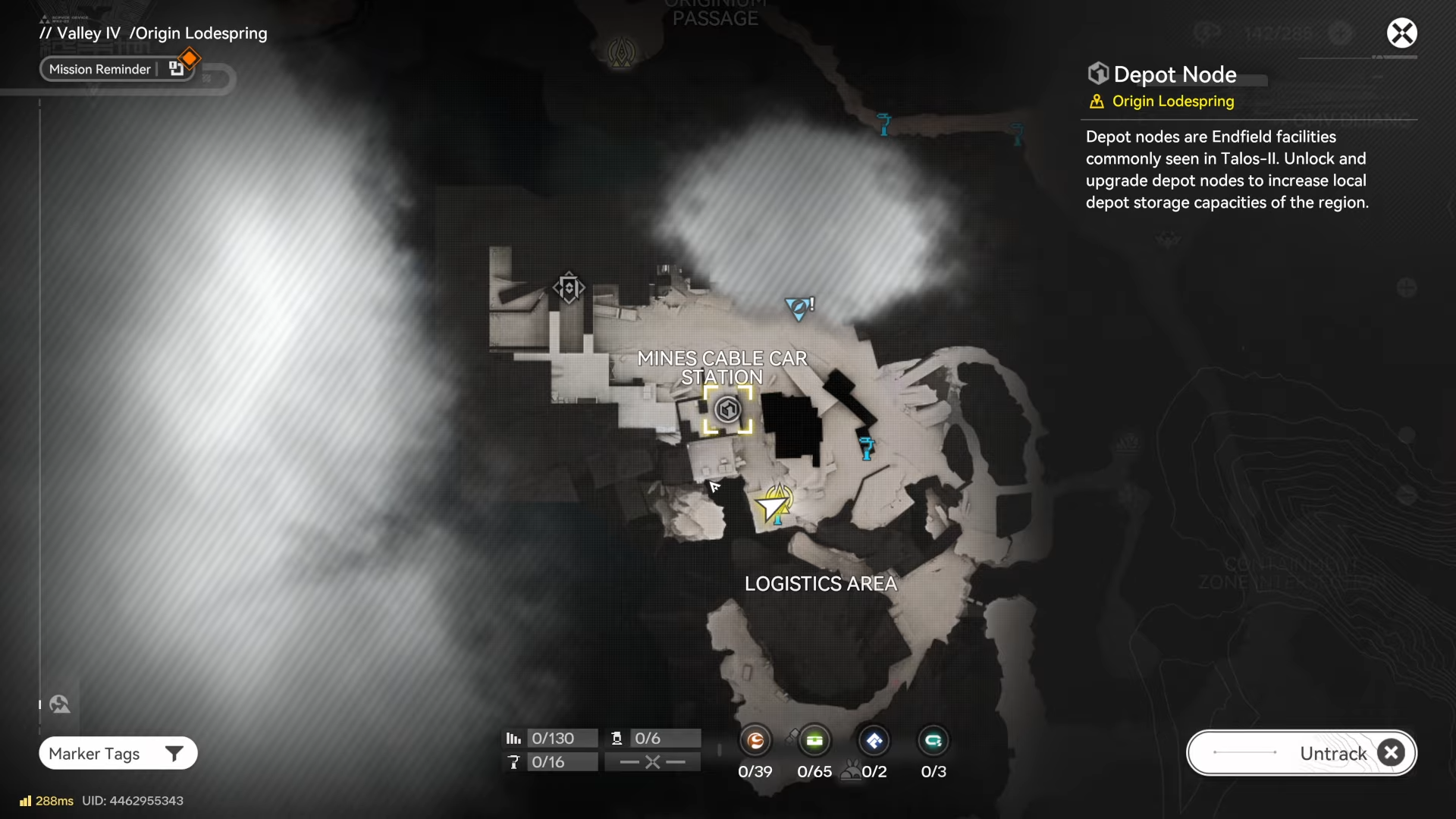
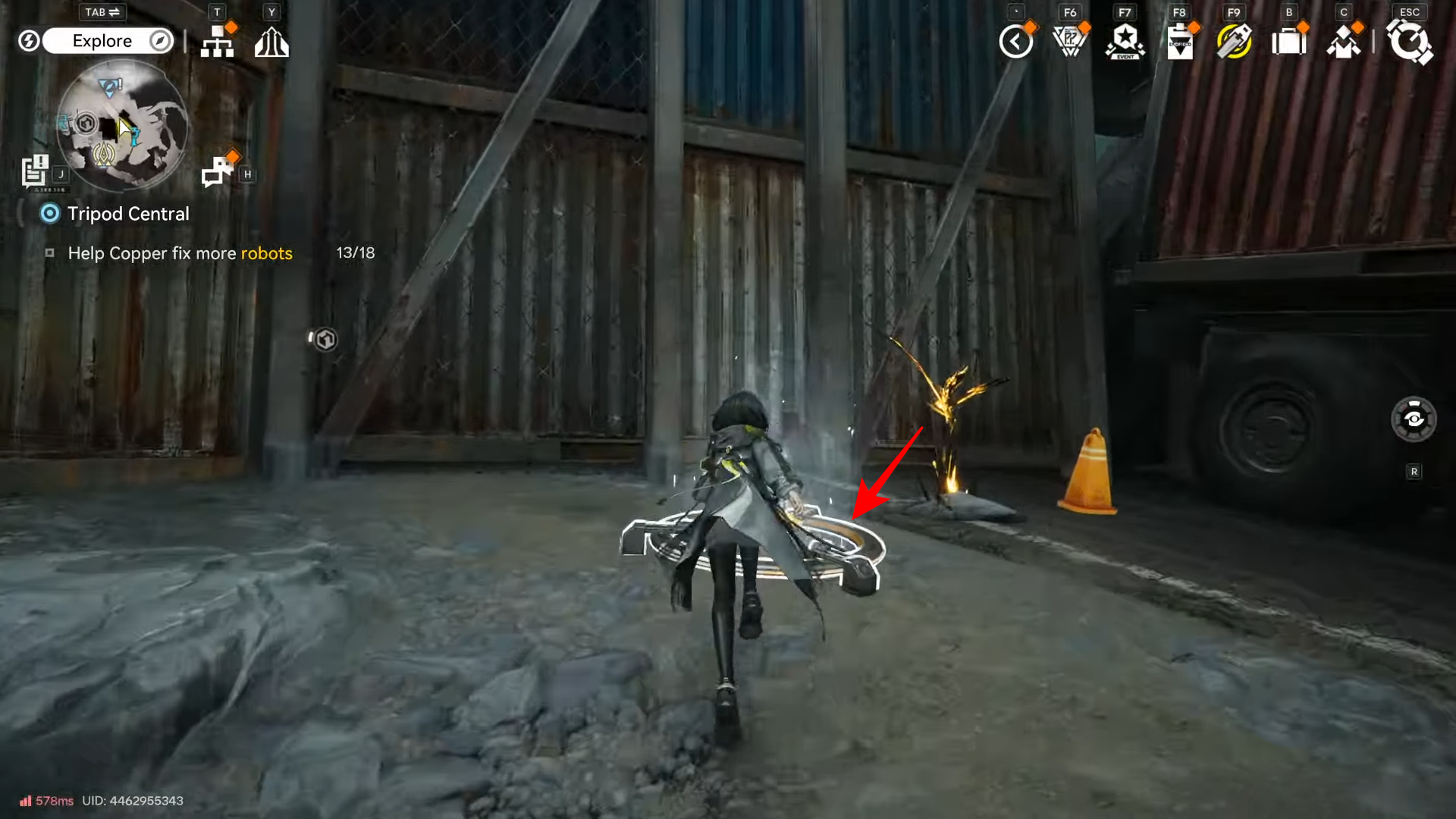
To get there, follow the tracker and jump from the trampoline to get to the other side.
Step 4: Interact with the node to activate its functions
At the Depot Node, select Unlock.
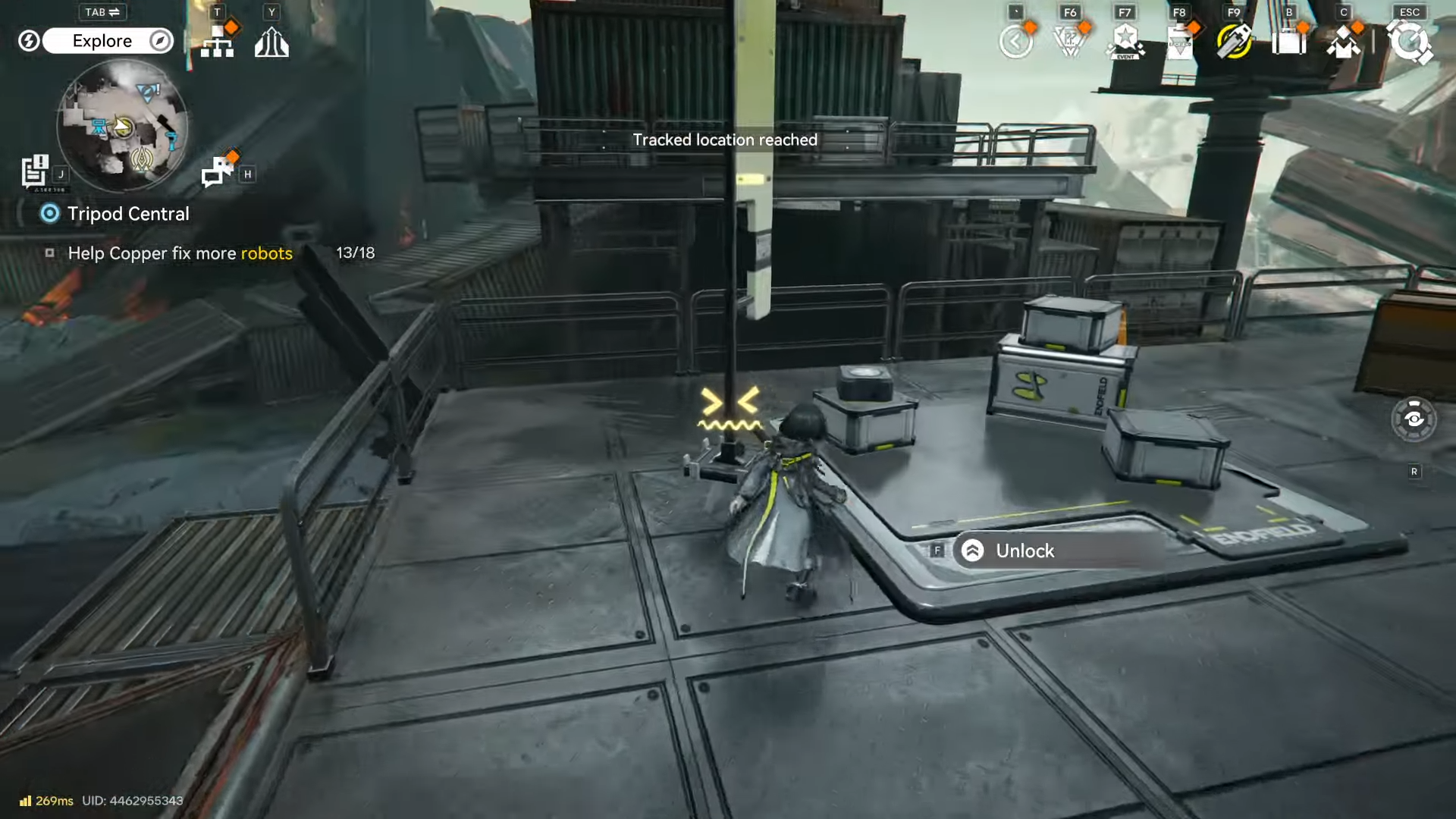
Then click Unlock to confirm.
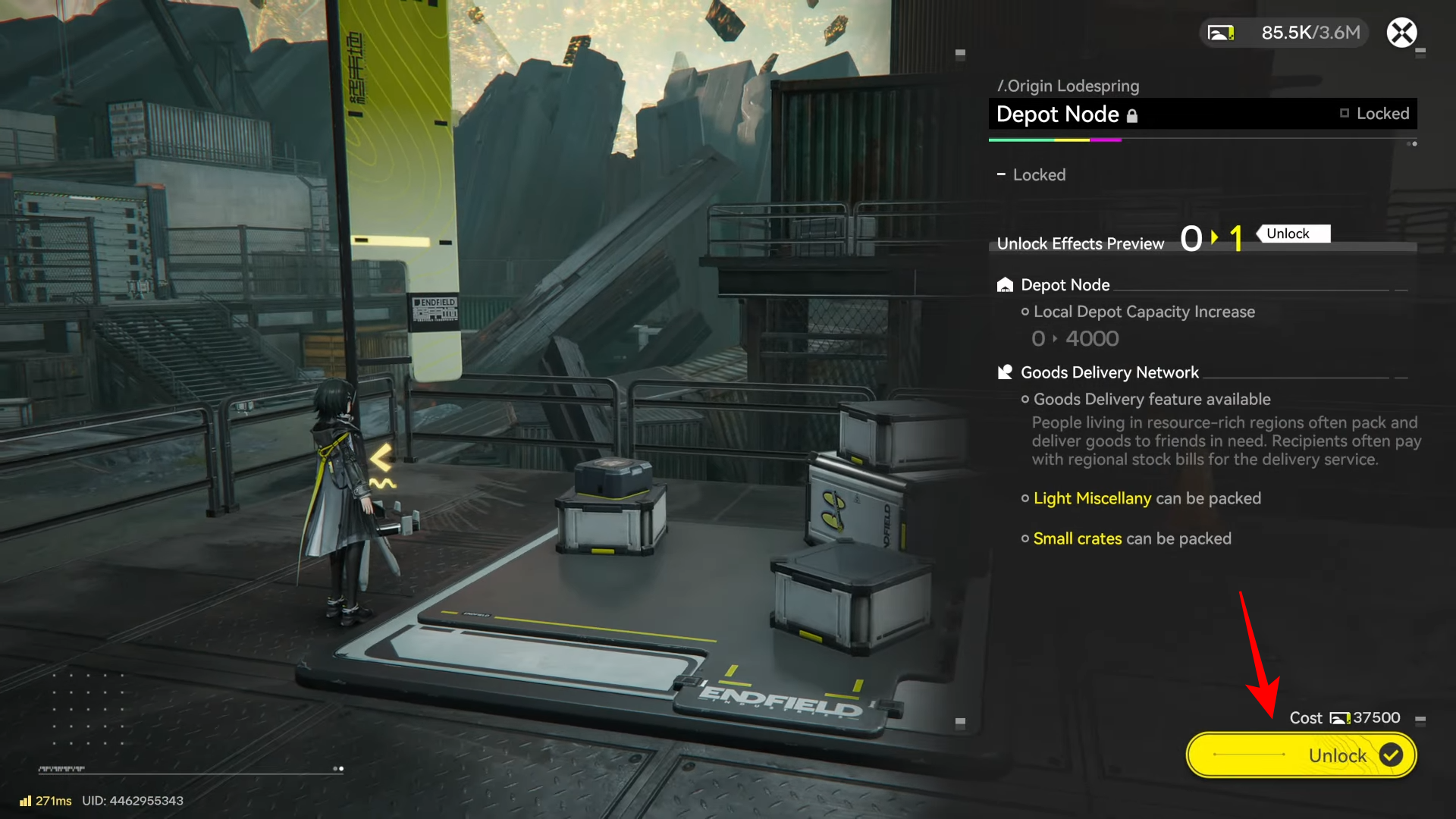
This will give you access to the node functions such as packing goods, which leads into the delivery workflow once that functionality is unlocked through node progression.
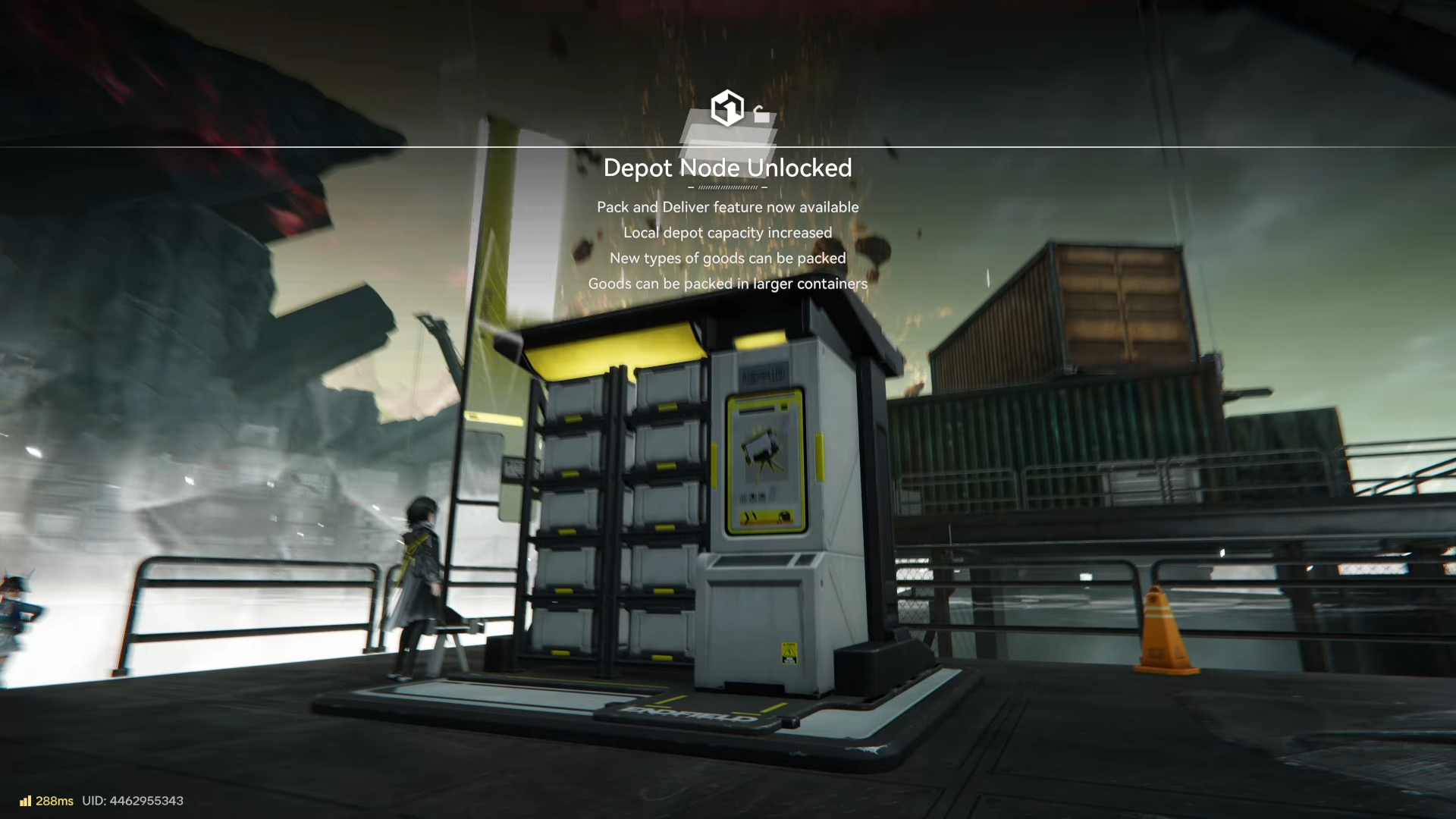
Step 5: Use “Pack goods” to generate a delivery job (when available)
Using the Depot Node’s “Pack Goods” option brings up a list of characters/requests that need resources; selecting one activates a supply mission and starts the delivery loop.
Step 6: Pick up the supplies from the indicated Depot Node
After you accept a delivery mission, you’ll first pick up the supplies from the Depot Node marked on your map, then track the delivery destination.
Step 7: Deliver to the delivery point without damaging the cargo
You must bring the supplies to the Delivery Point, and the game warns that rewards can be reduced if the cargo doesn’t arrive intact; it specifically recommends using ziplines and avoiding TP points to prevent reward slashing.
What changes after you unlock it
Depot Nodes increase your region’s material storage and support sharing resources through delivery-style supply missions once those functions are available.
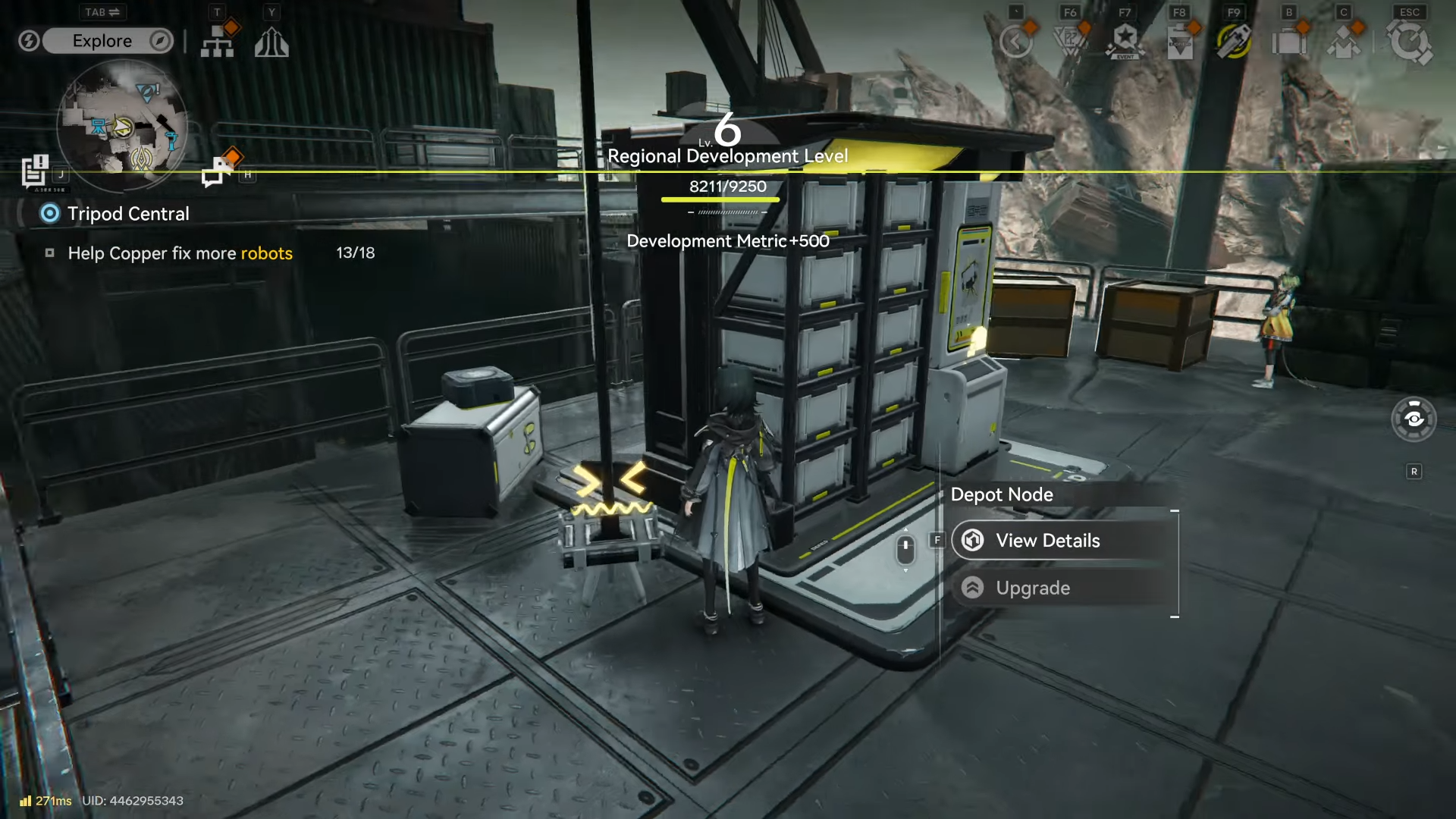
They also help relieve early depot bottlenecks where item stacks cap out and limit how much you can hold for crafting and trading, making node unlocks a practical “scaling” tool as your factory output ramps up.
Depot Node upgrades and what they unlock
Upgrading a Depot Node increases local depot capacity and unlocks more packing/delivery-related functions over time, including goods delivery and the ability to pack additional categories of items.
In a nutshell: If you’re trying to unlock the Depot Node in Origin Lodespring, the key is to first complete Depot Node 1 in Originium Science Park (to enable the system), then follow into Depot Node 2 and start using nodes for storage expansion and deliveries.
Once it’s active, the Origin Lodespring Depot Node becomes a practical upgrade point for boosting capacity and tapping into delivery rewards that pay out Stock Bills for regional development.