What to know
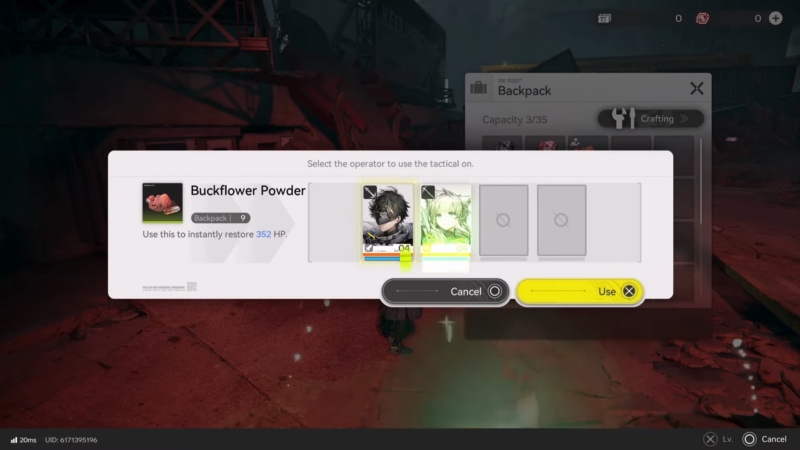
- Teammate revival is typically handled through revival consumables used when a character is downed.
- Some revival items can be configured to trigger automatically, which reduces menu time during chaotic encounters.
- When revival supplies are depleted or multiple characters are down, teleporting back to a safe point is the most reliable recovery option.
- Because healing and recovery are item-driven, revival success depends on crafting, inventory space, and restocking discipline.
Endfield’s revive mechanics feel simple on paper, but they become strategic in practice because every revive has an opportunity cost: time spent reviving is time not spent dodging, breaking enemy pressure, or controlling positioning. The most consistent clears come from treating revives like a limited resource and building a repeatable routine around them in Arknights: Endfield.
Revival options players rely on
Endfield revival generally falls into three practical approaches:
| Method | When it’s best | What it solves | Common downside |
|---|---|---|---|
| Manual revive consumable | The fight is still controllable and the team can protect the revive window | Restores a downed teammate without abandoning the objective | Requires time and attention during combat |
| Auto-use revive setup | Unpredictable fights where someone can drop instantly | Prevents “couldn’t open the menu in time” situations | Can burn through stock quietly across attempts |
| Teleport point recovery | Revives are gone, or the situation is unrecoverable | Resets the squad’s condition so another attempt is possible | Costs time and may require a full re-engage |
How the downed-and-recovery loop behaves in real fights
In many encounters, a single downed teammate triggers a chain reaction: damage drops, the enemy stays active longer, and incoming attacks get harder to manage. A fast revive can stop the snowball, but a risky revive attempt often makes the situation worse by exposing the active character to heavy hits.
It helps to think in “windows.” Most fights naturally create short windows after an enemy attack string, during a stagger, or when enemies are pulled away—those moments are the safest time to commit to a revive. If no window exists, the better move is often to disengage, create one, and only then revive.
How to prepare so revives don’t become a bottleneck
A lot of “no-revive” moments come from inventory and planning mistakes, not combat difficulty. If inventory space is tight, the fix is usually consistency: keep a minimum stock, restock at predictable times, and avoid letting loot crowd out essentials.
Practical preparation habits:
- Maintain a minimum “run kit” before leaving a safe loop: healing items plus a set number of revival consumables.
- Protect inventory space by avoiding over-collecting low-priority materials during long routes; return, store, then continue.
- Restock after any tough encounter, not after supplies look low, because the next fight is often the one that drains everything.
- If auto-revive is being used, carry extra revives beyond the normal minimum, since auto-triggers can consume multiple units across repeated attempts.
How to revive a teammate mid-combat with a consumable
Step 1
Create a safe window first. Pull enemies away, break line-of-sight, or reposition so incoming attacks aren’t overlapping the downed location.
Step 2
Clear immediate threats around the downed teammate. Reviving in active hit zones often leads to an instant re-down.
Step 3
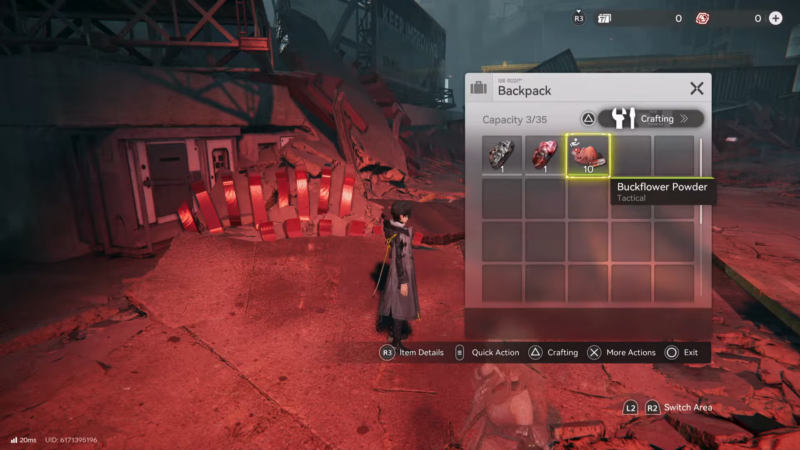
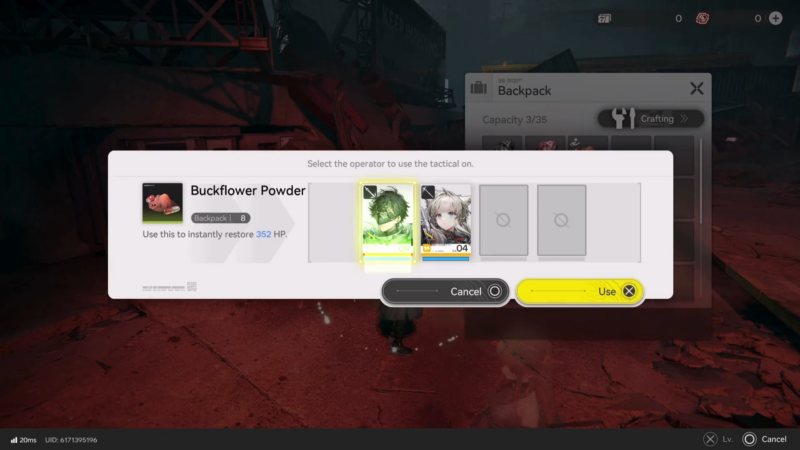
Open the consumables/backpack interface and select the revival item intended for downed recovery.
Step 4
Use the revival consumable on the downed teammate, then reposition immediately. A revive is a reset, not a victory—movement right after matters.
Step 5
Stabilize after the revive. If the teammate returns fragile, prioritize survival for a few seconds: create space, then heal, then resume damage.
Step 6
Rebuild control of the fight. After a revive, focus on reducing pressure first (eliminate the most disruptive enemy, stop ranged chip damage, or move out of hazard zones) before going back to full offense.
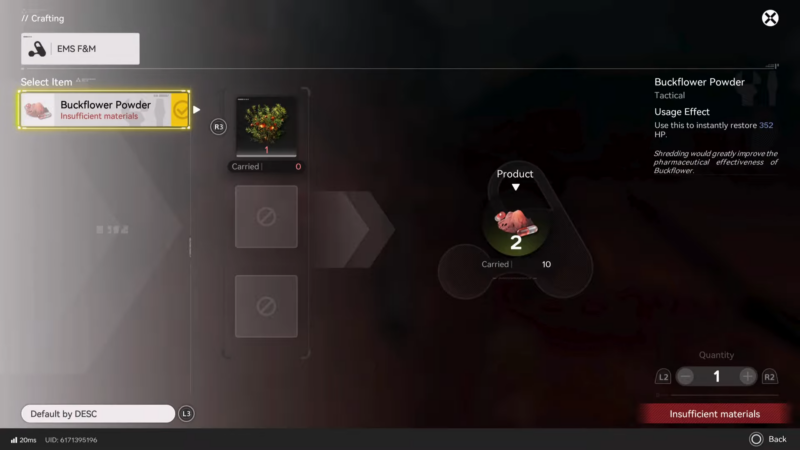
How to set up auto-revive without wasting supplies
Step 1
Locate the revival consumable that supports auto-trigger behavior in the inventory or configuration screen.
Step 2
Enable or equip the auto-use behavior so it can trigger when the character is downed.
Step 3
Decide which situations justify auto-use. It’s best reserved for learning a hard boss, unstable pulls, or missions where a sudden down is common.
Step 4
Monitor consumption between attempts. If auto-revive triggers every run, it’s usually more efficient to change tactics than to keep paying the revive cost.
Step 5
Re-check the “run kit” before leaving safety again. Auto-use can empty revival stock without obvious warning during extended sessions.
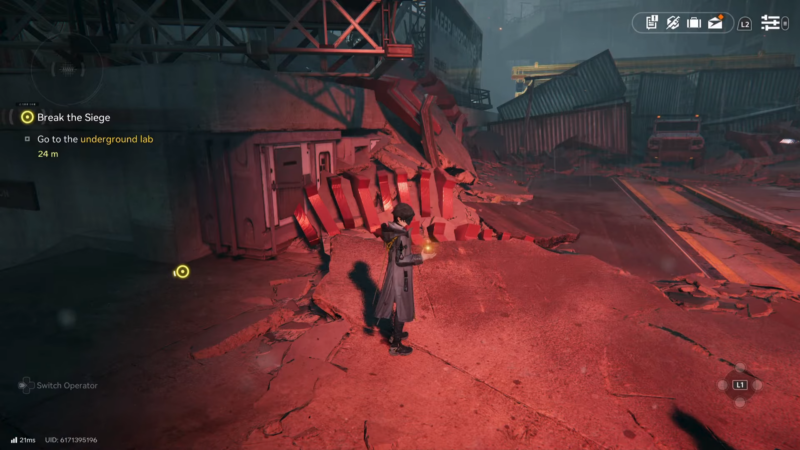
How to recover via teleport when a fight collapses
Step 1
If the team can’t be stabilized—revives are gone, multiple allies are down, or pressure is too high—teleport back to a safe point.
Step 2
Use the reset to reorganize: restock revival items, refill healing supplies, and free inventory space so essentials aren’t squeezed out.
Step 3
Reattempt with a small tactical change rather than repeating the exact engagement. Common high-impact changes include pulling fewer enemies, prioritizing ranged threats first, or repositioning earlier to avoid getting boxed in.
Step 4
Treat repeated collapses as a signal to change the plan. If three attempts consume most revives, the next attempt should be approached differently—more cautious scouting, slower pull pacing, or a safer retreat path.
Common mistakes that waste revives
Avoiding these issues usually improves revive efficiency more than simply carrying more items:
- Reviving immediately after a teammate falls, instead of waiting for a safe window.
- Reviving in hazards or heavy AoE zones where the revived teammate can’t survive the first second.
- Letting auto-revive stay enabled during low-risk roaming, which drains supplies before the real fight.
- Entering a long route without a minimum stock target, then trying to “make do” after supplies hit critical.
Keeping revives reliable through progression
Reviving teammates in Endfield is most consistent when it’s treated as supply control plus tempo control: carry revival consumables, use auto-revive only when it actually saves runs, and rely on teleport recovery to reset when the fight is no longer salvageable. With a steady restock routine and smarter revive timing, downed teammates stop being a run-ending event and become a manageable setback.