What to know
- Blueprint share codes only work on the same server region (Americas/Europe codes won’t import on Asia, and vice versa).
- You typically import from the Shared Blueprints area using an “Import Blueprint” option, then place/construct it.
- Top-down view is commonly bound to Caps Lock in AIC/build mode (and can be remapped).
- You can also create your own blueprints via Bulk Action selection in top view and saving (commonly Ctrl + S), then submit/share after approval.
Factory-building in Arknights Endfield can be time-consuming, so blueprints let you copy an optimized layout and place it quickly instead of rebuilding from scratch. The most common reason an import fails is using a code from the wrong server region.
How blueprint importing works in Arknights Endfield
Blueprints are saved layouts (often AIC factory setups) that the game reconstructs from a shared code into a placeable plan in your account. After import, you place/construct the blueprint in your AIC area and adjust if the terrain or your unlocks don’t match the creator’s setup.
Why blueprint codes can fail (server/region lock)
Blueprint codes are tied to the server region. If the creator is on Americas/Europe and you’re on Asia (or the reverse), importing the code may fail even if the code is correct. If you’re stuck, your first check should always be whether the code was posted for your exact server region.
How to import and place a blueprint code
Step 1
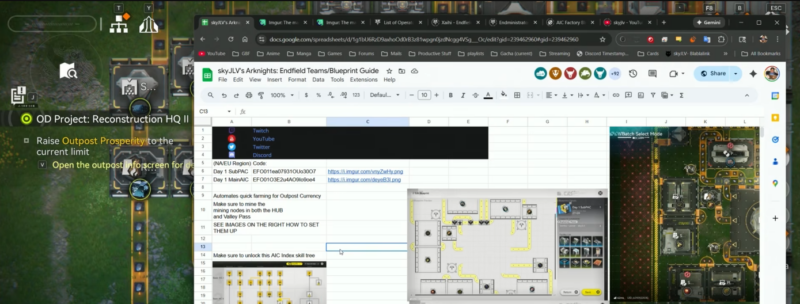
Confirm you’re on the same server region as the blueprint creator (Americas/Europe vs Asia).
Step 2
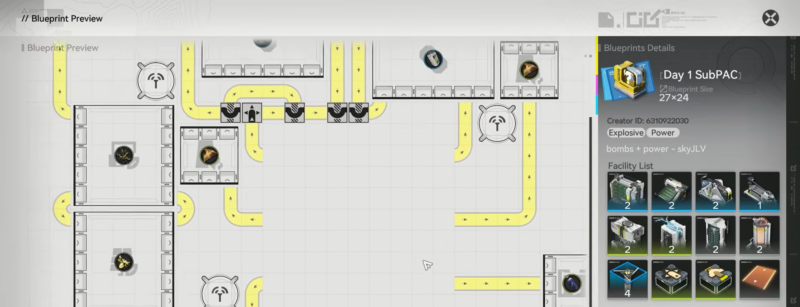
Enter AIC/build mode and switch to top-down view (often Caps Lock; check or remap keybinds if needed).
Step 3
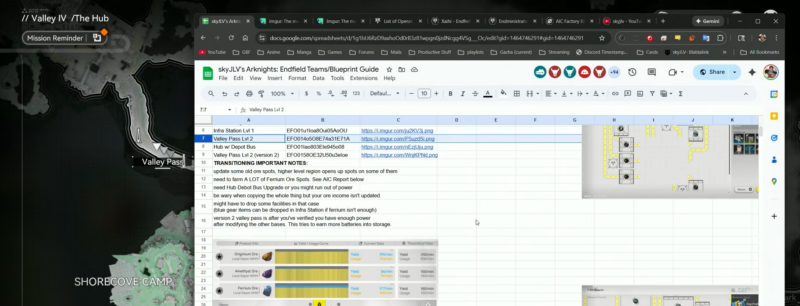
Open the blueprint interface and go to Shared Blueprints.
Step 4
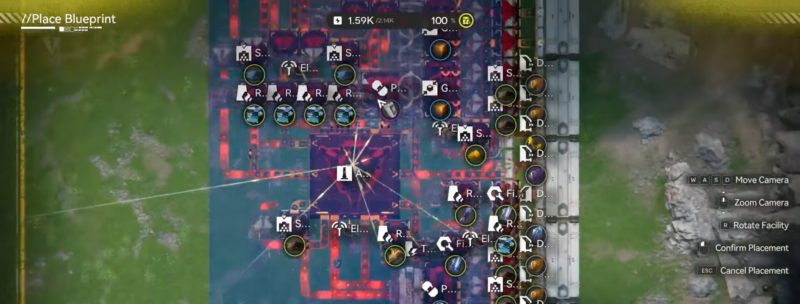
Choose Import Blueprint, paste the blueprint code, and confirm to import.
Step 5
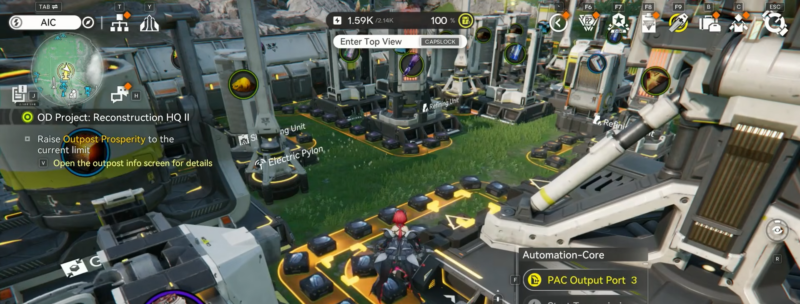
Select the imported blueprint and Place/Construct it, then resolve any missing-unlock, spacing, or terrain issues by repositioning or waiting until you unlock required infrastructure.
You generally create a blueprint by entering AIC top view, using a bulk-selection tool to select structures, then saving the selection as a blueprint (commonly Ctrl + S in guides). To share it broadly, you submit it for review; after approval, you can share it and copy a blueprint code for others to import.
How to troubleshoot common blueprint problems
- If import fails immediately, verify server region match first.
- If the blueprint previews but won’t fully build, you may be missing required facilities in inventory or haven’t unlocked related systems yet.
- If placement is messy, use top-down view and try rotating/repositioning; some layouts are designed for specific AIC plots.
Using blueprints without headaches
If you match the creator’s server region and import through Shared Blueprints, you can skip most early factory friction and keep progression smooth. When a creator labels sets as “Day 1/Day 2/Day 3,” treat that as “unlock milestones,” not literal time played.