- What to know
- Zipline system in Arknights Endfield
- What ziplines are in Arknights Endfield
- How to unlock Ziplines in Arknights: Endfield
- How to find the zipline talent in the building tree
- What you need to build ziplines
- How to start building a zipline network in Arknights Endfield
- How to place zipline pylons correctly
- Why zipline pylons need power
- How to power ziplines in Arknights Endfield
- Using ziplines after construction
- Shared-world benefits of building ziplines
- Common mistakes when building ziplines
- Tips for efficient zipline networks
- How ziplines fit into long-term progression
What to know
- Ziplines are unlocked through the Building Talent Tree, not by default
- You must reach the main mission “Paving the Way” to access them
- Zipline pylons require power to function
- Built ziplines persist in shared worlds and can help other players
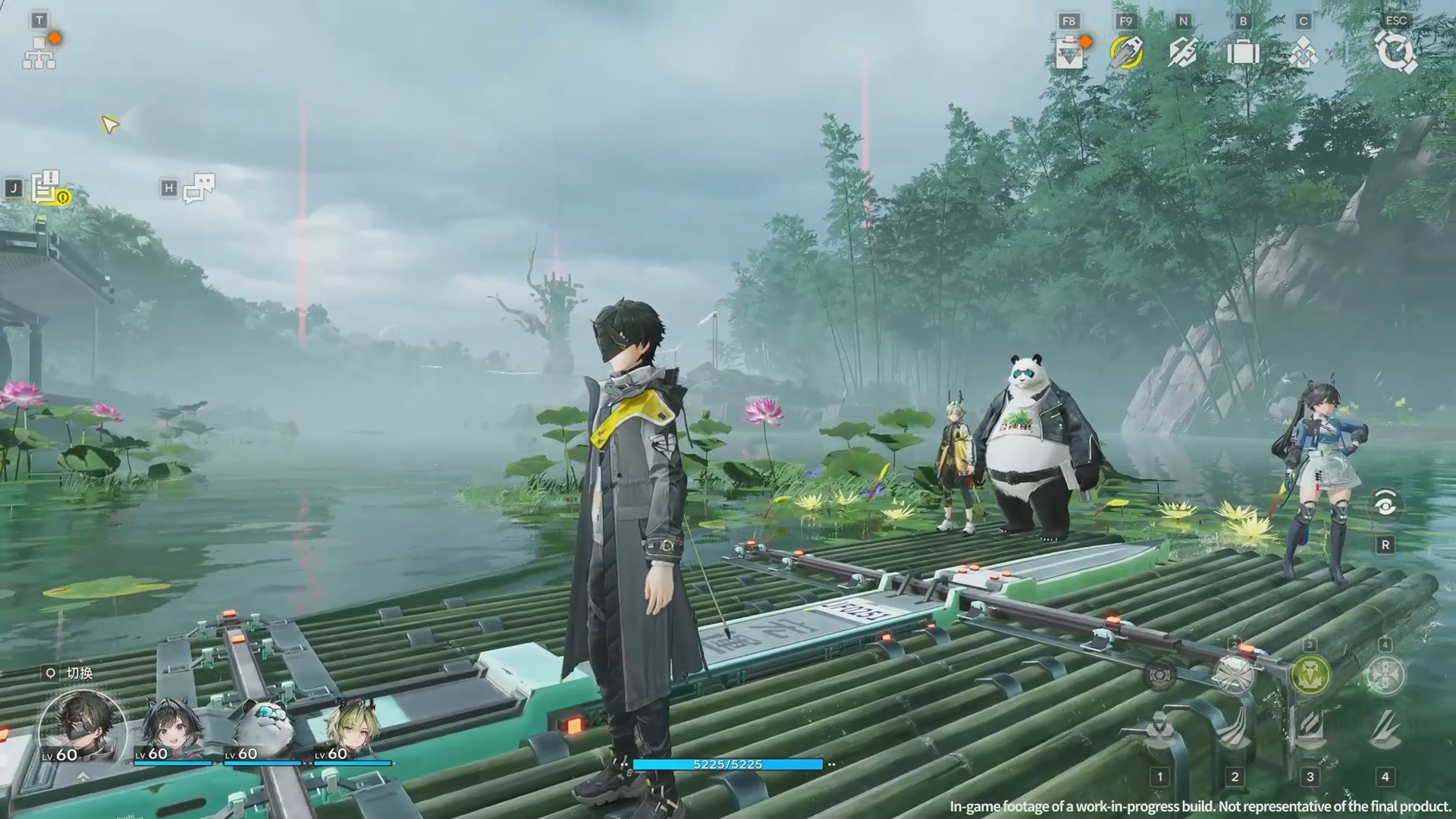
In Arknights: Endfield, traversal is just as important as combat and crafting. The game’s maps are large, vertical, and often lack convenient teleport points, especially in mid-game regions. This is where ziplines become one of the most valuable infrastructure tools you can unlock.
Ziplines aren’t available from the start, and the game doesn’t clearly point you toward them unless you know where to look. Once unlocked and built, however, they dramatically reduce travel time, make resource routes more efficient, and even contribute to shared-world progression. This guide explains how to unlock ziplines, how to build and power them, and how to use them effectively.
Zipline system in Arknights Endfield
| Component | Purpose |
|---|---|
| Building Talent Tree | Unlocks zipline construction |
| Zipline Pylon | Main structure that creates zipline paths |
| Electric Pylon | Supplies power to zipline pylons |
| Relay Tower | Extends power from your base |
| Power Cables | Connect pylons to the power grid |
What ziplines are in Arknights Endfield
Ziplines are a player-built traversal network that allows fast movement between elevated or distant points on the map. Unlike teleport points, ziplines can be placed almost anywhere, provided you meet the placement and power requirements.
Ziplines are especially useful for:
- Crossing large gaps or vertical drops
- Reaching resource zones quickly
- Creating shortcuts between hub areas
- Reducing backtracking during missions
- Helping other players in shared instances
Because maps become more complex as you progress, ziplines transition from a convenience feature to an essential system.
How to unlock Ziplines in Arknights: Endfield
Ziplines are locked behind progression and a hidden talent investment.
Requirements before unlocking ziplines
Before you can unlock the zipline talent, you must:
- Progress the main story until the mission “Paving the Way”
- Collect at least two talent points
- Gain access to the Building Talent Tree
Talent points are earned by interacting with special objects during exploration, including inflatable tube men found along key routes.
How to find the zipline talent in the building tree
The zipline talent is not immediately visible, which is why many players miss it.
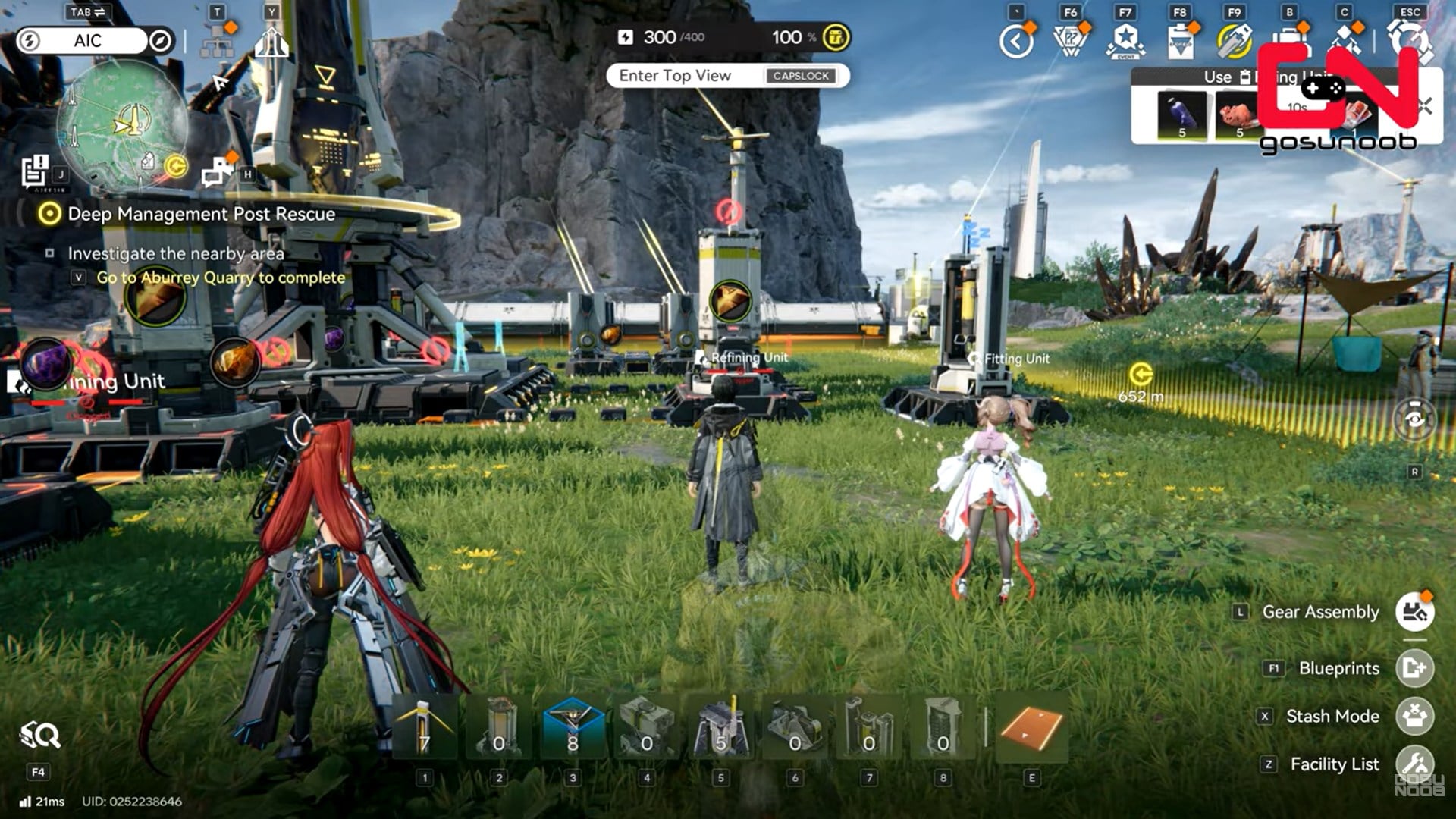
Step 1: Open the Building Talent Tree
Press T on keyboard or click the top-left button to open the building talent interface.
Step 2: Switch to the building-focused tree
Ensure you’re viewing the construction and infrastructure talents, not combat-related ones.
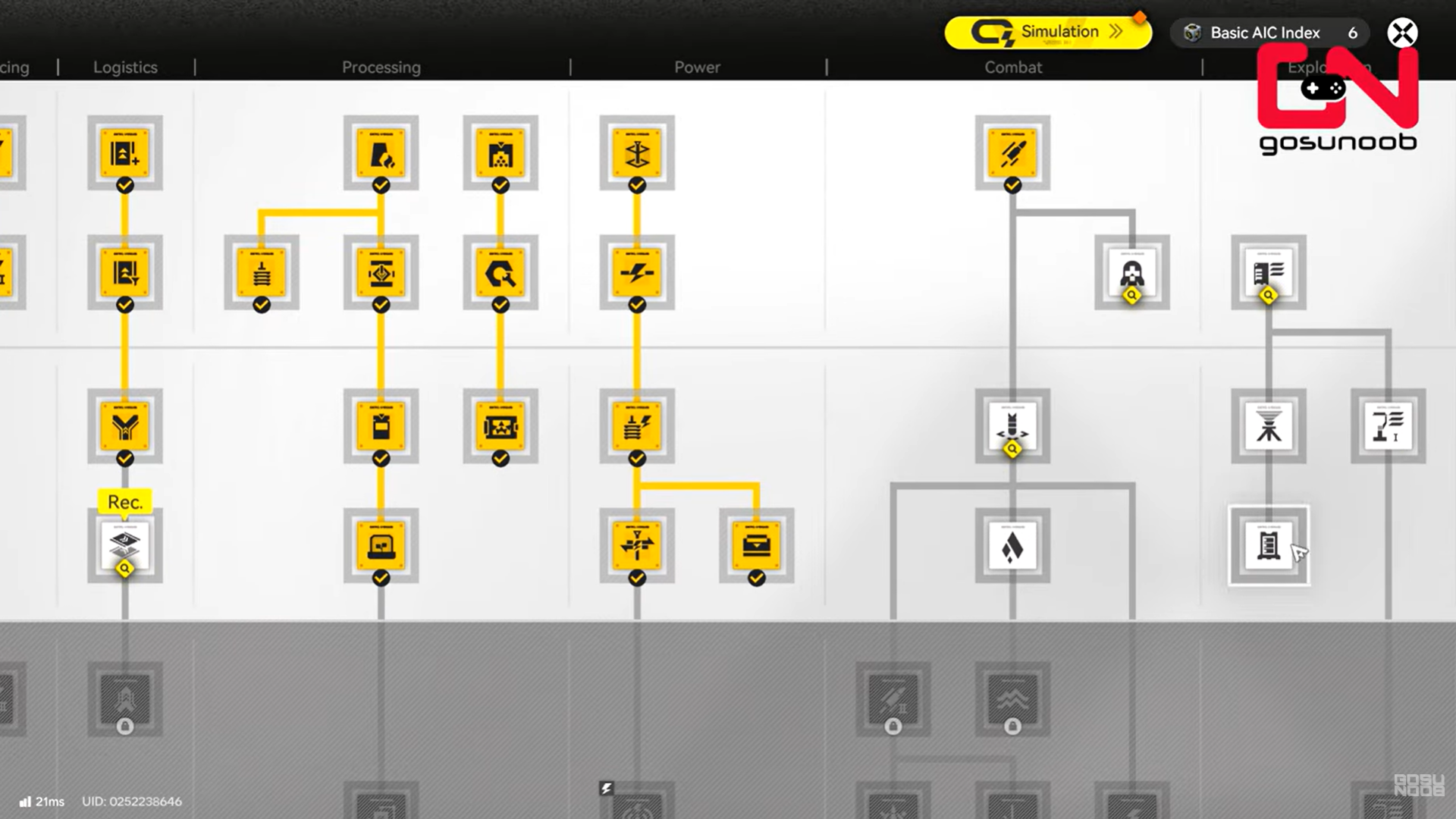
Step 3: Scroll left to reveal hidden talents
Move the screen to the left. The zipline talent is positioned on the far-right side and is hidden by default.
Step 4: Locate the zipline talent node
The talent is clearly labeled once revealed and requires two talent points.
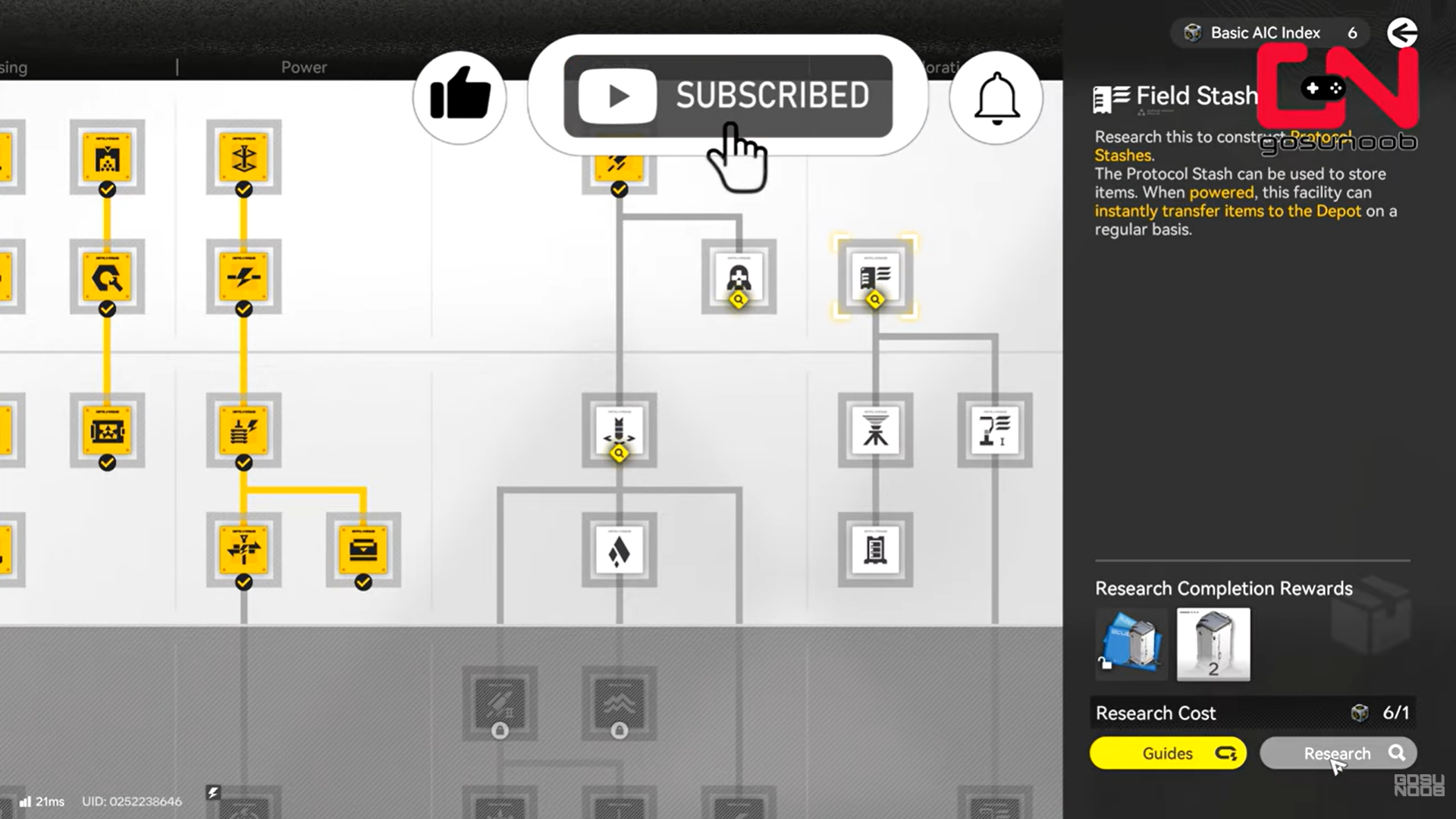
Step 5: Invest two talent points
Spend your points to unlock zipline construction permanently.
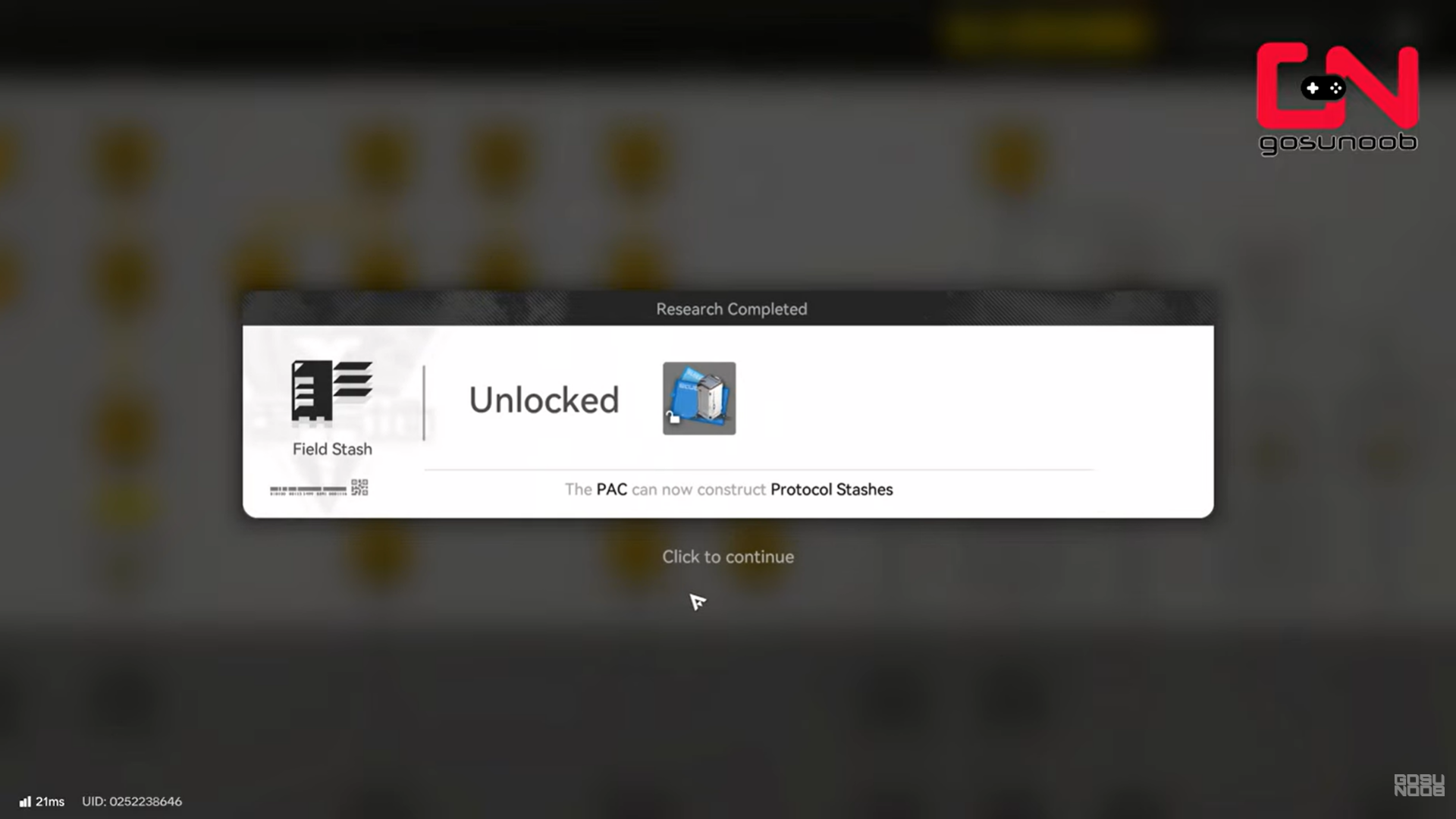
Once unlocked, zipline structures become available in your facility build list.
What you need to build ziplines
Unlocking the talent does not automatically create ziplines. You must build the required structures manually.
Structures required for a zipline network
To build a functional zipline, you need:
- Zipline Pylons
- Electric Pylons
- Relay Towers (if extending power)
- An active power source from your base or AIC
All of these are constructed through the facility build menu.
How to start building a zipline network in Arknights Endfield
Zipline construction begins from your core AIC area, which acts as the central power source.
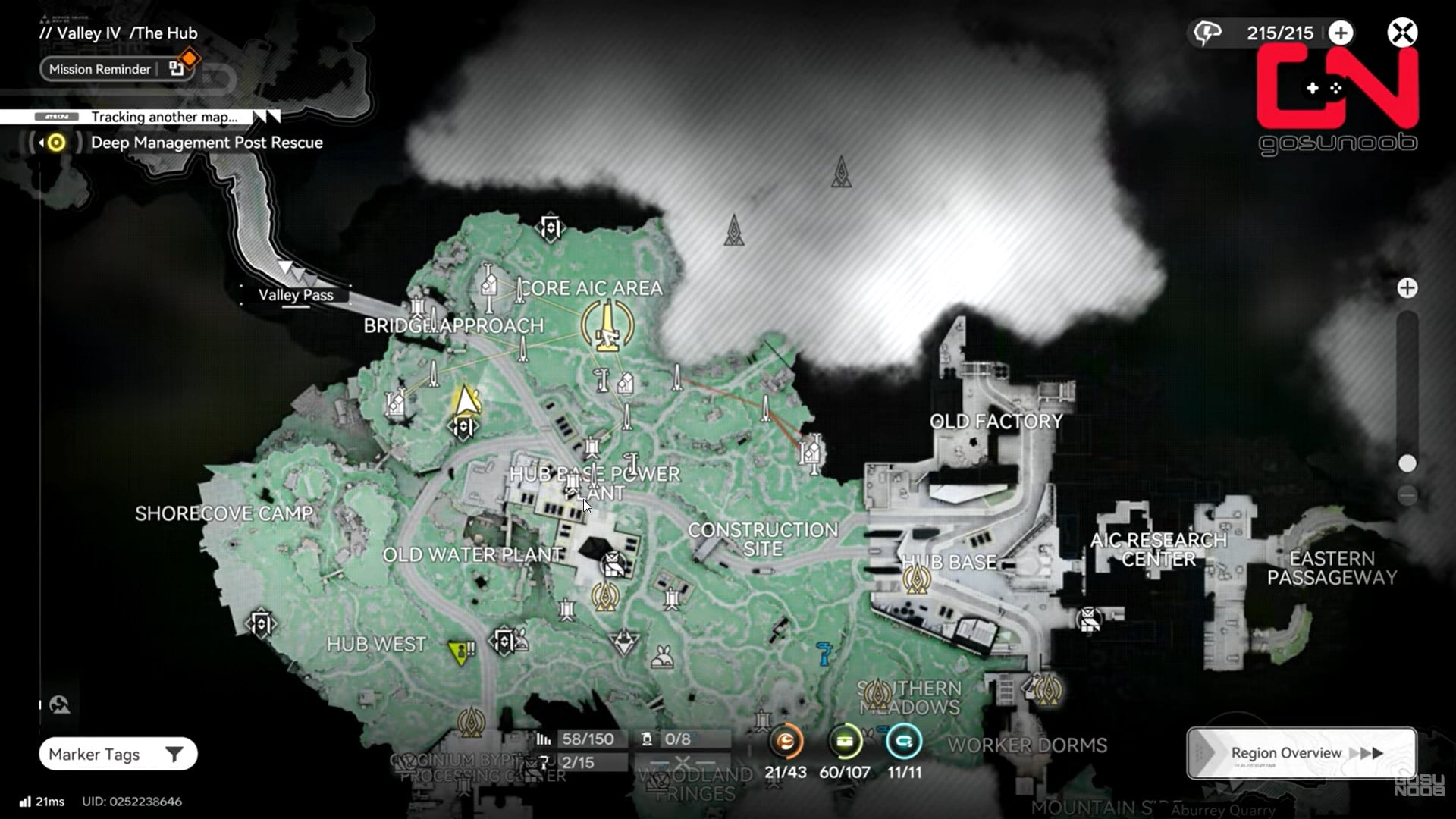
Step 6: Go to your core AIC area
This is your main base and power hub.
Step 7: Open the facility build list
Access the construction menu that allows you to place infrastructure.
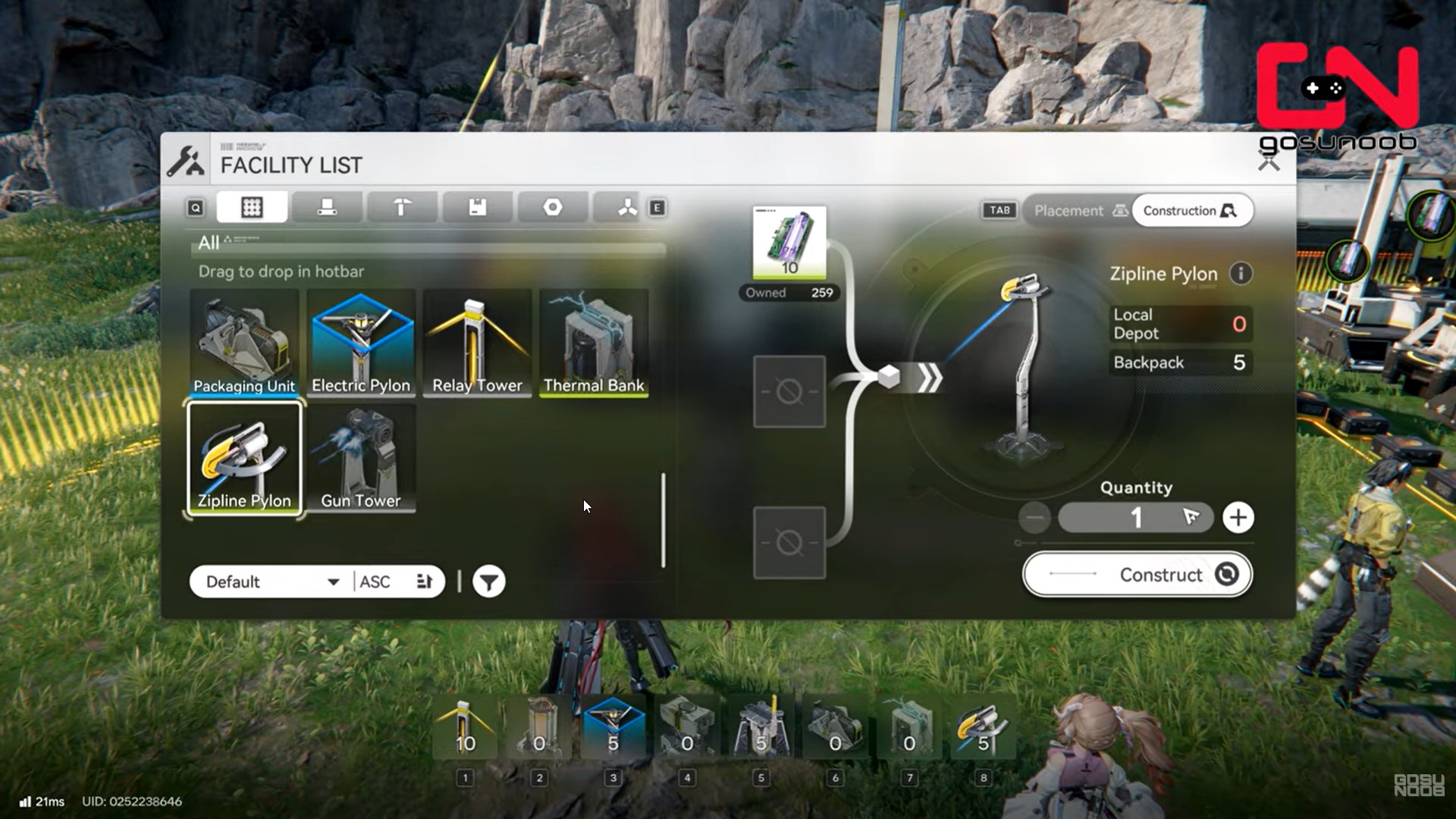
Step 8: Select zipline-related structures
From the list, locate:
- Zipline Pylons
- Electric Pylons
- Relay Towers
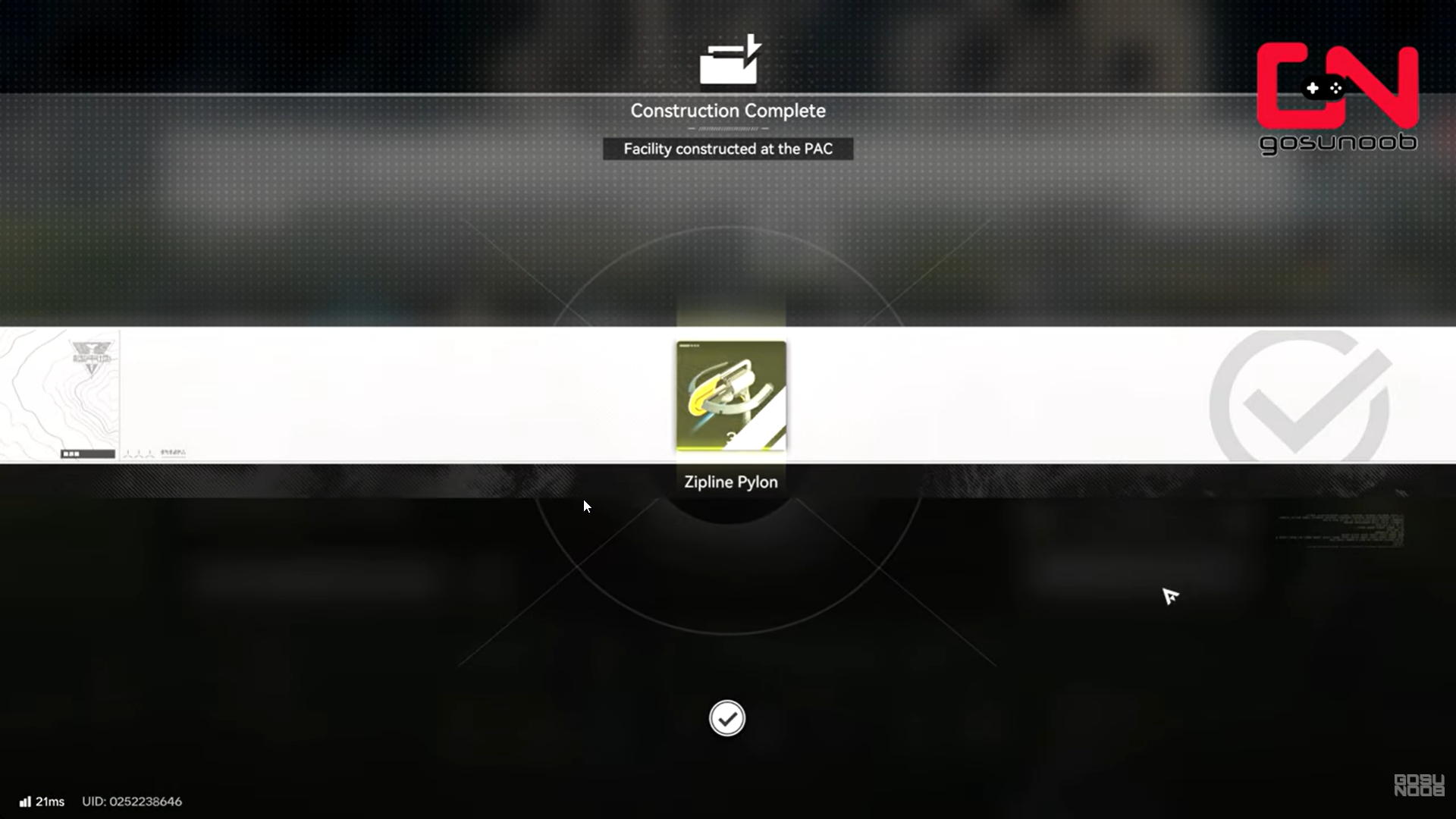
Ensure you have the required materials before placing anything.
How to place zipline pylons correctly
Zipline pylons determine the physical path you’ll travel.
Placement rules for zipline pylons
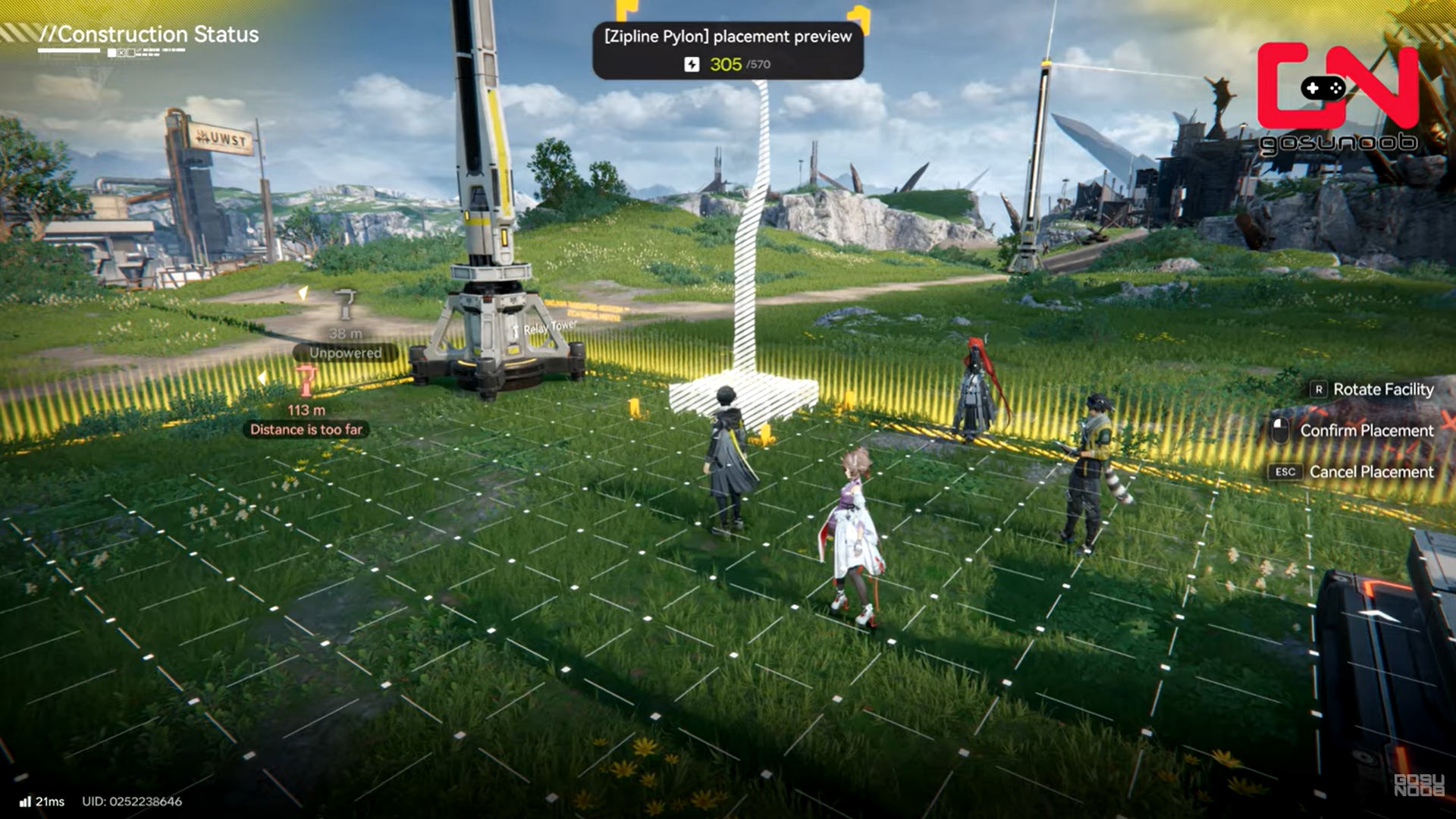
- Pylons must be placed within 80 meters of each other
- Line of sight and terrain elevation matter
- Pylons can be placed on cliffs, platforms, and high ground
Step 9: Place the first zipline pylon
Position the first pylon near your starting point or base. Travel in the direction you want the zipline to go.
Step 10: Place the next zipline pylon
Ensure the distance between pylons stays under 80 meters.
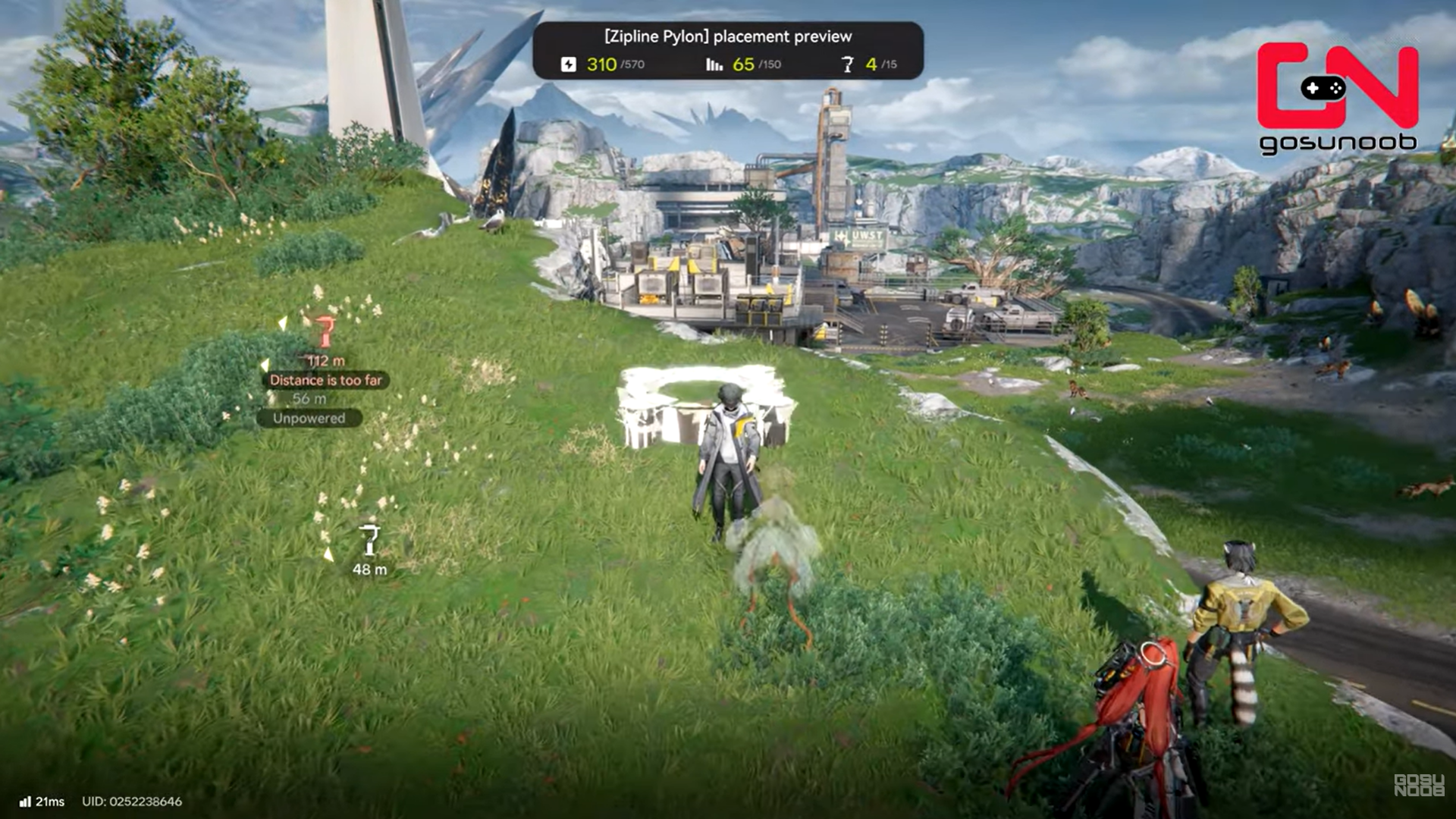
Step 11: Repeat to extend the network
Continue placing pylons until you reach your target area.
At this stage, the pylons exist but do not function yet.
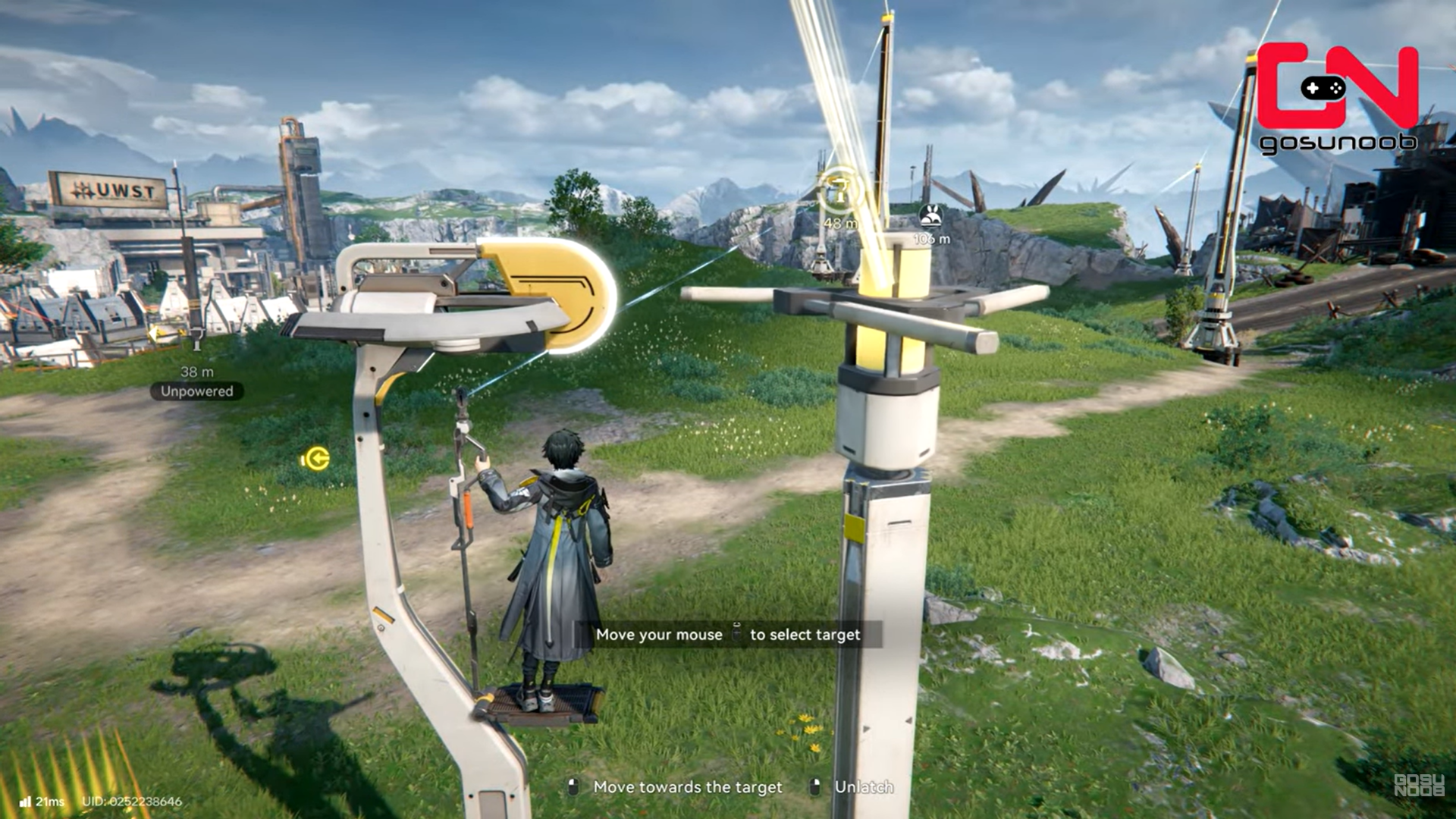
Why zipline pylons need power
Zipline pylons require electricity to operate. Without power, they remain inactive even if placed correctly.
Each zipline pylon must be connected to:
- An electric pylon
- Which is then connected to your power grid
This is where relay towers become important.
How to power ziplines in Arknights Endfield
Step 13: Place an electric pylon near the zipline pylon
Electric pylons act as power distributors.
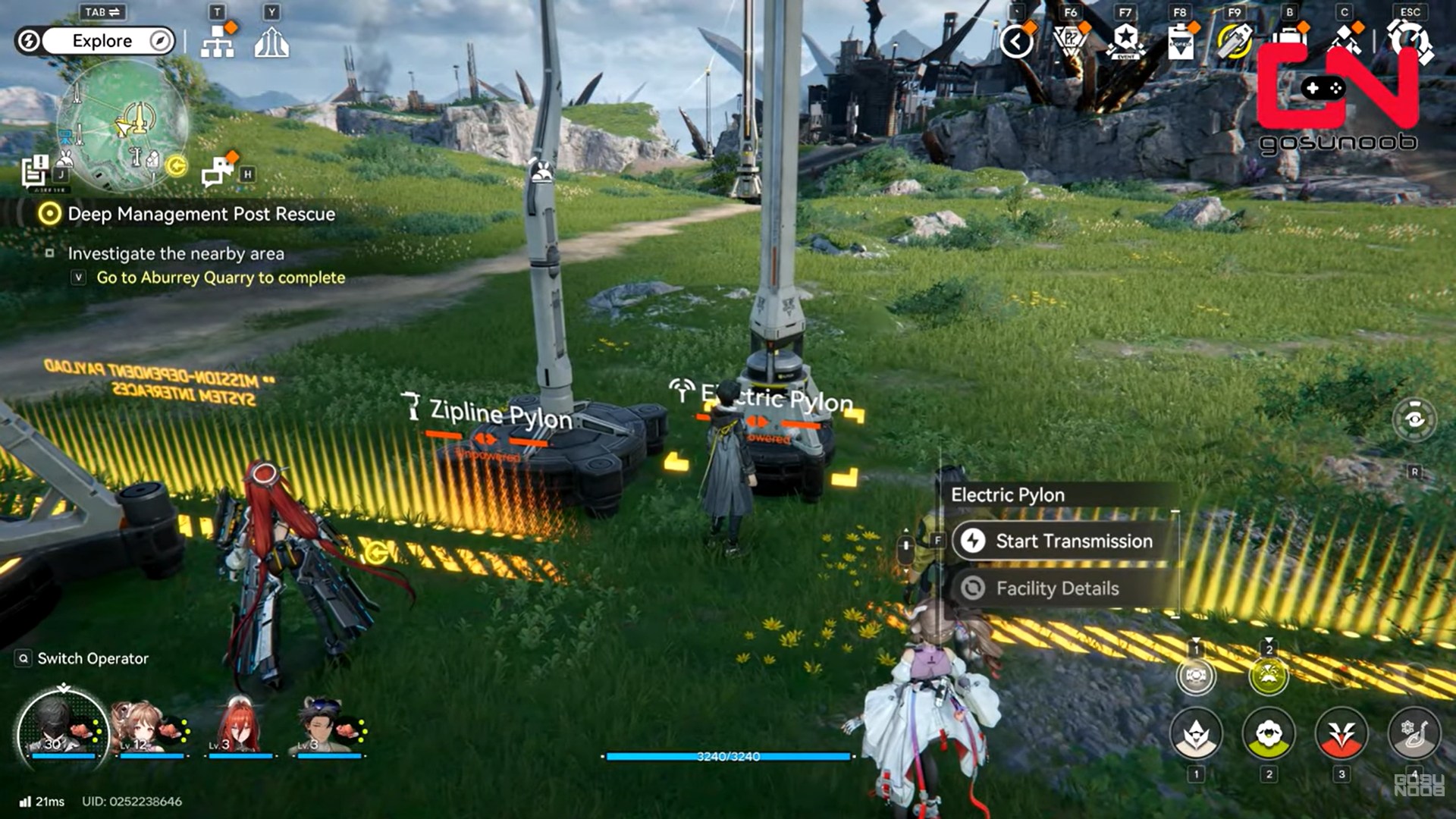
Step 14: Check distance to power source
If the electric pylon is too far from your base, you’ll need relay towers. Relay towers extend power from your AIC or existing network.
Step 15: Start power transmission
Approach a relay tower and initiate transmission mode. Route a power cable between the two.
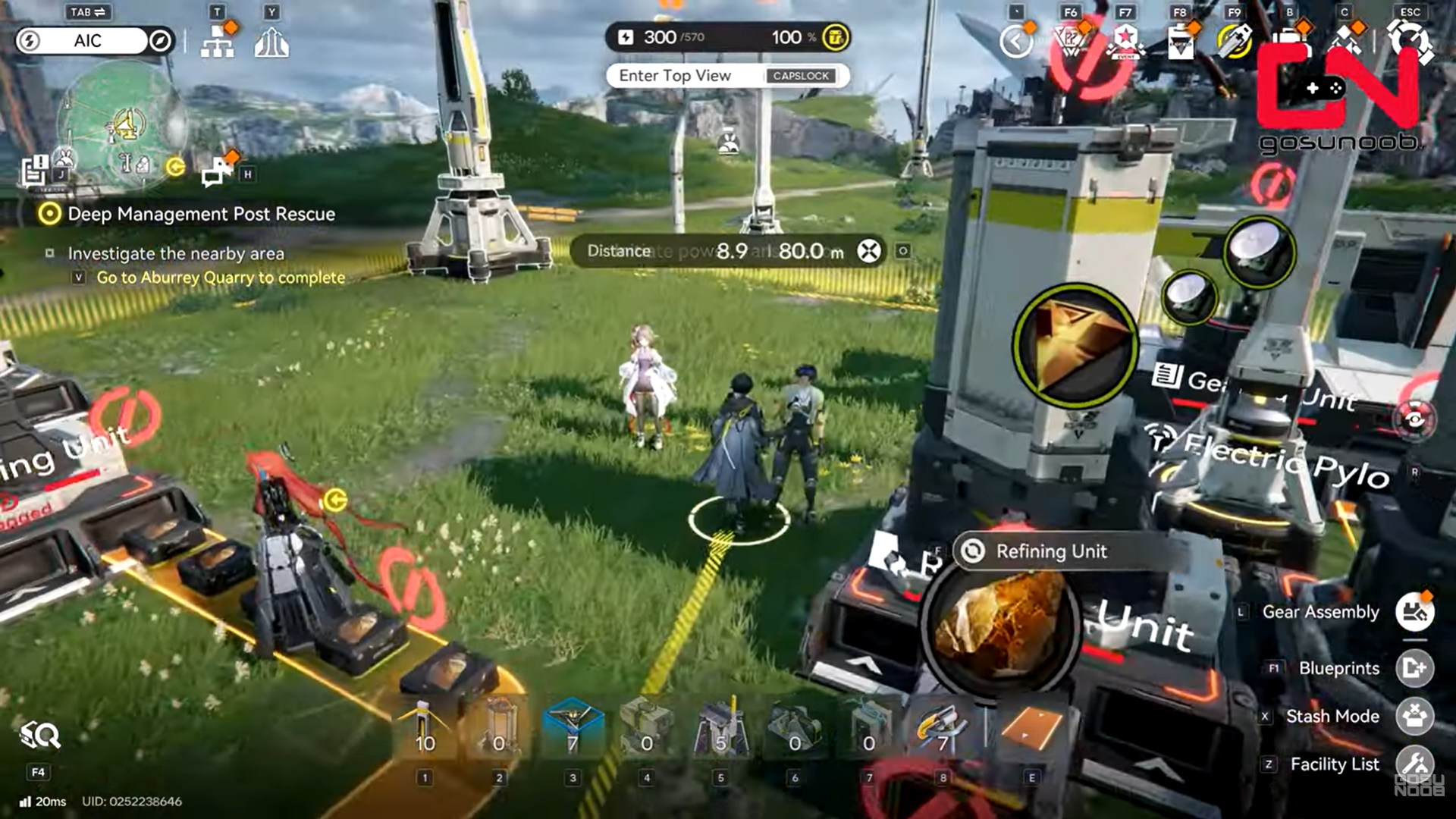
Step 16: Connect the electric pylon to the zipline pylon
This final connection supplies power to the zipline. Visual indicators show when power is successfully routed.
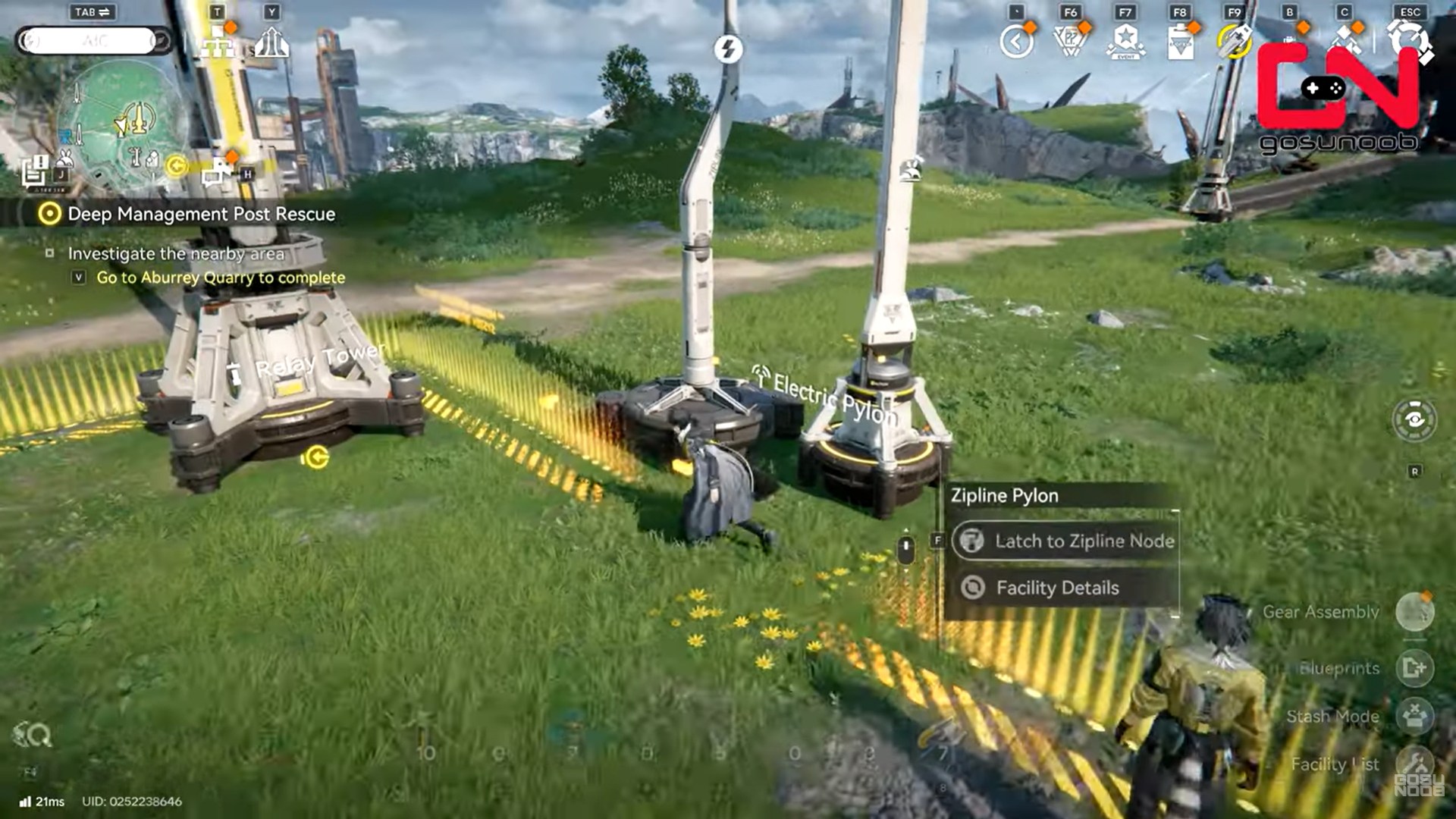
Once powered, the zipline becomes usable immediately.
Using ziplines after construction
After powering the pylons, you can interact with the zipline to travel between connected points.
- Movement is fast and direct
- Elevation changes are handled automatically
- You can chain multiple pylons for long routes
Ziplines dramatically reduce travel time compared to on-foot traversal.
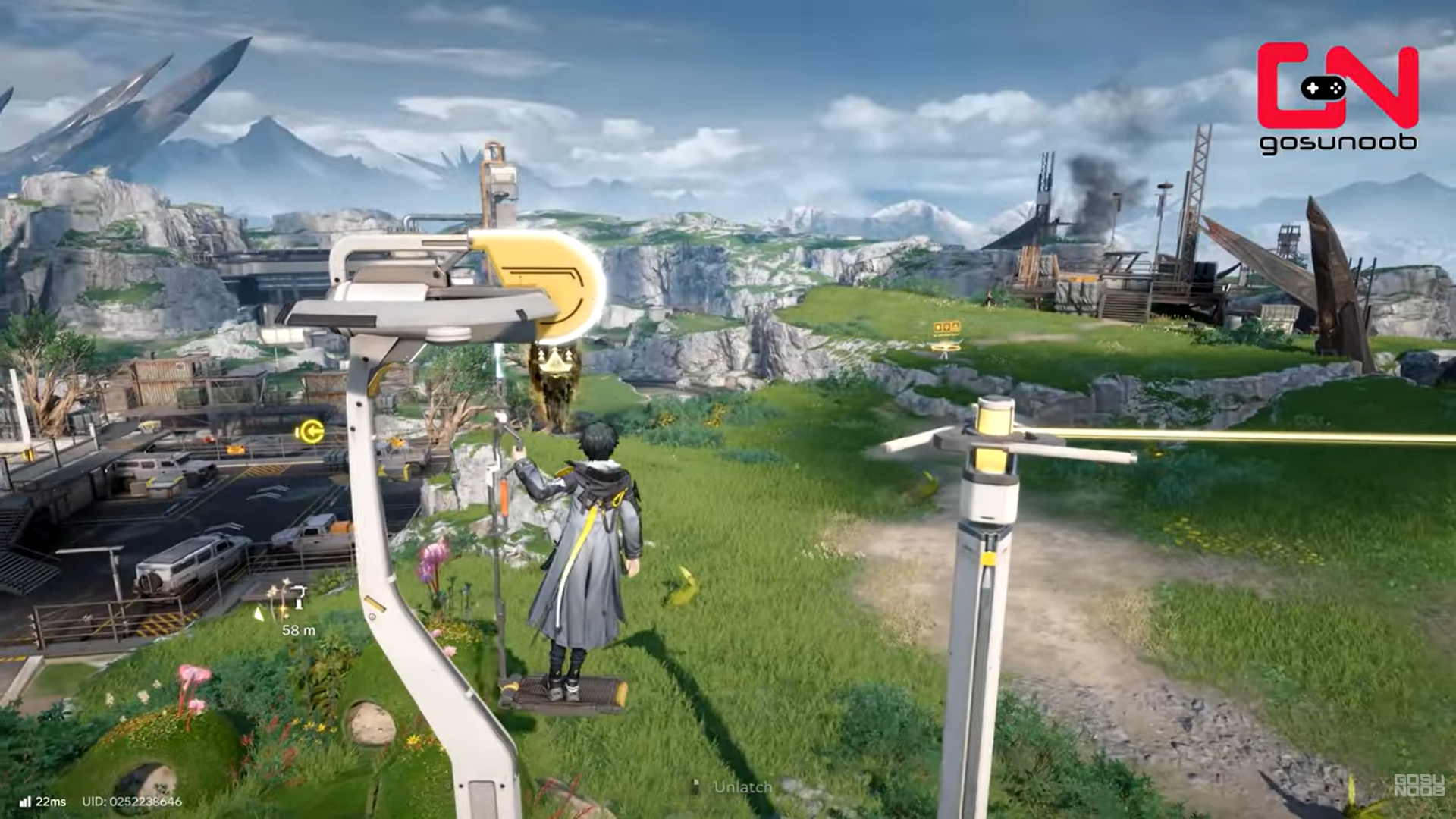
One unique feature of Endfield’s zipline system is persistence across player worlds.
How shared ziplines work
- Zipline pylons you build may appear in other players’ worlds
- Other players can repair damaged pylons
- Repairs grant reputation points
This encourages cooperative infrastructure building, even without direct multiplayer interaction.
Common mistakes when building ziplines
Placing pylons too far apart
Exceeding the 80-meter limit breaks the network.
Forgetting to power pylons
Unpowered ziplines look complete but won’t function.
Skipping relay towers
Trying to connect electric pylons directly over long distances often fails.
Ignoring terrain height
Poor elevation placement can block zipline paths.
Tips for efficient zipline networks
- Build ziplines toward resource-dense zones first
- Use relay towers sparingly but strategically
- Place pylons on high ground for better routing
- Check power flow before extending the network
Planning saves materials and prevents rebuilding.
How ziplines fit into long-term progression
Ziplines are one of Arknights: Endfield’s most impactful quality-of-life systems, but only if you know how to unlock and build them properly. From hidden talents to power routing, the system rewards players who understand infrastructure mechanics. Once mastered, ziplines transform how you explore the world, turning long, dangerous treks into quick, controlled routes.
As the game advances:
- Maps grow larger and more vertical
- Manual travel becomes inefficient
- Infrastructure systems become essential
Ziplines, combined with power routing, form the backbone of late-game exploration efficiency.
If you’re serious about efficient exploration and resource management, unlocking ziplines should be a top priority after reaching “Paving the Way.”
We hope this how to build Ziplines guide for Arknights: Endfield offered all the clarity you were looking for and made your experience smoother. If you have any feedback, suggestions, or questions, drop them in the comments below. We actively read and respond, so feel free to reach out whenever you need extra help or guidance.