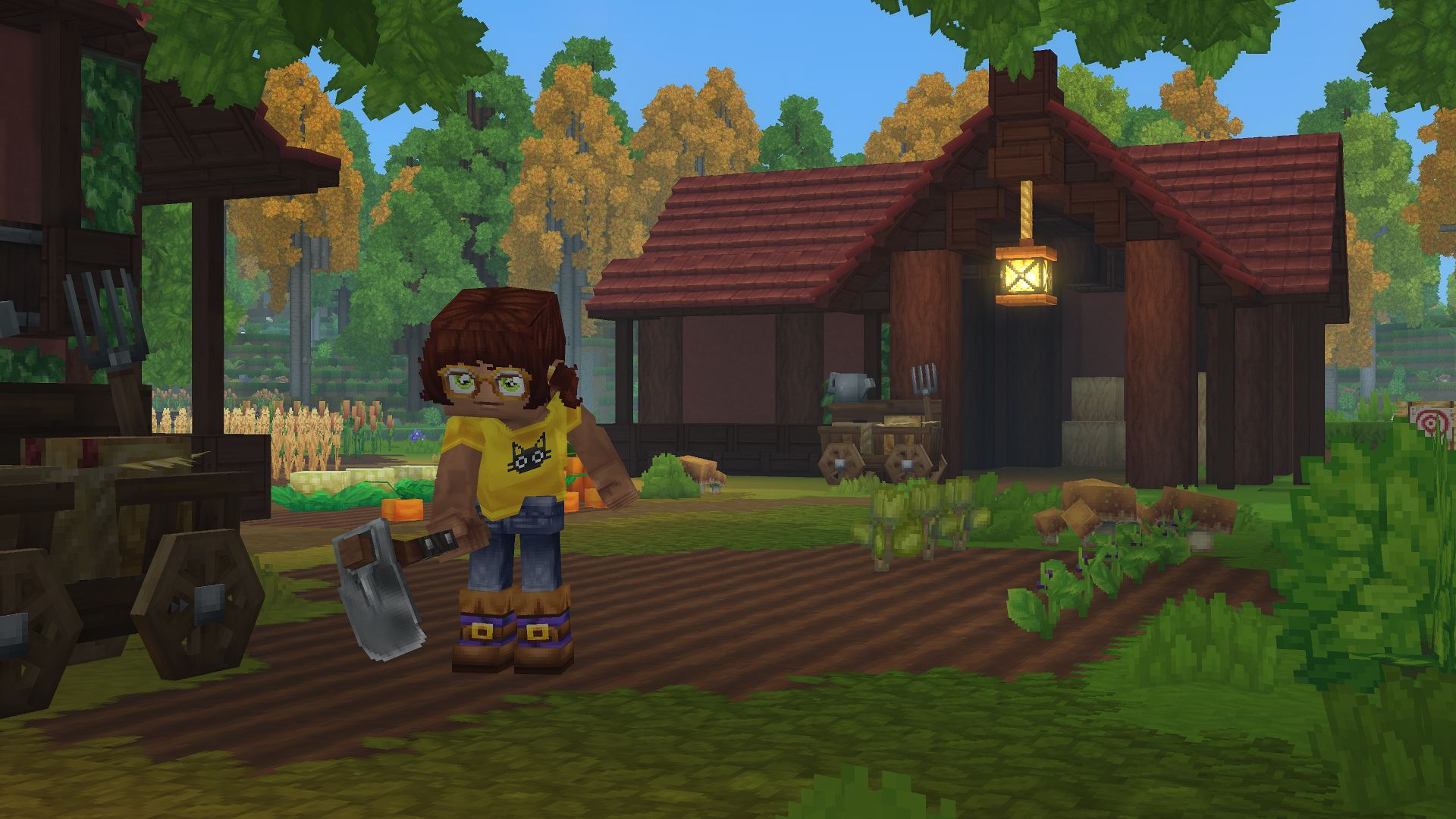
What to know
- You need a Builder’s Workbench to craft stairs — they cannot be made from the basic crafting menu.
- To get it, you must first craft a normal Workbench using 4 tree trunks + 3 stone.
- Once the Builder’s Workbench is placed, insert stone, logs, or wood into its input slot to unlock the stairs recipe.
- Select the stairs option and click Craft.
Stairs are an essential building block in Hytale, letting you move between heights smoothly while also adding structure and style to your builds. If you’re wondering how to craft and use them, this guide walks you through everything step by step.
How to craft Stairs in Hytale
Follow the steps below to learn how to craft Stairs in Hytale with ease:
Press Tab and craft a Workbench using x4 tree trunks + x3 stone.
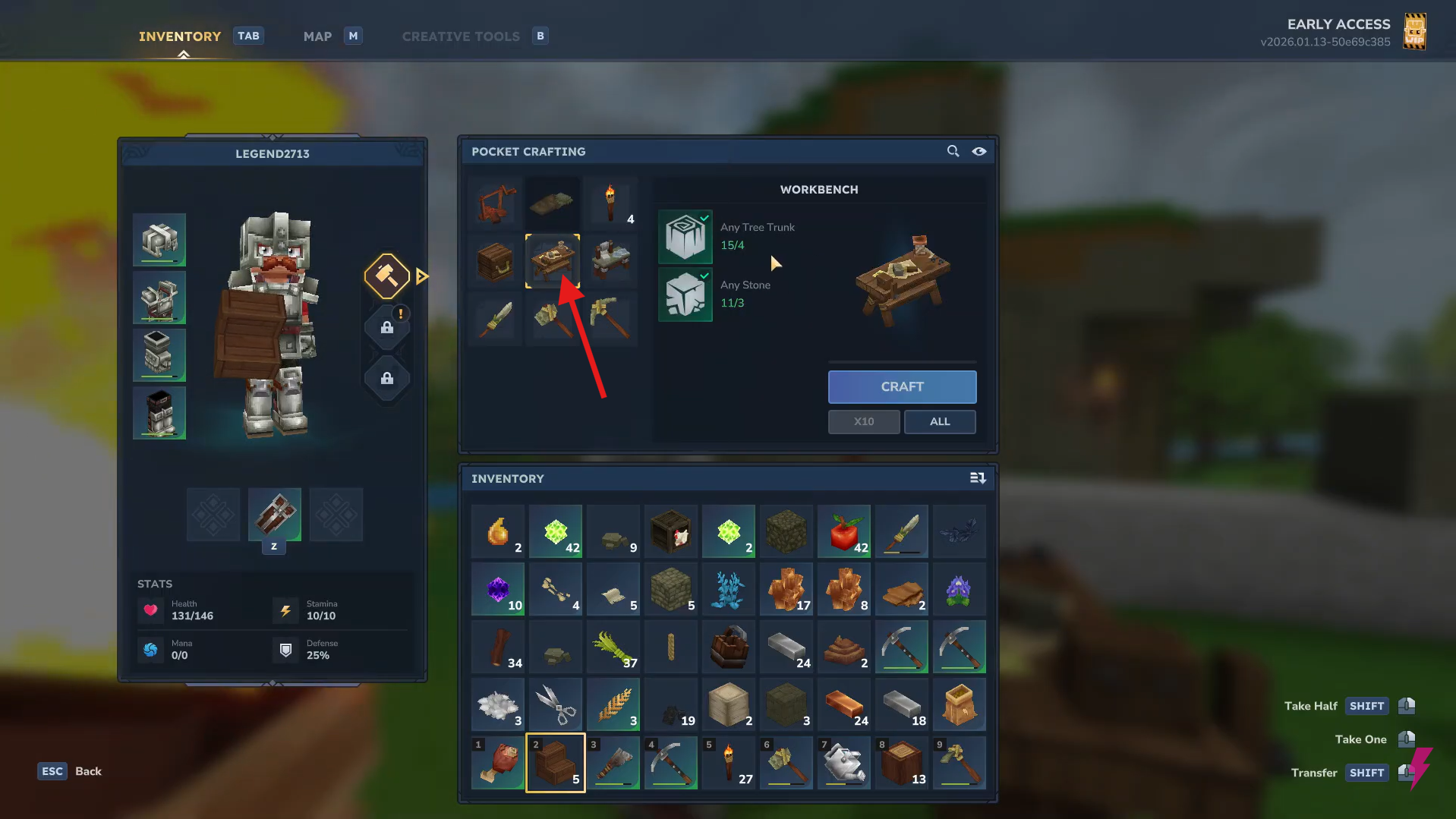
Step 2: Place and open the Workbench
Put it in the world and interact with it.
Step 3: Craft a Builder’s Workbench
Using the Workbench, craft a Builder’s Workbench using x6 tree trunks + x3 stone, then click Craft.
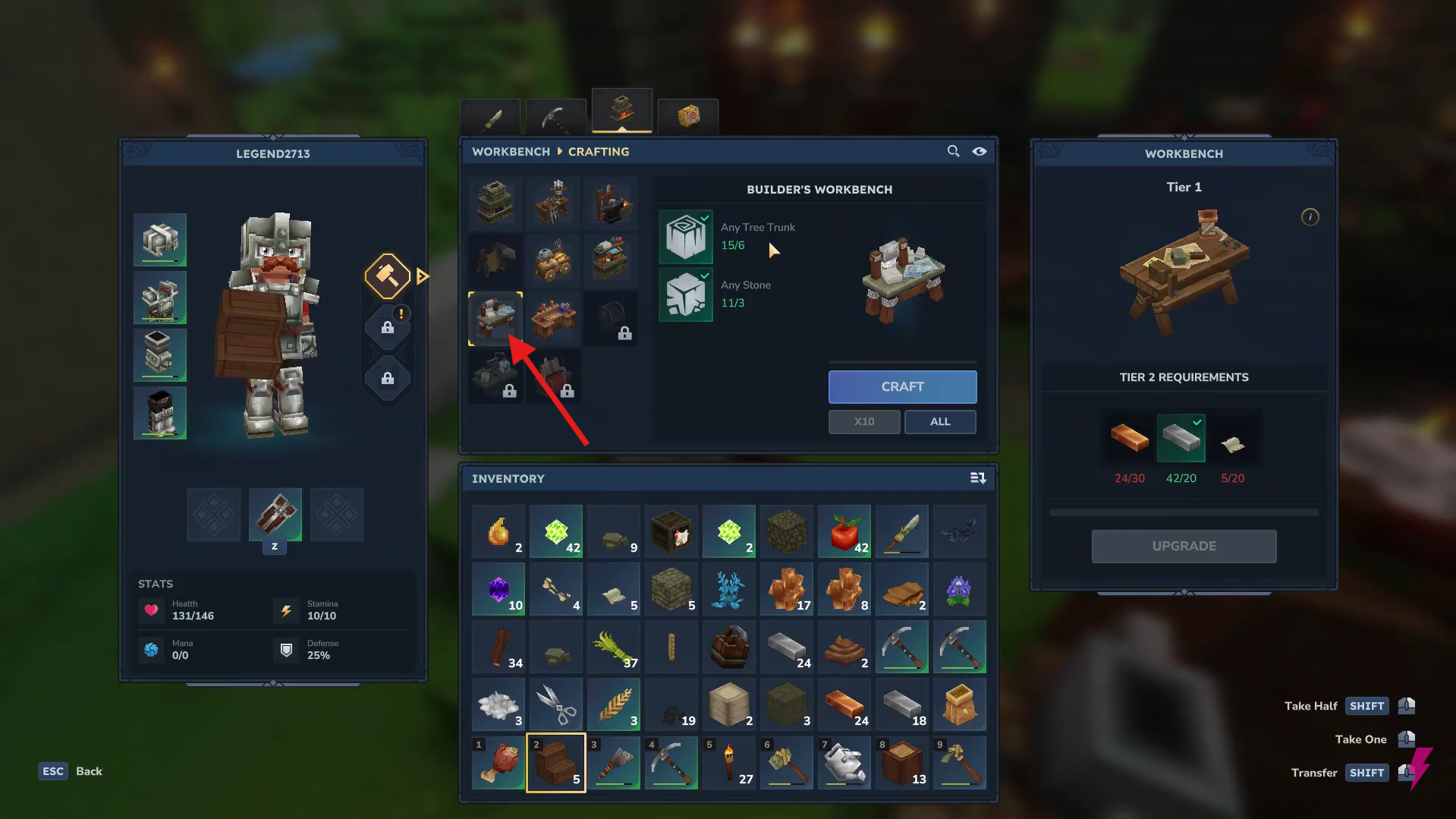
Step 4: Place and open the Builder’s Workbench
Set it down where you want to build and interact with it.
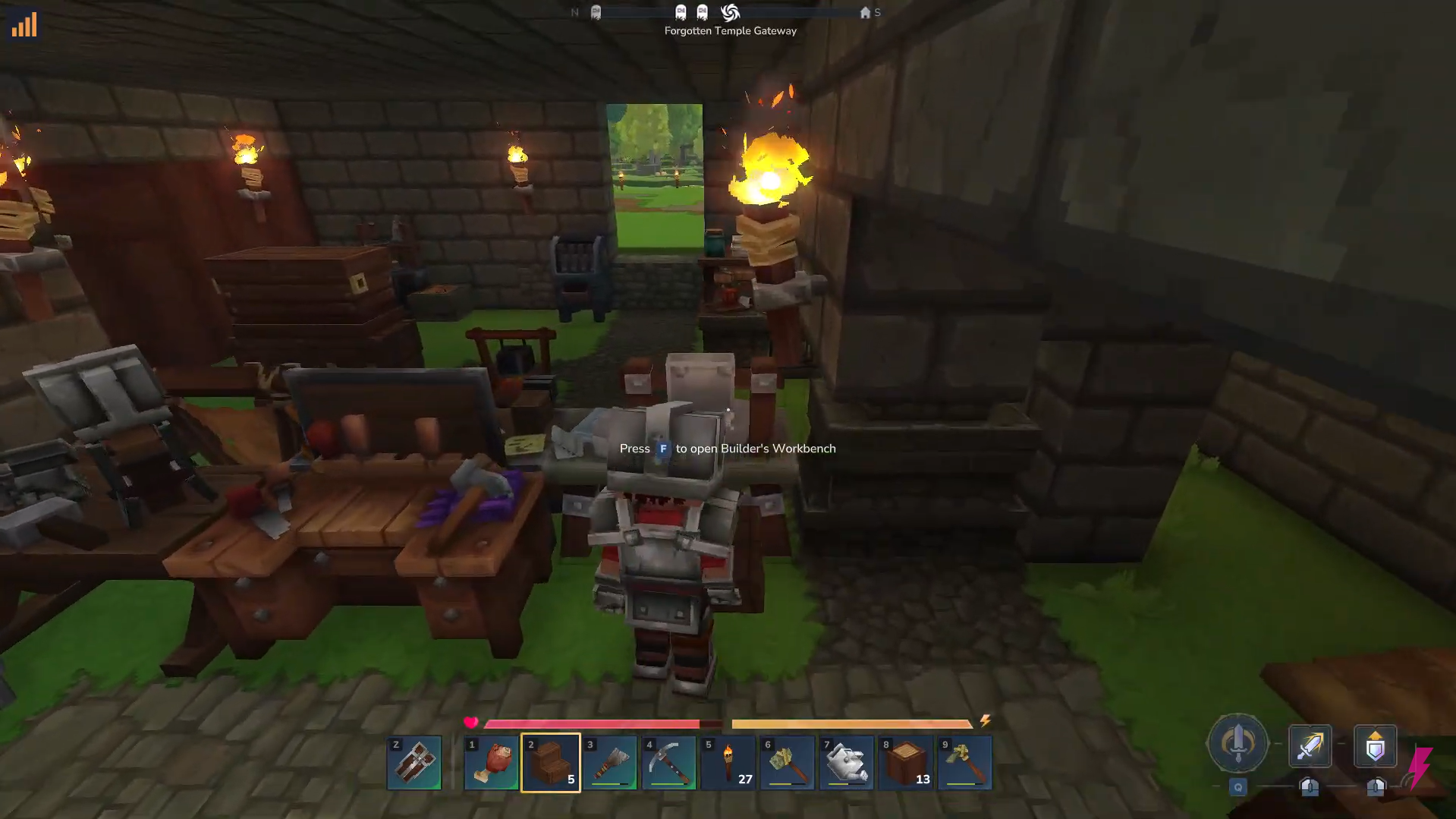
Step 5: Insert a material
Place stone, logs, or wood into the input slot.
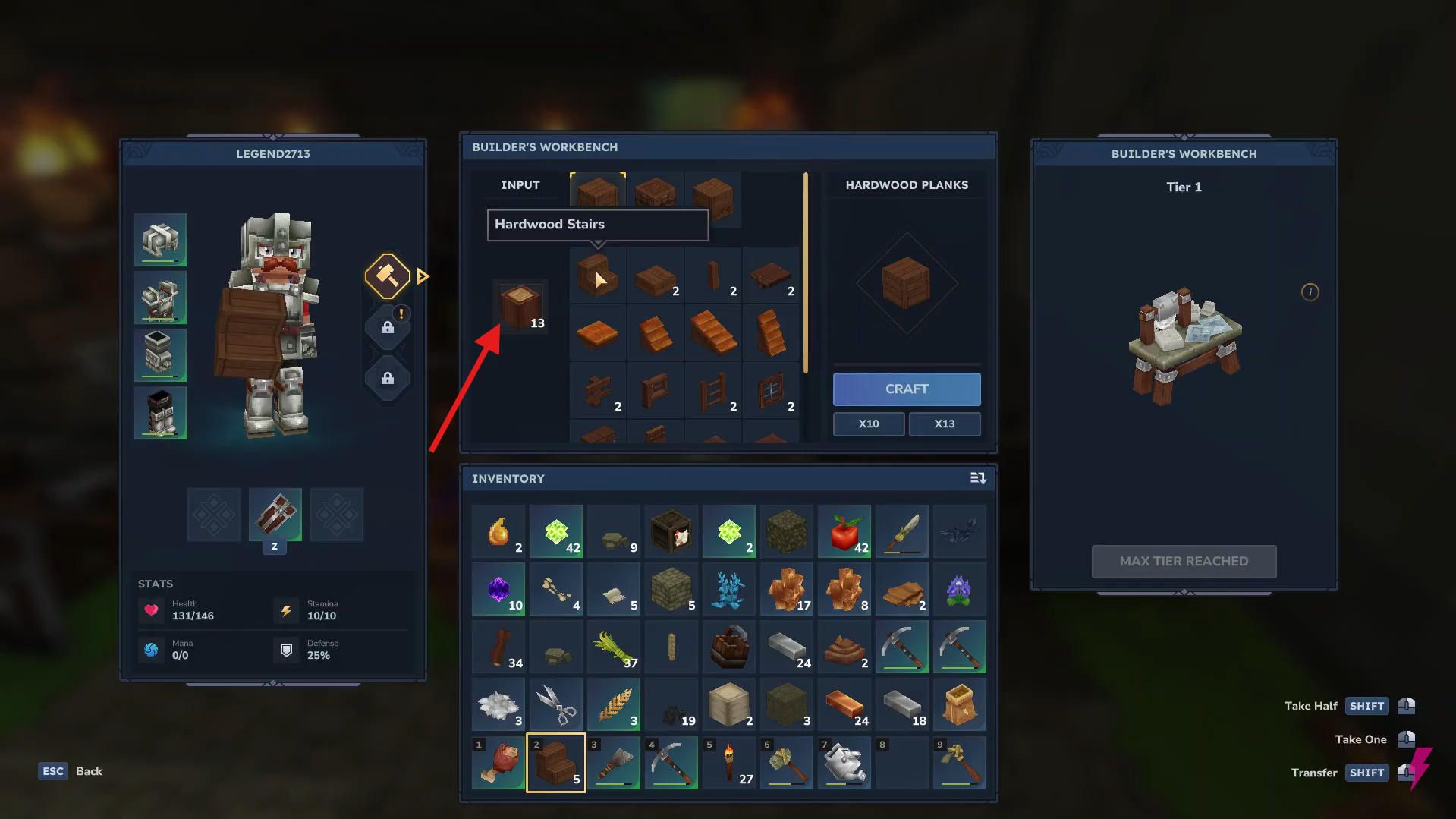
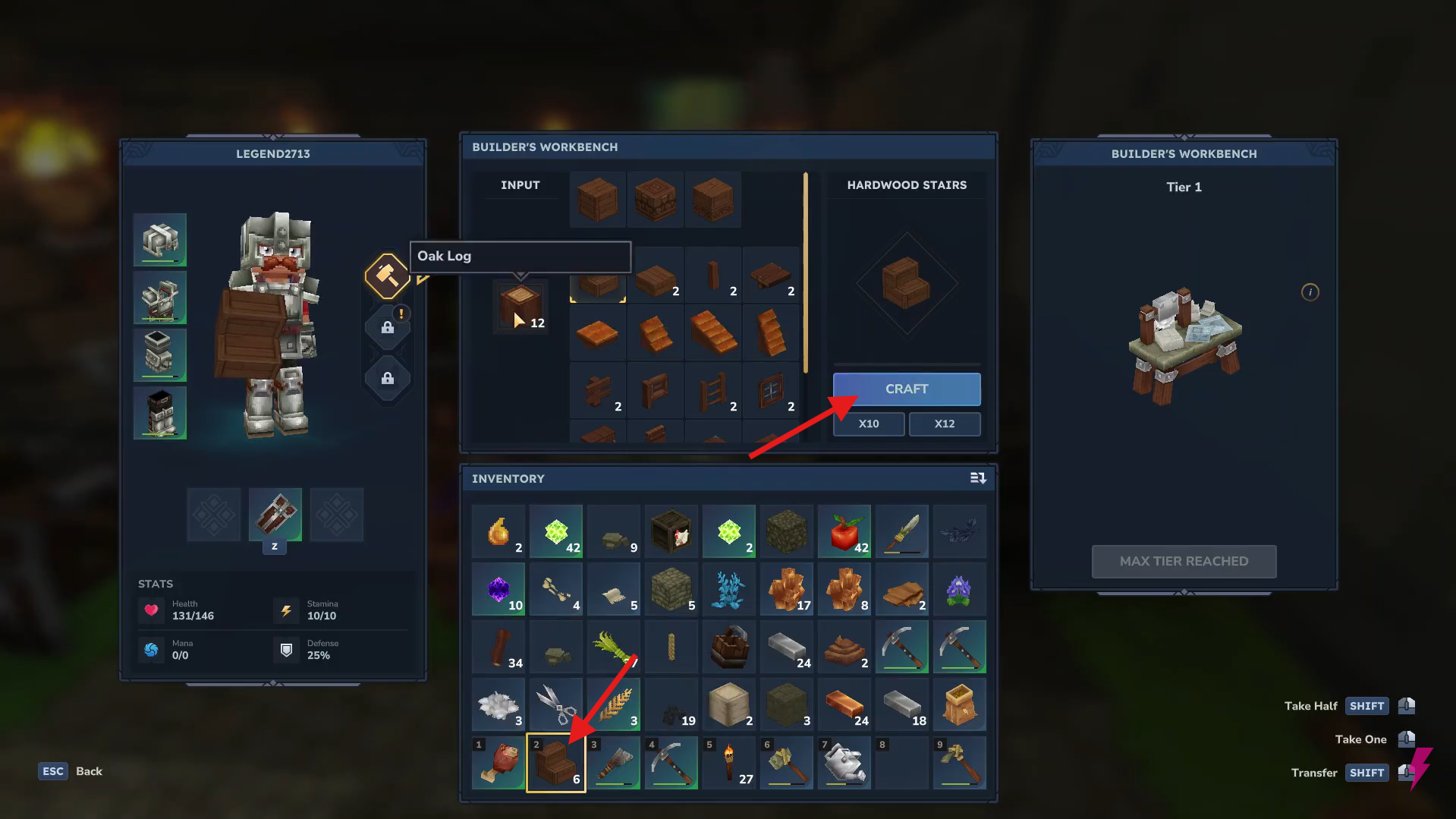
Step 6: Craft the stairs
Select Stairs, click Craft, and collect the output.
How to use Stairs in Hytale
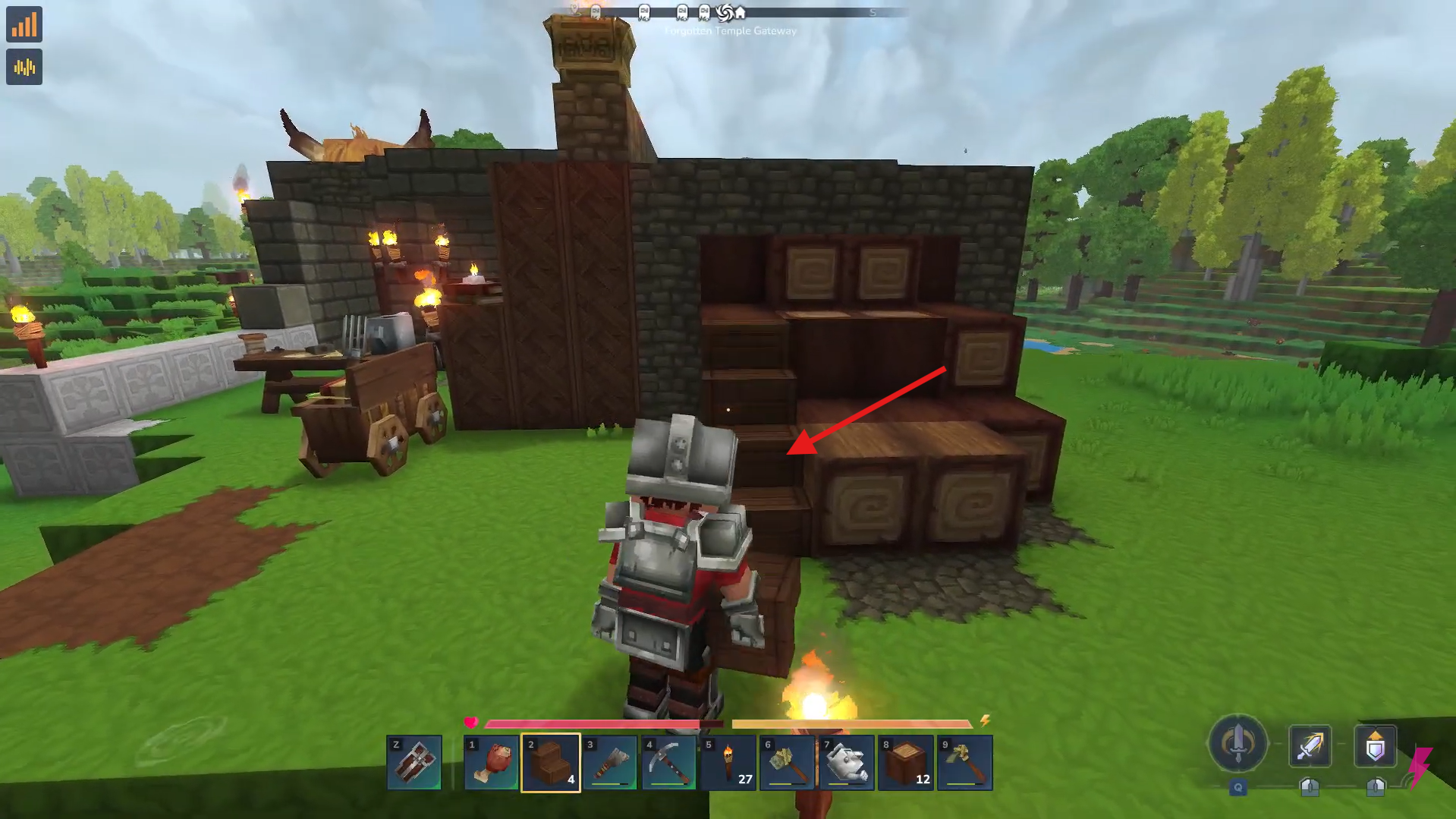
Place the stairs from your inventory like normal blocks, rotate them to face the direction you want, and connect multiple pieces to form smooth ramps or full staircases for easy movement between different height levels.
- Smooth movement between different height levels.
- Ramps and staircases inside builds.
- Paths up hills and between floors.
- Decorative roofs, porches, and towers.
Level up your builds
That’s all you need to start crafting and using stairs in Hytale. Whether you’re building bases, towers, or pathways, stairs make construction both easier and cleaner. If you have any questions, drop them in the comments and happy building!
Thanks for reaching the end! Share your experience or doubts in the comments below—we read them closely and try to reply as quickly as possible.