What to know
- Your personal respawn point is tied to beds or respawn objects you interact with.
- Servers use admin commands or mods to change the global world spawn.
- Obstructed respawn points send you back to the default world spawn.
- Single-player and multiplayer spawns work differently.
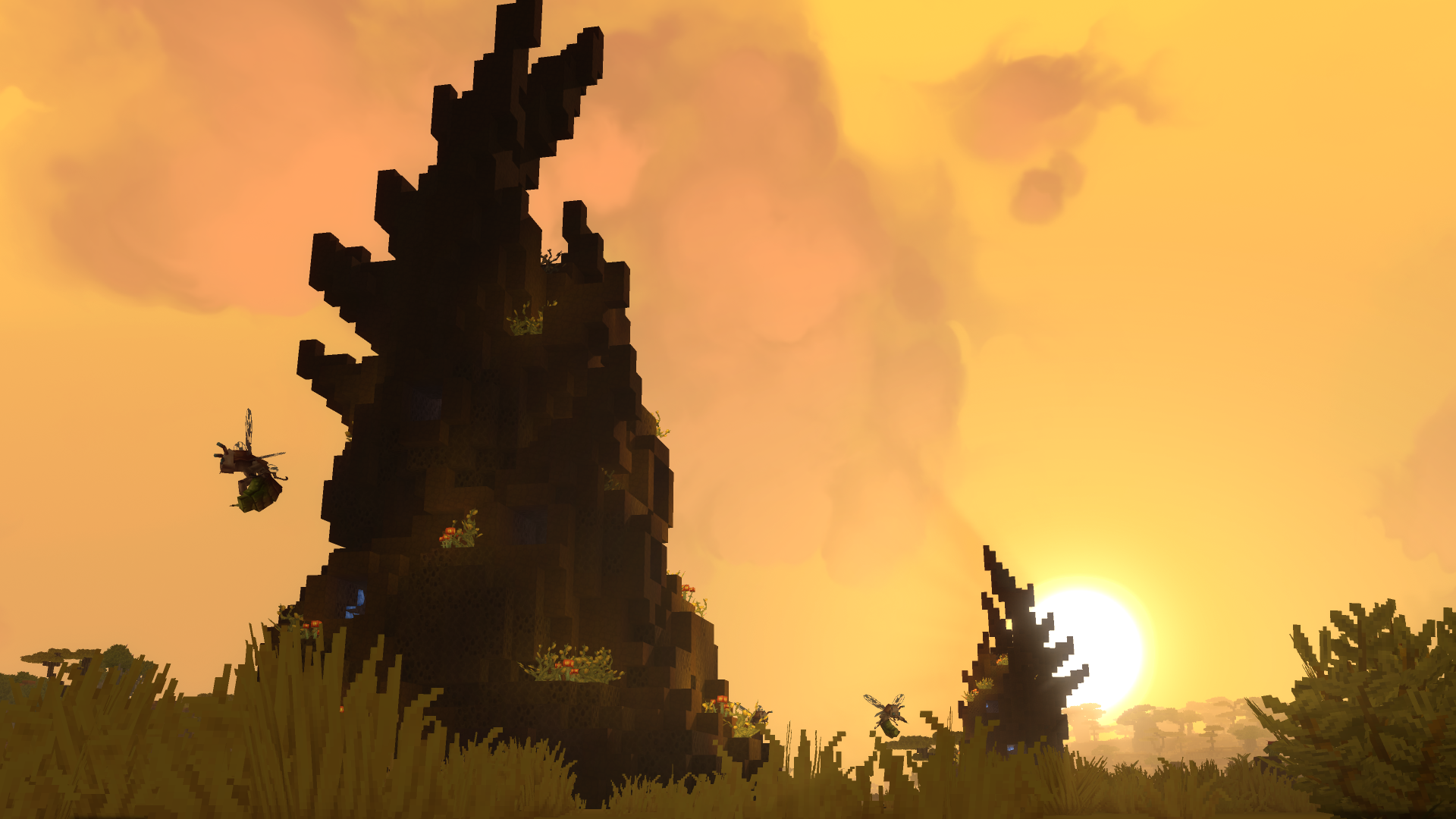
If you’re playing Hytale, understanding how spawn points work helps you avoid long walks after death and lets server admins control where players enter the world. Below is a clear, up-to-date breakdown covering both personal respawns and server-wide spawn settings.
How to set your own respawn in Hytale
In single-player and multiplayer, your personal respawn point determines where you reappear after dying.
You set this by placing and interacting with a bed in the world. Once activated, the game saves that location as your death respawn point.
Important things to check
- The space above and around the bed must be clear.
- If the respawn area is blocked, the game will ignore it.
- When blocked, you’ll respawn at the world’s default spawn instead.
This system encourages you to build proper bases with enough headroom rather than placing beds in cramped spaces.
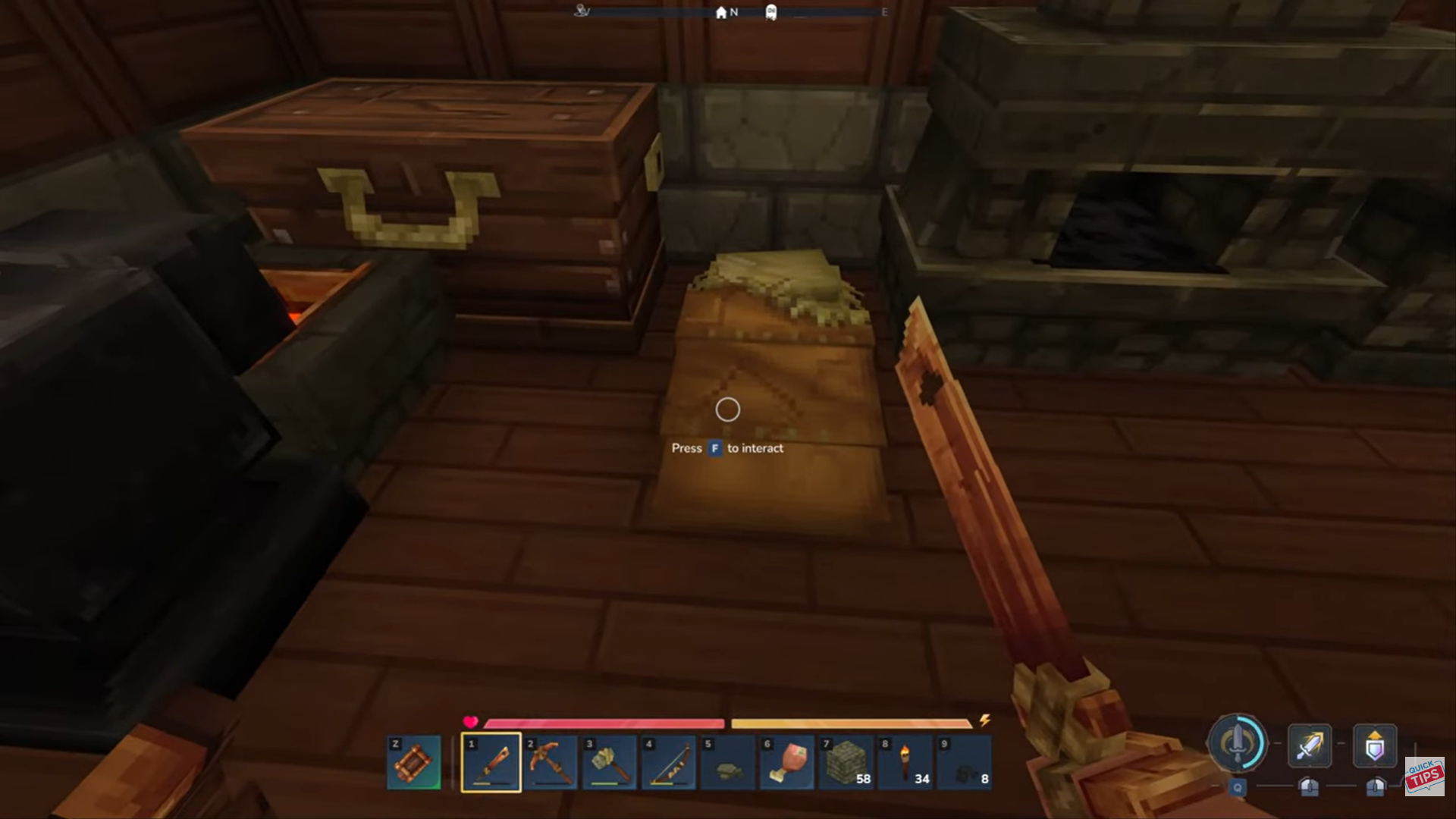
How to change the global world spawn on a server in Hytale
If you’re running or managing a multiplayer server, the world spawn controls where new players appear and where players respawn when personal points fail.
Using server commands with mods
Most servers rely on spawn-management mods or plugins to control this. These typically add simple admin commands. Install a server-side mod that supports spawn control. Log in to the server with admin permissions.
Move your character to the location you want as the new world spawn. Run the command: /setspawn
From that point onwards, new players join at that location. Players can return there using: /spawn
Without mods or plugins
In the base game, there is no native vanilla command equivalent to changing the world spawn yet. Without mods:
- The original world spawn remains fixed.
- Players rely entirely on personal respawn points.
Common spawn issues and how to avoid them
Spawn control in Hytale is simple once you know the distinction between personal respawns and world spawns. As a player, a properly placed bed saves time and frustration. As a server admin, mods give you the flexibility to shape player experience from the moment they join.
- Respawning at the wrong location usually means your bed is obstructed.
- Low ceilings, blocks above the bed, or nearby entities can invalidate it.
- Clearing space around the respawn object almost always fixes the issue.
Thanks for taking the time to go through this How to Change a Spawn Point for Hytale guide. If it helped you understand things better, do share your thoughts, impressions, or doubts in the comments section. We keep a close watch and try to respond promptly to ensure you always get the support you need.